

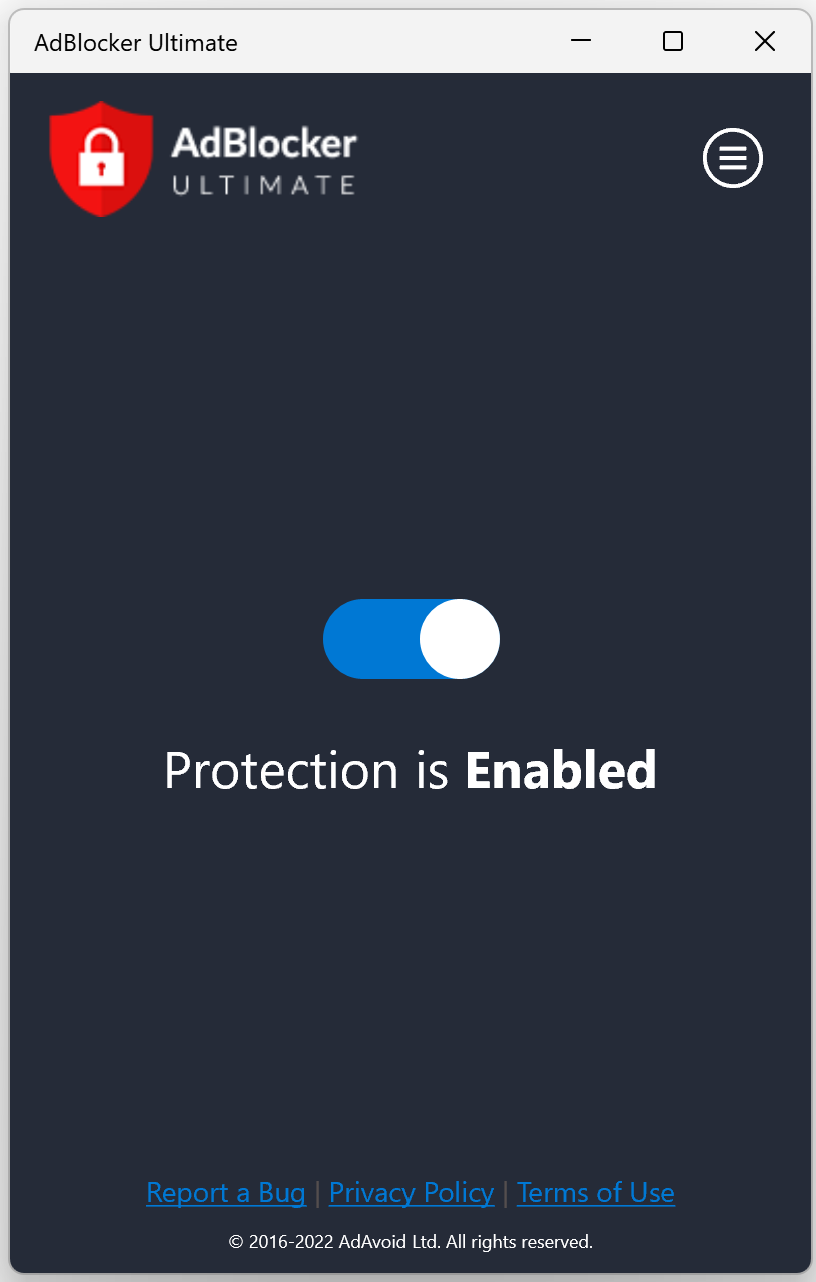
- Name AdBlocker Ultimate
- Category Security
- Developer AdAvoid Ltd
- Available on PC, Mobile, Surface Hub, HoloLens
- OS Windows 10 version 15063.0 or higher
- languages English (United States)
Introduction: A Quiet Guardian Against Unwanted Interruptions
In an ever-buzzing digital landscape, AdBlocker Ultimate for Windows acts like a vigilant gatekeeper, silently filtering out intrusive ads and unwanted content to offer a cleaner, faster browsing experience. Whether you're a casual surfer or a dedicated researcher, this application promises to make your online time smoother and more focused.
About the Developer and Core Features
Developed and published by AdAvoid Ltd, a team dedicated to enhancing online privacy and browsing comfort, AdBlocker Ultimate stands out in the crowded ad-blocking arena. Its primary features include robust ad filtering, tracker blocking, and malware prevention—ensuring not just a clutter-free interface but also safeguarding your device from malicious online threats. The app's lightweight design aims to operate seamlessly in the background without hogging system resources. It's tailored for everyday users who seek a safer, less interrupted internet experience without the complexity of extensive configurations.
Delving Into the User Experience
Imagine opening your browser like stepping into a pristine garden—free from invasive weeds and distractions. AdBlocker Ultimate's interface complements this serenity; its clean layout invites users with straightforward controls and minimal clutter. Navigating the app feels like a friendly walk in the park—intuitive, with essential features accessible within a few clicks. The installation process is smooth, and the app runs quietly in the background, making ad-blocking nearly invisible but highly effective. For new users, the learning curve is gentle—much like learning to ride a bike with training wheels—while seasoned tech enthusiasts can tweak advanced settings to tailor their filtering preferences.
Unique Selling Points: What Sets This App Apart?
Among many ad blockers, AdBlocker Ultimate distinguishes itself through its dedicated focus on transparency and simplicity. Unlike complex security suites that bundle multiple features, this application concentrates solely on ad and tracker blocking, making it lighter and easier to manage. Its most notable advantage is its strong commitment to privacy and security—actively blocking malicious scripts and malware sources that lurk behind seemingly innocent ads. This dual approach not only cleans up your browsing space but also fortifies your device against online threats.
Additionally, the app excels in maintaining browsing speed. Because it filters out unwanted content before it loads, pages open quicker, and your computer breathes a sigh of relief—no more waiting for endless ads to load alongside content.
Final Thoughts: Is It Worth Giving a Try?
Considering its streamlined design, effective ad and tracker blocking, and emphasis on security, AdBlocker Ultimate for Windows is a commendable choice for users seeking a straightforward, yet powerful, browsing enhancement. Its ease of use and focus on core functionalities make it suitable for both novices and tech-savvy individuals. If your goal is a cleaner, safer internet experience without unnecessary bells and whistles, this app deserves a spot in your digital toolkit. I recommend trying it out to see how much more pleasant and efficient your browsing can become.
Pros
- Effective Ad Blocking
- Enhanced Browsing Speed
- Easy to Use Interface
- Customizable Filters
- Lightweight Software
Cons
- Limited Compatibility with Certain Websites
- Manual Updates Required for Filter Lists
- Potential for False Positives
- Lack of Privacy Reports or Analytics
- Occasional Plugin Conflicts










