


- Name VPN Pirate: Free VPN Proxy
- Category Security
- Available on PC
- OS Windows 10 version 17763.0 or higher
- languages English (United States)
Introducing VPN Pirate: A Free Proxy Shield for Windows
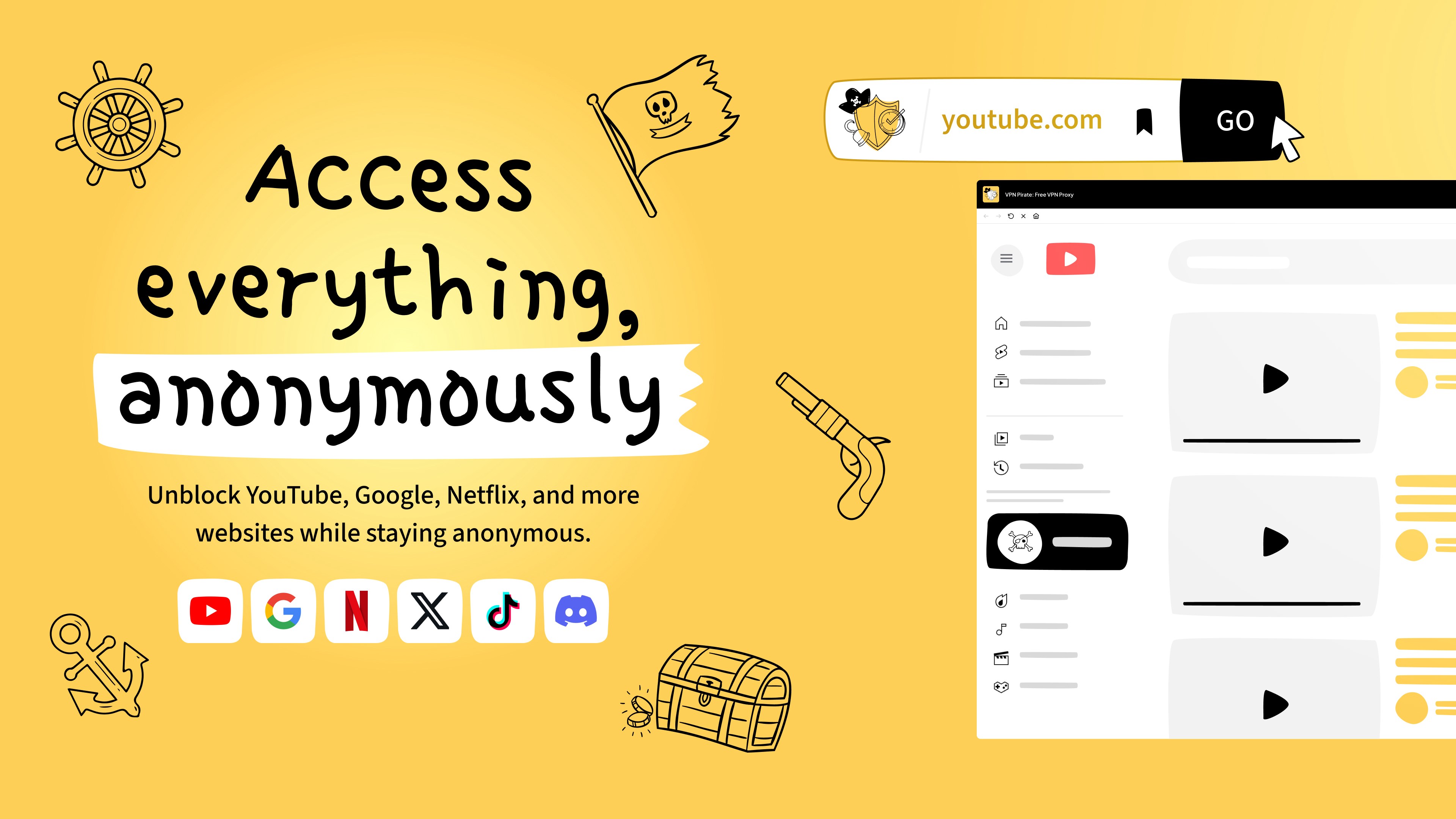
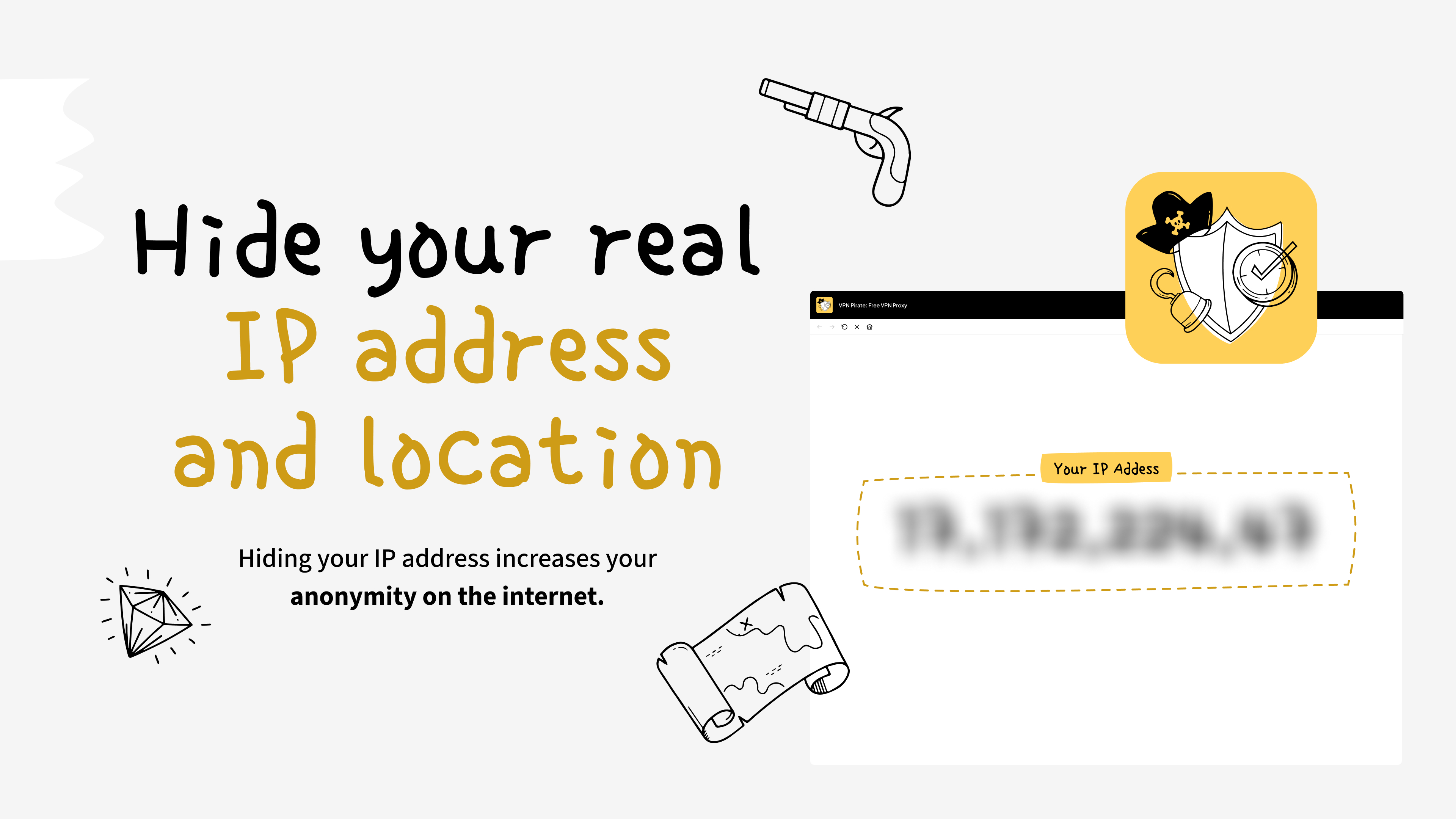
VPN Pirate offers a straightforward solution for users seeking to browse anonymously and access regional content effortlessly. Developed by Monty Inc., this free VPN proxy app aims to deliver quick, secure, and unrestricted internet access in a user-friendly package—perfect for those who value simplicity over complex configurations.
Who's Behind VPN Pirate?
Created by Monty Inc., a team dedicated to producing lightweight and accessible digital security tools. Their focus seems to be on providing practical VPN solutions that cater to everyday users who need reliable privacy without the hassle of technical setups or hefty subscriptions.
Top Features That Make VPN Pirate Stand Out
- Free and Easy-to-Use Proxy Service: No payment or complicated sign-up required, making privacy accessible to everyone.
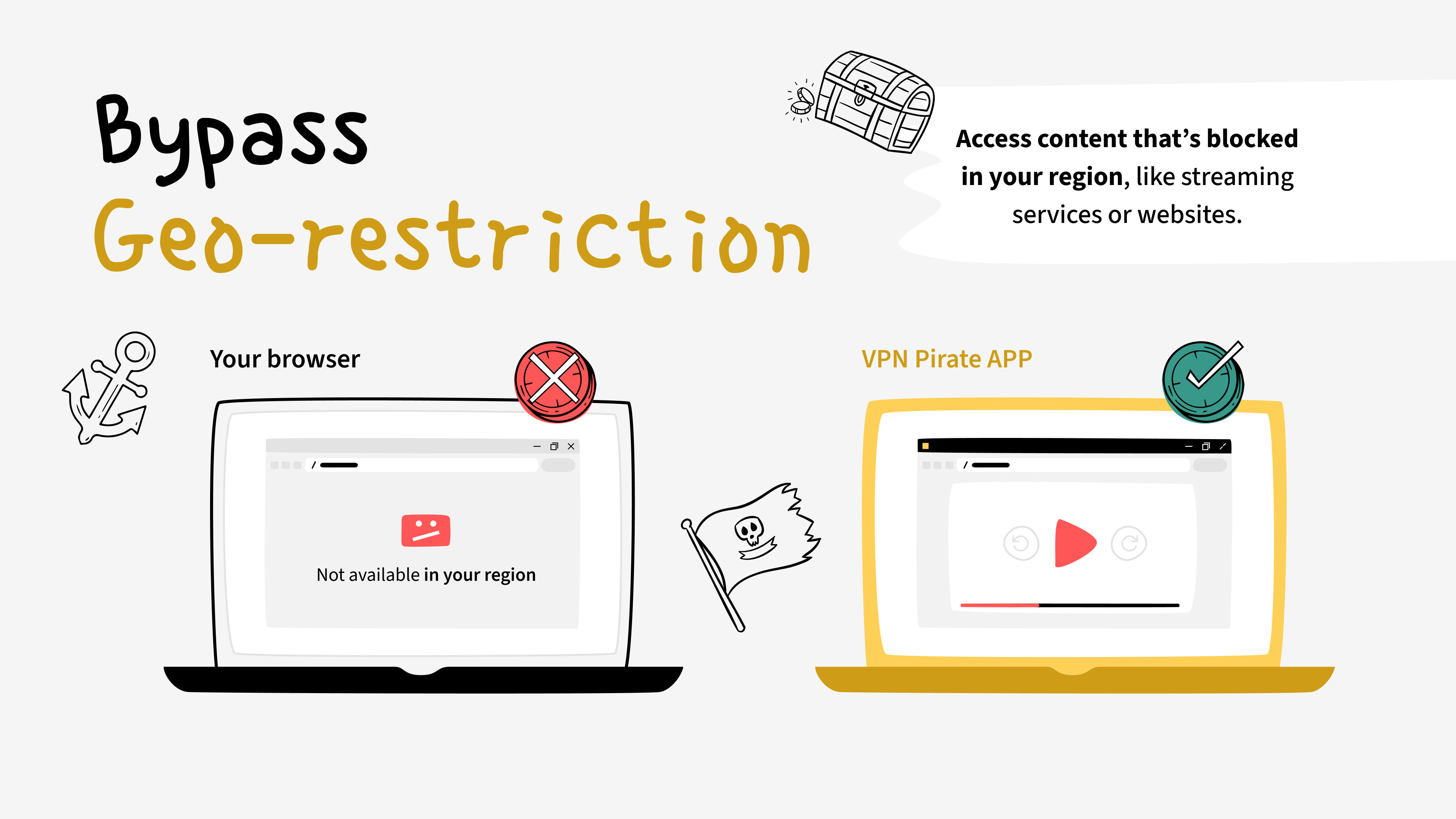
- Multiple Server Locations: Offers various regional servers to unblock geo-restricted content and browse more freely.
- Fast Connection Speeds: Despite being free, the app strives to balance security with performance, minimizing lag during streaming or browsing.
- Lightweight and User-Friendly Interface: Designed for simplicity, even tech novices can navigate effortlessly.
Engaging and Innovative Performance
Imagine waking up on a weekend morning, craving your favorite regional streaming content that's unavailable locally. VPN Pirate is like a friendly guide that gently escorts you past digital borders, making you feel like a seasoned globetrotter rather than a tech rookie. The app's seamless connection capabilities allow you to jump into your streaming binge or secure browsing session without fuss or lengthy setup—just open, connect, and go.
Streamlined User Experience and Interface
From the moment you launch VPN Pirate, its clean and minimalistic interface welcomes you like a well-organized toolkit. The main screen features a big “Connect” button, complemented by a list of server locations to choose from. The layout is intuitive, with a smooth, responsive design that reacts promptly to user inputs. This simplicity minimizes the learning curve, ensuring users can start protecting their browsing instantly—even if they're new to VPNs.
Connection speeds are impressive for a free app. While some free VPNs tend to slow down your internet, VPN Pirate manages to keep things moving at a respectable pace, which is vital for activities like streaming, video calls, or quick browsing. Its stability offers peace of mind, avoiding frustrating disconnections during critical moments.
What Sets VPN Pirate Apart from Its Peers?
Unlike many free VPN services that are riddled with intrusive ads, limitations, or data caps, VPN Pirate positions itself as a straightforward proxy tool that emphasizes direct access and ease of use. Its core strength lies in providing a functional, no-frills VPN experience—much like a reliable sidekick—making it especially suitable for users who want quick privacy fixes without navigating a labyrinth of settings. The inclusion of multiple server locations further enhances its capability to unblock content, a feature often missing or limited in similar free apps.
Final Recommendations and Usage Tips
Overall, VPN Pirate is a solid choice for casual users requiring fast, free, and uncomplicated VPN access. It's particularly appealing for those new to VPNs or users who need a quick privacy boost without feeling overwhelmed by advanced options. However, for users with more rigorous security requirements or privacy concerns, exploring paid options with stronger encryption and no data logging might be advisable.
If you're looking for an accessible VPN proxy that doesn't compromise speed or usability, VPN Pirate deserves a spot on your shortlist. Just remember, as with any free service, staying cautious about sensitive activities online is wise, but for everyday browsing, it's a handy tool that gets the job done smoothly.
Pros
- User-Friendly Interface
- Free to Use
- Good Connection Stability
- Multiple Server Locations
- Lightweight App Size
Cons
- Limited Server Options
- Slow Connection Speeds at Peak Hours
- Ads Overlay Experience
- Occasional Connection Drops
- Lack of Advanced Features










