

- Name Any VPN
- Category Security
- Developer AnywaySoft, Inc.
- Available on PC, Mobile, Surface Hub, HoloLens
- OS Windows 10 version 17763.0 or higher
- Keyboard Not specified
- Mouse Not specified
- Memory Not specified
- languages English (United States)
Any VPN for Windows: Your Reliable Digital Gateway
In the vast landscape of internet privacy tools, Any VPN for Windows positions itself as a straightforward, user-friendly VPN solution designed to safeguard your online activities without overwhelming complexity. Developed by AnywaySoft, Inc., this app aims to offer a seamless virtual private network experience suitable for everyday users seeking privacy, security, and unrestricted internet access.
Core Features that Stand Out
1. Effortless Connectivity with One-Click Access
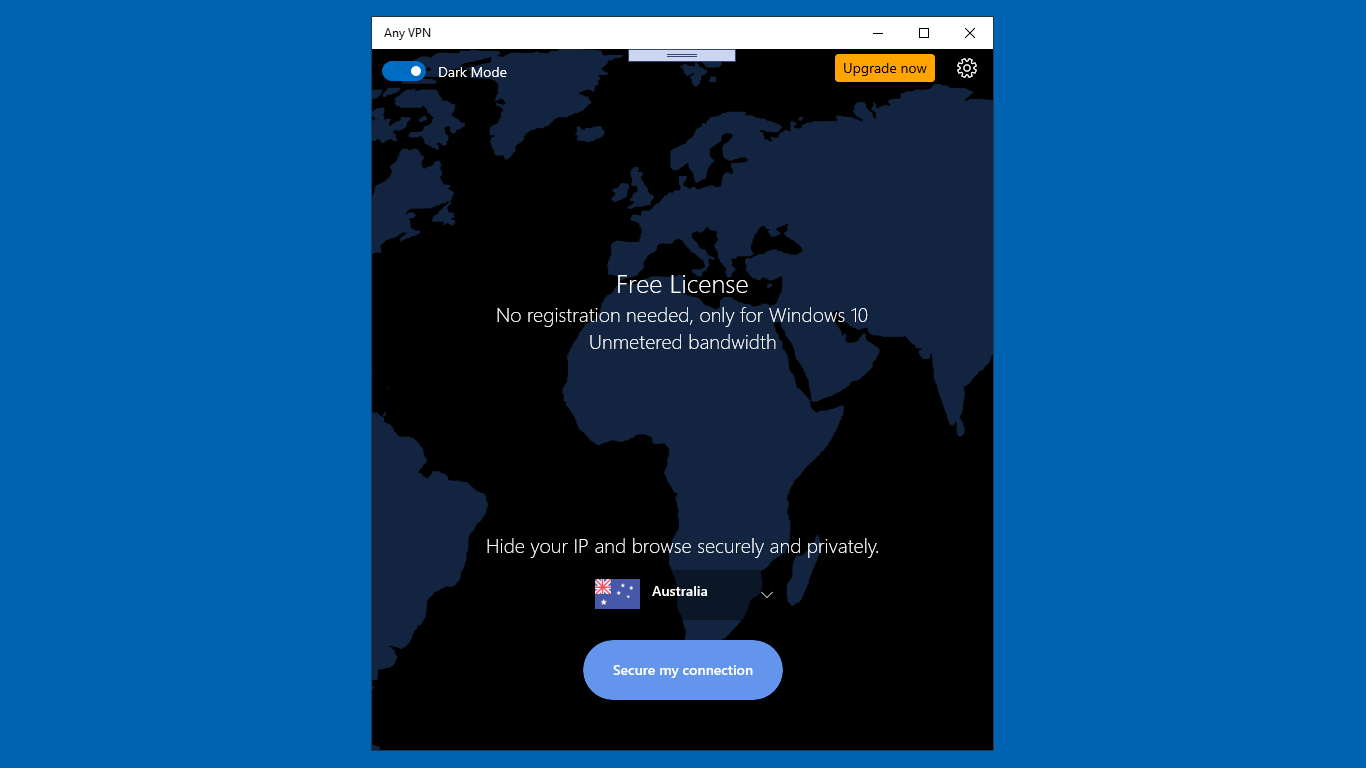
Imagine toggling a switch that instantly extends your digital shield—this app makes connecting to a secure VPN as easy as clicking a button. Its streamlined interface ensures users can swiftly establish encrypted connections, ideal for those unfamiliar with tech jargon or who prefer simplicity over complicated configurations.
2. Multiple Server Locations for Global Access
With an array of server options worldwide, Any VPN allows users to virtually teleport across continents, bypassing geo-restrictions and censorship. Whether you're traveling or just trying to access content from another country, this feature offers flexibility and control, making it feel like having a teleportation device for the internet.
3. Robust Security and Privacy Protocols
The app incorporates industry-standard encryption protocols, ensuring your data remains private and secure from prying eyes. It also minimizes data logging, which is a crucial aspect for users concerned about privacy. These features make it a trustworthy companion for sensitive online activities.
Design, User Experience, and Usability
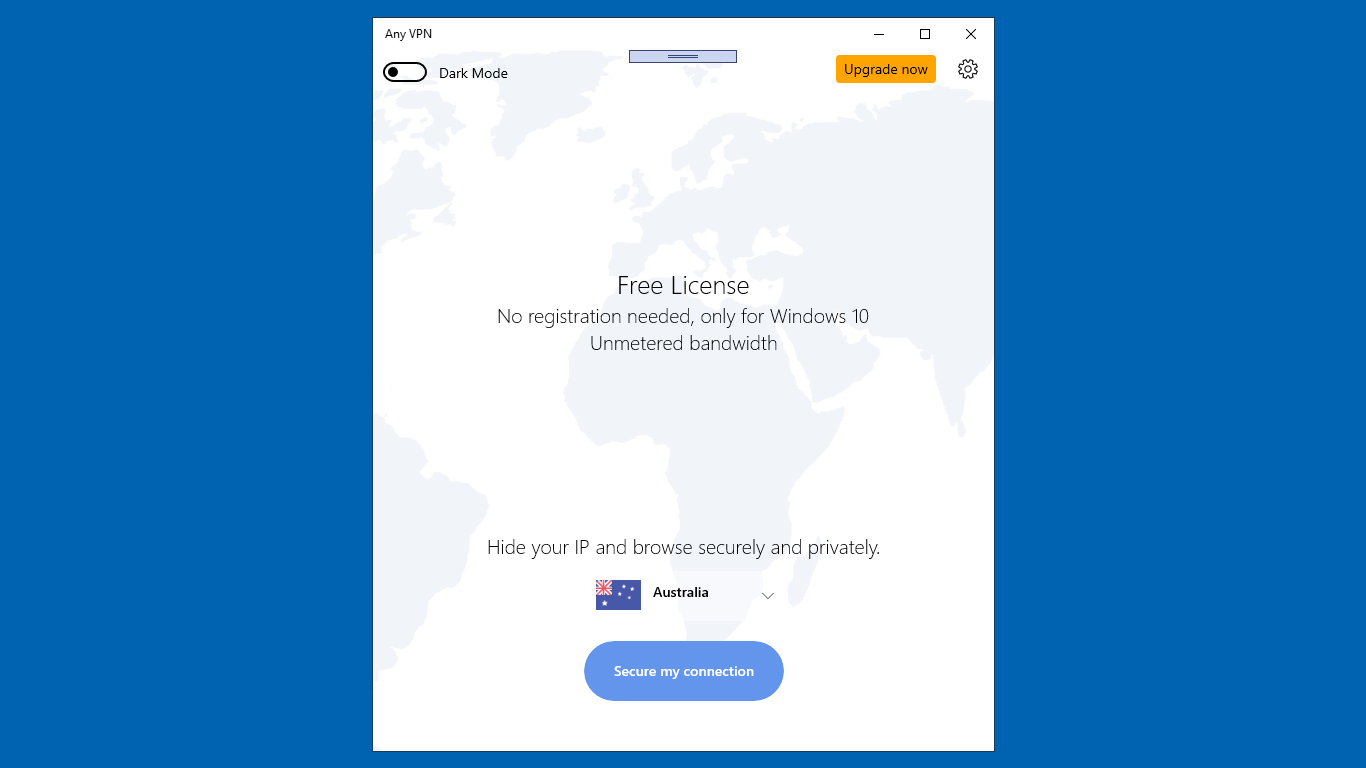
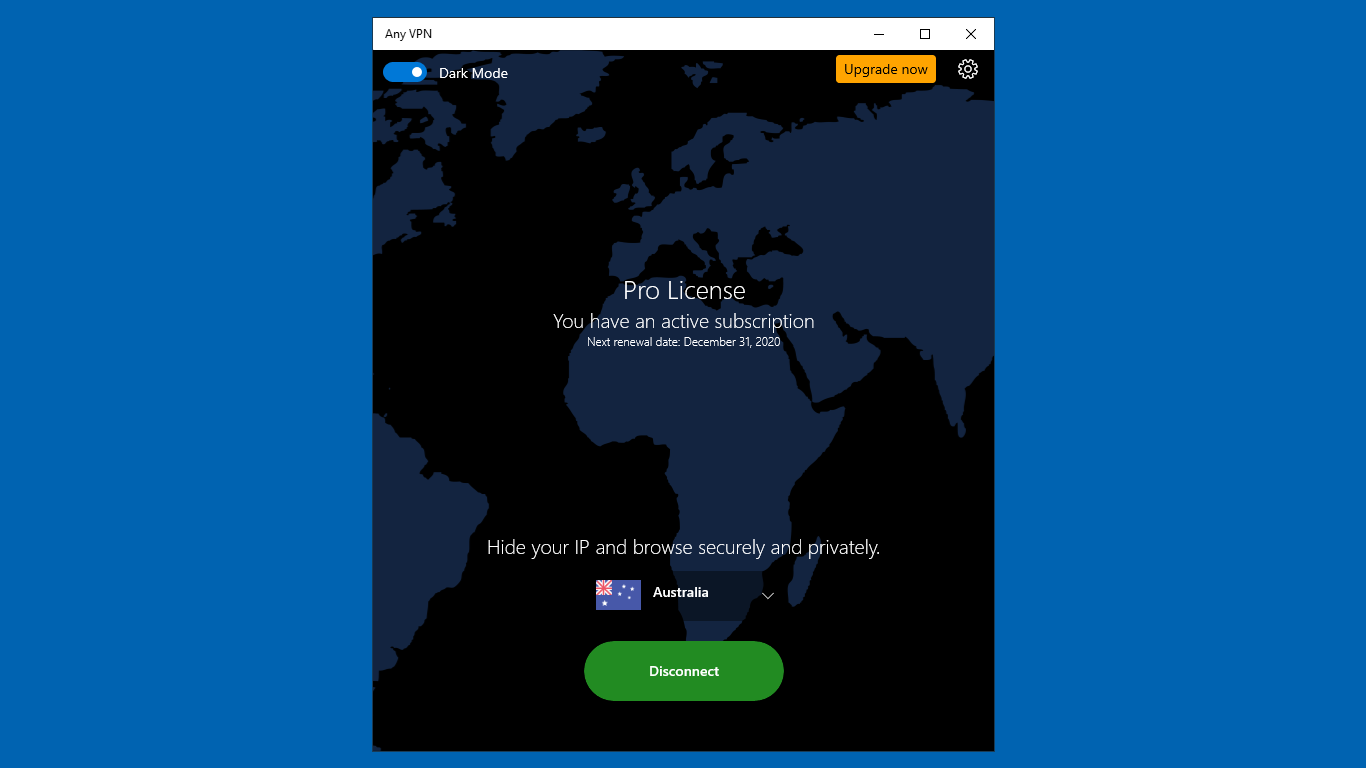
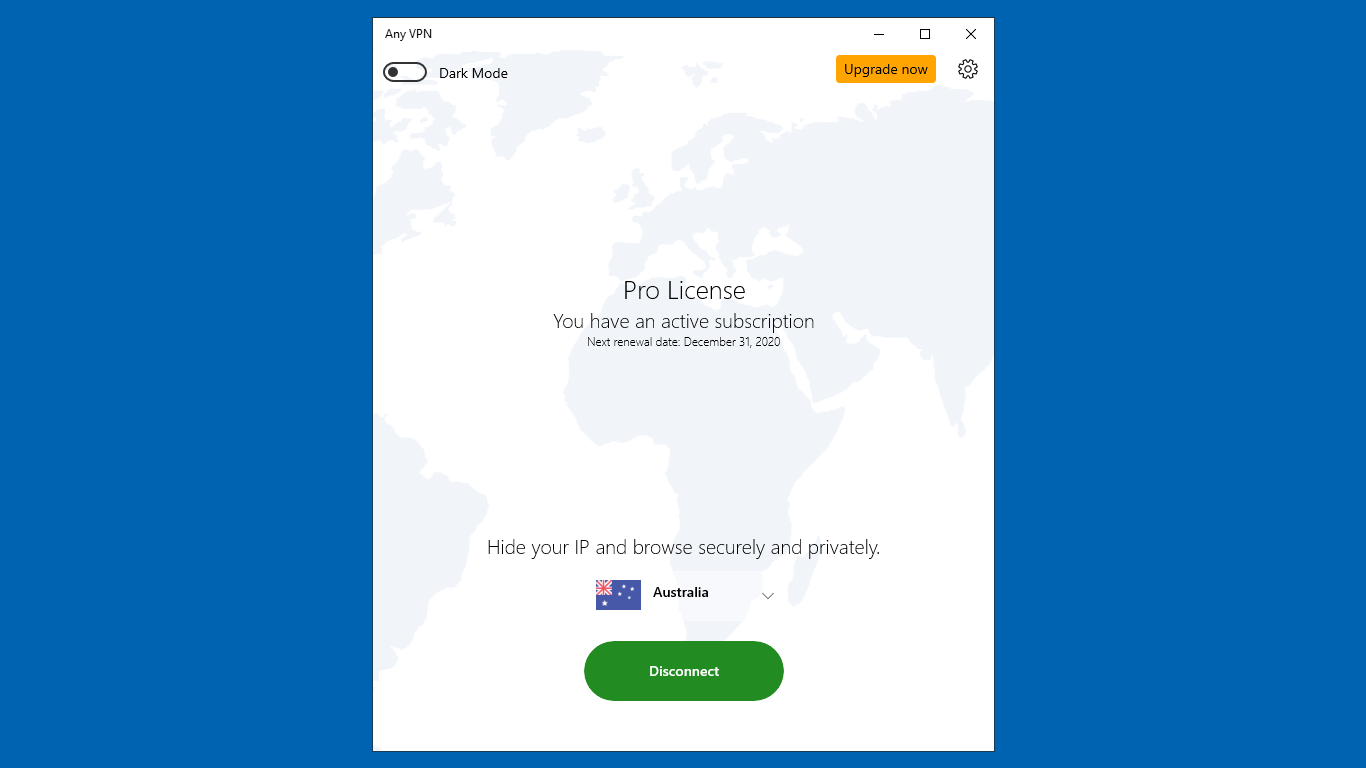
The interface of Any VPN strikes a perfect balance between minimalism and functionality, resembling a sleek control panel that invites users to effortlessly manage their connection. When you open the app, you're greeted with a clear, uncluttered layout—think of it as the dashboard of a well-organized cockpit, ready for quick maneuvers.
The app performs smoothly, with quick connection times and reliable stability; it responds swiftly to user commands, creating a fluid experience akin to sliding on a well-lubricated rink. The learning curve is gentle—new users can grasp the essentials within moments, making it accessible even to VPN novices.
What Sets It Apart from Other Security Apps
Unlike many VPNs that often bombard users with confusing options or hidden logs, Any VPN emphasizes simplicity without sacrificing essential features. Its standout trait lies in its dedicated focus on user-friendliness combined with robust security—imagine a trustworthy guard dog that's both approachable and fiercely protective.
Moreover, its ability to provide quick, one-tap connectivity makes it a practical choice for users on the go, whether in a coffee shop or traveling abroad. The app's lightweight footprint ensures it doesn't clutter your system or drain resources—ideal for everyday use.
Final Verdict and Recommendations
All in all, Any VPN for Windows is a practical, well-designed VPN tool suited for users who prioritize simplicity, speed, and security. Its unique selling points—the effortless one-click connection and broad server selection—make it a compelling choice for casual users wanting reliable privacy without the fuss of overly complex settings.
For those who value straightforward, trustworthy VPN service, I recommend giving this app a try, especially if you're new to VPNs or need a quick, effective solution for everyday use. While it might not boast the extensive customization options of more advanced security tools, its focus on core functionality makes it a solid, friendly companion for your digital adventures.
Pros
- Fast and stable connection
- User-friendly interface
- Multiple server locations
- Strong encryption protocols
- Affordable pricing plans
Cons
- Limited free features
- Occasional connection drops
- Server speeds can vary
- Limited customer support options
- Some advanced features are exclusive to premium plans










