

- Name ESET HOME Security Premium
- Category Security
- Developer ESET, spol. s r.o.
- Available on PC
- OS Windows 10 version 0.0 or higher
- Keyboard Integrated Keyboard
- Mouse Integrated Mouse
- Memory 300 MB
- languages Arabic, Bulgarian, Chinese (Simplified), Chinese (Traditional Chinese), Croatian, Czech, Danish, Dutch, English, English (United States), Estonian, Finnish, French (Canada), French, German, Greek, Hebrew, Hungarian, Indonesian, Italian, Japanese, Kazakh, Korean, Lithuanian, Norwegian, Polish, Portuguese, Portuguese (Brazil), Romanian, Russian, Serbian (Latin), Slovak, Slovenian, Spanish, Spanish (Latin America), Swedish, Thai, Turkish, Vietnamese, Ukrainian
Introducing ESET HOME Security Premium for Windows
Imagine having a vigilant digital guardian constantly watching over your PC, shielding you from unseen cyber threats and ensuring your online activities remain private and safe. ESET HOME Security Premium for Windows positions itself as a comprehensive security suite tailored for the modern user seeking robust protection without compromising usability.
About the Developer and Core Features
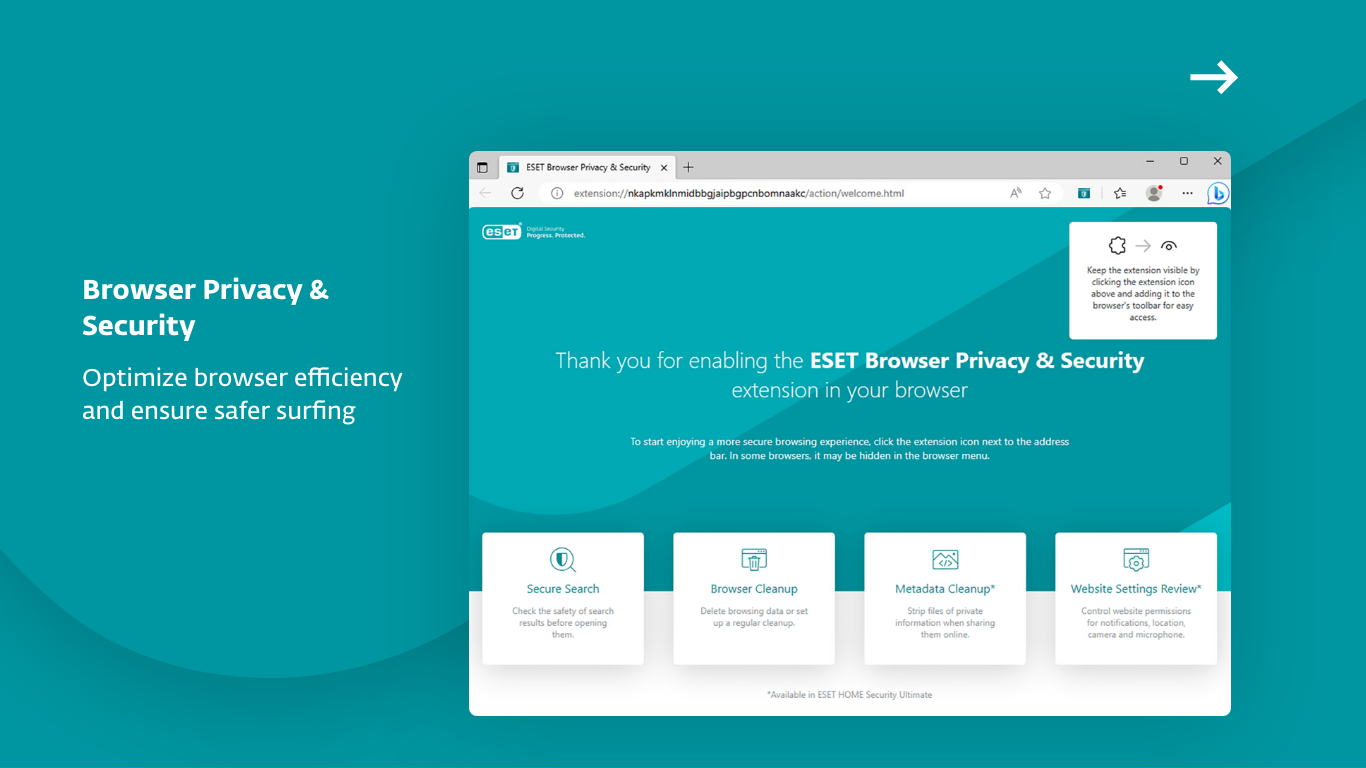
Developed by ESET, spol. s r.o., a globally recognized cybersecurity company with decades of expertise, this application brings professional-grade protection to everyday users. Its main highlights include real-time malware scanning, multi-layered ransomware defense, seamless cloud-based management, and user-friendly design that caters to both tech novices and professionals alike.
A Spark of Innovation: Why ESET HOME Security Premium Stands Out
Navigating the world of cybersecurity software can sometimes feel like trying to find a needle in a haystack—lots of bells and whistles, but not all equally effective. ESET HOME Security Premium cuts through the noise by focusing on core protection features, wrapped in an interface that makes security feel less like a chore and more like an engaging safeguard.
Powerful Malware and Ransomware Protection
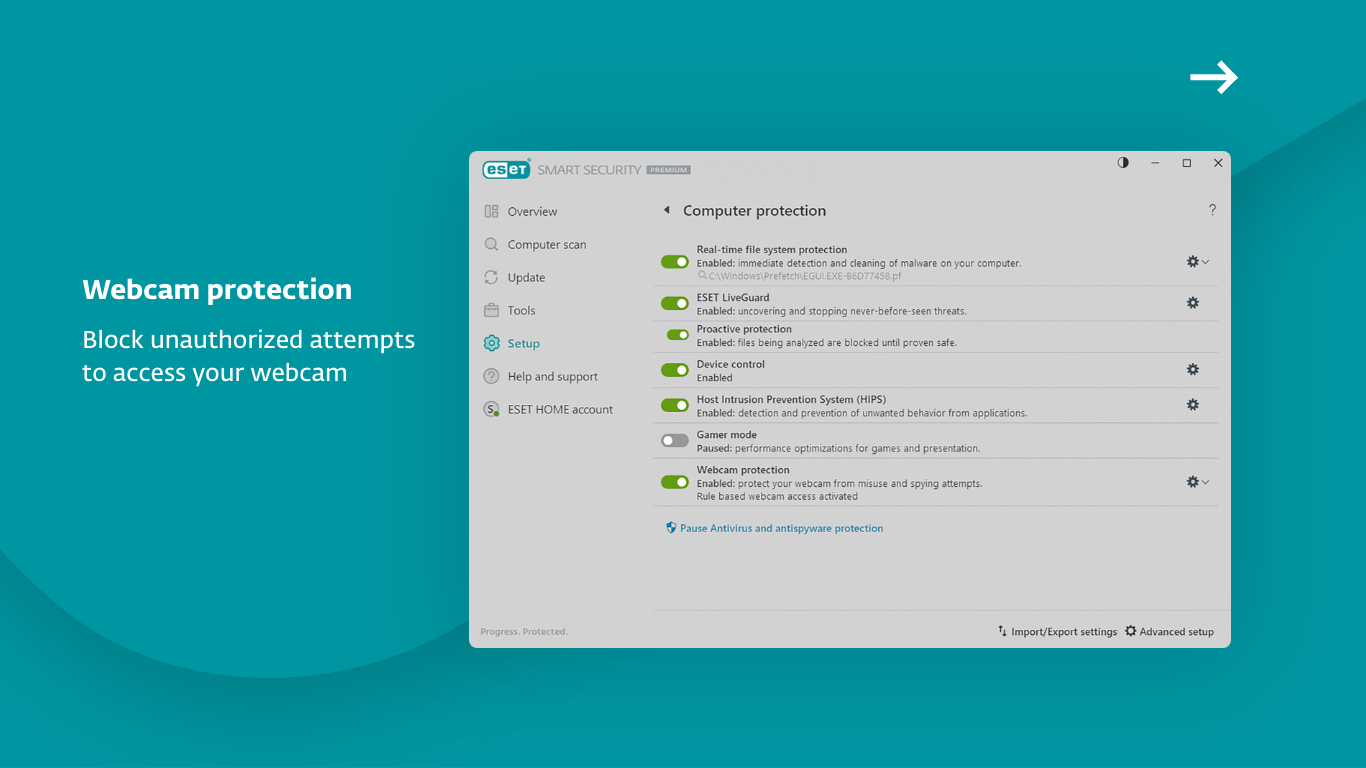
The standout feature of this app is its multi-layered approach to blocking malicious threats. Utilizing machine learning algorithms alongside traditional signature-based detection, ESET can identify and quarantine new and emerging malware threats swiftly. Moreover, its ransomware shield acts like a vigilant lockbox for your personal files, preventing unauthorized encryption or access—an especially important feature in today's risky digital landscape.
Intuitive, Cloud-Connected Dashboard
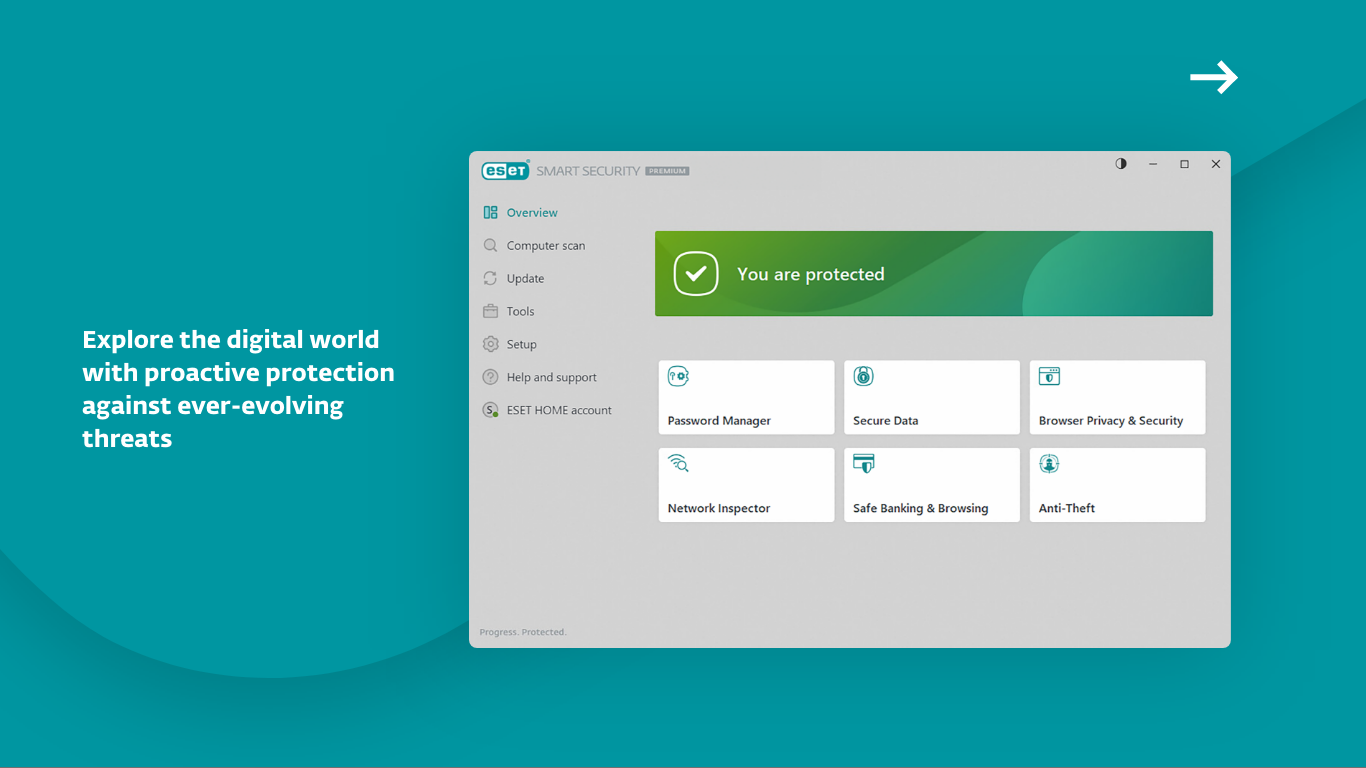
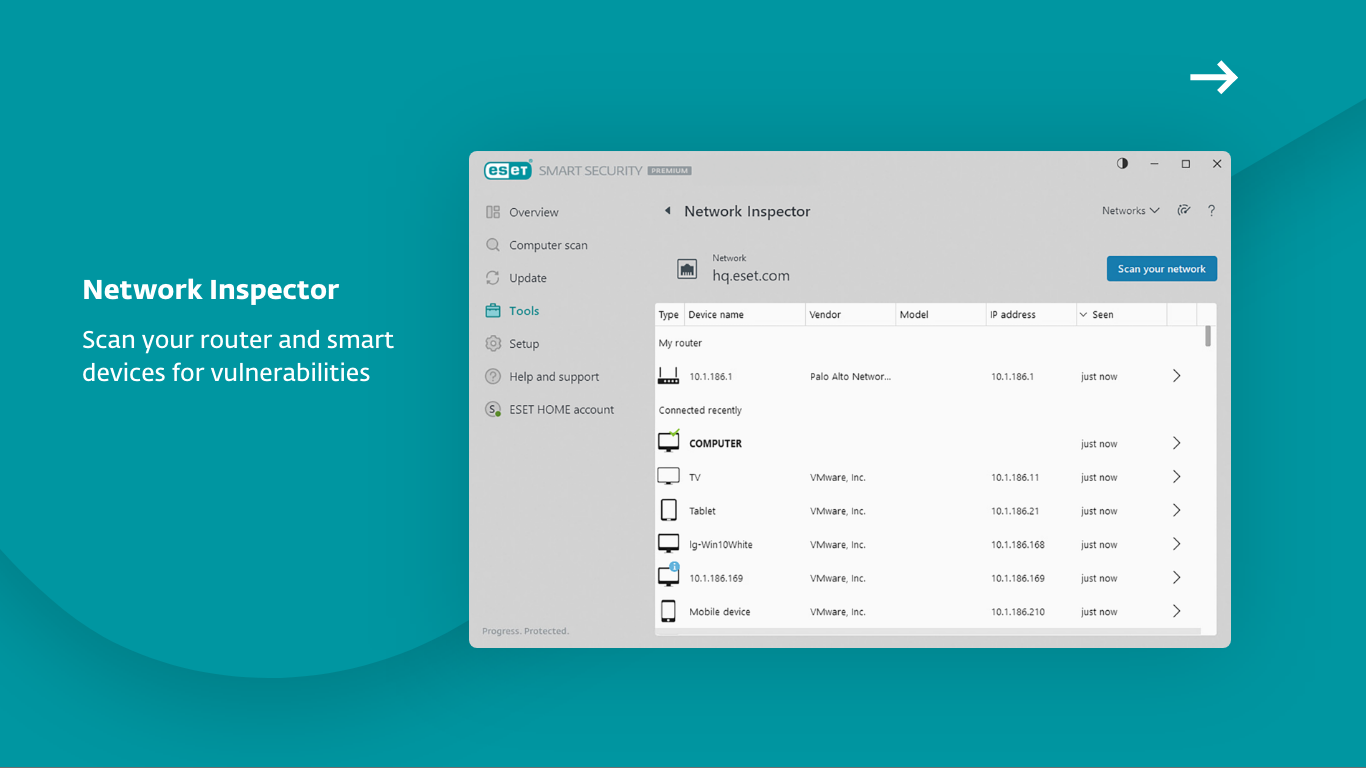
The interface in ESET HOME Security Premium is akin to a friendly control tower. It offers a clean, well-organized layout displaying real-time threat status, scan progress, and security alerts. With cloud integration, users can manage multiple devices from a centralized portal, a boon for households or small teams seeking unified protection. The setup is straightforward, with minimal learning curve, meaning you can get your defenses up and running in minutes without feeling overwhelmed.
Distinctive User Experience and Differentiation
Compared to other security applications, ESET's design philosophy emphasizes subtlety—protection that operates silently in the background while providing useful alerts when necessary. Its lightweight footprint ensures your system remains fast and responsive, contrasting some bulkier alternatives that can bog down your PC. Another notable aspect is its focus on ease of management: the cloud dashboard allows for easy customization, scheduling scans, and monitoring without digging through complicated menus. This makes it especially attractive for users who want strong protection without the feeling of navigating a security maze.
Final Thoughts and Recommendations
All in all, ESET HOME Security Premium for Windows proves to be a reliable and user-friendly cybersecurity partner. Its blend of potent threat detection, simple management, and unobtrusive operation makes it suitable for a wide audience—from everyday home users to small business owners. If you value a security solution that works quietly yet effectively, this app deserves strong consideration.
For users who prioritize straightforward, comprehensive protection with the convenience of cloud management, ESET HOME Security Premium is a solid choice. While it may lack some of the flashy features found in other suites, its focus on core safety functions and user experience makes it a standout in its category. I recommend giving it a try if you're seeking a security tool that acts more like a trusted companion than a system burden.
Pros
- Robust malware protection
- User-friendly interface
- Real-time security alerts
- Regular automatic updates
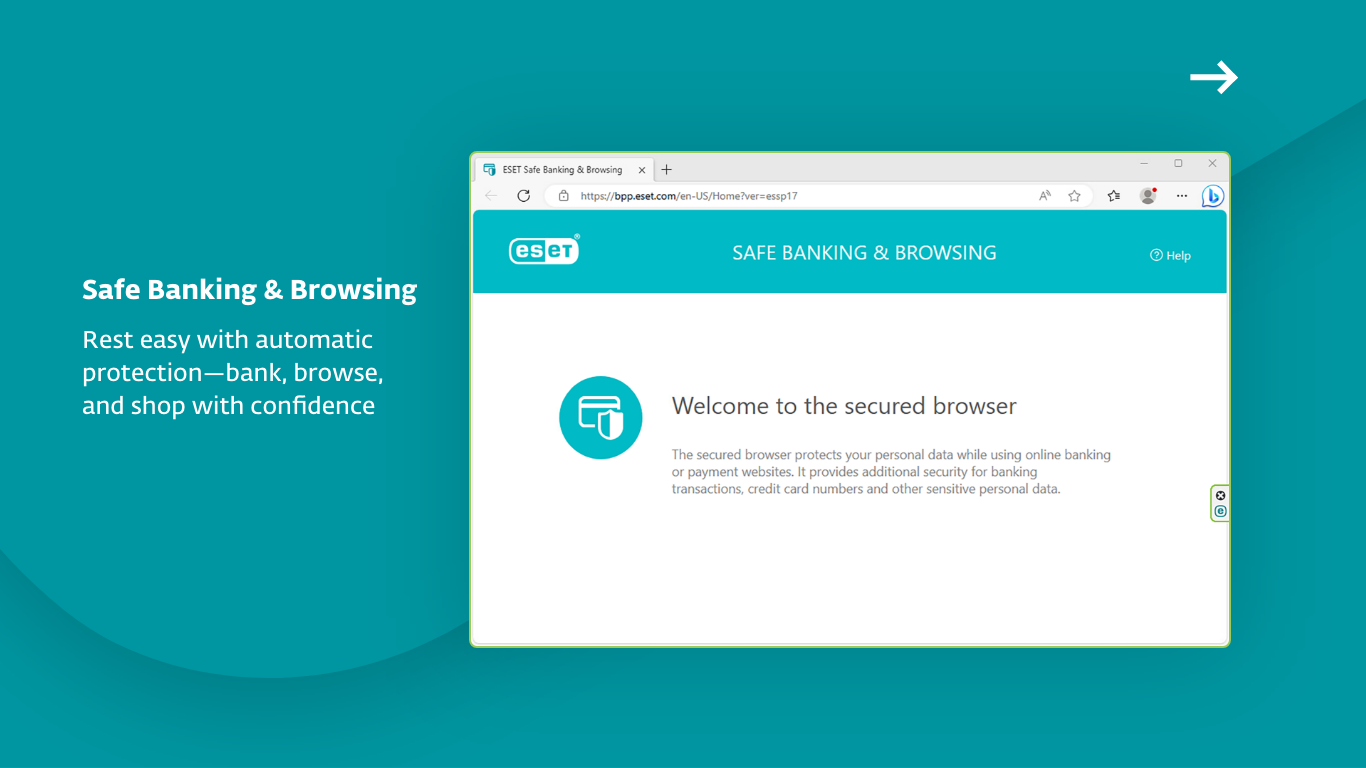
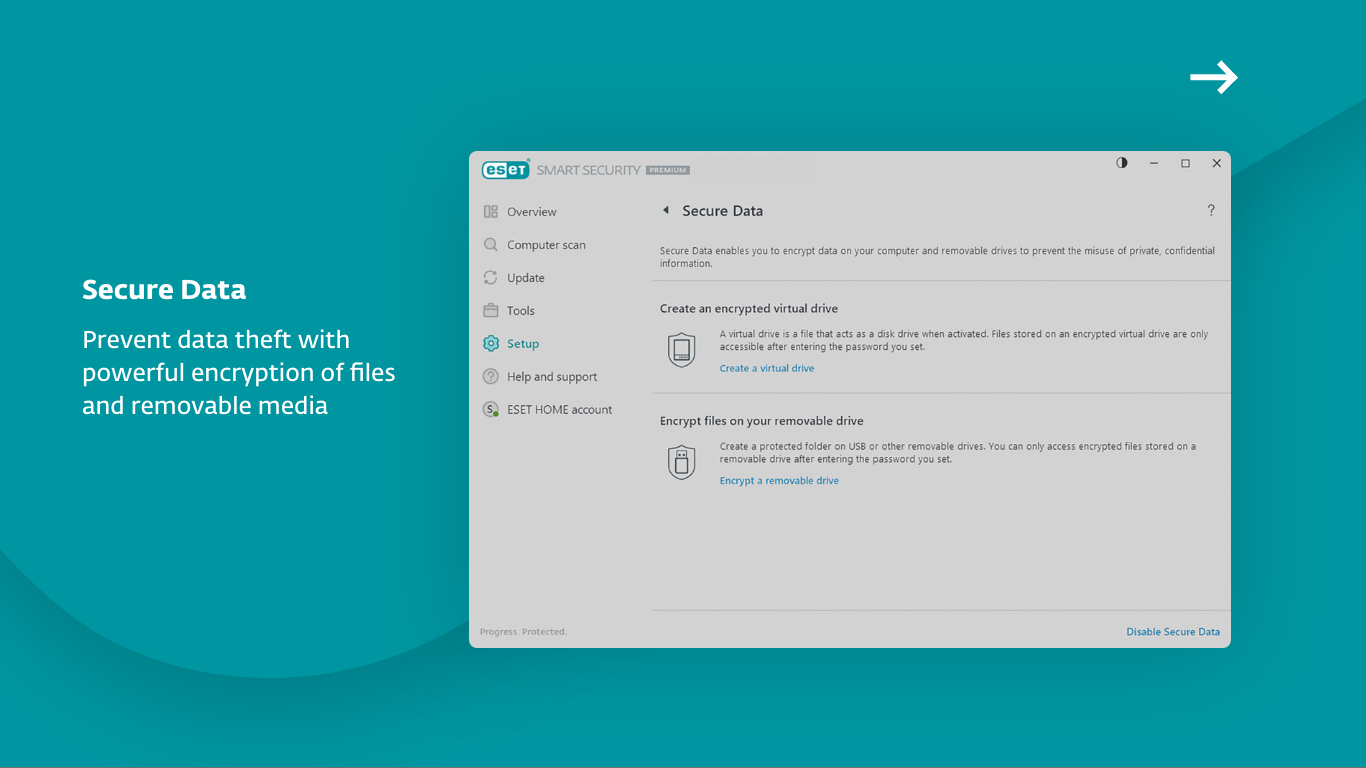
- Additional privacy tools
Cons
- High system resource usage
- Premium subscription cost
- False positives occasionally occur
- Limited customization options in settings
- Initial setup can be time-consuming










