

- Name VLC UWP
- Category Photo & video
- Available on Xbox console, PC, Mobile, Surface Hub, HoloLens
- OS Windows 10 version 14393.0 or higher
- languages Arabic, Chinese (Simplified), Czech, Danish, Dutch, English (United States), French, German, Hebrew, Hungarian, Icelandic, Italian, Japanese, Korean , Malay, Norwegian (Bokmål), Polish , Portuguese (Brazil), Portuguese (Portugal), Romanian, Russian, Slovak, Spanish (Spain), Swedish, Turkish, Ukrainian
VLC UWP for Windows: A Versatile Media Player with a User-Friendly Edge
VLC UWP for Windows, developed by VideoLAN, stands out as a reliable and feature-rich media player designed specifically for the Windows UWP platform. It aims to deliver seamless playback for a wide array of multimedia formats, making it an essential tool for Windows users seeking a versatile viewing experience.
Core Details and Target Audience
Developed by the renowned open-source community VideoLAN, VLC UWP provides a polished interface and robust functionality that appeals to everyday users, media enthusiasts, and professionals who demand high-quality playback. Its main highlights include support for numerous media formats, an intuitive interface, and advanced playback controls. Targeted at Windows 10 and 11 users looking for a streamlined yet powerful media app, it caters to both casual viewers and power users alike.
A Playful Introduction to a Serious Media Companion
Imagine sitting down after a long day, eager to indulge in your favorite movie or video. VLC UWP comes to you like a trusty pocketknife—compact, reliable, and ready for any media challenge. Its clean interface and responsive controls make navigating your library feel effortless, turning media consumption into an enjoyable experience. Whether you're streaming movies, watching family videos, or preparing a playlist, VLC UWP shoes the role of a quiet, dependable sidekick—delivering entertainment without fuss or bother.
Elegant and Efficient Interface Design
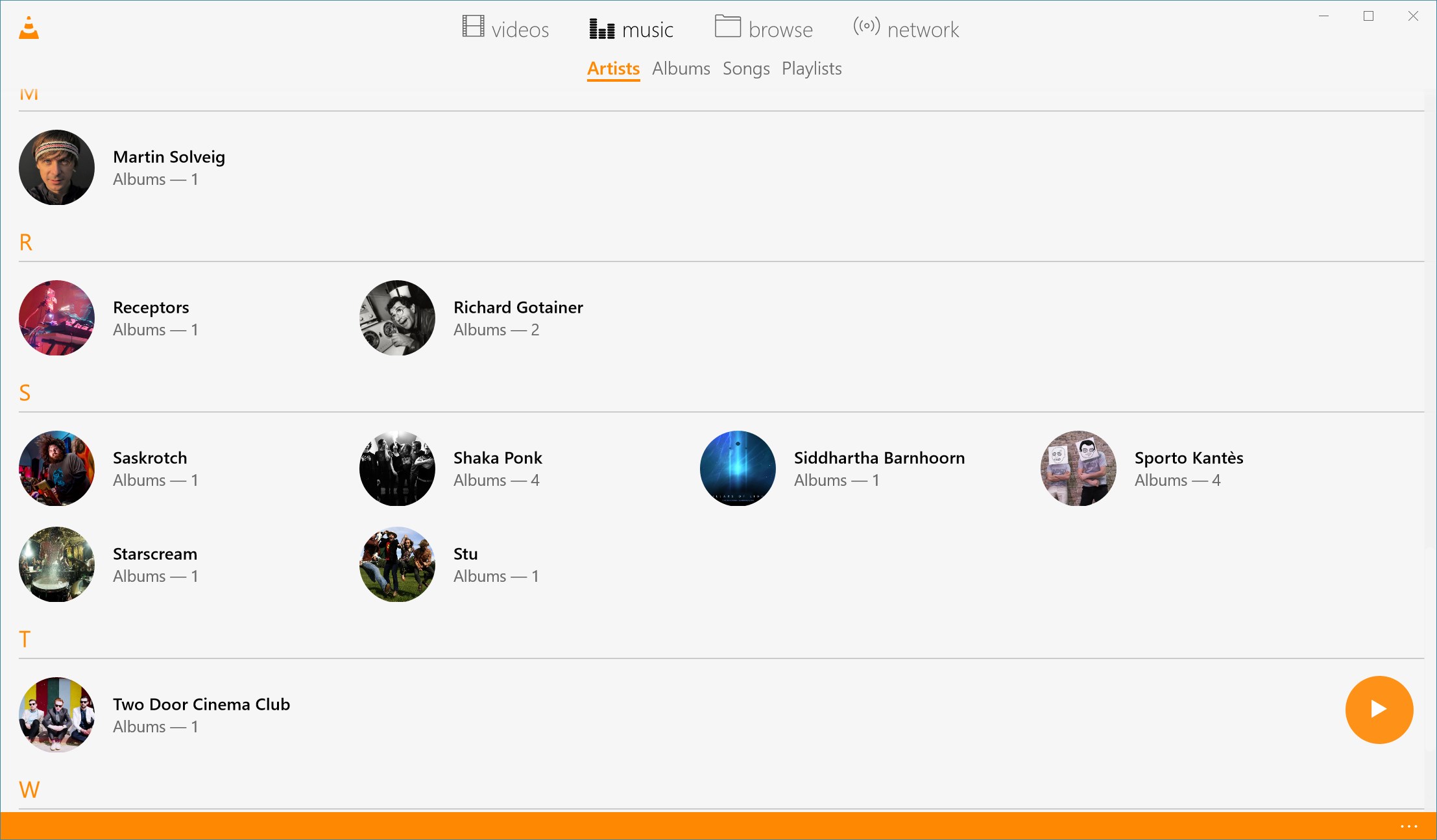
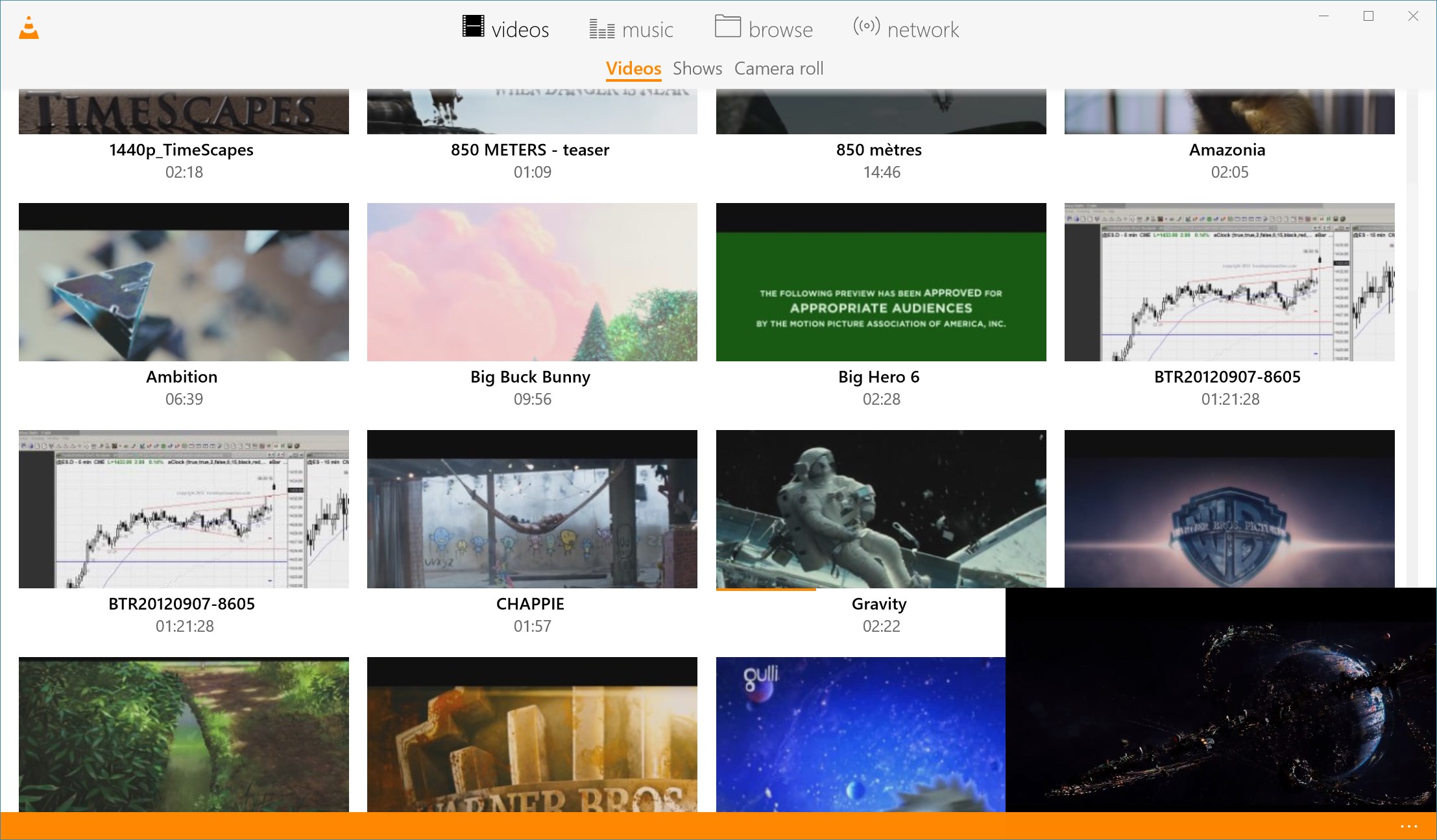
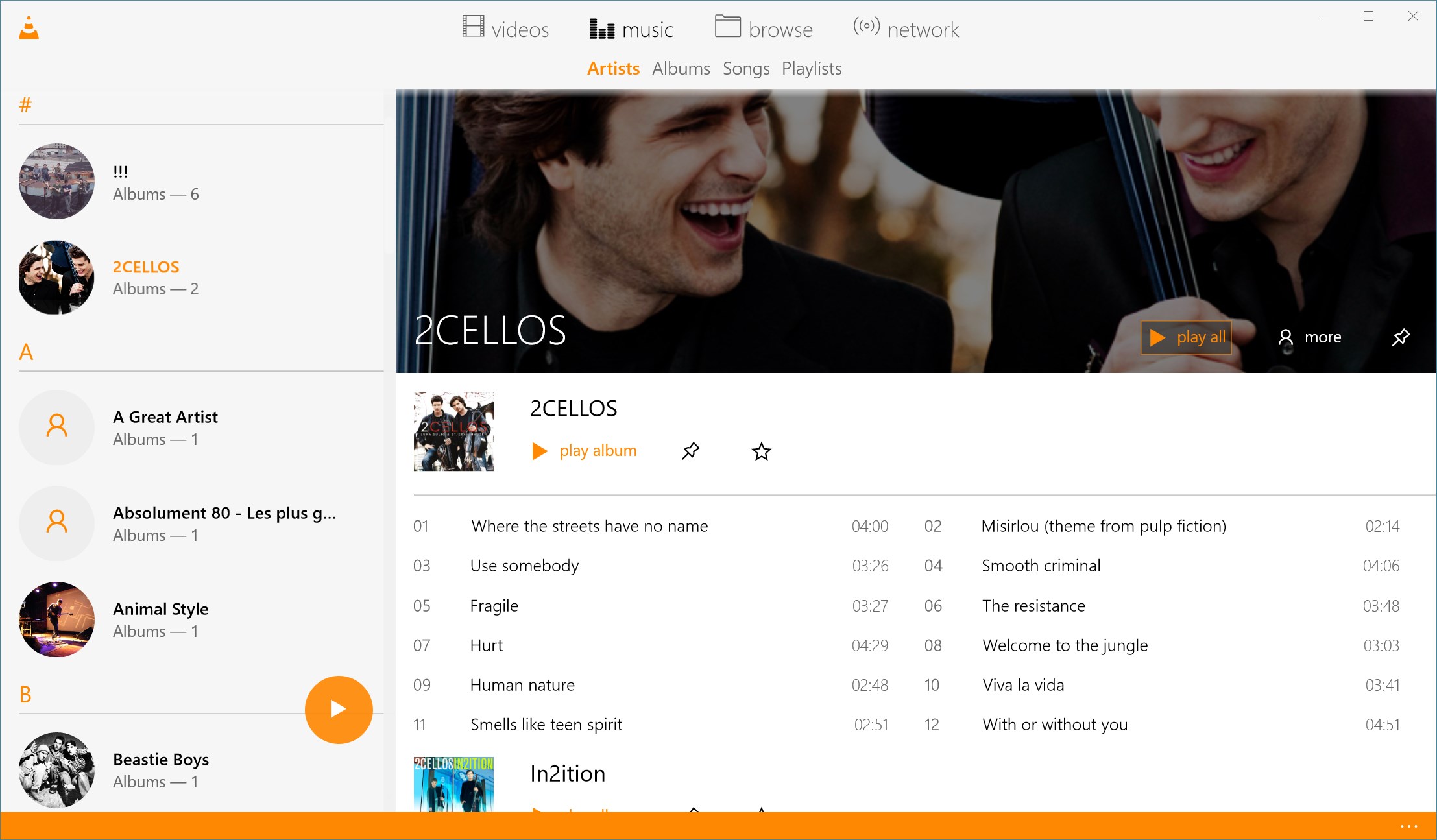
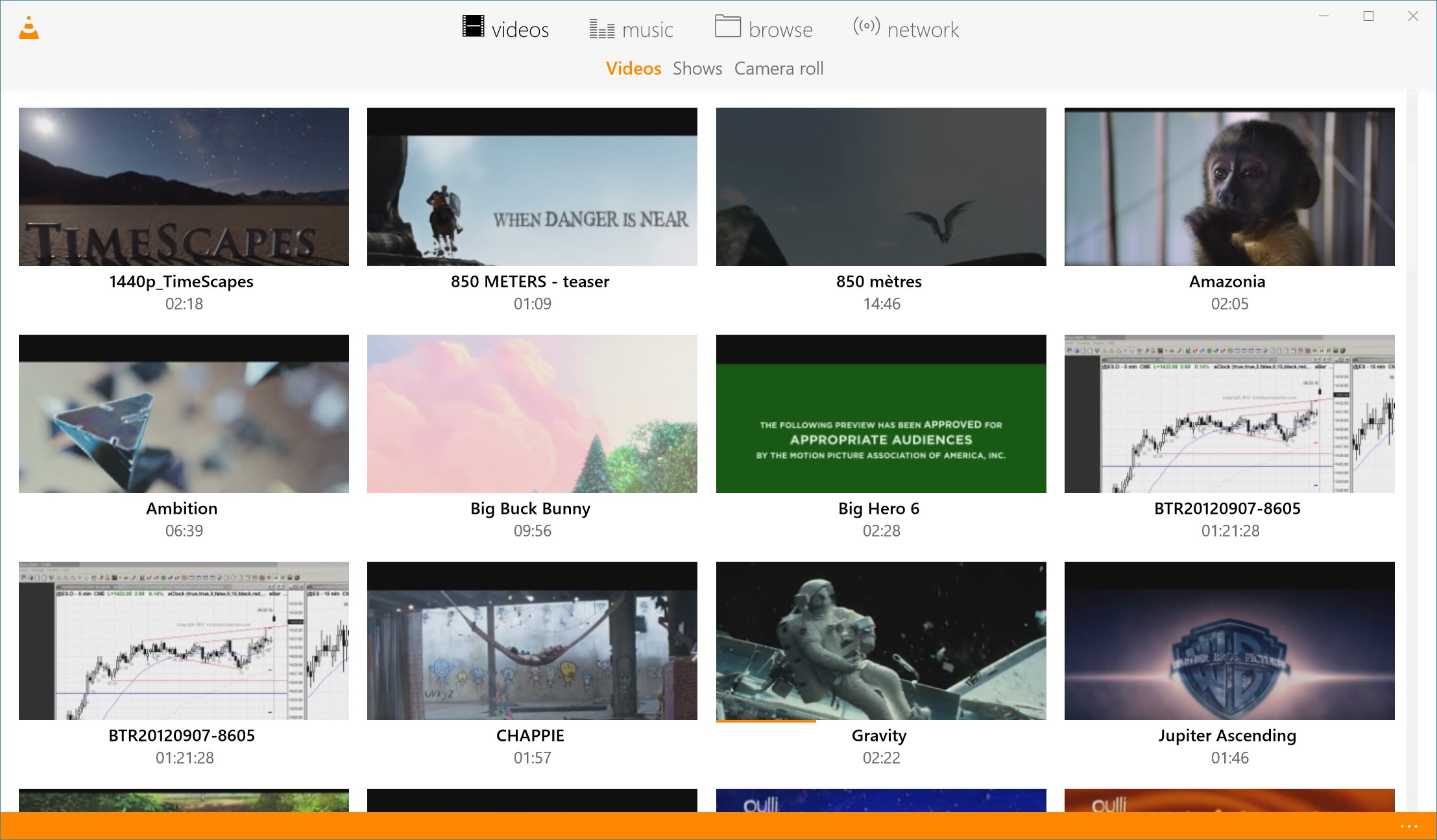
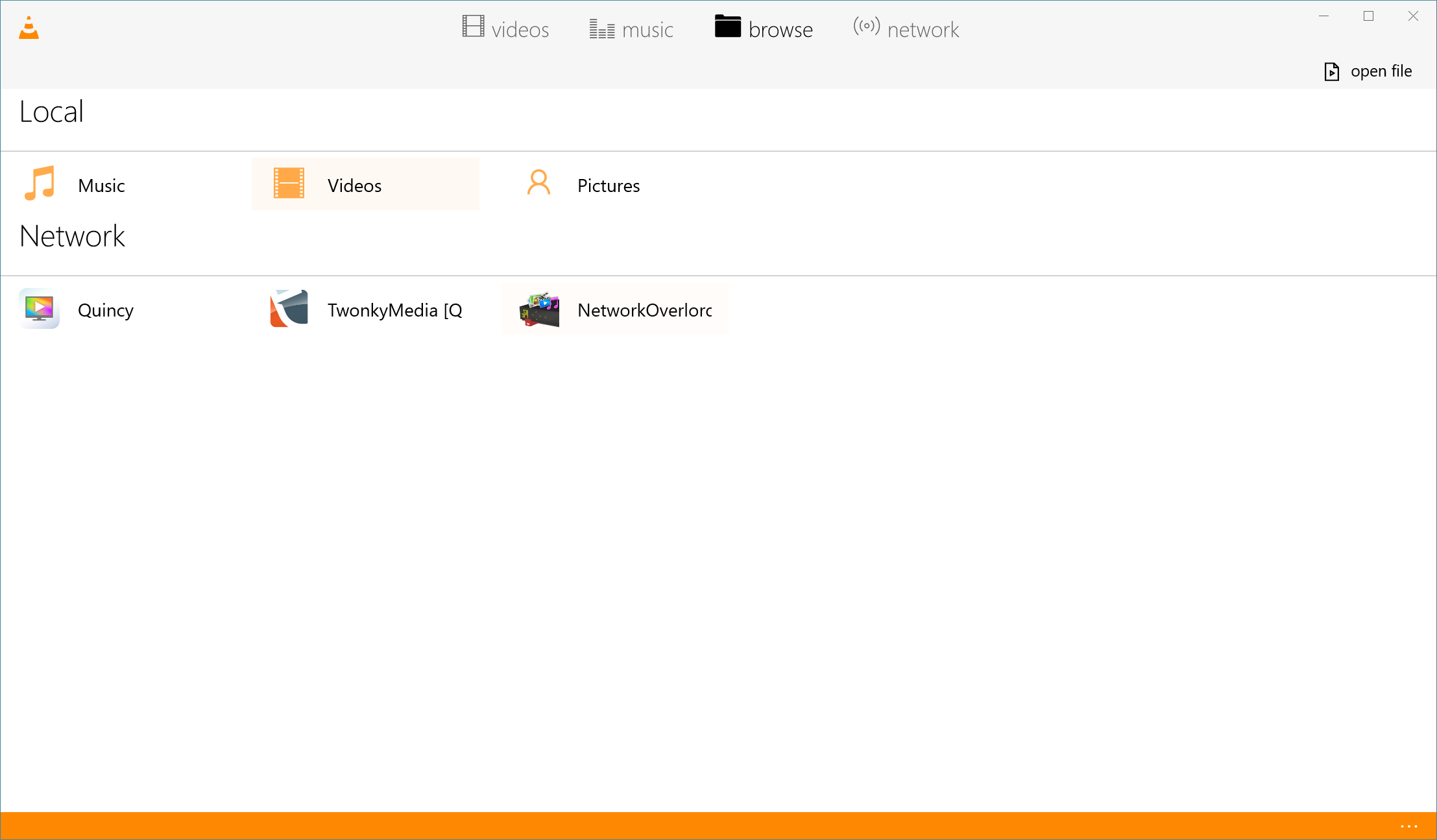
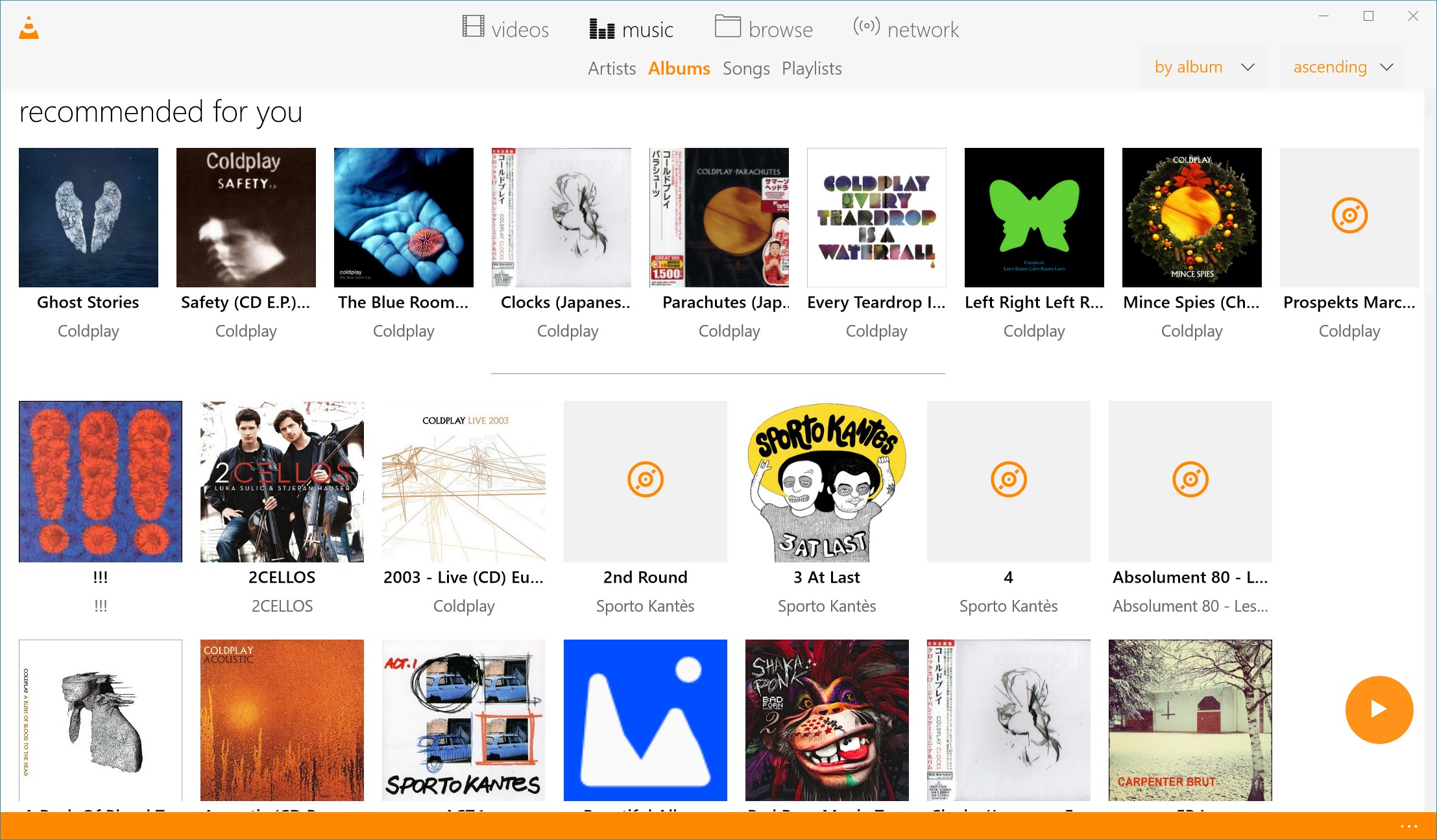
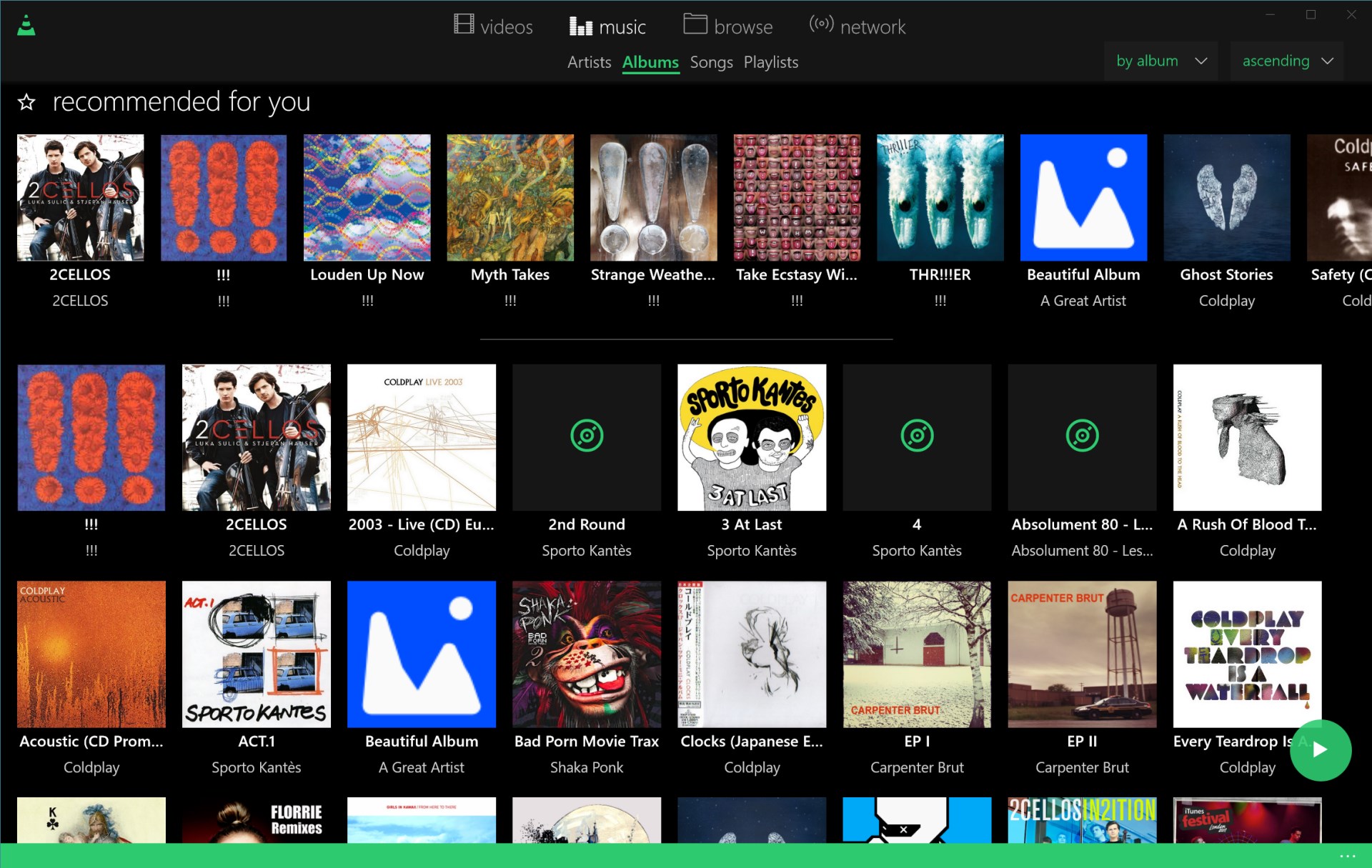
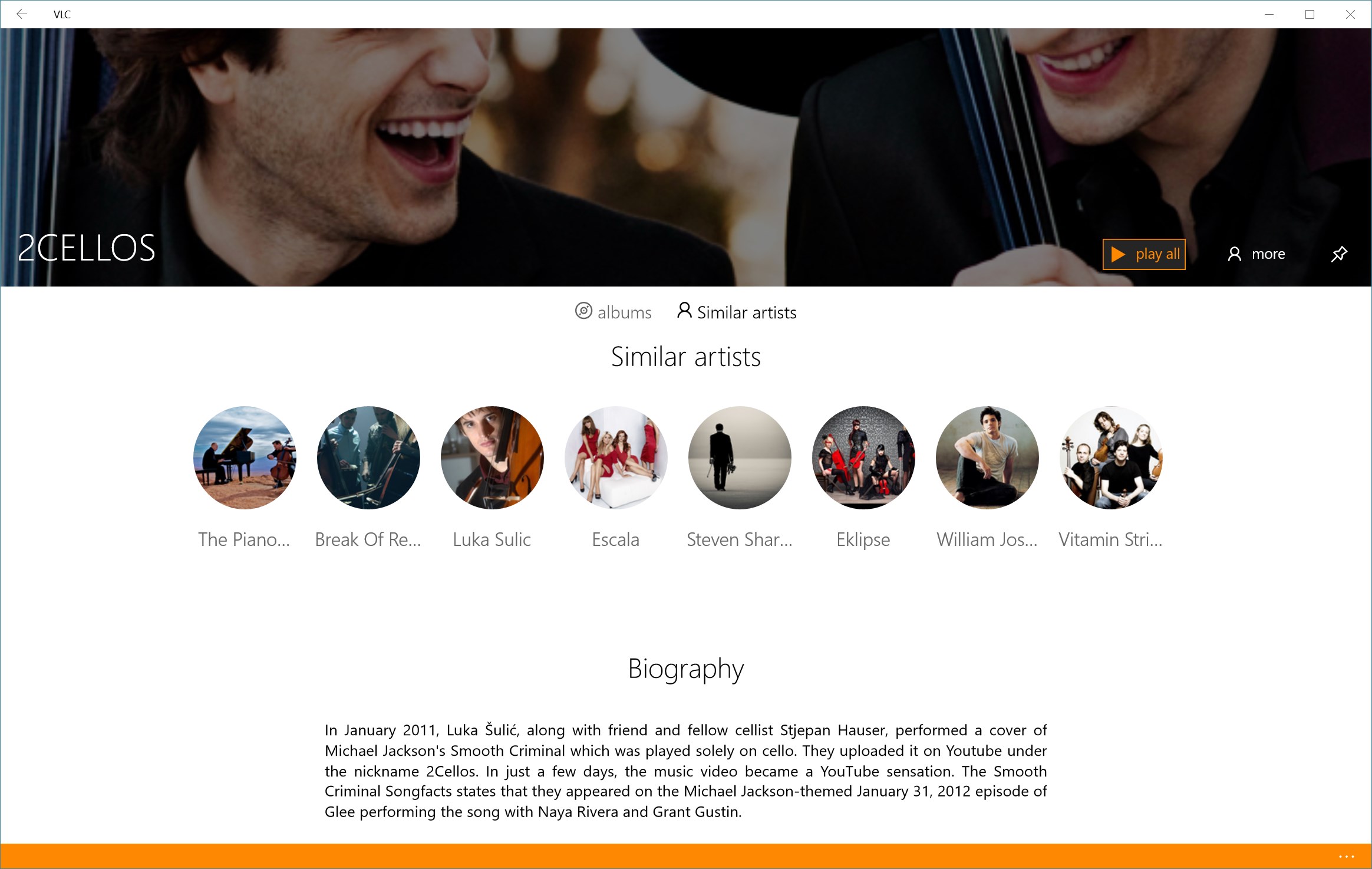
One of VLC UWP's notable strengths lies in its sleek, modern interface that feels both familiar and refreshing. Designed with simplicity in mind, it offers a clear layout that allows users to browse their media library effortlessly. The app's minimalist aesthetic, coupled with customizable themes, ensures that your viewing environment remains uncluttered—much like a tidy desk that invites you to focus on what truly matters: your content. Swipe gestures and intuitive icons facilitate smooth navigation, making it accessible for users of varying tech-savviness.
Performance and User Experience: Smooth Sailing or Choppy Waters?
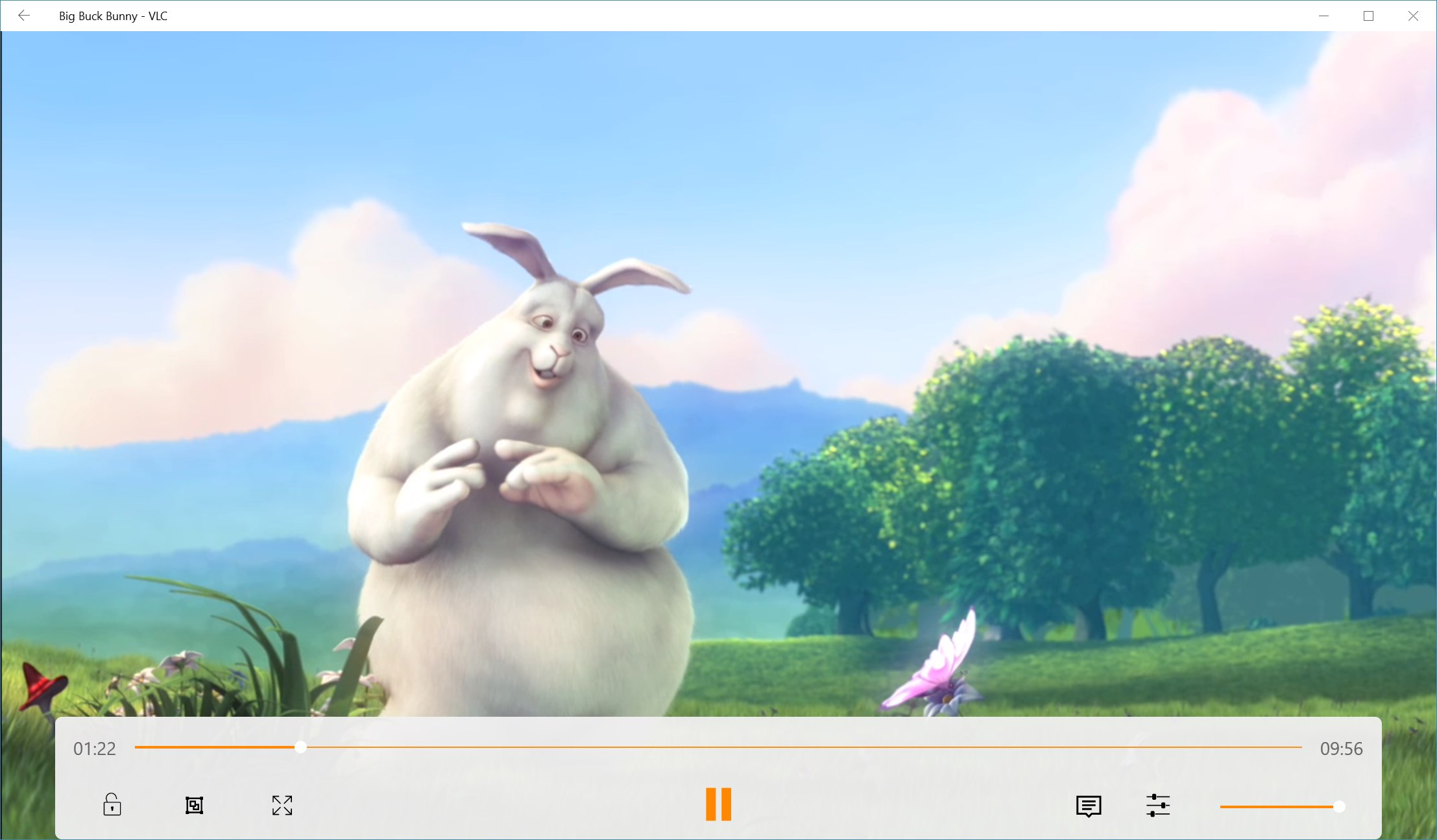
Performance-wise, VLC UWP impresses with its swift load times and lag-free playback. It harnesses hardware acceleration to handle high-definition videos seamlessly—no more frustrating buffering or stuttering. The transition between controls feels natural, akin to gliding smoothly on ice; this fluidity is partly thanks to the app's optimized design for Windows UWP. Learning curve? Almost nonexistent. With a layout that respects user familiarity and straightforward playback controls, even newcomers can start watching their videos within minutes. The app also supports gestures such as taps and swipes, enhancing touch-based interaction—perfect for hybrid device users.
What Sets VLC UWP Apart: A Focus on Format Compatibility and Flexibility
While many media players claim to support numerous formats, VLC UWP truly delivers—it's like a universal remote that natively understands almost every device and format you throw at it. Its standout feature is its remarkable format compatibility, including obscure codecs, unfinished file containers, and streaming protocols. This breadth of support eliminates the need for extra codecs or conversions, saving users time and hassle. Additionally, VLC UWP offers built-in subtitle support, audio normalization, and network streaming capabilities—features typically locked behind paid applications elsewhere. These aspects position it uniquely among free media players, elevating it from basic to advanced.
Final Verdict: A Strong Recommendation for Versatile Media Viewing
All considered, VLC UWP for Windows earns a recommendable spot on your app list. It's a dependable, comprehensive media player suited for a broad spectrum of users—from those just wanting to watch a quick video, to professionals needing robust format support. Its intuitive design, smooth performance, and unparalleled media compatibility make it a standout choice. For anyone seeking a versatile, no-nonsense media solution that's easy to use yet powerful enough for complex files, VLC UWP is certainly worth trying—like adding a Swiss Army knife to your digital toolkit.
Pros
- User-Friendly Interface
- Wide Format Support
- Streaming Capabilities
- Subtitle and Audio Track Options
- Integration with Windows
Cons
- Occasional Playback Glitches
- Limited Customization
- Subtitle Synchronization Issues
- Limited Offline Features
- App Stability on Some Devices











