

- Name Visual Studio Community
- Category Developer tools
- Developer Microsoft Corporation
- Available on PC
- OS Windows 10 version 0.0 or higher
- Keyboard Integrated Keyboard
- Mouse Integrated Mouse
- Memory 4 GB
- languages English, Chinese (Simplified), Chinese (Traditional Chinese), Czech, German, French, Italian, Japanese, Korean, Polish, Russian, Turkish, Spanish, Portuguese (Brazil)
Introducing Visual Studio Community for Windows
Visual Studio Community for Windows is a comprehensive integrated development environment (IDE) that empowers developers to build, debug, and deploy applications across multiple platforms with ease and efficiency. Tailored for individual programmers, open-source enthusiasts, and small teams, it offers a powerful set of tools without the hefty price tag.
About the Developer and Main Highlights
Developed and published by Microsoft Corporation, Visual Studio Community is part of Microsoft's flagship development suite, designed to foster creativity and productivity. Its standout features include:
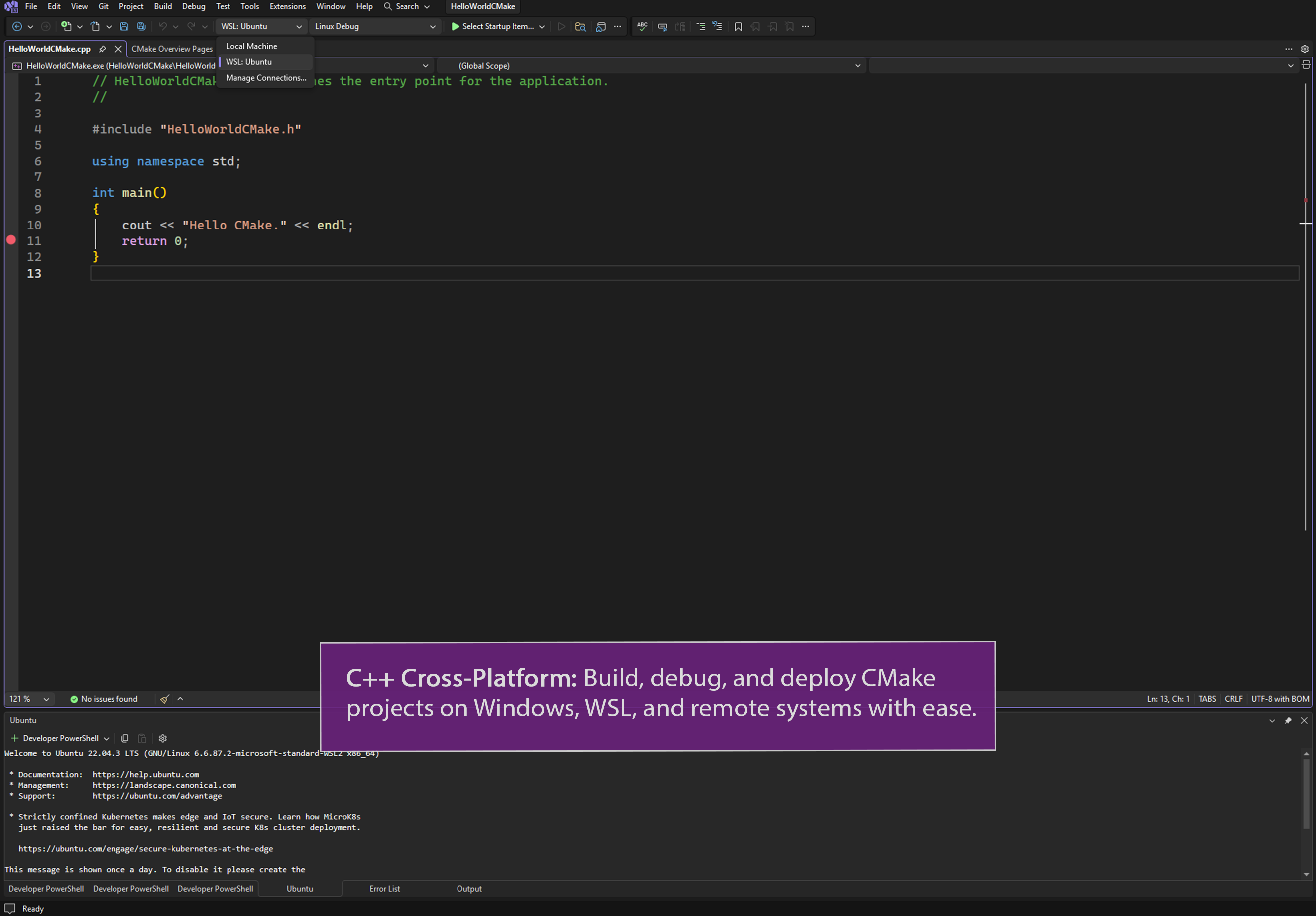
- Robust Language Support: Compatibility with C#, C++, Python, JavaScript, and more, allowing versatile project development.
- Intelligent Code Assistance: Features like IntelliSense, code navigation, and refactoring tools that streamline coding tasks.
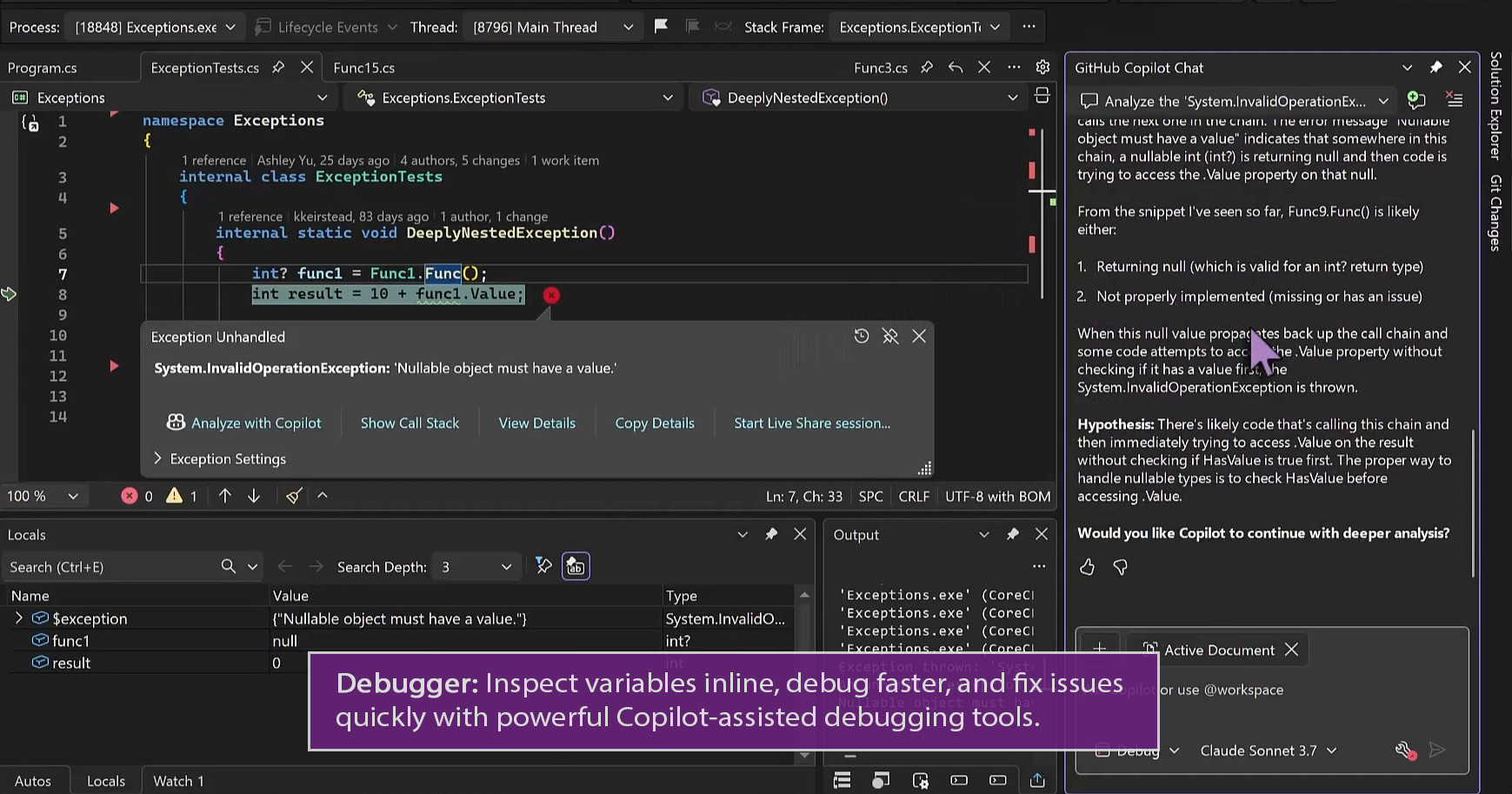
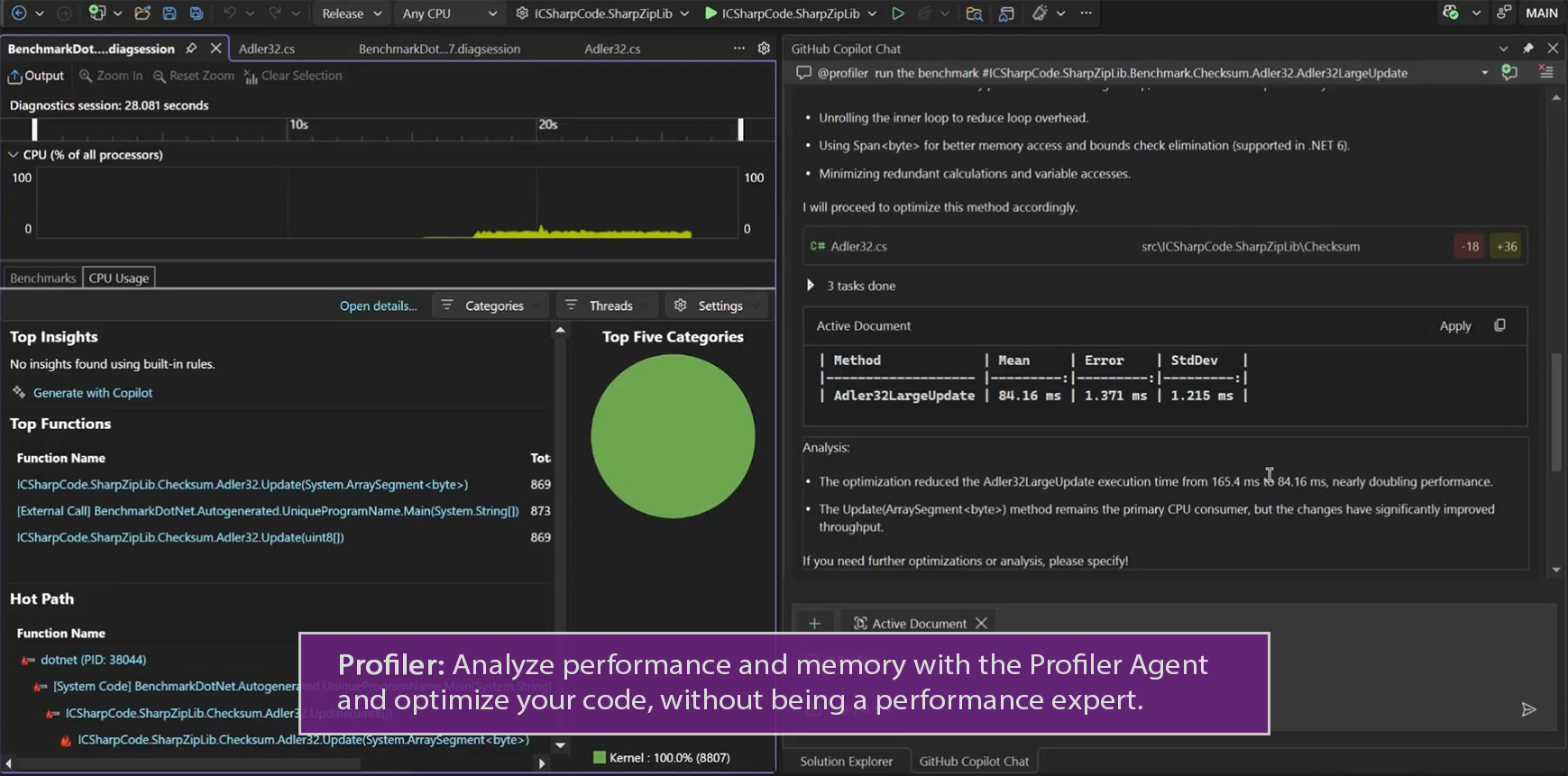
- Integrated Debugging and Testing: Built-in debugging tools, unit testing support, and performance profiling for reliable software delivery.
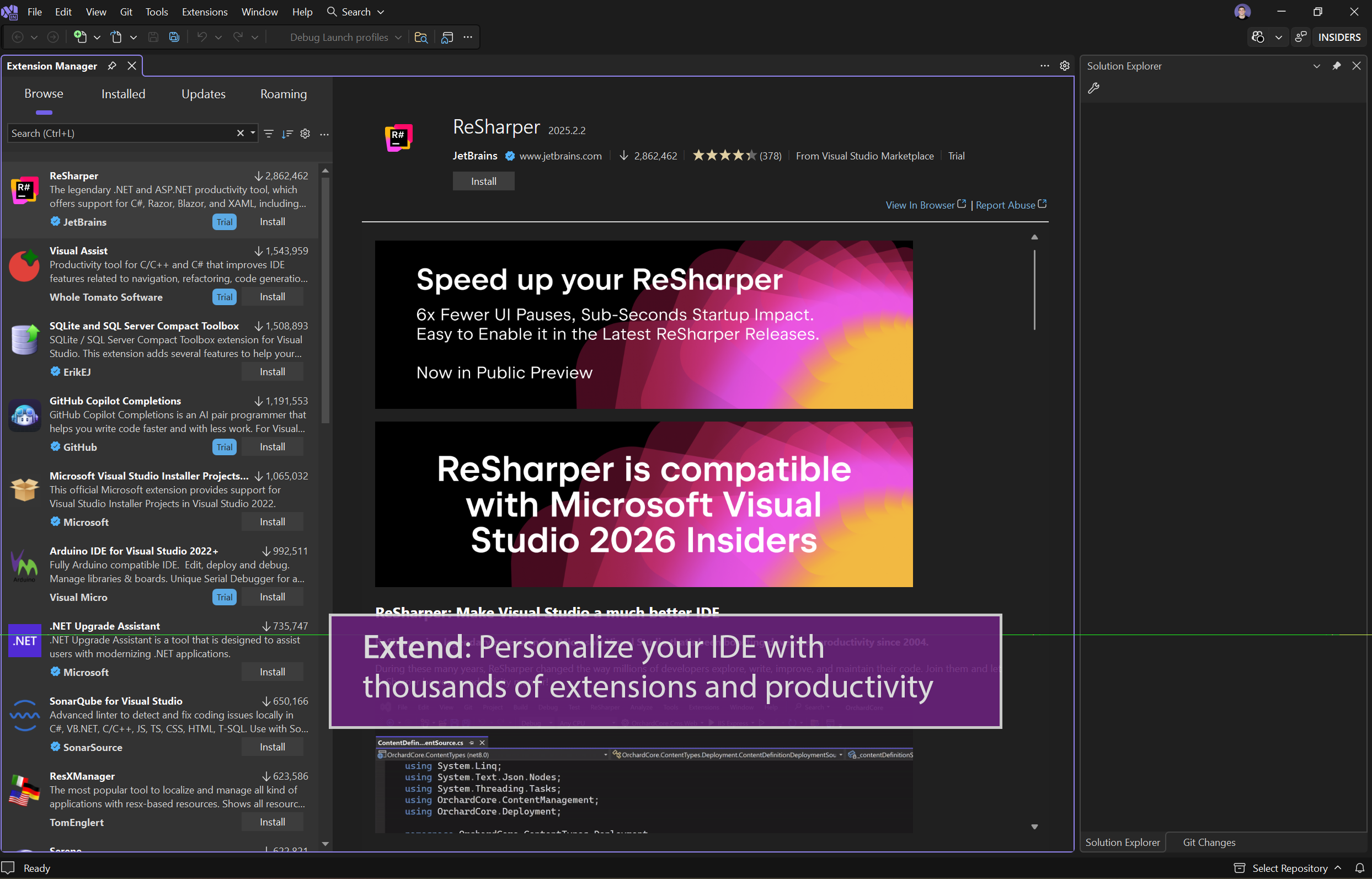
- Extensibility: Access to a vast marketplace of extensions, themes, and additional tools fostering customization and optimization.
The target audience includes individual developers, hobbyists, students, and small teams aiming for professional-grade development within a free environment.
A Fresh and Intuitive User Interface
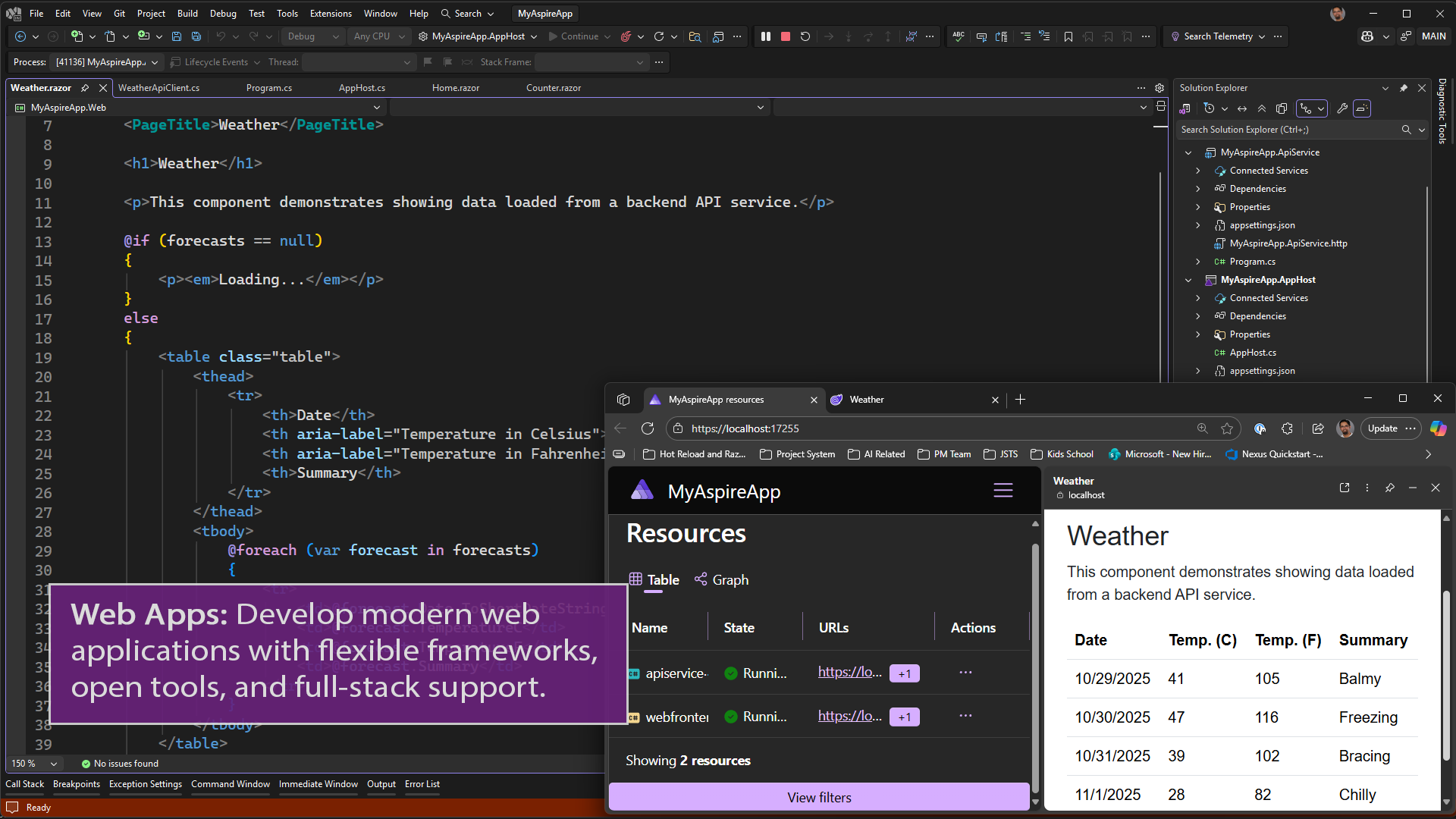
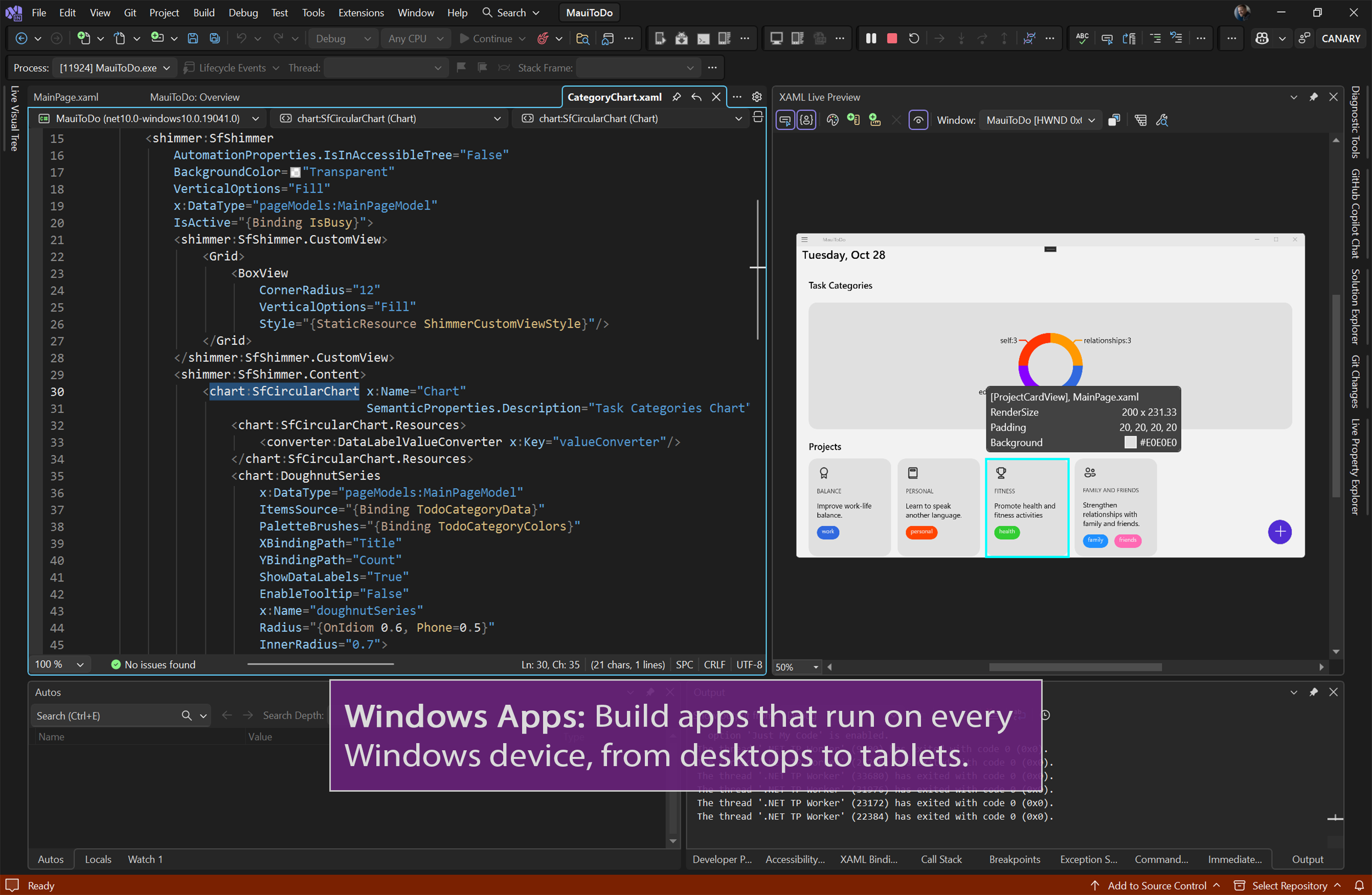
From the moment you open Visual Studio Community, the interface invites you in with a clean, organized workspace that balances complexity and accessibility. The dark theme mimics a high-tech cockpit, perfect for long coding sessions without eye strain. Navigating through menus and tool windows feels natural, with drag-and-drop customization available for layout preferences. The learning curve is gentle for newcomers, thanks to well-designed onboarding tips and contextual help, but also deep enough to satisfy seasoned developers needing advanced configurations.
Core Features: Power and Precision at Your Fingertips
Smart Coding with IntelliSense and Code Navigation
The core of Visual Studio Community's appeal lies in its intelligent code assistance. As you type, IntelliSense predicts code snippets, provides parameter info, and offers quick documentation, turning the coding process into a smooth, almost conversational experience. Code navigation tools, such as Go To Definition and Find All References, act like a GPS for your codebase, helping you traverse complex projects effortlessly. This feature is particularly valuable when working with large code repositories, where clarity and speed can make or break productivity.
Debugging and Testing Made Simple
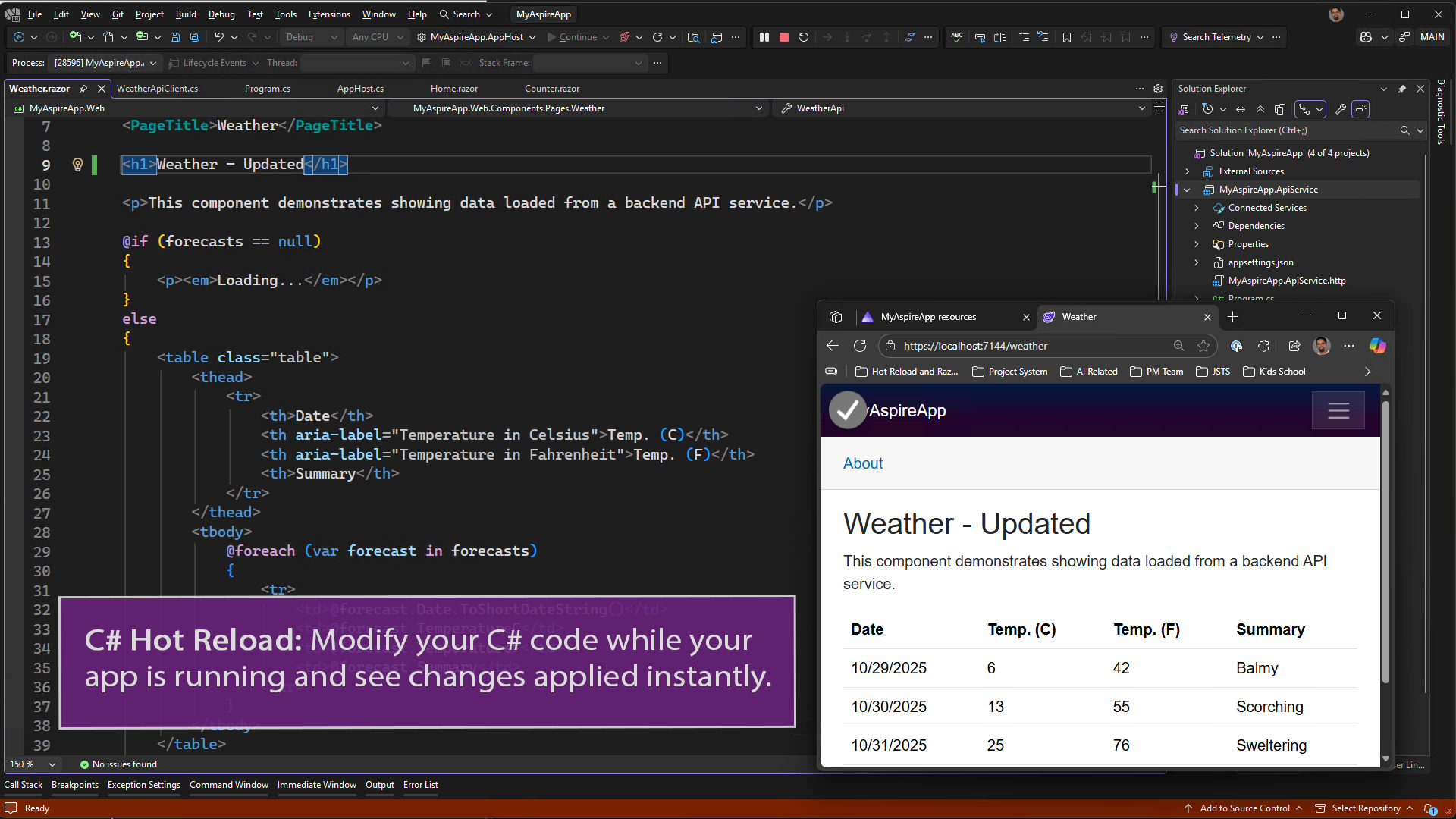
Imagine having a diagnostic toolkit built into your IDE; that's what Visual Studio delivers. Its debugging environment supports breakpoints, watch windows, and live code editing during debugging sessions. The integrated test explorer facilitates creation and execution of unit tests, offering insights into code behavior with minimal effort. Combined, these tools allow you to identify and fix bugs quickly, reducing the dreaded 'it works on my machine' syndrome.
Customizable Extensions and Ecosystem
What truly sets Visual Studio Community apart is its extensibility. The integrated marketplace offers thousands of extensions—from theme packs to code analyzers and deployment tools—allowing you to tailor your environment to your development style. This ecosystem ensures the IDE evolves alongside your projects, providing support for emerging languages, frameworks, and cloud services.
Comparative Edge and Unique Advantages
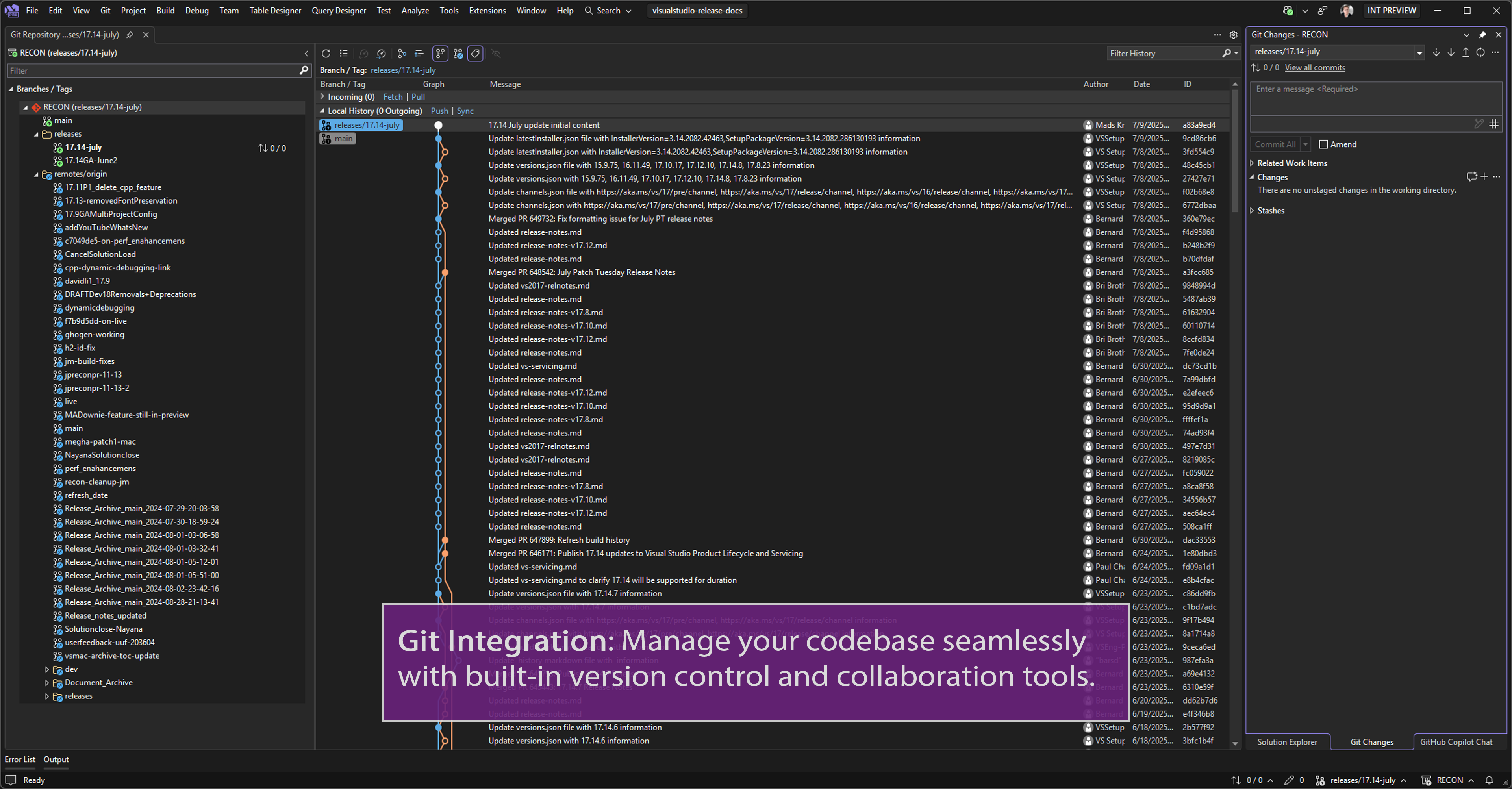
Compared to other developer tools like JetBrains' CLion or Eclipse, Visual Studio Community's seamless integration with Microsoft technologies, such as Azure and .NET, offers a significant advantage for Windows-centric development. Its user-friendly interface combined with powerful debugging and code assistance features creates a more cohesive and less fragmented experience. Additionally, the free access for individual developers and small teams lowers barriers, encouraging learning and experimentation without sacrificing tools typically reserved for paid licenses.
Final Recommendations and Usage Tips
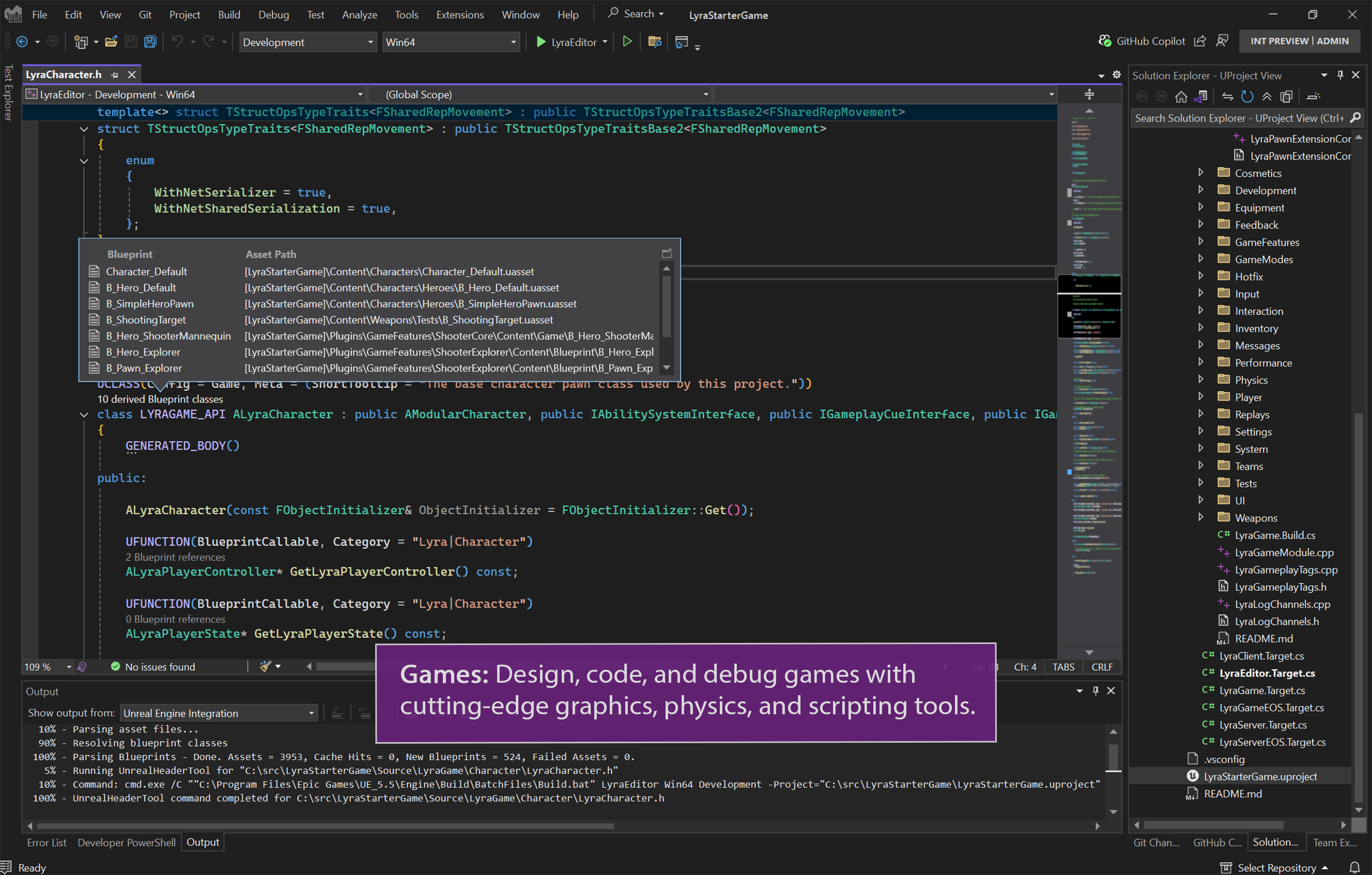
If you're looking for a versatile and reliable IDE that can handle everything from small scripts to large enterprise applications, Visual Studio Community is an excellent choice. It's especially suited for developers working within the Microsoft ecosystem or those aiming to explore Windows app development, web development, or game design with Unity. While it does have a learning curve, especially for beginners, the rich documentation and active community support make the journey smoother.
For casual hobbyist coding, students, or small startups seeking a no-cost yet powerful environment, Visual Studio Community provides a compelling balance of features, performance, and scalability. Its standout is undoubtedly the intelligent code assistance combined with a highly customizable ecosystem—a duo that fosters both productivity and creativity.
Pros
- Comprehensive development environment
- Free for individual developers and small teams
- Intelligent code editing and debugging tools
- Extensive integration with Azure and Microsoft services
- Strong community support and regular updates
Cons
- Heavy system resource usage
- Steep learning curve for beginners
- Occasional stability issues with extensions
- Limited support for non-Microsoft development tools
- Automatic updates can disrupt ongoing work











