

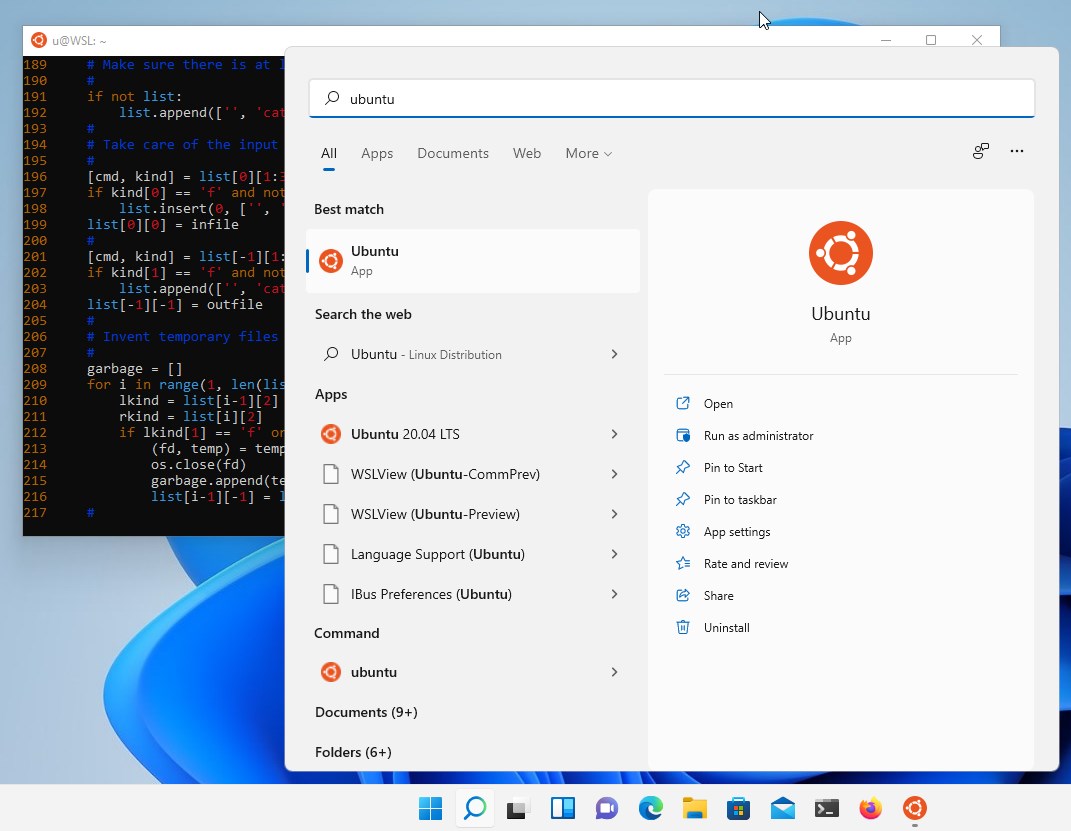
- Name Ubuntu 22.04.5 LTS
- Category Developer tools
- Developer Canonical Ltd. and the OpenSource community
- Available on PC
- OS Windows 10 version 16215.0 or higher
- Keyboard Integrated Keyboard
- Memory 4 GB
- Mouse Not specified
- languages English (United States)
Discovering Ubuntu 22.04.5 LTS for Windows: A Seamless Linux Experience on Your PC
Imagine being able to dip your toes into the Linux world without leaving your familiar Windows environment—Ubuntu 22.04.5 LTS for Windows makes this possible by offering a streamlined, user-friendly way to explore Ubuntu directly from your Windows desktop. This application is a bridge connecting the robustness of Ubuntu Linux with the convenience of Windows, tailored for developers, students, or curious tech enthusiasts eager to experiment without dual-boot hassles.
About the Developer and Core Features
Developed collaboratively by Canonical Ltd. and the vibrant open-source community, Ubuntu 22.04.5 LTS for Windows embodies community-driven innovation. Its primary appeal lies in its stability, versatility, and ease of access. Key highlights include:
- Native Linux Kernel Support: Provides a genuine Ubuntu environment integrated within Windows, ensuring compatibility with Linux-based tools and scripts.
- Easy Installation & Setup: Users can install the app effortlessly via the Microsoft Store, avoiding complex dual-boot configurations.
- Seamless Integration with Windows: Facilitates file sharing and interoperability, allowing users to access Windows files from Ubuntu and vice versa.
- Long-Term Support (LTS): Based on Ubuntu 22.04.5 LTS, it offers extended updates, security patches, and reliability for ongoing development work.
Targeted at developers, system administrators, students, and hobbyists, this app suits anyone wanting quick Linux access without partitioning their machine or running virtual machines.
Immersive Experience: A Fresh Take on Linux on Windows
From the moment you click "Install," Ubuntu for Windows invites you into a world where Linux and Windows coexist harmoniously—think of it as having your cake and eating it too, but in the tech realm. The installation process is remarkably smooth, making Linux feel less like a foreign land and more like a cozy neighborhood café ready for exploration. Once launched, the familiar terminal prompts greet you, inviting immediate experimentation and productivity.
Power and Precision: Delving into Core Functionalities
1. Robust Terminal & Development Environment: At the heart of Ubuntu's appeal is its terminal, now optimized for Windows. It supports Bash commands, scripting, and development tools seamlessly, rendering a perfect playground for coders. For example, compiling a Python project or installing development dependencies with apt-get feels as straightforward as on a native Linux system—no emulation lag or quirky incompatibilities.
2. File System & Interoperability: The application's most standout feature is its ability to access Windows files directly from within the Linux environment, akin to having a secret tunnel between two worlds. This bi-directional access simplifies workflows—edit files on Windows and run scripts in Ubuntu without copying or synchronizing data manually. It's as if Ubuntu and Windows are sharing a well-organized bookshelf rather than separate libraries.
Interface, Performance, and User Experience
The user interface is minimalist but highly functional, reminiscent of a well-organized workshop—nothing intrusive, but all essentials within reach. The app runs smoothly, with quick startup times and responsive operations, even on mid-tier hardware, thanks to efficient resource management. For newcomers, the learning curve isn't steep; command-line operations may require some initial patience, but clear documentation bridges the gap effectively. Power users will appreciate the stability and consistency, as the app behaves as reliably as a native Linux distro.
What Makes It Stand Out? The Unique Edge
Compared to other developer tools like VM-based Linux environments or third-party emulators, Ubuntu 22.04.5 LTS for Windows offers a more integrated and lightweight solution. Its standout features include:
- Official Compatibility & Support: As a product from Canonical, the developers of Ubuntu, it guarantees a high level of stability, regular updates, and official support—unlike many unofficial or third-party tools.
- Deep System Integration: Unlike virtual machines that run separately, this app integrates directly with Windows, providing a more natural and efficient experience, especially for tasks like scripting, testing, or development work.
These factors make it a particularly appealing choice for those who value stability and integration over raw emulation prowess.
Final Recommendation: A Practical Choice for Curious and Professional Users
On a scale from cautious to enthusiast, I'd recommend Ubuntu 22.04.5 LTS for Windows as a solid, reliable tool for those seeking quick Linux access—especially if the goal is development, scripting, or testing. It's not a full Linux installation, so it doesn't replace native Linux or more complex virtualization solutions, but its simplicity and performance make it a preferred entry point. For users who enjoy tinkering and want a straightforward way to explore Linux without partitioning or dual-boot setups, this app is an excellent gateway. Just remember, like any tool, it's most effective when matched to your specific needs and technical comfort level.
Pros
- Seamless integration with Windows Subsystem for Linux
- Regular updates to Ubuntu 22.04.5 LTS
- Access to a comprehensive Linux ecosystem
- Lightweight and efficient performance
- Easy installation via Microsoft Store
Cons
- Initial setup can be time-consuming
- Limited GUI support
- Occasional compatibility issues with certain hardware drivers
- File system access can be restricted
- Performance may vary depending on system configuration











