
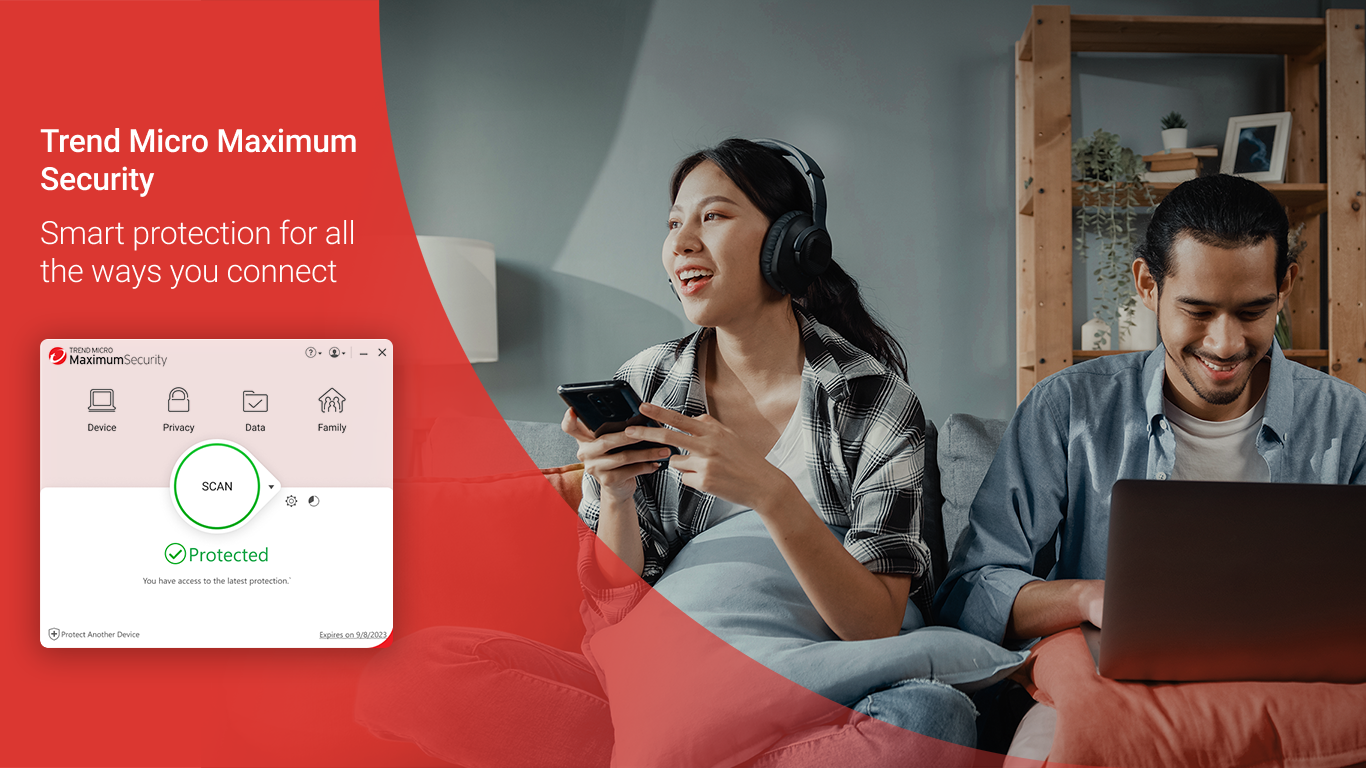
- Name Trend Micro Maximum Security
- Category Security
- Available on PC
- OS Windows 10 version 0.0 or higher
- Memory 2 GB
- languages Chinese (Traditional Chinese), Danish, Dutch, English, French, German, Indonesian, Italian, Korean, Norwegian, Portuguese, Russian, Spanish, Swedish, Thai, Turkish, Vietnamese
Introducing Trend Micro Maximum Security for Windows: A Robust Shield for Your Digital World
Designed to safeguard your PC against evolving cyber threats, Trend Micro Maximum Security offers a comprehensive suite of features tailored for everyday users seeking peace of mind while browsing, working, or gaming.
Developed by a Trusted Name
Created by Trend Micro Inc., a renowned leader in cybersecurity, this application benefits from decades of experience in threat detection and prevention, ensuring users receive reliable and up-to-date protection.
Key Features That Stand Out
- Advanced Threat Detection: Utilizes AI-driven technology to spot and block malware, ransomware, phishing attempts, and other evolving threats in real-time.
- Identity & Privacy Protection: Offers tools to shield sensitive information during online transactions and social media activities.
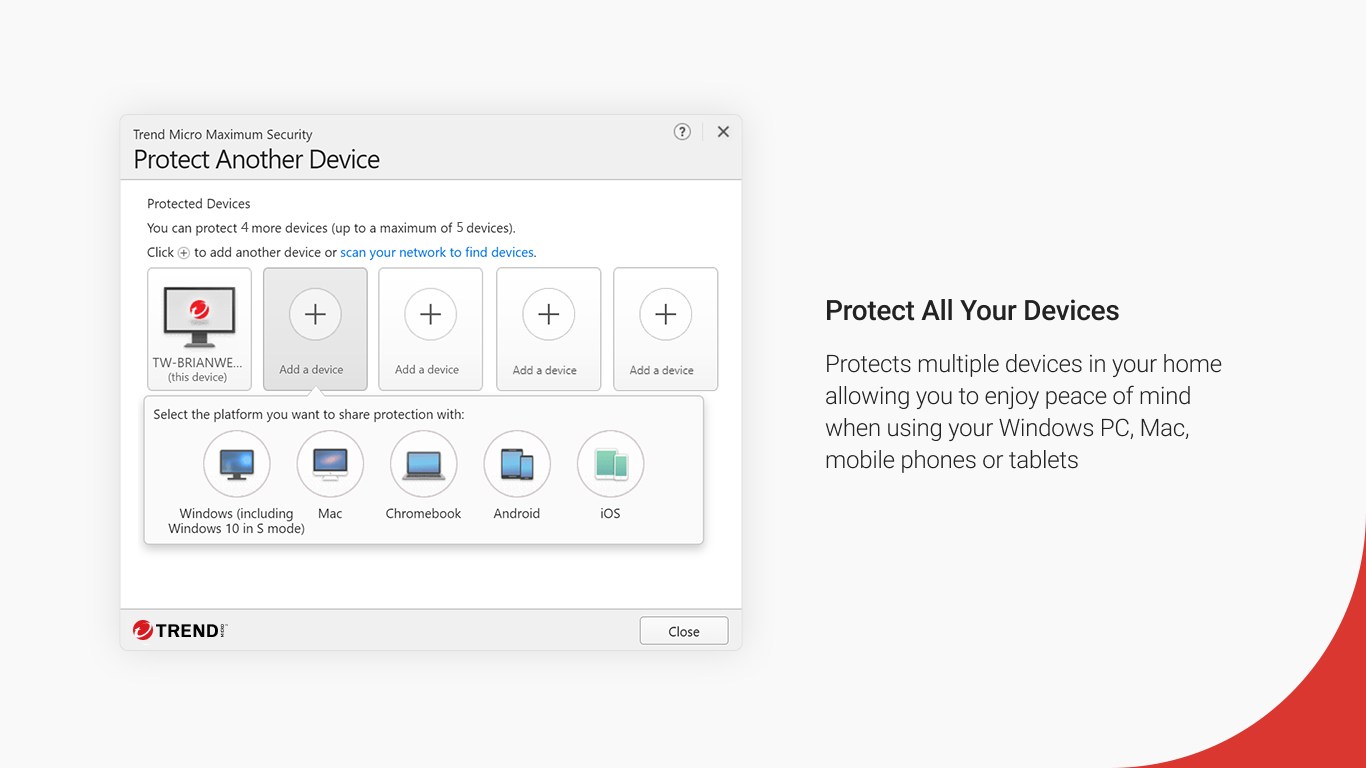
- Family Safety & Device Management: Provides parental controls and device optimization tools to manage multiple devices effortlessly.
- Multi-Layered Security Suite: Combines antivirus, anti-malware, anti-spam, and web reputation checking into one seamless package.
Its targeted audience includes individual users, families, and small businesses seeking a balanced blend of security, usability, and device management.
A Fresh Take on Cybersecurity: Why Users Love It
Picture this: you're strolling through your digital neighborhood, and suddenly, a suspicious character appears—Trend Micro Maximum Security acts like an vigilant neighborhood watch, silently observing and intercepting threats before they even reach your doorstep. This vigilant guardian combines smart technology with user-friendly design, making cybersecurity approachable for everyone.
Core Functionality Deep Dive
Real-Time Threat Detection and Response
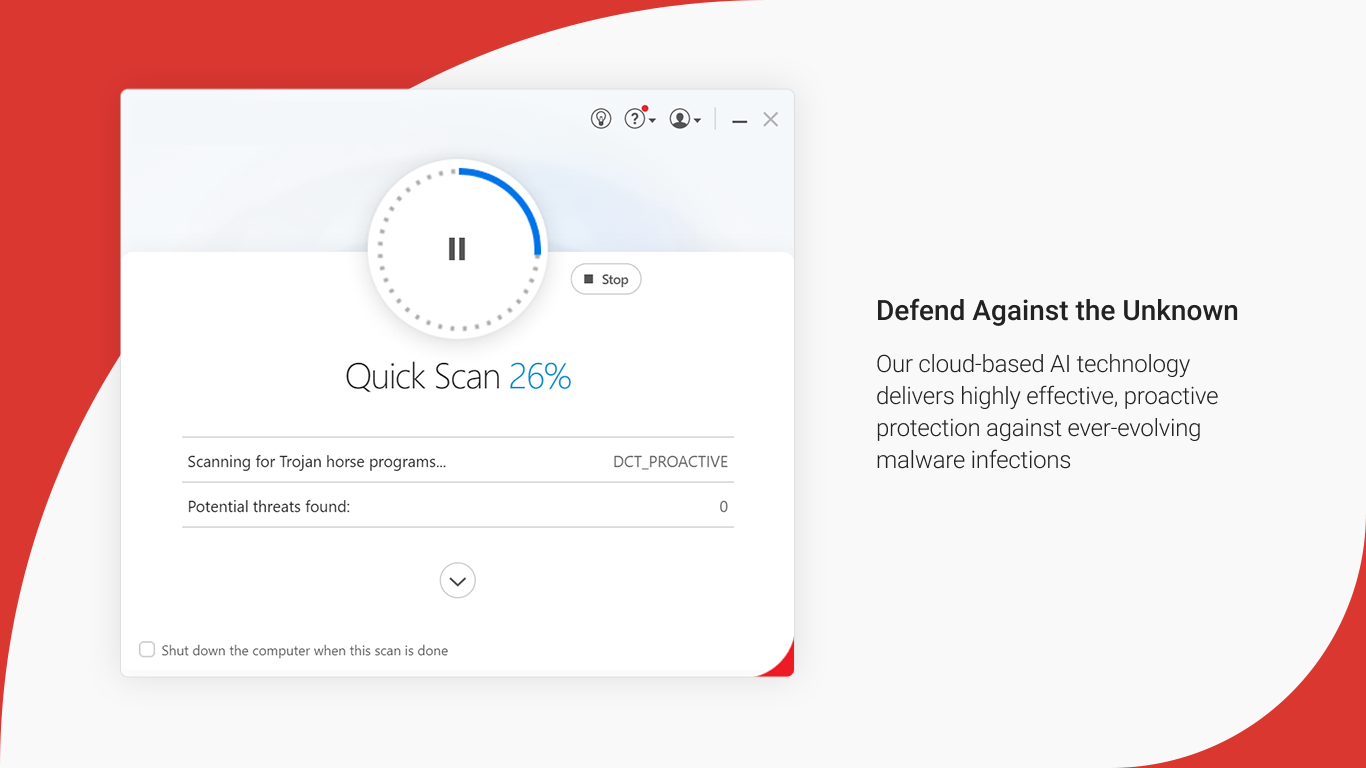
At the heart of this application lies its AI-powered threat detection engine. It continuously monitors system activity, web traffic, and email communications, catching malicious code and phishing links before they can do damage. This proactive defense is akin to having a vigilant security guard patrolling your digital perimeter 24/7, ensuring threats are neutralized before they cause harm.
Identity and Privacy Shield
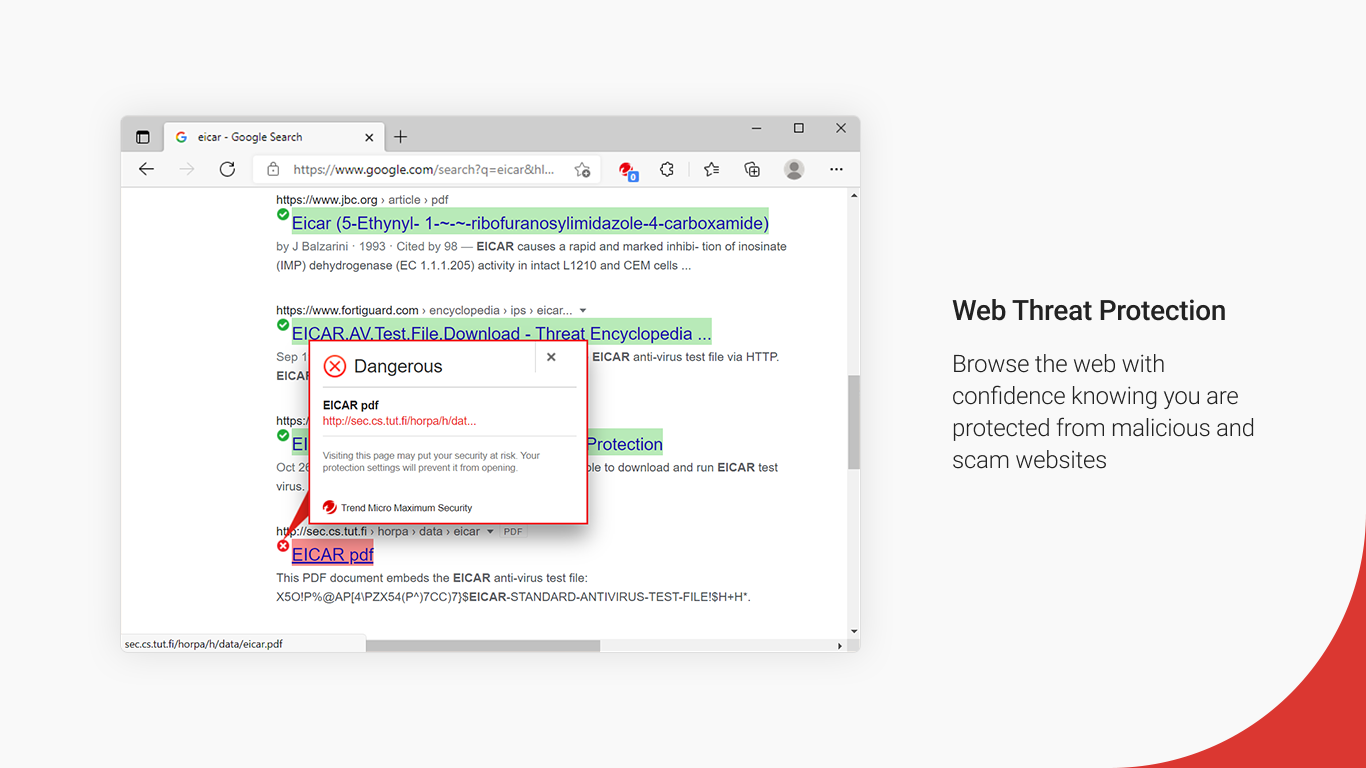
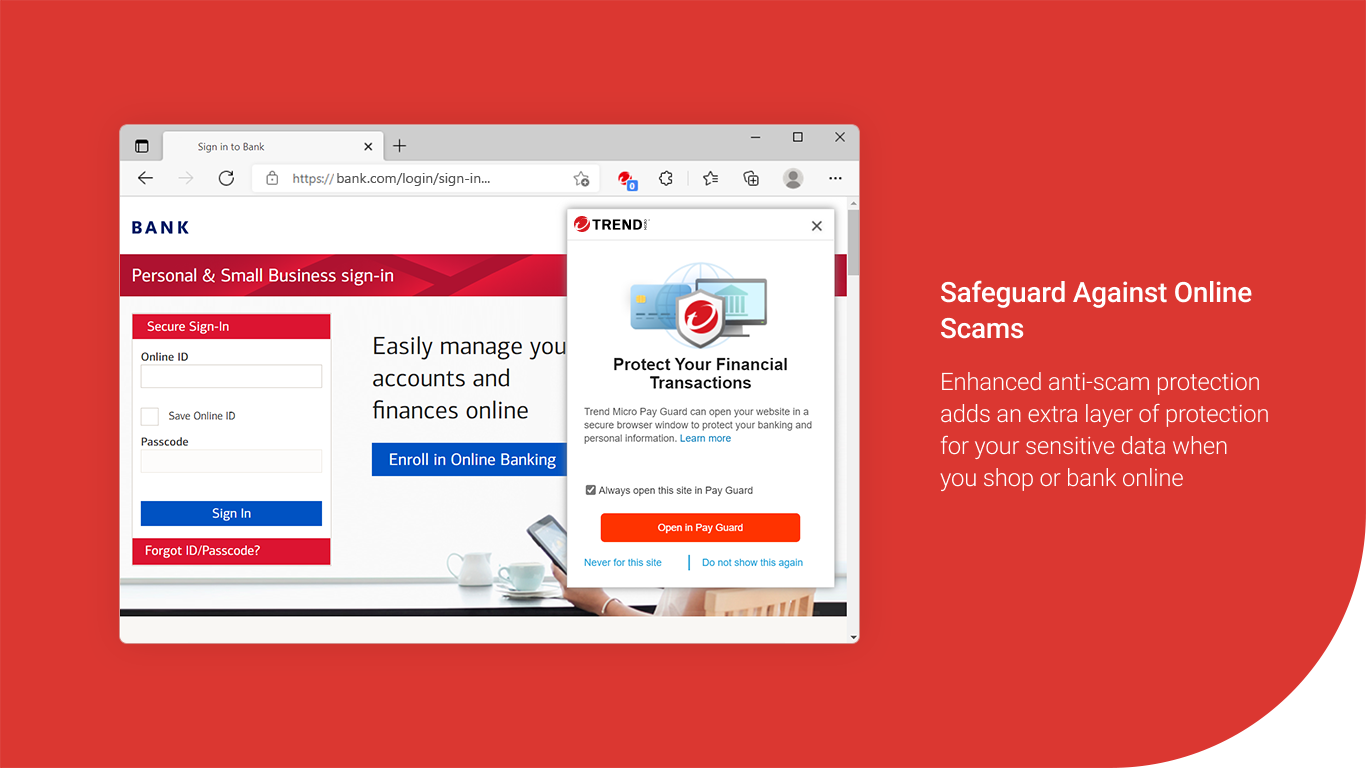
With increasing concerns over digital privacy, Trend Micro Maximum Security offers specialized tools to protect your personal information. Its identity protection features alert you to potential breaches, block malicious sites during online banking or shopping, and manage privacy settings across social media platforms. It's like having a trusted confidant whispering warnings whenever your online actions could expose you to risk.
Family & Device Safety
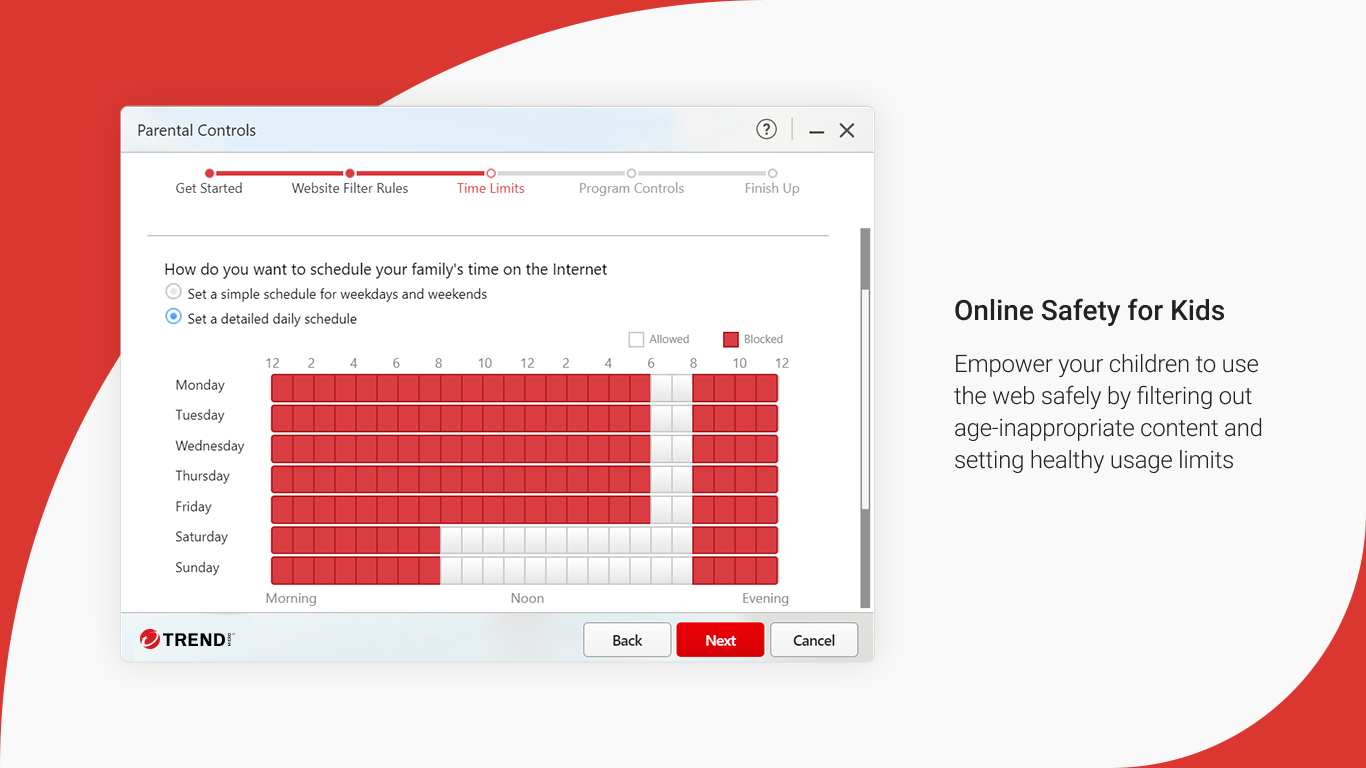
Managing multiple devices or guiding younger family members through safe online practices is made simple with its parental controls and device management tools. You can set time limits, filter inappropriate content, and monitor activity—all from an intuitive dashboard. Imagine orchestrating a household of digital devices with the finesse of a conductor—keeping everything harmonious and secure.
User Interface and Experience: Friendly yet Efficient
The application boasts a clean, modern interface that feels both approachable and professional. Navigating through dashboards, settings, and scans is intuitive, even for less tech-savvy users. The software operates smoothly without noticeable lag, making routine scans or updates feel effortless, like a trusted car engine humming quietly in the background. Additionally, its learning curve is gentle—users can quickly familiarize themselves with core functionalities while discovering advanced tools as needed.
What Makes It Stand Out? Differentiation in a Crowded Market
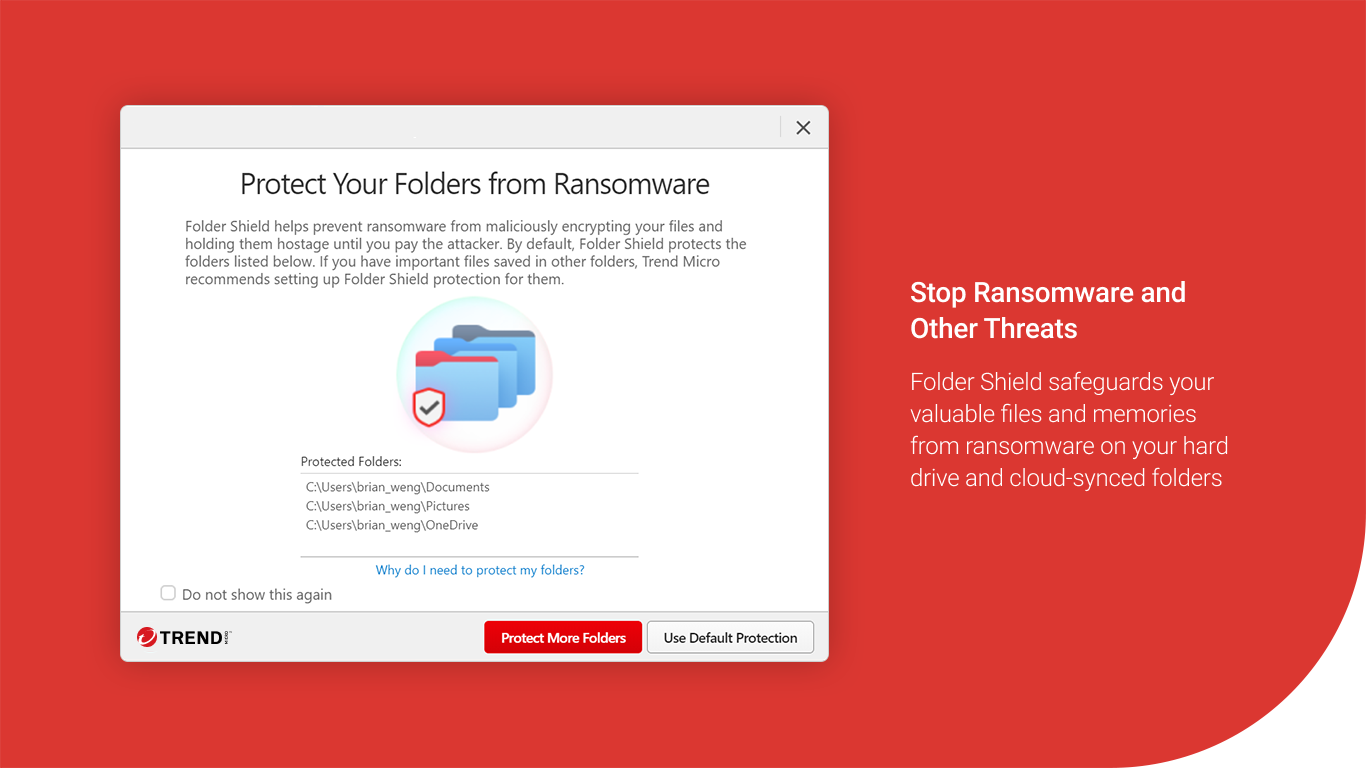
While many security apps offer similar features, Trend Micro Maximum Security's standout qualities lie in its deep integration of AI threat detection and its user-centric design. Its real-time web reputation checking and anti-ransomware capabilities act like a vigilant sentry, constantly learning and adapting to new threats, unlike traditional signature-based programs. Furthermore, its seamless device management and family safety features make it a practical choice for households managing multiple devices, providing peace of mind without overwhelming complexity.
Final Verdict and Recommendations
After thorough evaluation, Trend Micro Maximum Security emerges as a dependable and thoughtfully designed security solution. It strikes a commendable balance between robust protection and ease of use. For users seeking a comprehensive security suite that not only shields against malware but also actively manages online privacy and family safety, this app is a solid choice. I recommend it to casual users, small families, and small business owners who value proactive defenses and a friendly user interface.
In an era where cyber threats are constantly lurking like unseen predators, having a steady, intelligent guardian like Trend Micro Maximum Security can make all the difference. Consider it your reliable digital locksmith—keeping your virtual home safe, sound, and accessible.
Pros
- Excellent malware detection rates
- User-friendly interface
- Comprehensive multi-layered security
- Real-time threat monitoring
- Minimal system impact
Cons
- High pricing compared to some competitors
- Occasional false positives on legitimate files
- Limited extra features in basic plan
- Battery consumption is slightly higher during scans
- Some users report difficulty customizing certain settings











