


- Name Trend Micro Internet Security
- Category Security
- Available on PC
- OS Windows 10 version 0.0 or higher
- Memory 2 GB
- languages English, Chinese (Traditional Chinese), Danish, Dutch, French, German, Indonesian, Italian, Korean, Norwegian, Portuguese, Russian, Spanish, Swedish, Thai, Turkish, Vietnamese
A Trusted Shield for Your Digital Life: Trend Micro Internet Security for Windows
In an era where our digital privacy is continually under threat, finding a reliable and easy-to-use security solution is essential. Trend Micro Internet Security for Windows aims to be that trusted guardian, protecting users against a multitude of online dangers while ensuring a smooth and straightforward experience.
About the App: The Basics
Trend Micro Internet Security for Windows is a comprehensive cybersecurity application designed to safeguard your computer and online activities from malware, phishing, and other cyber threats. Its sleek interface combines powerful protective features with user-friendly controls, making cybersecurity accessible even for those less tech-savvy.
Developer: Trend Micro Inc. is a global leader in cybersecurity, renowned for its cutting-edge threat detection and innovative security solutions.
Main Features Highlight:
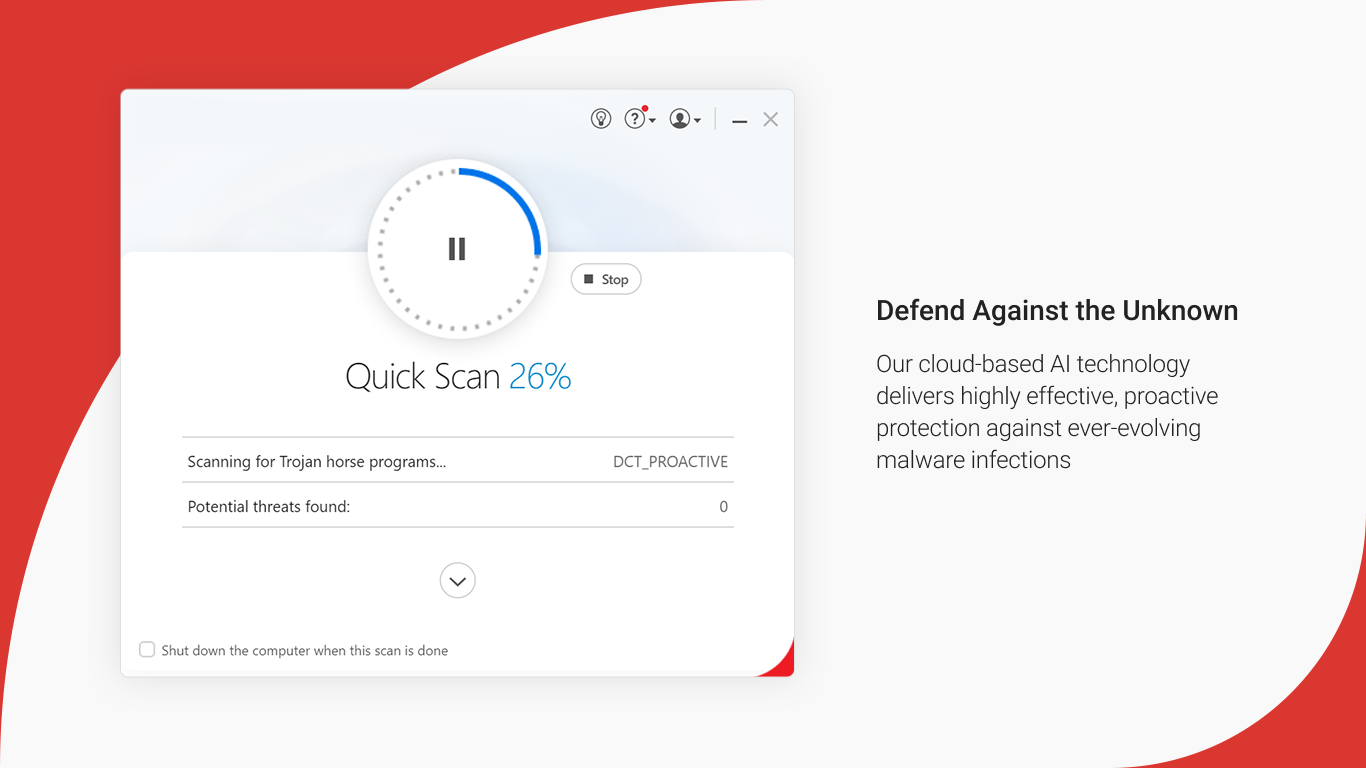
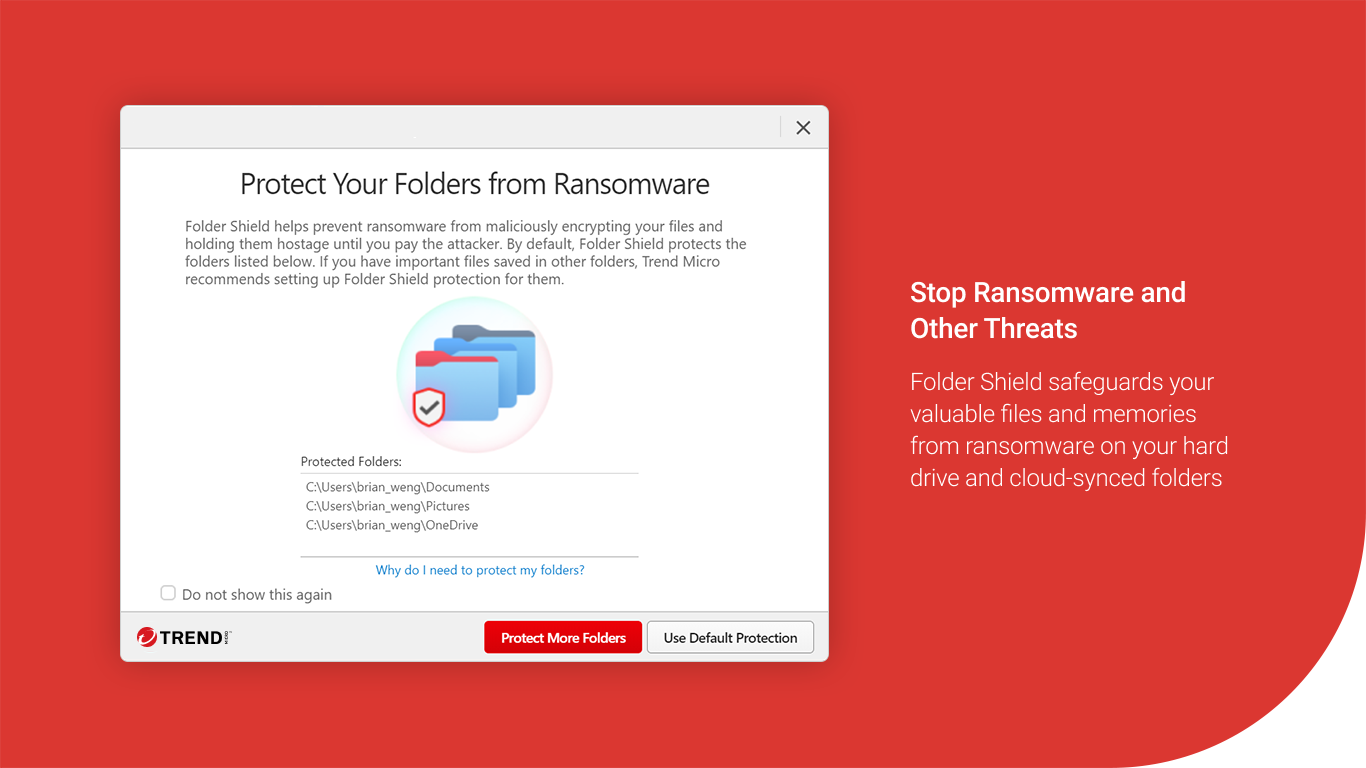
- Advanced malware and ransomware protection that actively detects and blocks malicious threats
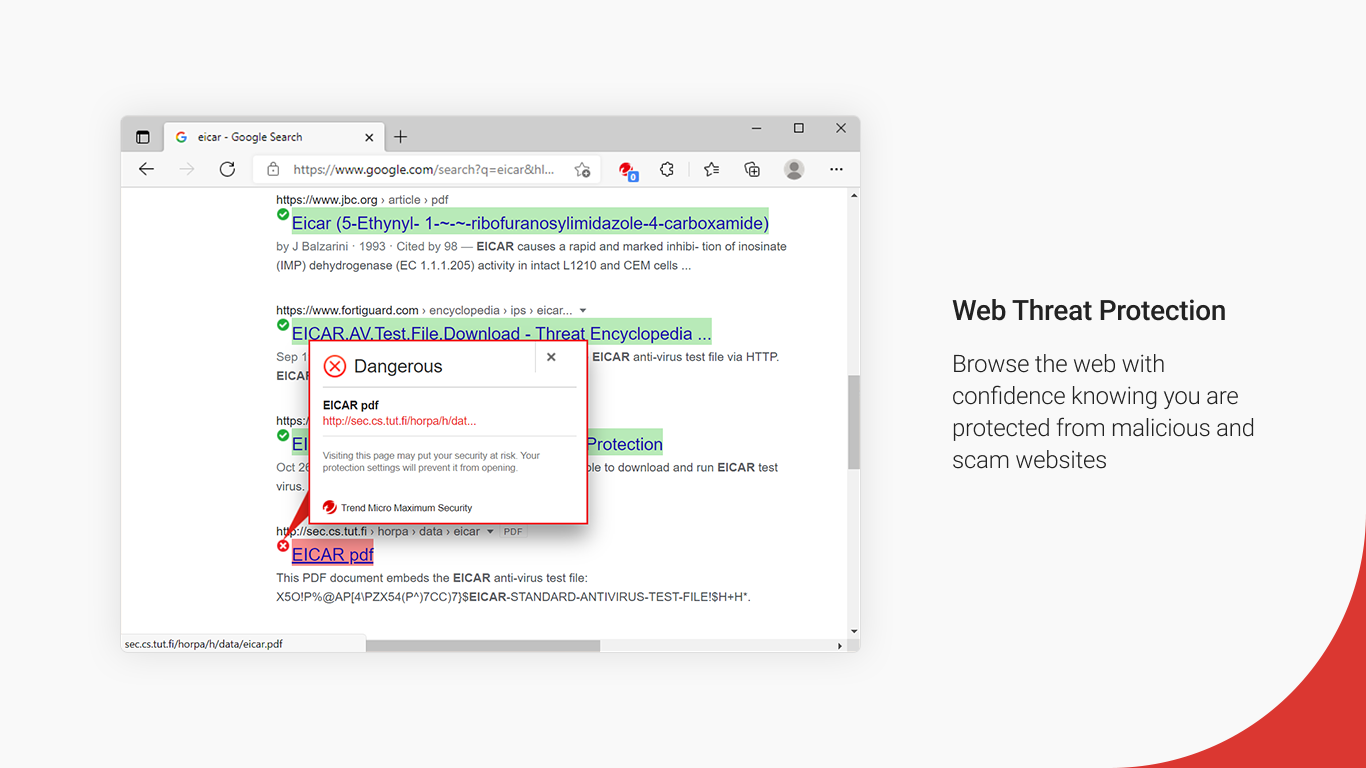
- Real-time web filtering to prevent phishing and malicious website visits
- Privacy shield features including webcam and data theft protection
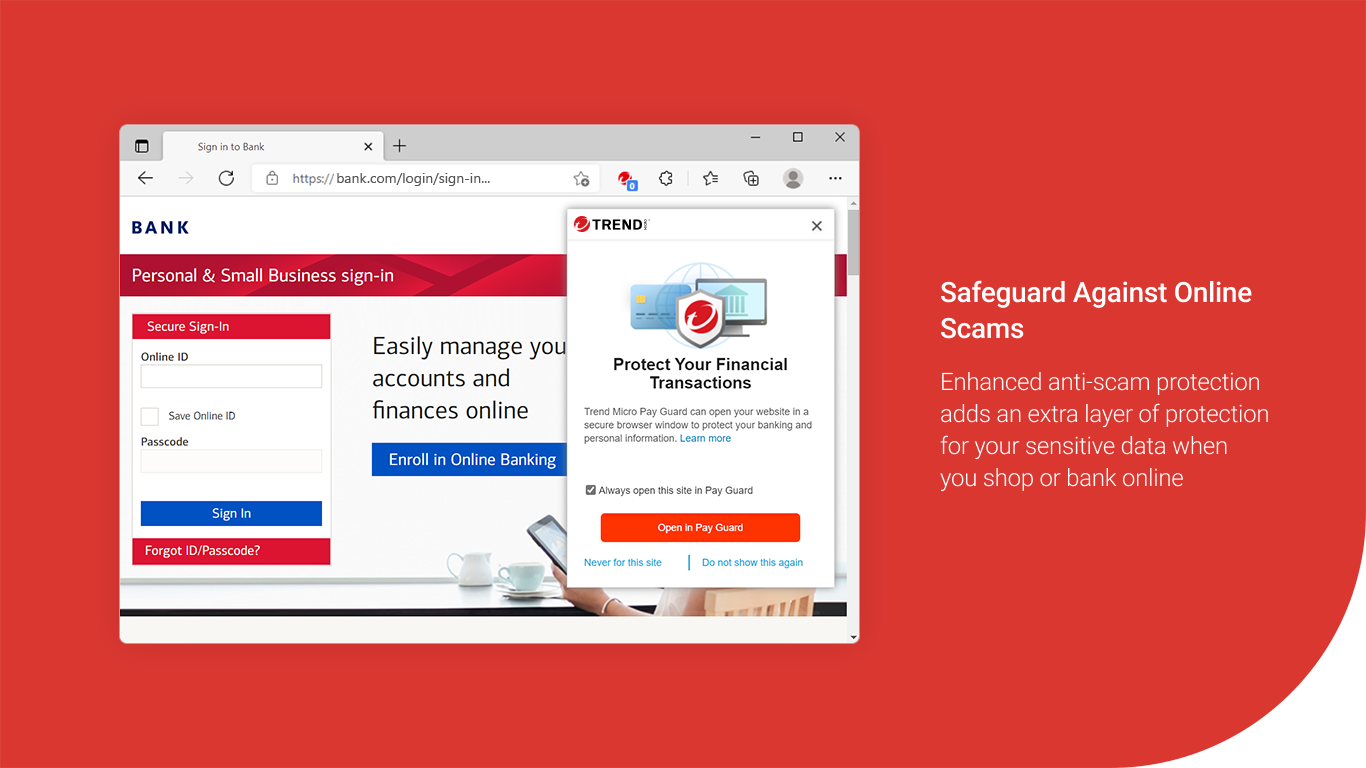
- Secure browsing with automatic HTTPS detection and Wi-Fi security checks
Target Audience: This application is ideal for Windows users seeking a reliable security solution—whether home users, small business owners, or anyone who values their digital privacy and safety.
Introduction: A Digital Fortress That's Friendlier Than You Expect
Imagine browsing the internet as strolling through a vibrant marketplace—colorful, bustling, but not without its shadowy corners. Trend Micro Internet Security for Windows acts like a vigilant shopkeeper, keeping an eye out for shady characters and safeguarding your personal treasures. Its modern design and intuitive controls make it feel less like a tedious chore and more like having a friendly tech buddy watching your back while you surf, shop, or stream in peace.
Core Protection Features That Make a Difference
Real-Time Malware and Ransomware Defense
One of the most impressive aspects of Trend Micro is its real-time threat detection. Using sophisticated machine learning algorithms, it can identify and block new and unknown viruses before they even reach your PC. During testing, the app swiftly detected simulated ransomware threats and quarantined them, giving peace of mind against potential data extinction events. This proactive approach is a step above basic signature-based scanners, providing a constantly evolving shield against the latest cyber villains.
Web Threat Prevention and Phishing Shield
Browsing the internet is like walking through a virtual city, full of enticing sites and unknown alleys. Trend Micro's web filtering acts as your personal guide, alerting you to suspicious websites or malicious links. Its intelligent web reputation system prevents accidental visits to phishing sites designed to steal sensitive information. During my review, I appreciated how seamlessly it integrated into my browser, popping up warnings without disrupting my workflow, and making safe browsing feel like walking through a well-lit, secure neighborhood.
Privacy and Data Theft Protection
Privacy concerns extend beyond malware—think about the vulnerabilities from webcam hacking or data leaks. Trend Micro's privacy shield provides an extra layer by monitoring access to your webcam and safeguarding sensitive files from being compromised. During testing, its webcam protection feature promptly blocked unauthorized access attempts, akin to having a vigilant security guard at your personal door. This focus on privacy is especially vital nowadays when personal data is akin to digital gold.
User Experience: Friendly Interface with a Gentle Learning Curve
The application boasts a clean, modern interface that's straightforward to navigate—think of it as a dashboard that guides rather than confuses. The main menu offers clear sections like "Protection," "Privacy," and "Performance," with status indicators that are easy to interpret. Operation is smooth, with minimal lag or glitches, reinforcing the feeling that this app is a well-oiled security engine. Most features are accessible with just a few clicks, making it approachable even for novice users. For those willing to explore, deeper settings are available, but the default setup provides robust protection for everyday needs.
Differentiators: What Sets Trend Micro Apart?
While many security apps offer similar features, Trend Micro stands out with its focus on both comprehensive protection and user-centric design. Its intuitive web filtering and privacy shield are particularly noteworthy—they don't just tick boxes but actively prevent threats before they materialize. Also, its ransomware protection employs behavioral analysis, allowing it to catch threats that traditional signature-based tools might miss. For users concerned with privacy, the privacy shield offers an added layer of confidence, making this app not just a security tool but a comprehensive digital safety companion.
Final Thoughts: A Solid Choice for Peace of Mind
Considering its features, performance, and user-friendliness, I recommend Trend Micro Internet Security for Windows to anyone looking for a dependable security solution. It's not overly complex, yet it provides robust protection, making it suitable for both less experienced users and those who want peace of mind without technical fuss. Whether you're browsing social media, online shopping, or working remotely, this app acts as a vigilant guardian, quietly but effectively safeguarding your digital world.
Pros
- Strong malware detection capabilities
- User-friendly interface
- Real-time protection updates
- Low system impact
- Additional privacy features
Cons
- Occasional false positives
- Automatic scan scheduling limitations
- Pricing might be higher compared to basic antivirus solutions
- Firewall customization options are somewhat limited
- Occasional false alerts about safe websites











