
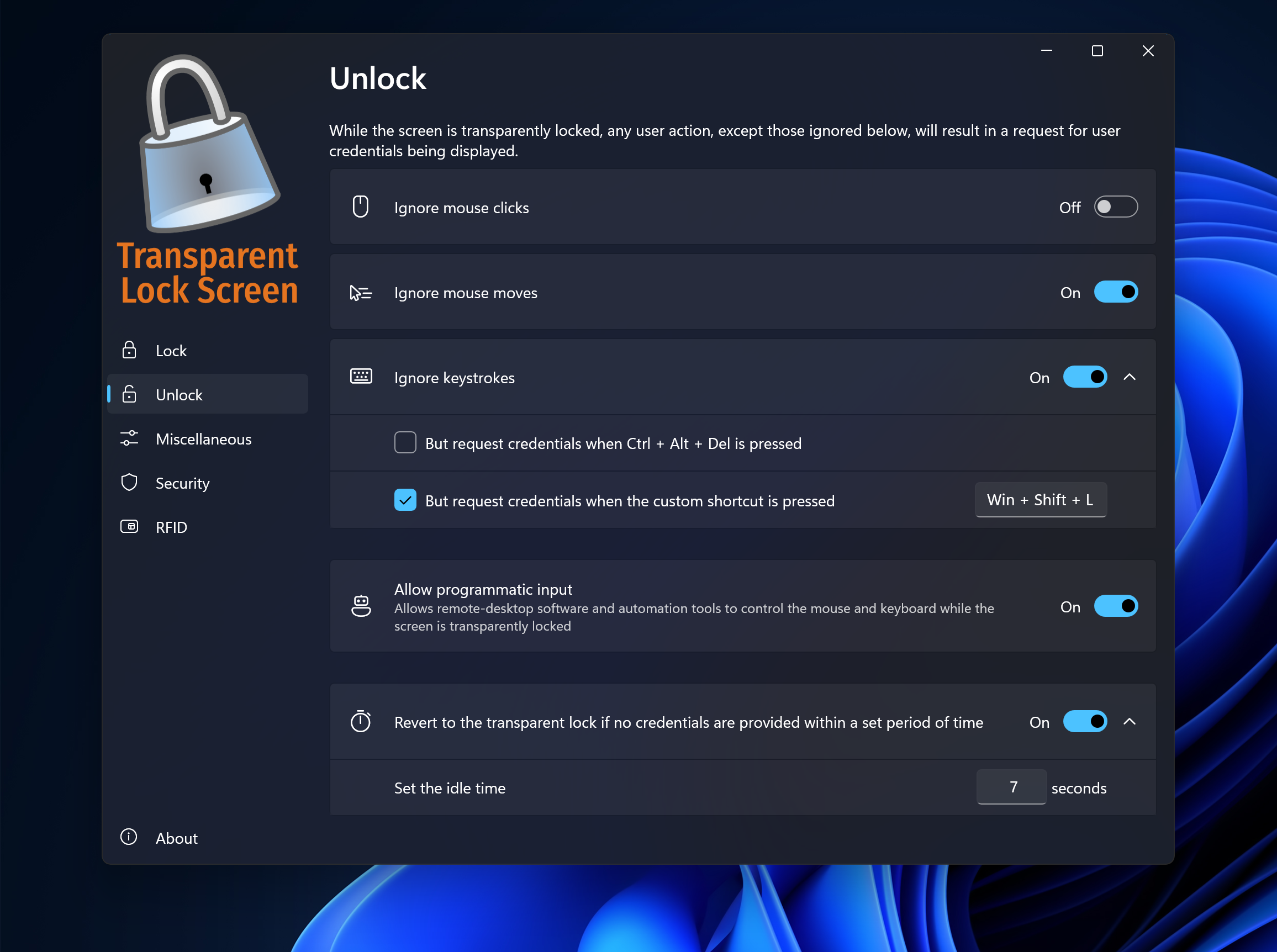
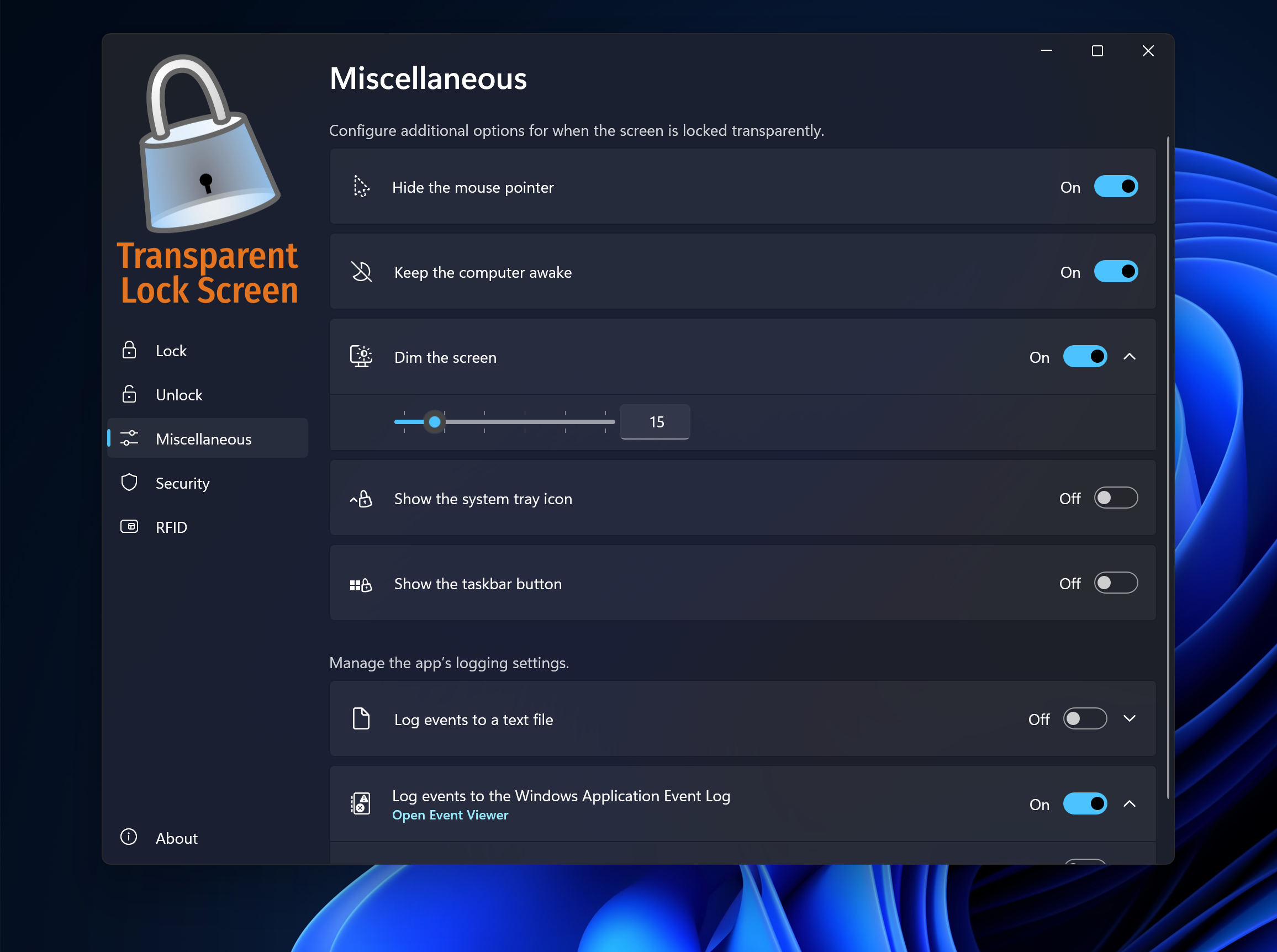
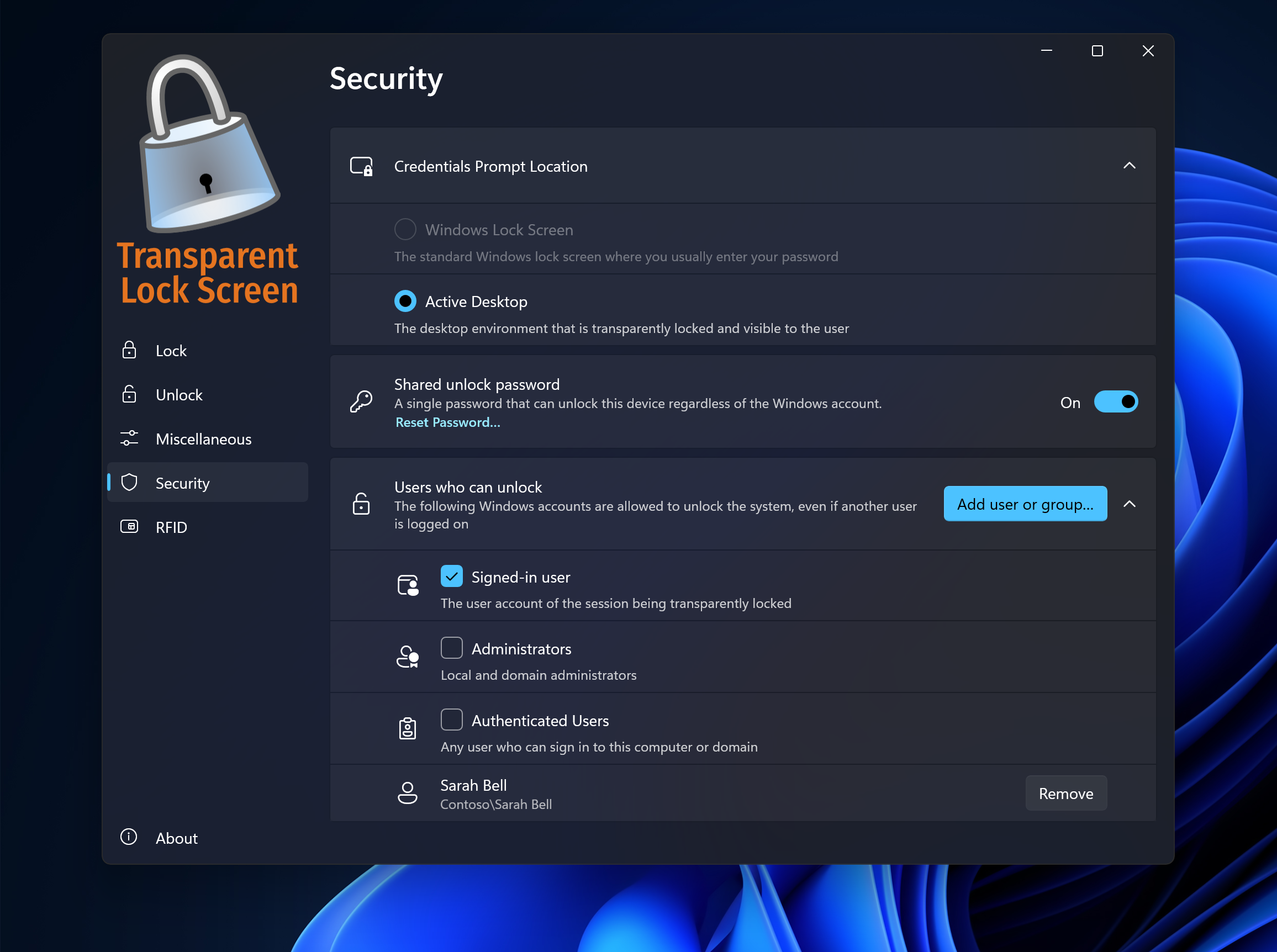
- Name Transparent Lock Screen
- Category Security
- Developer Softros Systems
- Available on PC
- OS Windows 10 version 0.0 or higher
- languages English
Transform Your Windows Lock Screen with Transparency
In the realm of security and customization, “Transparent Lock Screen for Windows” by Softros Systems offers a fresh take on one of the most overlooked aspects of your PC—the lock screen. By blending transparency effects with security features, this app aims to provide a unique user experience that balances aesthetics with privacy. Perfect for users who want their desktop to feel more integrated and dynamic, this tool transforms the way you interact with your device's locking mechanism.
A Brief Overview of the App
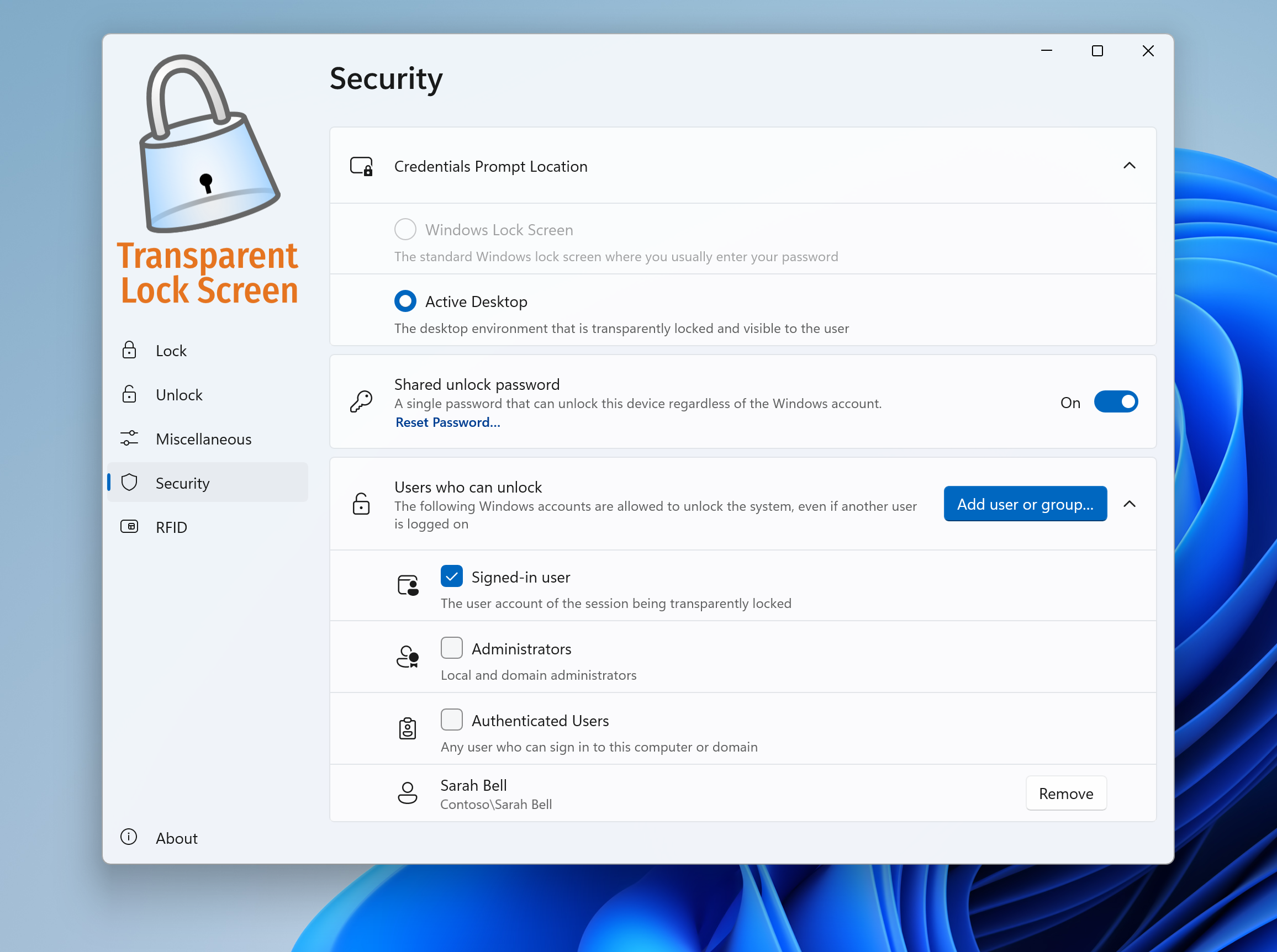
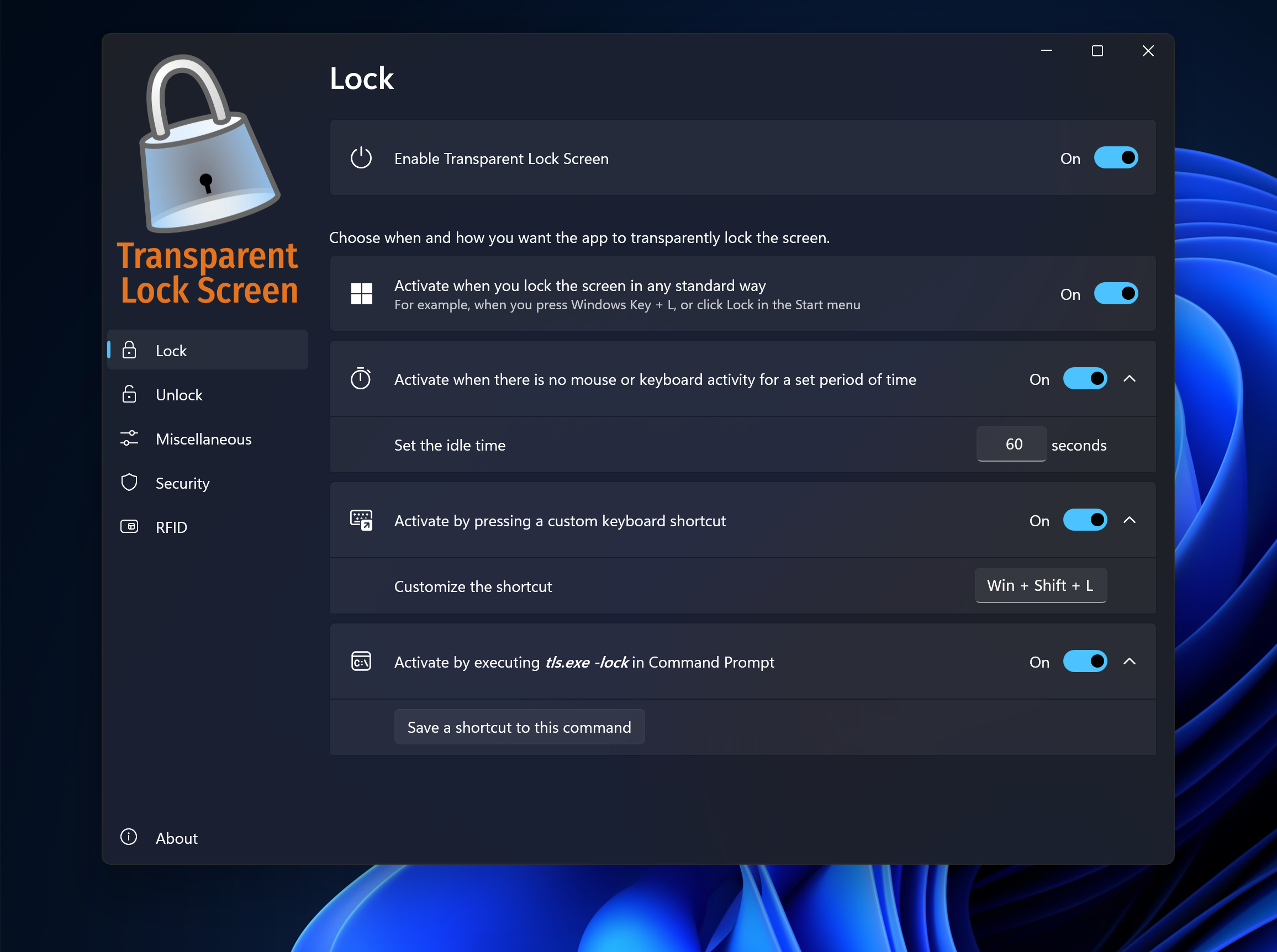
“Transparent Lock Screen for Windows” is a lightweight utility designed to enhance your lock screen appearance and functionality. Developed and published by Softros Systems, a company known for its security and productivity tools, the app stands out by offering customizable transparency levels, adding a modern flair to your device's security layer. Its main features include adjustable transparency effects, compatibility with Windows, and simple integration with existing security protocols. It targets users ranging from tech enthusiasts and casual users to professionals seeking an aesthetic upgrade for their security features.
Unlocking the Charm of Transparency
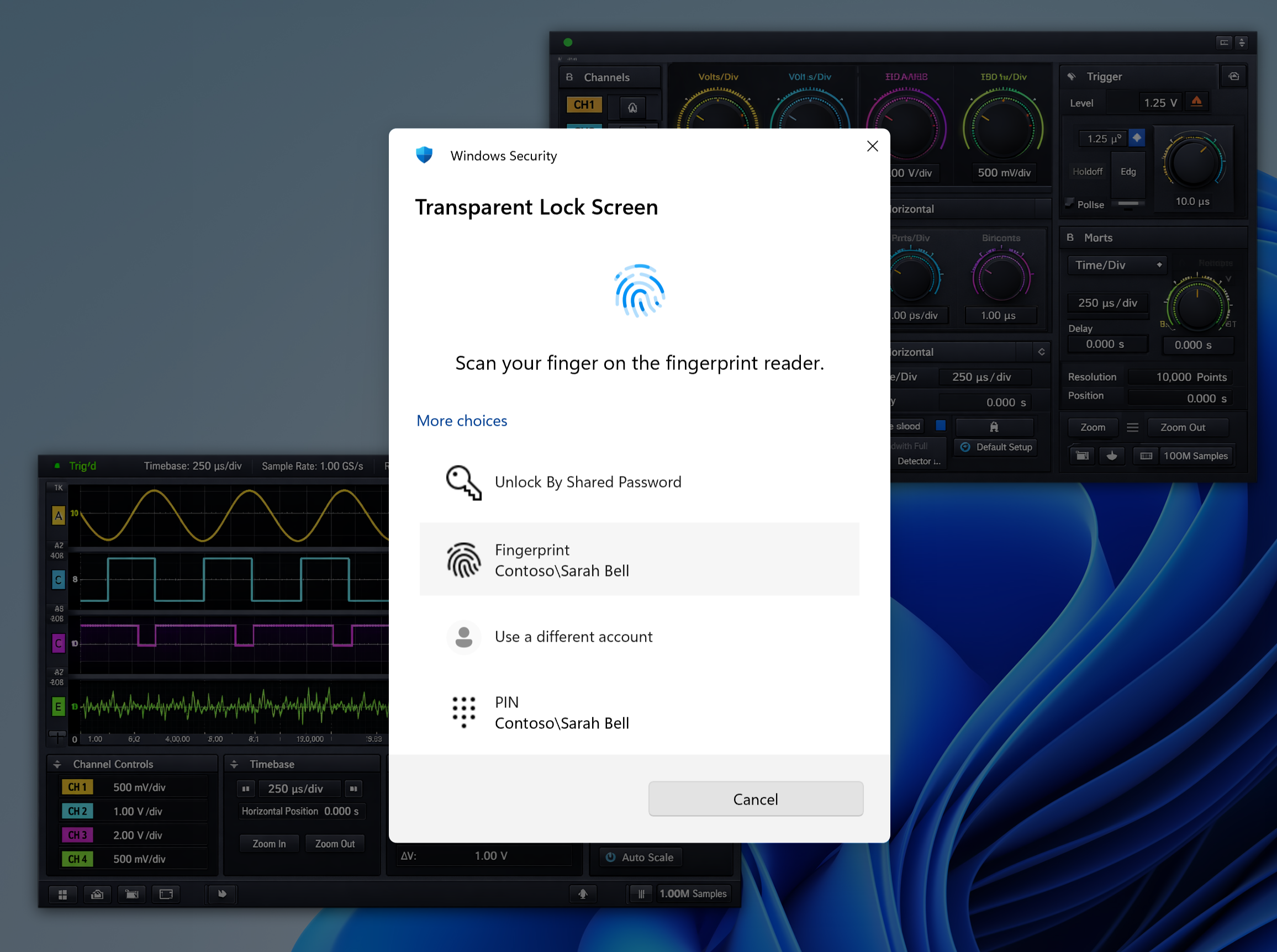
Imagine unlocking your PC and being greeted by a lock screen that feels less like a barrier and more like a part of your desktop environment. That's the promise of this app. The core idea is to let users personalize their lock screens with transparent effects, making the transition from desktop to lock mode smoother and more visually appealing. It's like giving your Windows OS a glassy, modern facelift while maintaining the essential security features—definitely a delightful twist for those tired of static, opaque lock screens.
Customizable Transparency and Visual Appeal
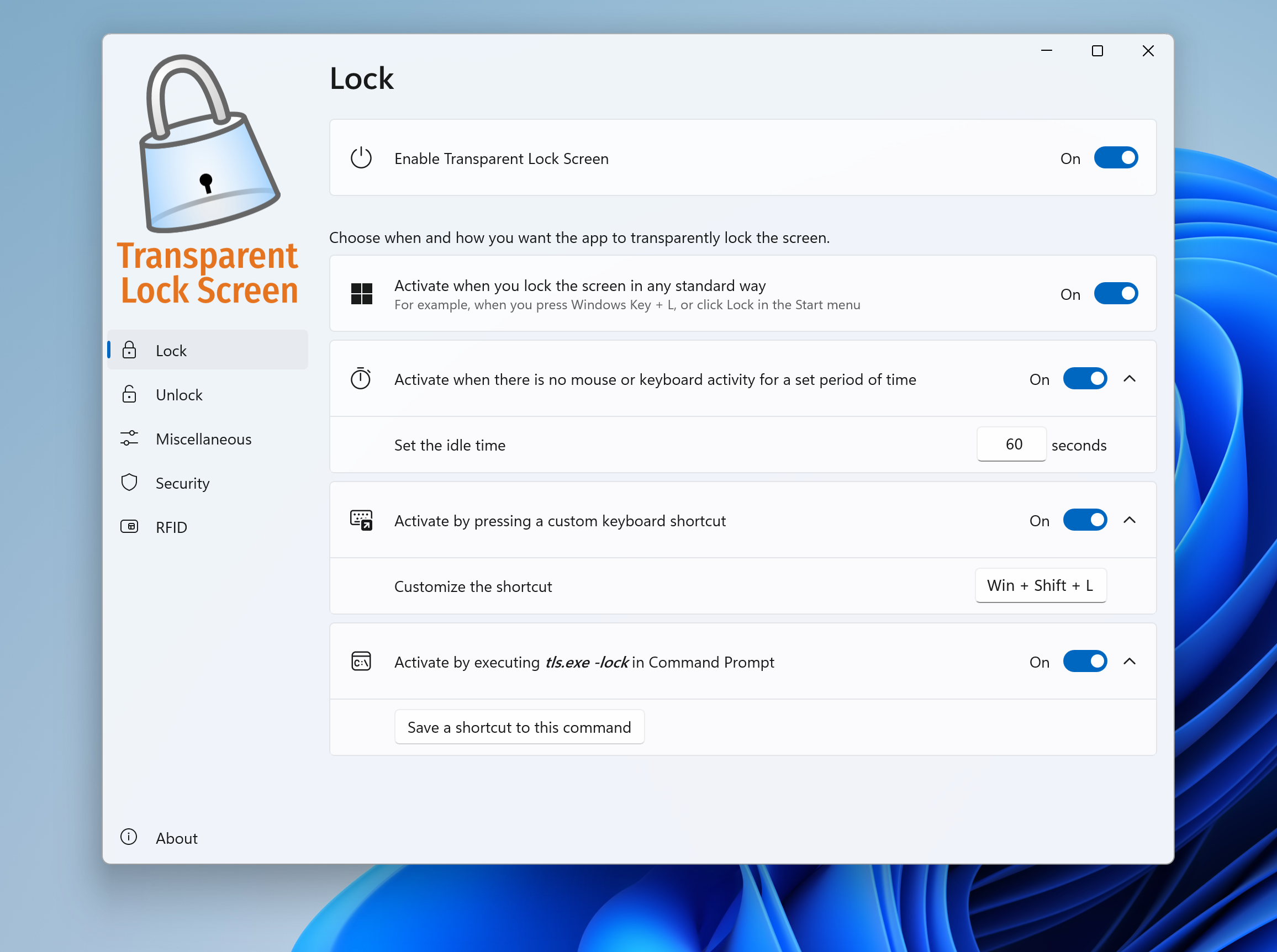
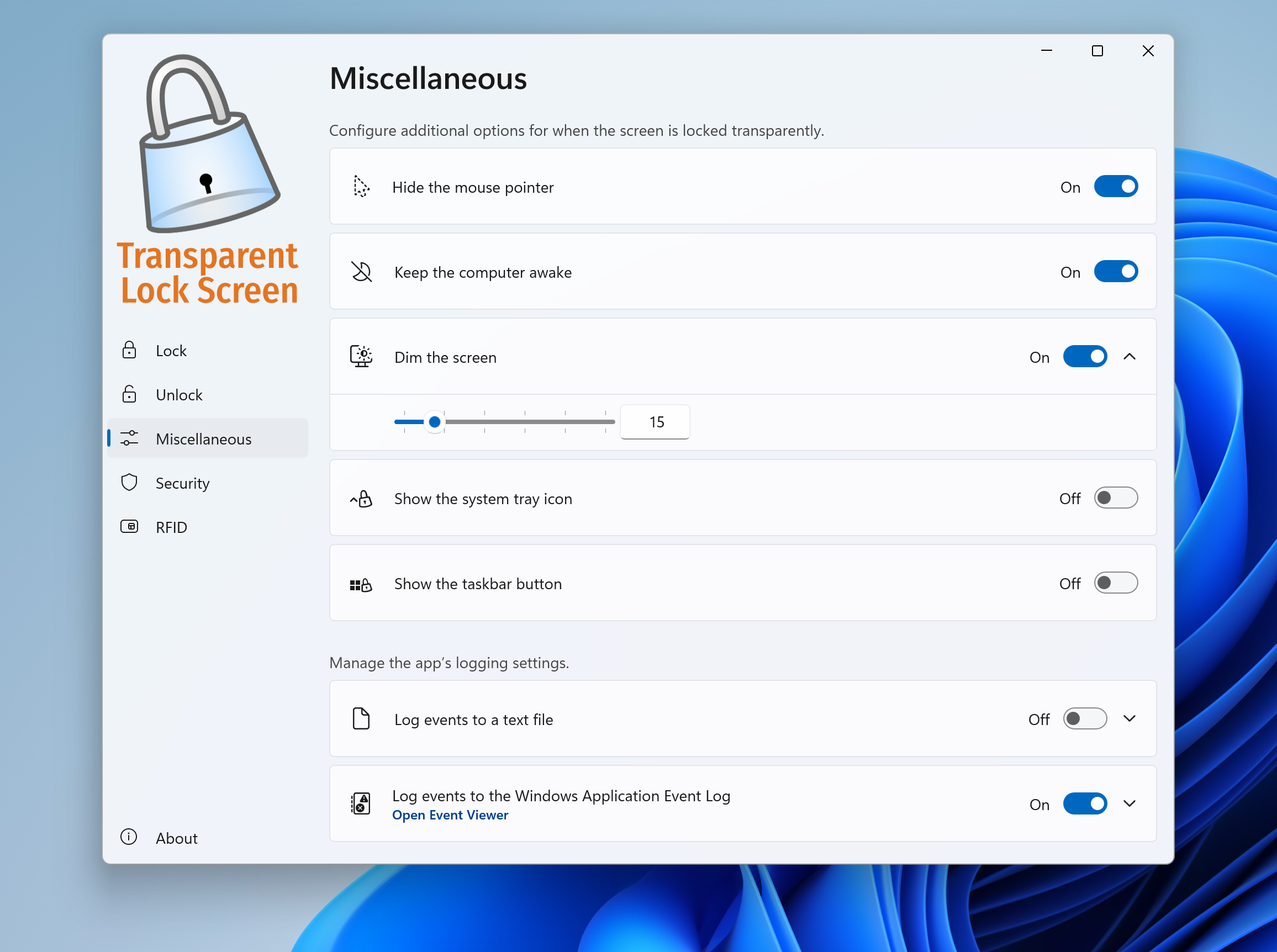
One of the most distinctive features of this app is its ability to adjust the transparency level of the lock screen. Whether you prefer a subtle hint of glass or a near-transparent overlay, the user interface makes it simple to tweak these settings. This not only adds an element of beauty but also creates a seamless visual link between your active desktop and the lock state—imagine stepping into a transparent curtain that subtly hints at the environment behind, without compromising security. The interface for customization is straightforward, enabling even non-technical users to experiment and find their ideal look with minimal fuss.
Smooth and Secure User Experience
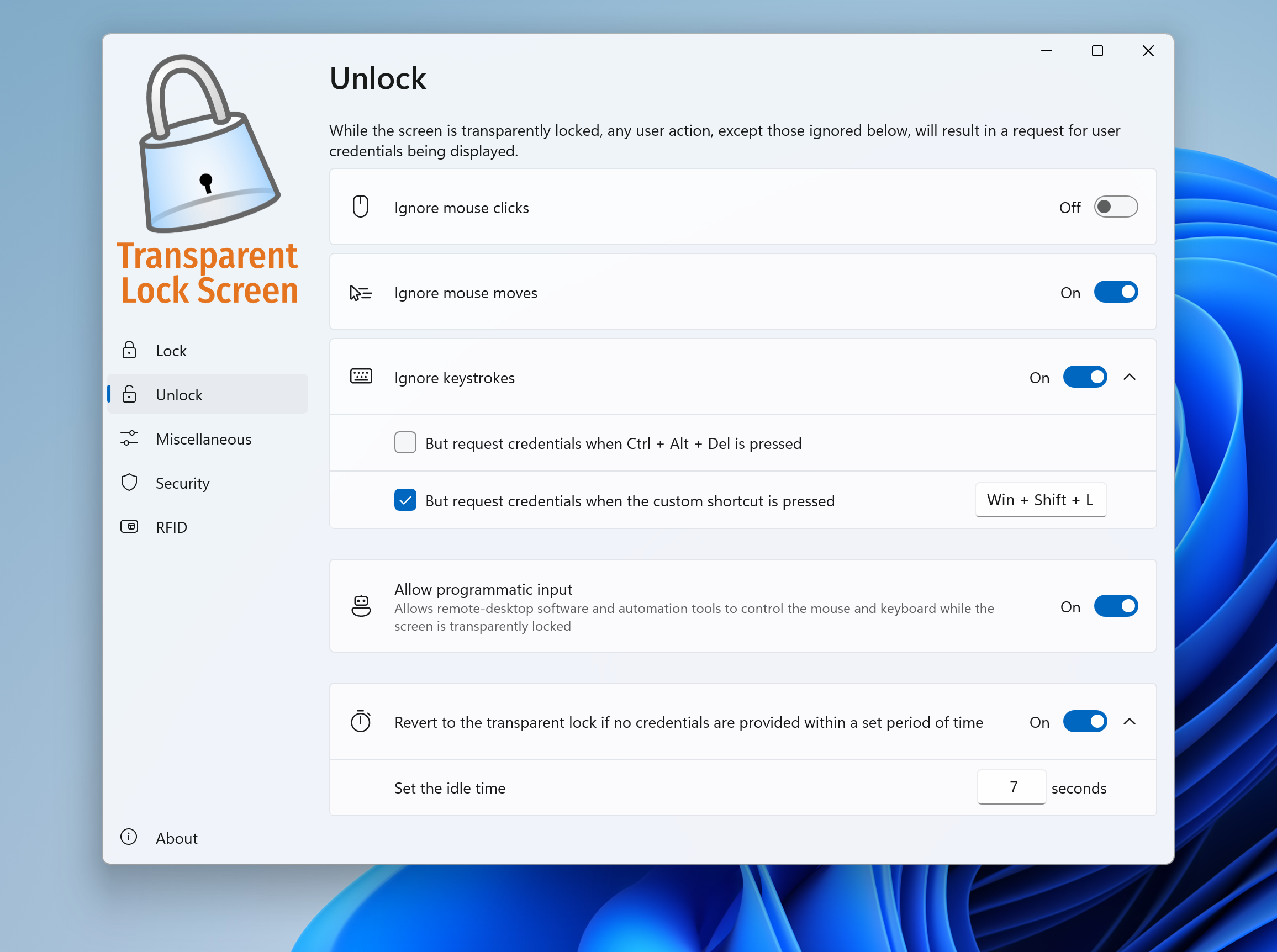
The app's operation is surprisingly smooth. Transitioning between desktop and lock screen is fluid, thanks to optimized rendering that minimizes lag and stutter. The interface feels intuitive; setting up transparency levels takes seconds, and the app respects your existing security protocols, ensuring your lock screen remains effective. The learning curve is gentle—akin to adjusting the brightness on your monitor rather than deciphering complex software. This user-friendliness makes it accessible for a broad audience, from young students to busy professionals.
Unique Value Proposition in a Crowded Market
In a landscape crowded with security apps emphasizing protection over aesthetics, “Transparent Lock Screen for Windows” distinguishes itself by marrying form with function. Its most notable feature—dynamic transparency—sets it apart from traditional opaque lock screens that can feel stale or intrusive. Unlike generic security apps, this tool doesn't just block access; it transforms the user experience, making security visually integrated into your workflow. This subtle design makes your device seem less like a fortress and more like a part of your personal digital environment—an elegant solution for modern users.
Final Thoughts and Recommendations
Overall, “Transparent Lock Screen for Windows” is a thoughtfully designed utility that offers a fresh take on PC security presentation. If you enjoy customization and want a lock screen that feels more cohesive with your desktop aesthetics, this app is worth trying out. Its ease of use, combined with the unique transparency feature, makes it a standout choice among similar security applications. I recommend it for users who want a visually appealing lock screen that doesn't compromise security or performance. For those seeking a simple, effective way to personalize their device's locking mechanism, this app could become a valuable addition to your Windows toolkit.
Pros
- Enhanced Privacy with Transparency Lock Screen
- Customizable Lock Screen Options
- Easy Activation and Deactivation
- Lightweight Performance Impact
- Free with Basic Features
Cons
- Limited Customization Features
- Minor Compatibility Issues on Some Devices
- No Advanced Lockdown Options
- Potential Screen Flickering
- Requires Accessibility Permissions











