


- Name TouchVPN
- Category Security
- Available on PC, Mobile, Surface Hub, HoloLens
- OS Windows 10 version 17763.0 or higher
- languages English, English (United States)
TouchVPN for Windows: A Reliable and User-Friendly VPN Experience
TouchVPN for Windows, developed by Pango Inc., is a straightforward VPN application designed to provide secure and private internet browsing. It aims to make VPN access simple and accessible for everyday users, whether they're trying to bypass geographic restrictions or enhance online privacy.
Who is Behind TouchVPN?
Created by Pango Inc., a company specializing in lightweight and user-centric utility apps, TouchVPN strives to deliver a seamless VPN experience optimized for Windows desktop users. Their focus appears to be on providing straightforward, no-fuss access to VPN services without complex settings or hefty subscriptions.
Core Highlights of TouchVPN
- Easy-to-Use Interface: Designed with simplicity in mind, allowing users of all tech levels to connect effortlessly.
- Unlimited Free VPN Access: Offers free VPN servers with no apparent data caps, catering to casual browsing needs.
- Automatic Server Selection: Simplifies connection by automatically choosing the best server based on your location and needs.
- Reliable Security Protocols: Implements standard VPN protocols to ensure your data remains encrypted during transit.
Assessment and Deep Dive into Features
An Inviting and Intuitive Interface
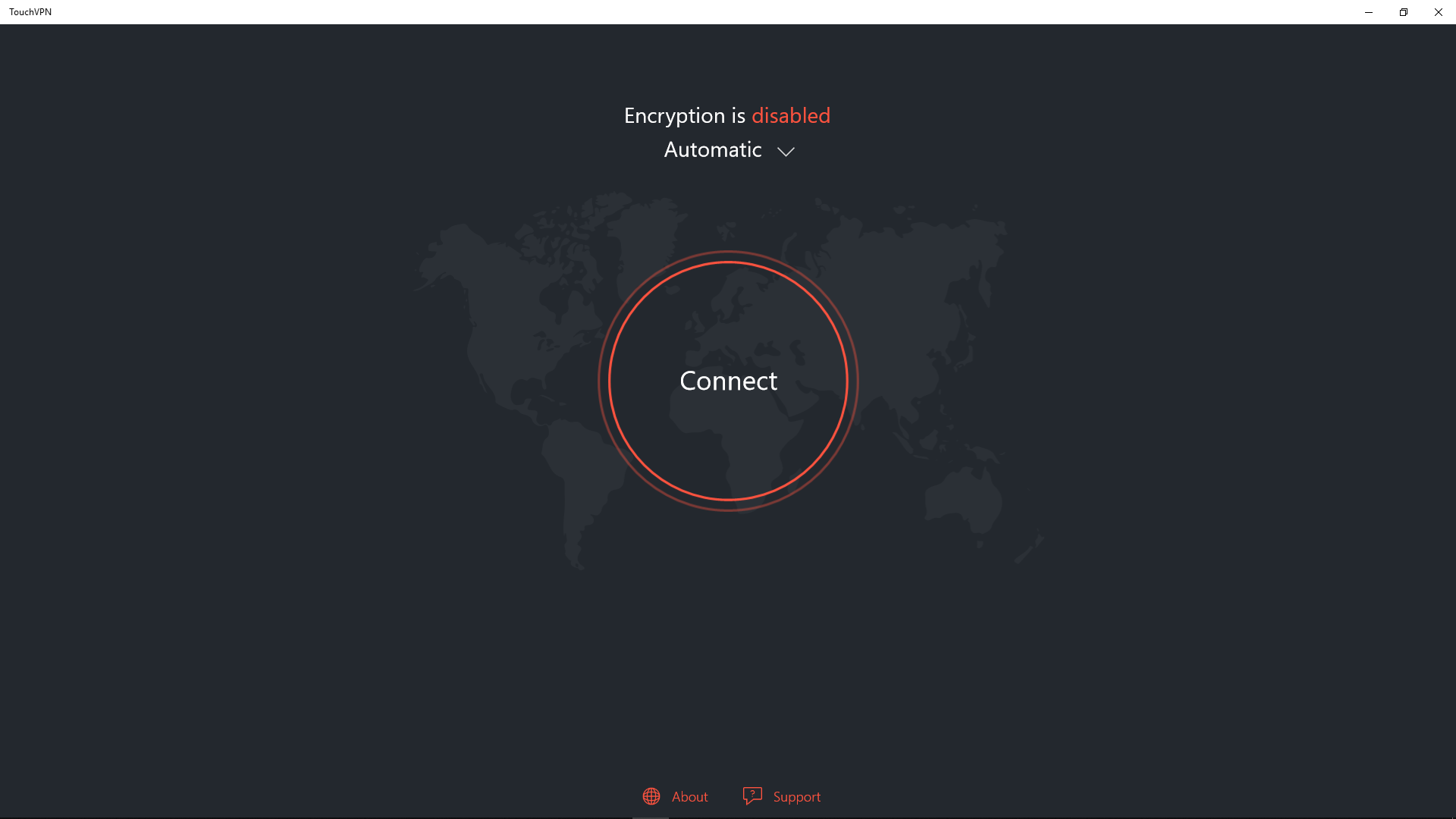
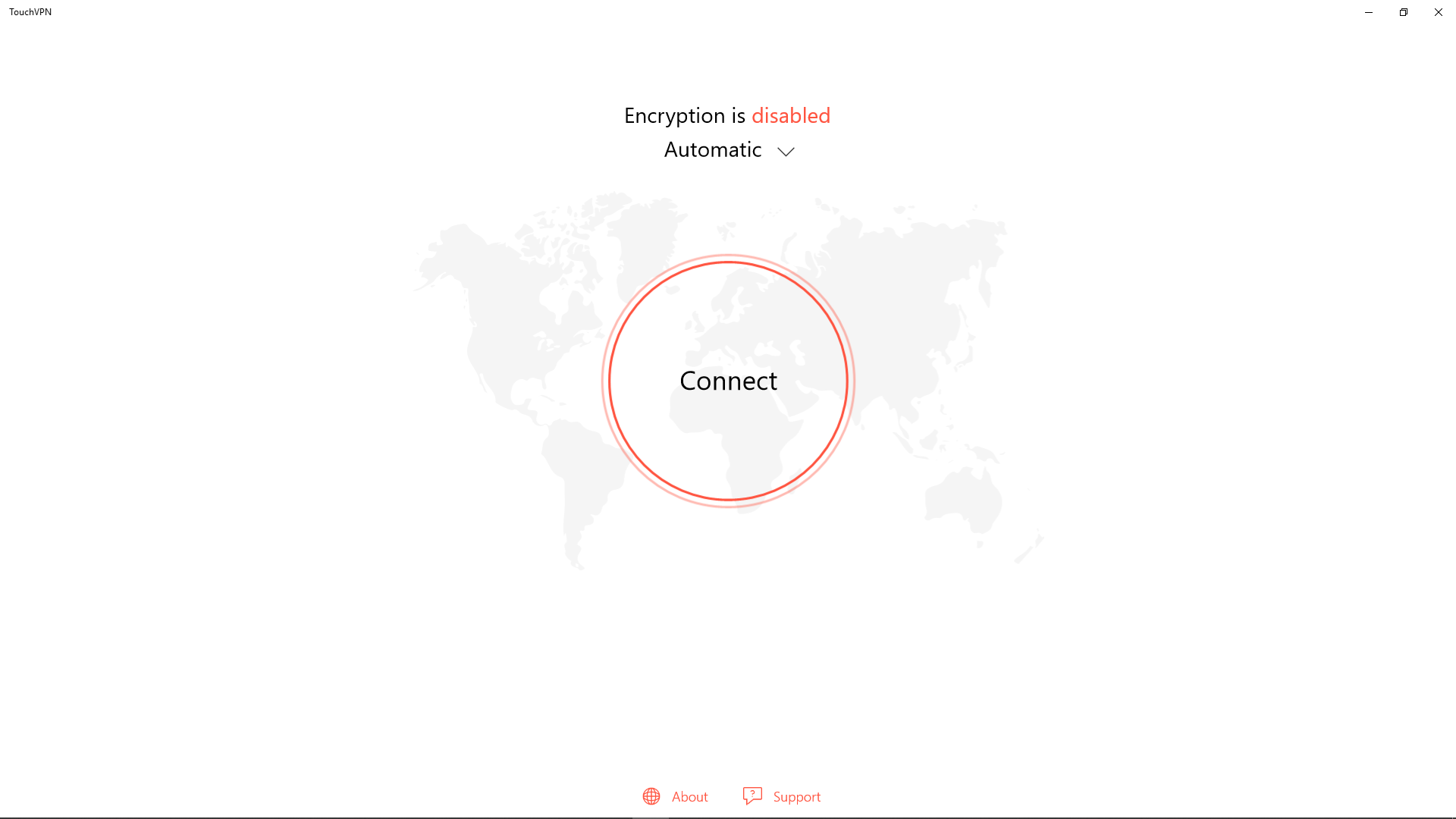
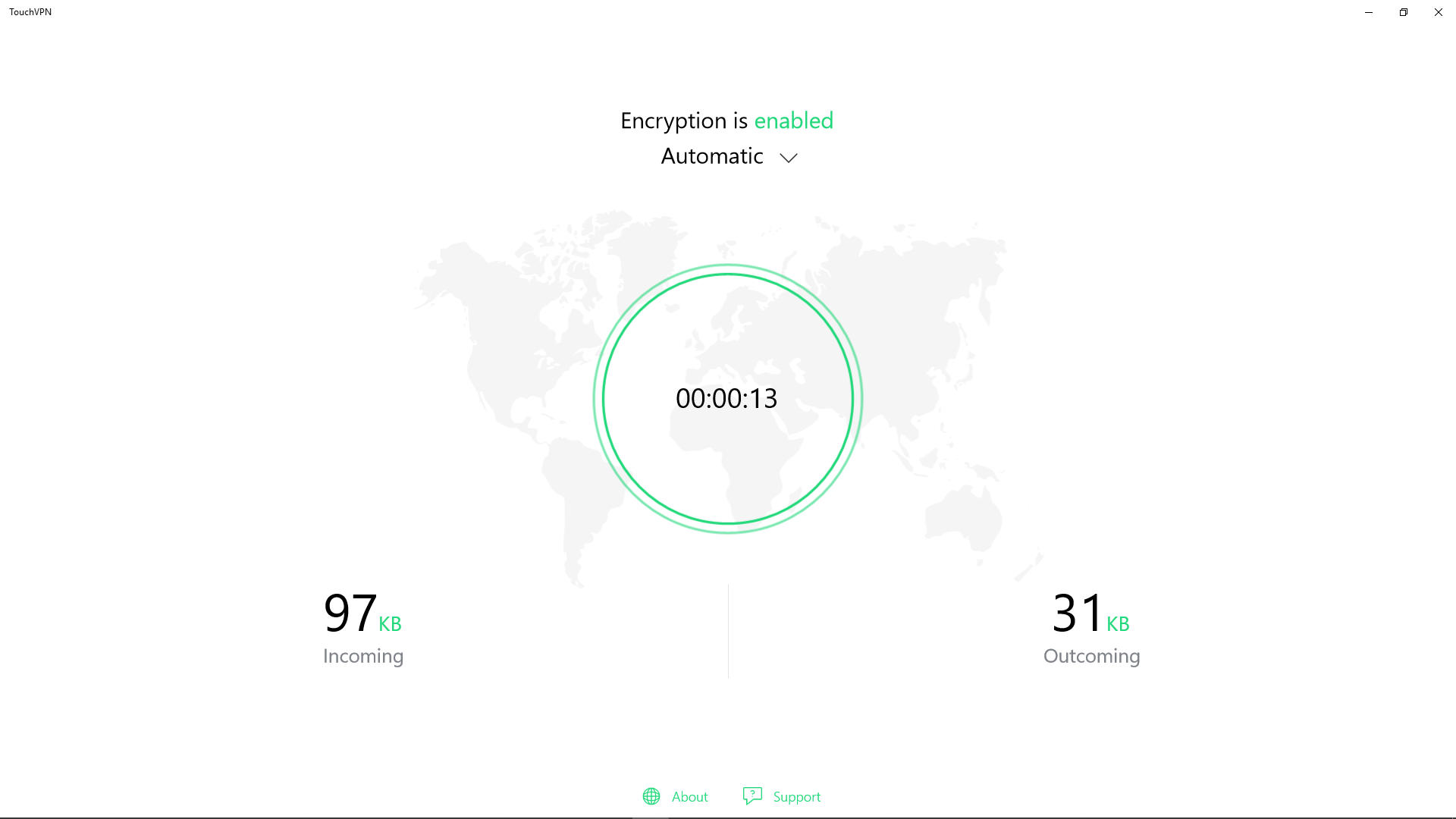
From the moment you launch TouchVPN, it feels like stepping into a clean, organized workspace. The interface is minimalistic but well-designed, with a large “Connect” button front and center—almost like turning on a light switch in a room. Navigating the app is akin to flipping through a friendly, familiar device; it requires no prior VPN experience. The intuitive layout and straightforward options make it accessible for everyone, whether you're a casual user or someone who simply wants a quick privacy boost.
Core Functionality: Seamless Connection and Robust Privacy
The primary function of TouchVPN is to establish a secure VPN connection with just a click. Its automatic server selection feature is particularly noteworthy; it acts like a dedicated tour guide, choosing the fastest and most reliable server based on your location. This is especially handy for users unfamiliar with VPN server options or who want a hassle-free experience.
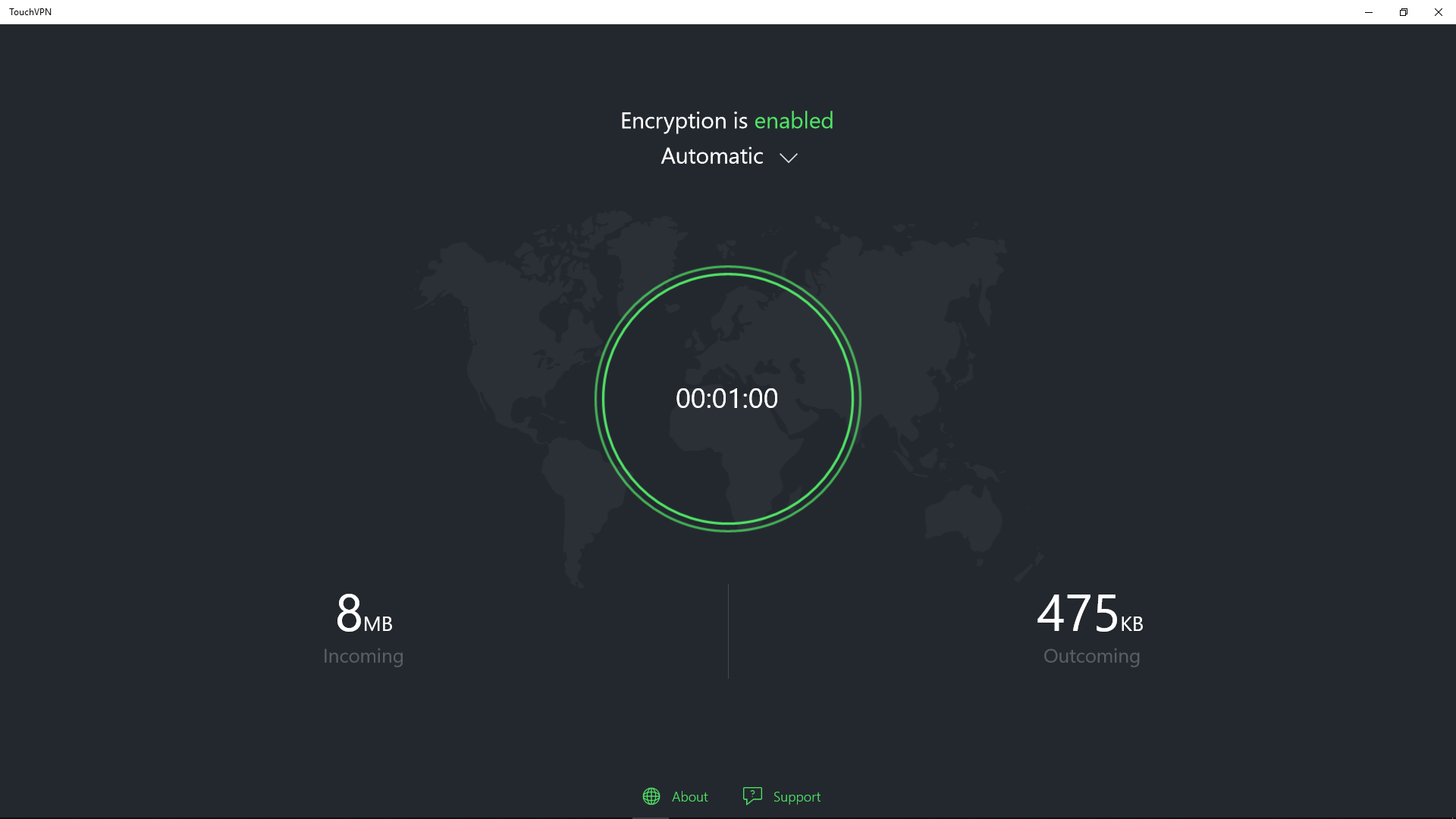
Once connected, the app encrypts your internet traffic using reliable protocols, helping to shield your activities from prying eyes—be it malicious hackers on public Wi-Fi or censorship efforts in restrictive regions. Though the encryption standards are typical for free VPNs, the consistent performance provides peace of mind for daily browsing and streaming needs.
Performance and User Experience: Smooth Sailing
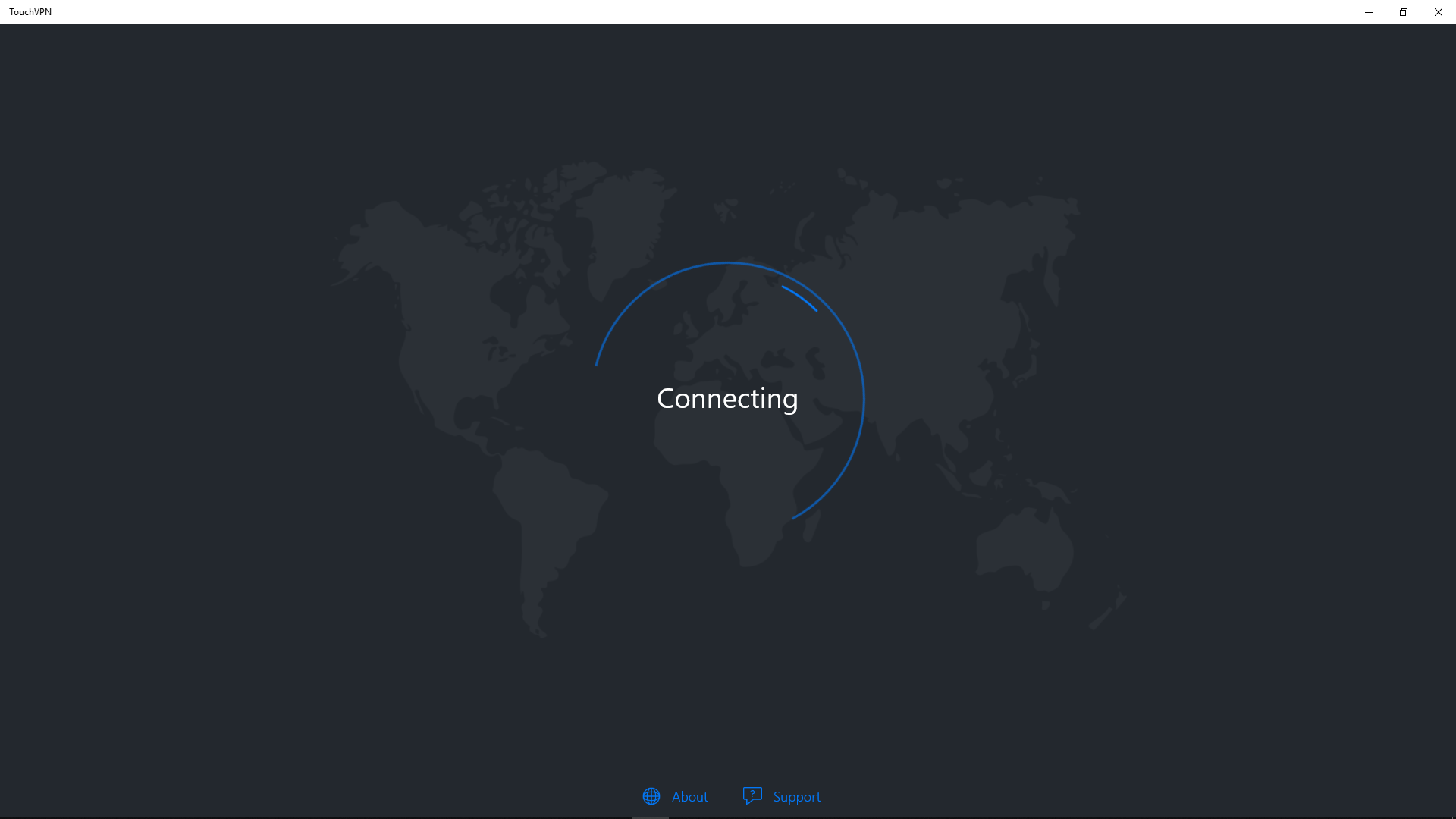
TouchVPN impresses with its responsiveness and low resource footprint. The connection process is swift, and switching servers is as easy as selecting a different option in the menu—though current versions often automate this. The app's lightweight design means it doesn't bog down your PC, maintaining fluid operation even during extended use. For newcomers, the learning curve is practically nonexistent: there's no complex configuration, just a straightforward click-to-connect approach, like flipping a switch and instantly entering a private tunnel.
Unique Strengths in a Crowded Field
Compared to traditional VPN services that often require subscriptions and intricate settings, TouchVPN's biggest advantage is its simplicity combined with genuinely free access. Its automatic server selection keeps things fuss-free without sacrificing too much speed or reliability. Moreover, it emphasizes privacy without invasive logging policies—an essential feature for users wary of overreaching data collection. While many free VPNs are limited or laden with ads, TouchVPN's emphasis on ease of use and solid security makes it stand out as a dependable option for casual users seeking quick privacy solutions.
Should You Give It a Try?
If you're someone who wants a hassle-free VPN that works out of the box, TouchVPN is worth considering. Its most special features—automatic server selection and a user-friendly interface—make it especially appealing for VPN newcomers or those who need quick, reliable access without fuss. However, for power users demanding advanced features or high-level enterprise security, more robust paid options could be a better fit.
Overall, I'd recommend TouchVPN as a solid, straightforward choice for everyday VPN needs. Use it for unblocking geo-restricted content, securing your Wi-Fi sessions, or simply exploring the internet with enhanced privacy—it's accessible and trustworthy enough to keep in your digital toolkit.
Pros
- User-friendly interface
- Wide server coverage
- No registration required
- Good connection stability
- Free to use
Cons
- Limited advanced features
- Potential connection speed issues
- Occasional ads interfere with user experience
- Limited support for platforms other than Windows and Android
- Possible privacy concerns due to lack of transparency











