


- Name Tangra AI Video Generator
- Category Photo & video
- Developer Tangra AI
- Available on PC, Mobile, Surface Hub
- OS Windows 10 version 17763.0 or higher
- languages English (United States)
Introducing Tangra AI Video Generator: Your Creative Companion for Windows
Imagine having a virtual studio that transforms your ideas into stunning videos within minutes—this is precisely what Tangra AI Video Generator offers. Designed to streamline the video creation process with intelligent automation, it aims to be a go-to tool for content creators, marketers, and hobbyists alike.
About the Developer and Core Features
Developed by Tangra AI and published by Simply Flows, this application leverages cutting-edge artificial intelligence to simplify the video generation process. Its main highlights include automatic scene composition, customizable templates, and AI-assisted editing tools, empowering users to produce high-quality videos effortlessly. The target audience encompasses professionals seeking quick content production, educators creating instructional videos, and casual users exploring creative multimedia projects.
A Spark of Creativity — Why This App Stands Out
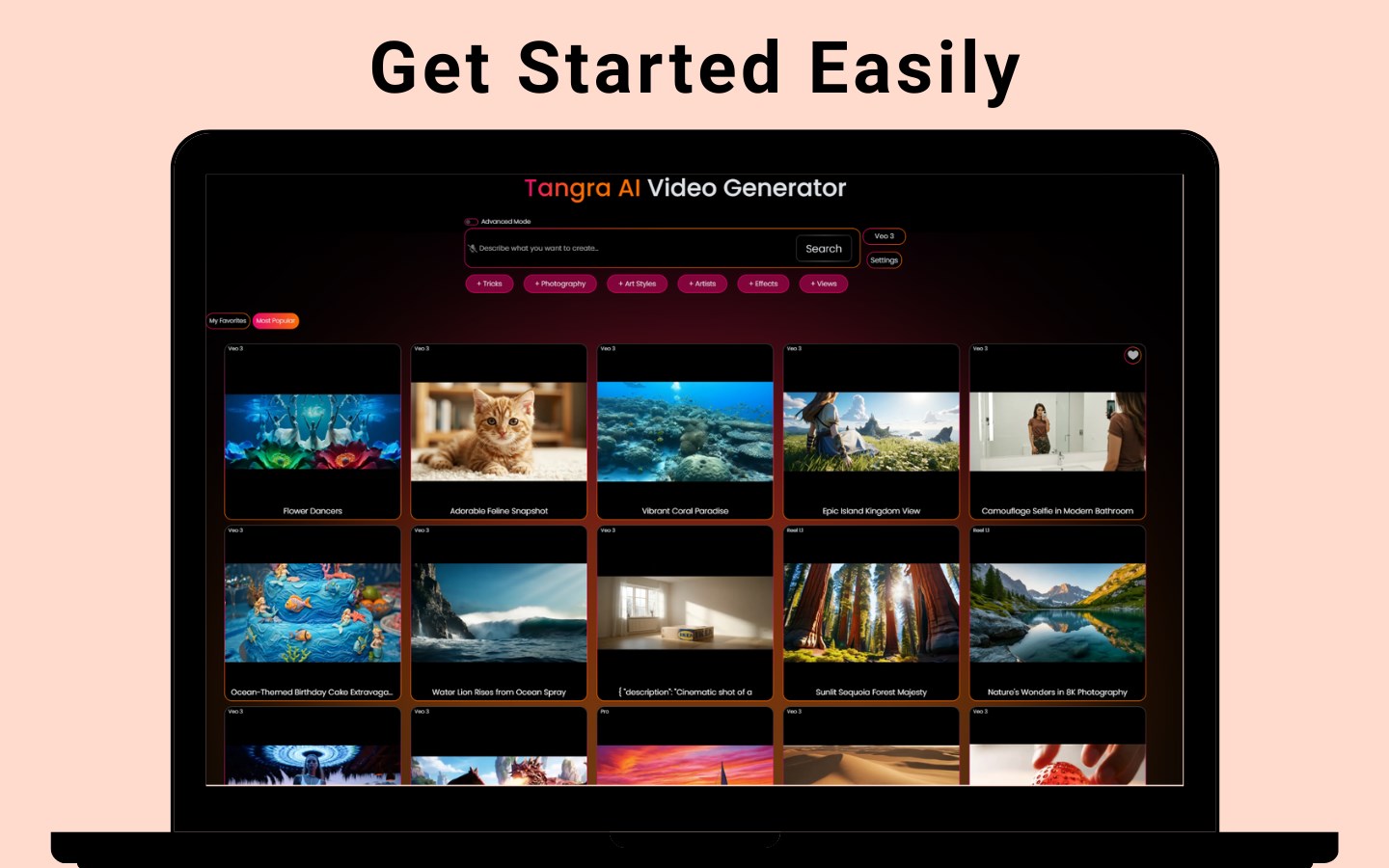
Getting started with Tangra AI Video Generator feels akin to unlocking a personal film studio. Its user-friendly interface invites even novices to dive into the world of video creation, transforming complex editing into a playful adventure. Unlike conventional video editors that require hours of learning, this app acts like an intuitive assistant—guiding you smoothly through each step while preserving control over your creative vision.
Powerful Automated Scene Composition
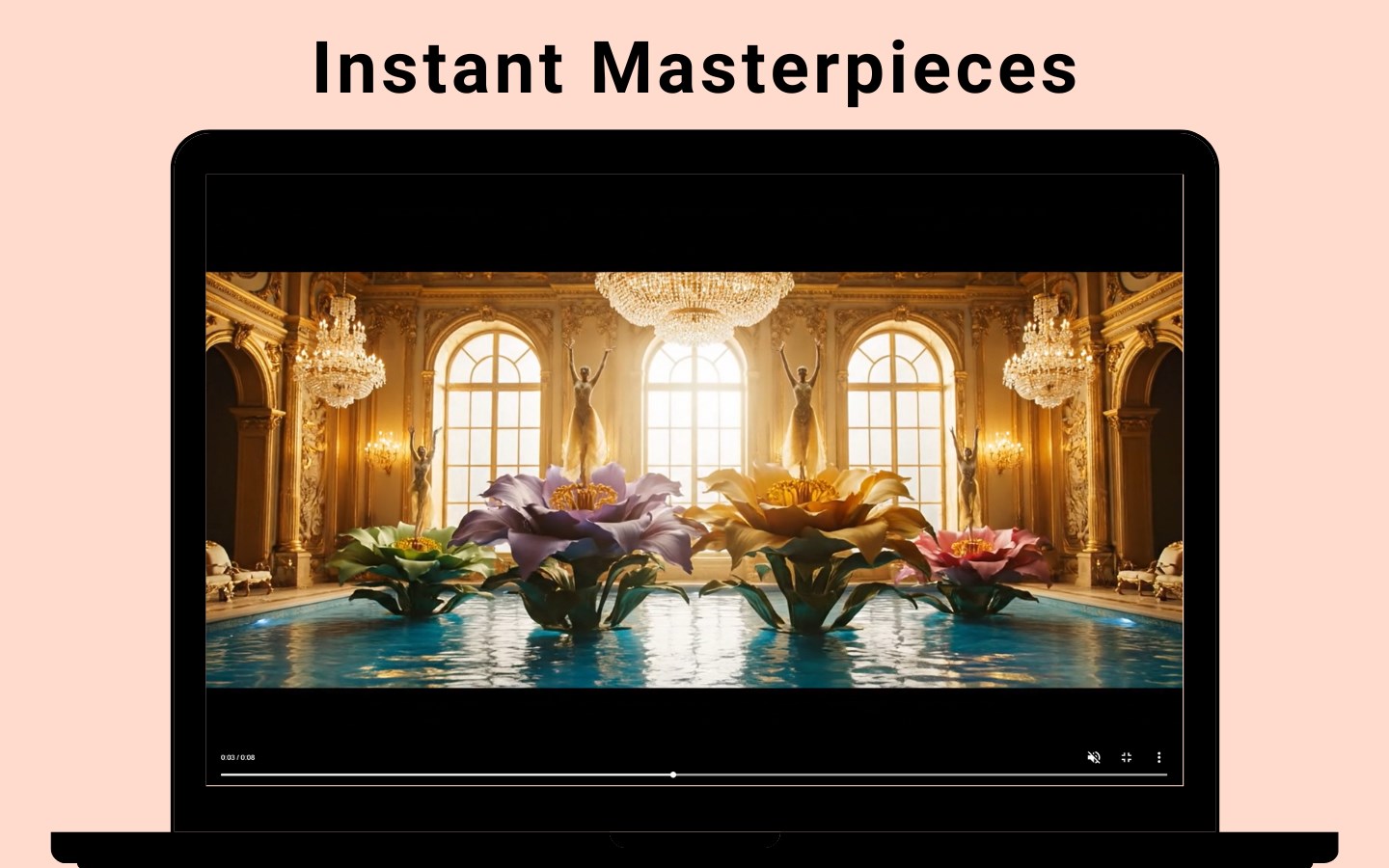
The standout feature of Tangra AI Video Generator is its ability to automatically assemble scenes based on input images, scripts, or audio prompts. Imagine narrating your story while the AI meticulously picks suitable visuals, arranges sequences, and even suggests transitions—it's like having a seasoned director at your fingertips. This saves massive amounts of editing time and helps users focus on their creative ideas rather than technical hurdles.
Customizable Templates and AI-Assisted Editing
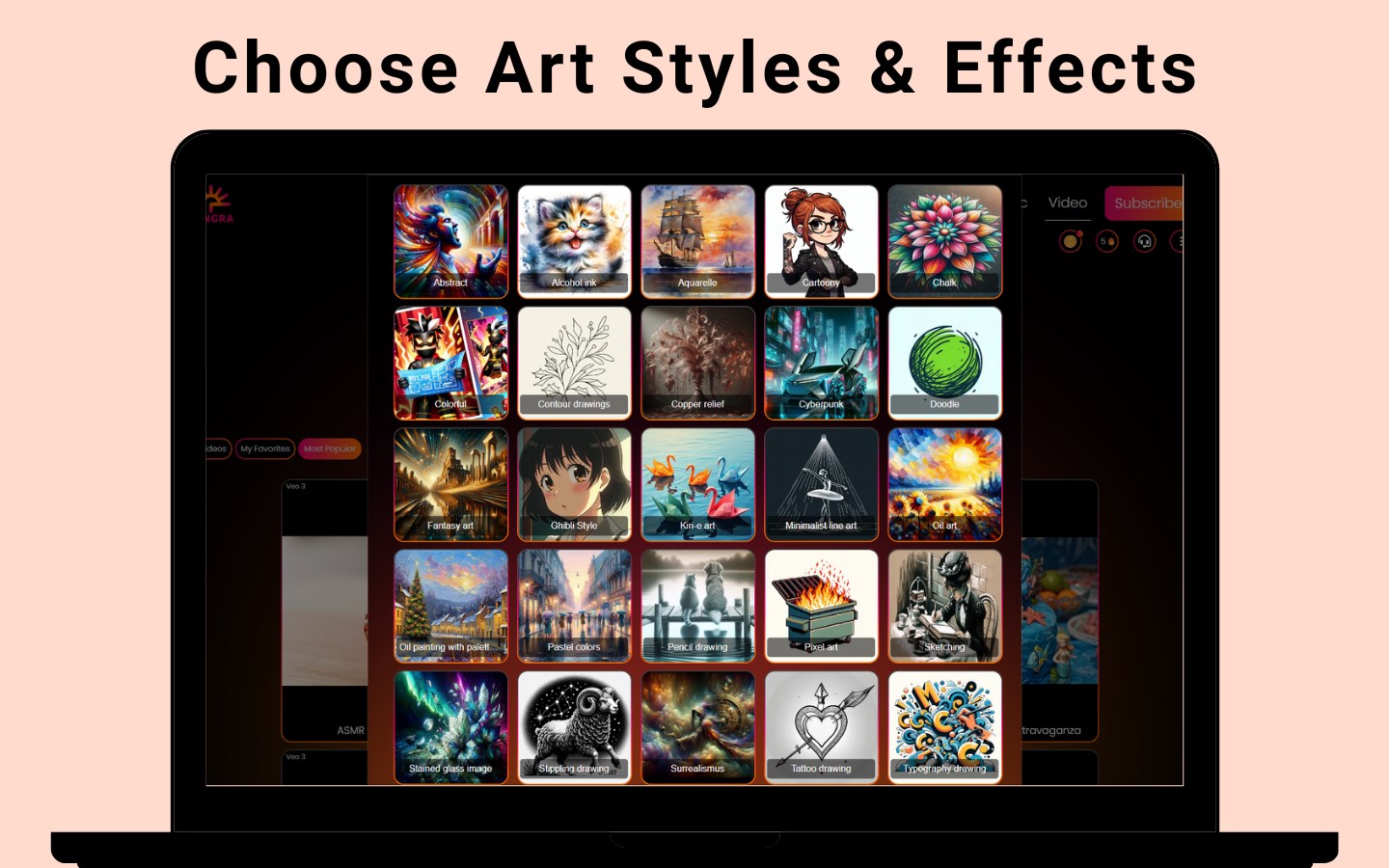
For those who want more control or a specific style, the app offers a vast library of templates tailored to various themes—be it professional, casual, or artistic. Paired with AI-powered editing suggestions, users can enhance their videos with minimal effort, ensuring polished results. Whether you're making a promotional clip or a personal vlog, the balance between automation and customization is elegantly managed, setting it apart from more rigid editing tools.
User Experience and Unique Selling Points
The interface design of Tangra AI Video Generator is clean and modern, with a dashboard that feels like a well-organized workspace—imagine an artist's studio, where everything is within arm's reach. Navigation is smooth, with responsive controls that require little learning curve; even beginners can create captivating videos after exploring a few tutorials. Comparing it to other multimedia apps, Tangra AI's real advantage lies in its smart automation—its scene composition and AI-based suggestions reduce hours of manual editing, making it not just a tool but a creative collaborator.
Is It Recommended? Our Take
For those seeking an efficient, intelligent video creation solution without the steep learning curve, Tangra AI Video Generator is a solid candidate. It is especially suitable for quick content production, educational videos, or social media posts where time and quality are paramount. However, for highly detailed, cinematic editing projects, traditional tools might still hold the edge. Nonetheless, as a semi-automated, user-friendly platform, it offers a refreshing approach for both beginners and busy professionals.
In conclusion, if you're eager to turn your ideas into visual stories without getting lost in technicalities, give Tangra AI Video Generator a try. Its innovative automation features—particularly the smart scene assembly—are what make it truly stand out in the crowded landscape of video apps. It's like having a creative assistant always ready to help you craft compelling videos efficiently and effortlessly.
Pros
- Intuitive AI-powered video creation
- Wide range of customizable templates
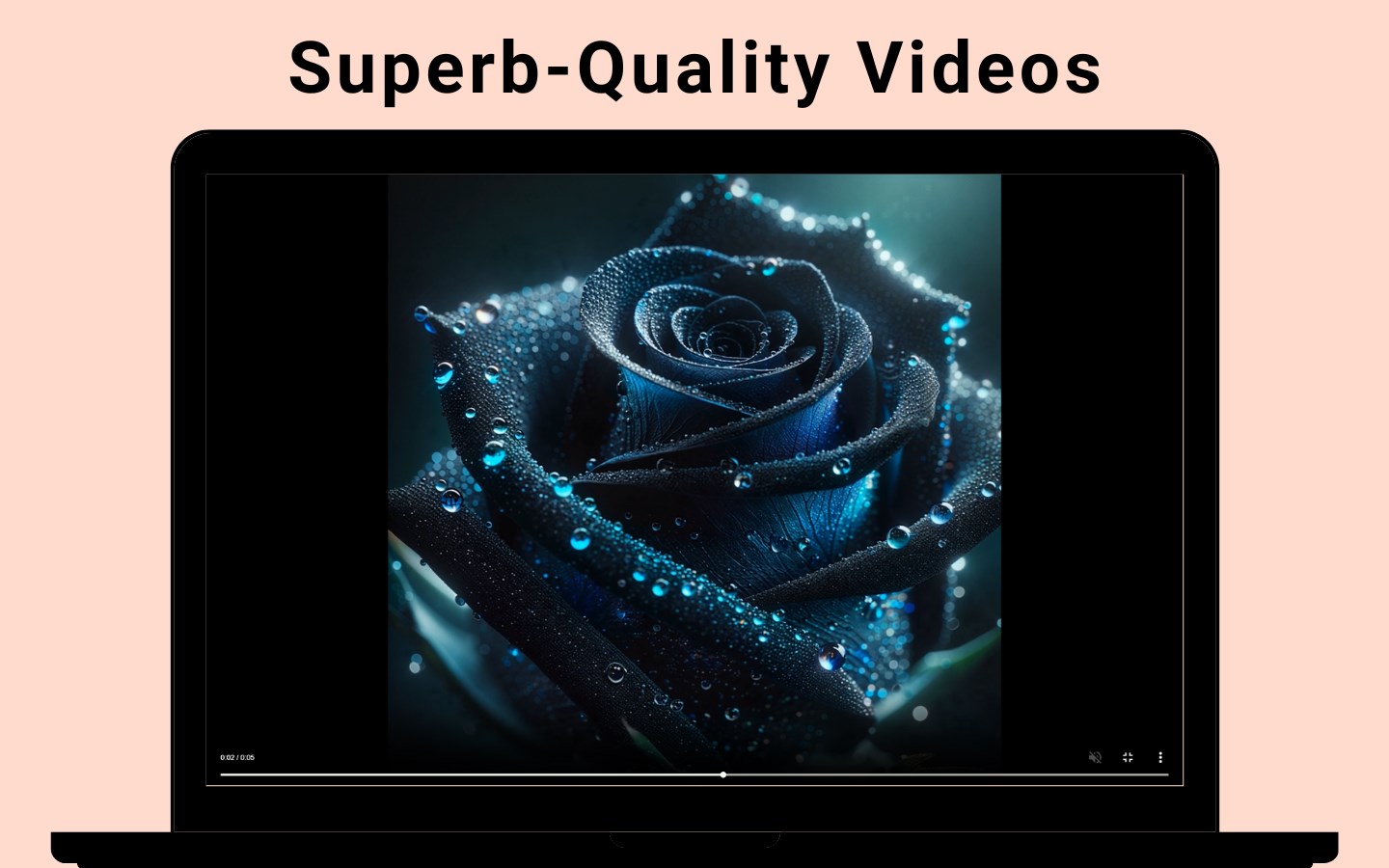
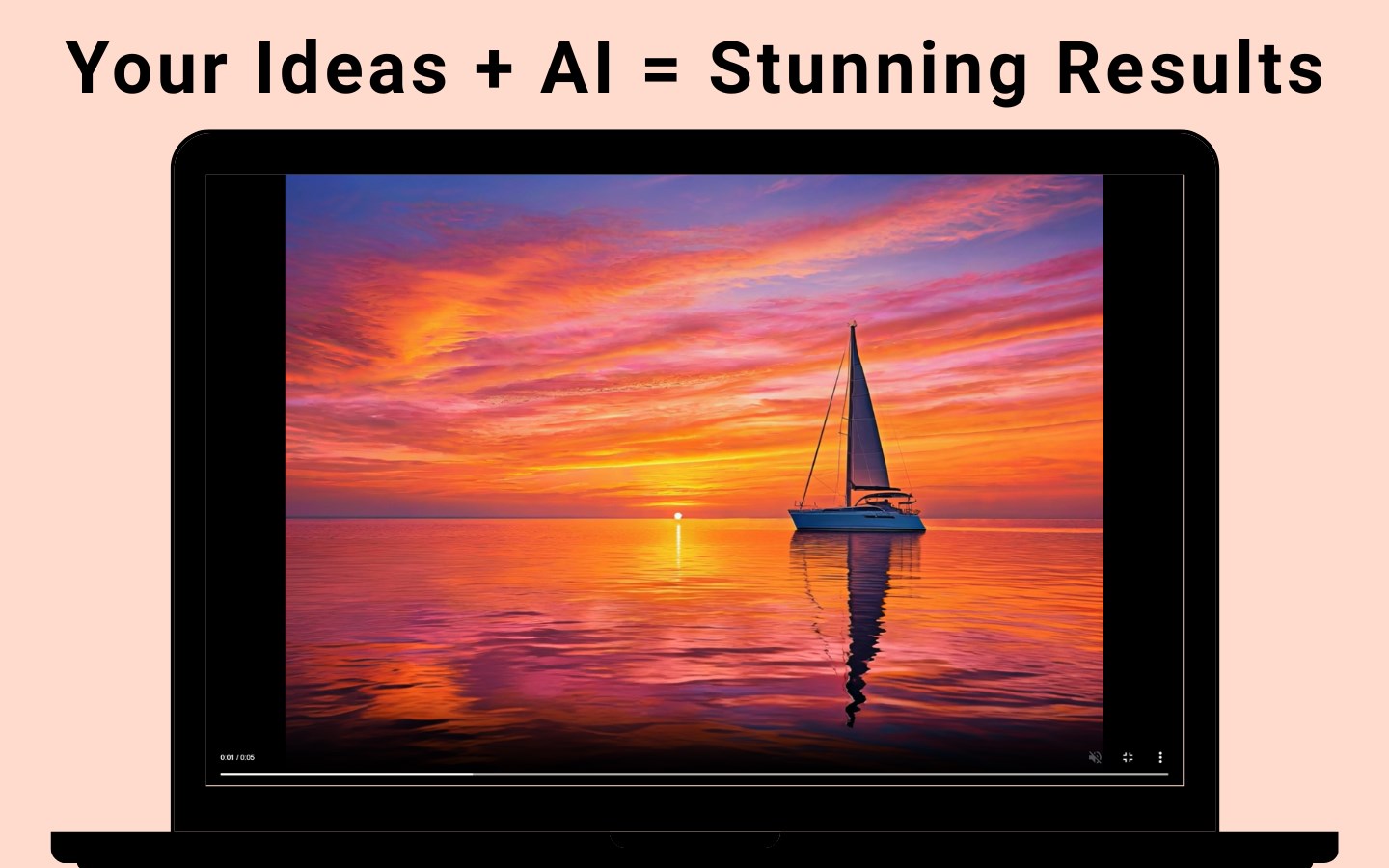
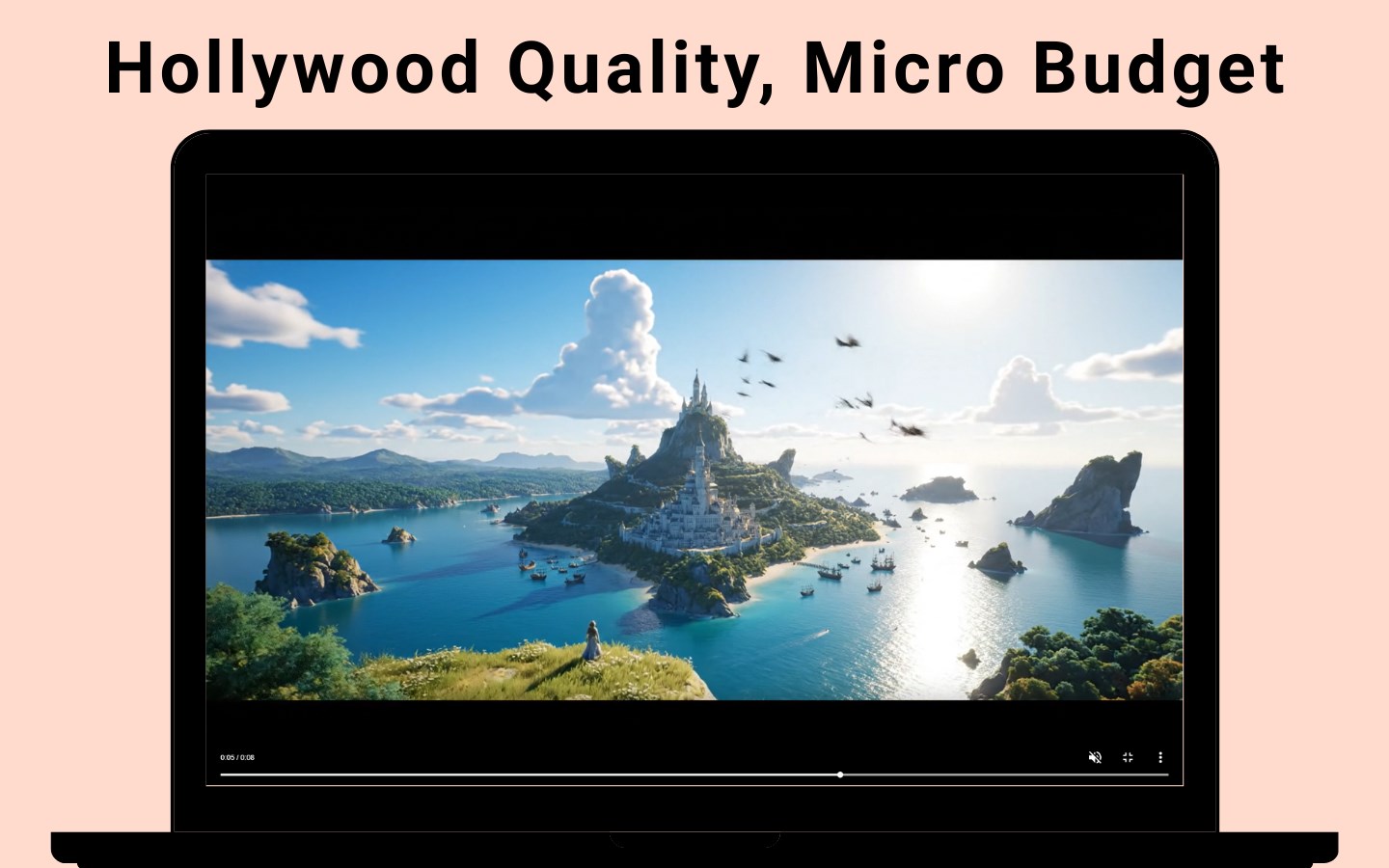
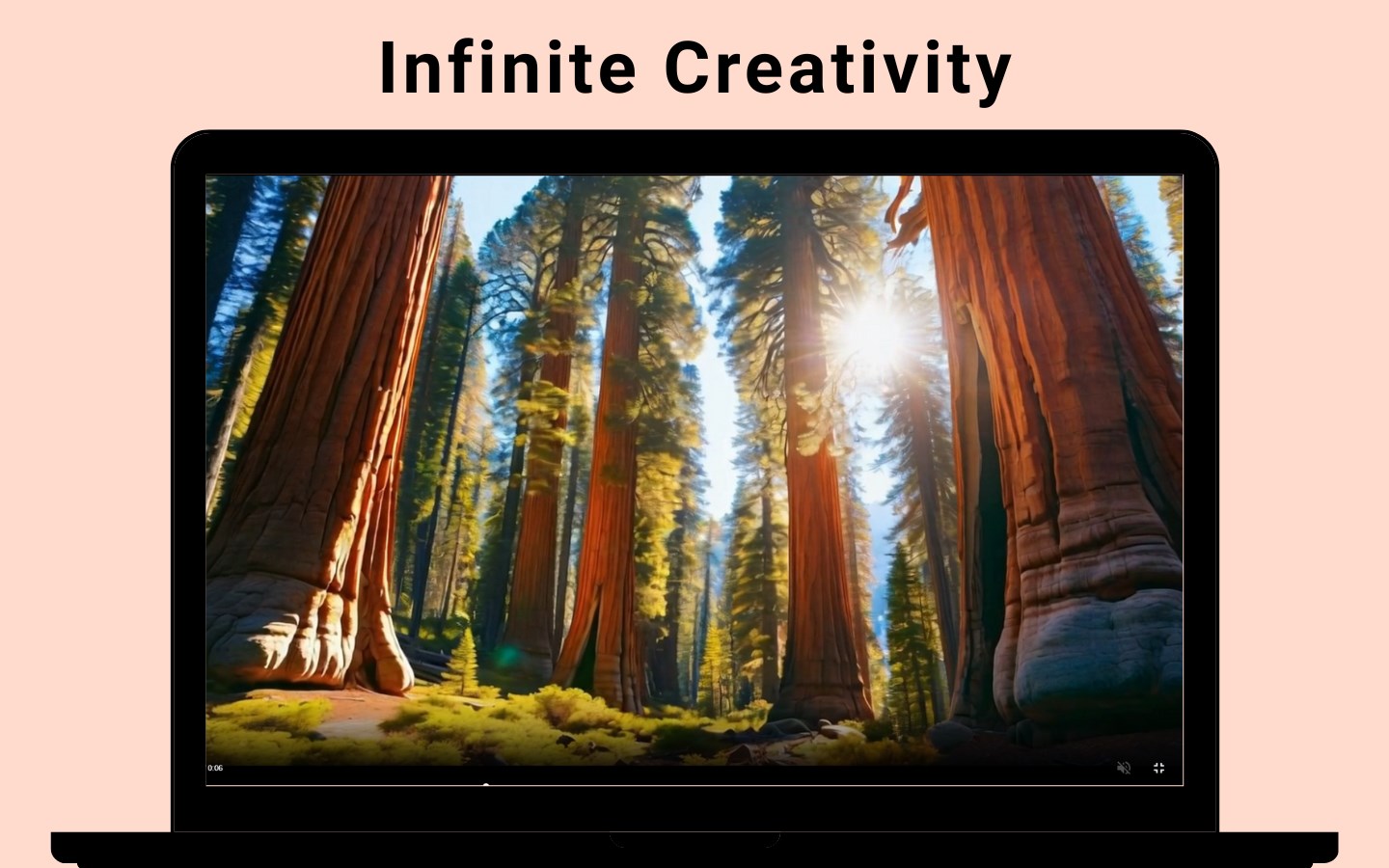
- High-quality output with realistic animations
- Fast rendering speeds
- Regular updates with new features and templates
Cons
- Occasional limitations in scene customization
- Video generation can be slow with complex projects
- Limited output resolution options in free version
- Occasional bugs or glitches during updates
- Learning curve for beginners in advanced features











