
- Name Tangra AI Photo Editor
- Category Photo & video
- Developer Tangra AI
- Available on PC, Mobile, Surface Hub, HoloLens
- OS Windows 10 version 17763.0 or higher
- languages English (United States)
Introducing Tangra AI Photo Editor for Windows: A New Player in AI-Powered Photo Enhancement
Imagine a photo editing tool that feels like having a personal creative assistant—streamlining your editing process with intelligent features, all wrapped in an intuitive interface. That's what Tangra AI Photo Editor aims to deliver for both amateur photographers and seasoned enthusiasts alike. Developed by Tangra AI and brought to you by Simply Flows, this app leverages artificial intelligence to transform your images effortlessly.
About the Developer and Main Features
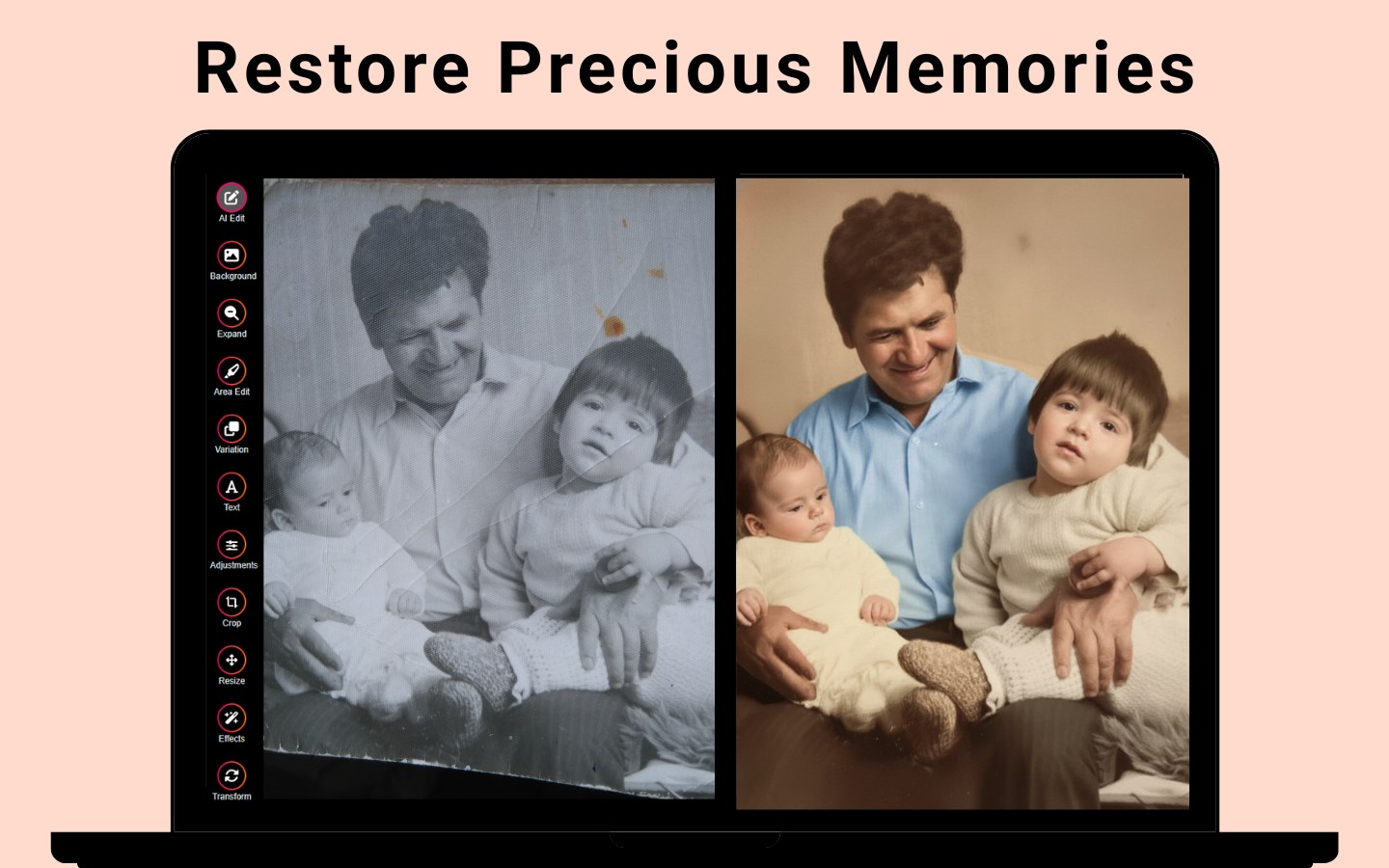
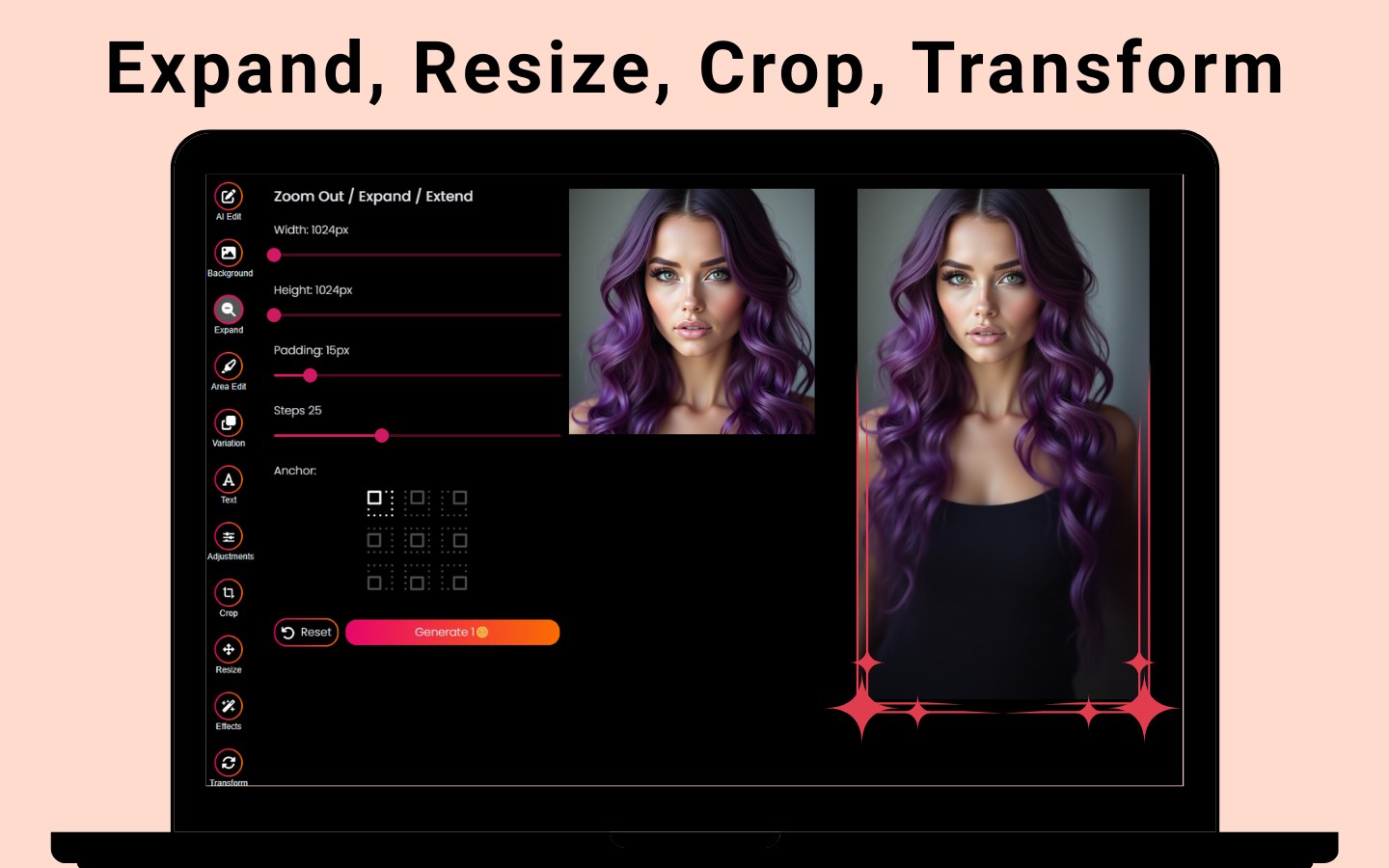
Tangra AI is a dedicated team specializing in AI-driven image processing, committed to creating accessible yet powerful photo editing solutions. The app's standout features include AI-based background removal, automatic enhancement suggestions, and style transfer capabilities, providing users with tools to elevate their images quickly without extensive technical know-how. Its target audience encompasses hobbyists, content creators, and small business owners seeking a straightforward, smart photo editing assistant.
Engaging Beginnings: A Fresh Take on Photo Editing
Picture this: you've just snapped a beautiful portrait or a stunning landscape, but it needs that extra touch to make it pop. Enter Tangra AI Photo Editor, a tool that combines the allure of artificial intelligence with user-friendly design. It's like having a creative partner sitting right beside you, whispering clever suggestions and automating tedious tasks, so you can focus on crafting images that truly stand out. Whether you're polishing social media posts or preparing professional visuals, this app offers a compelling experience without overwhelming complexity.
Core Functionality: Making Editing Feel Effortless and Enjoyable
AI-Powered Background Removal and Manipulation
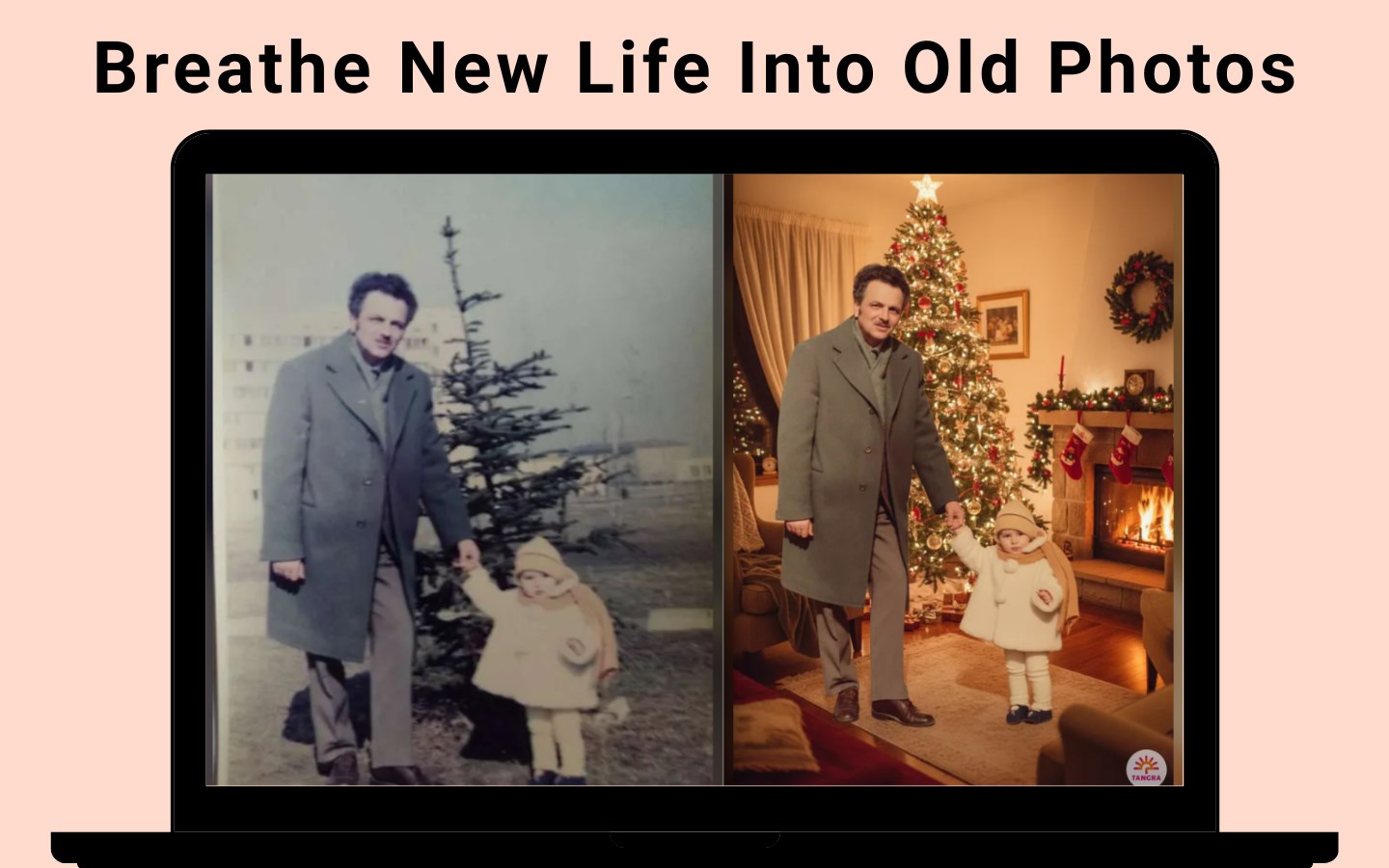
The app's flagship feature is its ability to automatically remove and replace backgrounds with impressive accuracy. Like a magic wand, it identifies foreground objects with precision, saving you hours that would otherwise be spent masking and cutting images manually. This feature is particularly useful for creating layered composites or isolating subjects for marketing materials. Its seamless integration ensures that even novices can achieve professional-looking results with just a few clicks.
Intelligent Enhancement and Style Transfer
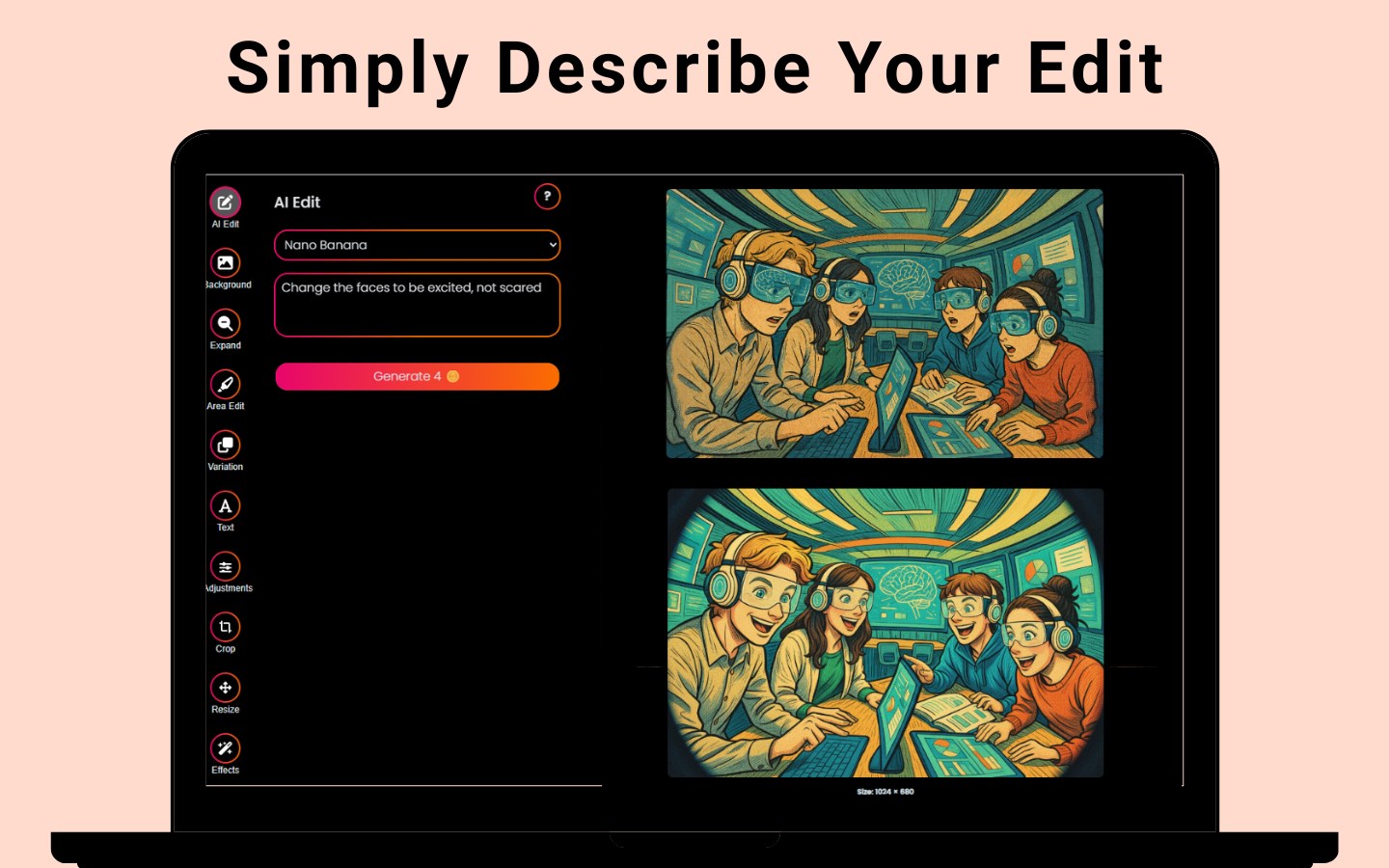
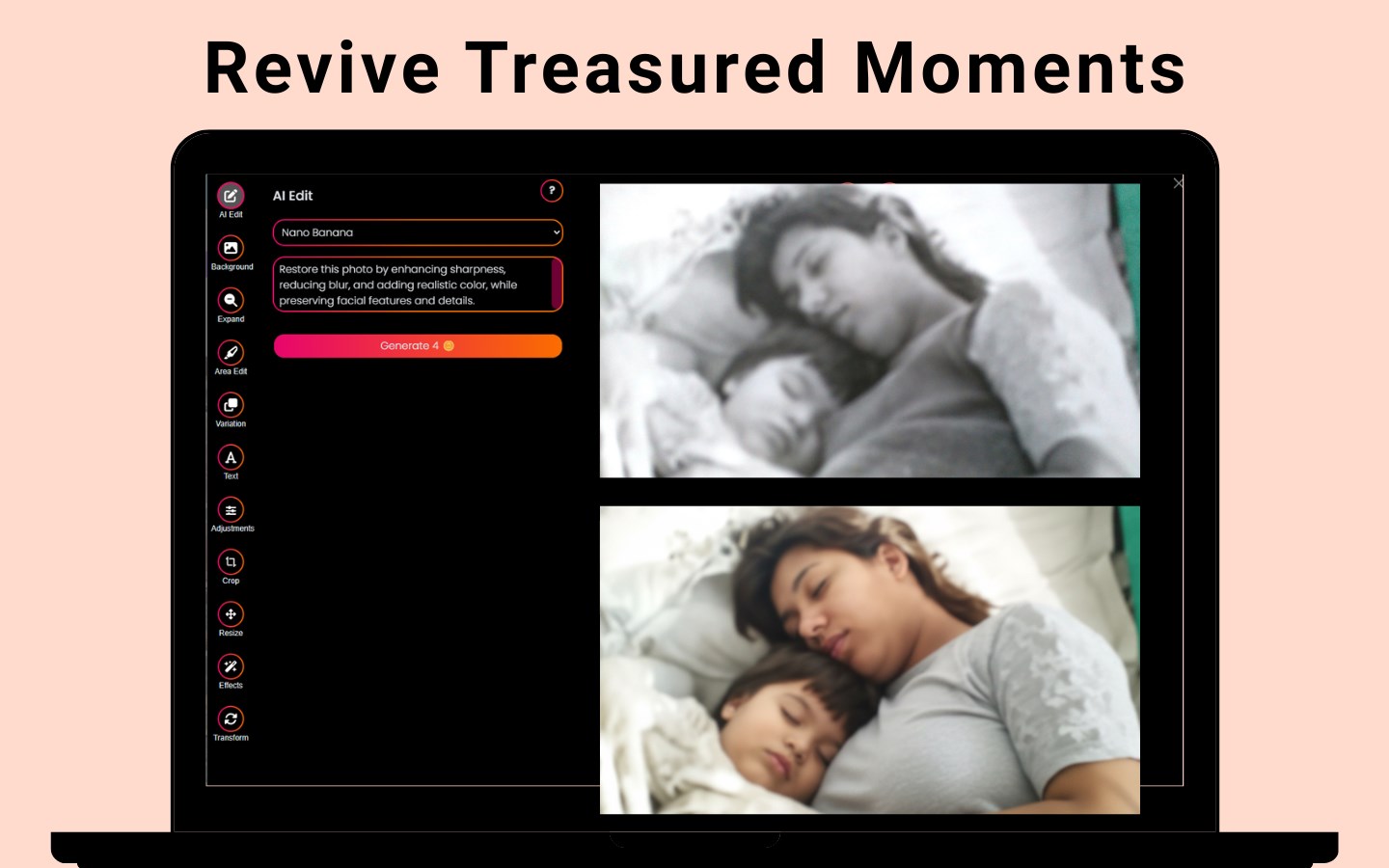
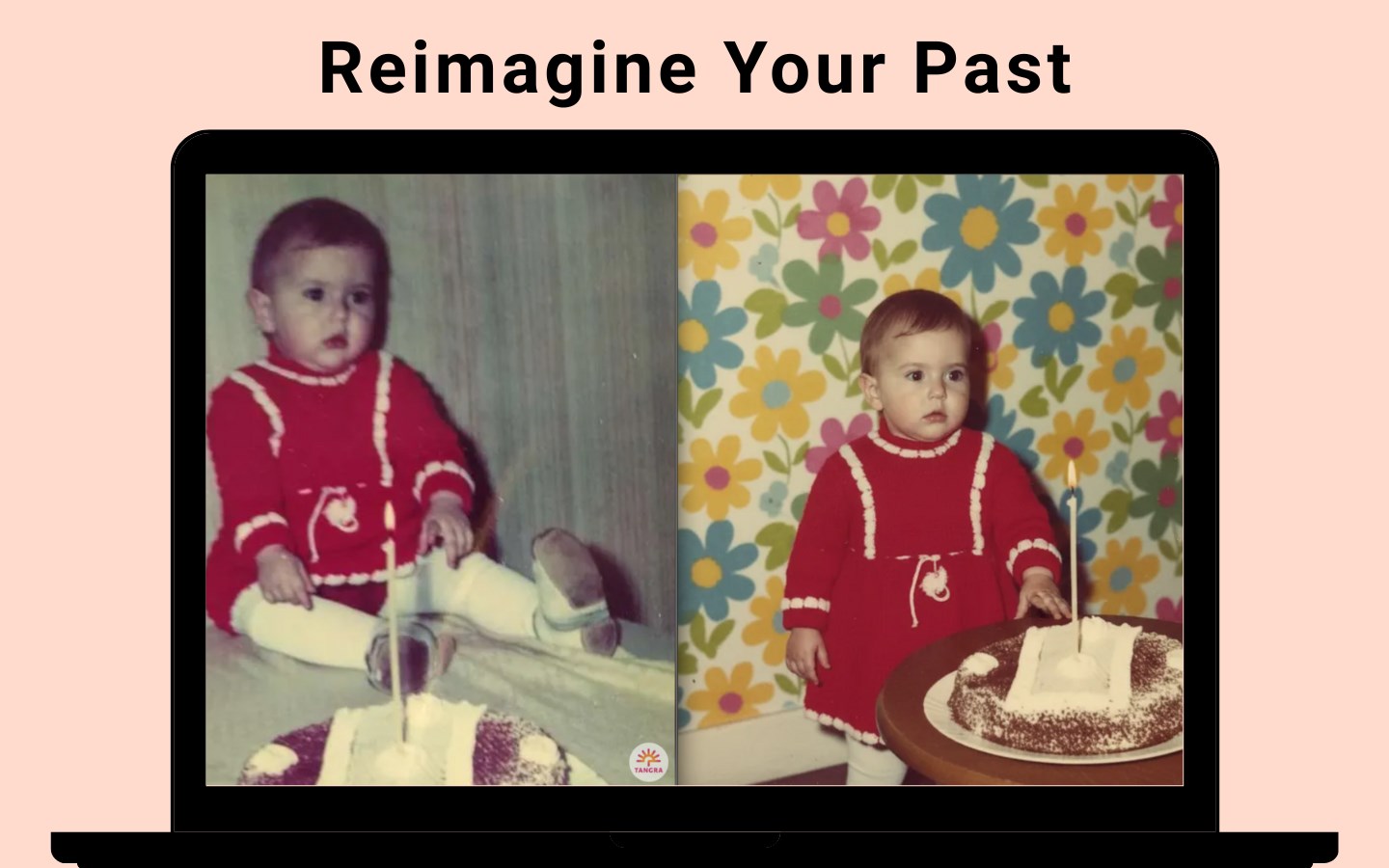
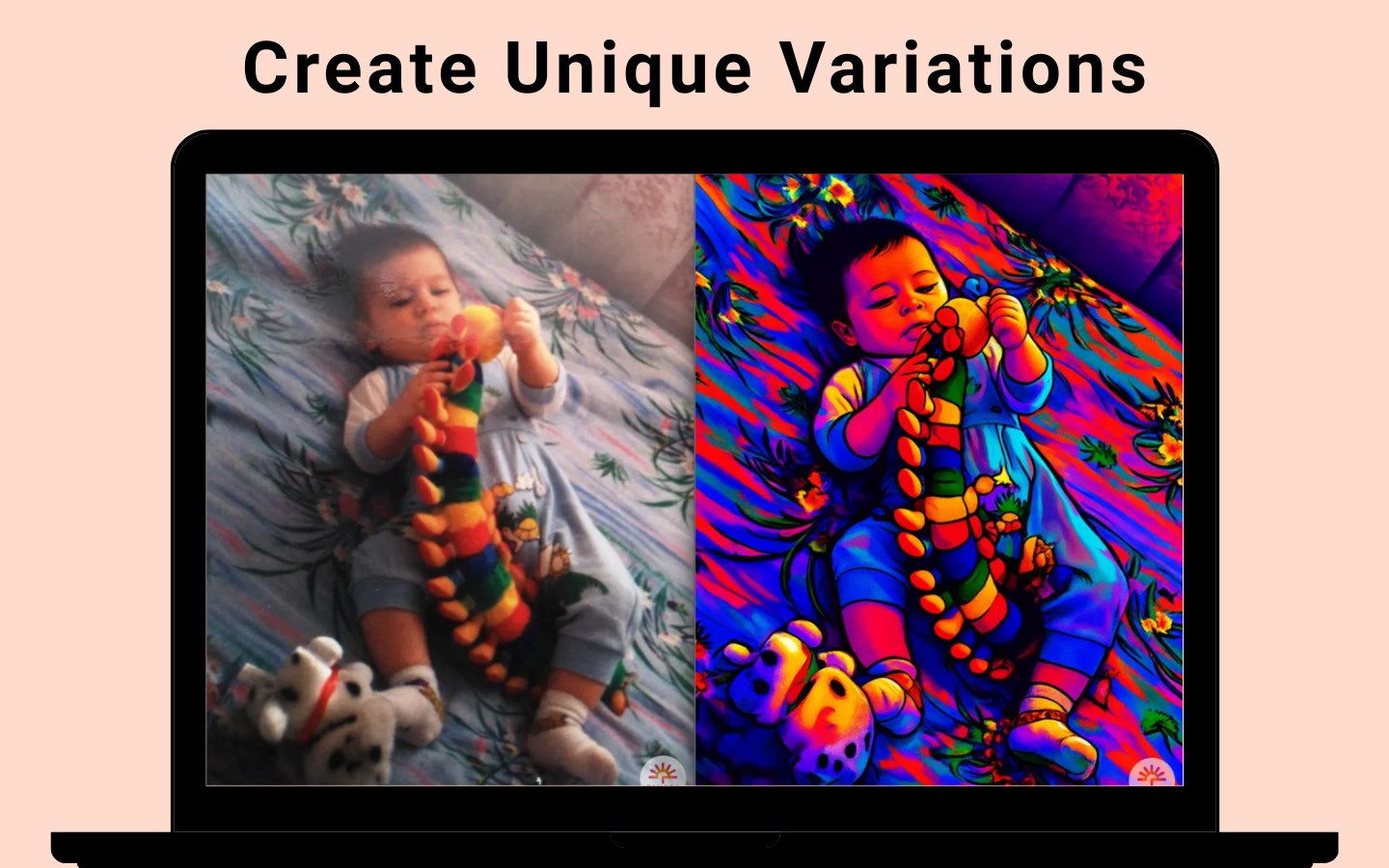
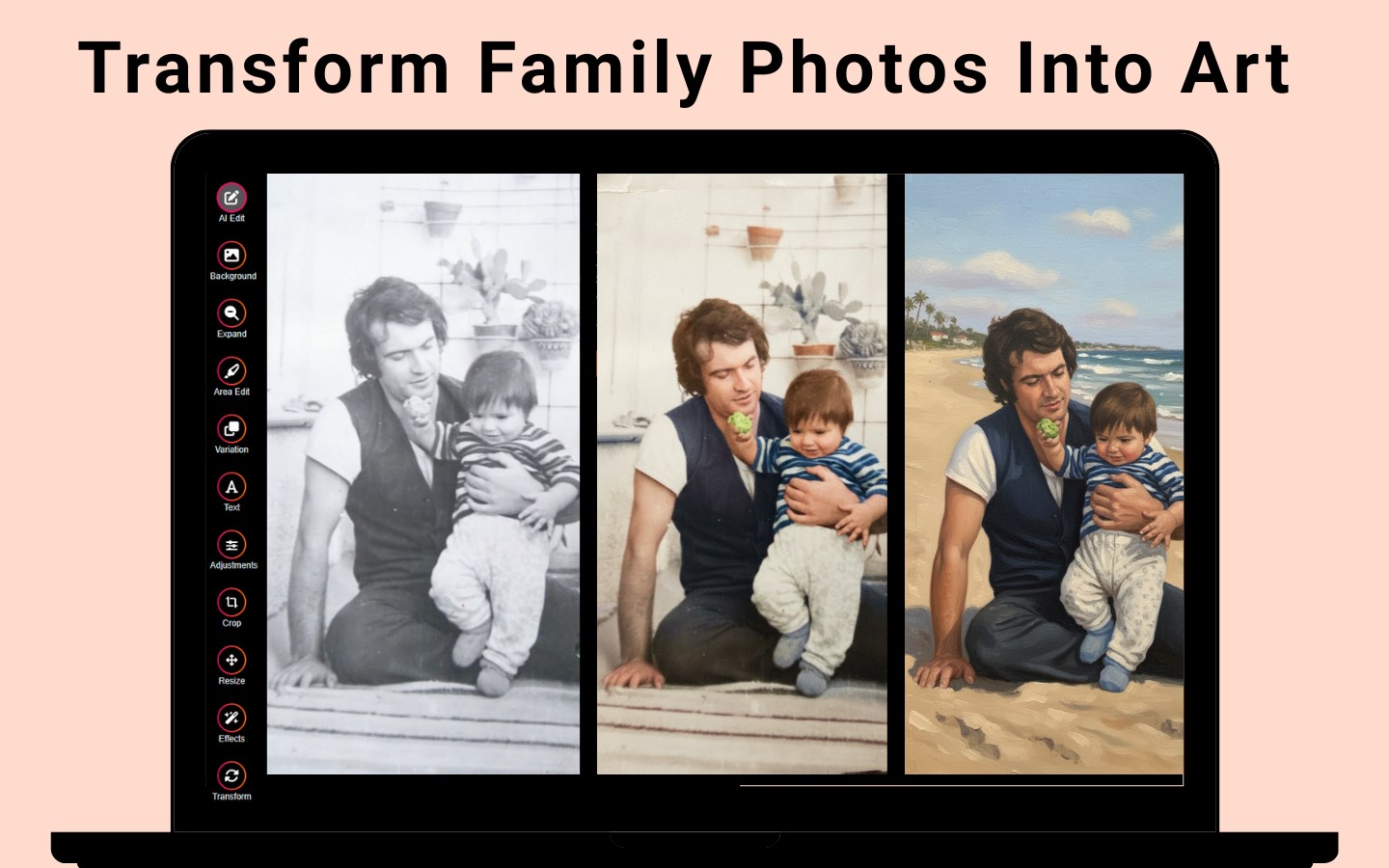
Beyond background editing, Tangra AI Photo Editor offers automatic enhancement suggestions that optimize brightness, contrast, and color balance—think of it as a quick health checkup for your photos, revitalizing dull images into vibrant visuals. Additionally, its style transfer capability lets you apply artistic effects inspired by famous paintings or modern design trends, transforming your photos into works of art reminiscent of a cozy painter's studio ambiance. These features open up creative pathways, allowing users to play and experiment without needing specialized skills.
Design, Usability, and Comparative Edge
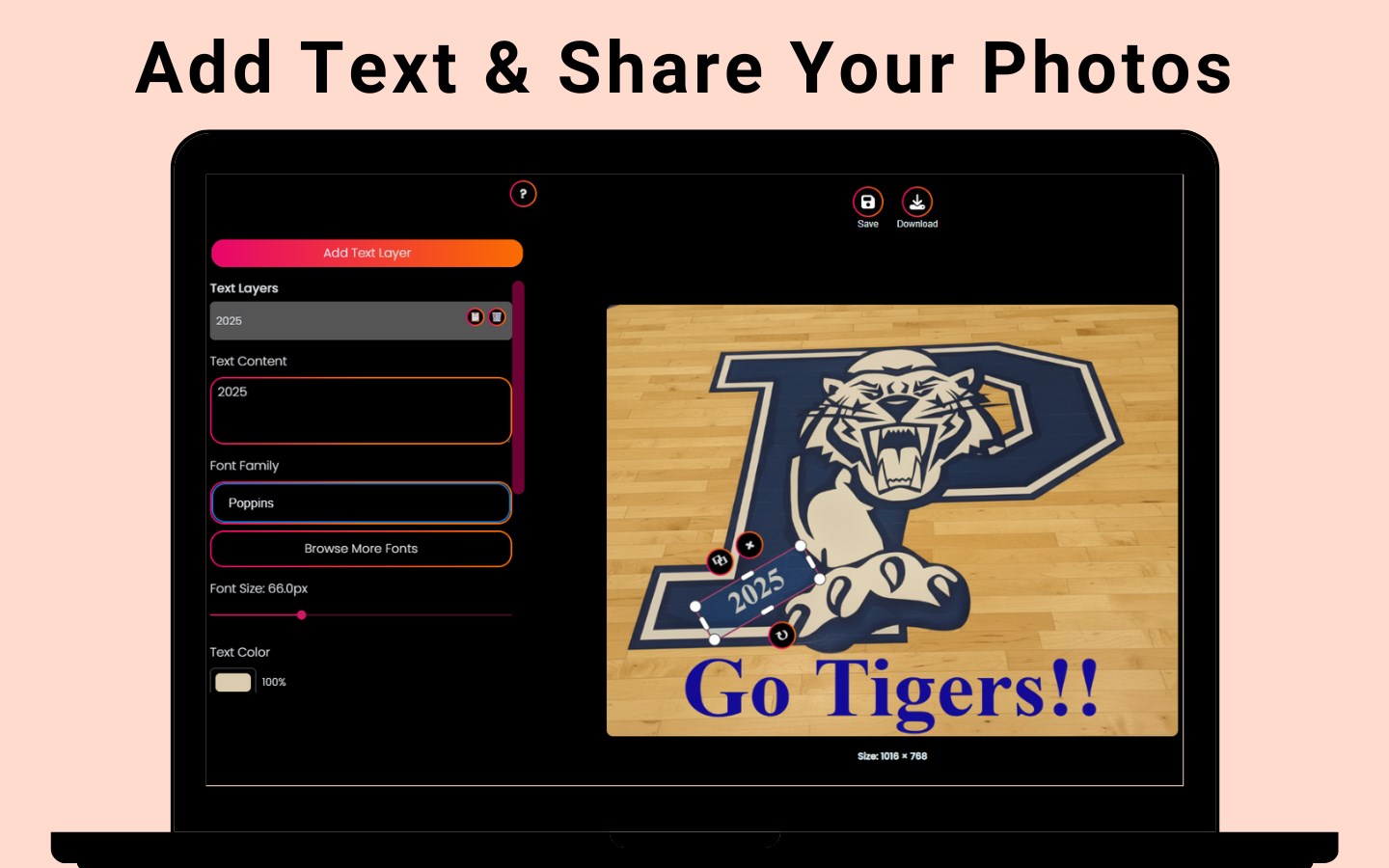
The user interface is clean, inviting, and straightforward—imagine walking into a well-organized art studio where tools are intuitively placed. Navigating through features feels natural, with smooth transitions and responsive controls that make editing a satisfying experience. The learning curve is gentle, making it accessible to beginners while still offering depth for more experienced users who wish to explore advanced options.
Compared to other photo editing apps like Adobe Photoshop Express or Luminar AI, Tangra AI Photo Editor's standout trait is its focus on AI-driven automation—allowing users to perform complex edits in seconds rather than minutes. Its specialized background removal, combined with style transfer, sets it apart by emphasizing creative flexibility with minimal effort. For users seeking efficient yet innovative editing solutions, this app positions itself as both a helpful tool and an inspiring creative partner.
Final Recommendations and Usage Tips
Overall, I'd recommend Tangra AI Photo Editor for anyone who wants powerful AI features without the fuss of steep learning curves. It's perfect for quick social media posts, creative projects, or small business branding efforts. For best results, combine its automatic enhancements with manual tweaks to suit your specific aesthetic goals. Keep in mind that while the app excels in rapid editing, more detailed retouching or complex compositing might still benefit from dedicated professional tools—yet for everyday magic, it's an excellent choice.
Pros
- Intuitive AI-powered editing tools
- Wide range of filters and effects
- User-friendly interface
- Fast processing speed
- Regular updates and improvements
Cons
- Some features require in-app purchases
- Occasional AI misinterpretations
- Limited export options
- Requires internet connection for some features
- High-resolution editing may slow down performance











