
- Name Sweet Home 3D: Interior Design & Home Planner
- Category Lifestyle
- Developer Space Mushrooms
- Available on PC
- OS Windows 10 version 17763.0 or higher
- Mouse Integrated Mouse
- languages Bulgarian, Chinese (Simplified), Chinese (Traditional), Czech, Dutch, English, Finnish, French, German, Greek, Hungarian, Italian, Japanese, Polish, Portuguese, Russian, Spanish, Swedish, Turkish, Vietnamese
Bringing Interior Design to Your Fingertips: An In-Depth Look at Sweet Home 3D
Imagine having a talented interior designer in your pocket—ready to turn your home renovation dreams into reality with just a few clicks. That's exactly what Sweet Home 3D offers: a user-friendly, powerful interior design tool crafted for both casual homeowners and design enthusiasts alike.
Overview and Core Features
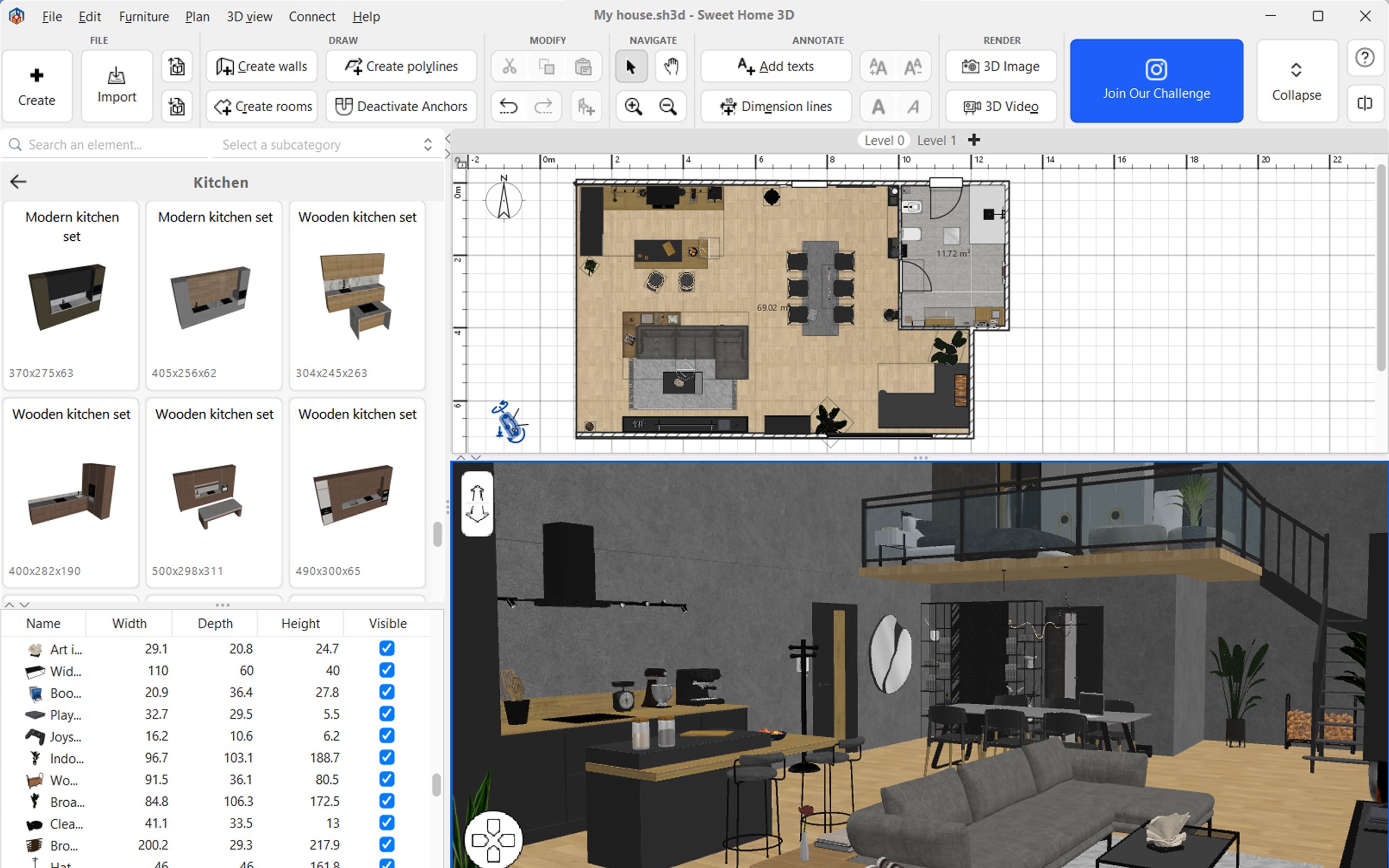
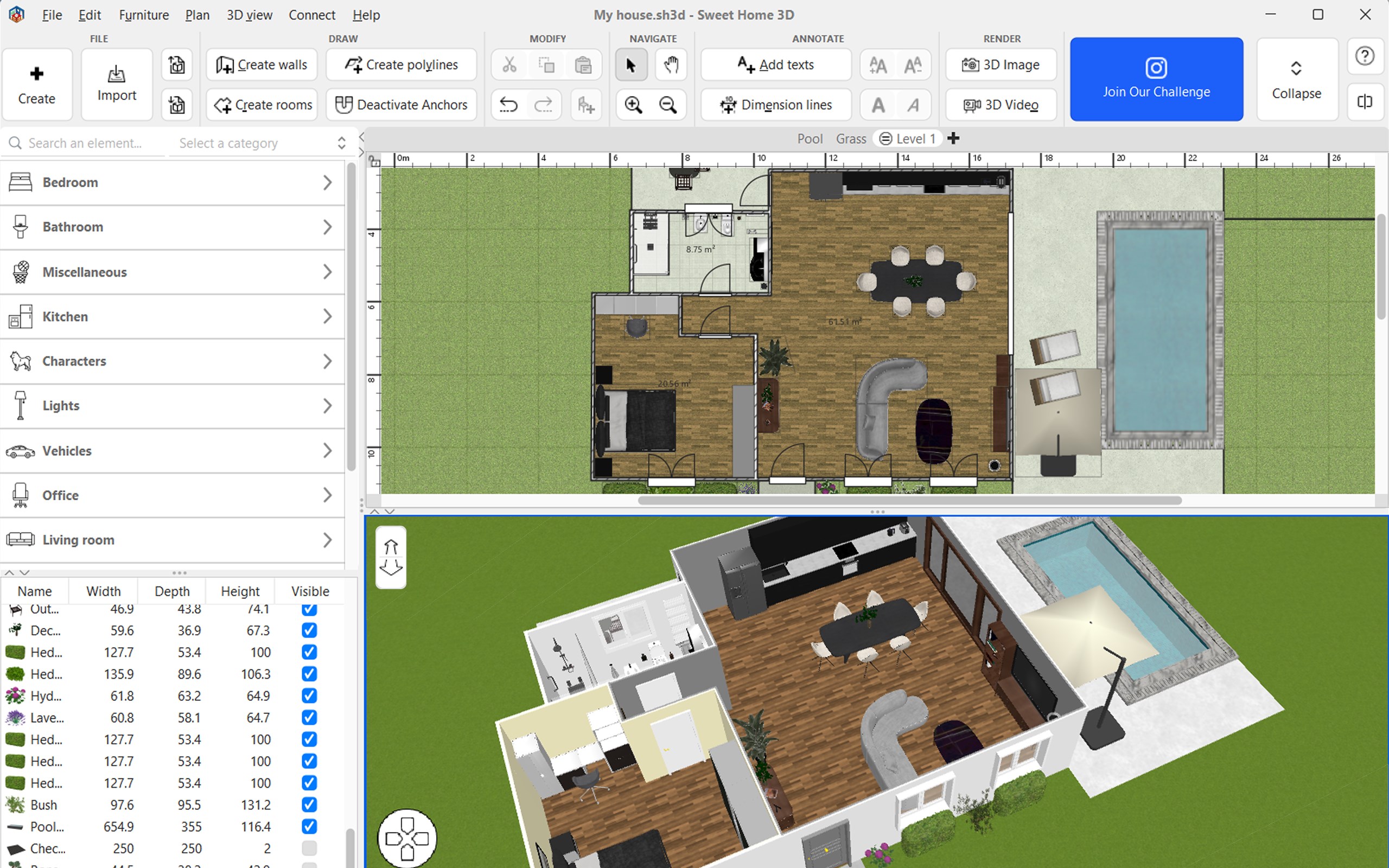
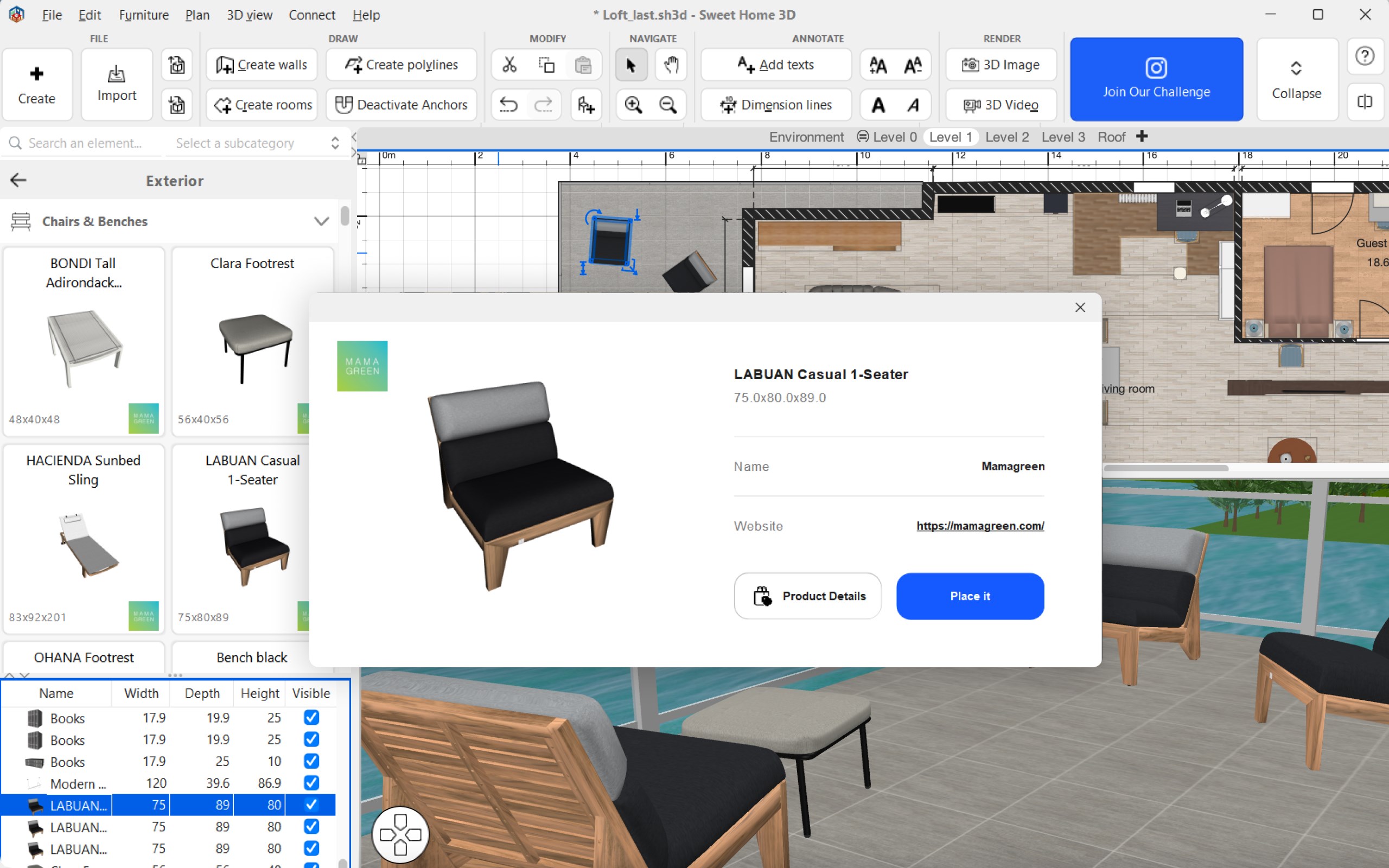
Developed and published by Space Mushrooms, Sweet Home 3D: Interior Design & Home Planner for Windows is a versatile application aimed at simplifying the process of home customization. It boasts a robust set of features that allow users to craft detailed floor plans, furnish interiors with a vast library of objects, and visualize designs in 3D, all within an intuitive interface.
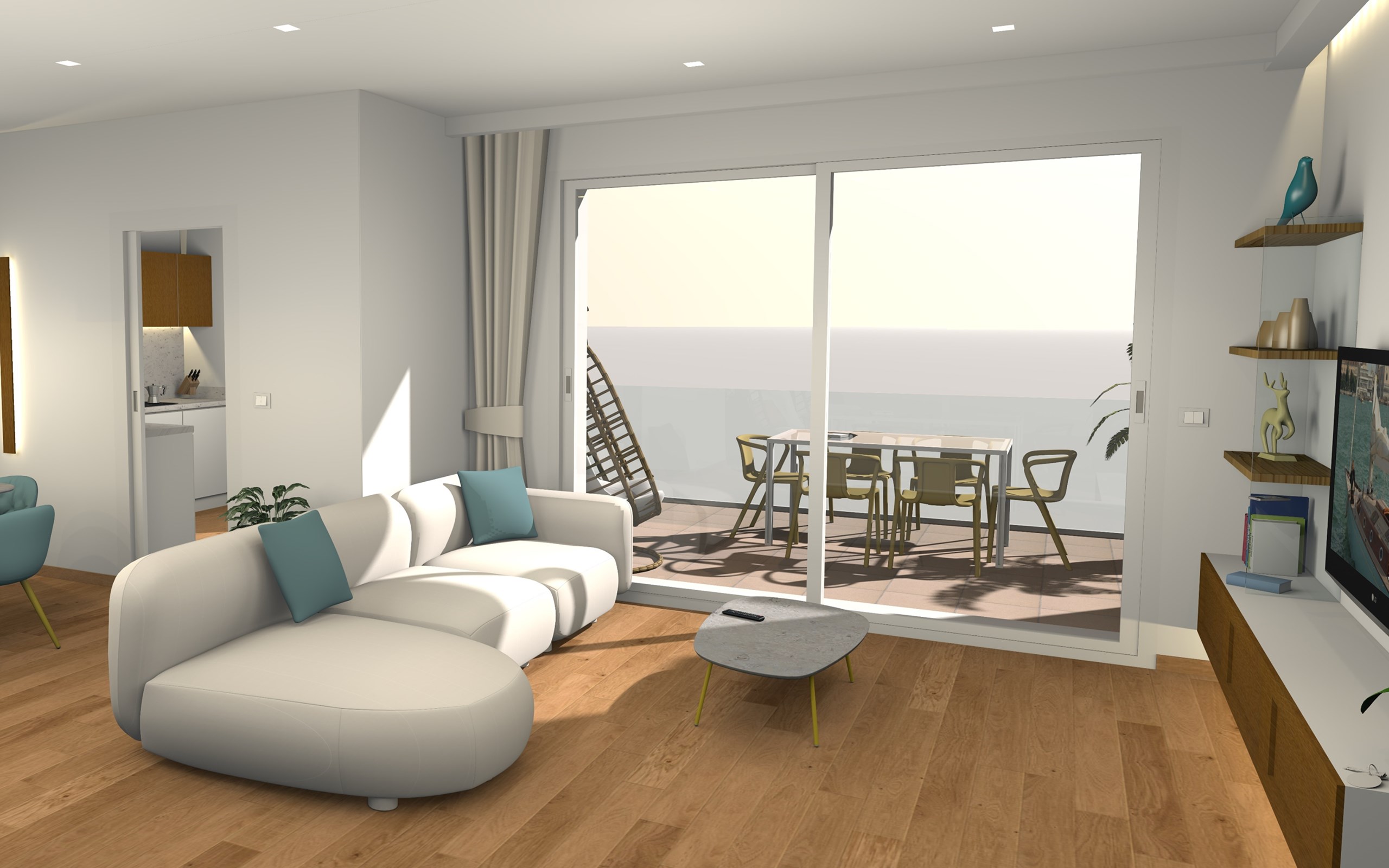
- 3D Visualization & Real-Time Editing: Offers dynamic models so you can see your ideas come alive instantly, making adjustments on-the-fly.
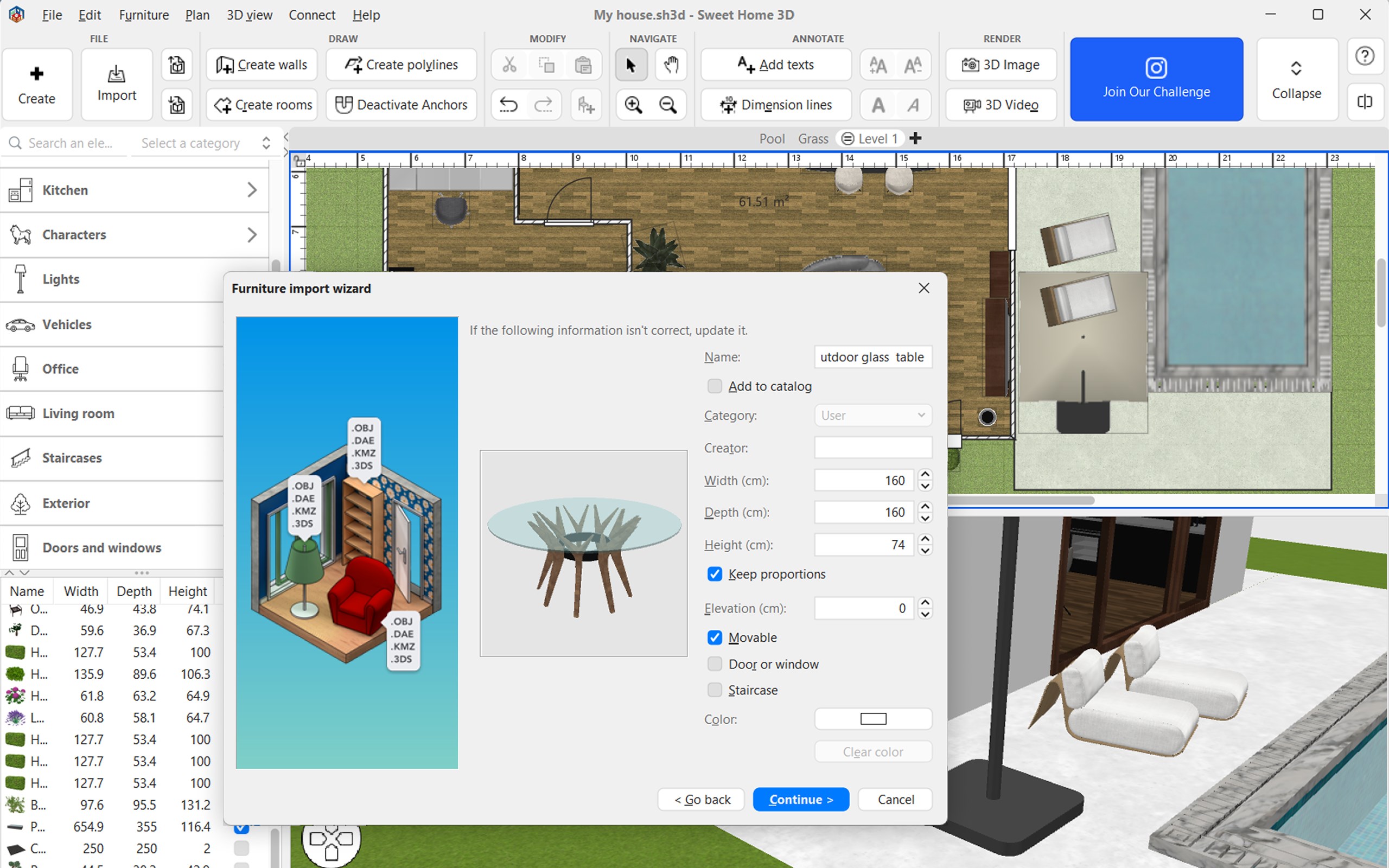
- Extensive Object Library: Provides a rich collection of furniture, decor, and fixtures, enabling highly personalized interior setups.
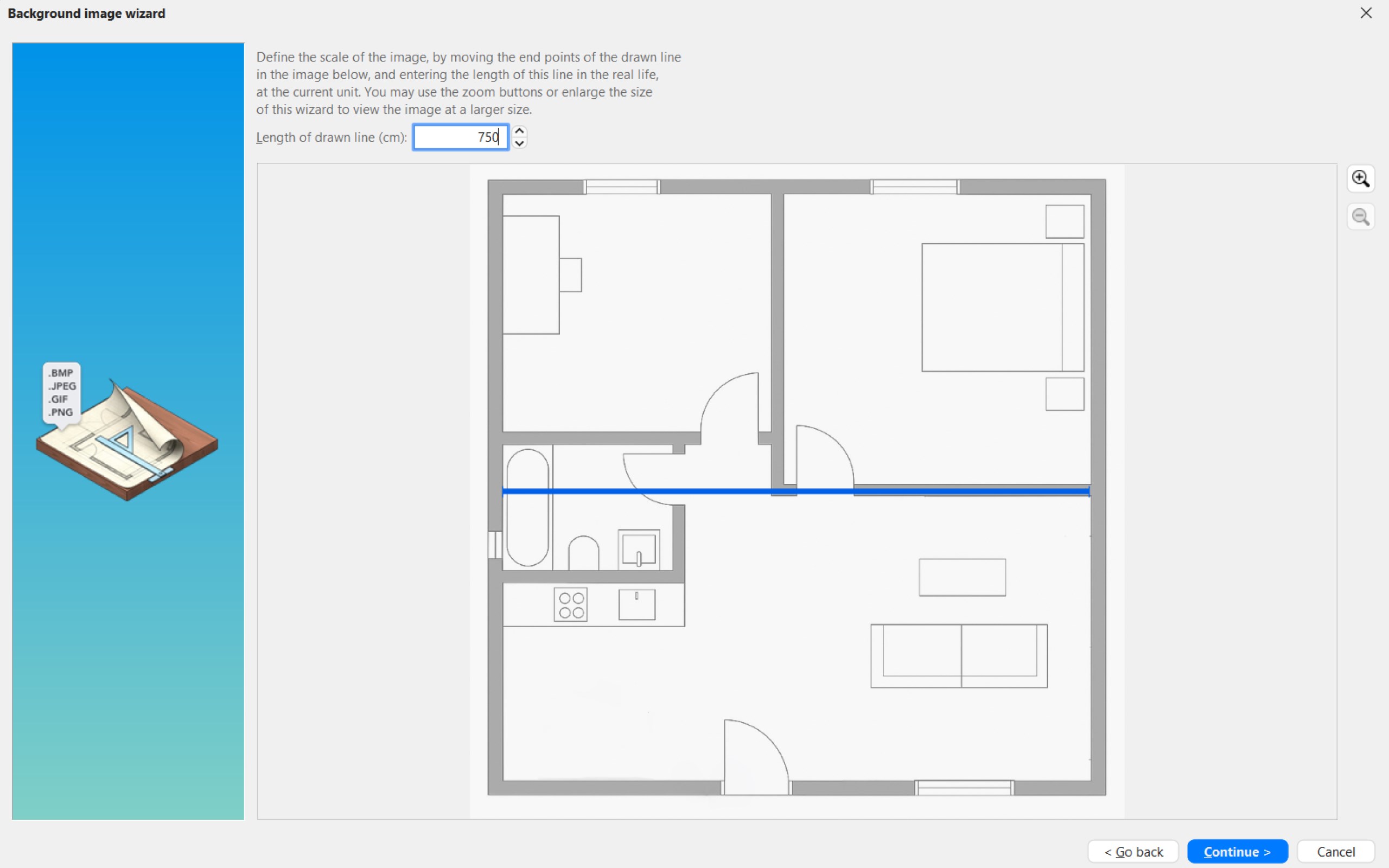
- Floor Plan Import & Export: Supports importing existing blueprints and exporting your designs for sharing or further editing.
- User-Friendly Design Tools: Simplifies the creation of complex layouts without requiring advanced CAD skills.
The main target audience includes homeowners interested in remodeling, interior designers seeking quick visualization tools, and DIY enthusiasts craving an approachable yet comprehensive interior planner.
Design & Usability: Turning Space Into Art
Stepping into Sweet Home 3D feels akin to entering a well-organized workshop—everything is where you expect it to be, yet the magic lies in how effortlessly you can bring your vision to life. The interface is clean and inviting, with drag-and-drop functionality that makes laying out rooms and placing furniture feel less like a chore and more like assembling a delightful puzzle. The app runs smoothly on Windows, with responsive controls that won't frustrate even newcomers, although there's a slight learning curve in mastering more advanced features.
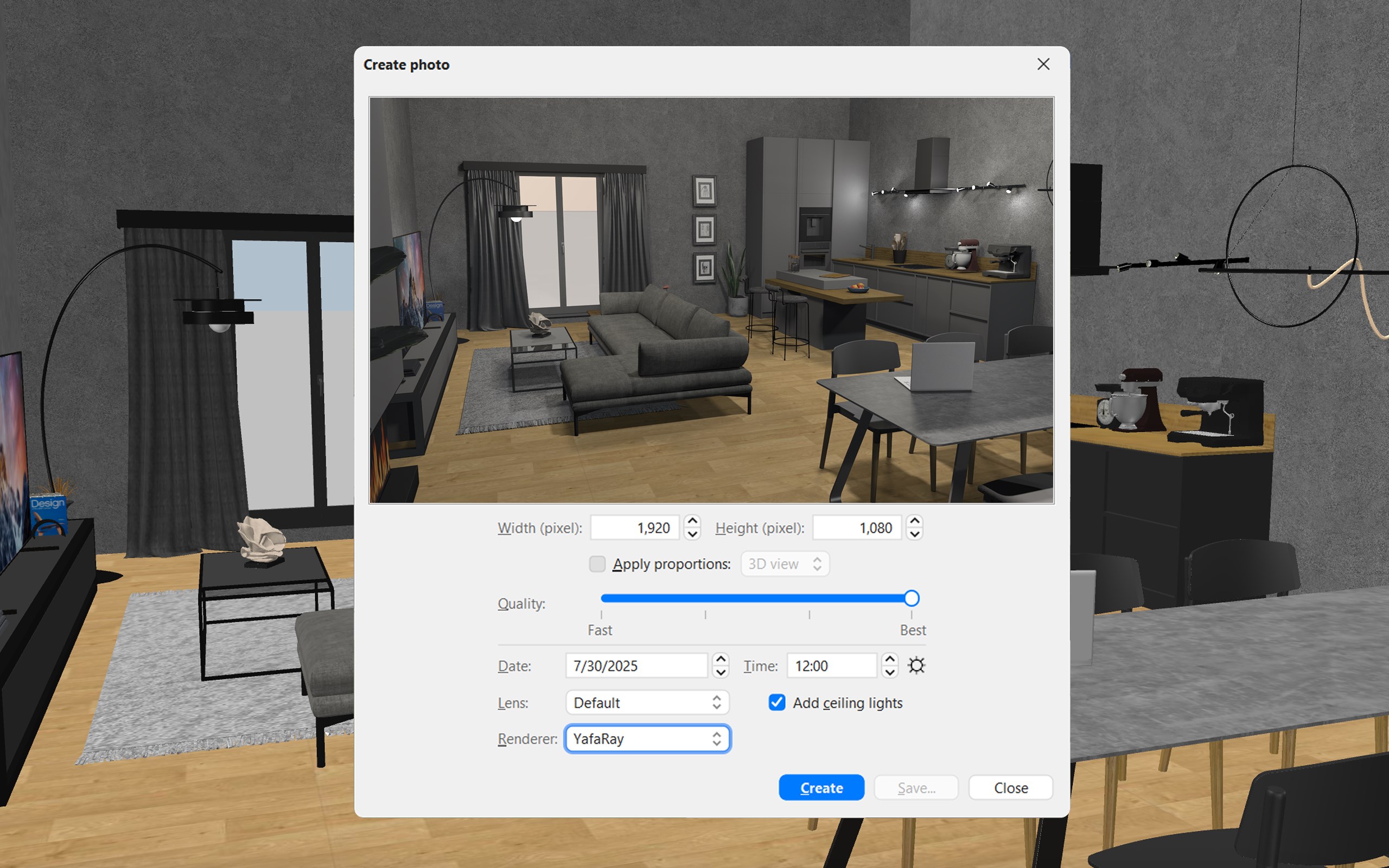
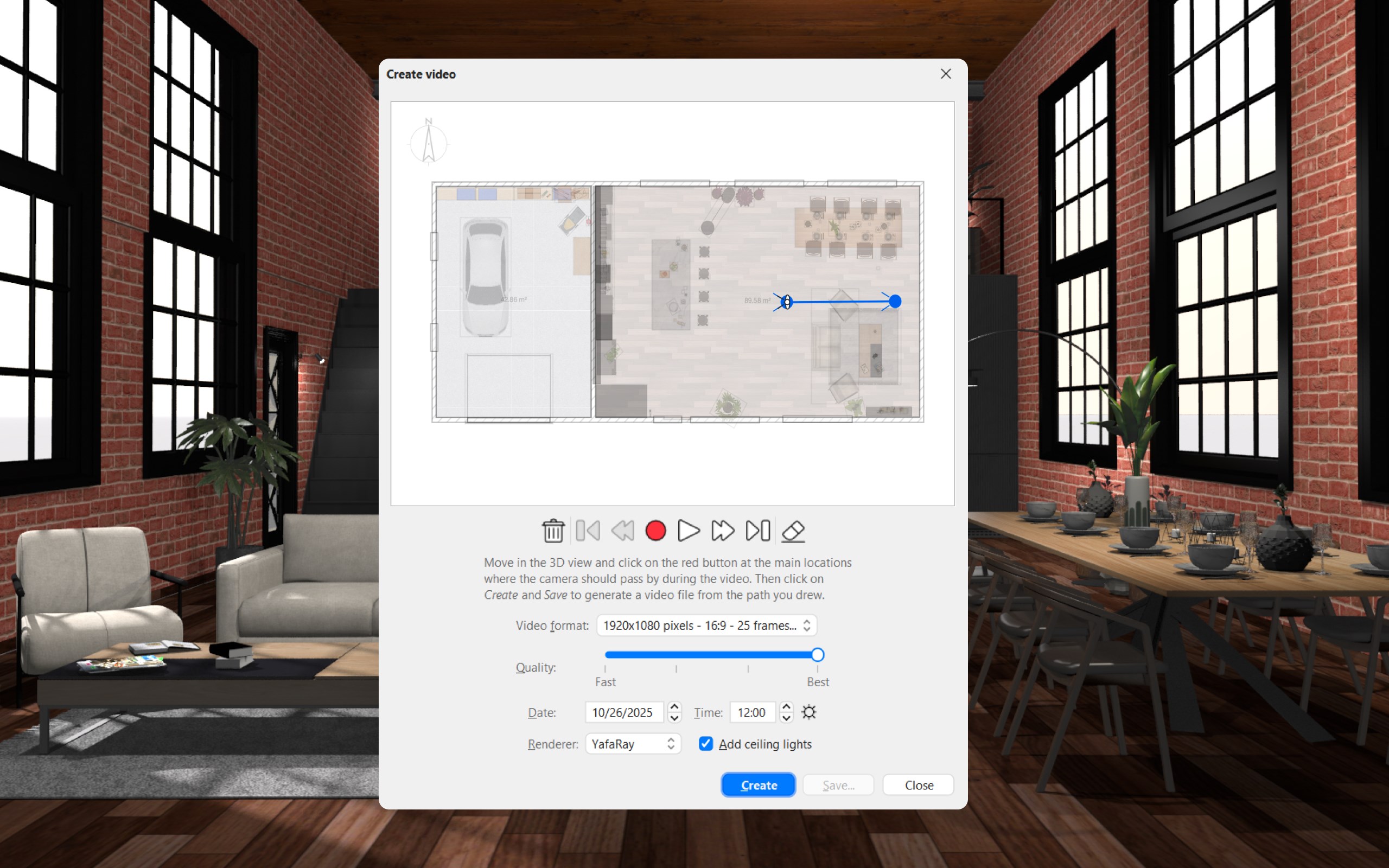
One of the standout aspects is its real-time 3D visualization, which resembles having a mini film crew filming your project from every angle. Changes in layout or decor are immediately reflected in 3D, providing instant feedback and helping users better understand spatial relationships. Learning how to utilize this feature presents a manageable challenge but offers rewarding insights into space planning.
Unique Features Set Sweet Home 3D Apart
Unlike many lifestyle apps centred around list-keeping or photo editing, Sweet Home 3D integrates detailed interior design capabilities with a content authenticity that appeals to real-world needs. Its ability to import existing plans makes it a practical tool for professionals and serious hobbyists, setting it apart from simplistic visualizers that rely solely on pre-made templates. Furthermore, the app's credibility stems from its open-source roots and active community, which continuously enrich the object libraries and tutorials available online.
An especially compelling feature is its ability to simulate lighting conditions and visualize how natural and artificial light will affect your space throughout the day—akin to having a virtual sun tracking your rooms. This empowers users to make more informed decisions about furniture placement and window treatments, delivering a level of authenticity rarely found in comparable lifestyle apps.
Final Thoughts & Recommendations
Sweet Home 3D strikes an admirable balance between simplicity and depth, making it highly recommended for those embarking on home design projects or simply exploring interior styling concepts. While it may not replace professional CAD tools for architects, its approachable interface and rich feature set make it a standout choice for non-professionals and hobbyists alike. For anyone eager to visualize a new living space without the steep learning curve or hefty software costs, this app deserves a serious look.
If you enjoy tinkering with space arrangements or want a reliable, authentic tool that offers both 2D and 3D visualization, give Sweet Home 3D a try. It's like having an interior decorator and architect working hand-in-hand on your computer—helping you craft a home that truly reflects your style and needs.
Pros
- Intuitive Drag-and-Drop Interface
- Extensive 3D Visualization
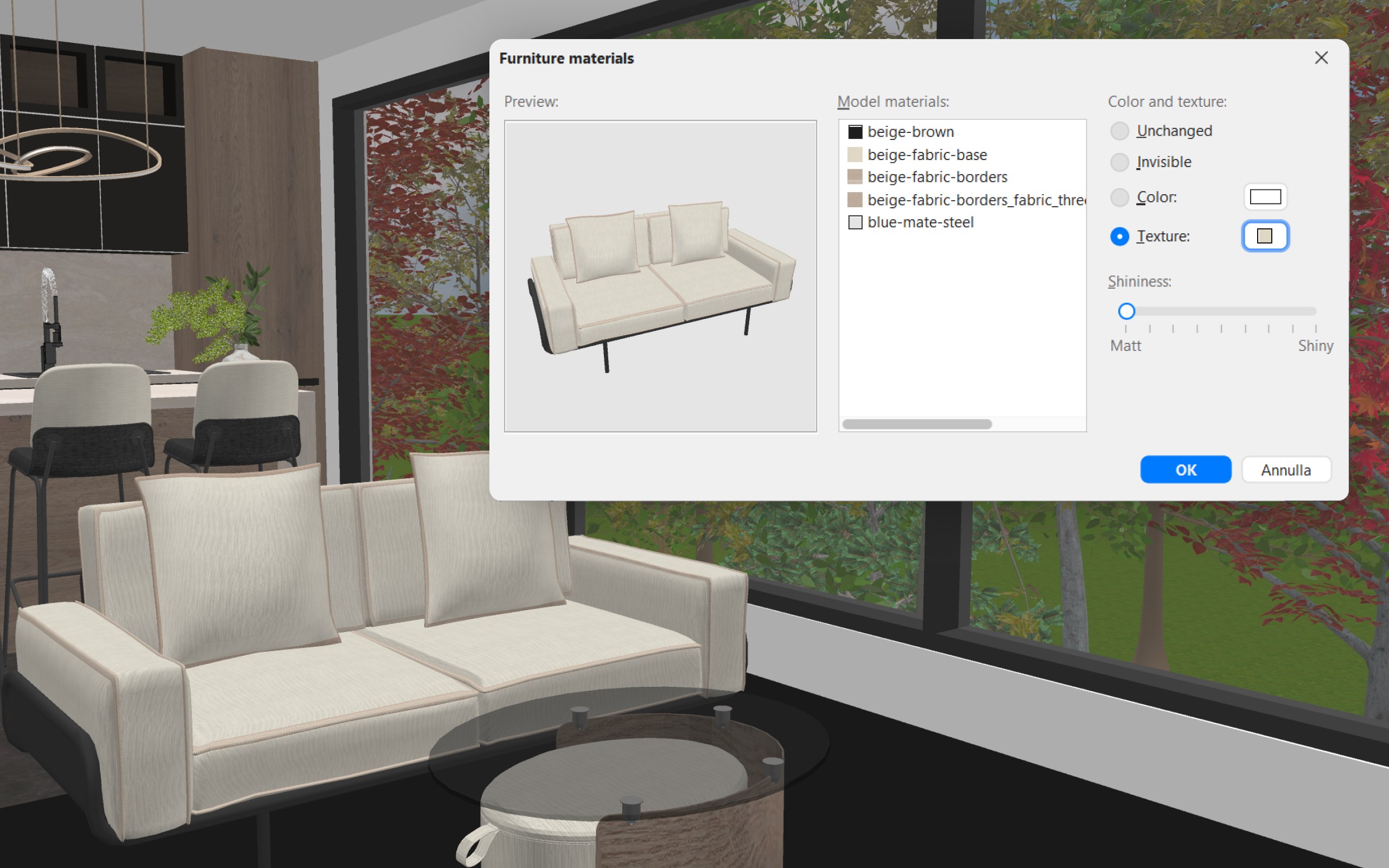
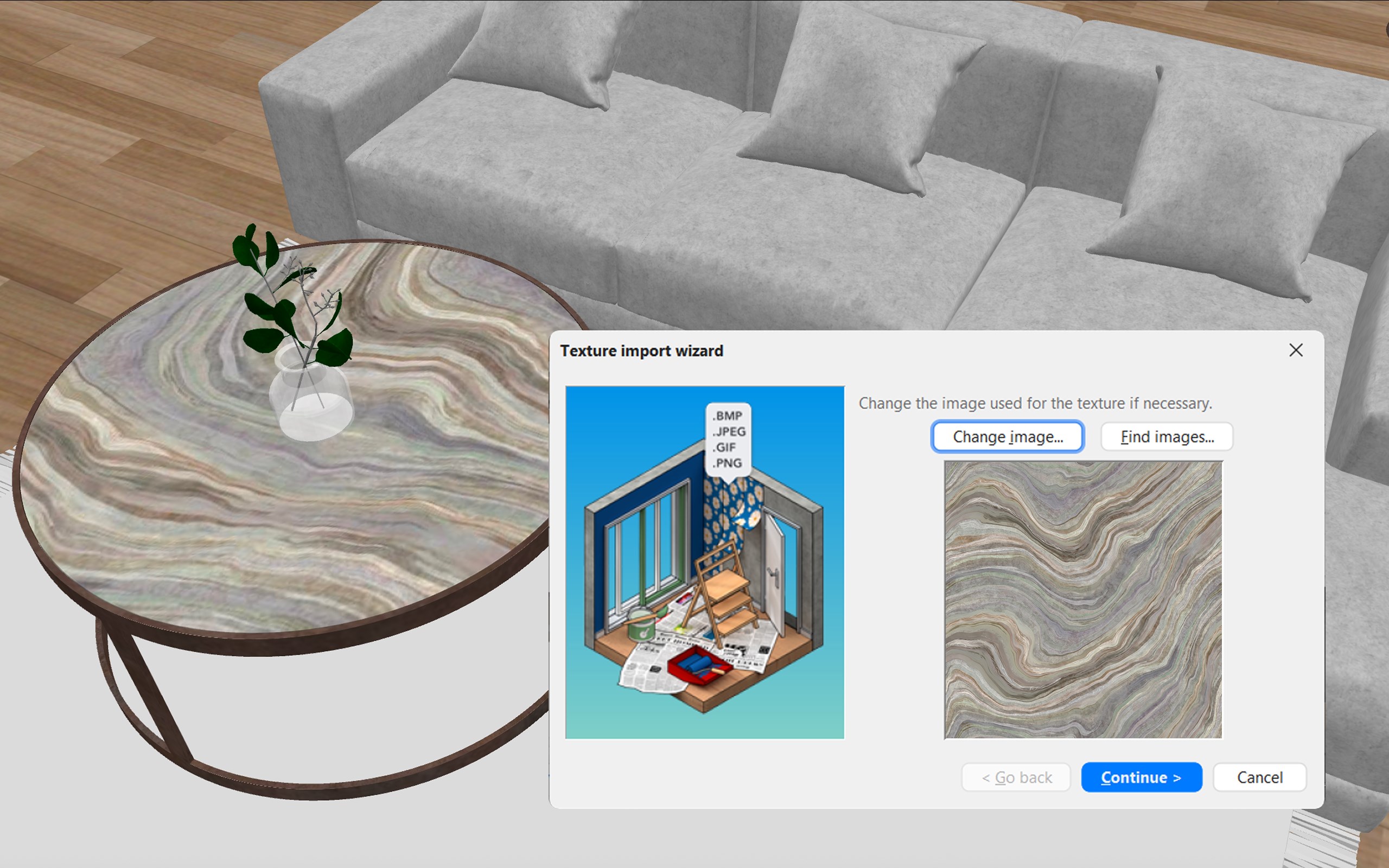
- Wide Furniture and Material Library
- Cross-Platform Compatibility
- Export and Sharing Features
Cons
- Limited Real-Time Collaboration
- Steep Learning Curve for Advanced Features
- Few Free Customization Options for Textures
- Rendering Speed Can Be Slow on Low-End Devices
- Occasional Stability Issues with Large Files