- Name Designs Space PRO : Maker, Explore illustrations
- Category Lifestyle
- Developer rpsapps@2025
- Available on PC, Surface Hub
- OS Windows 10 version 14393.0 or higher
- languages English (United States)
Introducing Designs Space PRO: Maker, Explore Illustrations for Windows
Designs Space PRO is a creative application tailored for artists, designers, and hobbyists eager to craft and explore unique illustrations on Windows devices. It emphasizes a user-friendly experience combined with powerful customization tools, making digital drawing accessible for beginners and advanced users alike.
Developed by RPS Apps
Created by RPS Apps, a team committed to delivering innovative and practical digital tools, this application stands out as a versatile platform for exploring creative illustrations with ease and precision.
Key Features and Highlights
- Extensive Illustration Toolkit: Offers a rich set of brushes, shapes, and templates to bring your ideas to life effortlessly.
- Customizable Templates and Maker Modes: Allows users to generate and modify illustrations using preset templates or start from scratch, catering to both structured and free-form creativity.
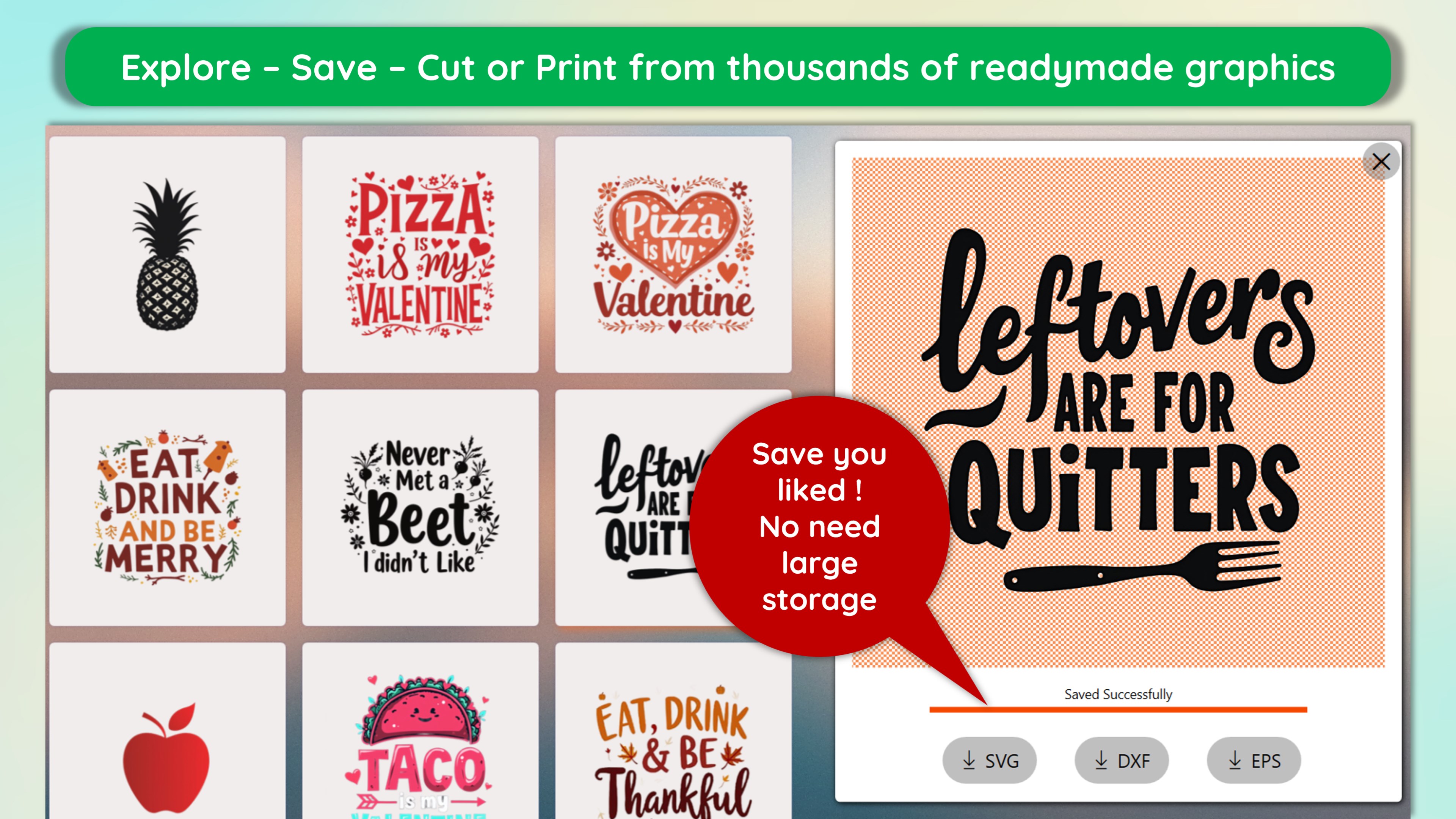
- Explore and Share Functionality: Facilitates discovering new styles and sharing your artwork within a vibrant community, fostering inspiration and feedback.
- User-Friendly Interface Design: Focuses on simplicity and accessibility, lowering the barrier for new users while providing depth for seasoned artists.
Targeted towards amateur illustrators, educators, students, and hobbyists interested in digital drawing and customization, Designs Space PRO aims to blend ease of use with creative flexibility.
Evaluation: A Friendly Dive Into Creative Waters
Embarking on a creative journey with Designs Space PRO feels akin to stepping into a well-organized art studio inside your Windows device—a space where ideas are nurtured and turned into visual wonders. The app's intuitive interface and responsive tools make the process engaging, almost like painting on a digital canvas with your fingertips.
Core Functionality 1: Maker Mode – Your Personal Illustration Studio
The standout feature of Designs Space PRO is its Maker Mode, a digital playground where users can craft their illustrations from scratch or use dynamic templates. Think of it as a digital workshop equipped with a palette of brushes, colors, and shapes, ready for your personal touch. This mode is particularly praised for its flexibility—whether you want to quickly sketch an idea or meticulously craft detailed artwork, Maker Mode adjusts to your needs. The layer support and adjustable brushes empower users to build complex scenes with confidence, while the real-time preview ensures your vision is always in sight.
Core Functionality 2: Explore Illustrations – Inspiration at Your Fingertips
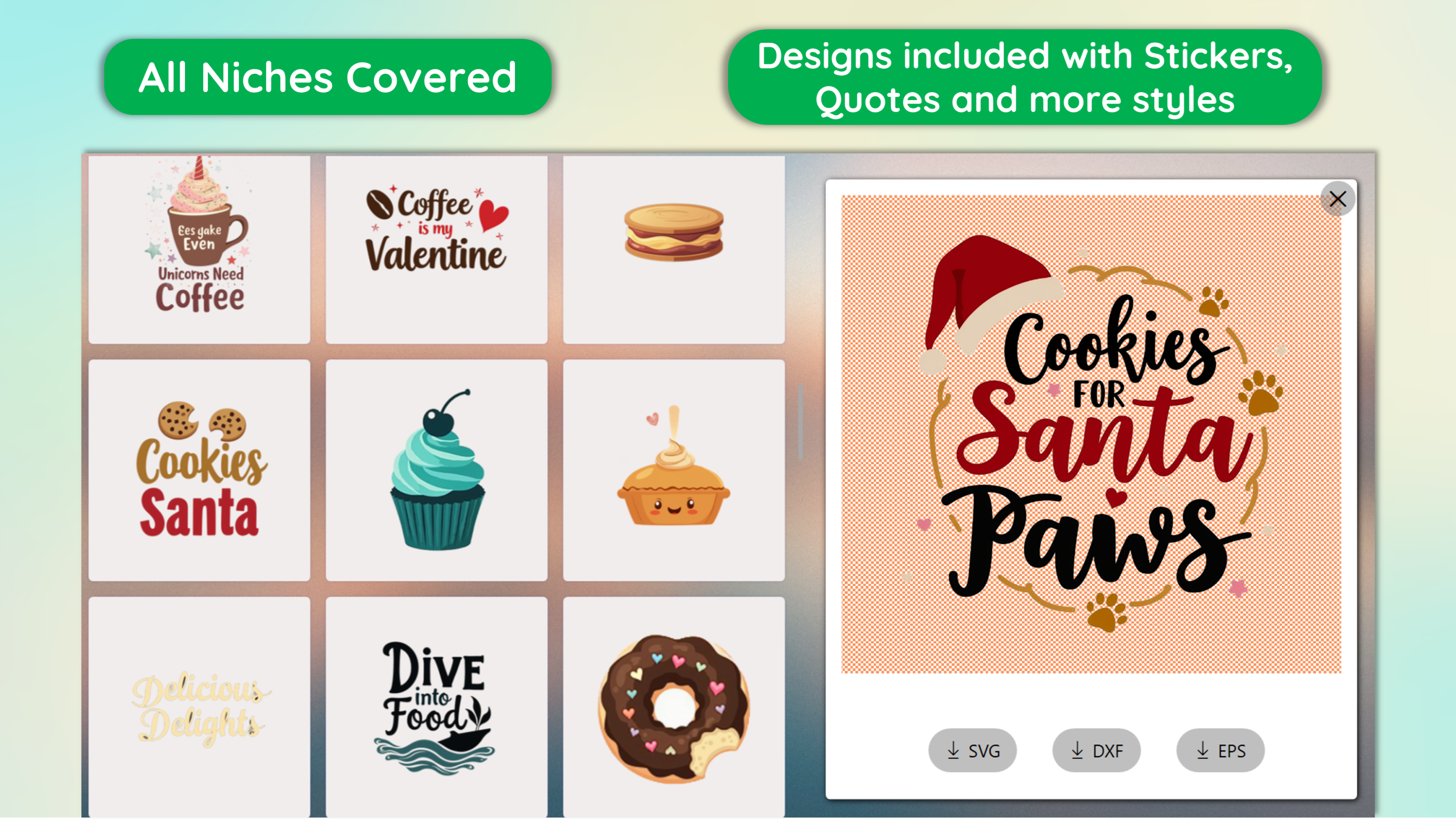
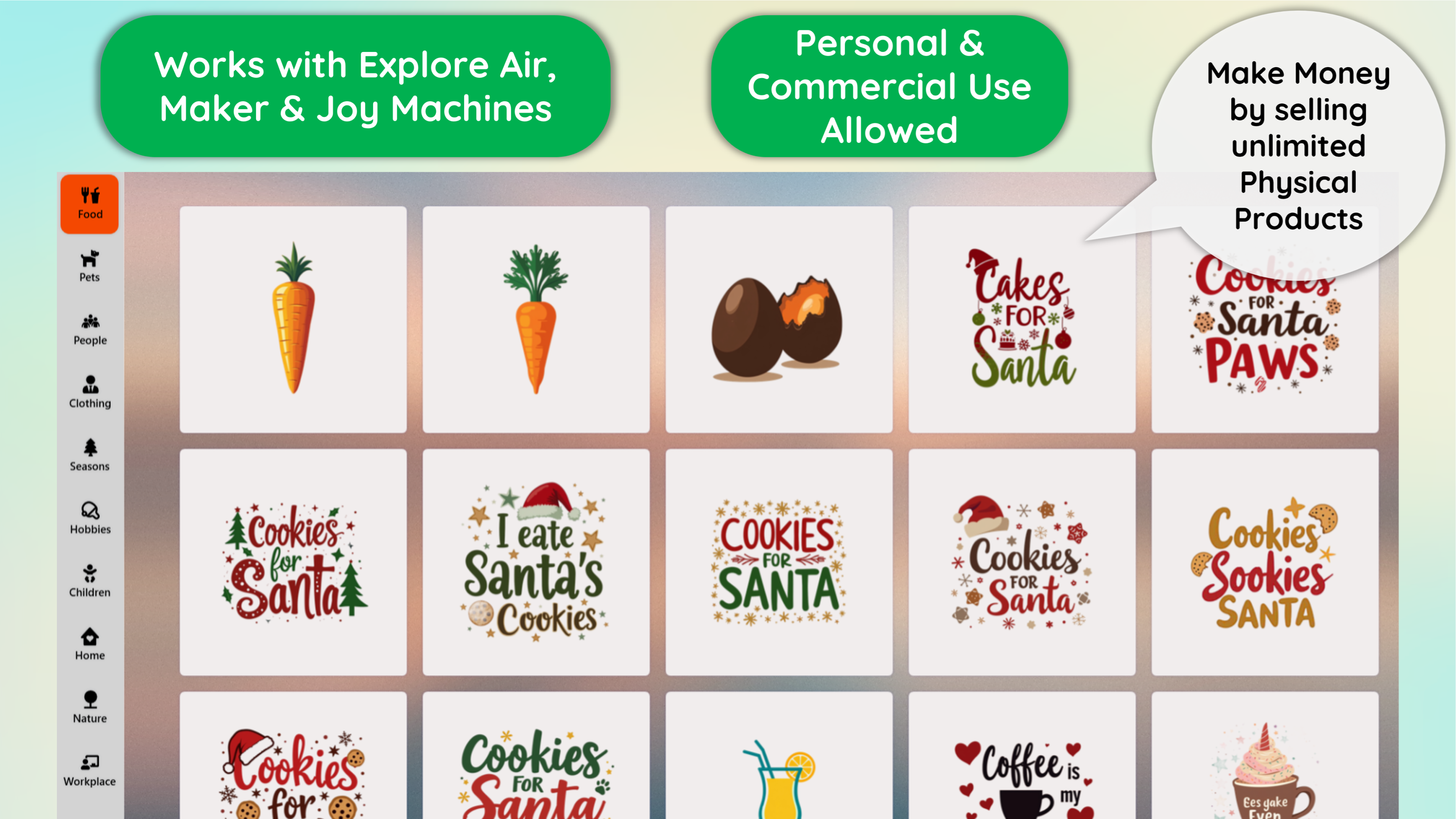
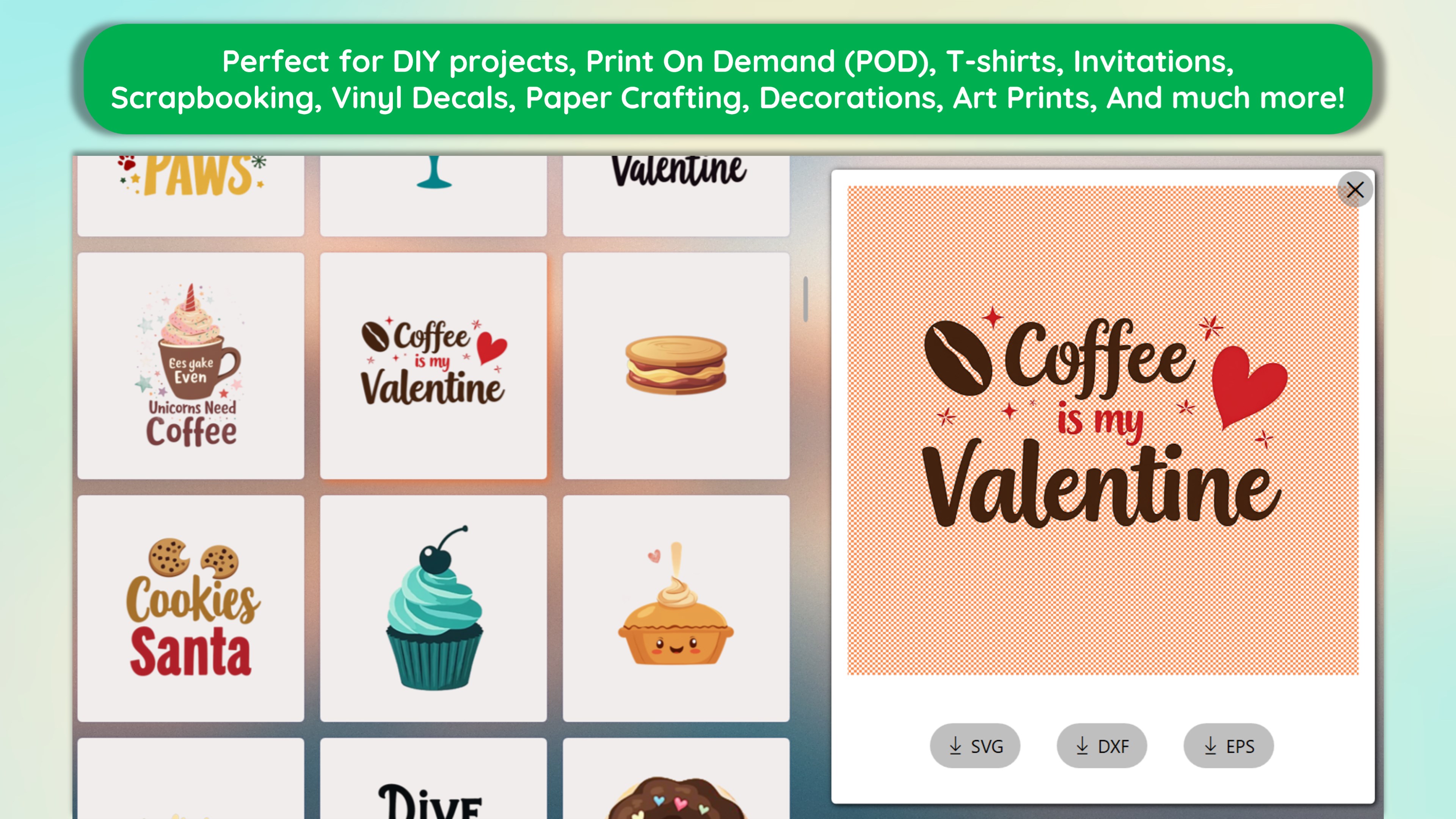
Inspiration often strikes from seeing what others create, and the Explore feature makes this seamless. By browsing curated collections, users can discover various styles—from minimalist line art to vibrant fantasy scenes. What sets this apart from similar lifestyle apps is the authentic and credible content sourced from a community of talented artists. This is not merely a gallery; it's an interactive hub encouraging experimentation, sharing, and learning. The app integrates credible feedback systems, enabling users to see how professionals approach illustration, making it both educational and motivating.
User Experience and Differentiating Aspects
The interface embraces simplicity, with a clean layout that resembles a sleek digital notebook, making navigation a breeze. The tool responsiveness is commendable, with minimal lag even when handling detailed projects—this smoothness ensures a natural drawing experience akin to working with traditional media. The learning curve is gentle, thanks to helpful tooltips and predefined templates that ease beginners into digital illustration without overwhelming them.
Unlike many lifestyle creativity apps that focus solely on social sharing or casual doodling, Designs Space PRO combines authentic artistic tools and content curation with exploration features. This dedication to content authenticity and the inclusion of expert-curated illustrations elevate it from mere casual entertainment to a credible creative platform. The blend of Maker and Explore modes fosters a cycle of creation and inspiration, supporting users at every stage of their artistic journey.
Final Thoughts: A Solid Choice for Creative Explorers
If you're seeking an application that balances user-friendly design with professional-grade features, Designs Space PRO deserves a close look. Its most compelling aspect—combining flexible illustration creation with access to inspiring, credible content—makes it stand out in the crowded marketplace of lifestyle and creative apps. Whether you're a novice eager to doodle or an aspiring artist aiming to refine your skills, this app offers a welcoming environment to learn and grow.
Recommended for casual creators and serious amateurs alike, I suggest giving it a try if you're interested in exploring digital illustration without a steep learning curve. Its intuitive interface and unique exploration features make it a noteworthy addition to your creative toolkit.
Pros
- Intuitive User Interface
- Rich Illustration Resources
- Creative Tools Integration
- Offline Accessibility
- Regular Updates
Cons
- Limited Export Options
- Occasional Lag with Complex Designs
- Learning Curve for Advanced Features
- Inconsistent Syncing Across Devices
- Minimal Customization Options for UI