- Name Design SVG Space Projects: Maker & Print, Cut
- Category Lifestyle
- Developer rpsapps
- Available on PC, Surface Hub
- OS Windows 10 version 14393.0 or higher
- languages English (United States)
Introducing Design SVG Space Projects: Maker & Print, Cut for Windows
Design SVG Space Projects is a specialized application aimed at hobbyists and professionals alike, focusing on creating and preparing SVG designs for print, cut, and crafting projects directly on Windows devices. It promises to streamline the design-to-production workflow with a user-friendly interface tailored for makers, educators, and DIY enthusiasts.
About the Developer and Core Features
Developed and published by rpsapps, this app emerges from a team dedicated to providing accessible, yet powerful design tools for the crafting community. Its primary features include an intuitive SVG editing environment, seamless integration with printing and cutting hardware, and robust project management functionalities. Notably, it emphasizes usability and efficiency for both beginners and experienced users.
Who Can Benefit Most?
This app is ideally suited for educators, small business owners, hobbyists, or anyone involved in crafting, sign-making, or personalized gift creation. Its straightforward tools make it accessible to those new to SVG editing while still providing depth for seasoned designers seeking quick, reliable output.
Vibrant Beginnings: Crafting Creativity Made Easy
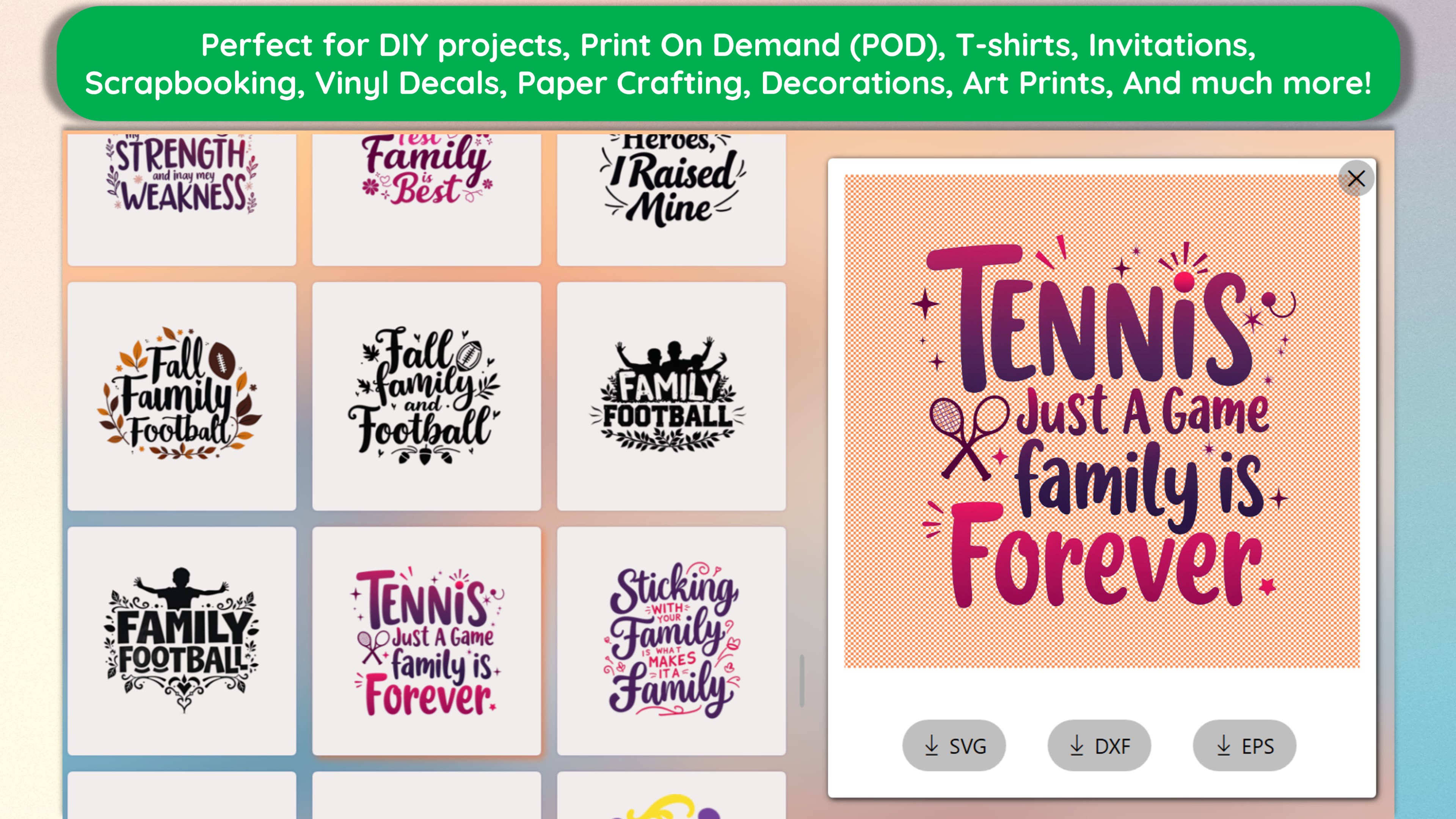
Picture this: you're in your cozy workshop, surrounded by colorful sheets of vinyl and paper, eager to bring your next project to life. Design SVG Space Projects opens its gates to your creative playground, promising to transform complex design tasks into an intuitive, almost magic-like experience. Whether you're customizing a tote bag design or preparing stickers for your kids' school projects, this app aims to be your trusty companion.
Powerful Design Tools for Precise Crafting
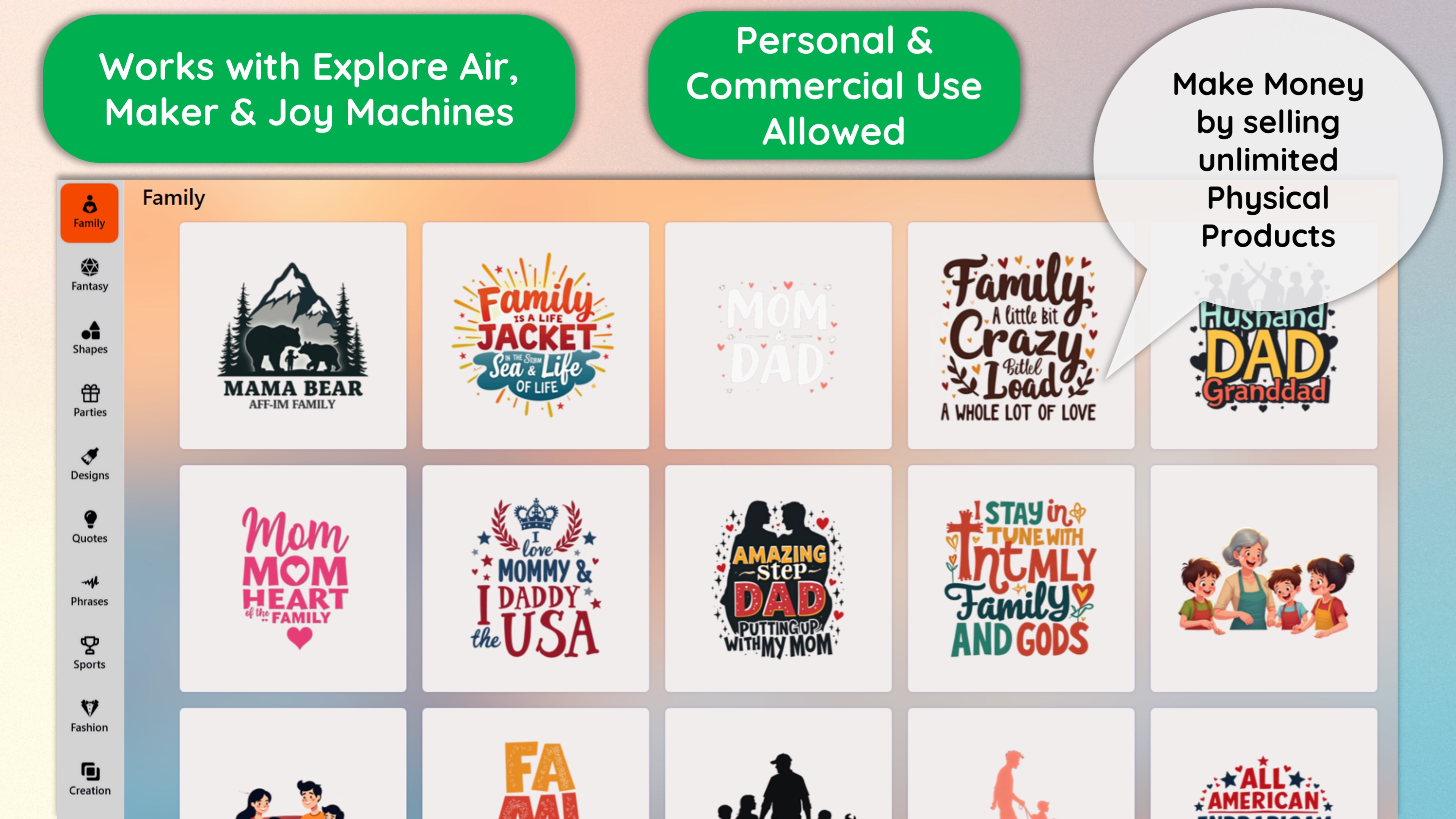
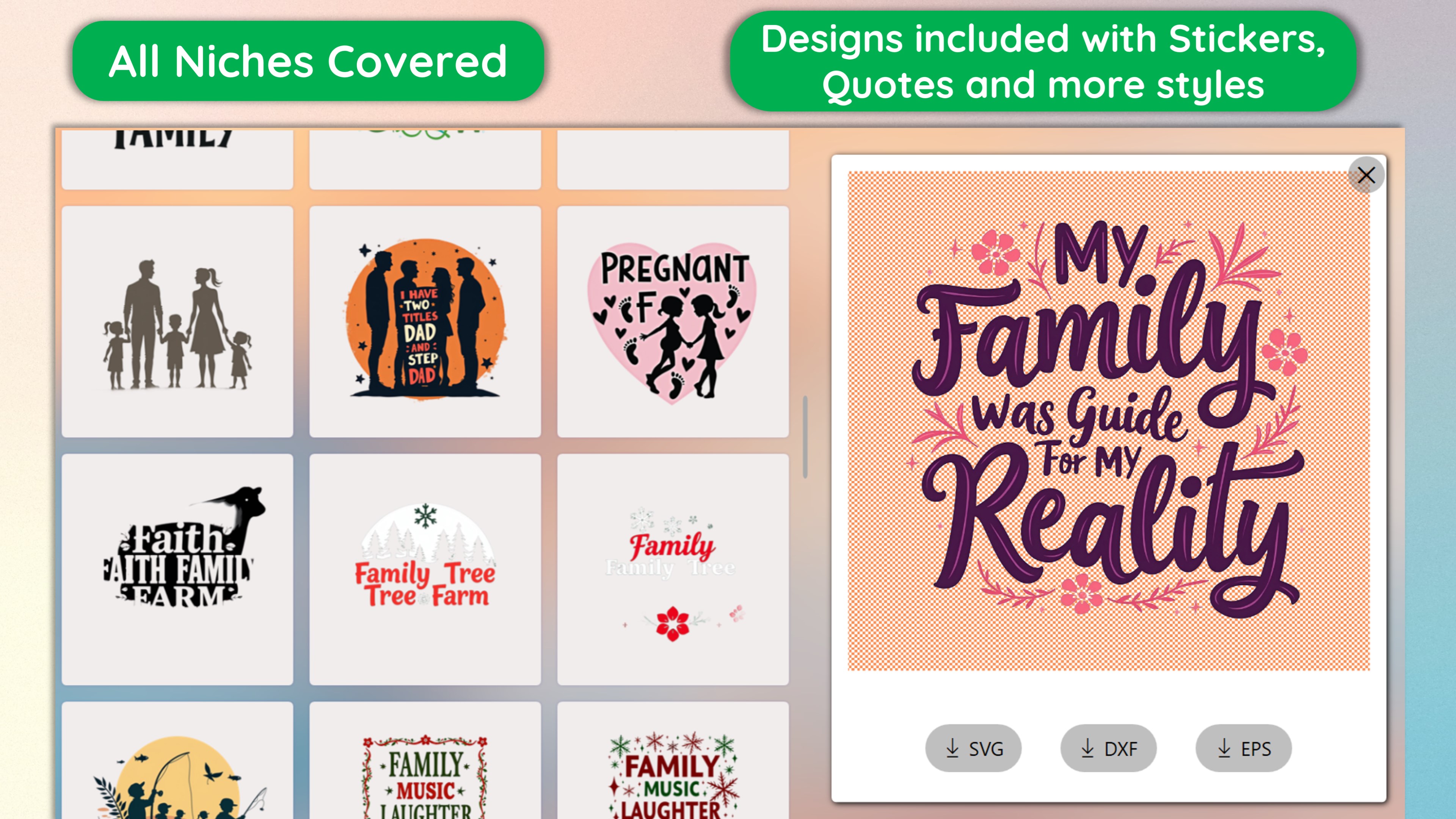
At the heart of the app lies its versatile SVG editor. It lets users create, modify, and fine-tune vector graphics with ease. The interface resembles a tidy workstation, with clearly organized toolbars and shape libraries that make designing feel less like deciphering hieroglyphs and more like sketching on paper. Features such as node editing, layering, and alignment tools provide the precision required for detail-oriented projects. This focus on user-friendly yet detailed design capabilities makes it stand out from more basic SVG editors.
Seamless Integration with Cutting & Printing Devices
One of the app's most remarkable features is its ability to connect seamlessly with popular cutting machines and printers. Imagine designing that perfect decal or paper craft and then hitting 'Print & Cut' without fuss. The app simplifies the workflow—detecting connected hardware, adjusting cut lines, and previewing layouts—all within a few clicks. This tight integration minimizes the need for external software, reducing setup time and potential errors. For small businesses or educators, this direct approach can significantly enhance productivity and project turnaround times.
Experience and Usability: Friendly Interface Meets Efficient Performance
The app's design adopts a clean, straightforward interface that echoes familiar desktop applications, making the learning curve gentle. Navigating through the tools is smooth, with snappy responsiveness that keeps the creative flow alive. Beginners will appreciate the approachable layout, while advanced users can dig into detailed adjustments without the interface feeling cluttered. The app's performance remains stable even during complex designs, which is crucial for maintaining confidence in a professional or educational setting.
A Unique Niche in the Lifestyle & Crafting Ecosystem
Compared to general vector graphic editors or hobbyist-oriented applications, Design SVG Space Projects shines with its targeted focus on craft-specific features. Its ability to directly link design to physical outputs—be it cutting or printing—gives it a practical edge. Furthermore, the app's commitment to clarity and precision positions it as a credible tool for craft professionals and educators who value content authenticity and measurement accuracy. Its specialization reduces the learning curve often associated with multipurpose design software, offering a more authentic and credible experience tailored to the crafting niche.
Recommendation & Usage Tips
If you're seeking a straightforward, reliable app that bridges the gap between digital design and physical craft production, Design SVG Space Projects is worth considering. Its most compelling strengths lie in its smooth integration with hardware and user-friendly interface, which can greatly enhance your crafting workflow. I recommend it for educators, hobbyists, and small-scale artisans who need an efficient tool optimized for SVG projects. For those venturing into customized gifts or small business operations, this app could serve as a valuable part of your creative toolkit.
Remember, while it offers a lot out of the box, spending some time exploring tutorial resources and experimenting with its features will yield the best results. Overall, it's a solid, practical choice for bringing your craft ideas from screen to real-life masterpiece with clarity and ease.
Pros
- Intuitive SVG Design Tools
- Good Compatibility with Makers and Printers
- Rich Library of Space-Themed Templates
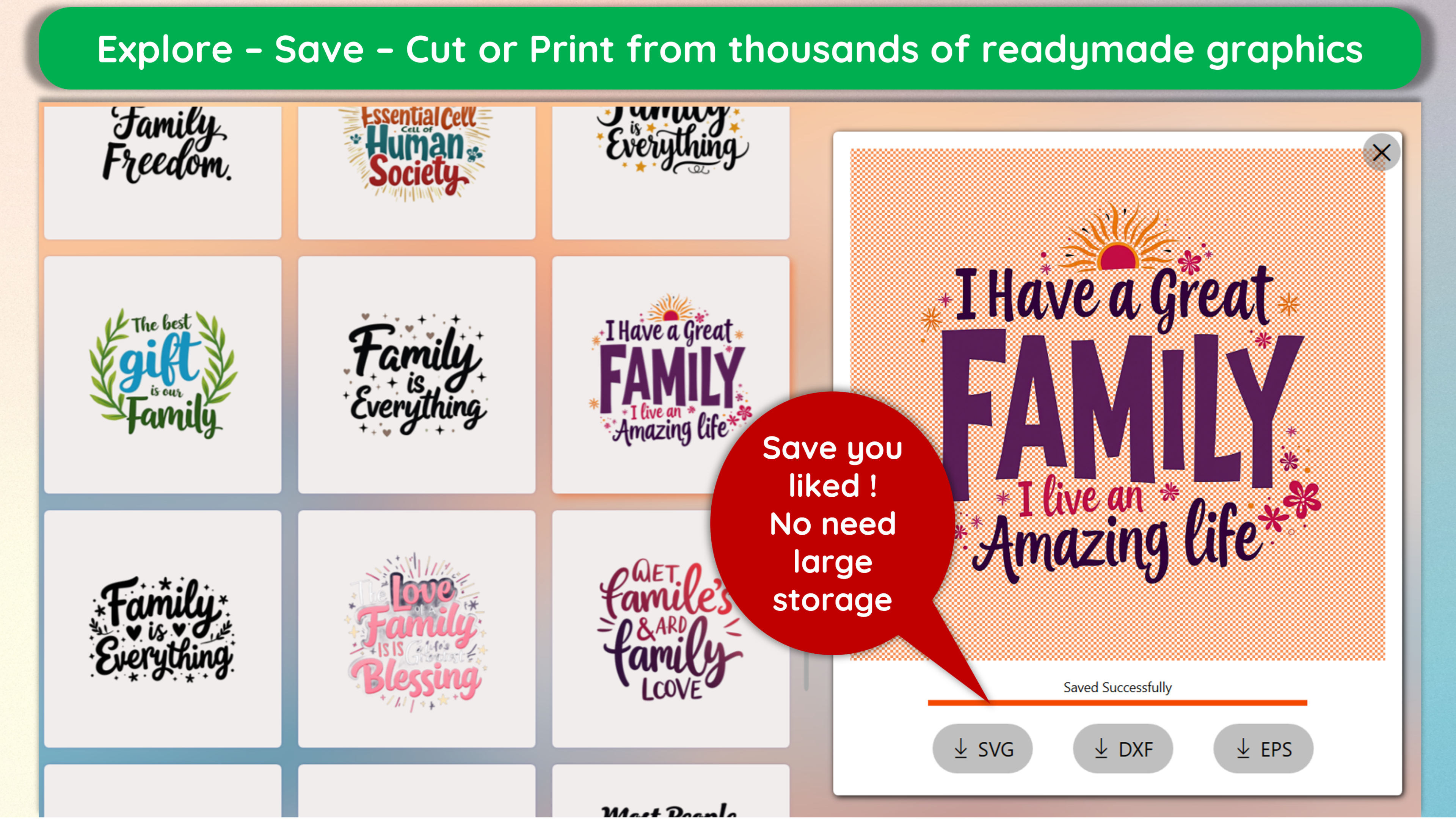
- Easy Export and Sharing Options
- Regular Updates and Improvements
Cons
- Limited Advanced Editing Features
- Occasional Software Crashes on Large Files
- Slower Performance on Older Devices
- Minimal Customization for Templates
- Limited Customer Support Options