
- Name Kitch - game streaming watcher
- Category Lifestyle
- Available on PC, Mobile, Surface Hub, HoloLens
- OS Windows 10 version 17763.0 or higher
- languages English (United States)
Kitch - Game Streaming Watcher for Windows: A Fresh Take on Live Gaming Content
Imagine sitting comfortably in your favorite armchair, surrounded by the hum of your gaming setup, as you watch the latest, most engaging game streams unfold—Kitch makes this experience seamless and personalized on your Windows device. Designed to cater to devoted gamers and streaming enthusiasts alike, it offers a convenient platform to keep up with favorite streamers without the clutter of traditional streaming services.
Basic Information and Core Highlights
Positioning the App
Kitch serves as a dedicated Windows application that centralizes game streaming content, making it easy for users to discover, watch, and stay connected with their favorite gamers.
Developer/Publisher
Developed and published by BoostingSuite, a team committed to enhancing digital entertainment experiences through innovative Windows applications.
Key Features & Highlights
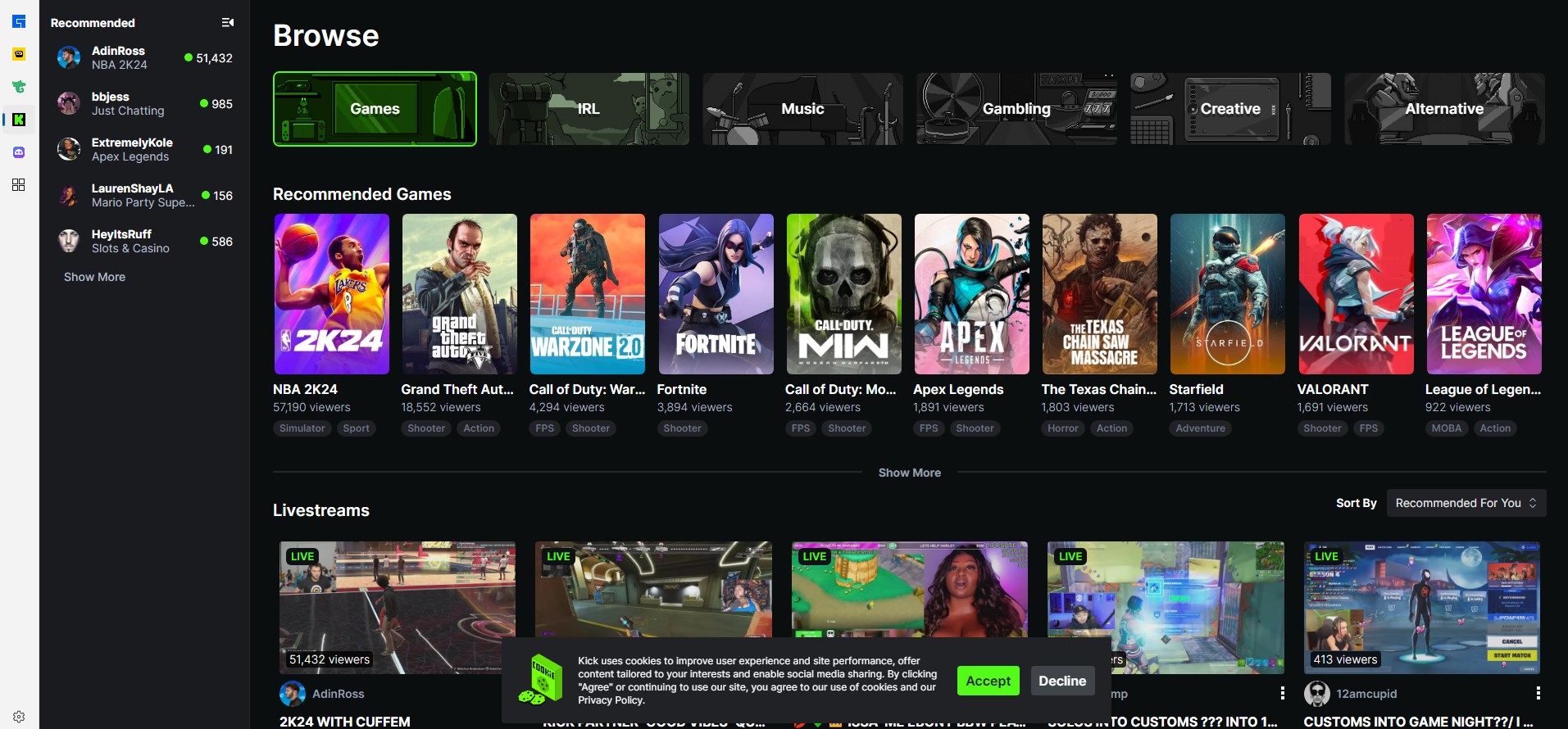
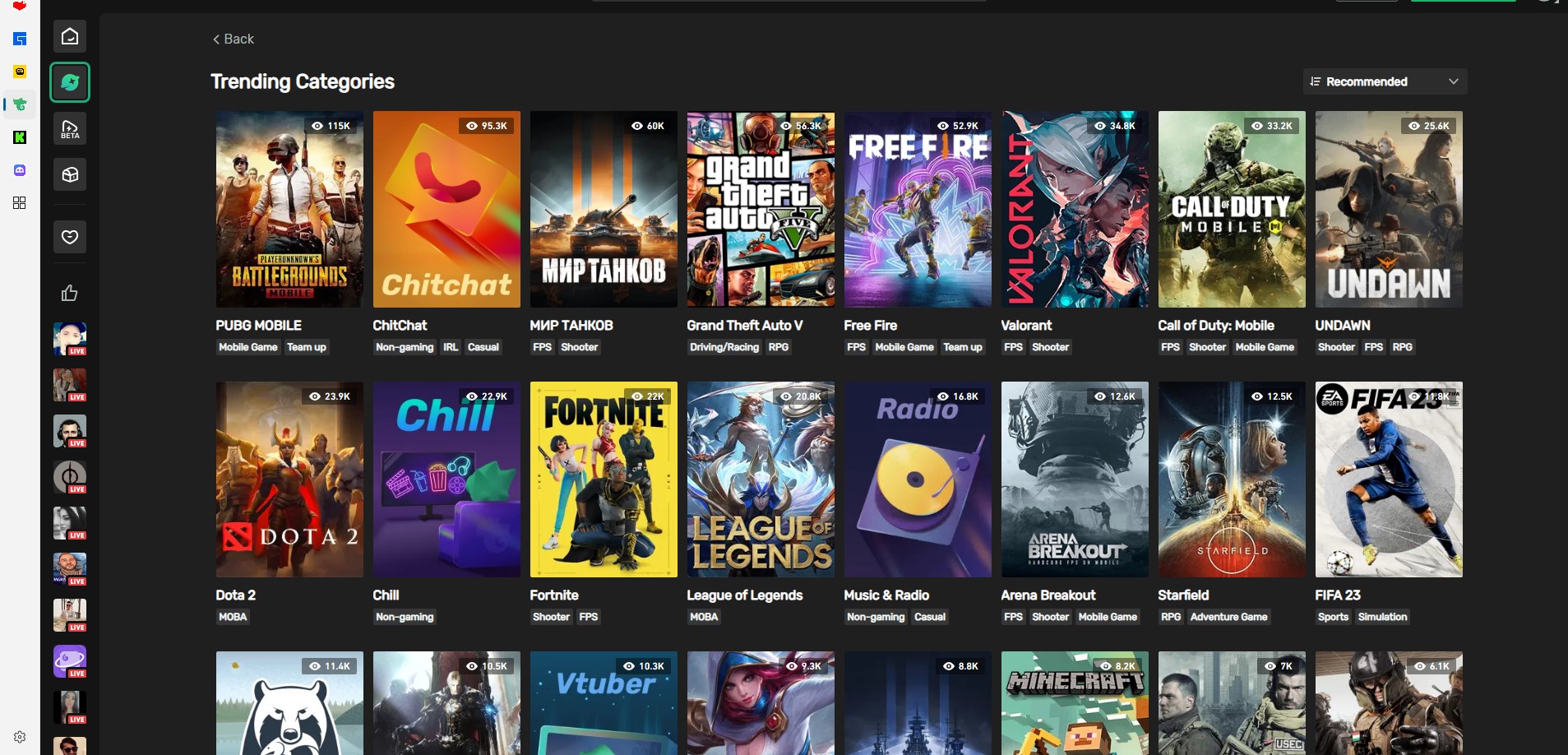
- Unified Streaming Hub: Consolidates various game streaming channels into one user-friendly interface for effortless browsing.
- Personalized Content Feeds: Uses intelligent algorithms to suggest streams tailored to user preferences and viewing history.
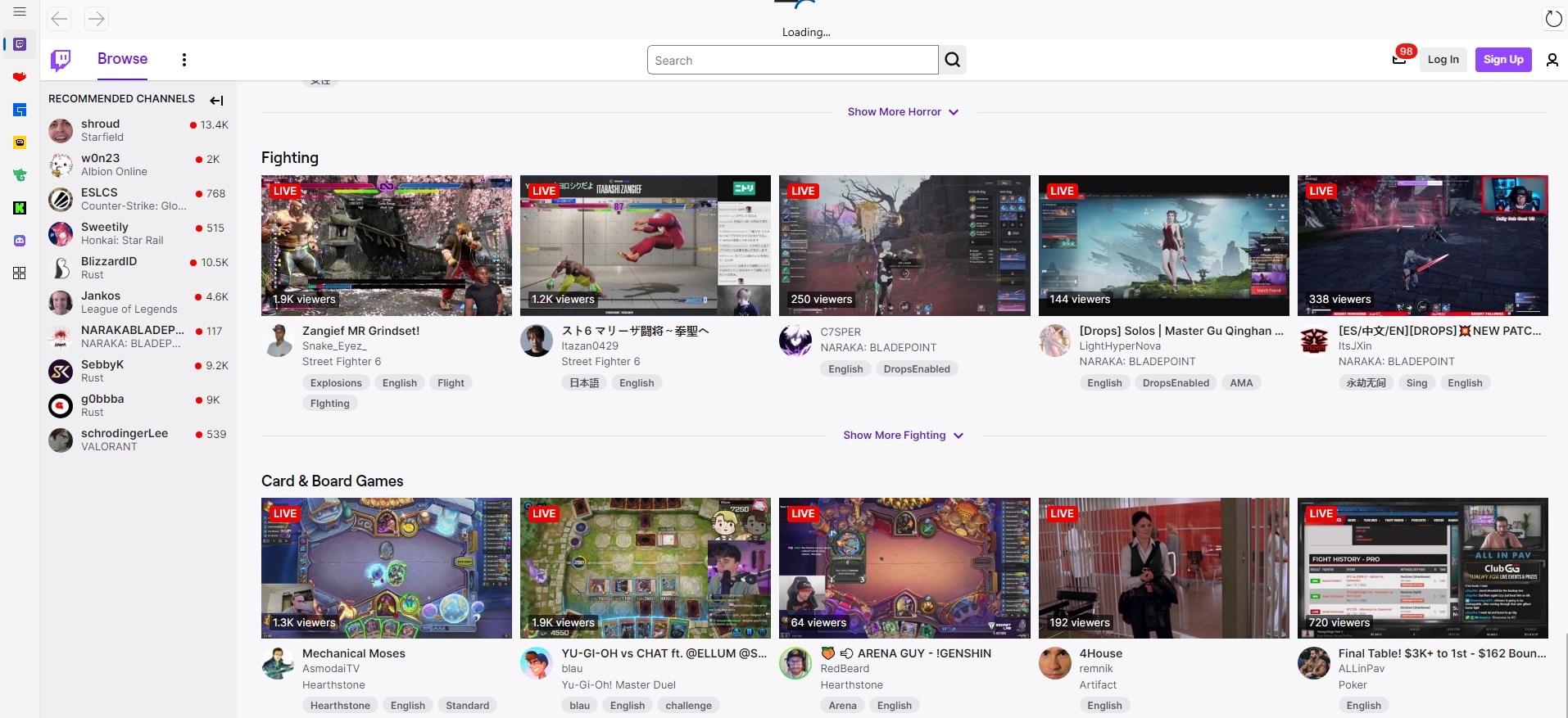
- Multi-Source Compatibility: Supports popular platforms like Twitch and YouTube Gaming, offering a broad content spectrum.
- Seamless Viewing Experience: Optimized for smooth playback with minimal latency, even on moderate hardware configurations.
A Dive into the User Experience
An Entertaining & Intuitive Interface
Stepping into Kitch feels akin to entering a cozy, well-organized lounge dedicated to gaming enthusiasts. The interface is sleek yet approachable, with vibrant visuals that guide your eye naturally toward curated categories, recommended streams, and trending content. Navigation is smooth, akin to gliding over glass—transitions between sections occur seamlessly, enhancing the browsing experience. Learning the ins and outs of the app is a breeze; even first-time users will find their way around within minutes, thanks to thoughtfully designed menus and clear icons. It's the kind of app that invites you to settle in and start exploring immediately.
Performance & Reliability
During testing, Kitch exhibited commendable fluidity. Stream loads quickly and plays with minimal buffering, even when watching high-definition content. The app's responsiveness feels polished, resembling a fine-tuned race car that accelerates on command. The developers seem to have prioritized stability, as I encountered no crashes or significant lag, which is vital during marathon gaming sessions or live events. This reliable performance makes Kitch a trustworthy companion for avid gamers and stream viewers alike.
Standing Out in the Lifestyle & Gaming Content Landscape
Unlike many lifestyle apps that focus broadly on general entertainment or social media, Kitch zeroes in sharply on game streaming—a niche demanding timely content and authentic user engagement. Its primary strength lies in content authenticity and credible source curation. BoostingSuite has integrated verified streams and trusted channels, giving users confidence that they are watching genuine content. This focus on quality over quantity sets Kitch apart from multi-purpose media apps that often drown users in a sea of less-relevant videos. Think of it as a personalized gaming lounge, where every stream is carefully selected, and experts are kept front and center—making it a go-to app for dedicated gaming fans.
Final Thoughts & Recommendations
In summary, Kitch presents a thoughtfully designed, user-centric platform that excels at aggregating game streaming content into a cohesive, accessible experience. Its standout features—particularly the unified hub and personalized recommendations—render it an appealing choice for Windows users who want a dedicated app to stay connected with the gaming community. While it might not replace comprehensive streaming services for those seeking diverse media, for game stream lovers, it's a solid, well-crafted tool that feels both familiar and fresh.
For casual viewers or hardcore gamers alike, I'd recommend giving Kitch a try—especially if you value a curated, reliable streaming environment that respects your time and preferences. Overall, it's a noteworthy addition to the gaming lifestyle ecosystem, bridging the gap between content discovery and effortless viewing.
Pros
- User-friendly interface
- Wide game stream selection
- Real-time feedback features
- Low latency streaming
- Customizable notifications
Cons
- Limited device compatibility
- Occasional buffering issues
- Lack of advanced filtering options
- Limited customization of the viewing experience
- Minor app stability issues