
- Name Stop Motion Studio Pro
- Category Photo & video
- Developer Cateater, LLC
- Available on PC, Mobile, Surface Hub, HoloLens
- OS Windows 10 version 18362.0 or higher
- languages Chinese (Simplified), Czech, Danish, Dutch, English (United States), French, German, Italian, Japanese, Korean , Polish , Portuguese (Portugal), Russian, Spanish (Spain), Swedish, Turkish, Ukrainian
Introducing Stop Motion Studio Pro for Windows: A Creative Tool for Aspiring Animators
Stop Motion Studio Pro for Windows, developed by Cateater, LLC, offers a powerful yet accessible platform for creating charming stop-motion animations. Whether you're a hobbyist, educator, or professional, this app aims to simplify the complex art of stop-motion filmmaking without sacrificing creative flexibility.
Bright Ideas from the Developers
Cateater, LLC, specializes in innovative multimedia apps, bringing user-friendly creative tools to a broad audience. With Stop Motion Studio Pro, they focus on delivering an intuitive interface combined with feature-rich functionality tailored for Windows users.
Key Highlights of the App
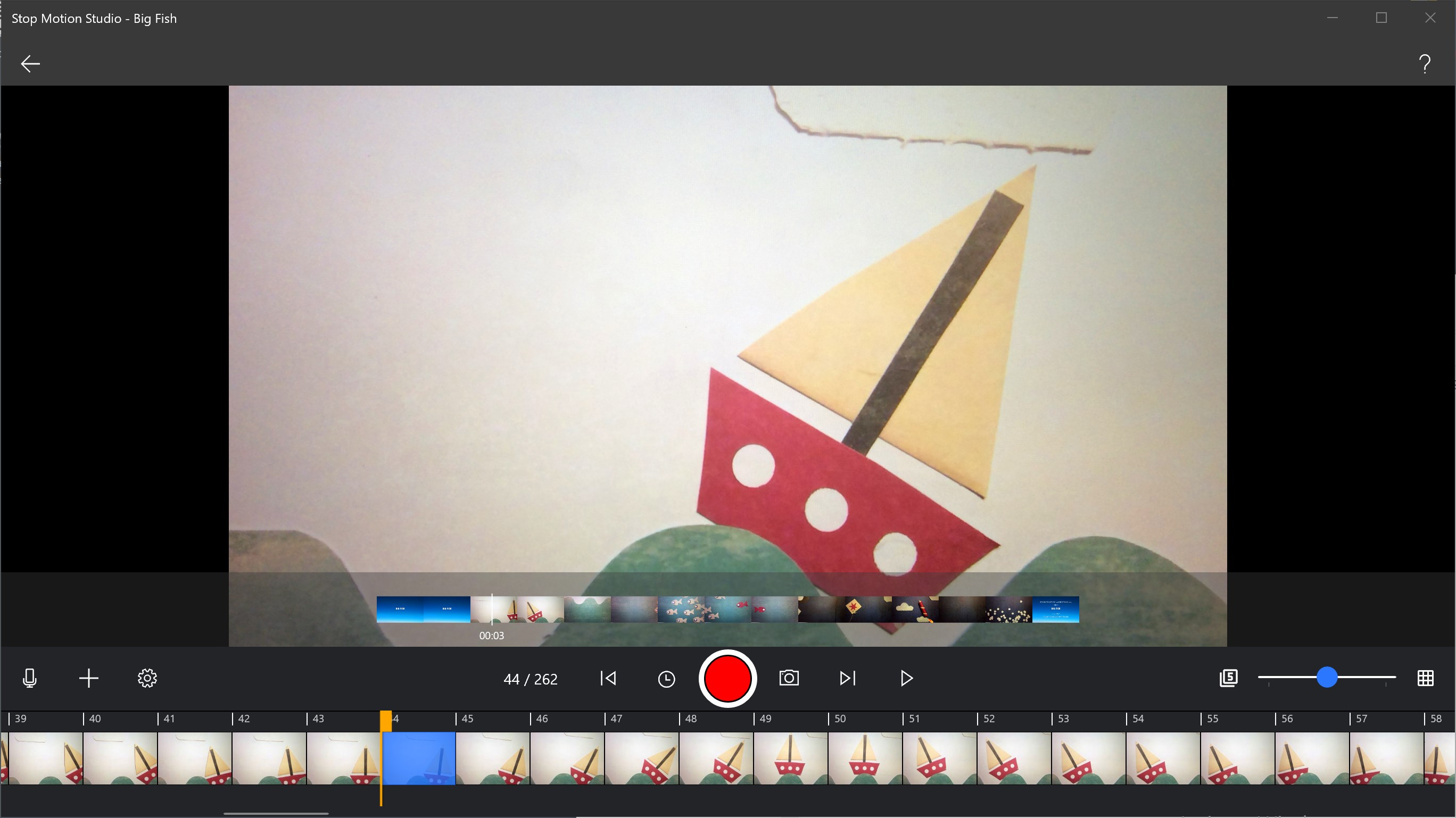
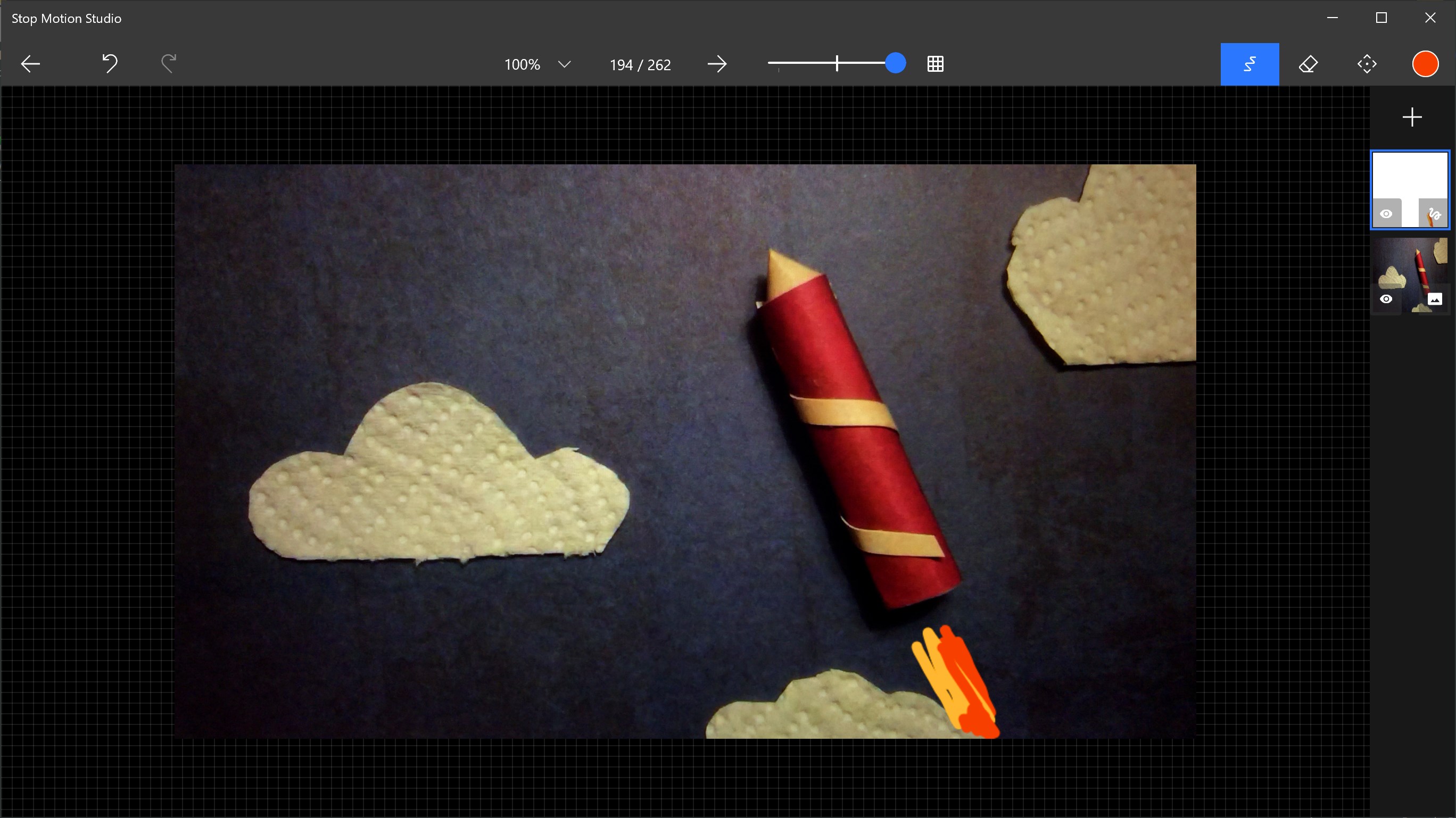
- Advanced Frame Planning & Editing: Enables precise control over frame sequences, including onion skinning and ghosting for seamless shot adjustments.
- Multimedia Integration: Supports importing images, audio, and video clips to enrich animations, making storytelling more dynamic.
- Export Options & Sharing: Facilitates easy export in multiple formats and direct sharing to social platforms.
- User-Friendly Interface: Designed to be accessible for beginners while offering advanced tools for seasoned creators.
Experience the Charm: A Fun Yet Professional Animation Studio
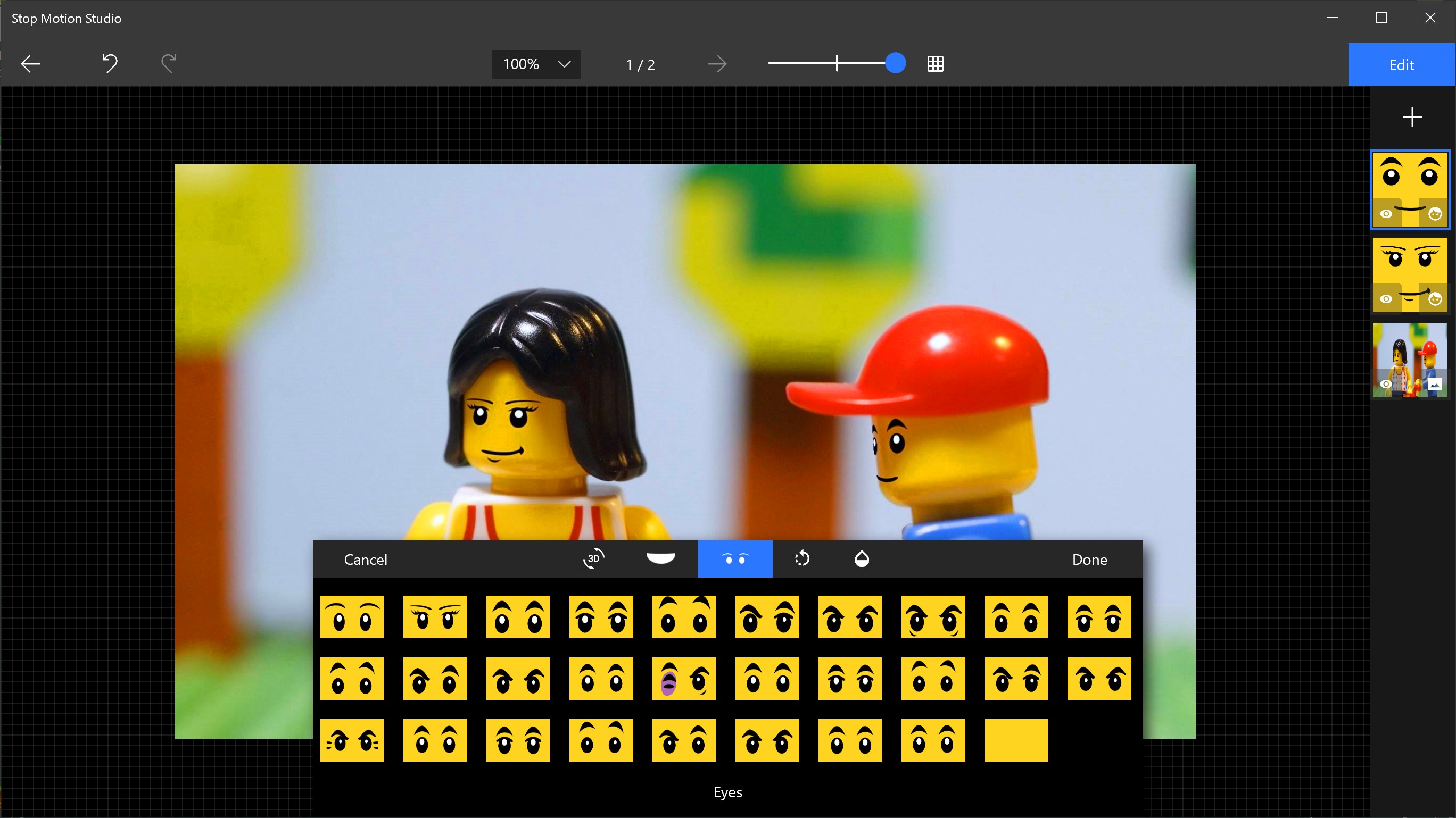
Imagine turning your desk into a tiny, bustling studio where each object, from Lego figures to clay characters, springs to life under your fingertips. That's what Stop Motion Studio Pro offers—a magical portal into the miniature worlds of your imagination. Its user-centric design makes it easy to start creating animations right out of the box, with features that feel like having a professional studio at your beck and call.
Core Functionality: Frame Control & Editing Made Easy
One of the standout features of Stop Motion Studio Pro is its sophisticated yet straightforward frame management system. The onion skinning mode is a true game-changer—allowing users to see the previous frame overlaid onto the current shot, making it easier to animate frame-by-frame with precision. The app supports timeline editing, so you can reorder or delete frames effortlessly, ensuring your sequence flows smoothly. This core functionality is akin to having a digital puppet master guiding every movement, guaranteeing your stories are both polished and lively.
Rich Media Support & Creative Expansion
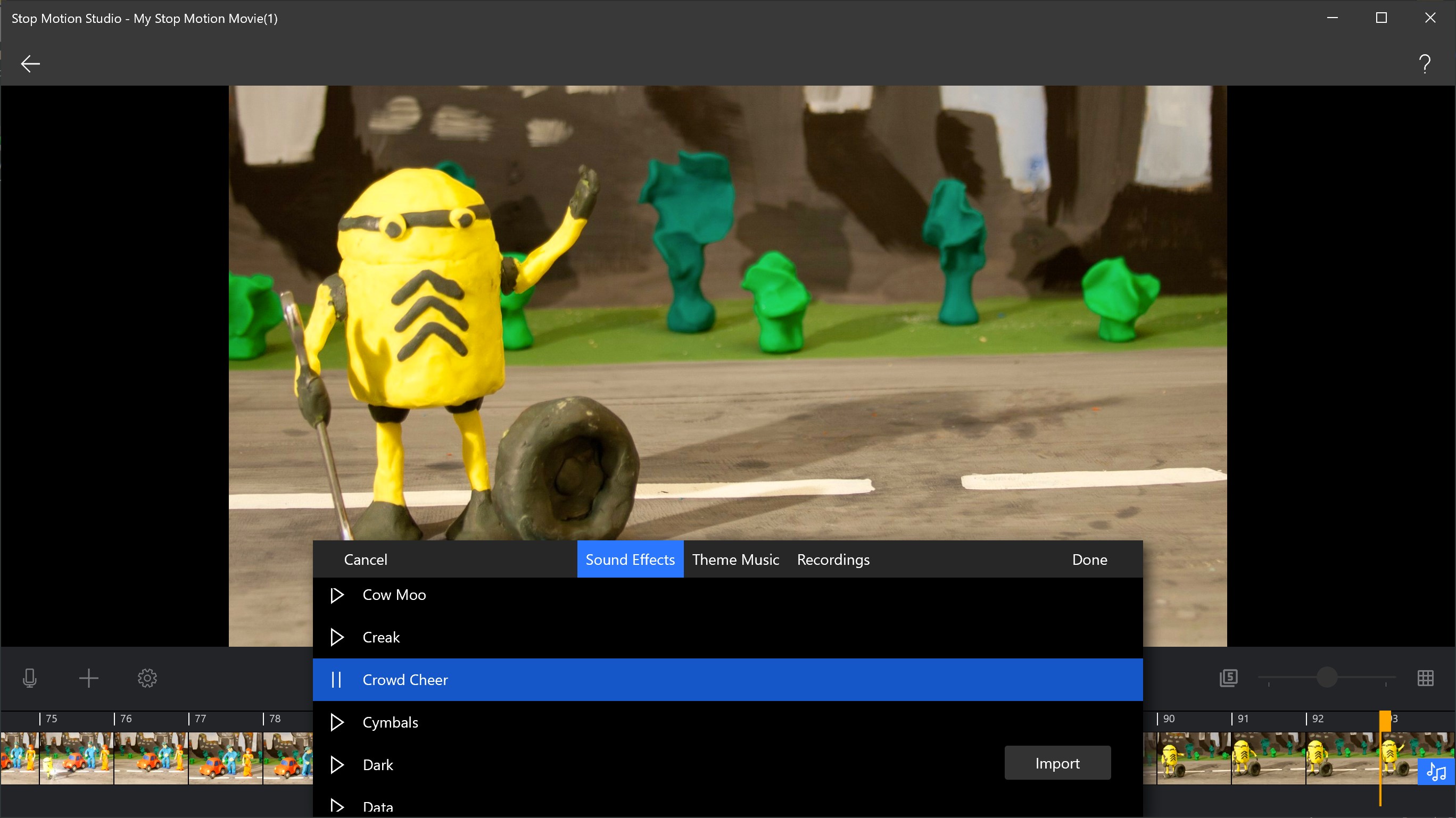
Where Stop Motion Studio Pro outshines many competitors is in its multimedia flexibility. Users can import photos, videos, and audio recordings directly into their projects, turning simple characters into complex narratives. For example, adding voiceovers or background music enhances emotional depth, and importing custom backgrounds or props transforms your scenes into vivid mini-worlds. This integration capability makes the app not just a simple stop-motion tool but a comprehensive storytelling platform, perfect for classroom projects, hobby filmmaking, or professional demos.
Seamless Usability & Impressive User Experience
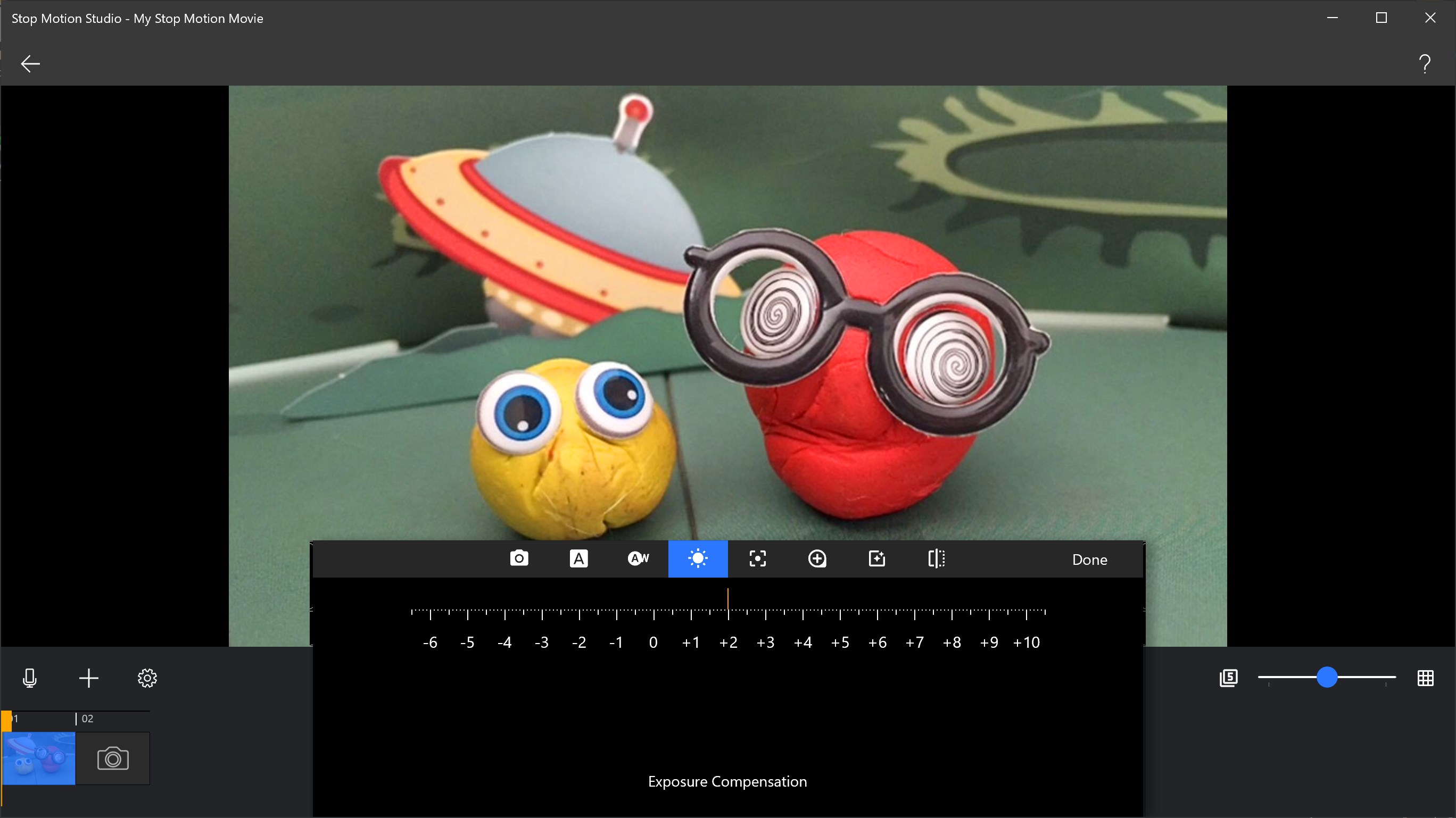
From navigating the clean interface to executing complex editing tasks, the app maintains a smooth and intuitive experience. Even newcomers find the learning curve gentle, thanks to helpful tutorials and straightforward commands. The real-time preview feature allows creators to see their animations unfold instantly, akin to watching a digital film reel come to life. Though packed with advanced features, the app remains accessible, striking a balance that keeps creative sparks flying without frustration.
What Sets It Apart? Unique Advantages
Compared to generic photo or video editing apps, Stop Motion Studio Pro's dedicated focus on stop-motion animation is its greatest asset. Its onion skinning and frame-by-frame editing are tailored for animation workflows that other multimedia apps may not prioritize. Additionally, its robust import/export options allow for professional-quality films to be made and shared easily, providing an edge for users aiming to showcase their work beyond informal projects.
Final Verdict & Recommendations
Overall, Stop Motion Studio Pro for Windows is a well-rounded, approachable tool that empowers users to create captivating stop-motion animations with ease. Its strengths lie in its intuitive interface, advanced frame control features, and multimedia support, making it especially suitable for beginners seeking to learn the craft and professionals looking for quick prototyping. I recommend this app to anyone interested in exploring animation but hesitant to dive into more complex software—it's like a friendly workshop that grows with your skills.
To maximize your experience, start with simple projects to familiarize yourself with the core functions, then gradually experiment with importing media and advanced editing. Whether for education, fun, or professional demos, Stop Motion Studio Pro provides a reliable, creative sandbox for turning your ideas into lively motion pictures.
Pros
- Intuitive user interface
- Robust frame-by-frame editing tools
- High-quality export options
- Built-in sound effects and music library
- Real-time preview feature
Cons
- Limited free features
- Occasional app lag on lower-end devices
- Steep learning curve for advanced features
- Export options could be more diverse
- Lack of cloud storage integration











