

- Name Screen Recorder‘
- Category Photo & video
- Developer Screen Recorder
- Available on PC
- OS Windows 10 version 14393.0 or higher
- languages Arabic, Chinese (Simplified), Dutch, English (United States), French, German, Italian, Japanese, Korean, Portuguese, Russian, Spanish
Introducing Screen Recorder for Windows: Your Reliable Screen Capture Companion
Designed to be the go-to tool for capturing high-quality videos of your screen activity, Screen Recorder for Windows offers an easy yet powerful solution for both casual users and professionals alike.
Meet the Team Behind the App
The application is developed by Screen Recorder, a dedicated team focused on creating intuitive and efficient tools for digital content creation. Published by FS Tech Media, the team emphasizes user-friendly design and robust functionality to meet the demands of modern screen recording needs.
Key Features That Make a Difference
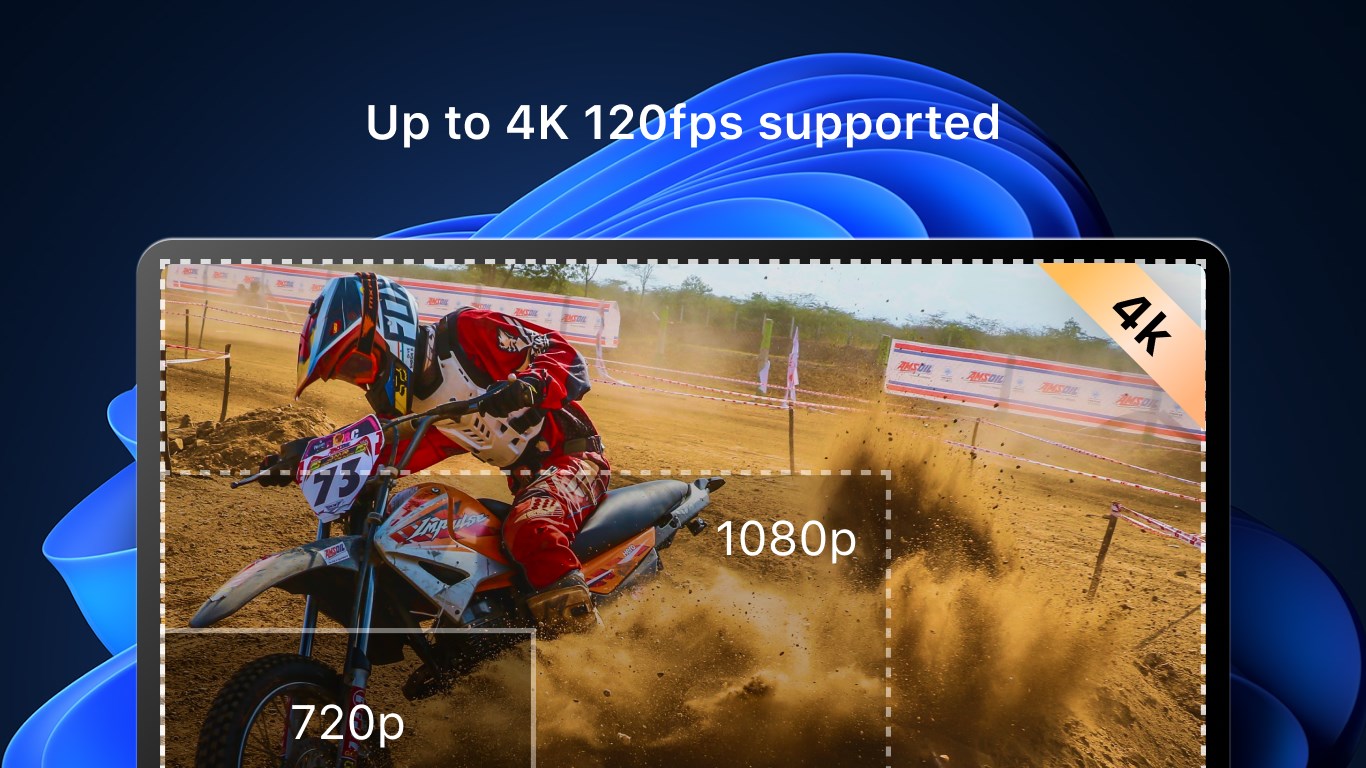
- High-Quality Video Recording: Capture your screen in crisp HD resolution with options for customizable frame rates, ensuring your recordings look professional and clear.
- Easy Annotations and Markup: Enhance your recordings with real-time drawing, highlighting, and text annotations—perfect for tutorials, presentations, or gameplay walkthroughs.
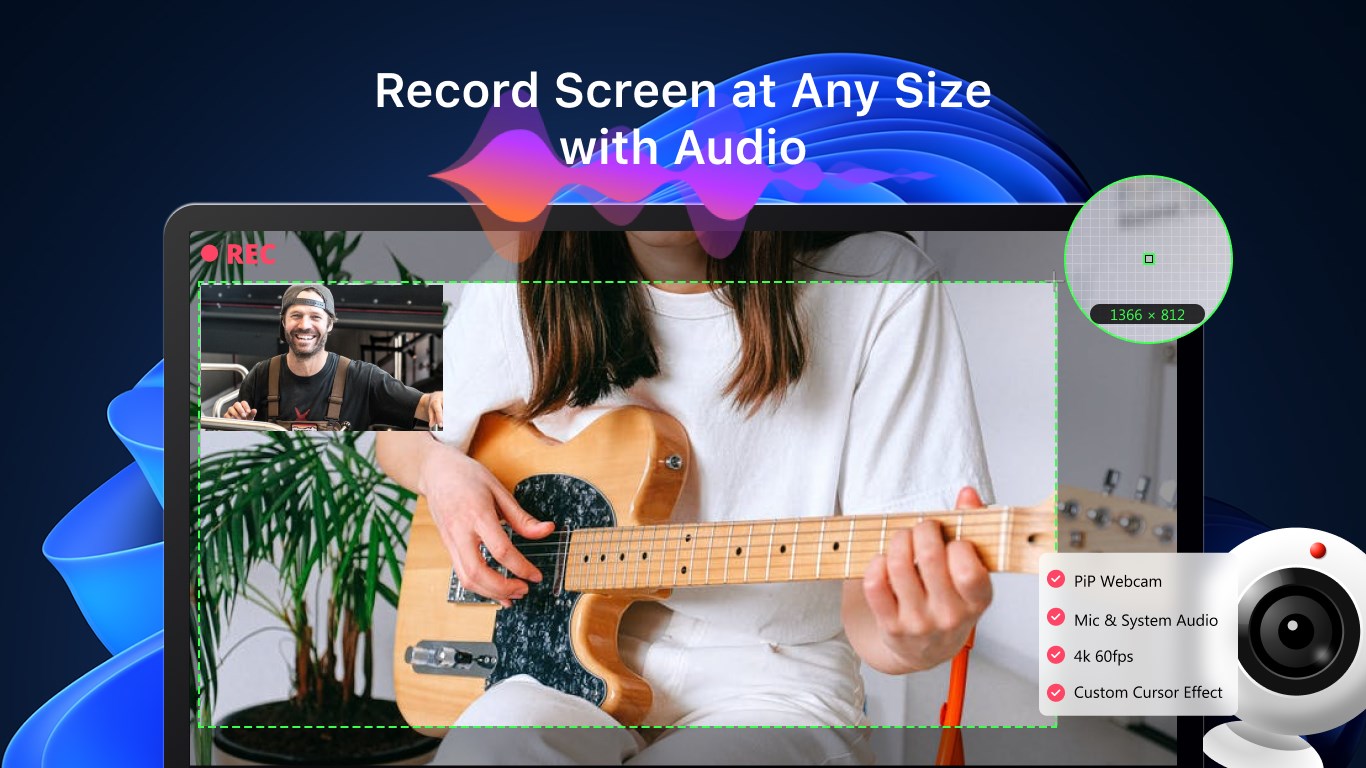
- Flexible Recording Modes: Whether you want to record the entire screen, a specific window, or a custom region, this app adapts to your needs seamlessly.
- Built-in Video Editor: Quickly trim, cut, and export your recordings directly, streamlining your workflow without needing additional software.
Engaging the User: An App That Feels Like a Creative Partner
Imagine sitting down at your desk, ready to create that perfect tutorial or capture your epic gaming moment. Screen Recorder for Windows feels like your trusty sidekick—lightweight yet capable—making the technical feel effortless and even enjoyable. The intuitive interface welcomes newcomers, while the variety of features keeps seasoned content creators satisfied. Whether you're recording a quick demo or crafting a detailed presentation, this app locks step with your creativity.
Core Functionality Deep Dive: Capture with Precision and Ease
Versatile Recording Options
The standout feature of this app lies in its flexible recording modes. Unlike some apps that only record the whole screen, Screen Recorder for Windows allows you to select a specific window or define a custom area with just a few clicks. This precision ensures you focus on what matters most without unnecessary clutter. Imagine zooming in on a tiny detail while leaving the rest of your desktop untouched—that's the kind of control this app offers.
Intuitive Interface and User Experience
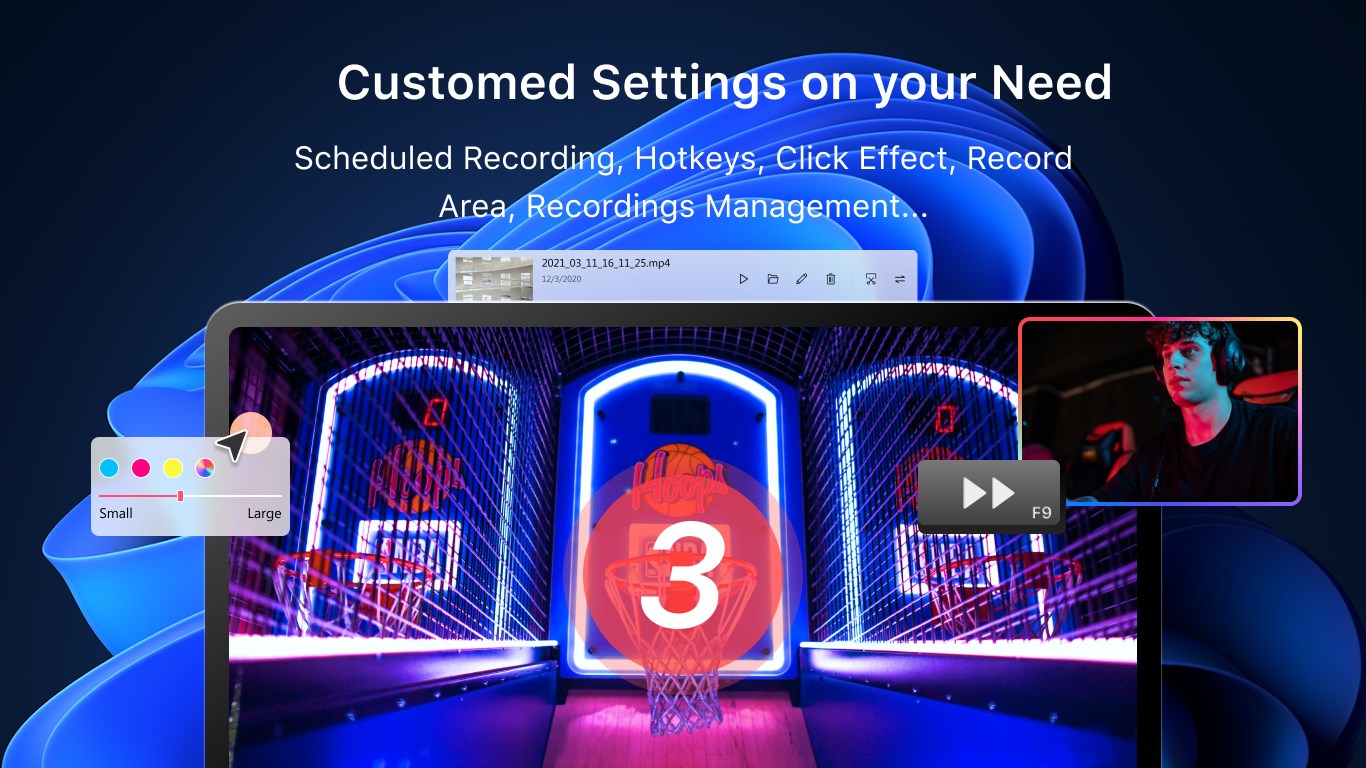
The design of this application is reminiscent of a well-organized workspace: clean, simple, and accessible. Setting up a recording is as easy as pressing a button, with clear options to adjust resolution and frame rate. The interface's minimalism minimizes the learning curve, making it suitable for beginners while still offering advanced settings for power users. Transitions between modes are smooth, and the app responds quickly to commands, providing a near-flawless recording experience.
Unique Editing and Annotation Capabilities
One of this app's most compelling features is its built-in editing suite. Unlike many screen recorders that serve merely as capture tools, it allows quick trimming and annotations right after recording. Want to highlight a menu or add a note? Just draw or type directly onto the footage before exporting. This streamlines content creation, especially for quick tutorials or on-the-fly explanations, setting it apart from similar apps that require additional editing software.
What Makes It Stand Out? The Special Touch
The two most distinctive features of this application are its high customization of recording regions and integrated editing tools. These elements combine to form an all-in-one solution that appeals to users seeking efficiency and quality. The ability to precisely define recording areas ensures that users capture exactly what they need without editing clutter, while the editing features allow immediate refinement—saving time and effort.
Final Recommendations and Use Cases
Considering its straightforward operation, versatility, and added editing capabilities, I would recommend Screen Recorder for Windows for anyone looking to create professional-looking videos without a steep learning curve. It's particularly well-suited for educators, gamers, or business professionals who need quick, clutter-free recordings with minimal fuss. While it may lack some advanced features found in high-end professional tools, its balanced feature set makes it an excellent choice for everyday use.
In summary, if you're after an efficient, user-friendly screen recording app that offers precise control and handy editing tools, this is a dependable option worth exploring. It transforms the once-daunting task of screen capture into a smooth, creative process—much like having a helpful assistant by your side.
Pros
- User-Friendly Interface
- High-Quality Recording Options
- Screen Capture Flexibility
- Built-in Editing Tools
- Lightweight and Quick Installation
Cons
- Limited Customization Settings
- Audio Recording Occasionally Unstable
- Lack of Cloud Storage Integration
- Watermark on Free Version
- Inconsistent Frame Rate on High-Performance Tasks











