

- Name Samsung Gallery
- Category Photo & video
- Available on PC, Mobile, Surface Hub, HoloLens
- OS Windows 10 version 19041.0 or higher
- languages Chinese (Simplified), Chinese (Traditional), Chinese (Traditional, Hong Kong SAR), Danish, Dutch, English (United Kingdom), English (United States), Finnish, French, French (Canada), German, Hungarian, Icelandic, Indonesian, Italian, Japanese, Korean, Korean , Norwegian (Bokmål), Polish , Portuguese (Brazil), Portuguese (Portugal), Russian, Spanish (Argentina), Spanish (Chile), Spanish (Latin America), Spanish (Mexico), Spanish (Paraguay), Spanish (Spain), Spanish (Uruguay), Swedish, Thai, Turkish
Samsung Gallery for Windows: Elevating Your Photo Management Experience
Samsung Gallery for Windows is a sleek, feature-rich application designed to simplify and enhance how users manage and enjoy their photos and videos on a desktop platform. Developed by Samsung Electronics Co. Ltd., this app brings a familiar photo viewing experience into the Windows environment, optimized for both casual users and photography enthusiasts alike.
Streamlined Development Backed by Samsung
Created by Samsung Electronics Co., Ltd., the app leverages Samsung's extensive expertise in hardware and software integration, aiming to deliver a seamless photo management experience across devices. This consistency ensures that users who are already familiar with Samsung's ecosystem will find the app intuitive and reliable.
Key Features That Stand Out
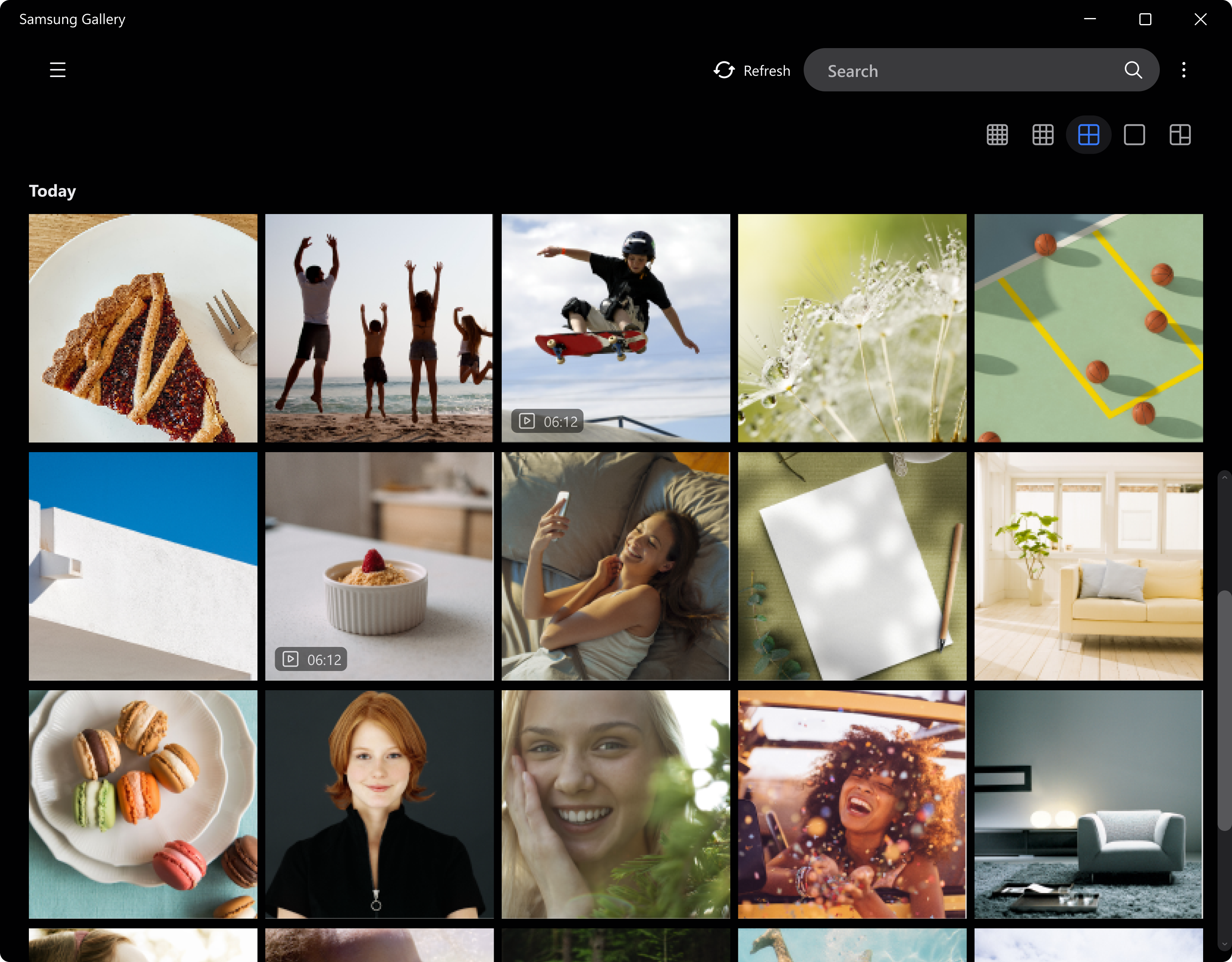
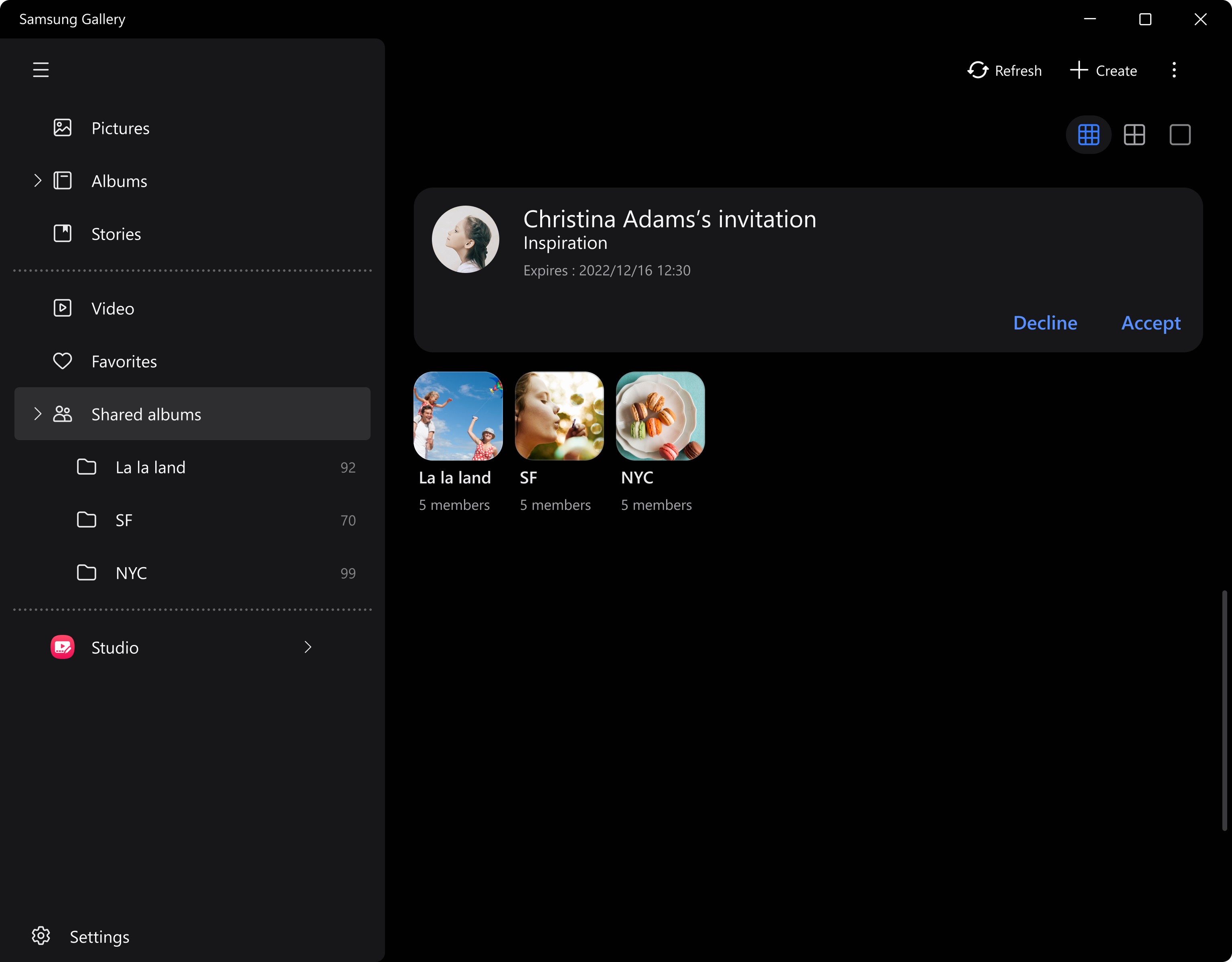
- Unified Photo & Video Library: Organize, browse, and search through your multimedia collection effortlessly, with intelligent filtering options.
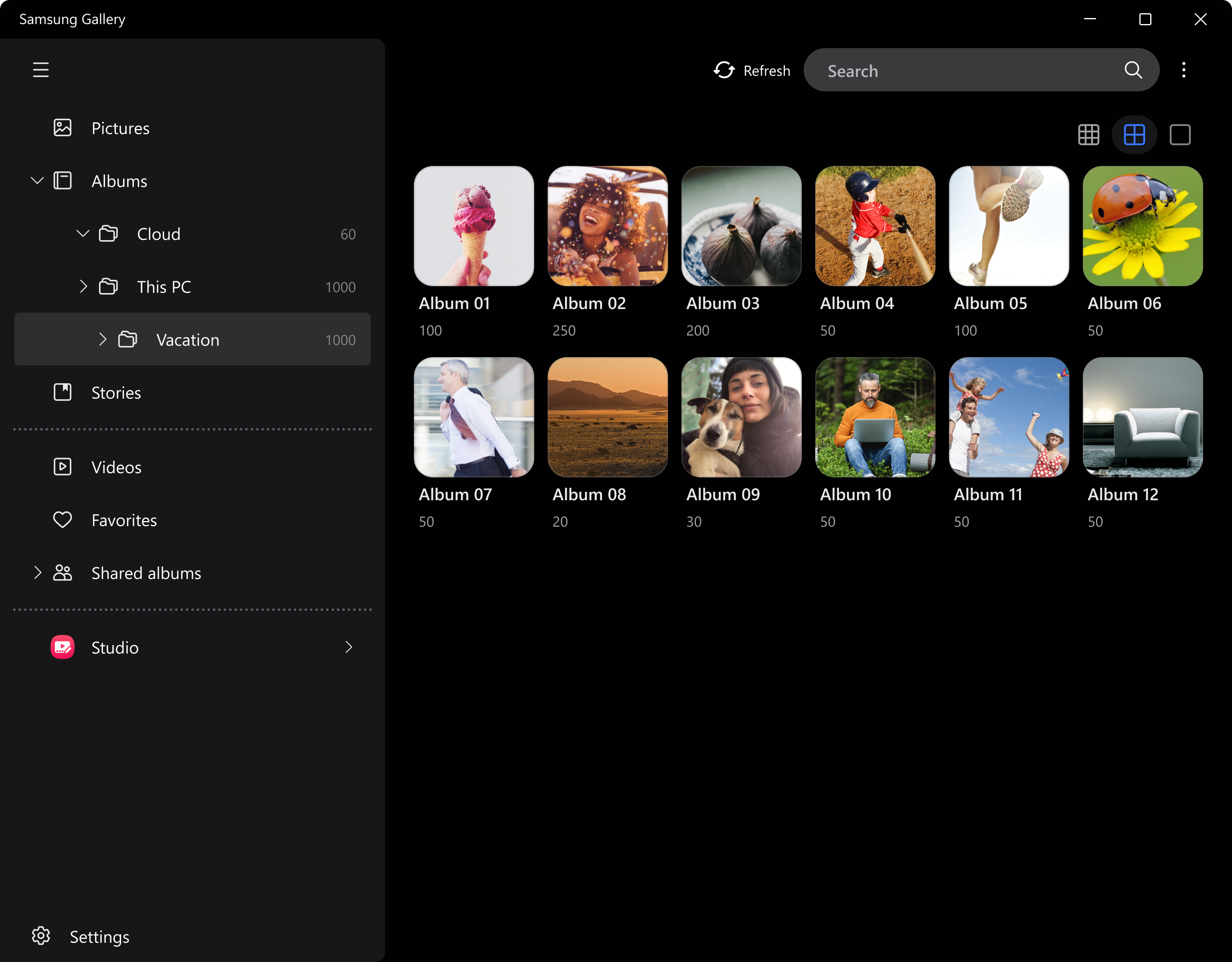
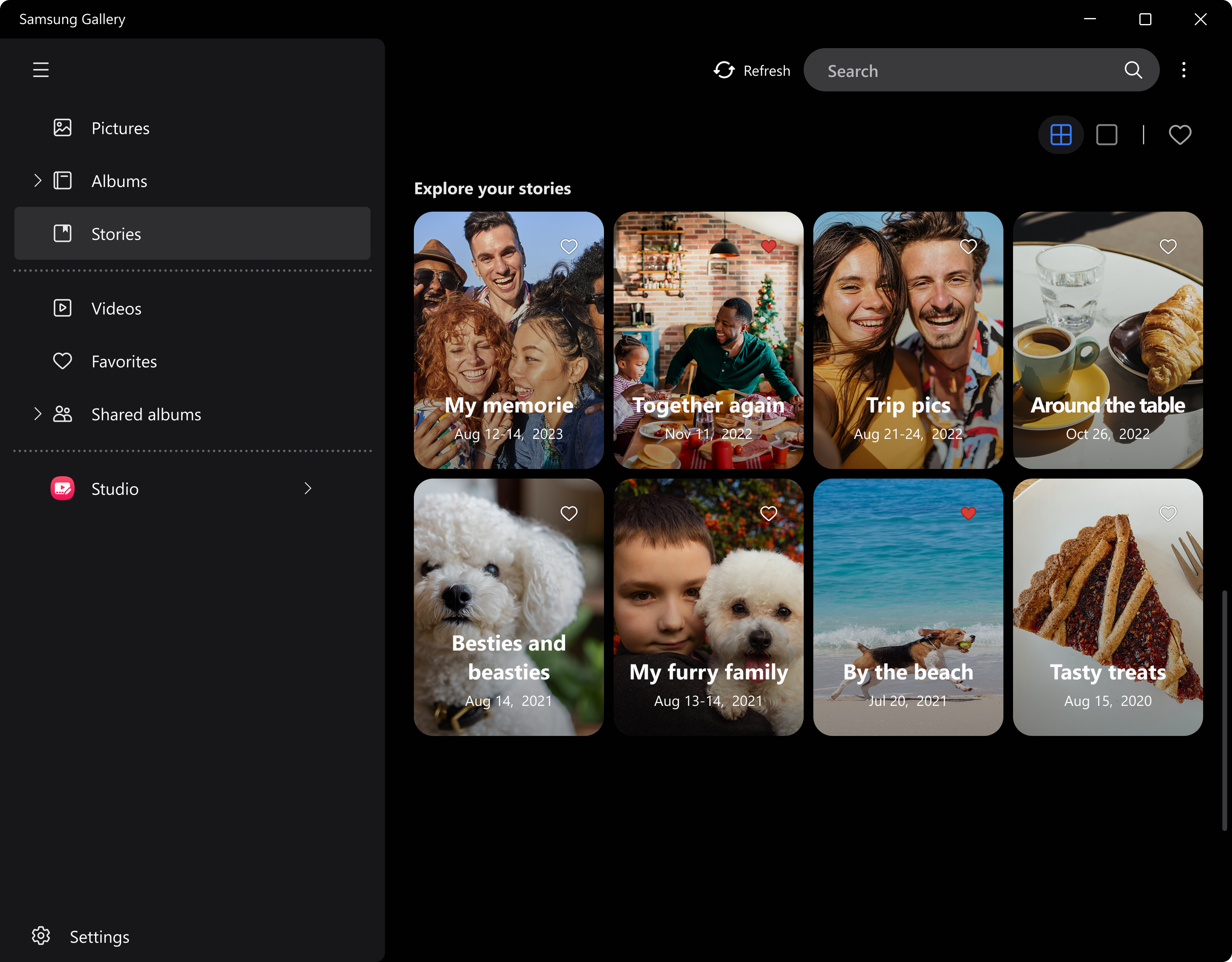
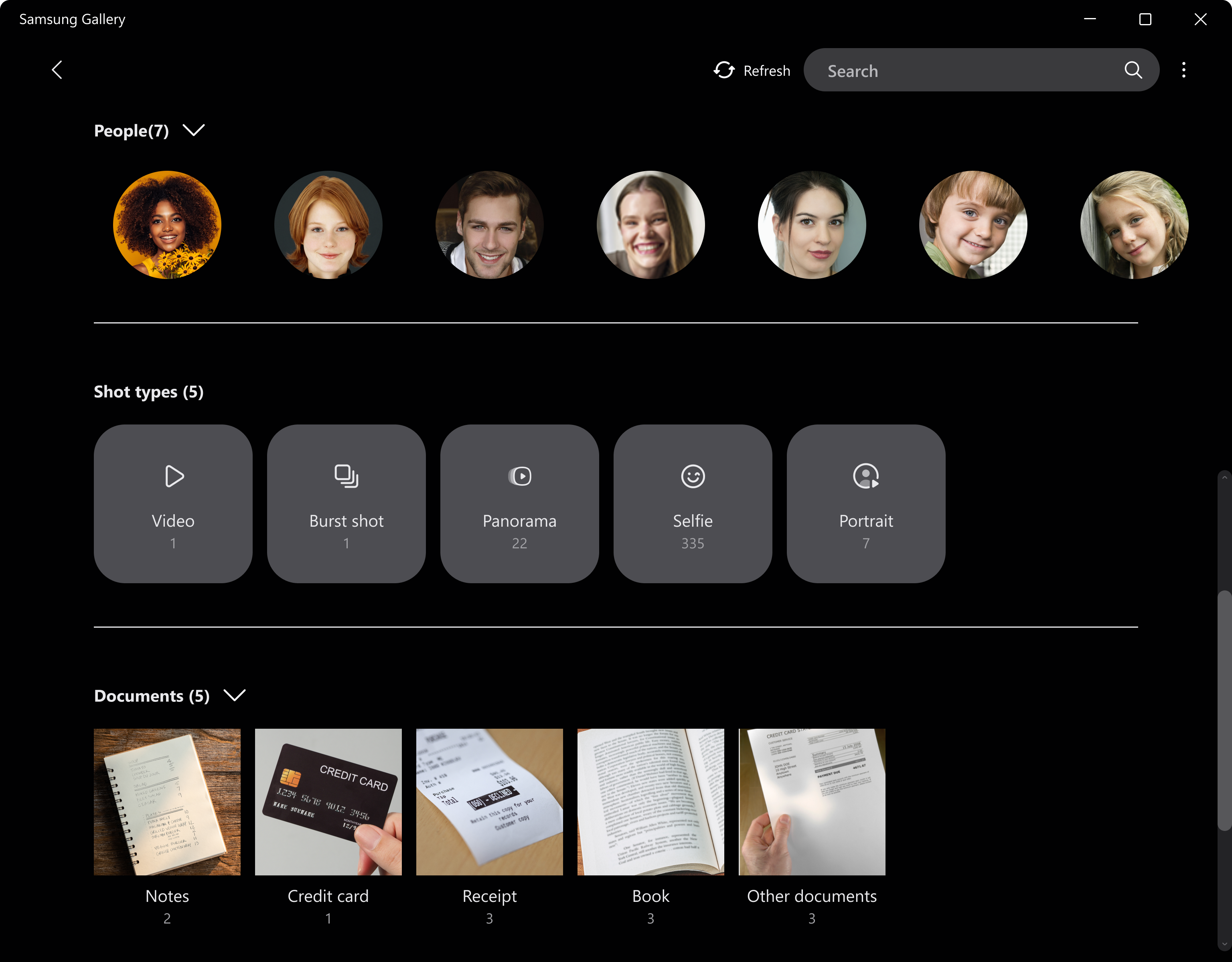
- Smart Albums & Categorization: Automatically generate albums based on date, location, or even image content, making it easier to find specific memories.
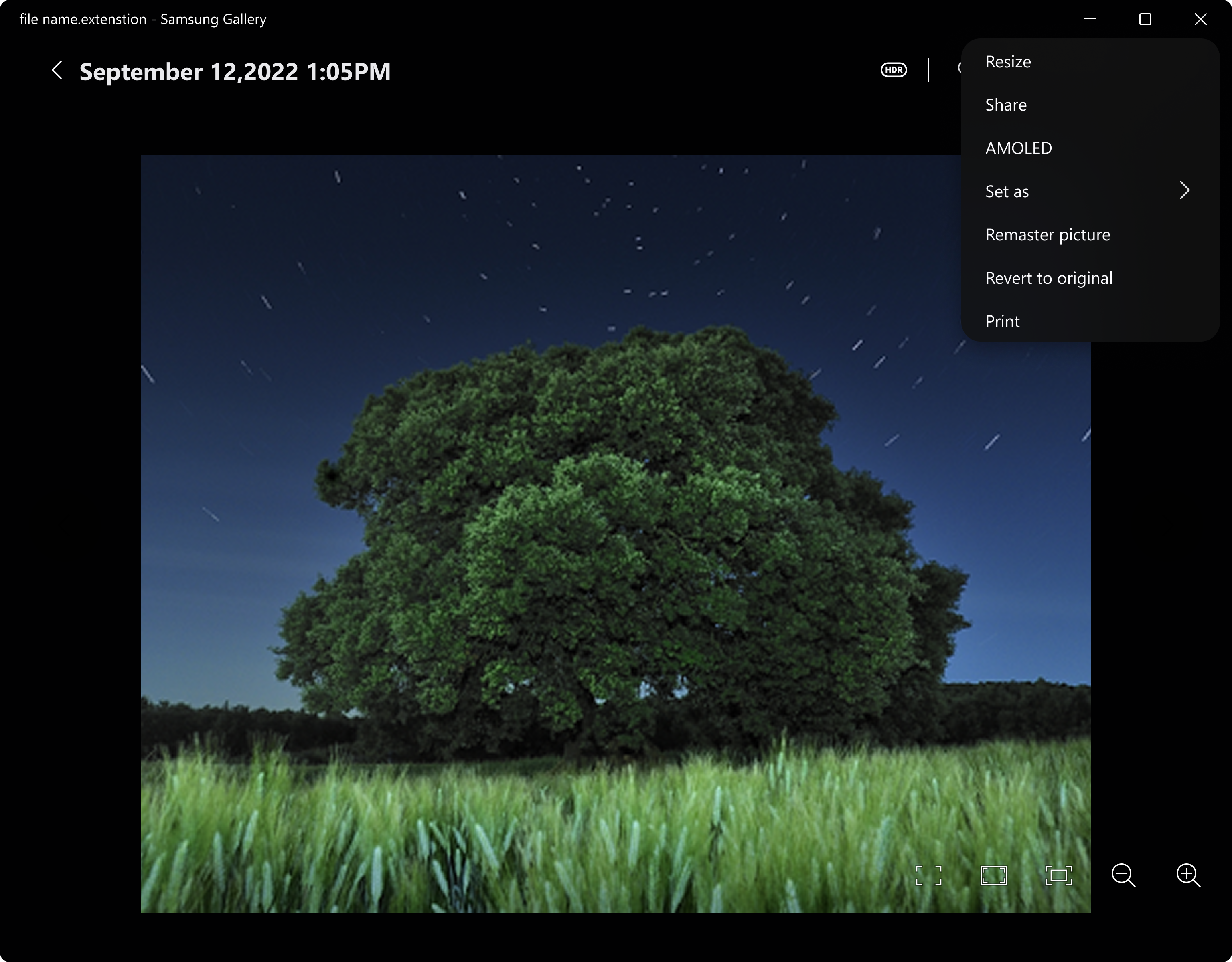
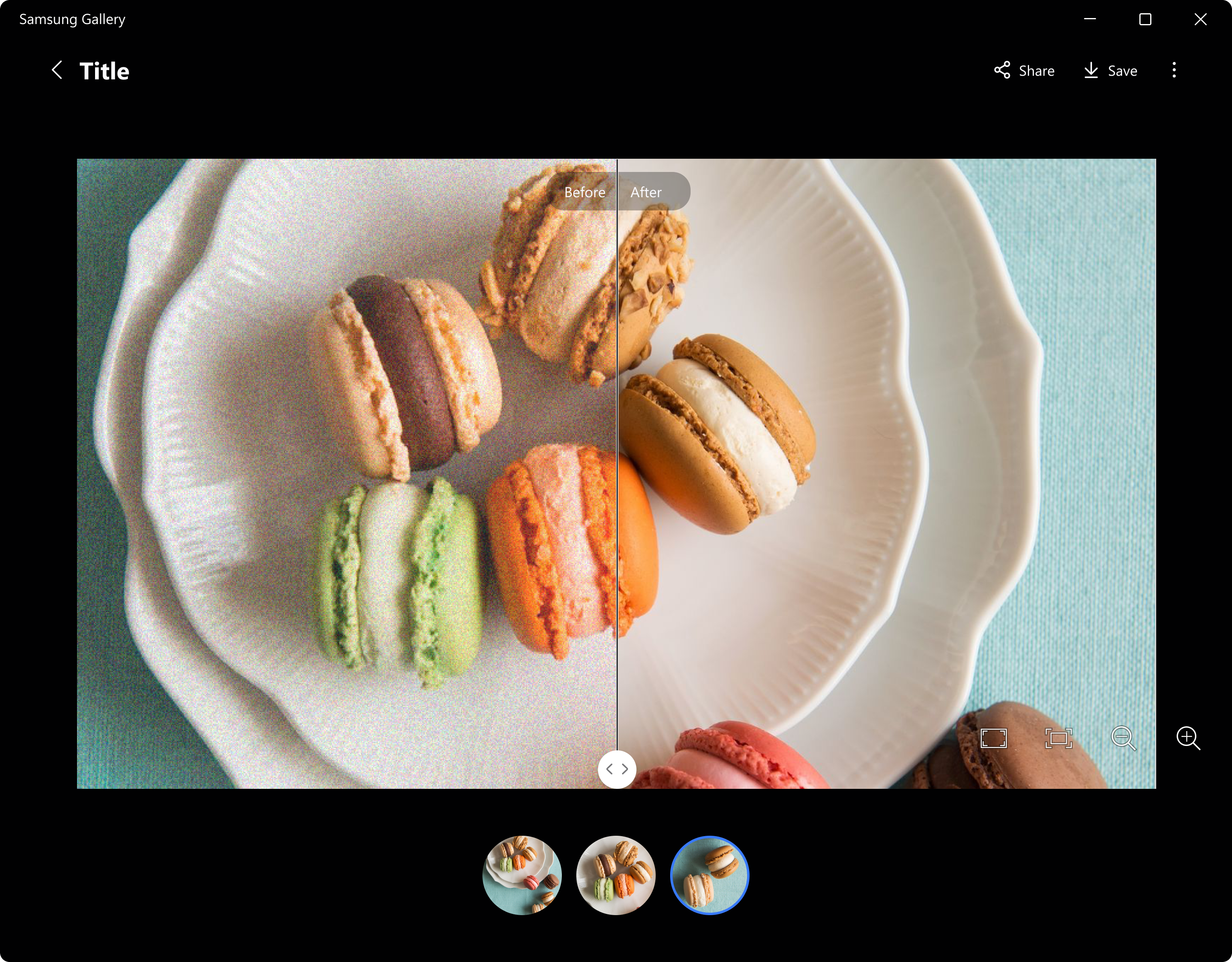
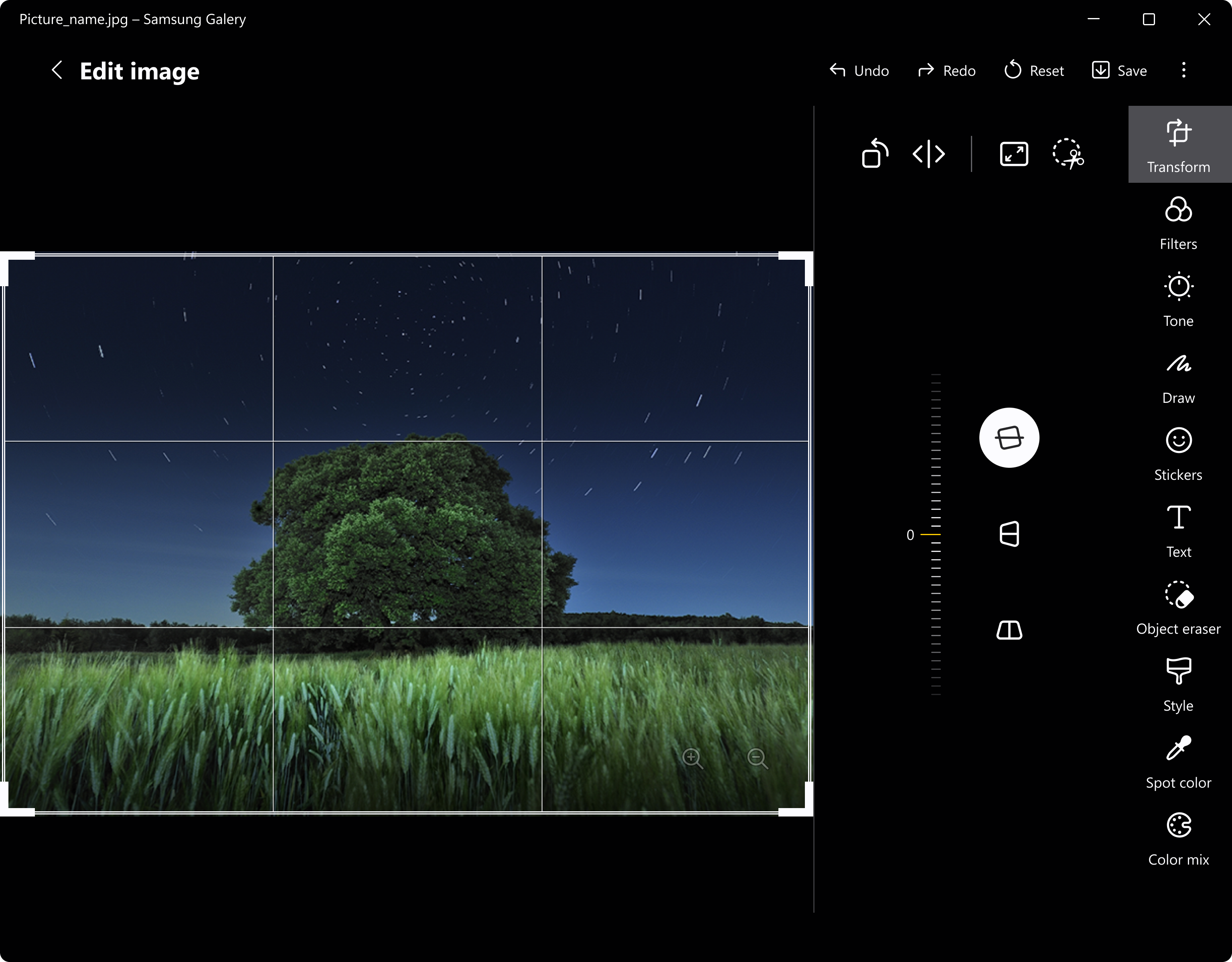
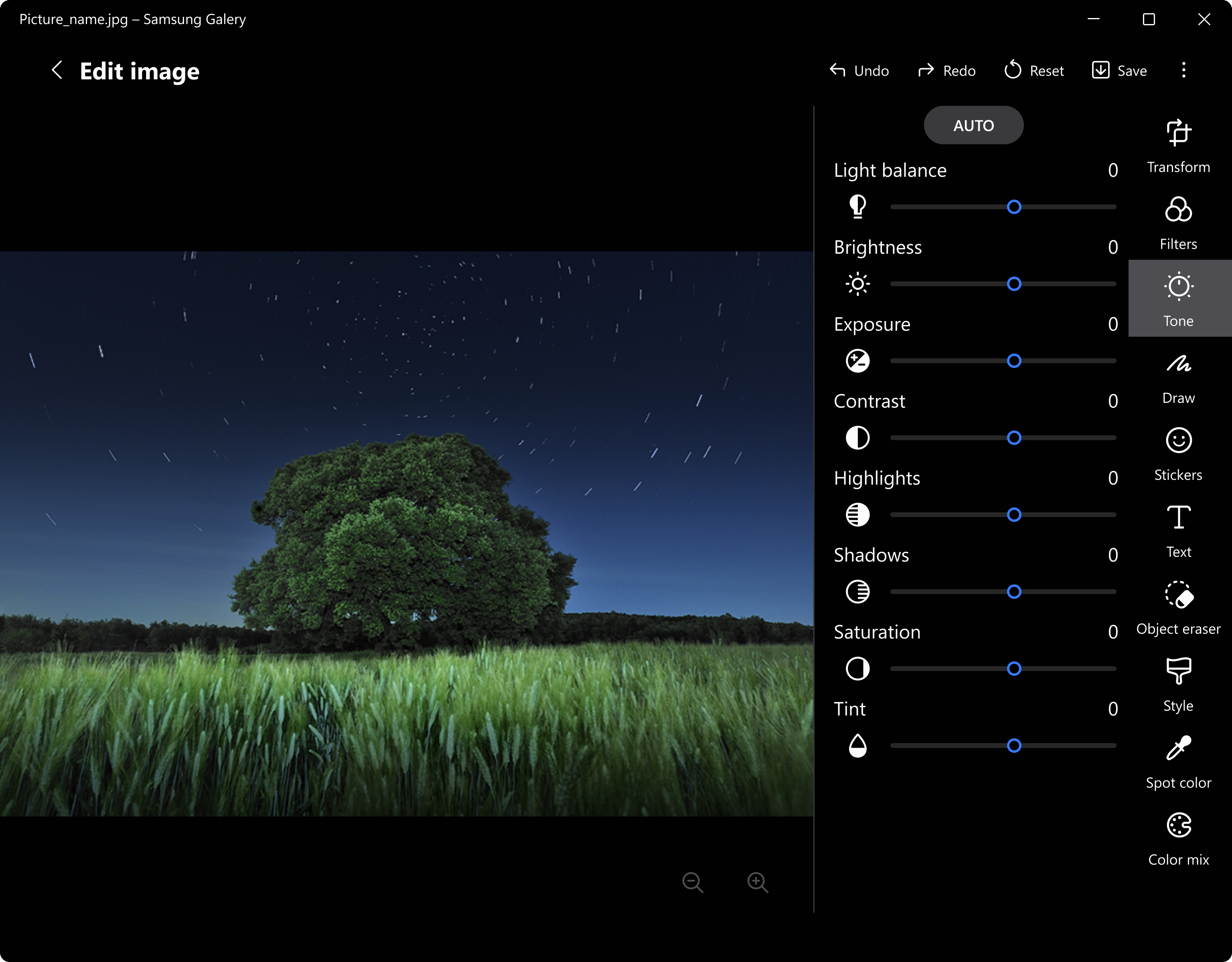
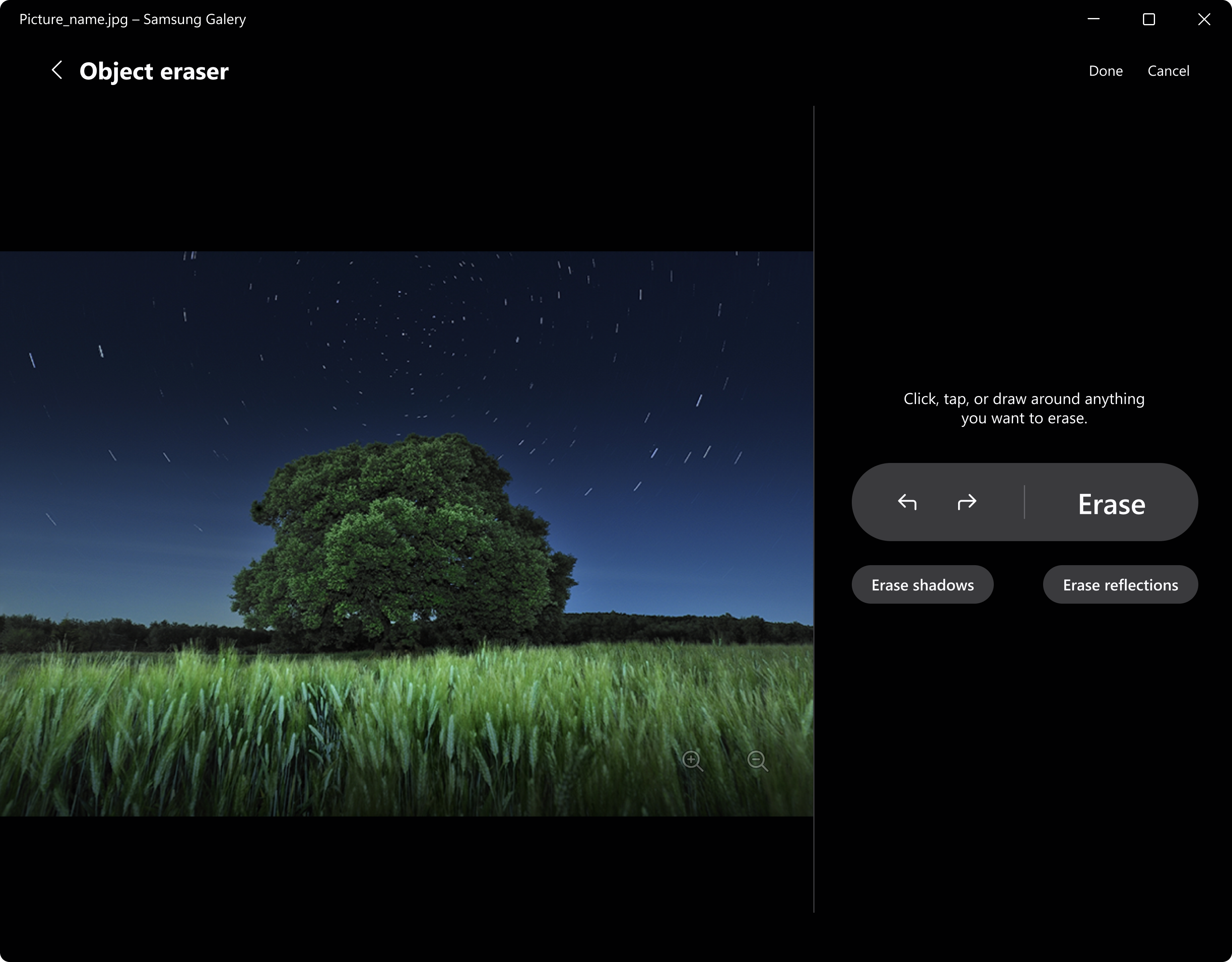
- Enhanced Editing & Sharing Tools: Basic editing features, such as trimming videos or adjusting photos, alongside easy sharing options to social media or cloud services.
- Integration with Samsung Devices: Sync with Samsung smartphones and tablets for seamless photo transfer and backup.
The audience primarily includes Samsung device owners, casual users seeking an organized photo library, and those interested in quick, simple editing functionalities on their Windows PC.
Experience a Fresh Take on Image Management
Imagine opening a photo app that feels less like a chore and more like flipping through a well-organized photo album, where every picture has a purpose and every video tells a story. Samsung Gallery for Windows aims to make your digital memories more accessible and enjoyable—for the day-to-day browsing or special moments alike.
Core Functionality: Seamless Organization and Search
The standout feature here is the app's ability to automatically sort photos into smart albums based on date, location, or image content—think of it as having a personal archivist. Its intelligent search capabilities allow you to find images using keywords, dates, or even recognized objects within photos. This significantly reduces the time spent scrolling through folders and enhances your overall productivity when managing large media libraries.
Core Functionality: Intuitive User Interface and Editing
The interface of Samsung Gallery for Windows is modern, clean, and thoughtfully designed to resemble a familiar photo gallery environment. Navigating through large collections is smooth and responsive, with minimal lag. The app offers basic editing options—cropping, rotating, adjusting brightness, and trimming videos—that are straightforward enough for beginners but useful for quick tweaks. Its learning curve is gentle, ensuring users can start appreciating its full potential within minutes.
Differentiation from Competitors
Unlike many other photo apps that merely serve as digital lockers, Samsung Gallery for Windows emphasizes smart categorization and device integration. Its ability to sync effortlessly with Samsung smartphones is a unique selling point, creating a bridge between mobile and desktop environments. Additionally, its focus on automatically generated albums based on content, rather than manual tagging, sets it apart from more traditional photo viewers, saving time and effort for the user. This focus on intuitive organization combined with Samsung's device ecosystem gives it a notable edge.
Final Verdict and Recommendations
If you're a Samsung device user looking for a Windows-based photo app that marries ease of use with smart organization, Samsung Gallery for Windows is a compelling choice. While it may not replace professional editing tools or extensive media management software, it excels in providing a neat, accessible way to browse, organize, and lightly edit your multimedia collection.
For casual users or those who value device synchronization without the clutter of overly complicated features, this app is highly recommended. It simplifies your digital photo life and fosters a more engaging way to relive your memories—like flipping through a beautifully curated album on your desktop.
Pros
- Intuitive User Interface
- High-Quality Image Viewing
- Integrated Editing Tools
- Seamless Cloud Syncing
- Fast Performance
Cons
- Limited Editing Features
- Occasional App Crashes
- Restricted Format Support
- In-App Ads for Free Version
- Slow Cloud Sync for Large Files











