

- Name PowerDirector 2025 Ultimate - Video Editor, Movie Maker
- Category Photo & video
- Developer CyberLink Corp.
- Available on PC
- OS Windows 10 version 14393.0 or higher
- Keyboard Integrated Keyboard
- Mouse Integrated Mouse
- DirectX Version 11
- Memory 8 GB
- languages Chinese (Simplified), Chinese (Traditional Chinese), Dutch, English (United States), French, German, Italian, Japanese, Korean, Portuguese (Brazil), Spanish
PowerDirector 2025 Ultimate: A Robust Video Editing Companion for Windows
PowerDirector 2025 Ultimate by CyberLink Corp. positions itself as a comprehensive and user-friendly video editing solution tailored for creatives seeking professional-quality results without the steep learning curve. With an emphasis on versatility and innovation, it aims to empower both amateur videographers and seasoned editors alike.
Development Team and Core Features
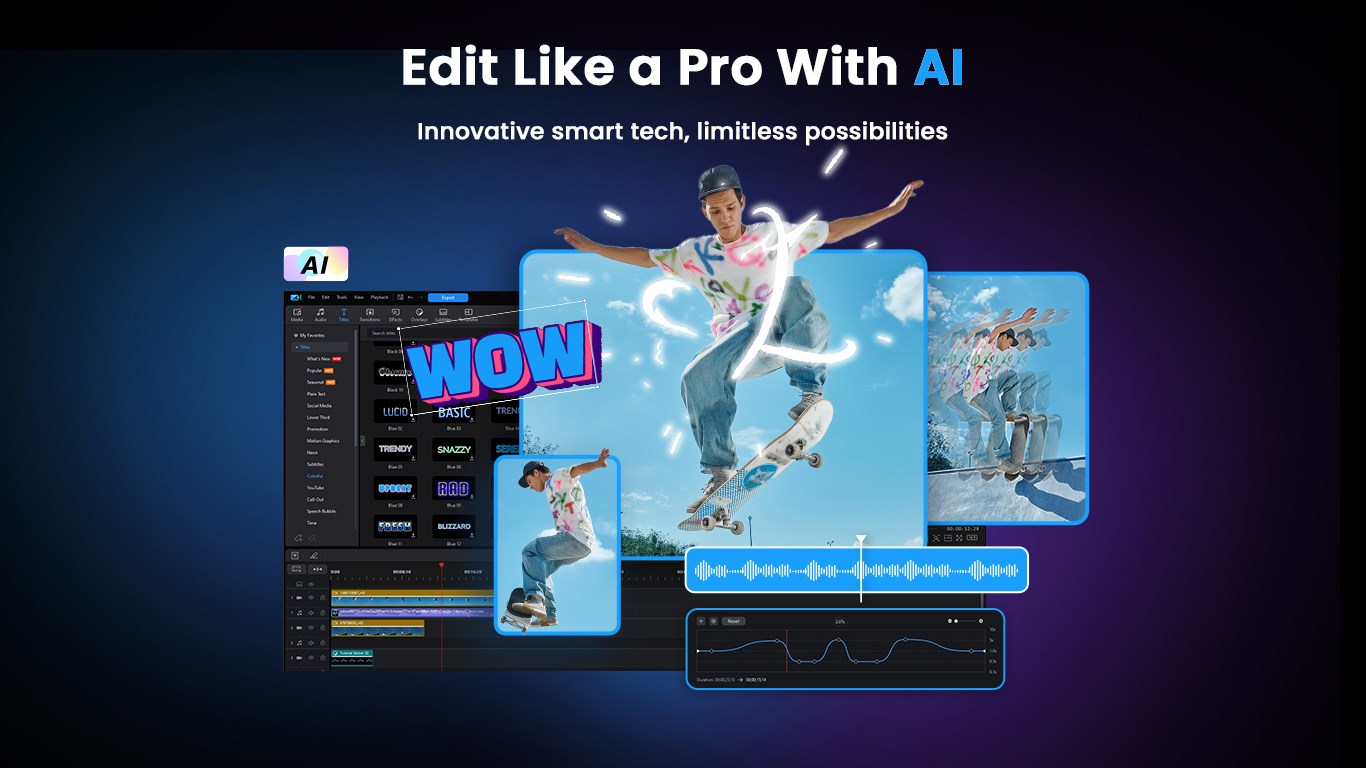
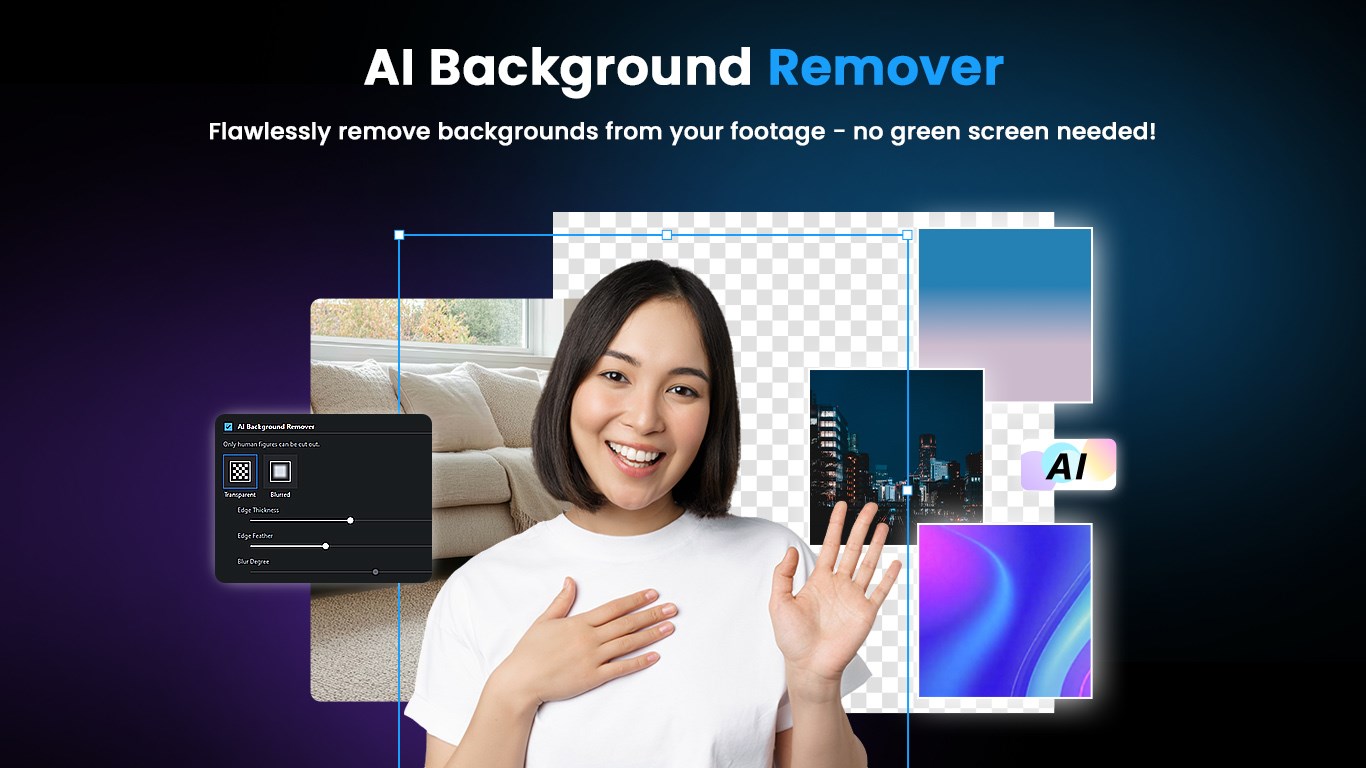
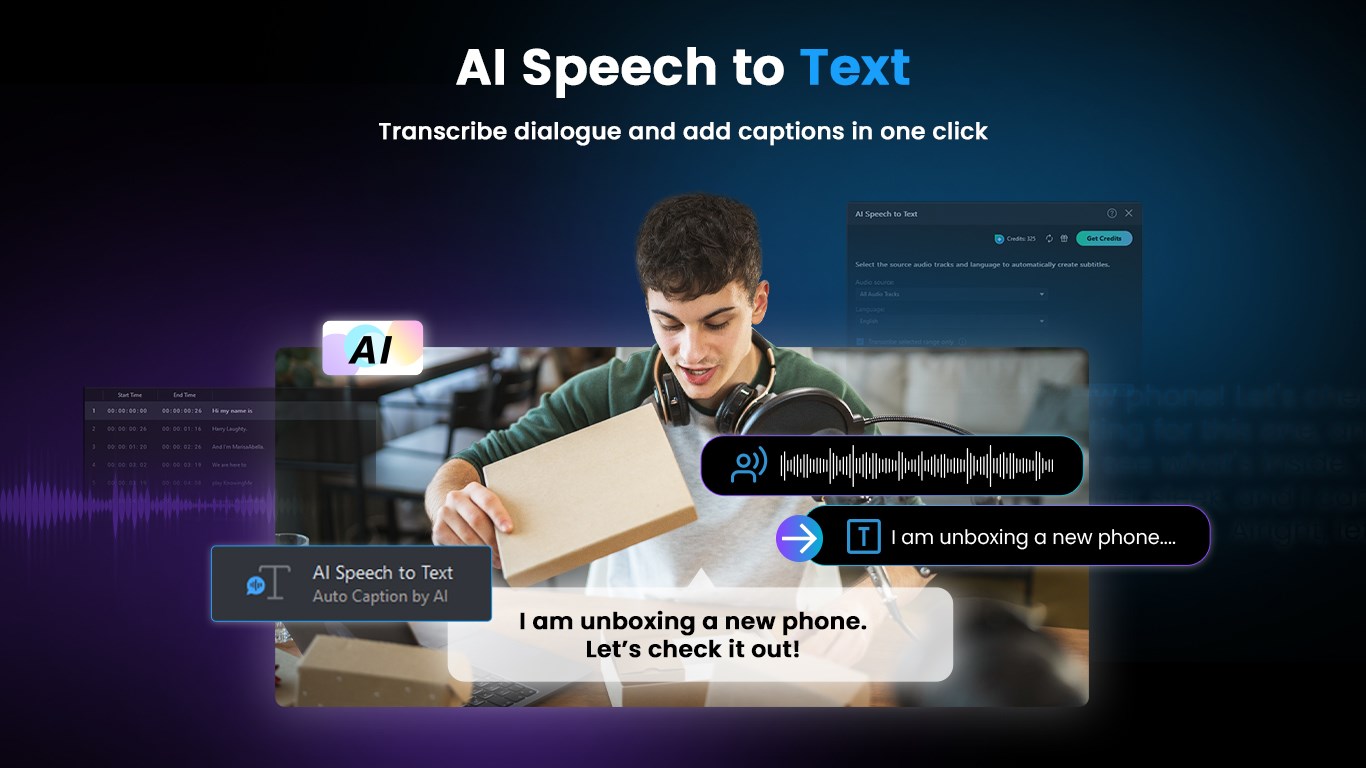
Developed and published by CyberLink Corp., a reputable leader in multimedia software, PowerDirector 2025 Ultimate brings cutting-edge tools tailored for modern video creators. Its standout features include AI-powered motion tracking, a vast template and transition library, and advanced color correction capabilities. These components work together to streamline editing workflows and elevate video quality with minimal fuss. The application is primarily targeted at hobbyists, YouTubers, small business owners, and content creators who demand professional-grade output with user-centric simplicity.
Introducing PowerDirector 2025 Ultimate: Your Creative Sidekick
Imagine holding a portable film studio in your hands—the ease of turning everyday moments into cinematic stories, all with just a few clicks. PowerDirector 2025 Ultimate sparks that imagination, transforming how you approach video editing on Windows. Its intuitive interface, combined with a rich set of features, makes editing feel like an exciting adventure rather than a daunting task.
Innovative AI-Powered Motion Tracking
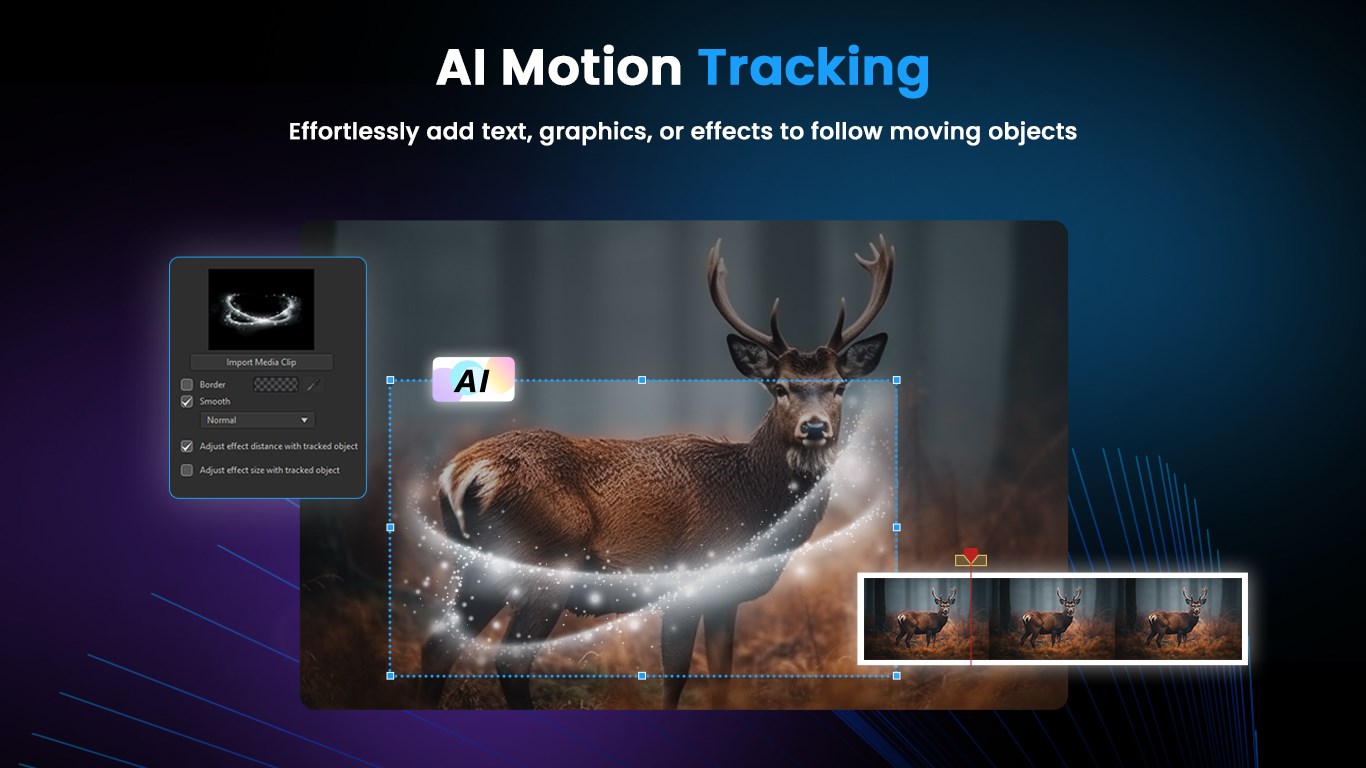
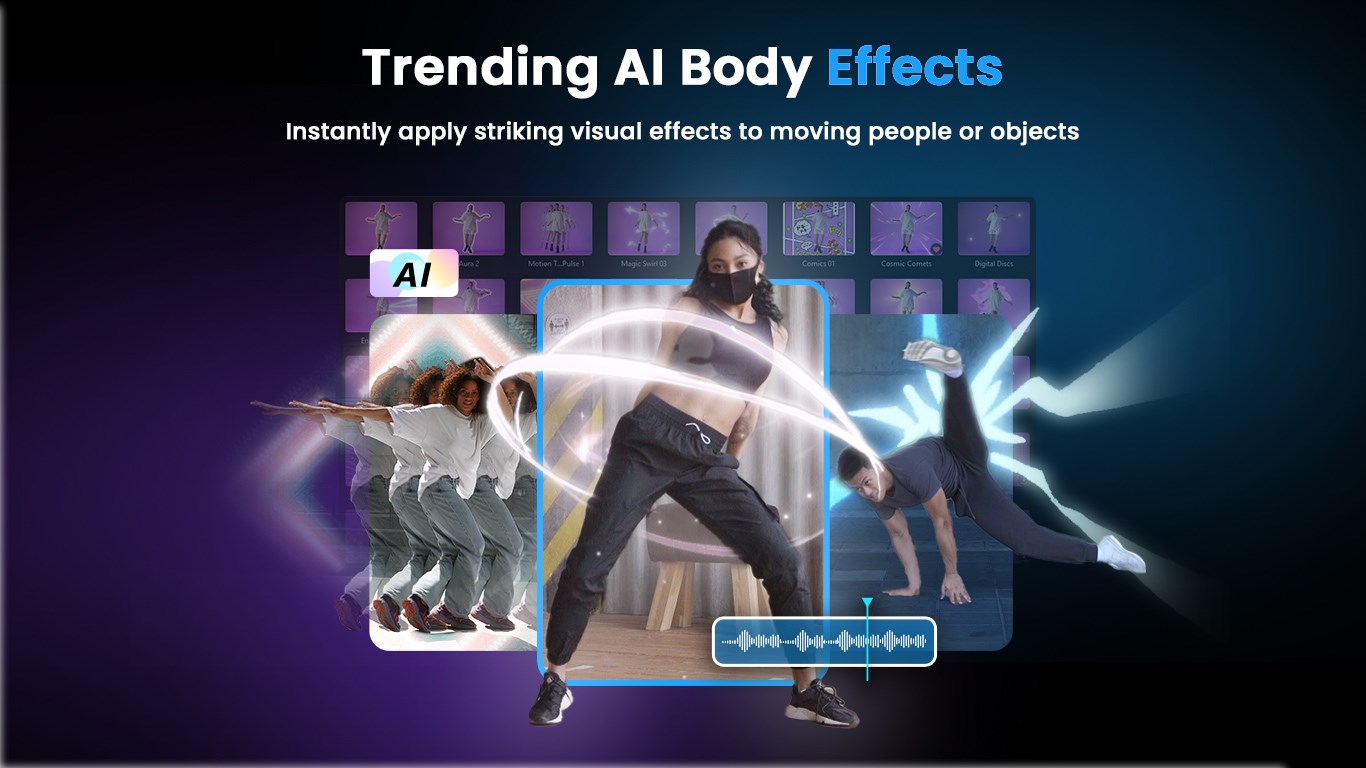
One of the most compelling features is the AI-powered motion tracking system. Think of it as having a dedicated editing assistant that follows your subject's movements flawlessly—whether it's a speeding car, a dancing pet, or a playful kid. The AI intelligently detects and tracks objects throughout the timeline, allowing users to add effects, text, or filters that stay perfectly anchored. Compared to traditional manual keyframing, which can be tedious and time-consuming, this feature significantly accelerates workflows while maintaining precision. It's especially advantageous for dynamic videos where movement is key, such as action clips or vlogs.
Extensive Template and Transition Library
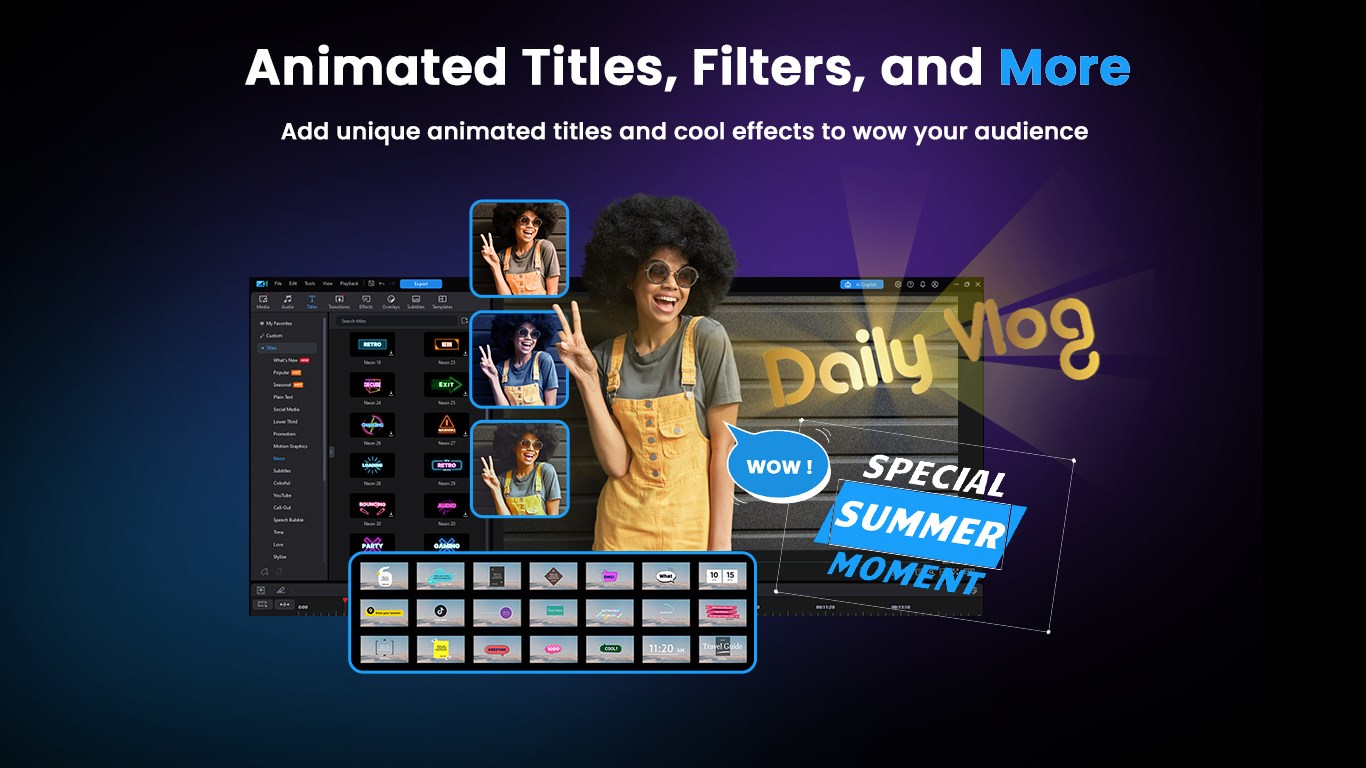
Another standout is the extensive collection of templates, overlays, and transitions. Picture your video as a blank canvas—PowerDirector offers a vibrant palette of premade themes, animated titles, and smooth transitions that can instantly elevate your project. This massive library caters to various styles, from cinematic to playful, making it easy to craft professional-looking videos without starting from scratch. The application's design encourages quick customization, helping you achieve a polished look even if you're not a seasoned editor.
Powerful Color Correction and Visual Effects
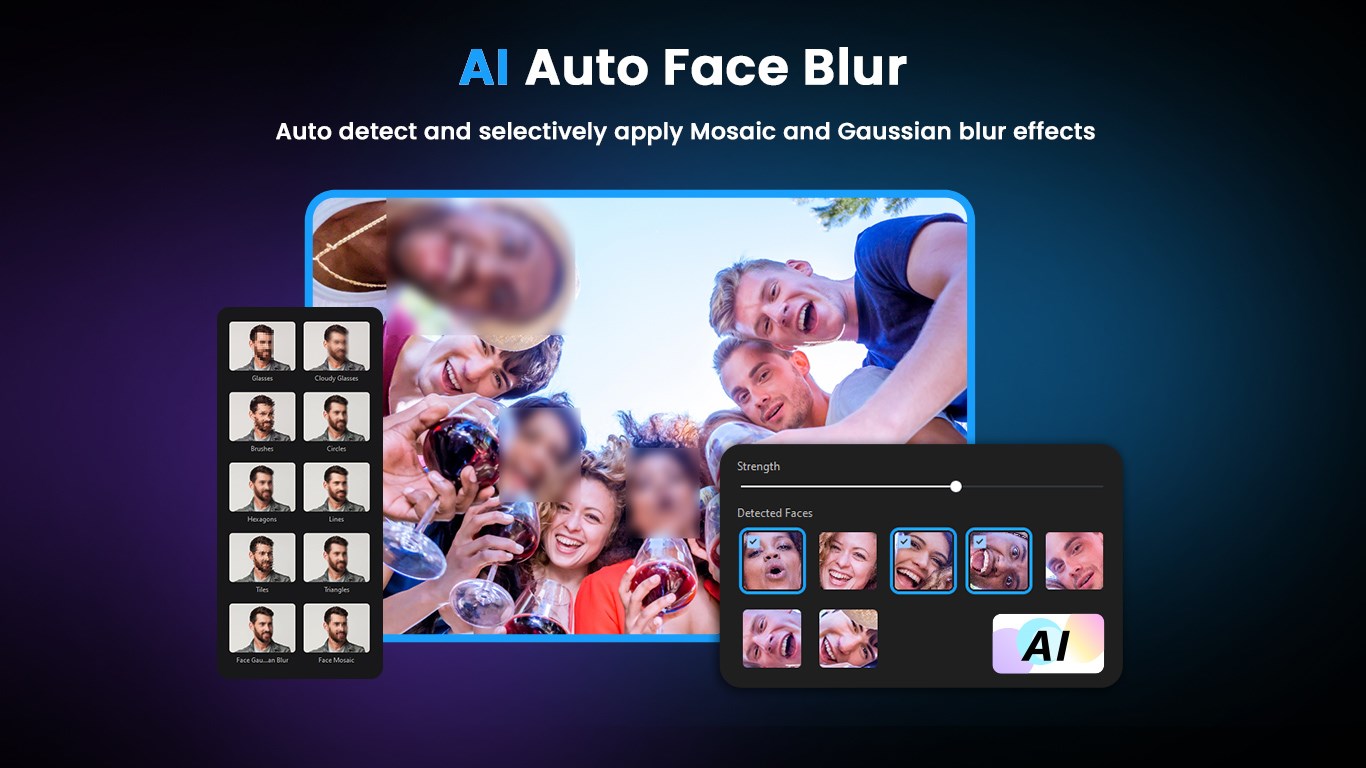
Color grading can often feel like trying to match paint shades across a spectrum—yet PowerDirector simplifies this with advanced color correction tools. With sliders and presets, you can adjust brightness, contrast, vibrancy, and apply LUTs (Lookup Tables) to give your footage a cinematic feel. Moreover, a suite of visual effects lets you add creative flair, from lens flares to glitch effects, enabling storytelling that is both vivid and compelling. Such features set PowerDirector apart from more basic editors by offering professional-grade controls accessible to all users.
User Experience: Intuitive, Smooth, and Accessible
PowerDirector's interface resembles a sleek, organized workspace—think of it as a tidy arts studio with all your tools within arm's reach. Navigation is intuitive, with drag-and-drop functionalities that make editing less like coding and more like crafting. Even newcomers will find the learning curve gentle; abundant tutorials and a helpful guided mode ease the transition from novice to confident editor. The app runs smoothly on typical Windows setups, with responsive real-time preview rendering, which keeps your inspiration flowing without frustrating lag.
Differentiation from Competitors
While many video editors claim to be all-in-one solutions, PowerDirector's key advantage lies in its strategic balance of simplicity and advanced features—particularly its AI motion tracking and extensive media library. Unlike basic editors that only offer manual controls, PowerDirector leverages intelligent automation, saving users hours of tedious work. Its focus on integrated templates and effects also sets it apart, making it easier for users to produce visually stunning content rapidly. In essence, this app acts as both a powerful tool and a creative partner, perfect for those who desire professional results without complex software hurdles.
Final Thoughts and Recommendations
PowerDirector 2025 Ultimate earns a solid recommendation for anyone looking to elevate their video projects with minimal fuss. Its innovative AI features and rich media library provide a significant edge, especially for content creators who value efficiency and quality. While it remains accessible for beginners, its advanced capabilities also satisfy the more experienced user aiming for finesse.
If you're seeking a reliable, user-friendly toolshed that combines smart automation with creative control—think of it as your digital film studio—PowerDirector 2025 Ultimate is an excellent choice. Dive in with a clear project in mind, and let this versatile editor help bring your stories vividly to life.
Pros
- User-Friendly Interface
- Wide Range of Creative Tools
- Fast Rendering Speeds
- Extensive Asset Library
- Regular Updates and Support
Cons
- High System Requirements
- Limited Free Version Features
- Occasional Crashes with Large Files
- Learning Curve for Complex Features
- Occasional Lag During Export











