


- Name Picsart AI Photo Editor
- Category Photo & video
- Available on PC, Mobile
- OS Windows 10 version 19041.0 or higher
- Memory 750 MB
- Keyboard Not specified
- Mouse Not specified
- DirectX Not specified
- languages Arabic, Armenian, Bangla, Chinese (Simplified), Chinese (Traditional Chinese), Chinese (Traditional), English, English (United States), French, German, Hindi, Indonesian, Italian, Japanese, Korean, Korean , Persian/Farsi, Polish, Portuguese, Portuguese (Brazil), Russian, Spanish, Spanish (Spain), Thai, Turkish, Vietnamese
Introducing Picsart AI Photo Editor for Windows: Your Go-To Creative Companion
In the bustling world of photo editing, Picsart AI Photo Editor for Windows stands out as a versatile and user-friendly tool designed to empower both casual hobbyists and aspiring professionals alike. With its robust AI-powered features and intuitive interface, this app promises to streamline your creative process while offering a host of advanced editing capabilities—making it an appealing choice for anyone looking to enhance their images effortlessly.
Developed by a Trusted Name: PicsArt Inc.
Created by PicsArt Inc., a renowned leader in digital creativity tools, this application benefits from years of experience in crafting accessible yet powerful editing solutions. Their expertise translates into a polished software that balances innovation with user-friendliness, making complex editing tasks feel approachable for users at all levels.
Key Features That Make a Difference
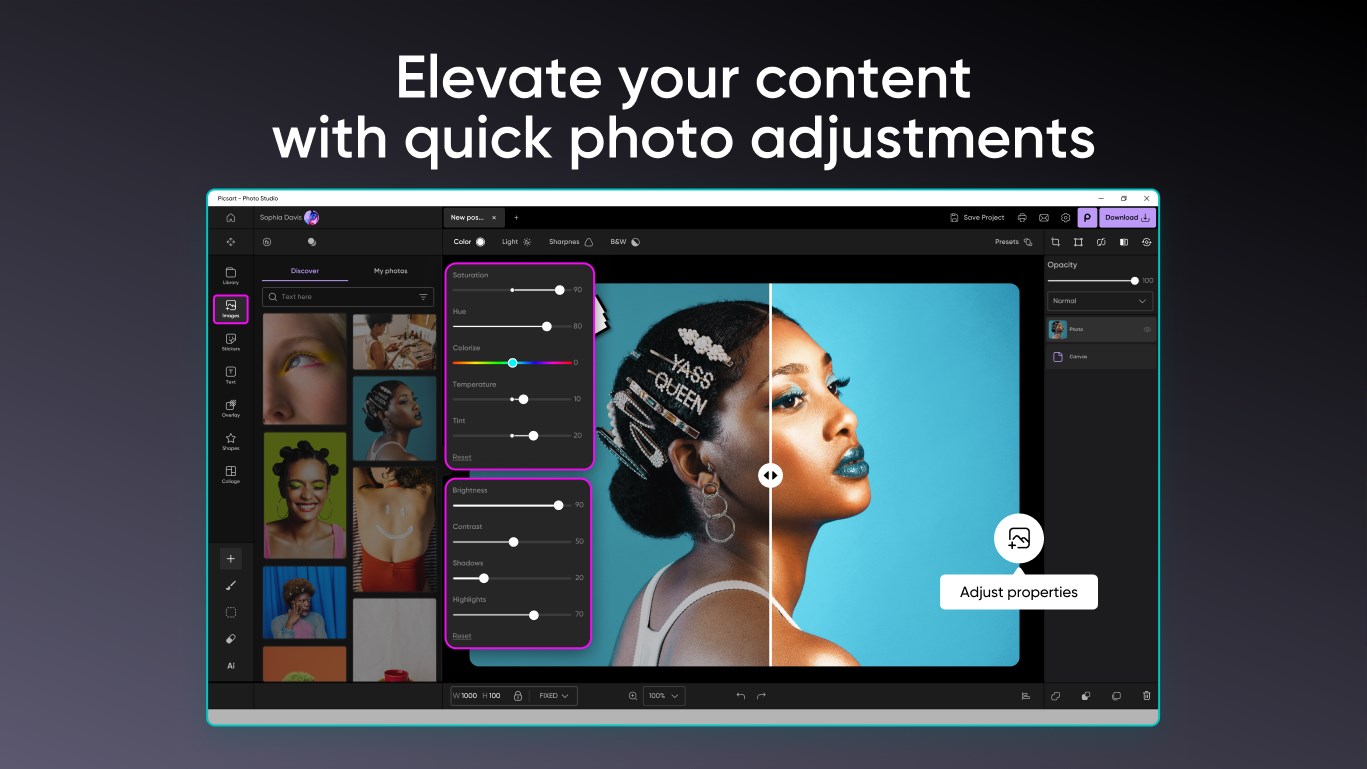
- AI-Driven Auto-Enhancement: Automatically adjusts brightness, contrast, and saturation to make photos pop with minimal effort.
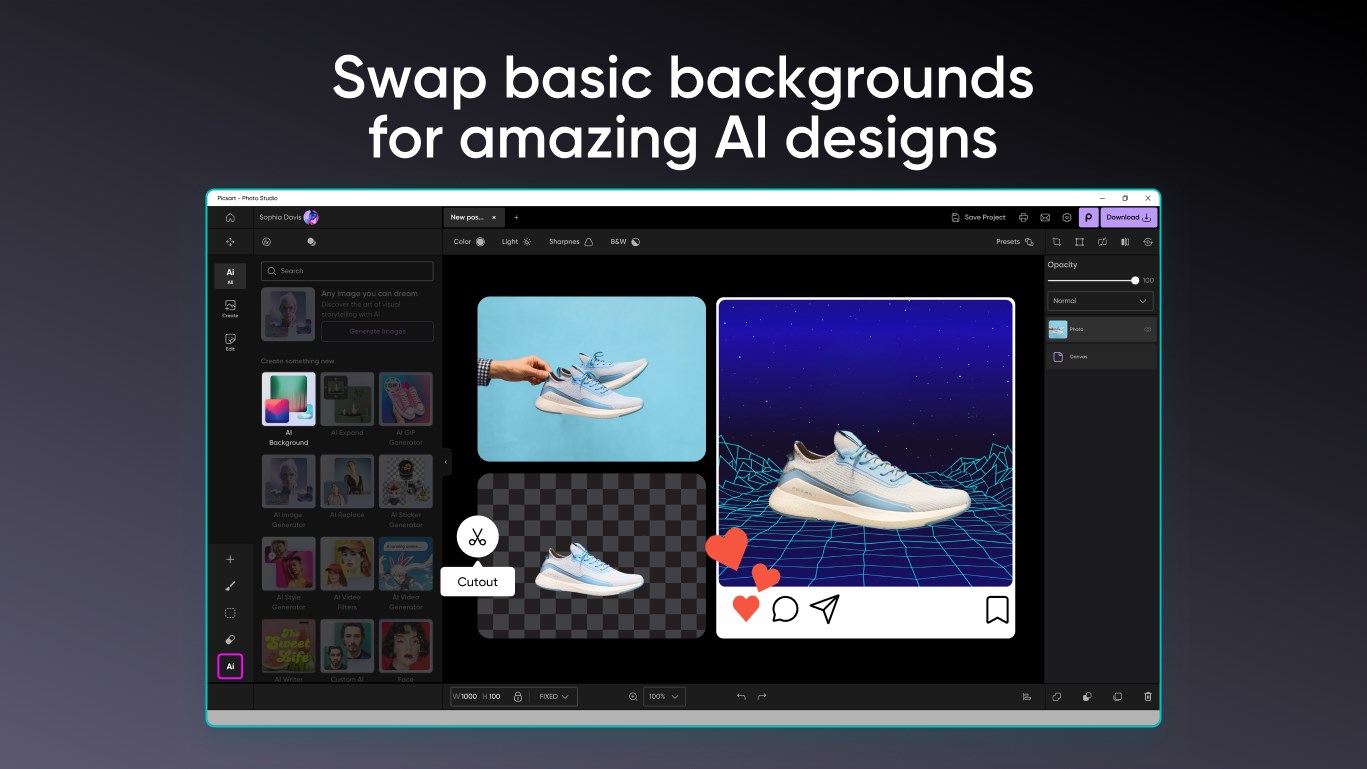
- Intelligent Background Removal: Uses AI to perfectly isolate subjects, simplifying composite creation and removing backgrounds cleanly.
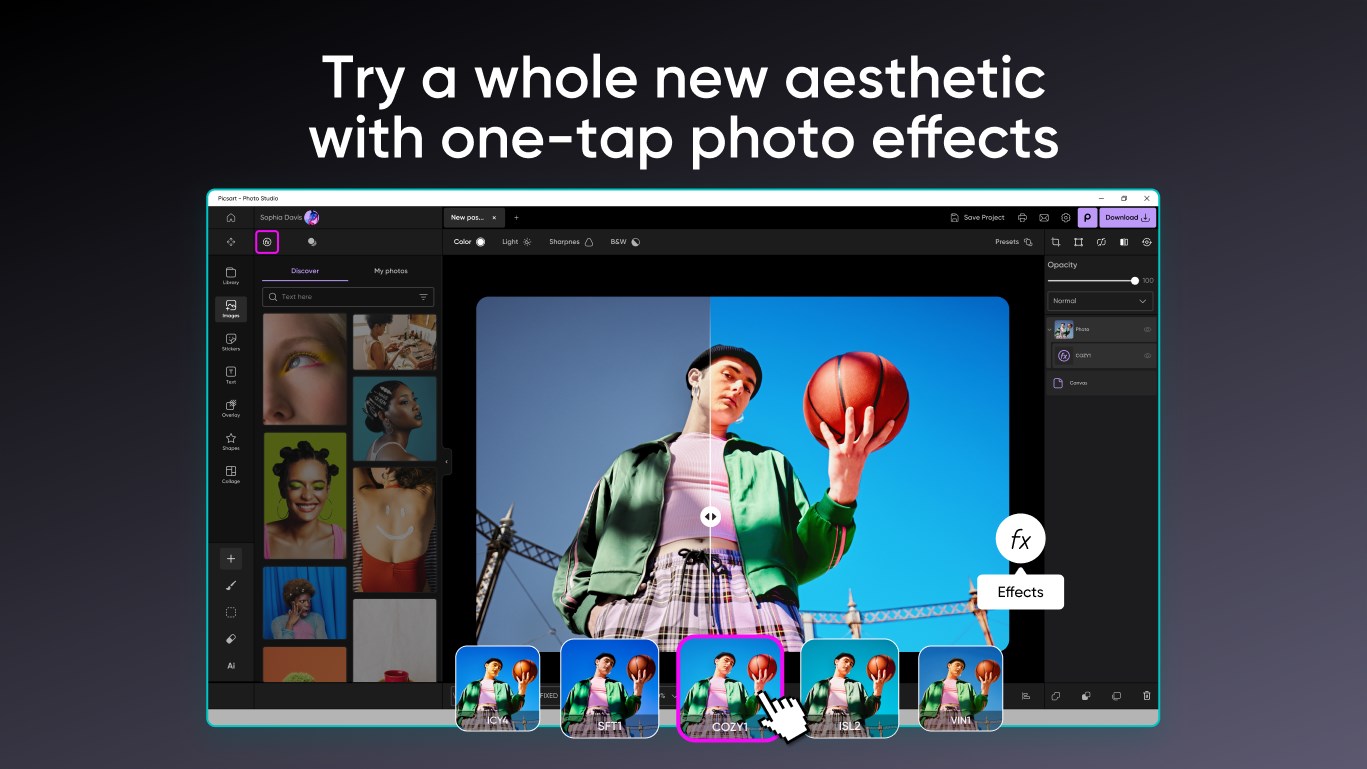
- Creative Filters and Effects: An array of artistic filters and effects that can transform ordinary photos into stunning artworks, with options to customize settings to your liking.
- Seamless Integration and Export Options: Supports direct sharing to social media platforms and export in high-resolution formats, streamlining your workflow.
A Vibrant and Engaging User Experience
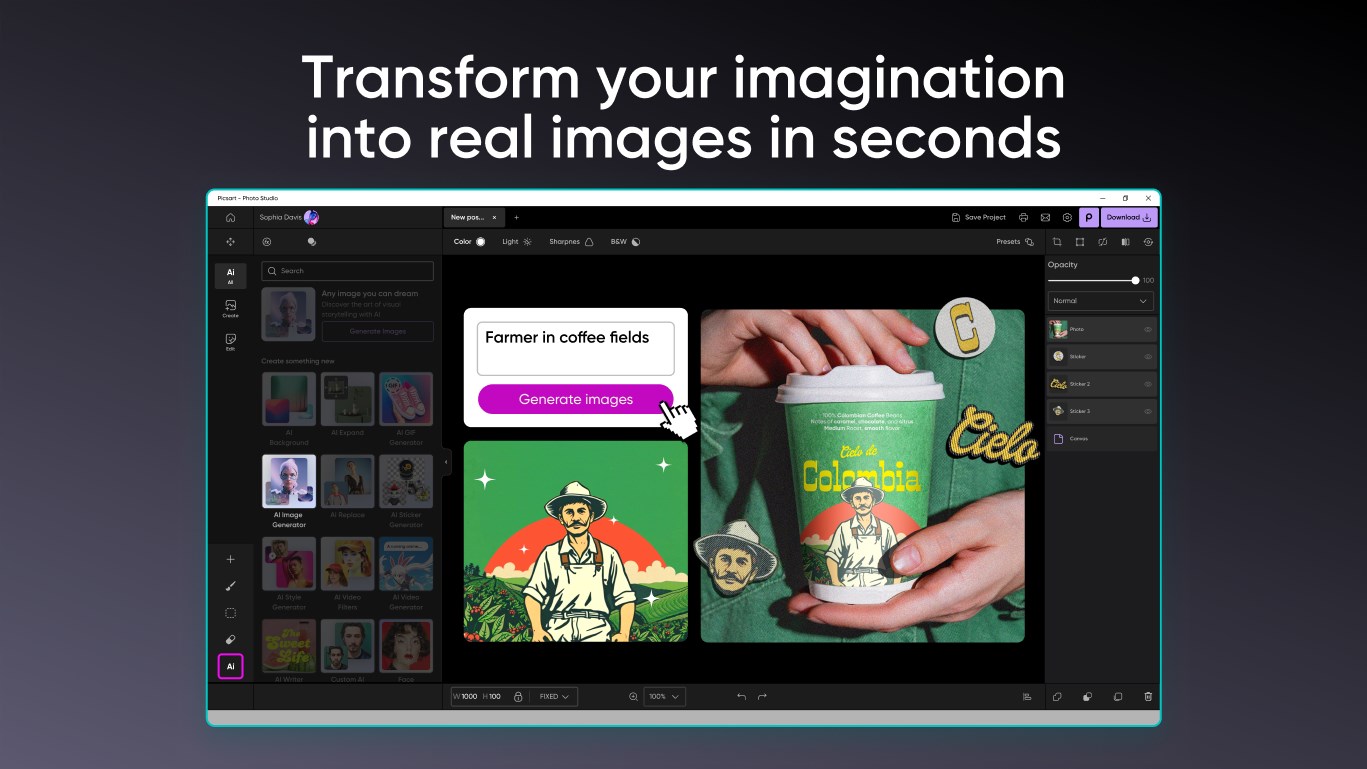
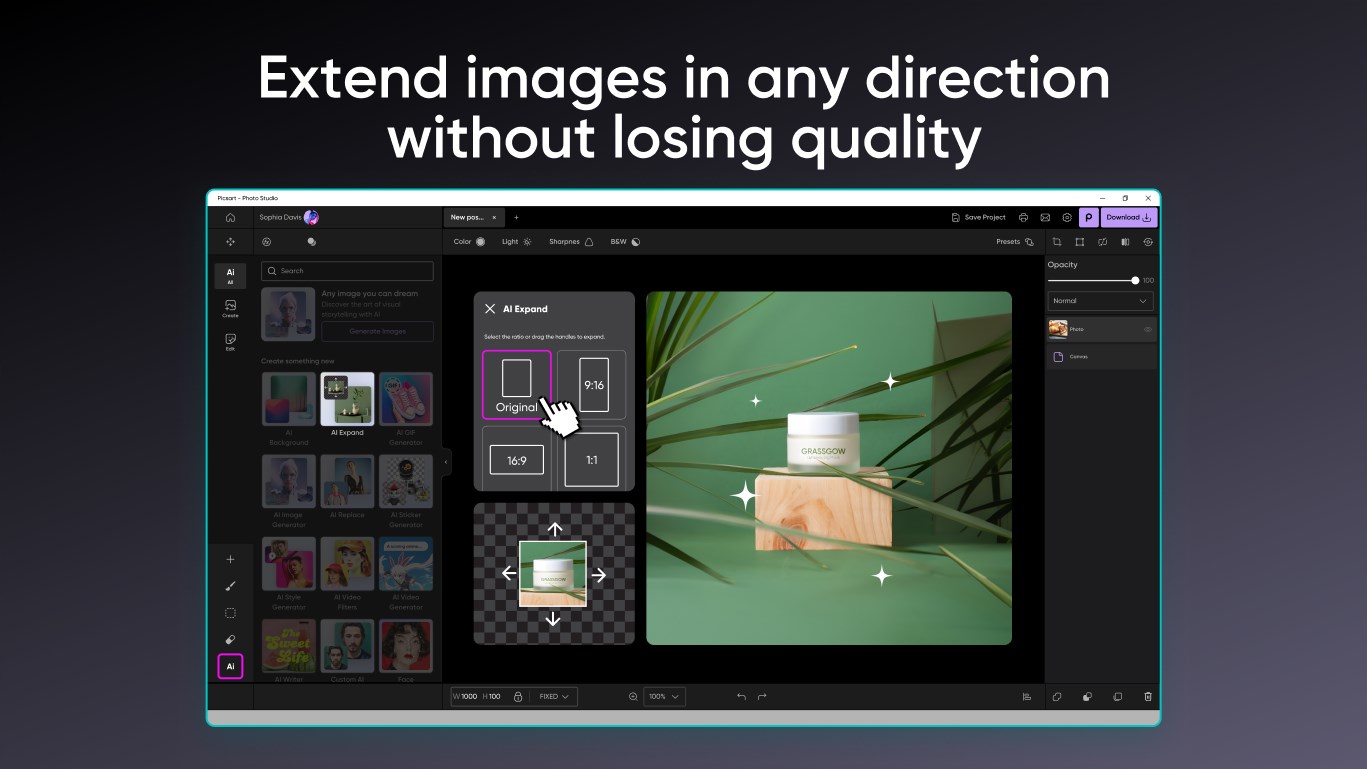
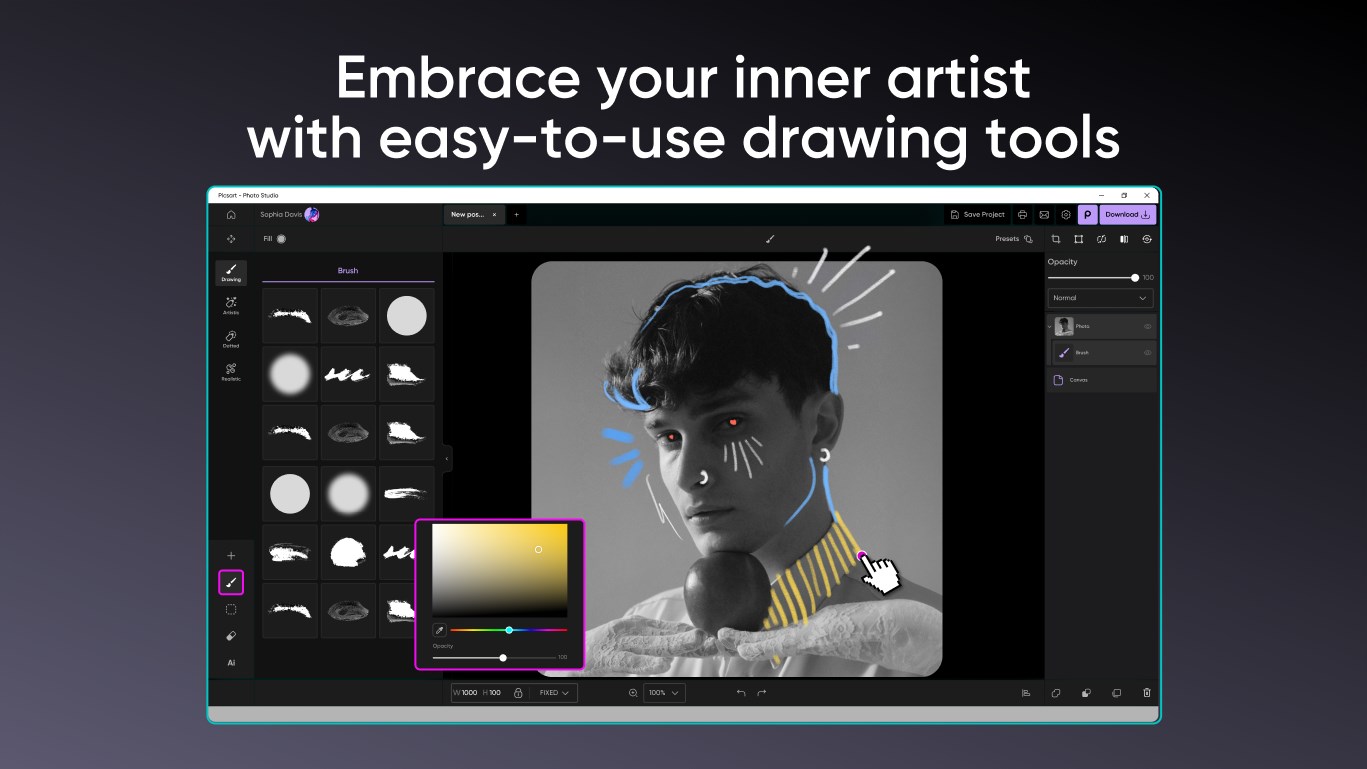
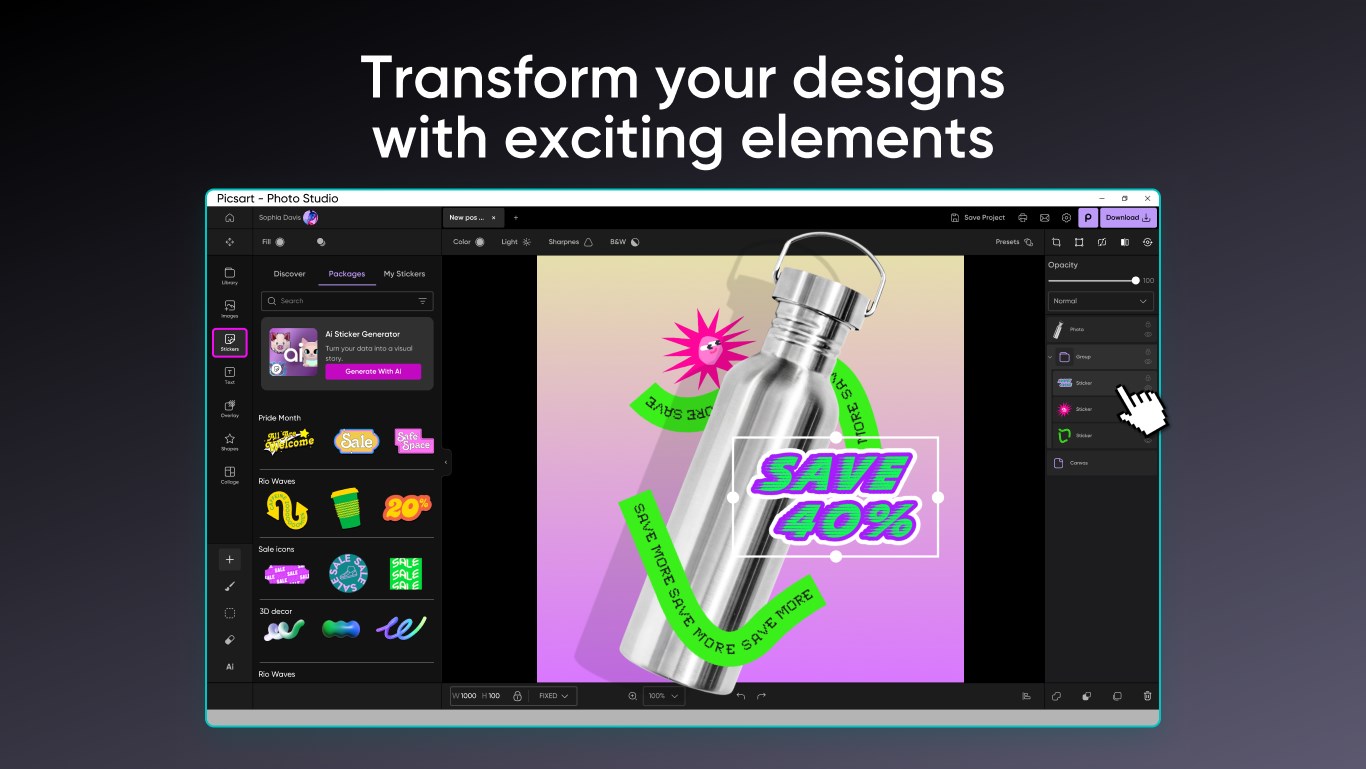
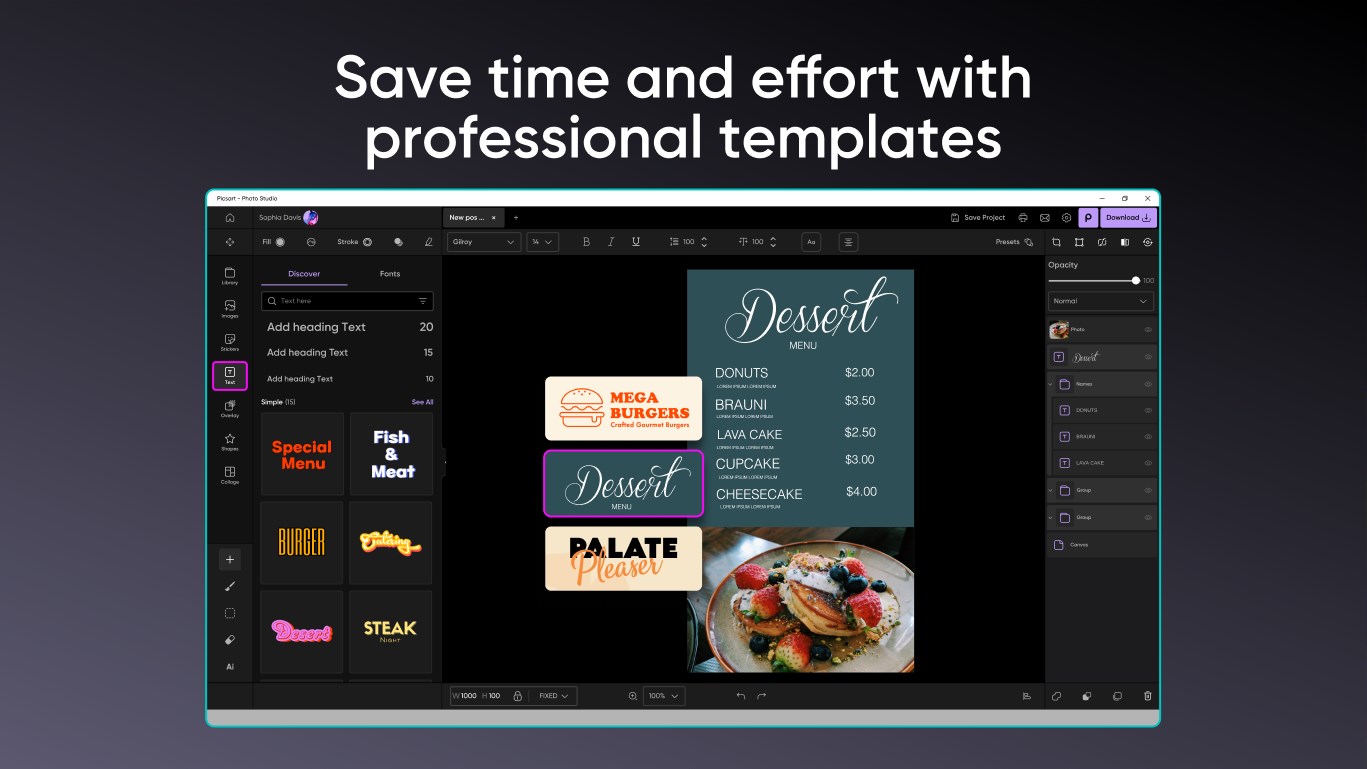
Imagine opening your photo editor and stepping into a brightly lit, organized studio where everything is just a click away. Picsart AI Photo Editor for Windows offers a sleek, modern interface that balances aesthetic appeal with practicality. The layout is intuitive, akin to having a well-arranged toolbox—each feature accessible without clutter or confusion.
Core Functionalities Explored
Smart AI Auto-Enhancement: Your Personal Photo Assistant
One of the standout features is its AI-powered auto-enhancement tool. Think of it as having a seasoned photo retoucher sitting beside you—promptly analyzing your image and suggesting or automatically applying adjustments. The results are natural and balanced, making this function perfect for quick edits or final touch-ups before sharing. It's like having a magic wand that subtly elevates your photos without sacrificing authenticity.
Background Removal: Simplifying Creativity
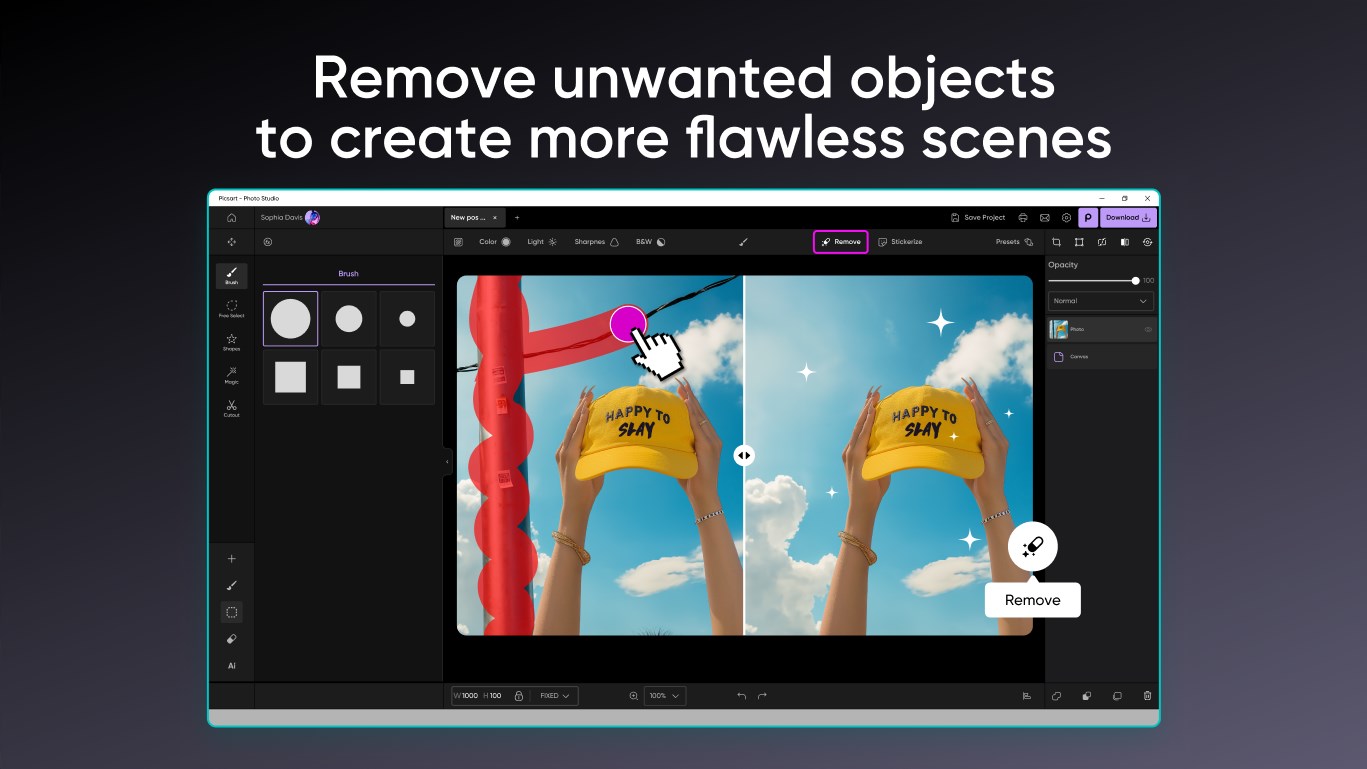
This feature leverages sophisticated AI to precisely cut out subjects from backgrounds—a task that used to require patience and a steady hand. Whether you're creating collages, removing distractions, or designing marketing images, the background removal tool works swiftly and accurately. Its accuracy is commendable, even with complex edges like hair or intricate objects, setting it apart from many competitors that struggle with fine details.
Artistic Filters and Effects: Transforming Photos into Masterpieces
Beyond basic edits, the app provides a rich library of filters and effects to unlock your artistic side. From vintage looks to modern surreal styles, you can experiment freely. The real beauty lies in the customization options, allowing you to fine-tune each effect for a bespoke result. It's akin to adding a splash of paint or a digital brushstroke—opening up endless creative possibilities.
User Experience and Differentiation from Competing Apps
Fans of photo editing apps often face a trade-off: powerful tools that are complex to learn versus simple interfaces that lack depth. Picsart AI Photo Editor strikes a commendable balance, offering sophisticated features without overwhelming the user. The interface feels like a friendly workshop where tools are logically arranged and guided by helpful prompts, reducing the learning curve for newcomers.
Compared to other apps like Adobe Photoshop Elements or Luminar, Picsart's strongest suit is its blend of AI automation and social-sharing focus. Its background removal and auto-enhancement features are particularly notable—providing high-quality results with minimal manual input, which appeals to users seeking quick yet professional outcomes. Moreover, its seamless integration with social platforms makes it a great choice for content creators who want to publish their work rapidly.
Final Verdict: Is it Worth Your Attention?
Overall, I'd recommend Picsart AI Photo Editor for Windows to anyone looking for a reliable, easy-to-use photo editing tool enriched with innovative AI features. Its standout capabilities—particularly auto-enhancement and background removal—make routine editing tasks faster and more satisfying. While it may not replace complex software like Photoshop for advanced retouching, it excels in providing a user-friendly experience that produces professional-looking results. For casual users, influencers, or small business owners seeking an efficient editing companion, this app is certainly worth trying out. Just imagine enhancing your photo creations as effortlessly as waving a magic wand—scenes transformed, backgrounds cleaned up, and artistic effects applied—all in a few clicks.
Pros
- Intuitive AI-powered editing tools
- High-quality AI enhancements
- Wide variety of creative options
- Regular updates and new features
- Cross-platform convenience and Cloud saving
Cons
- Occasional AI misinterpretations
- Limited free features
- Processing speed can vary
- Watermark on downloaded images in free version
- Interface clutter in some sections











