

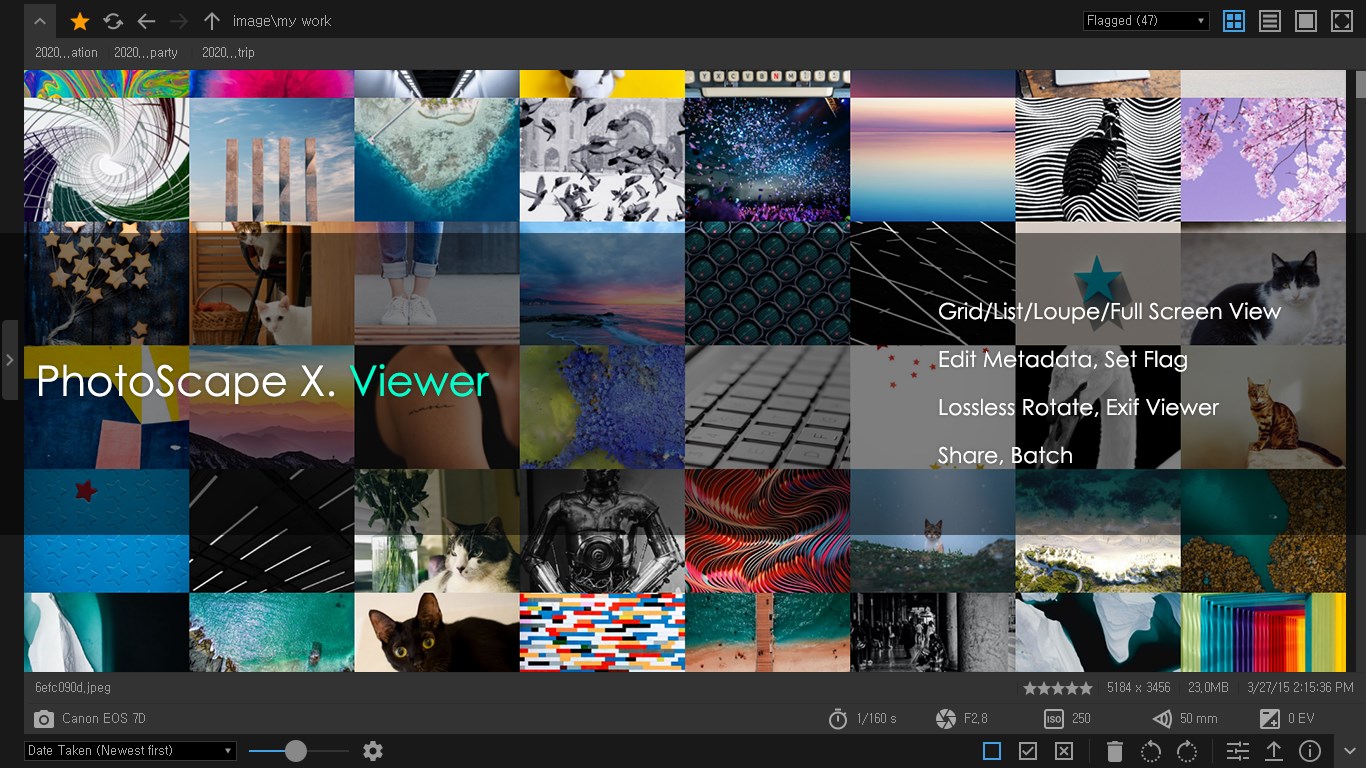
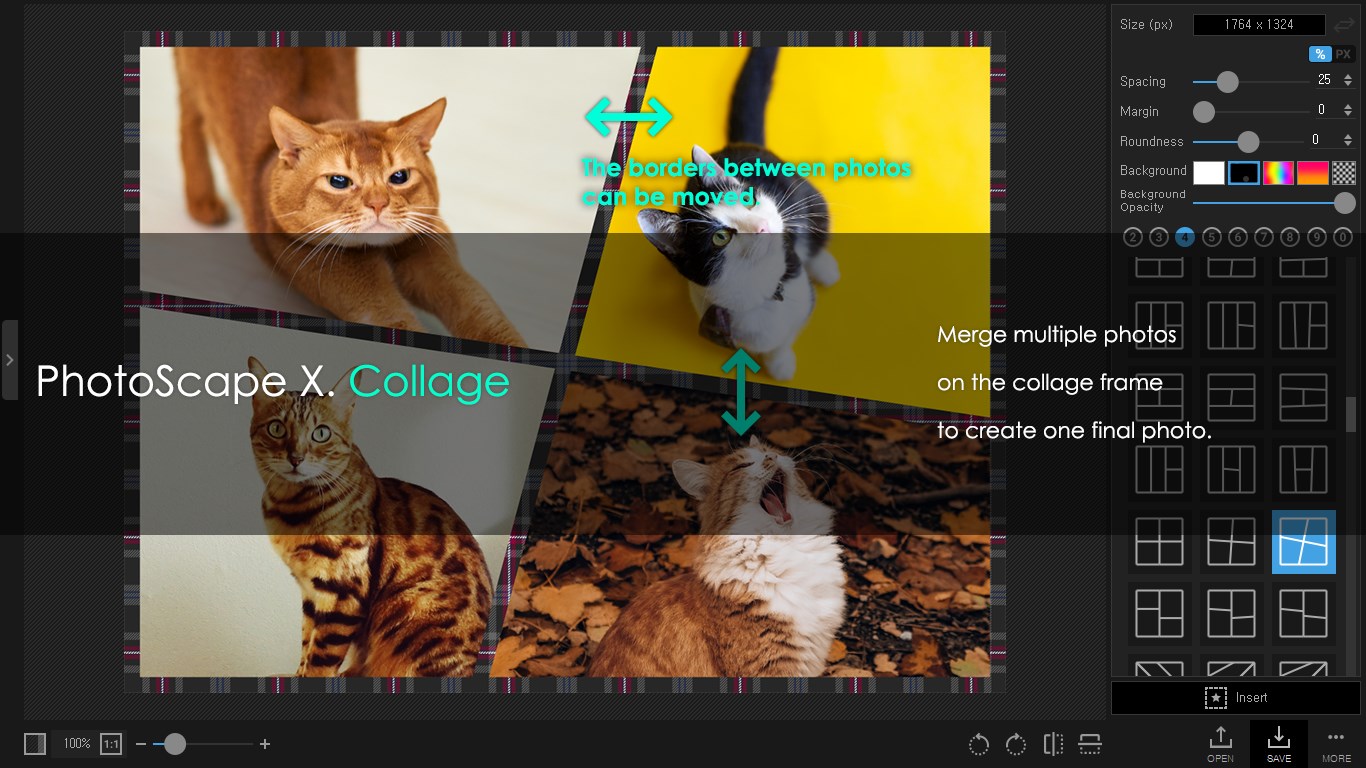
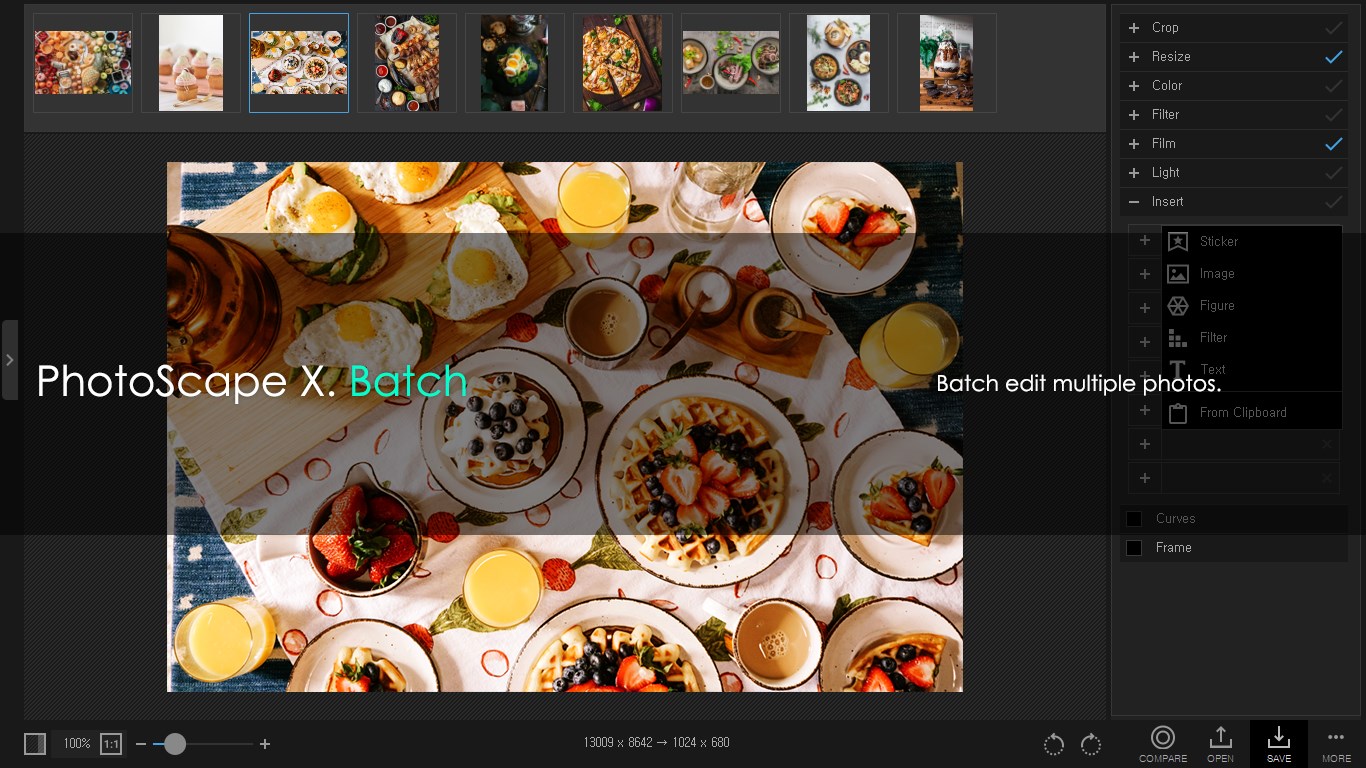
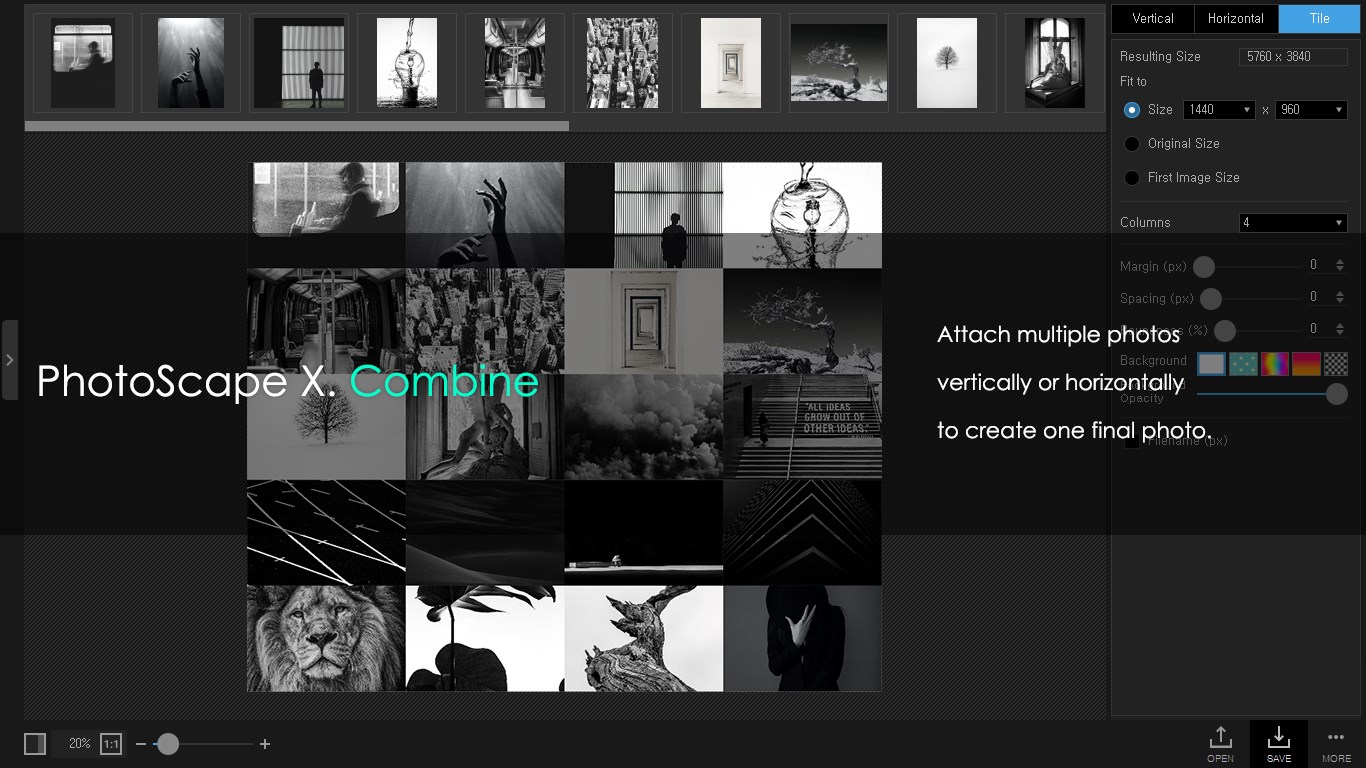
- Name PhotoScape X
- Category Photo & video
- Available on PC
- OS Windows 10 version 16299.0 or higher
- Keyboard Not specified
- Mouse Not specified
- languages English
Introducing PhotoScape X for Windows: A Versatile Image Editing Companion
PhotoScape X for Windows, developed by Mooii Tech, is a comprehensive photo editing tool designed to cater to both casual hobbyists and serious photographers seeking an all-in-one solution. It offers a rich set of features wrapped in an intuitive interface, making complex edits accessible to newcomers while still satisfying seasoned users.
Key Features That Make It Stand Out
What sets PhotoScape X apart from other image editors is its blend of creative flexibility and user-friendly design. Notable highlights include its powerful batch editing capabilities, an innovative "Object Removal" tool, and a wide variety of filters and effects to enhance any image effortlessly. Its non-destructive editing workflow ensures your original photos remain untouched, which is a blessing for those who like to experiment without fear.
User-Friendly Interface with a Creative Spirit
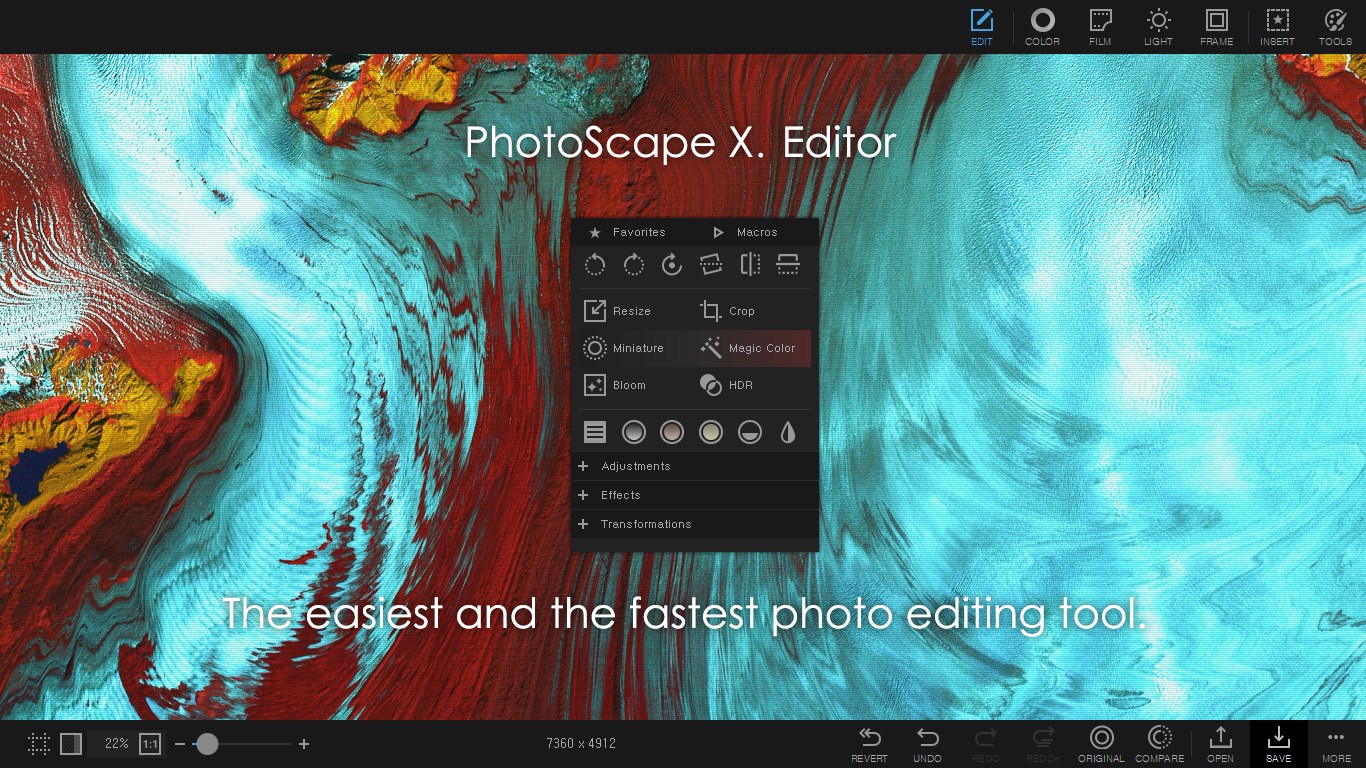
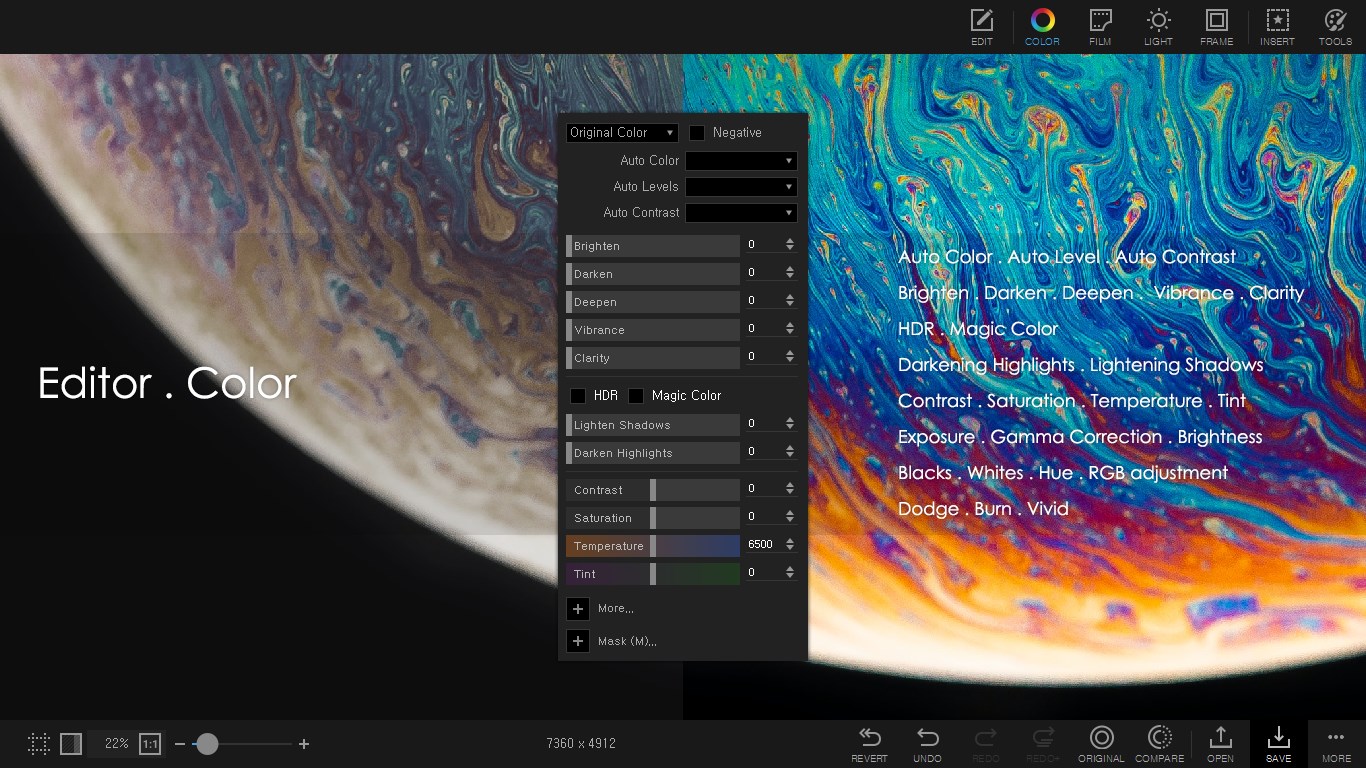
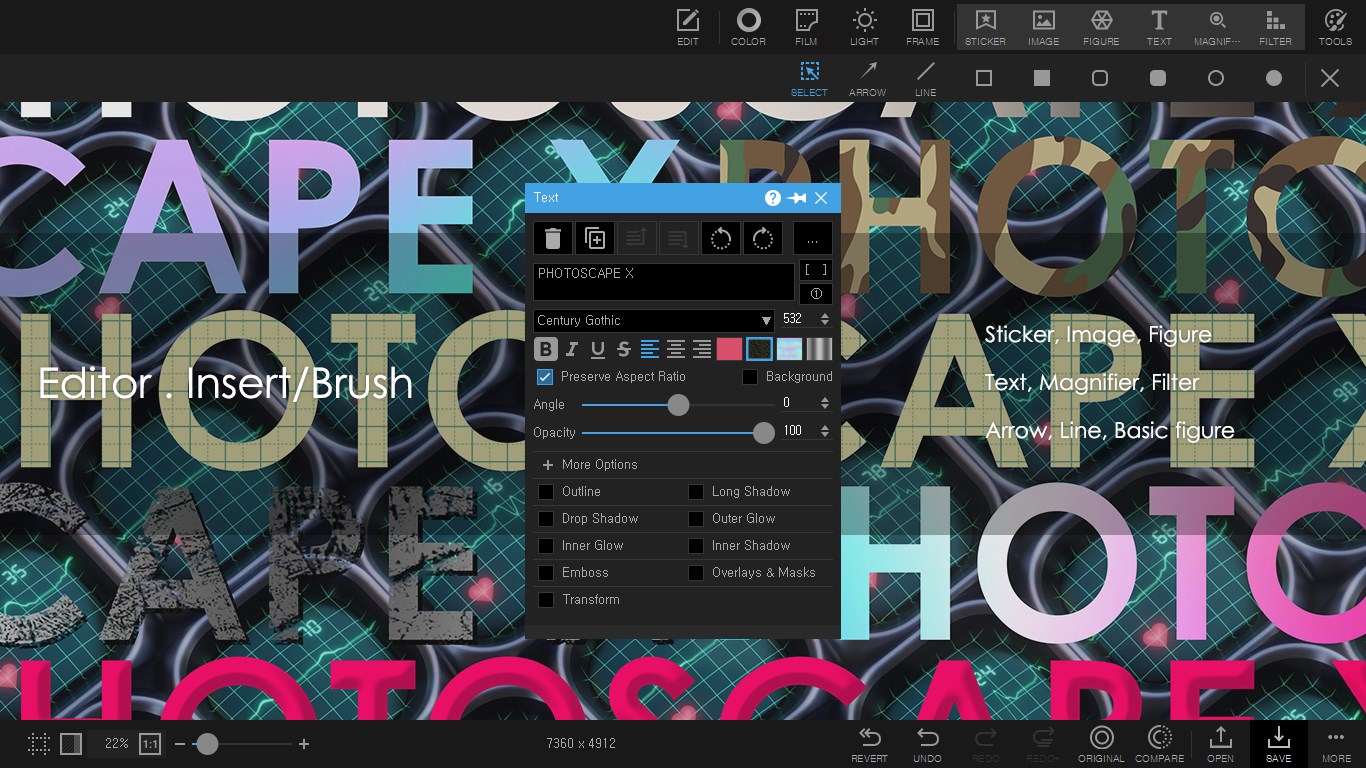
One of the most immediate impressions when launching PhotoScape X is its sleek, well-organized interface that balances simplicity with professional functionality. The layout feels like a well-curated art studio—clean, inviting, and intuitive. Navigating between basic edits like cropping and exposure adjustments or more advanced options such as layering and combining images is seamless and clutter-free. The learning curve is gentle; even those new to photo editing can pick up the essentials within minutes, yet there's enough depth for seasoned editors to dive deeper.
Core Functionality Deep-Dive
Batch Editing: Saving Time with Smart Automation
This feature is a true game-changer for users handling multiple photos. Imagine selecting a series of images from a photoshoot and applying consistent adjustments—brightness, contrast, filters—simultaneously. The batch editor is robust yet straightforward, making it easy to streamline workflows and maintain uniformity across large collections. It's akin to having a trusted assistant who adjusts all your images in one go, freeing you to focus on creative choices.
Object Removal and Cloning Tools: Seamless Fixes with Magic Touches
PhotoScape X offers an innovative object removal tool, allowing you to effortlessly erase unwanted elements—whether it's a photobomber in the background or a distracting object—without leaving visible traces. Combined with cloning functions, these tools work like digital Photoshop brushes, enabling users to seamlessly blend areas or correct imperfections. This feature adds a layer of polish that elevates your images without needing complex software skills.
User Experience and Unique Selling Points
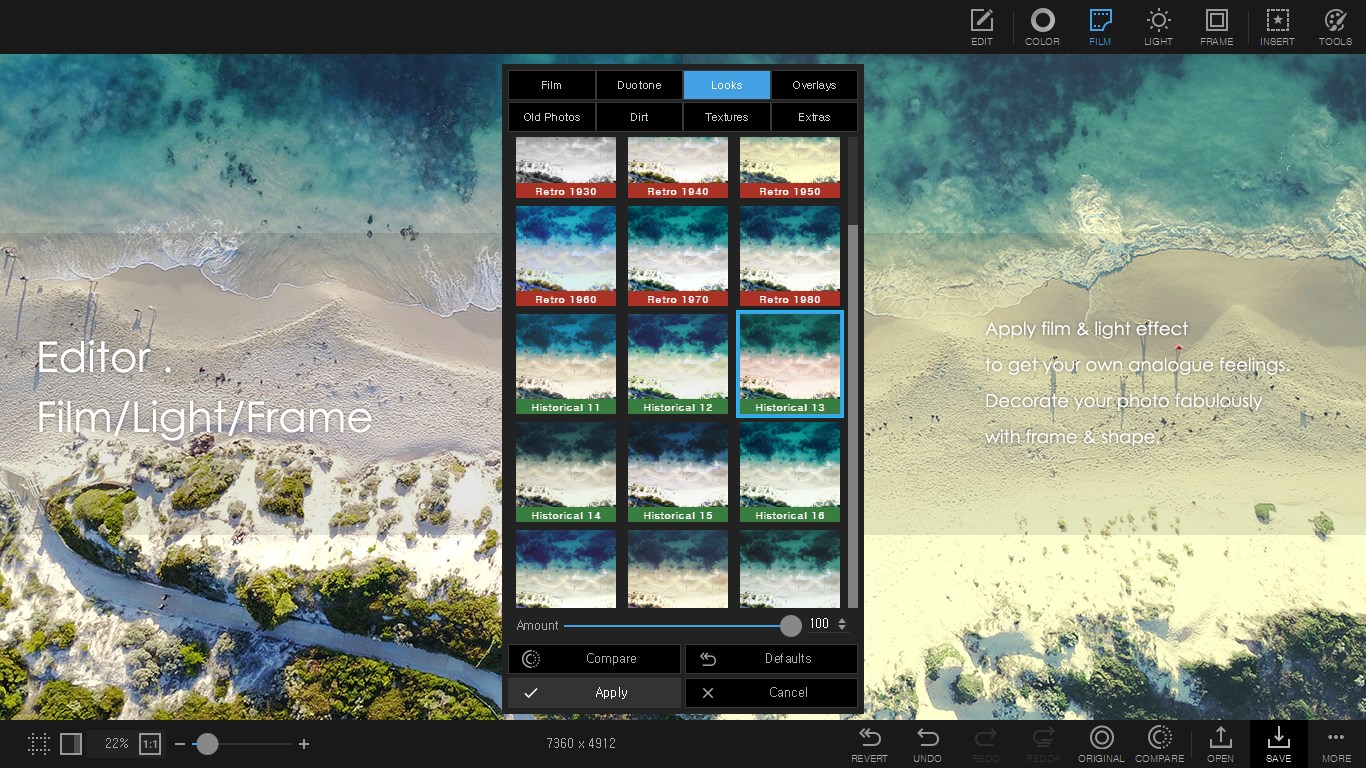
The overall user experience is smooth and engaging. The interface feels responsive, and navigating between features is fluid. The app's design encourages experimentation, with plenty of presets and templates to spark creativity. For users familiar with basic photo editing apps, PhotoScape X offers enough advanced features to grow their skills, yet remains accessible enough for casual edits. Notably, its focus on non-destructive editing preserves original photos, an important safeguard for preserving quality.
How Does It Compare With Other Photo & Video Applications?
While many competing apps prioritize either simplicity or professional-level control, PhotoScape X strikes a compelling balance. Its standout feature—the object removal tool—is particularly notable, providing a quick, effective solution for cleaning up images without requiring extensive editing skills. Additionally, its batch processing capability simplifies working with large photo collections, a feature often overlooked in similar applications. Unlike some editors that push towards 3D effects or video editing—areas outside PhotoScape X's scope—it remains laser-focused on high-quality image editing, making it a reliable choice for users seeking dedicated photo enhancement tools.
Final Thoughts and Recommendations
Overall, PhotoScape X for Windows is a thoughtfully designed photo editor that caters to a broad spectrum of users, from everyday photographers to more serious enthusiasts. Its most special features—the object removal tool and batch editing—are real assets that add significant value. For anyone looking for a versatile, user-friendly, yet powerful image editing app, it's definitely worth trying out.
My recommendation is to consider it if you want a comprehensive tool that combines ease of use with advanced features. Whether you're polishing family photos or preparing images for professional projects, PhotoScape X can be a dependable companion in your creative toolkit.
Pros
- Intuitive user interface
- Wide range of editing tools
- Supports multiple image formats
- Frequent updates and improvements
- Lightweight and fast performance
Cons
- Limited advanced editing features compared to professional software
- Occasional crashes during large file edits
- Some filters and effects are basic and may lack customization options
- Interface may appear cluttered for beginners
- Export options for certain formats can be limited











