

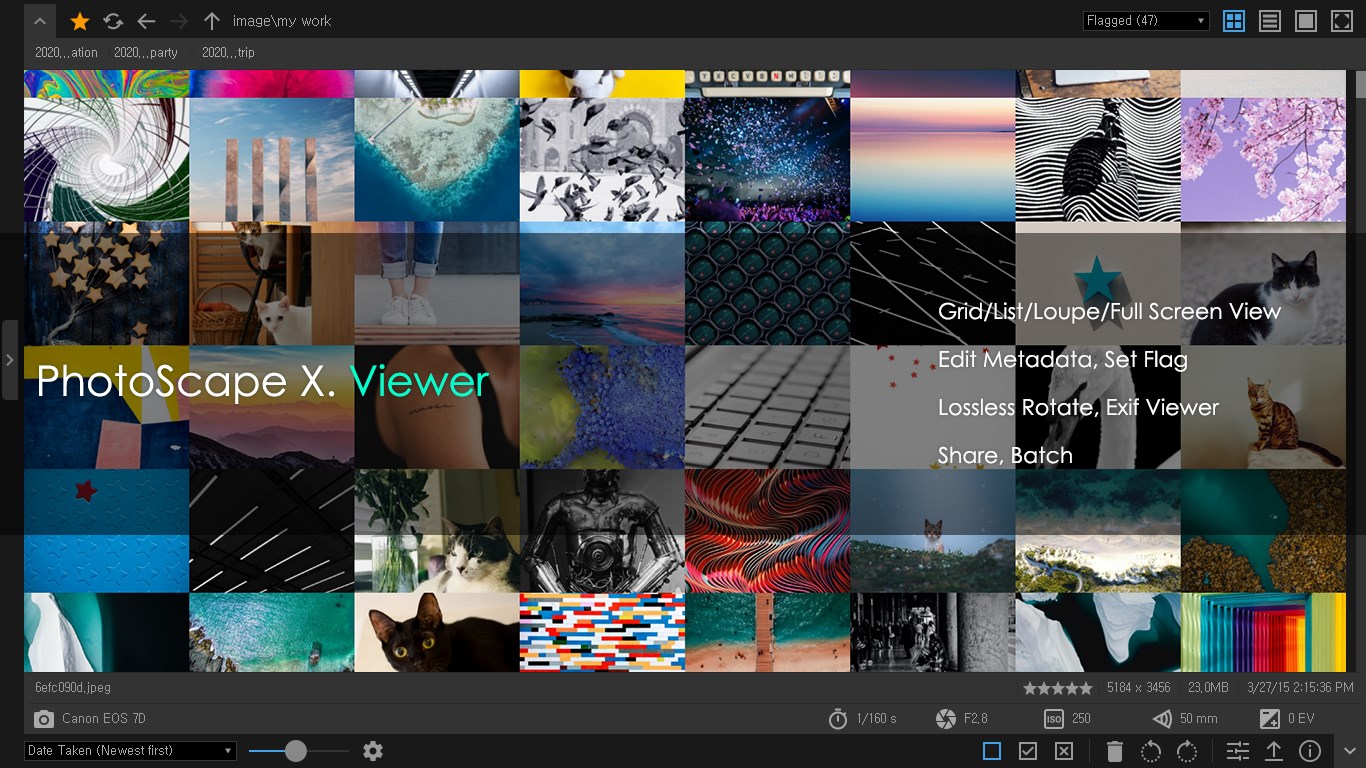
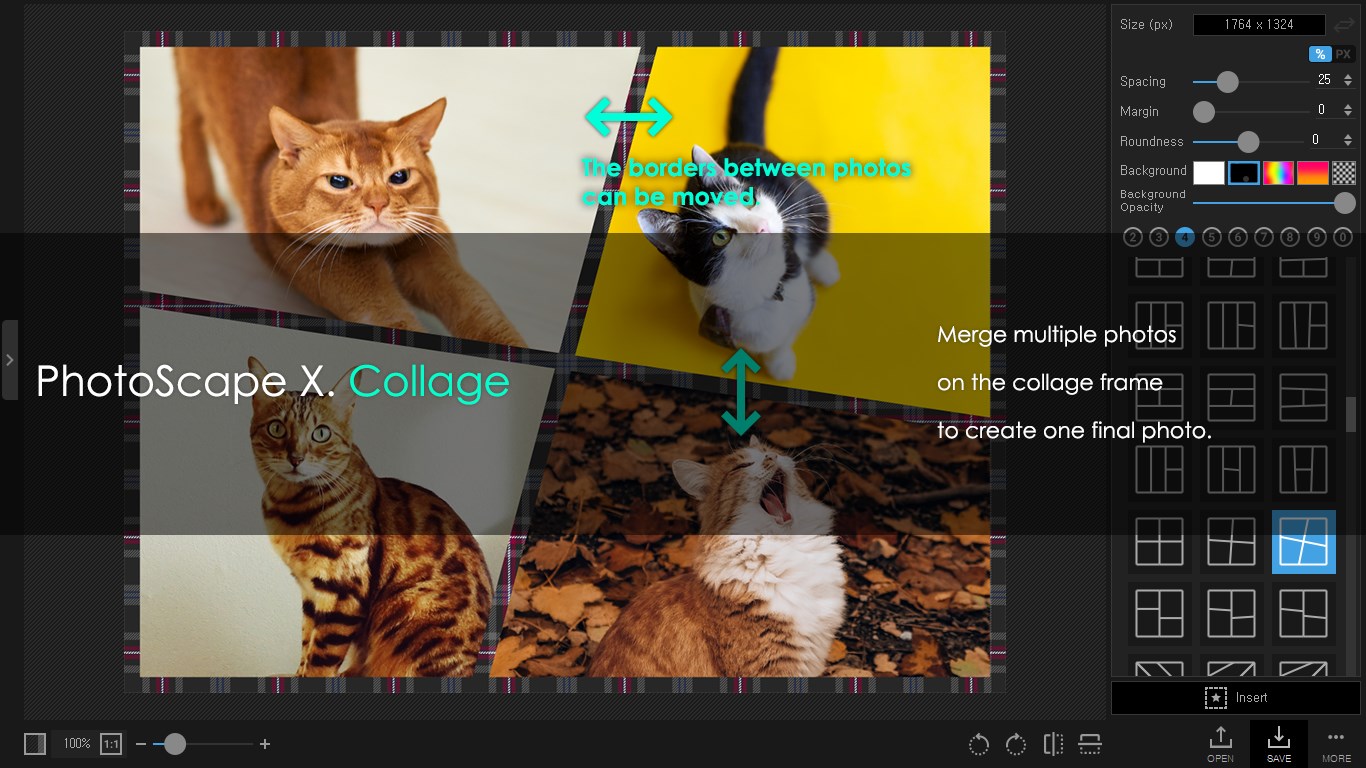
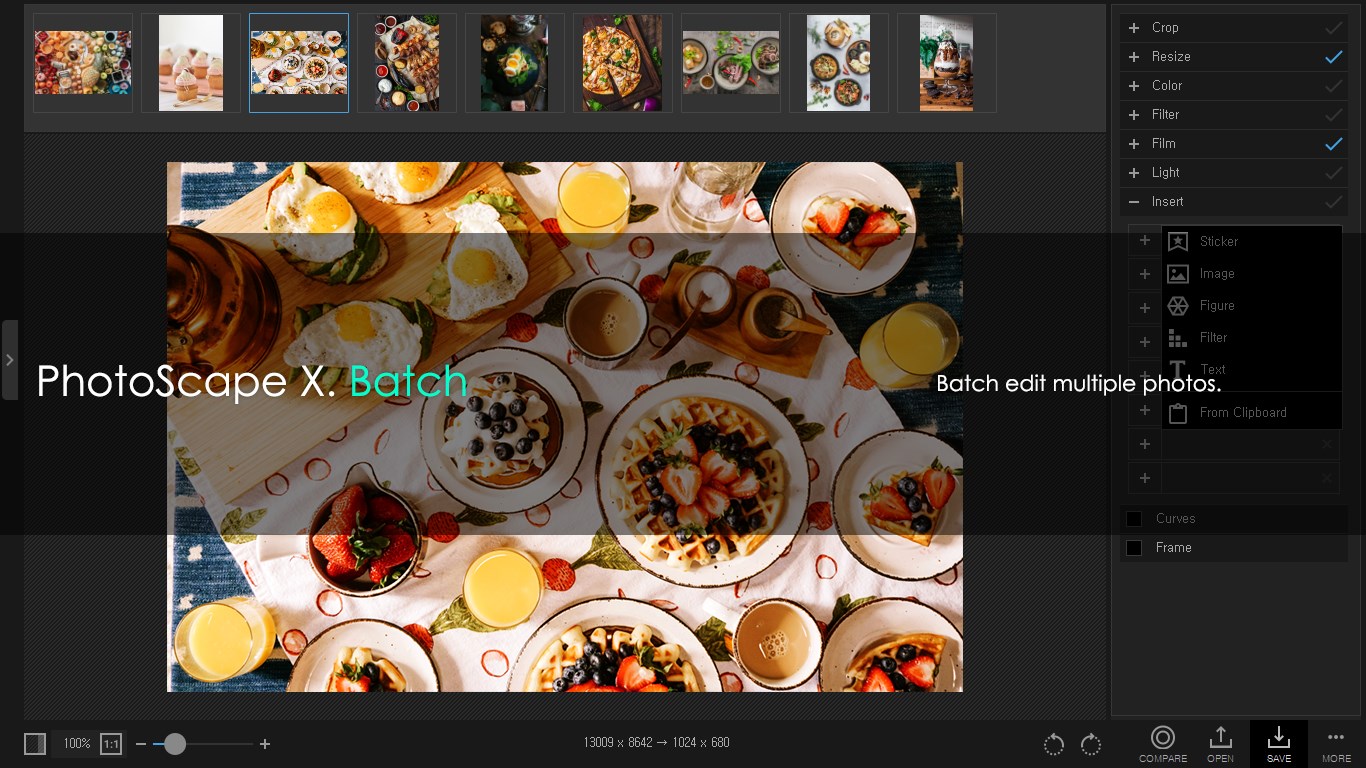
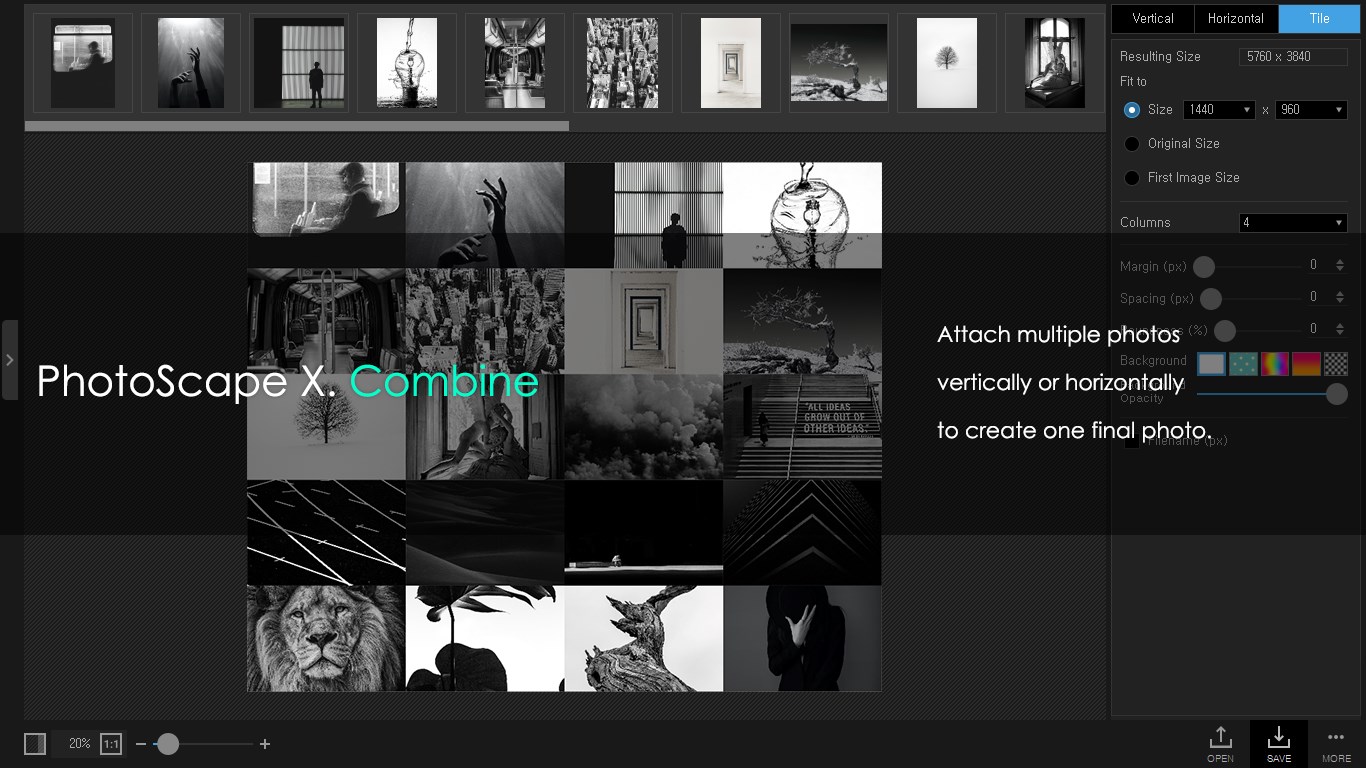
- Name PhotoScape X Pro
- Category Photo & video
- Available on PC
- OS Windows 10 version 16299.0 or higher
- Keyboard Not specified
- Mouse Not specified
- languages English
Introducing PhotoScape X Pro for Windows: A Versatile Photo Editing Companion
PhotoScape X Pro for Windows stands out as a comprehensive and user-friendly photo editing tool, offering a blend of powerful features and approachable design suitable for both amateur photographers and seasoned editors. Developed by Mooii Tech, this application aims to streamline photo enhancement workflows and ignite creative possibilities without the steep learning curve.
Who Developed It and What Makes It Shine
Mooii Tech, a dedicated team specializing in creative multimedia applications, is behind PhotoScape X Pro. Their goal is to fuse professional-grade editing tools with intuitive interfaces, making photo editing accessible to all.
Key features that make PhotoScape X Pro particularly appealing include:
- Advanced Raw Editing Support: Edit and process raw files with precision, bringing out the fine details in your images.
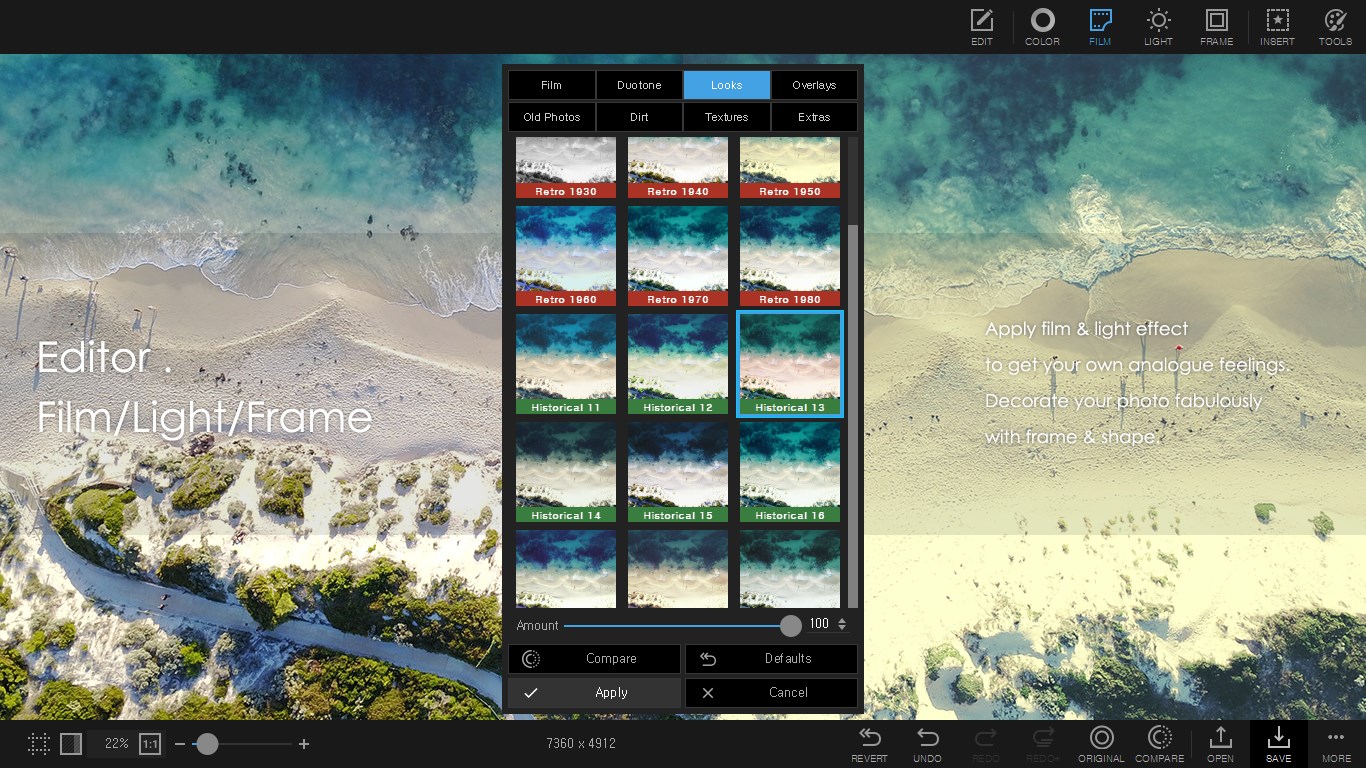
- Creative Filters and Effects: Enhance photos with a diverse array of filters, vignettes, and artistic effects for unique visual storytelling.
- Batch Processing Capabilities: Efficiently handle multiple photos simultaneously, saving time in editing large sets of images.
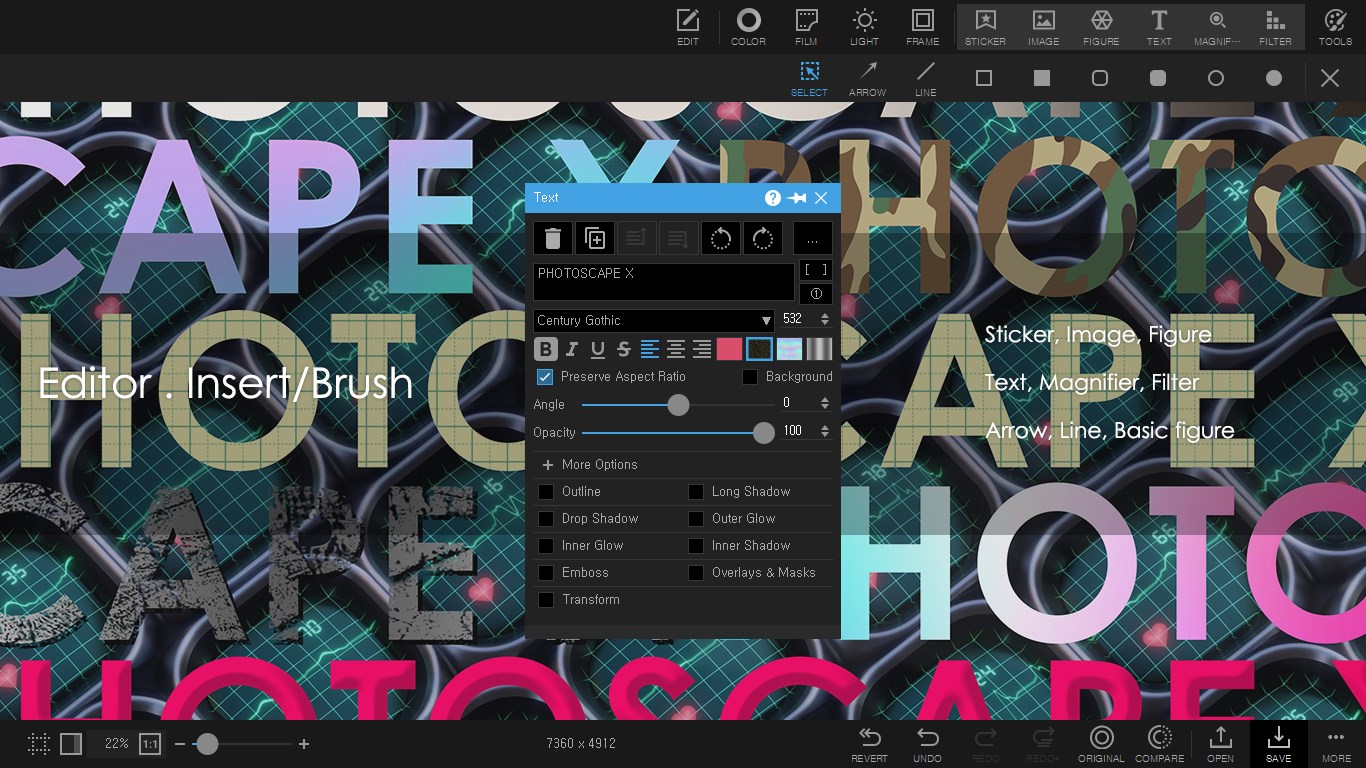
- Extensive Text and Sticker Libraries: Add personalized touches with custom text, stickers, and overlays to make your photos pop.
Targeted primarily at hobbyists, photographers, and content creators looking for a versatile yet approachable editing environment, PhotoScape X Pro offers tools that cater to varying skill levels.
A Joyful Entry into Photo Enhancement
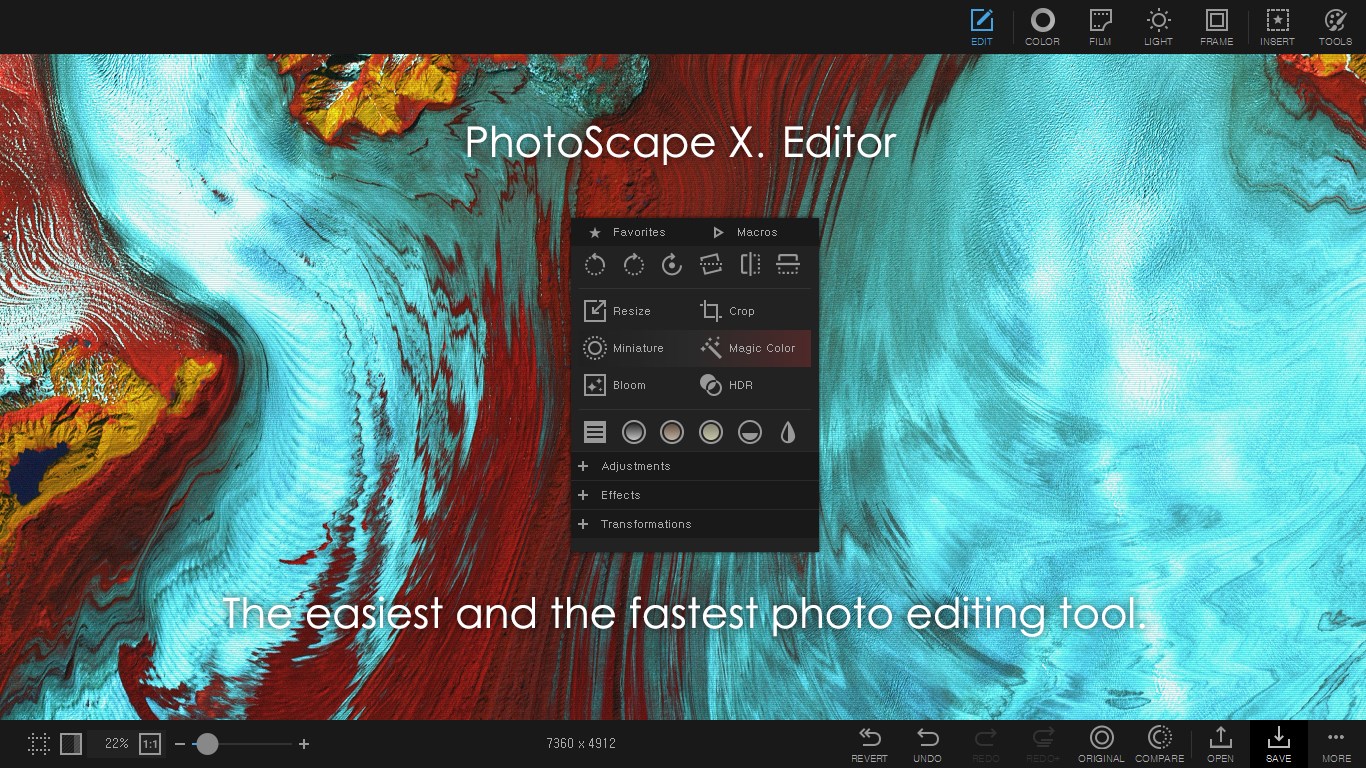
Imagine opening a photo editing app and feeling like you've entered an artist's studio — inviting, colorful, and packed with possibilities. PhotoScape X Pro greets you with a clean interface that's both familiar and inviting, making the photo editing journey feel like a delightful craft rather than a daunting task. Its responsive performance ensures that even complex edits don't slow you down, allowing your creative flow to stay uninterrupted.
Unveiling Core Features: Precision and Creativity Hand-in-Hand
Powerful Raw Photo Editing
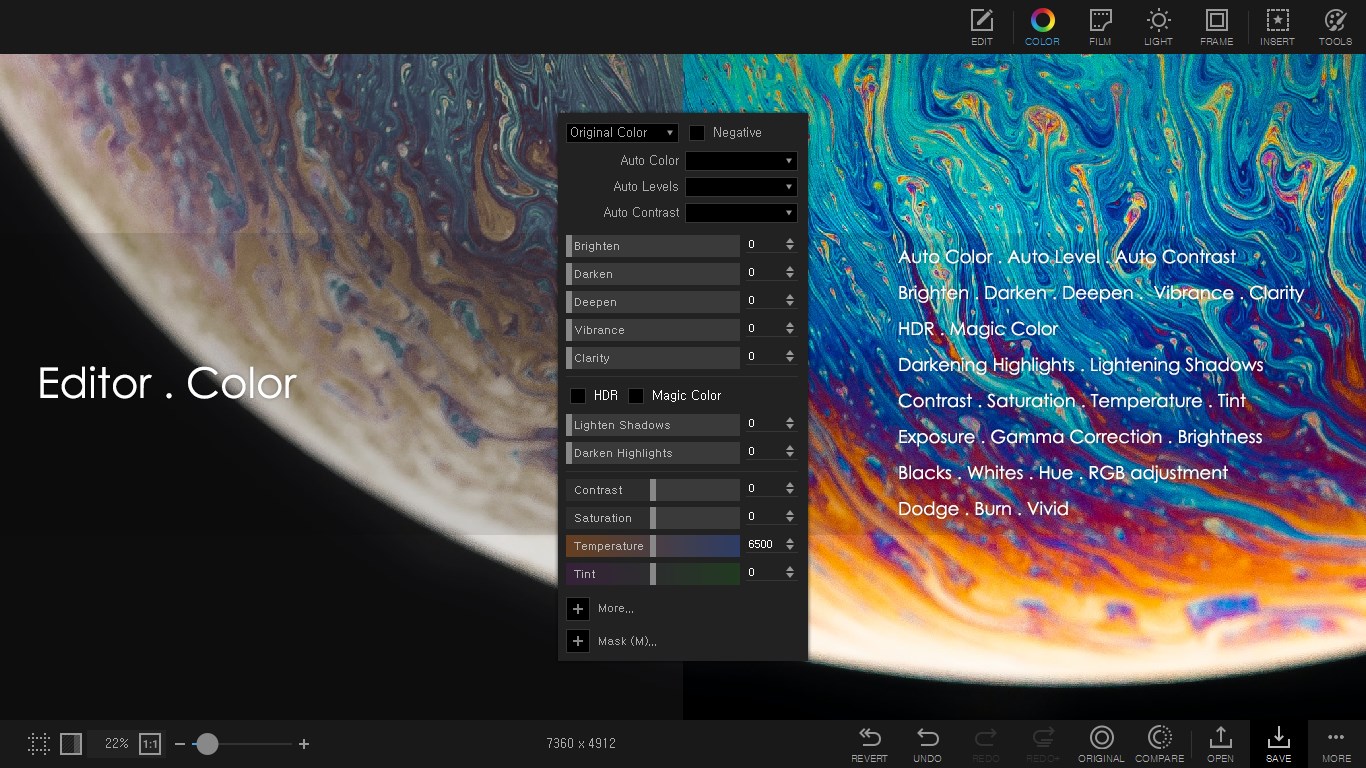
One of the standout features of PhotoScape X Pro is its robust support for raw file editing. Similar to a skilled chef preparing a high-quality ingredient for a gourmet dish, the app provides extensive control over exposure, contrast, shadows, and highlights. This feature empowers photographers to retain the integrity of their images, ensuring each shot is optimized before applying further edits. The raw editing module is both intuitive and detailed, striking a fine balance that benefits beginners and pros alike.
Creative Filters and Artistic Effects
Step into a world of visual magic with a plethora of filters and effects designed to transform ordinary photos into captivating works of art. Whether you want to evoke nostalgia with vintage tones or add a dramatic flair with HDR-style enhancements, the library is rich and easy to navigate. The ability to preview effects in real-time simplifies experimentation, guiding users toward the aesthetic they desire. This feature sets PhotoScape X Pro apart from many competitors by integrating artistic tools directly into the workflow, not as an afterthought.
Batch Processing for Efficiency
Imagine painting a fence — doing one plank at a time can be tedious. Similarly, editing each photo individually eats up valuable time. PhotoScape X Pro's batch processing feature acts like a conveyor belt, allowing users to apply consistent adjustments, effects, or watermarks to multiple images simultaneously. This capability is a game-changer for content creators and professionals who handle large volumes of images daily, making it easier to maintain uniformity and save hours of labor.
Evaluating User Experience and Differentiators
The interface of PhotoScape X Pro strikes a harmonious balance — clean, colorful, and organized — akin to a well-designed art studio that invites exploration. Navigation is smooth, with tools logically grouped, making the learning curve gentle for newcomers. The real-time preview and undo features foster a risk-free environment for experimentation.
Compared to other photo editing tools, PhotoScape X Pro's standout advantage lies in its integrated approach: it combines raw editing, creative effects, and batch processing within a single, unified platform. While some competitors specialize in one area, this app's holistic design provides a seamless workflow that can cater to various needs without switching between different applications.
Recommendation and Usage Tips
Overall, PhotoScape X Pro is a highly capable and accessible photo editing tool worth considering. Its strengths in raw editing and batch processing make it particularly suitable for photographers and content creators seeking efficiency and quality in one package. Although its learning curve is gentle, newcomers should spend a little time exploring its filters and adjustment tools to unlock its full potential.
If you're looking for an affordable yet powerful editing application that can handle everything from quick enhancements to artistic projects, PhotoScape X Pro deserves a spot in your digital toolkit. I'd confidently recommend it as a friendly and reliable companion for your photography journey.
Pros
- Intuitive User Interface
- Extensive Editing Tools
- High-Quality Export Options
- Batch Processing Capabilities
- Regular Updates and Support
Cons
- Resource Intensive
- Learning Curve for Advanced Features
- Limited Raw Photo Support
- Watermark in Trial Version
- Occasional Stability Issues











