

- Name Paint.NET
- Category Photo & video
- Developer Rick Brewster
- Available on PC
- OS Windows 10 version 19044.0 or higher
- Keyboard Integrated Keyboard
- Mouse Integrated Mouse
- Memory 1 GB
- DirectX Not specified
- languages Belarusian, Bulgarian, Catalan, Chinese (Simplified), Chinese (Traditional), Czech, Danish, Dutch, English, English (United States), Finnish, French, German, Greek, Hebrew, Hindi, Hungarian, Italian, Japanese, Kazakh, Korean, Latvian, Lithuanian, Norwegian, Persian/Farsi, Polish, Portuguese (Brazil), Portuguese (Portugal), Romanian, Russian, Slovak, Slovenian, Spanish, Swedish, Thai, Turkish, Ukrainian
Introducing Paint.NET for Windows: A Lightweight yet Powerful Image Editor
Paint.NET for Windows stands out as an accessible yet robust photo editing tool that democratizes advanced editing features for everyday users, hobbyists, and even semi-professionals. Its intuitive interface and essential tools make it a go-to choice for those seeking a free, efficient alternative to more complex software.
Developed by Rick Brewster, Published by dotPDN LLC
Created by Rick Brewster, a dedicated developer passionate about crafting user-friendly editing software, Paint.NET is maintained and distributed by dotPDN LLC. The team's focus on simplicity and performance allows the app to deliver impressive functionality without overwhelming new users.
Key Features That Make Paint.NET Shine
- Layer Support with Blending Modes: Enables users to work non-destructively with multiple image elements, applying effects and adjustments seamlessly, much like assembling a digital collage.
- Rich Set of Adjustment Tools: Includes features like brightness, contrast, curves, and color correction, providing fine control over image aesthetics.
- Extensible with Plugins: The app's architecture encourages community-developed plugins, expanding capabilities beyond the core features—making it adaptable to various editing needs.
- Performance & Simplicity: Despite its power, it maintains a lightweight footprint, ensuring smooth operation even on modest hardware, akin to a reliable pocket knife for image editing.
Engaging Introduction: A Friendly Place for Creative Painting and Editing
Imagine stepping into a cozy art studio—bright, inviting, and ready for your creative touch. That's what Paint.NET offers: a friendly digital platform where editing feels less like a chore and more like play. Whether you're retouching a photo from your latest adventure or crafting a graphic masterpiece, Paint.NET feels surprisingly capable yet effortlessly approachable. Its straightforward design invites you in, reducing the intimidation often associated with professional-grade tools, making every editing session a delightful exploration.
Core Functionality 1: Mastering Layers and Blending Modes
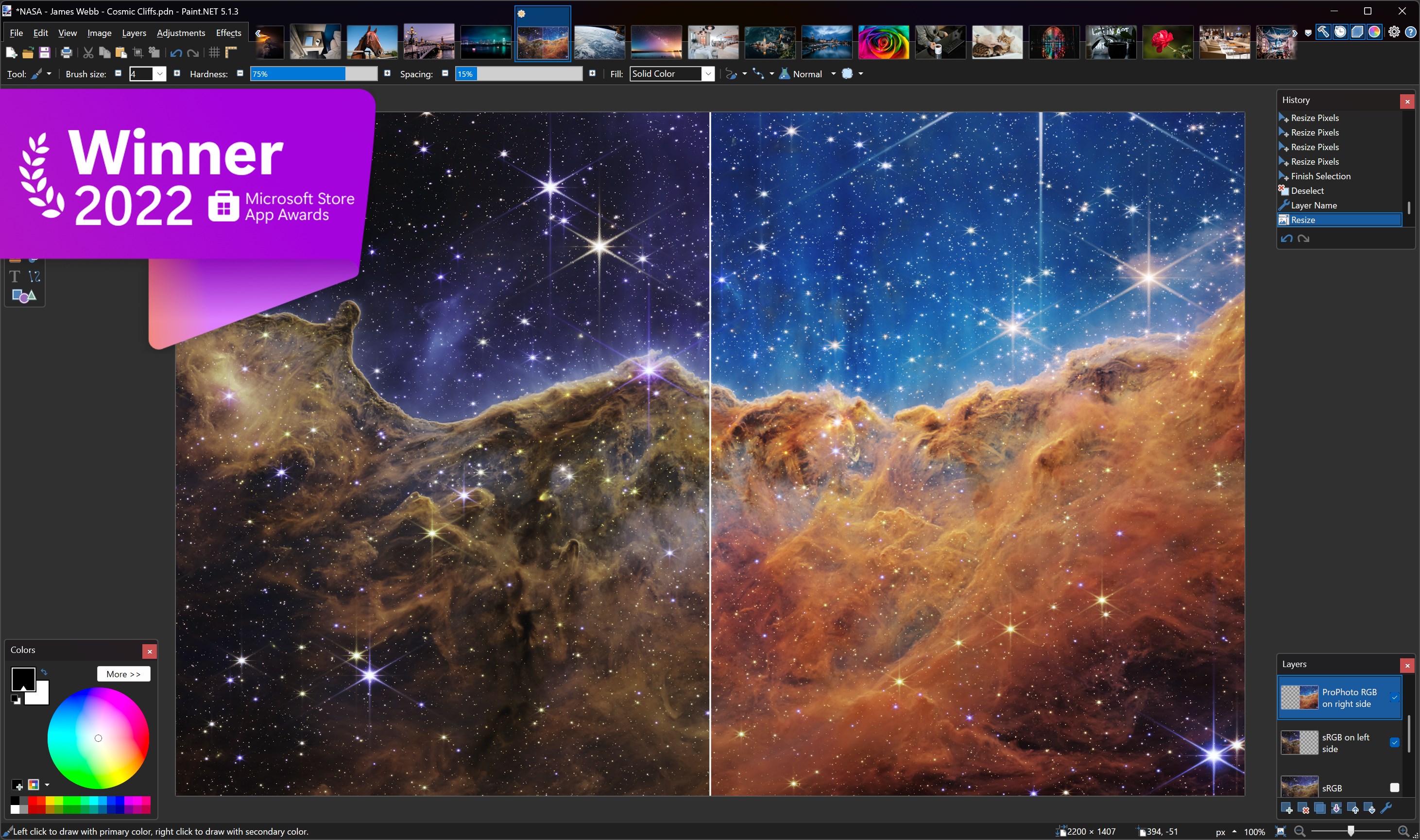
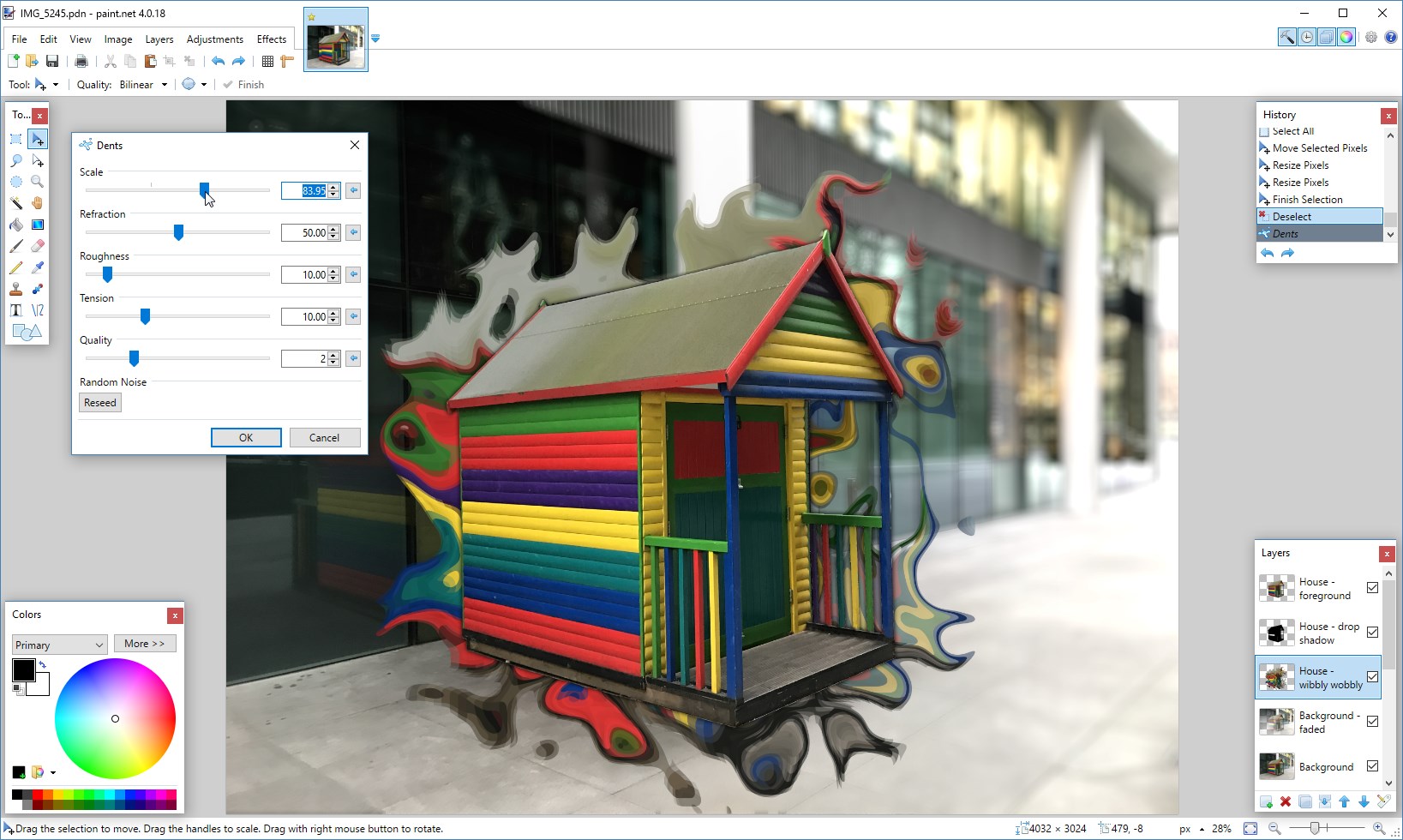
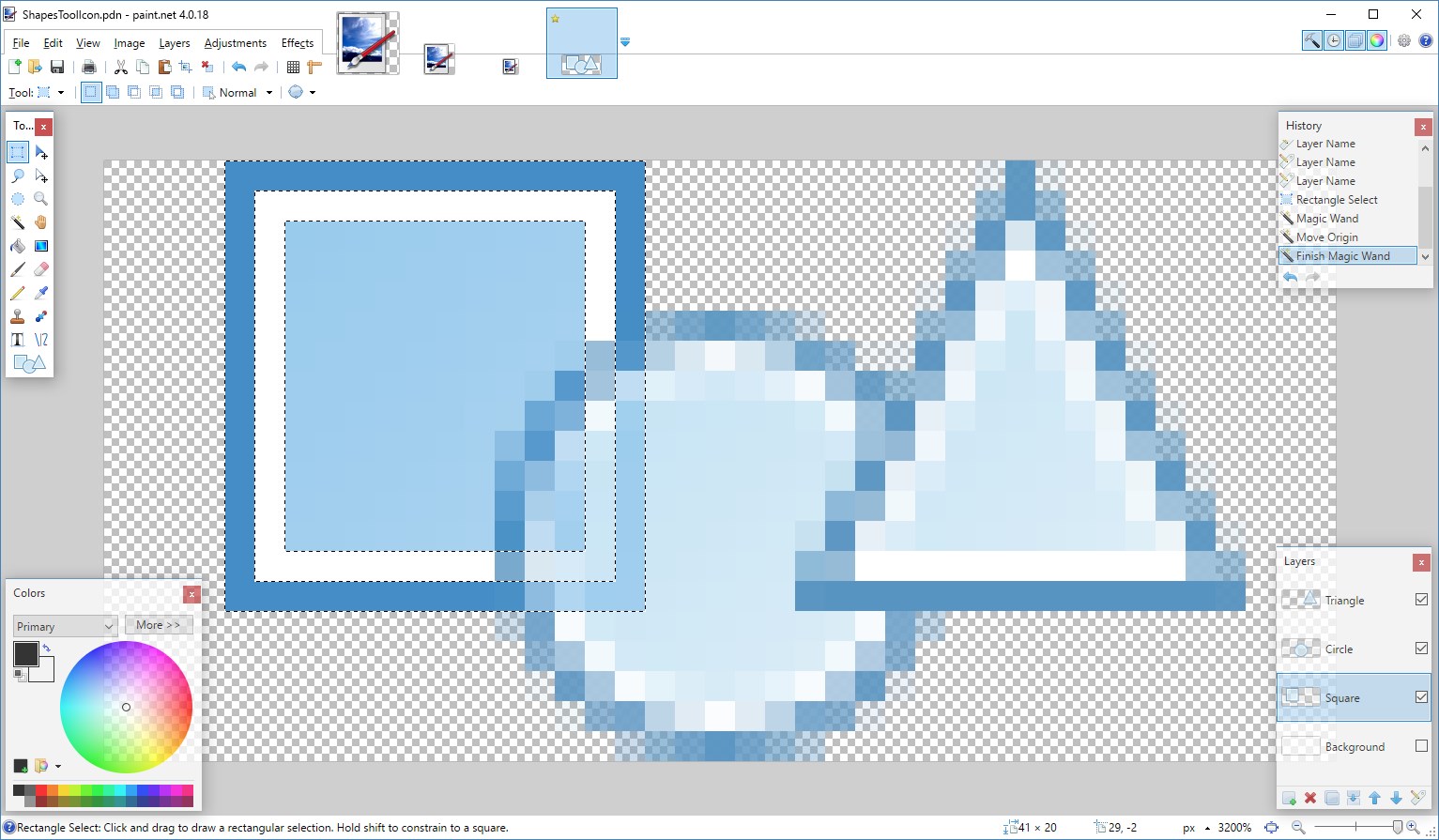
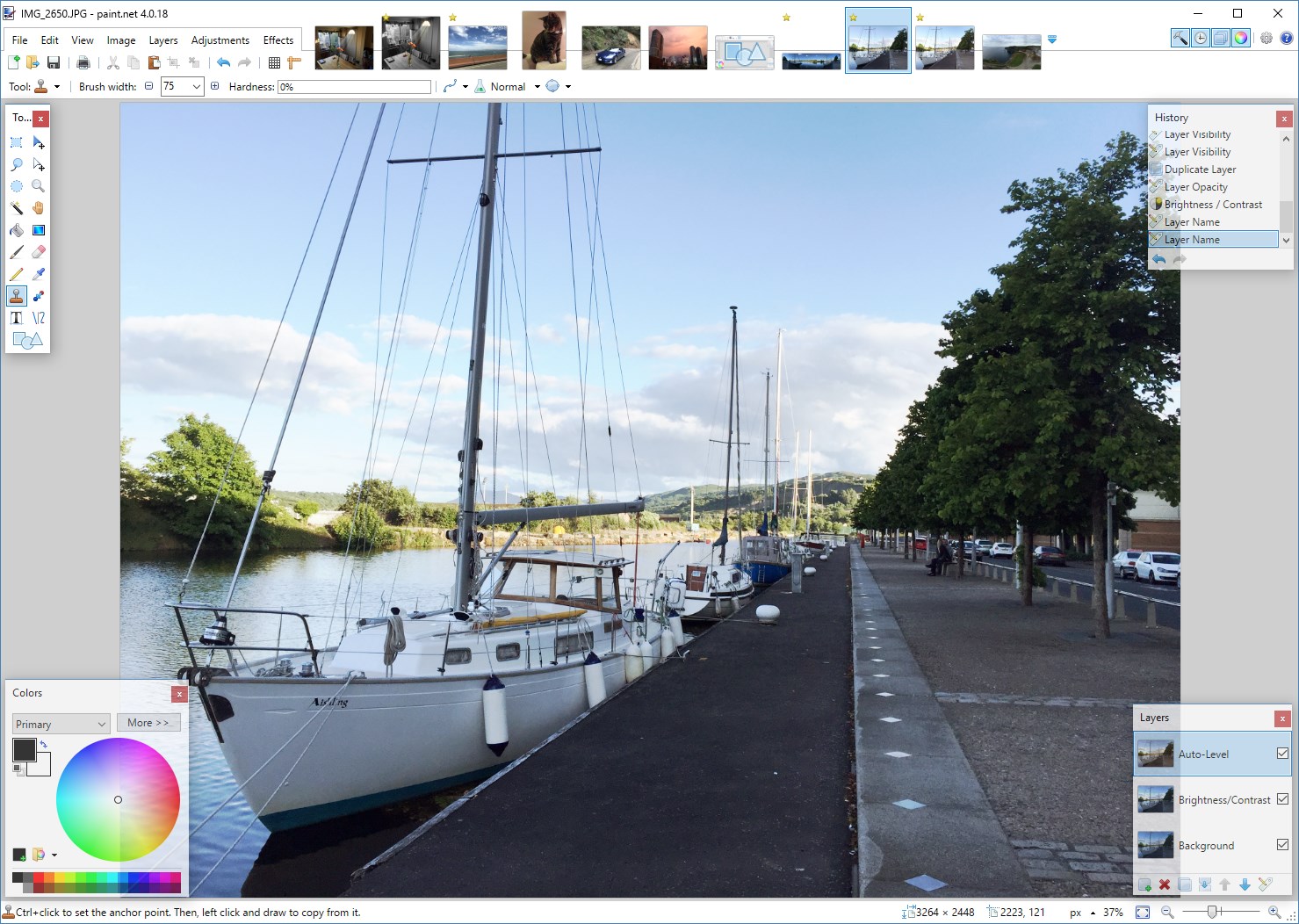
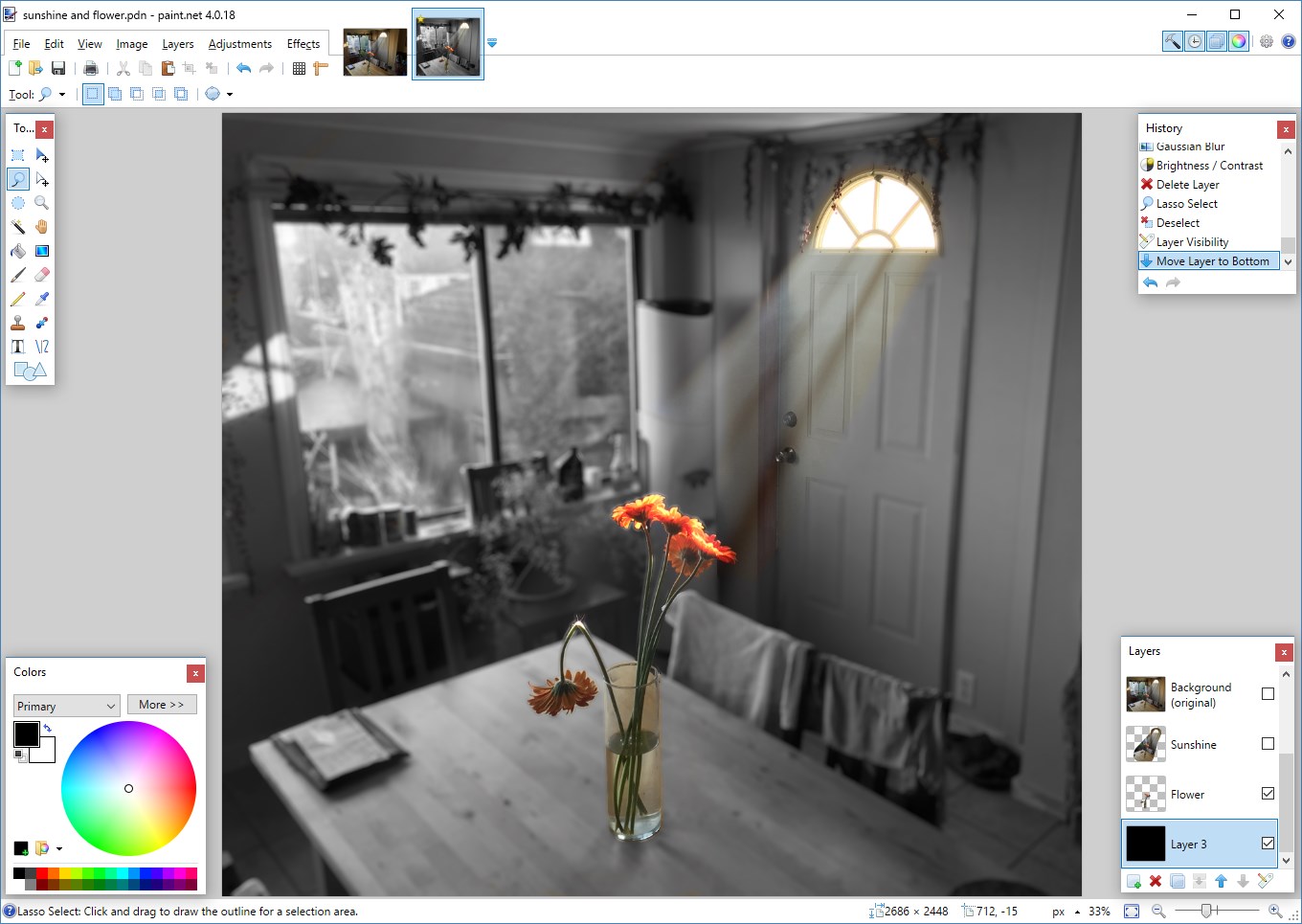
One of Paint.NET's standout features is its user-friendly layer system, which allows for complex compositions similar to professional software but with a much gentler learning curve. You can stack multiple images or effects and blend them using various modes—think of it as layering translucent sheets of paper, each with its own story. This capability is particularly advantageous for users wanting to combine elements or apply nuanced effects without damaging the original image. The interface for layers is clean and intuitive, allowing you to manage your compositions with drag-and-drop ease. Compared to more cumbersome programs, Paint.NET's layer functionality feels like having an art canvas that you can easily manipulate—perfect for those who want professional results without the headache.
Core Functionality 2: Extensive Adjustment Tools & Effects
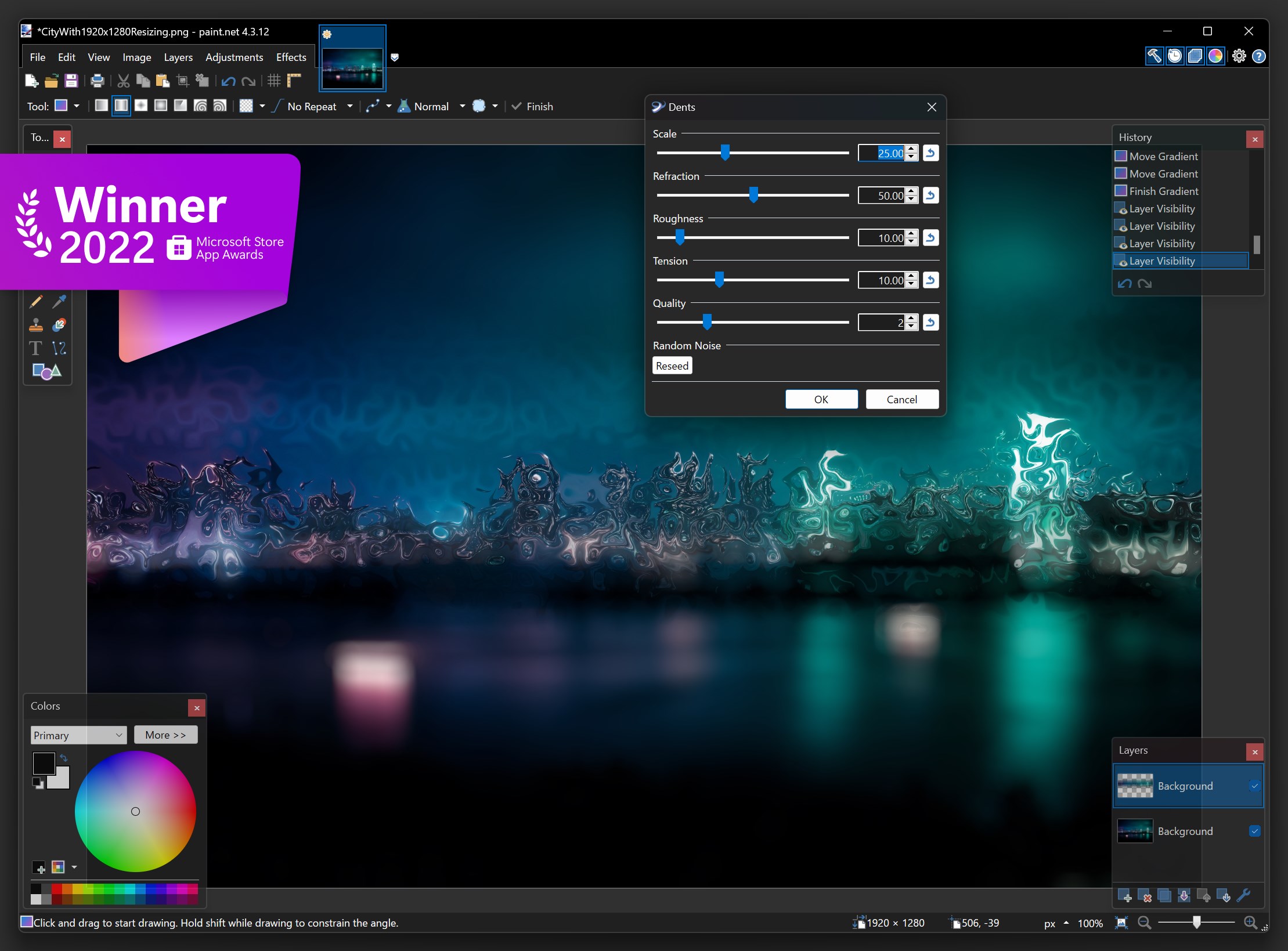
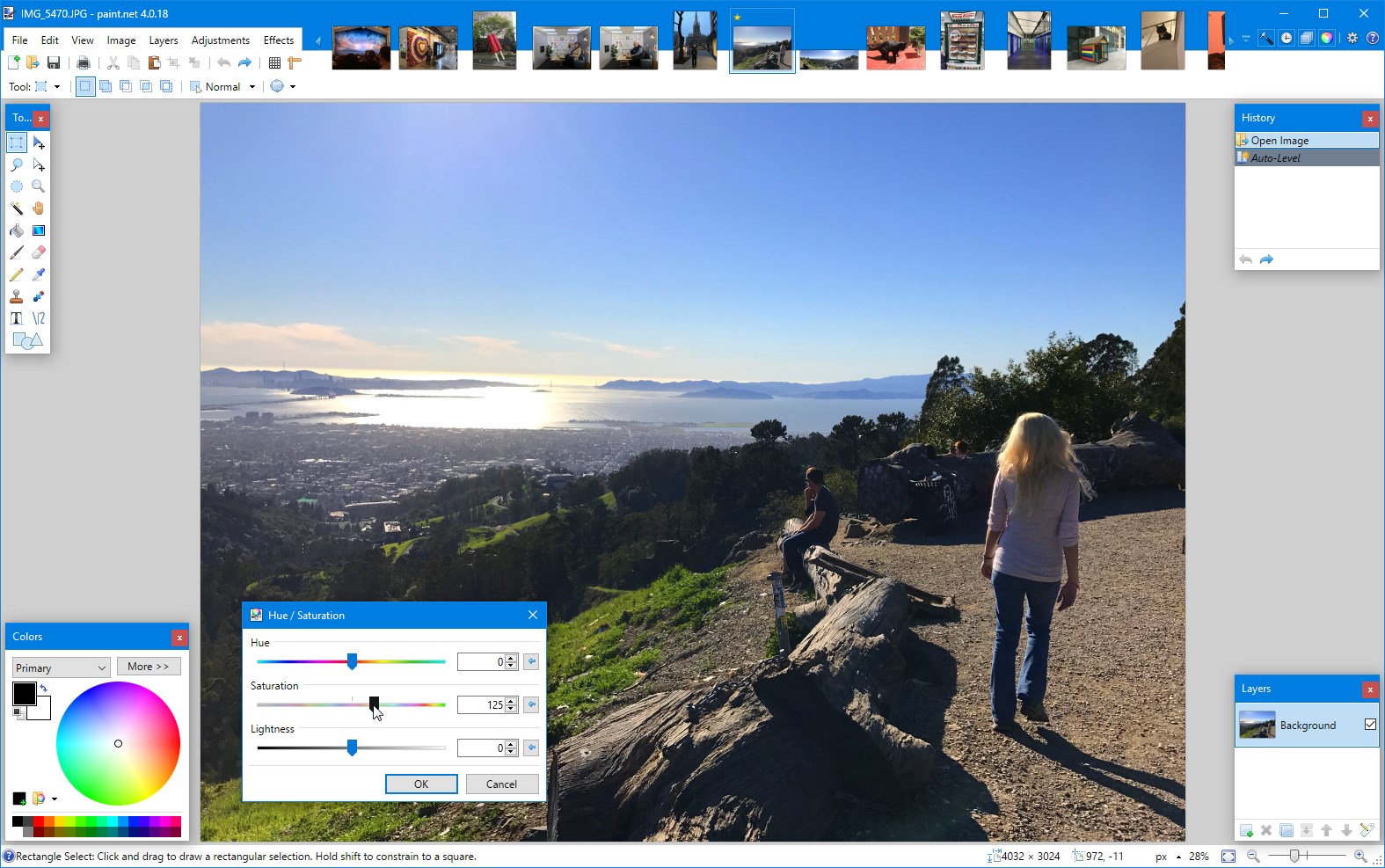
Paint.NET offers a versatile palette of adjustment tools that empower users to enhance photos or create stylized images effortlessly. Features like histogram adjustments, curves, hue/saturation, and sharpening are at your fingertips, akin to having a mini photo studio in your computer. Its effect library includes blurs, distortions, and artistic filters, enabling creative experimentation. The strength of these tools lies in their balance—they are powerful yet simple enough for a beginner to grasp quickly. The real magic, however, is how these adjustments can be combined or layered, allowing for sophisticated edits that rival more advanced software, but with a friendlier workflow. The responsiveness of these features ensures that your editing process remains fluid rather than frustratingly sluggish.
Design, Usability, and Unique Selling Points
Paint.NET's interface resembles a well-organized workshop—everything you need is within reach, with a layout that's familiar to those who have used Windows-based image editors before. Navigation is intuitive, with toolbars and menus thoughtfully arranged. Actions like selecting tools, undoing changes, or applying effects feel snappy, making it a pleasurable experience akin to flipping through a well-loved notebook. The learning curve is gentle—most newcomers can start editing within minutes—yet it offers enough complexity for more advanced tasks.
What truly distinguishes Paint.NET from other free photo editors is its balance of power and simplicity. Many apps either feel too limited or too complex; Paint.NET hits a sweet spot, particularly with its support for plugins, which users can install to tailor the software to their specific needs—whether for detailed retouching or fun artistic filters. Its performance on modest hardware makes it accessible to a broad audience, and because it's free, it's often recommended as a first step into digital editing or as a lightweight alternative for quick edits.
Final Verdict & Recommendations
Overall, Paint.NET for Windows is highly recommended for users seeking a seamless blend of ease of use and powerful features. It excels in core areas like layer management and customizable effects—most notably its intuitive layer support and flexible adjustment tools—making it particularly attractive for those wanting professional-looking results without the complexity of big-name software. Beginners will appreciate its straightforward interface, while semi-professionals can leverage its plugin ecosystem to further extend its capabilities.
For casual photographers, social media enthusiasts, or hobbyists, Paint.NET offers a reliable, approachable platform for all their editing needs. While it might not replace high-end software for complex projects, it perfectly fills the niche of a lightweight yet surprisingly potent editor. If you're looking to dive into digital image editing or simply want a free, efficient tool that feels more like crafting than slogging through menus, Paint.NET is definitely worth trying out.
Pros
- User-Friendly Interface
- Rich Plugin Support
- Lightweight and Fast
- Layer Management
- Free and Open Source
Cons
- Limited Compatibility
- Lack of Advanced Features
- Auto-Save and Backup Limitations
- Limited Text and Typography Options
- Occasional Stability Issues











