

- Name One Photo Viewer
- Category Photo & video
- Developer Jonas Selling
- Available on PC
- OS Windows 10 version 14393.0 or higher
- languages English (United States)
Sleek, Focused, and Intuitive: Introducing One Photo Viewer for Windows
If you're someone who regularly sifts through countless images and desires a straightforward yet powerful viewer, One Photo Viewer offers a refreshing alternative to bulky, feature-laden software. It positions itself as a lightweight, efficient photo viewer designed to streamline your image browsing experience without unnecessary clutter.
Developer and Core Features: Who's Behind the Curtain?
Developed by Jonas Selling and published under Elliptic Phenomena, One Photo Viewer is crafted for those who appreciate simplicity combined with solid performance. Its standout features include ultra-fast image loading, minimalistic user interface, and robust support for popular image formats. The app's primary goal is to offer a clutter-free environment where users can quickly navigate and manage their image collections with ease. Its target audience ranges from everyday photo enthusiasts to professionals who need a reliable viewer without the overhead of extensive editing tools.
First Impressions: A Bright, User-Friendly Interface
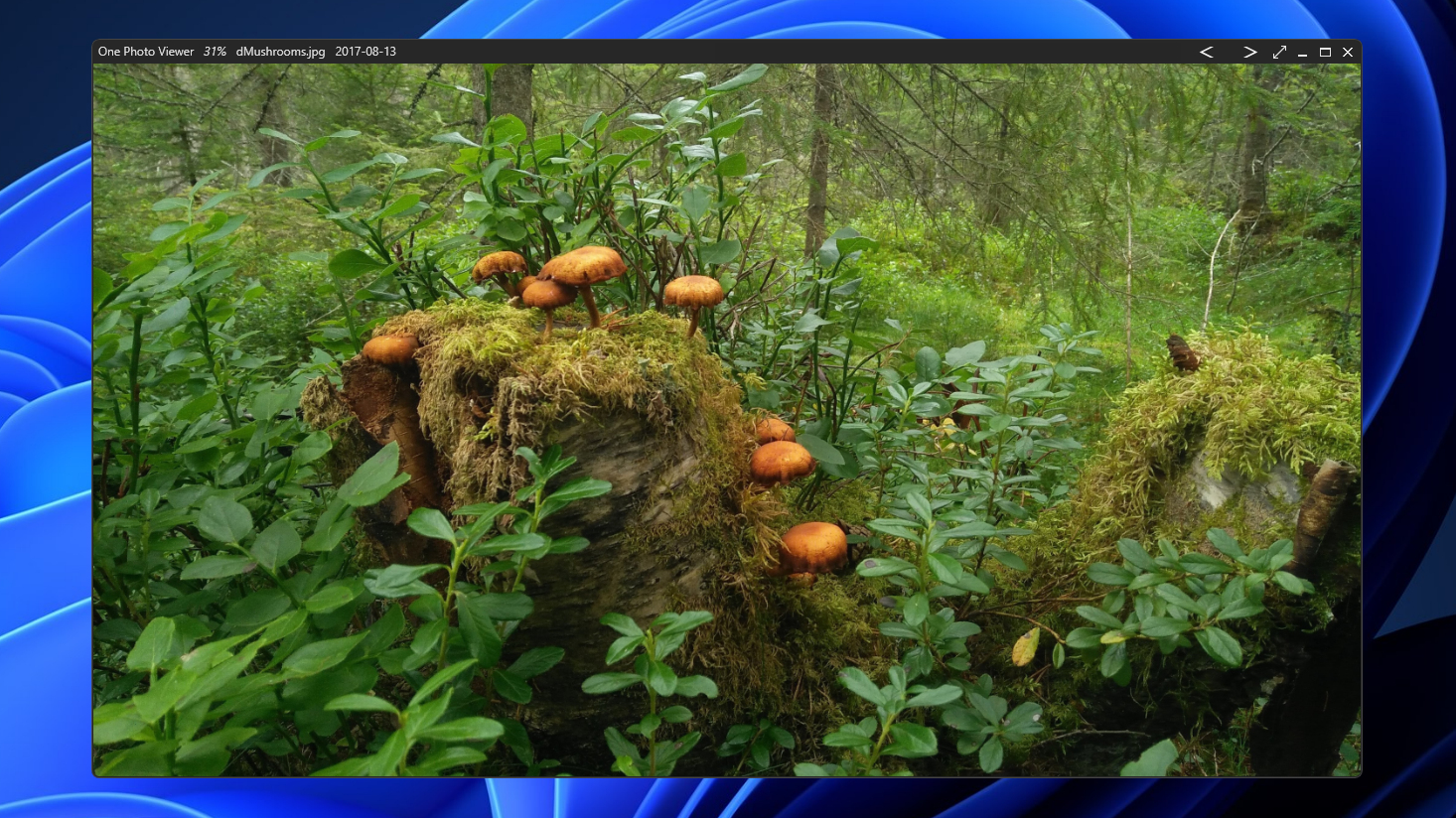
Imagine opening a digital photo album that immediately welcomes you with a clean, crisp interface—no extraneous toolbars, no confusing menus. One Photo Viewer greets users with a modern, simple layout that emphasizes functionality over ornamentation. Navigating through your pictures feels natural, almost as if flipping through an album with your eyes. The app responds swiftly, making browsing a seamless experience that encourages exploration without frustration. Setup and initial learning curve are gentle; even first-time users can pick it up in minutes, appreciating the streamlined flow and intuitive controls.
The Core of the Functionality: Speed and Format Support
Fast and Fluid Image Preview
One Photo Viewer's claim to fame is its speed. Unlike photo viewers that sluggishly load images or bog down your system, this app is engineered for rapid previewing, even with large, high-resolution files. It employs optimized algorithms that reduce loading times, turning what used to feel like a chore into a smooth, almost cinematic slide show. Whether you're scrolling through a quick gallery or meticulously examining each shot, the app maintains a consistent, responsive performance.
Supports a Wealth of Image Formats
Another gem is its comprehensive format compatibility. Beyond standard JPEG and PNG formats, it handles TIFF, BMP, GIF, and even RAW files—meaning photographers and designers can view their work without having to convert or open separate applications. This versatility ensures that users aren't locked into a single format, providing convenience for professional workflows and casual browsing alike.
Experience and Differentiators: Why Choose One Photo Viewer?
Compared to other photo viewing applications, One Photo Viewer stands out in a few key ways. Its interface is deliberately minimalist, avoiding visual clutter that often distracts or slows down workflow. The app's speed performance is remarkable—imagine flipping through photos as swiftly as turning the pages of a magazine. This is particularly beneficial for users with large image collections or those who need quick access to specific visuals. Additionally, its support for a wide array of image formats, especially RAW files, makes it a compelling choice for photographers who require a fast, reliable preview station before editing.
Final Thoughts: Is It Worth Your Time?
In sum, I'd recommend One Photo Viewer for Windows to anyone seeking an easy-to-use, lightweight photo application that emphasizes speed, simplicity, and format flexibility. While it may not replace comprehensive photo editing tools, it excels as a quick, reliable viewer perfect for everyday use. Whether you're a casual user wanting a straightforward app or a professional needing a fast preview tool, this software fits well into your workflow. Give it a try—you might find it's just the digital photo companion you've been waiting for.
Pros
- Intuitive user interface
- Fast image loading
- Supports common image formats
- Lightweight application
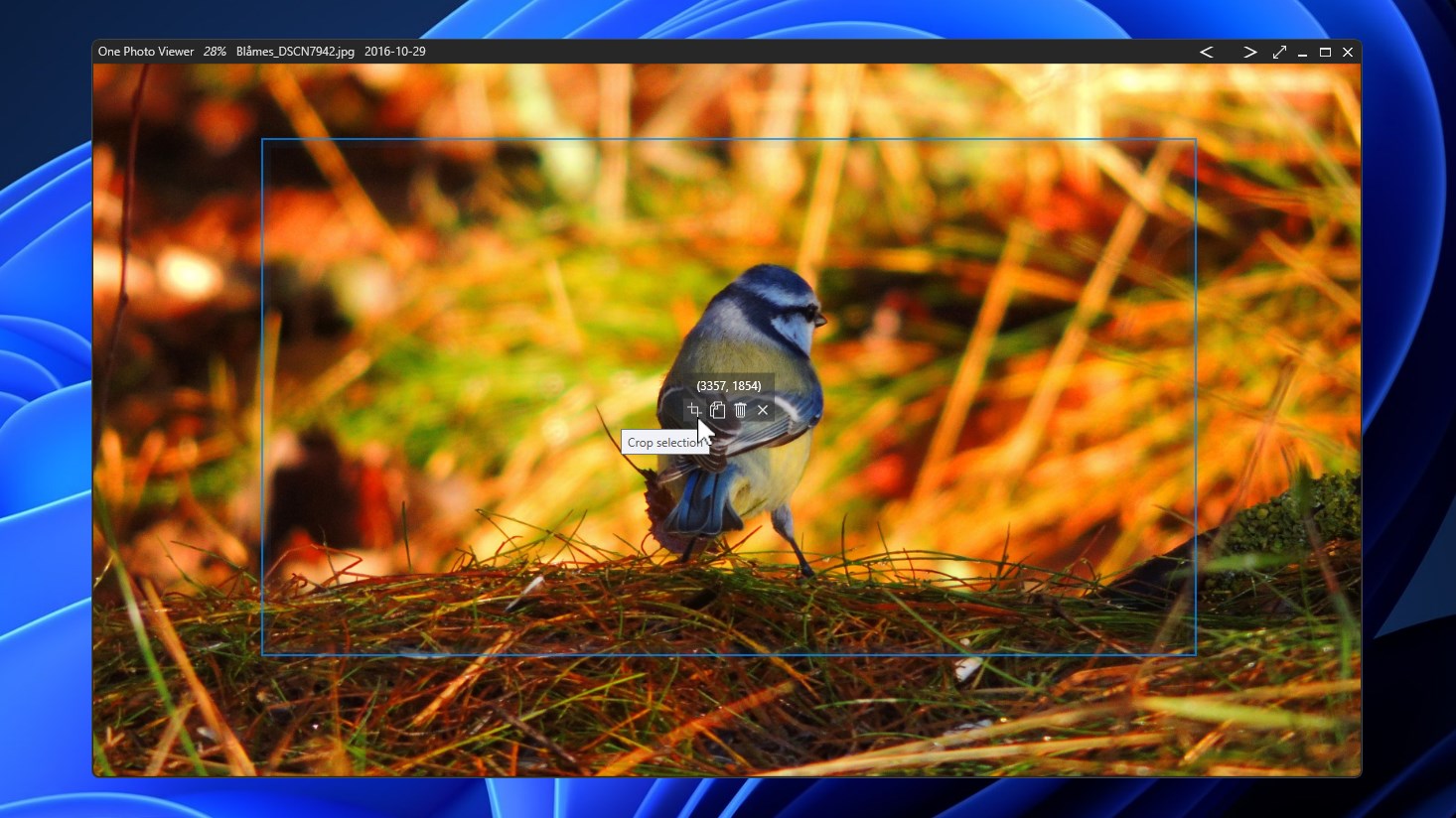
- Basic editing features
Cons
- Limited advanced editing tools
- No built-in slideshow or presentation mode
- Occasional minor bugs with high-resolution images
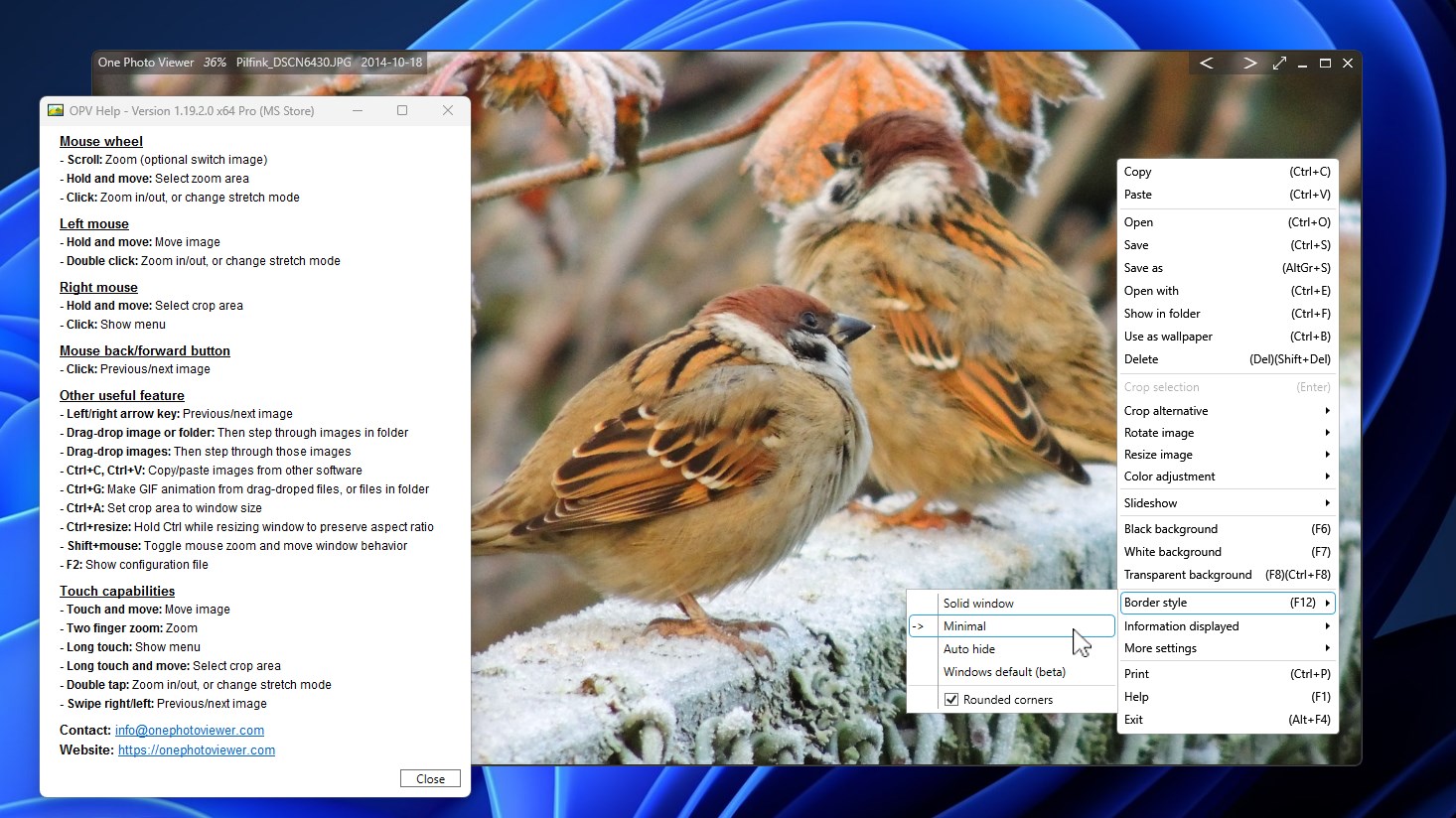
- Limited customization options
- No cloud sync capabilities











