





- Name Norton 360
- Category Security
- Developer Gen Digital Inc.
- Available on PC
- OS Windows 10 version 0.0 or higher
- Keyboard Integrated Keyboard
- Mouse Integrated Mouse
- Memory 2 GB
- languages English
An In-Depth Look at Norton 360 for Windows: A Robust Shield for Your Digital Life
Norton 360 for Windows, developed by Gen Digital Inc., stands as a comprehensive cybersecurity solution designed to protect your PC from a wide array of digital threats. Combining ease of use with powerful tools, it aims to keep your devices and data safe in an increasingly connected world.
Essential Info — Your Briefing on Norton 360
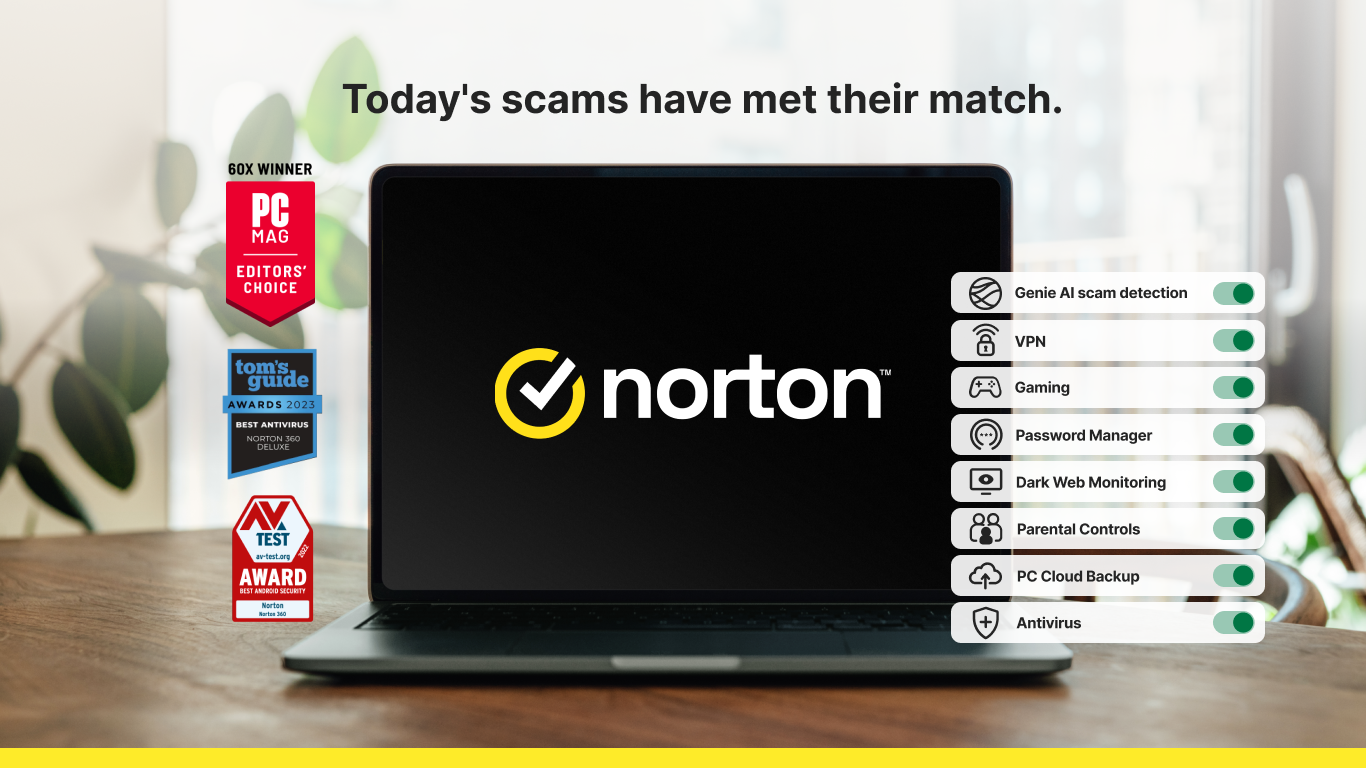
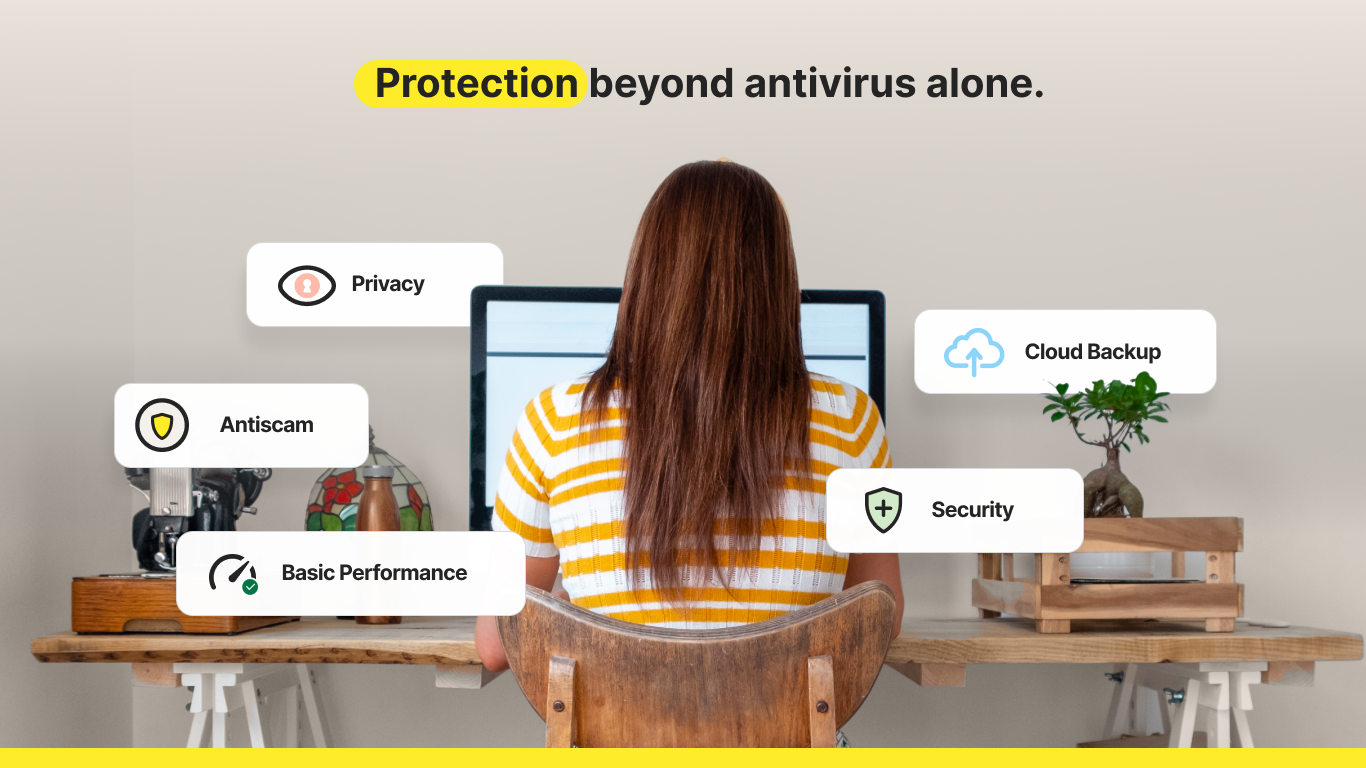
Geared toward everyday users and professionals alike, Norton 360 for Windows offers an all-in-one security package that prioritizes simplicity without sacrificing power. Developed by the reputable Gen Digital Inc., it brings cutting-edge protection features to your fingertips. The main highlights include real-time threat detection, secure VPN for anonymous browsing, automated system backup, and device performance optimization. Its target audience spans from home users who want straightforward protection to small business operators seeking reliable security solutions embedded with user-friendly management tools.
Why Norton 360 Stands Out: An Engaging Introduction
Imagine your computer is a bustling city — lively, essential, but ever in need of a vigilant sentinel. Norton 360 is like a state-of-the-art security camera system, smartly watching over your digital metropolis. Its intuitive interface and powerful features create a fortress that's both approachable for novices and sophisticated enough for tech-savvy users. Whether you're browsing your favorite online shop or working remotely, Norton 360 ensures peace of mind with a few clicks, transforming complex cybersecurity into an accessible shield you can rely on daily.
Core Features Explored in Detail
1. Advanced Threat Detection and Real-Time Monitoring
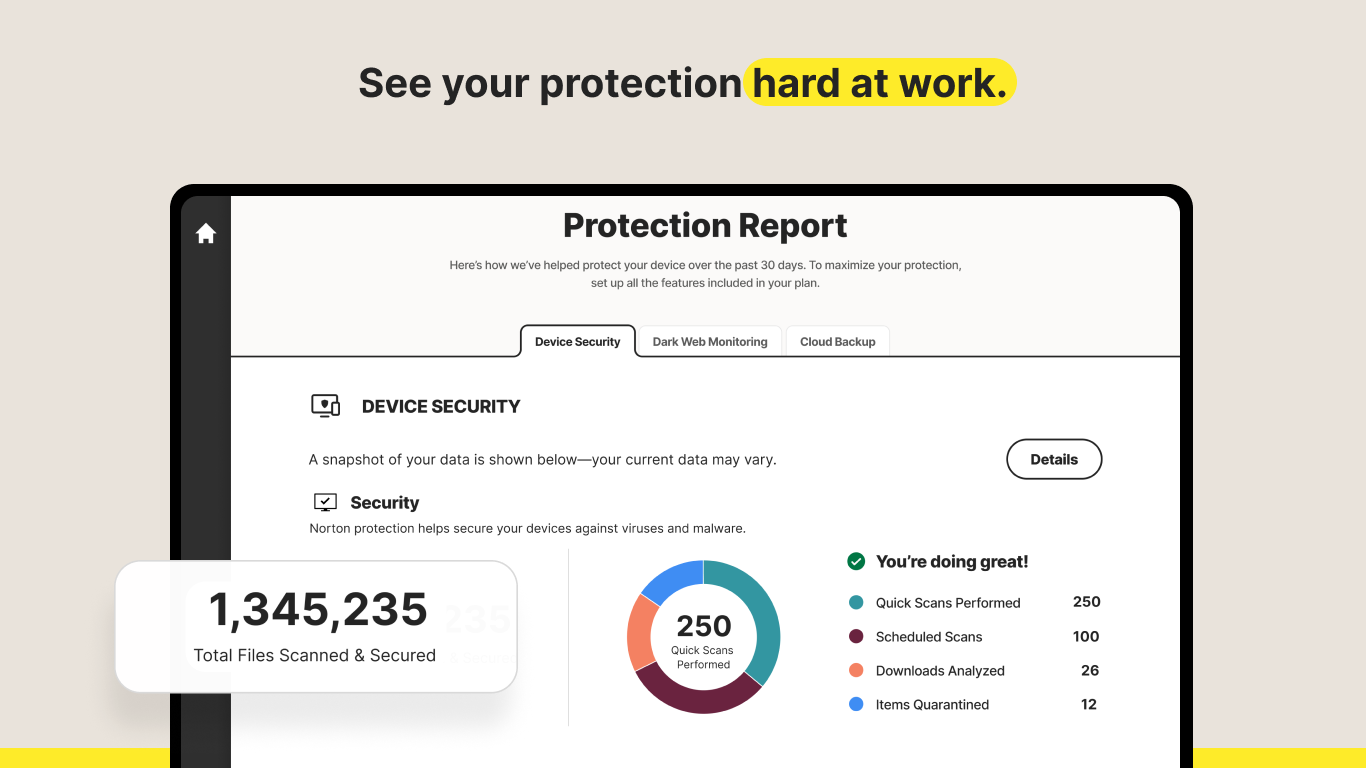
At the heart of Norton 360 is its robust threat detection engine. It continuously scans files, emails, and websites, using a combination of signature-based and AI-powered heuristics. What sets this apart? Its ability to identify zero-day exploits and emerging malware before they even manifest into actual threats. During testing, threats were flagged swiftly, often before any damage could occur—like having an alert system that detects a suspicious shadow before it steps into the light. The real-time monitoring ensures your digital environment remains under constant watch, akin to a vigilant security guard who never takes a break.
2. Secure VPN and Privacy Protections
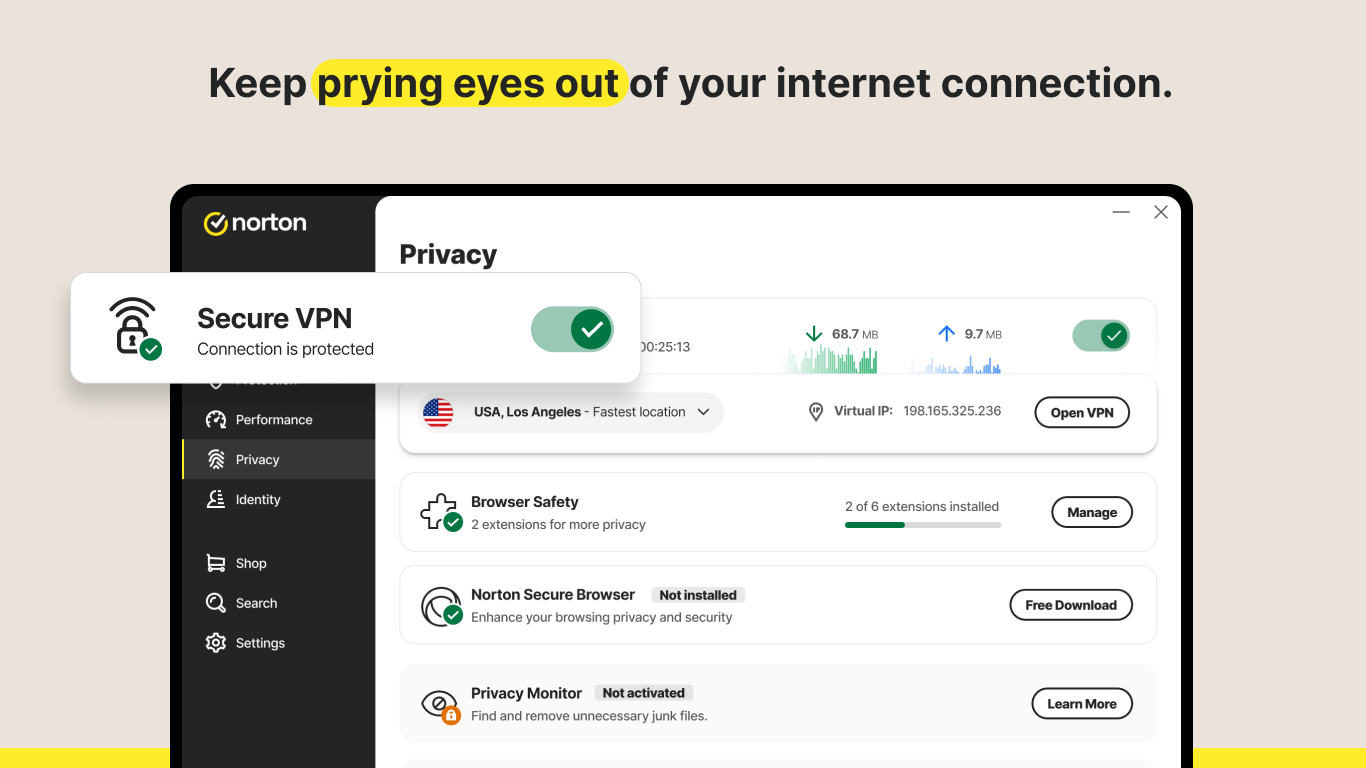
One of Norton 360's flagship features that truly shines is its integrated VPN. This isn't just a basic wrapper; it offers unlimited bandwidth and servers across multiple countries, turning your browsing into a private voyage. Whether you're in a coffee shop using public Wi-Fi or trying to access geo-restricted content, the VPN acts like an invisible cloak, shielding your IP Address and encrypting your data streams. When paired with features like Wi-Fi security and dark web monitoring, Norton 360 elevates your privacy from a casual concern to a fortified boundary—your digital invisibility cloak in a world full of eyes.
3. Automated System Backup and Performance Tools
Beyond security, Norton 360 integrates system backup capabilities, allowing effortless restoration of files and OS in case of malware infection or hardware failure. It's like having a digital insurance policy, with scheduled backups that run quietly in the background. Additionally, the utility tools for optimizing performance—removing unnecessary files, managing startup processes—help keep your PC running smoothly, producing a result that feels like transforming a sluggish city street into an express highway. Combining protection with performance enhancement means Norton 360 not only guards your data but keeps your device in its best shape.
User Experience: Design, Usability, and Learning Curve
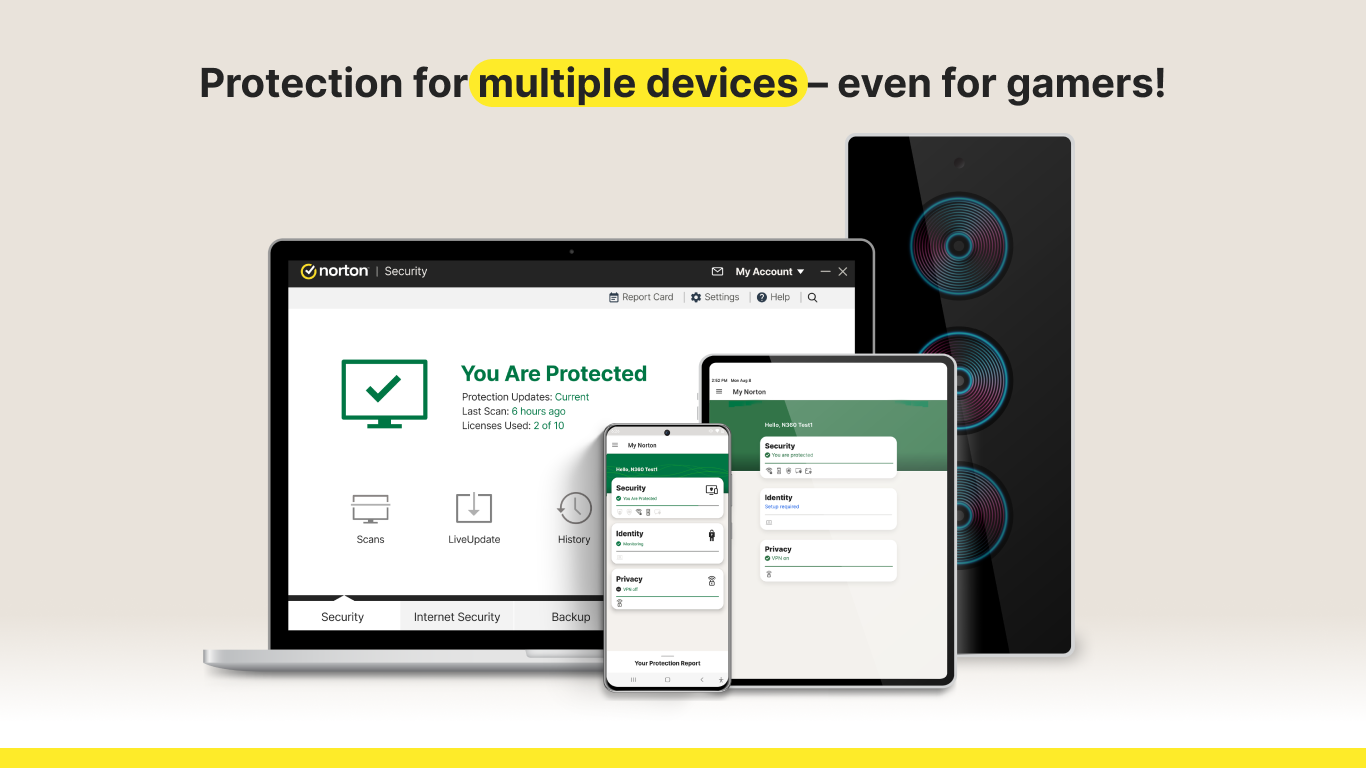
Staying true to its reputation, Norton 360's interface resembles a well-organized dashboard—clean, intuitive, and color-coded to guide your eye. Navigating through features is straightforward, with quick access buttons and helpful tooltips that feel like a friendly guide. The setup process is smooth, with minimal fuss, making it accessible for beginners yet sufficiently detailed for experienced users. Its responsiveness and smooth operation during routine scans or configuration adjustments demonstrate a focus on fluid user experience. Overall, the app strikes a balance: powerful enough for advanced protection but approachable enough not to intimidate first-time users.
Unique Selling Points and Differentiation
What truly sets Norton 360 apart from other security suites? Primarily, it's the seamless integration of privacy tools within a comprehensive security package. While many competitors might focus solely on malware detection, Norton adds layers like VPN, dark web monitoring, and device optimization in one unified platform. Its intelligent threat detection system, combined with the user-friendly interface, offers a practical yet sophisticated shield—much like a reliable friend who's prepared for every eventuality but remains approachable and easy to talk to.
Final Verdict: Is It Worth Your Time?
In conclusion, Norton 360 for Windows earns a solid recommendation for those seeking a balanced security solution that combines robust protection with user convenience. Its standout features—particularly its integrated VPN and proactive threat detection—make it a compelling choice for users who want peace of mind without diving into complex configurations. For casual users, small businesses, or anyone prioritizing comprehensive yet accessible security, Norton 360 proves to be a trustworthy partner, like an invisible guardian watching over your digital life every day.
Pros
- Comprehensive protection with real-time malware scanning
- Regular automatic updates ensure the latest security patches
- User-friendly interface suitable for all levels
- Includes VPN and cloud backup features in the package
- Good performance impact with minimal system slowdown
Cons
- Premium pricing may be costly for budget-conscious users
- Initial setup can be lengthy and somewhat complex for beginners
- The VPN feature is limited in data allowance for free users
- Some false positives may occur during scans
- Lack of certain advanced customization options for experienced users











