
- Name Movie Maker: Video Editor
- Category Photo & video
- Developer Movie Maker
- Available on PC
- OS Windows 10 version 17134.0 or higher
- languages Arabic, Chinese (Simplified), Dutch, English (United States), French, German, Italian, Japanese, Korean, Korean , Portuguese, Portuguese (Brazil), Russian, Spanish, Spanish (Spain)
Transform Your Clips with Ease: Introducing Movie Maker: Video Editor for Windows
If you're searching for a straightforward yet powerful video editing tool that turns your raw clips into polished movies without the fuss, Movie Maker: Video Editor for Windows might just be the app you need. Designed to cater to both beginners and casual users, this lightweight yet capable editor promises to make video creation accessible and enjoyable.
Who's Behind the Curtain?
Developed by the team at Movie Maker, and published by FS Tech Media, this application is crafted with simplicity and efficiency in mind. The developer's focus seems to be on providing a user-friendly interface that allows anyone—be it students, content creators, or hobbyists—to easily assemble videos without needing extensive technical skills.
Standout Features That Make a Difference
What sets this app apart are a few key highlights:
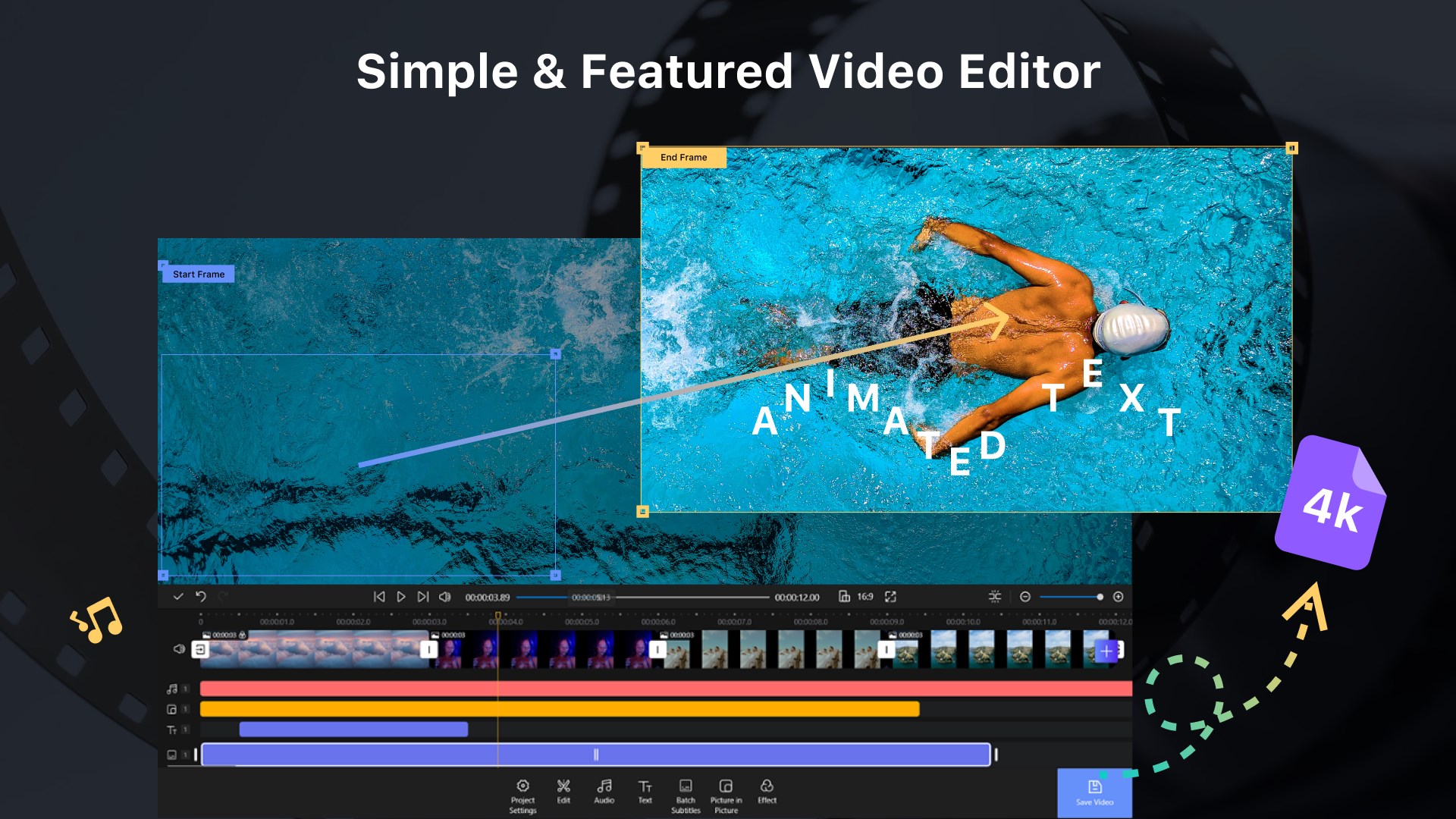
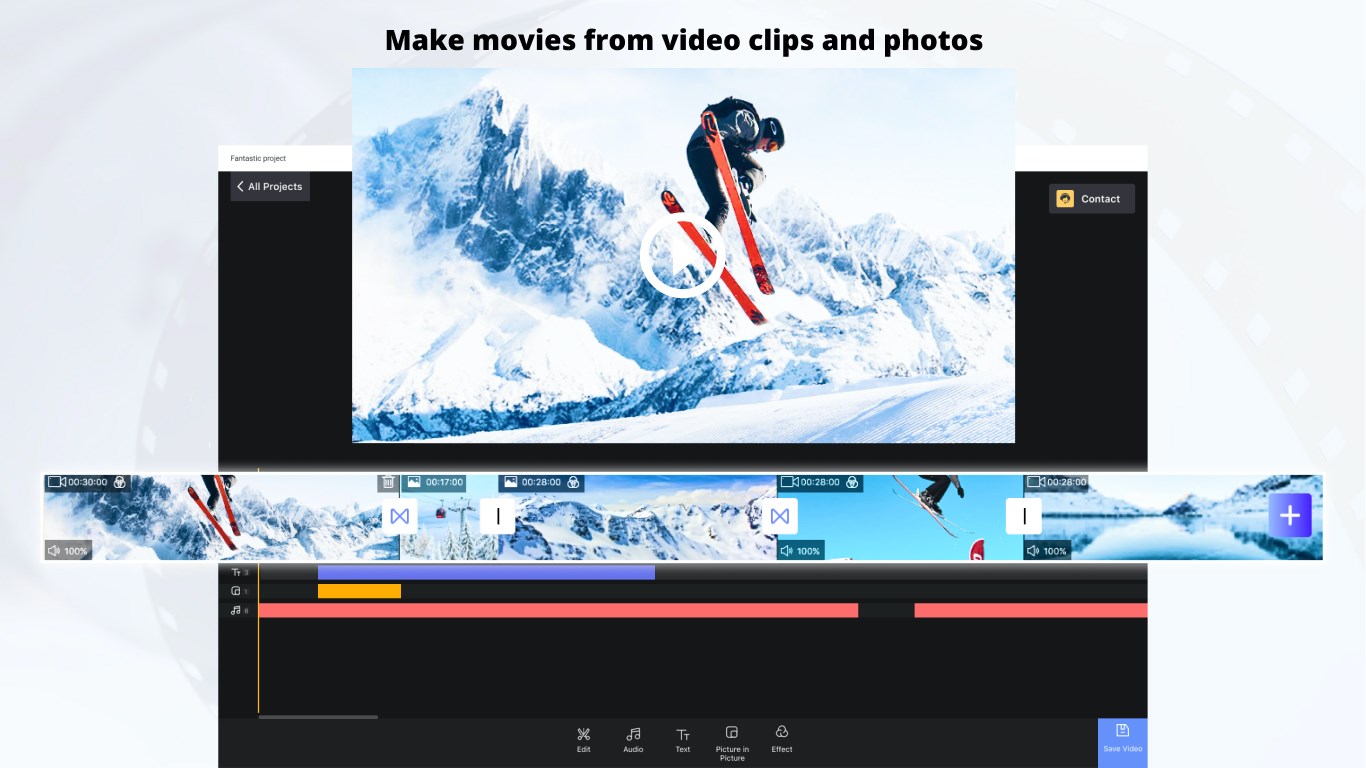
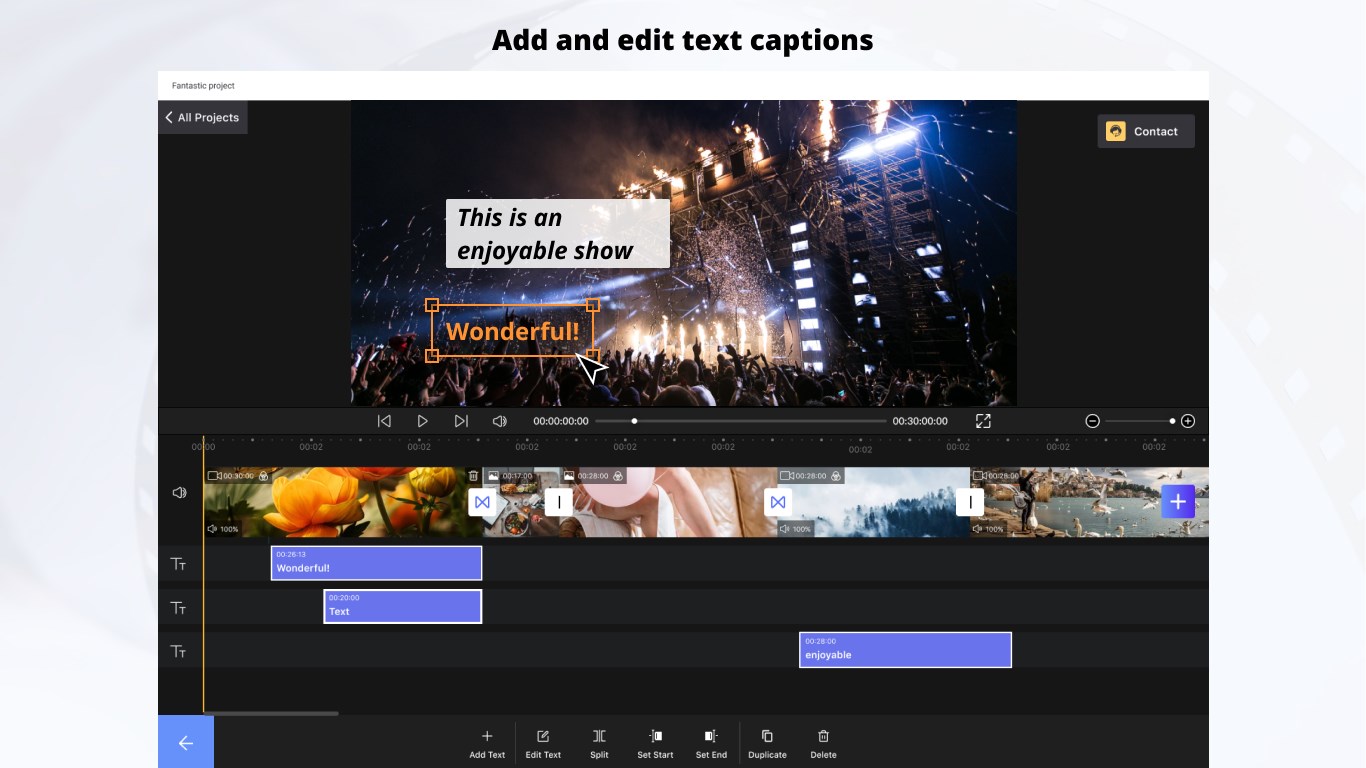
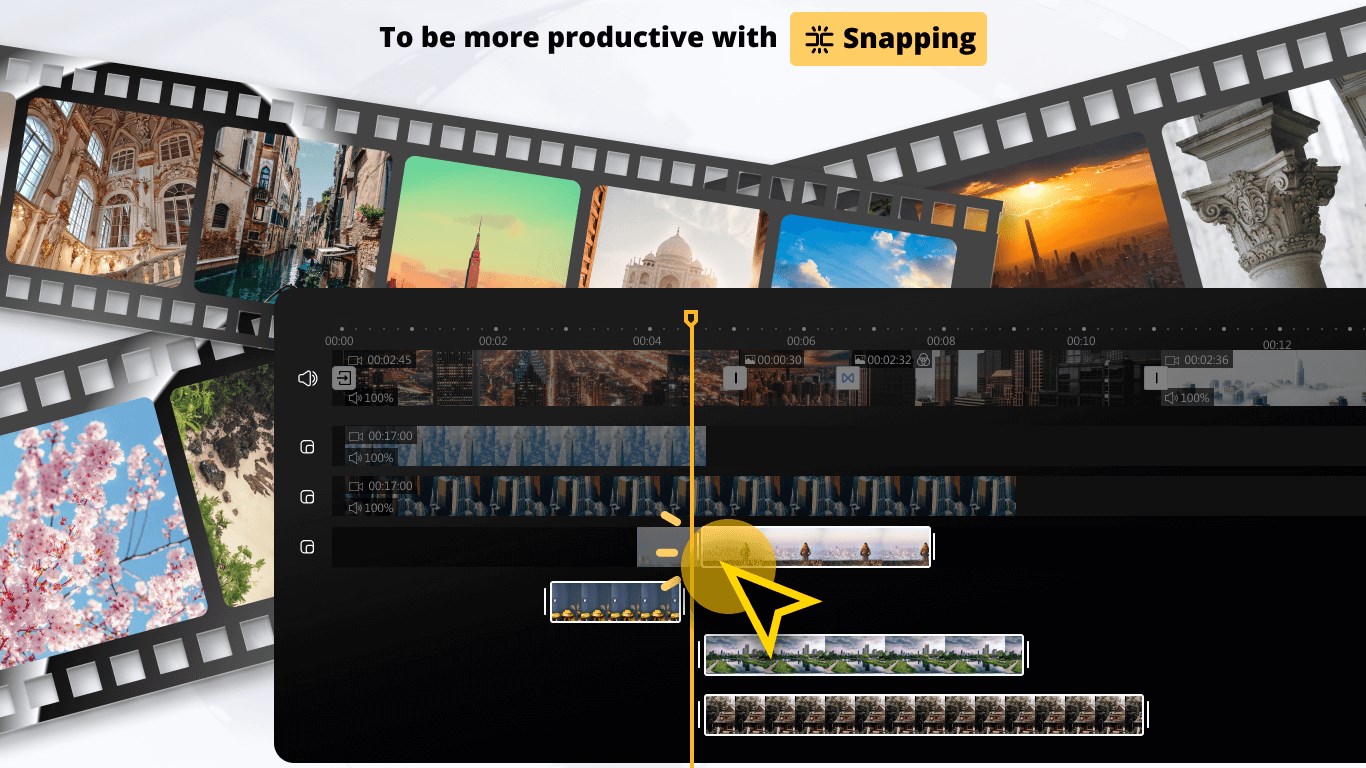
- Intuitive Drag-and-Drop Interface: Effortlessly import media files and arrange clips by simply dragging, making the editing process feel more like assembling a puzzle than wrestling with complex software.
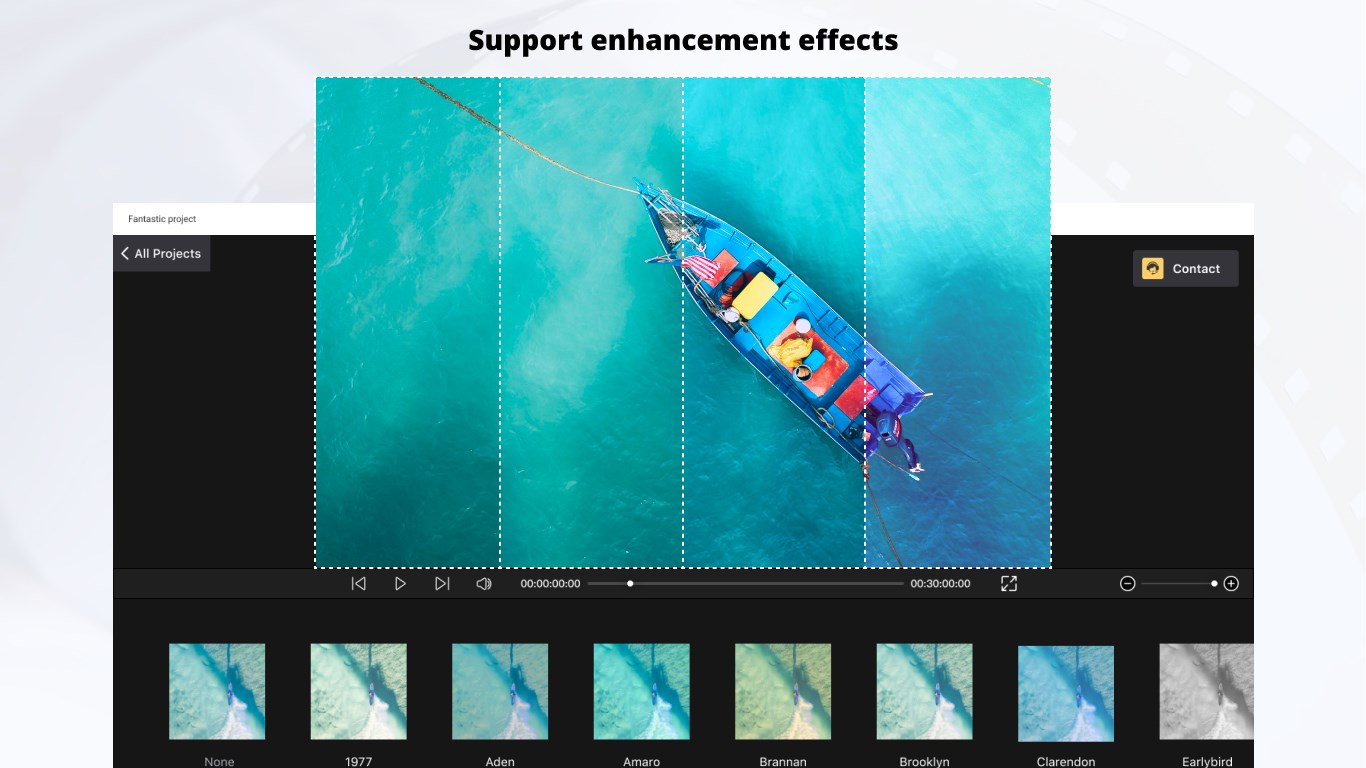
- Smart Auto-Enhancements: The app offers automated adjustments for brightness, contrast, and color grading, ensuring your videos look vibrant and professional without manual tweaking.
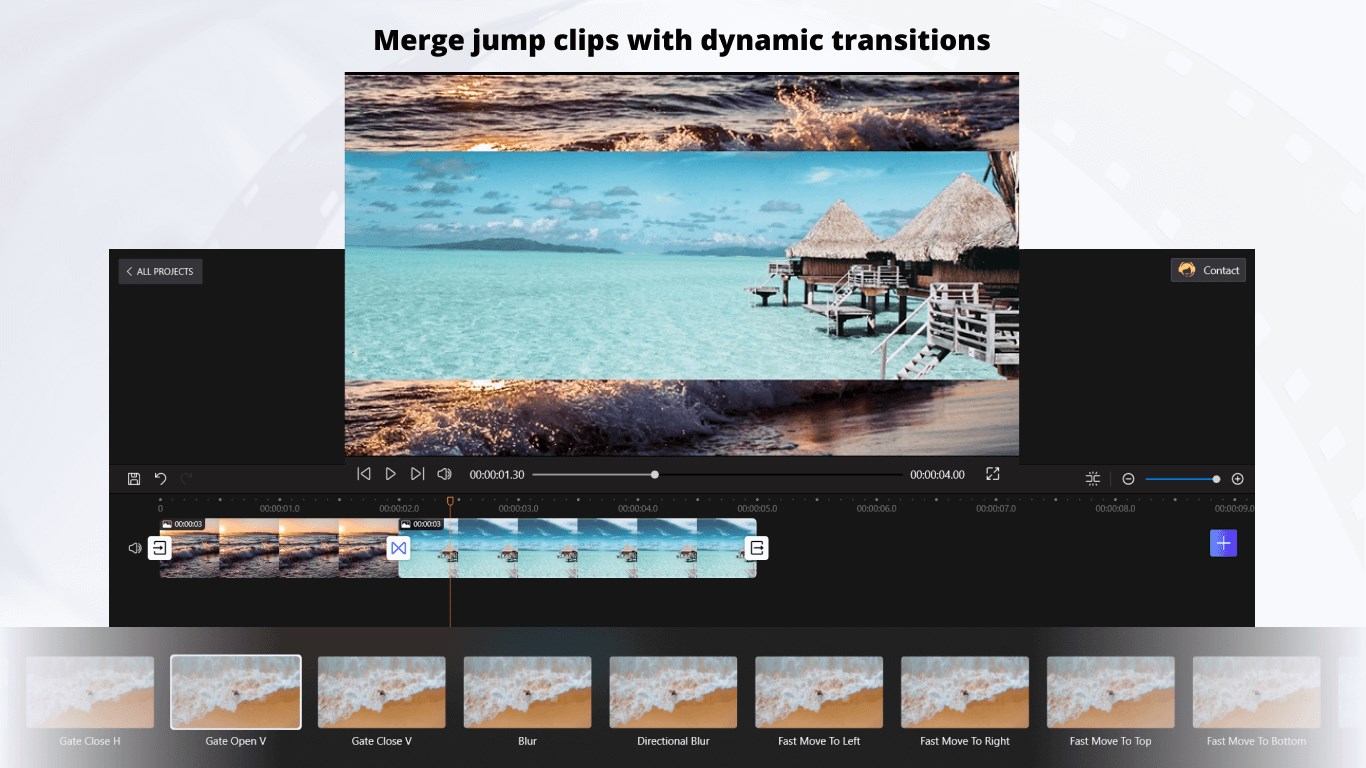
- Built-in Templates and Transitions: Quickly spice up your videos with a variety of stylish templates and smooth transition effects, ideal for quick social media content creation.
- Targeted for Windows Users: Seamlessly integrated into the Windows environment, optimizing performance and compatibility on your PC.
Video Editing Experience: Flow, Feedback, and Functionality
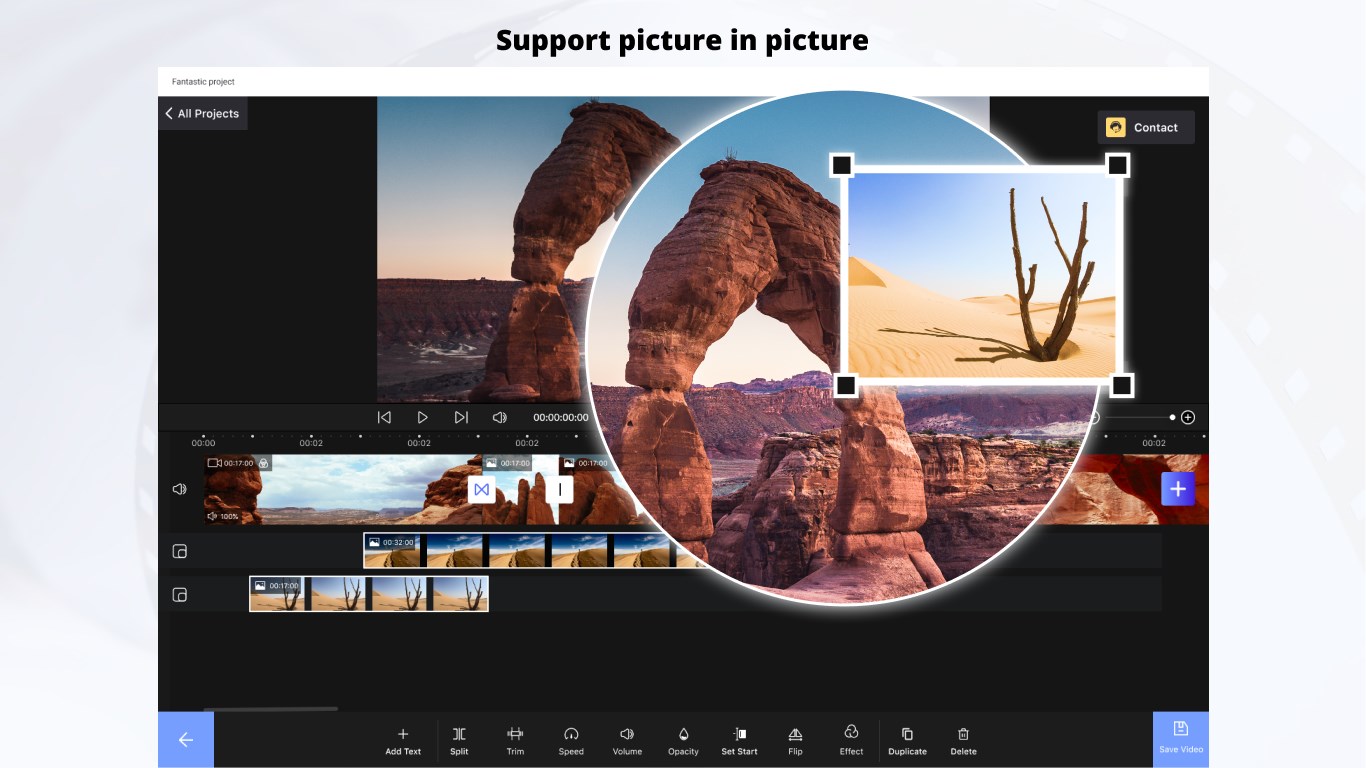
Jumping into the app is like stepping into a cozy workspace—clean, familiar, and surprisingly uncluttered. The interface design employs a bright, friendly palette with clear icons, making navigation feel like a breeze. For newcomers to video editing, the layout offers immediate clarity—there are no intimidating menus or hidden options, just a straightforward editing canvas.
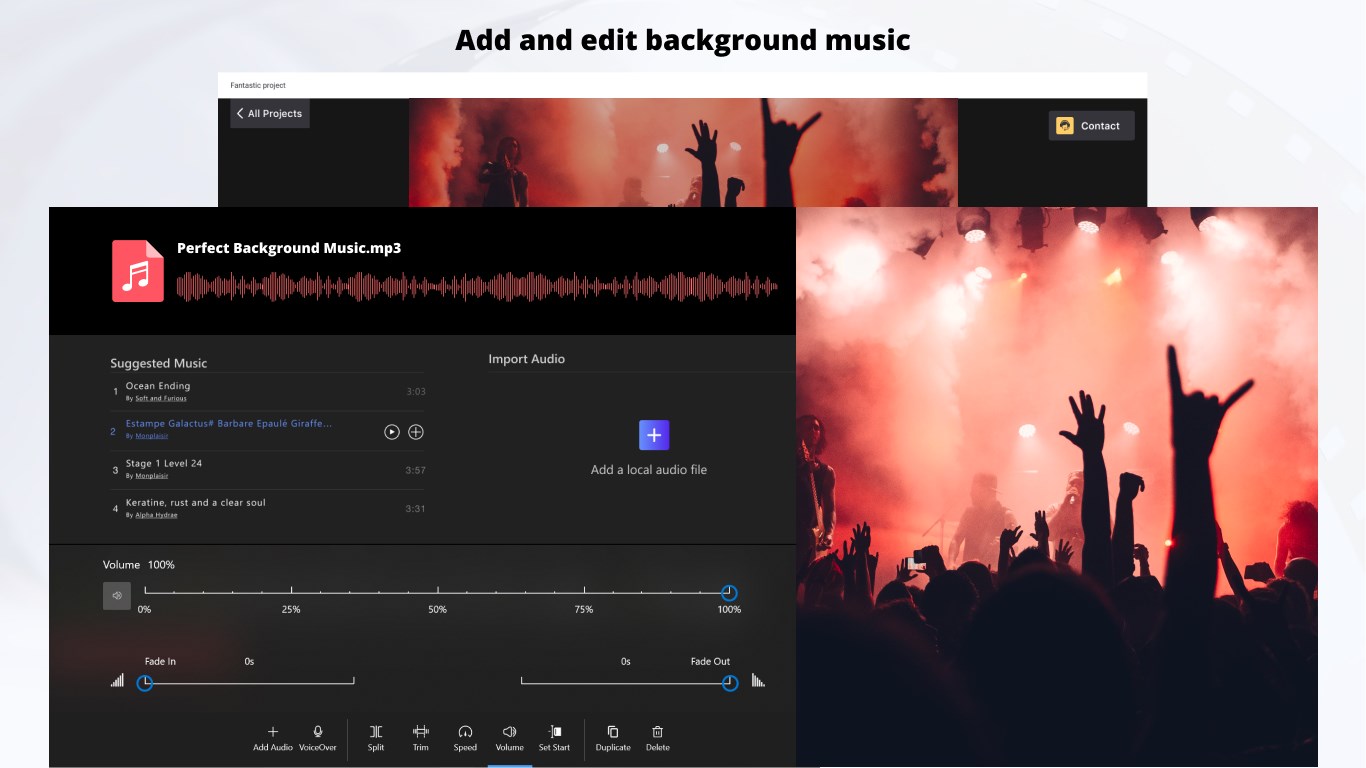
Performing basic edits—clipping, trimming, or adding background music—feels fluid and responsive. The app's operation is smooth, with minimal lag even when handling longer videos, thanks to its lightweight architecture. For users with moderate experience, the learning curve is gentle; even those new to editing can pick up the core functions quickly, thanks to integrated tips and straightforward controls.
Unique Selling Points: How It Stands Out
Compared to other popular video editors, Movie Maker: Video Editor for Windows emphasizes simplicity and speed without sacrificing quality. Its most compelling feature is the combination of automated enhancements and pre-made templates that empower users to produce movie-ready clips effortlessly. Unlike more complex editors requiring extensive manual adjustments, this app's smart auto-optimization ensures your footage looks vibrant with minimal effort.
Additionally, its seamless Windows integration means you can edit directly from your familiar desktop environment, which is a noticeable advantage over cloud-based or platform-specific apps. This focus on user-friendly workflow makes it particularly appealing for casual users who want results fast and without intricate learning curves.
Final Thoughts: Who Should Give It a Try?
Overall, I would recommend Movie Maker: Video Editor for Windows as a solid choice for beginners, students, or anyone needing quick, decent-quality edits without a steep learning curve. Its core strengths—ease of use, automation, and integration—make it a shining option in the crowded field of free video editors. For those aspiring to more advanced or professional editing, this app might feel a bit limited, but for daily social media clips, family videos, or school projects, it's a handy, friendly tool.
In the vast ocean of video editing apps, this one stands out like a reliable compass—helping you navigate from raw footage to engaging videos with minimal fuss. Give it a shot if you value efficiency and simplicity wrapped in a friendly interface.
Pros
- User-friendly interface
- Basic editing tools included
- Integrated music library
- Fast rendering speed
- Free to download and use
Cons
- Limited advanced features
- Occasional stability issues
- Watermark on exported videos
- Limited export formats
- Lack of advanced color correction











