
- Name Movie Maker - Video Editor PRO
- Category Photo & video
- Developer AI Photo Editor Lab
- Available on PC
- OS Windows 10 version 17763.0 or higher
- DirectX Version 9
- Memory 4 GB
- languages Arabic, Chinese (Simplified), Chinese (Traditional Chinese), Dutch, English (United States), French, German, Indonesian, Italian, Japanese, Korean, Polish, Portuguese (Brazil), Portuguese (Portugal), Russian, Spanish (Spain)
Transform Your Video Creations with Movie Maker - Video Editor PRO for Windows
If you're seeking a robust yet user-friendly video editing tool that makes your creative process smooth and enjoyable, Movie Maker - Video Editor PRO might just be the app to explore. Crafted by AI Photo Editor Lab, this application aims to streamline your video editing experience with an array of features designed for both novices and semi-professionals alike.
Developed by a Visionary in Creative Software
Created by AI Photo Editor Lab, a dedicated team specializing in multimedia and AI-enhanced editing tools, this app embodies a focus on intuitive design and powerful editing capabilities. Their expertise ensures that users receive a refined experience that balances functionality and ease of use.
Core Features that Make Editing a Breeze
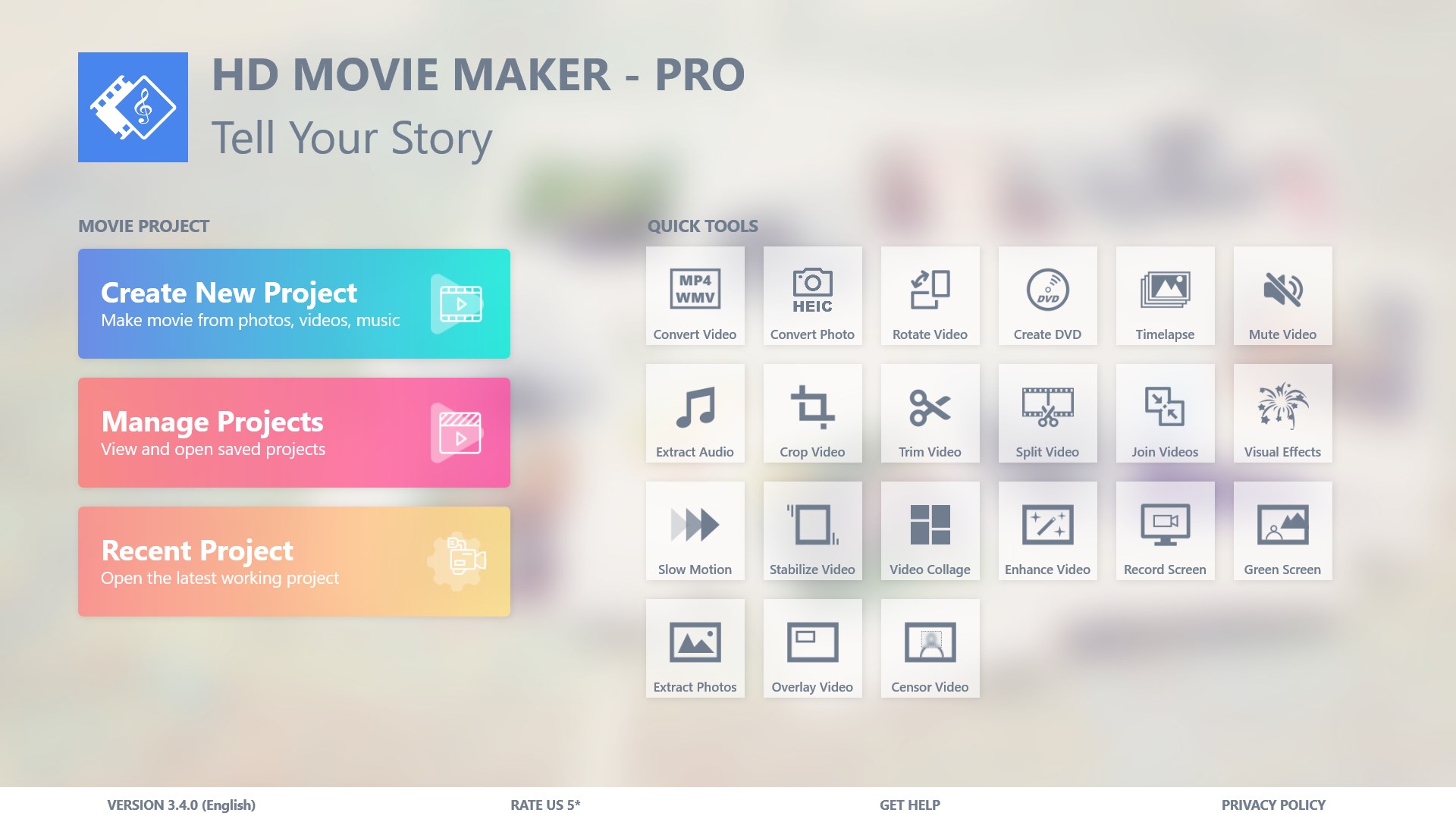
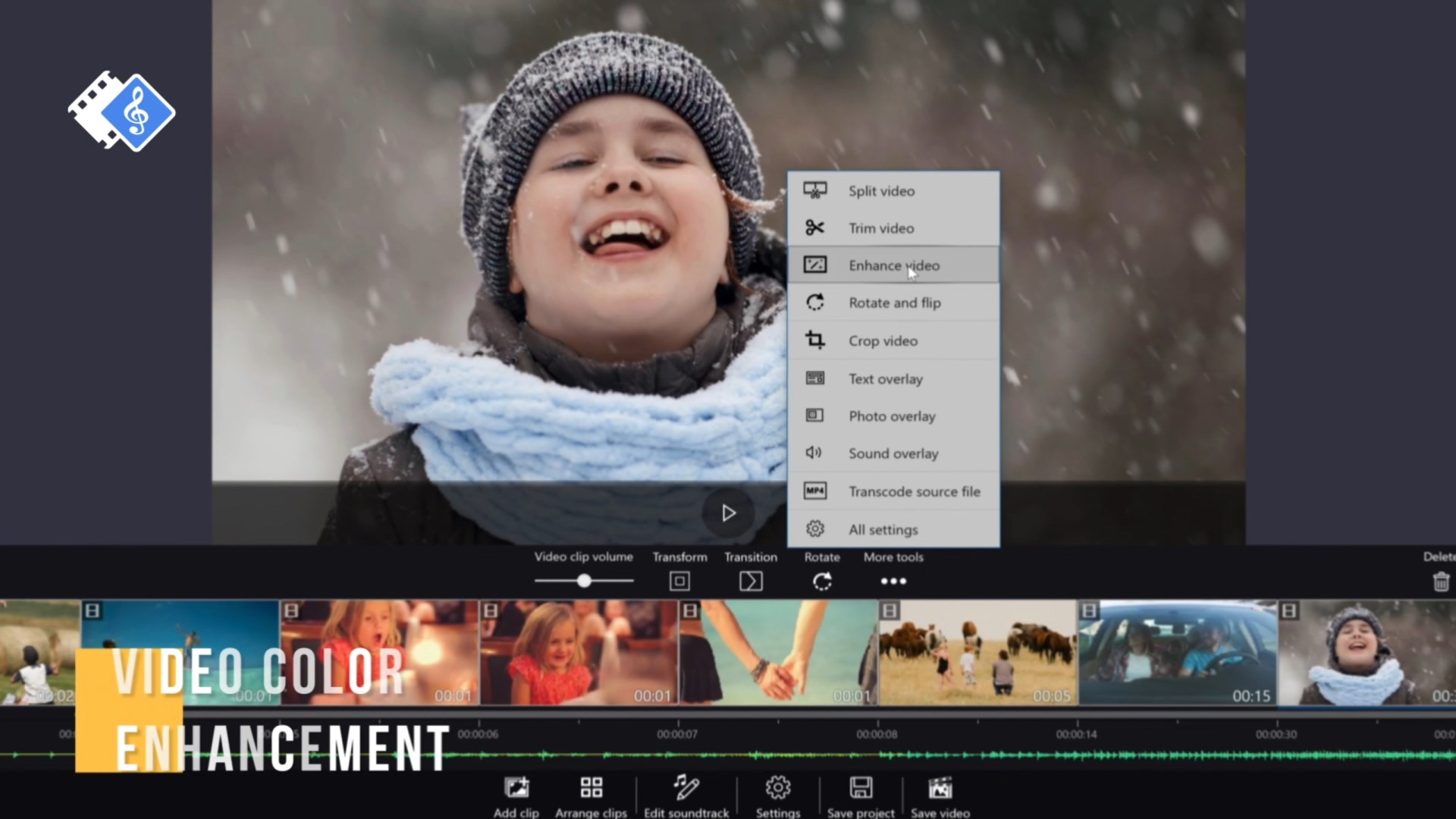
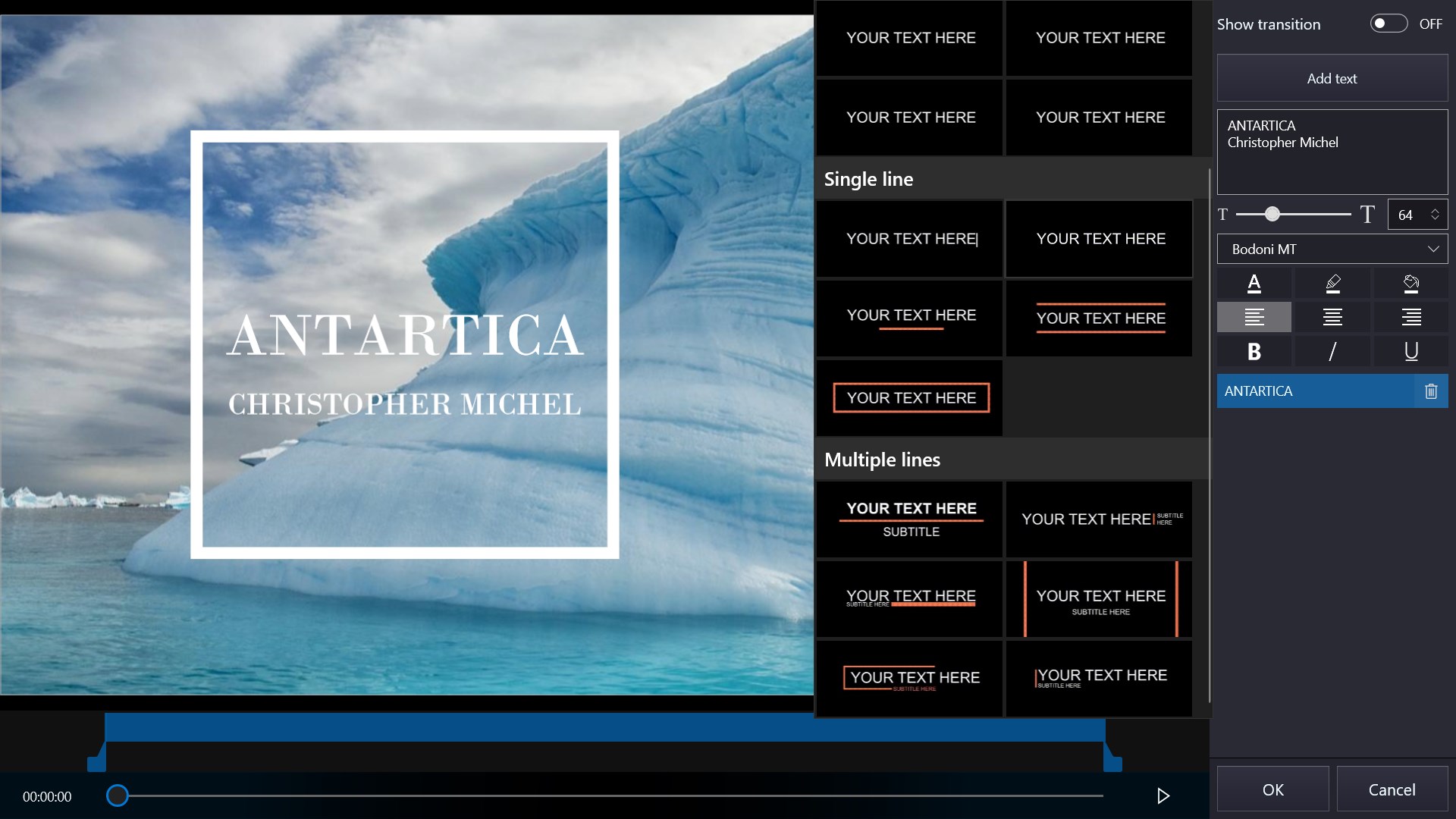
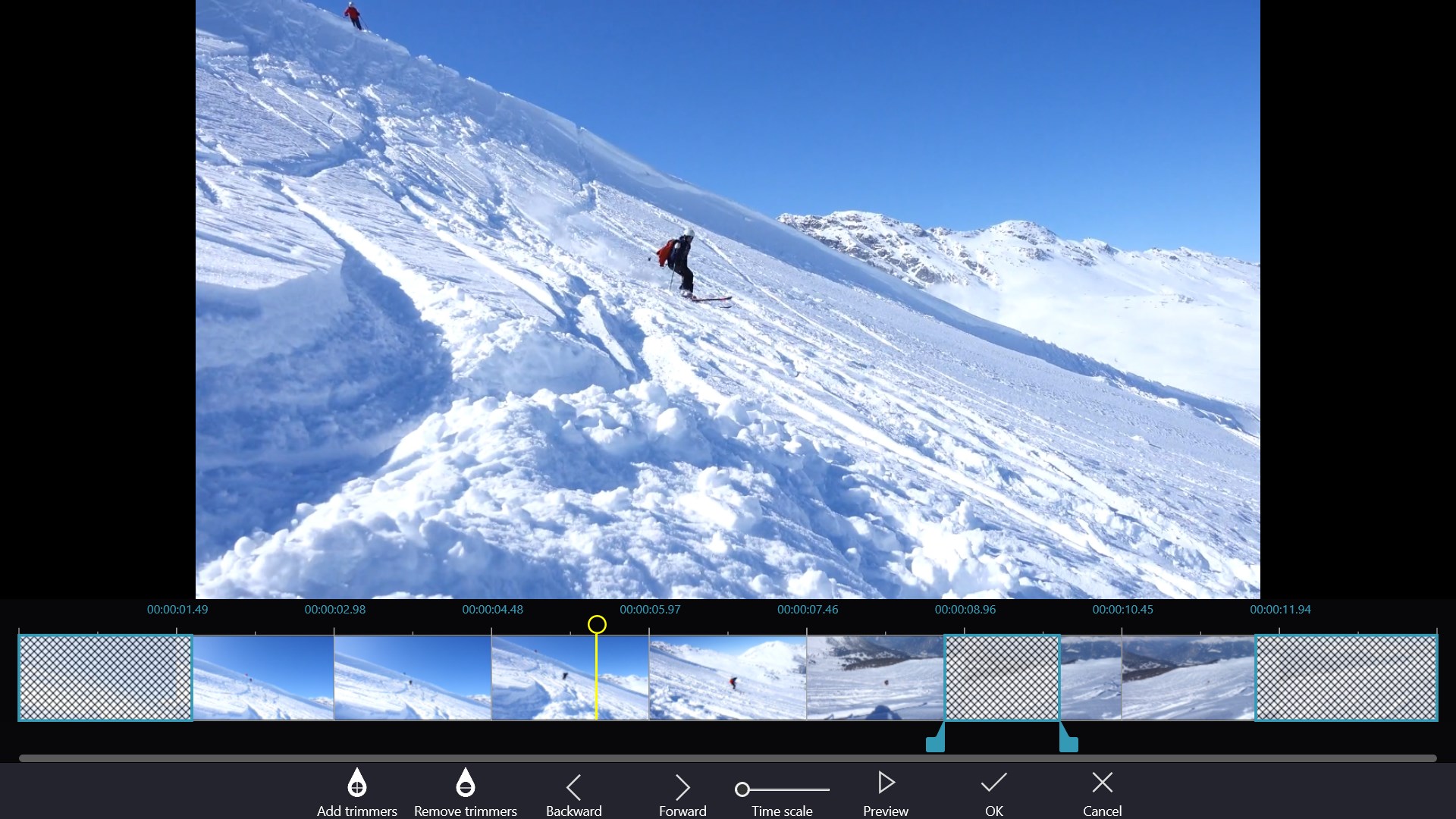
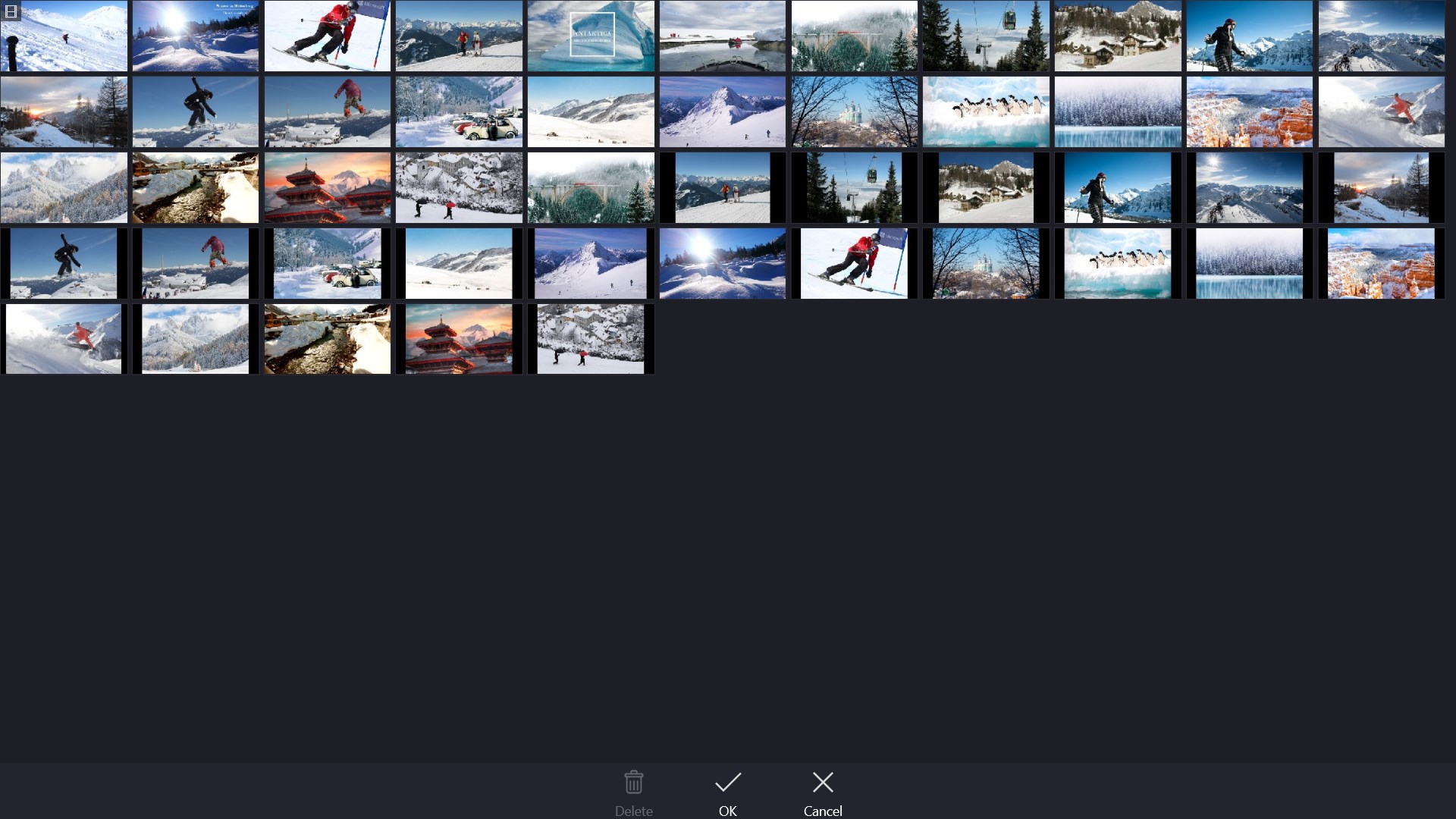
- Intuitive Timeline and Editing Tools: The app offers a straightforward interface with drag-and-drop functionalities, allowing users to assemble clips, add transitions, and overlay text effortlessly, making the editing process feel more like storytelling than complex technical work.
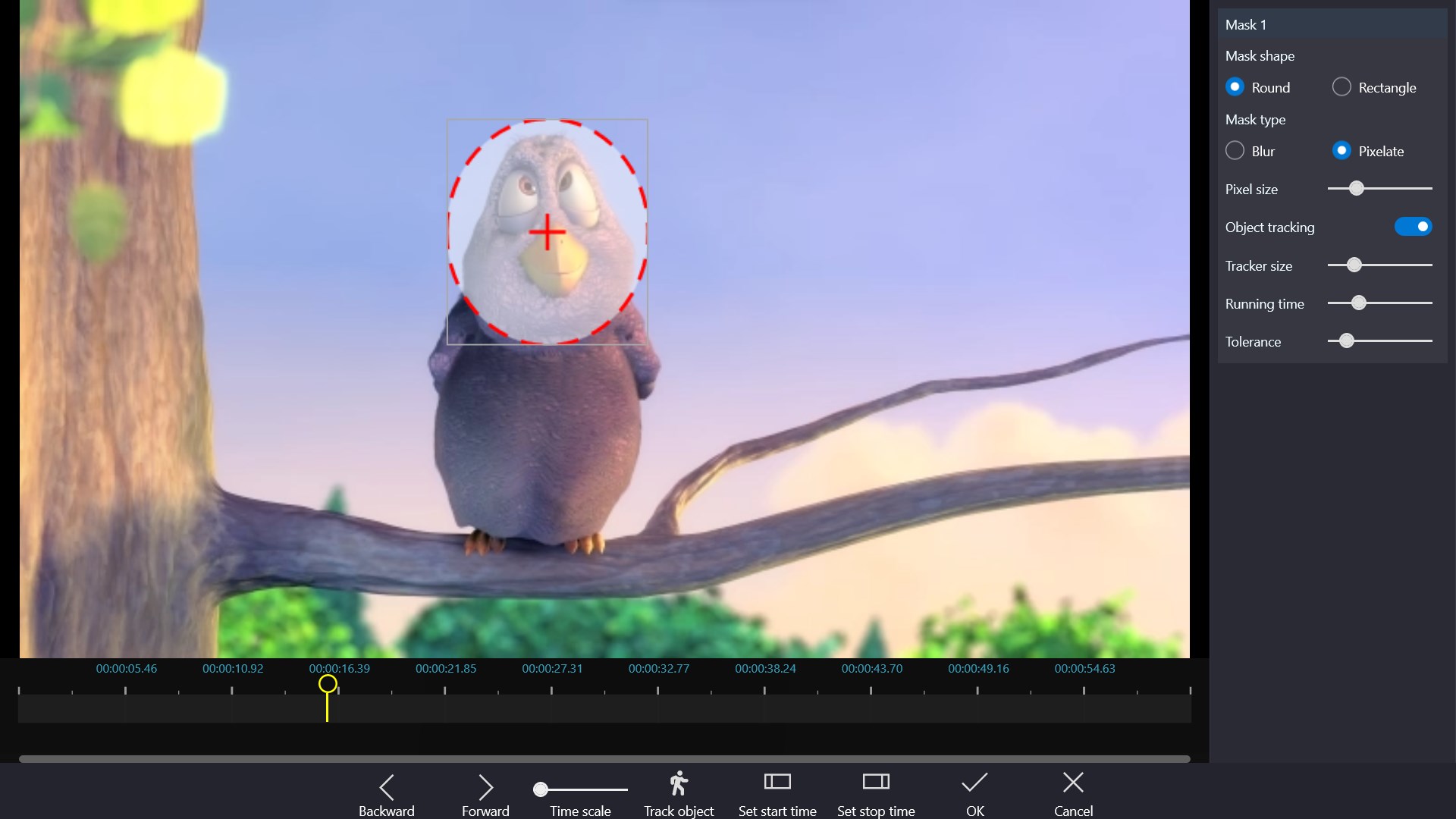
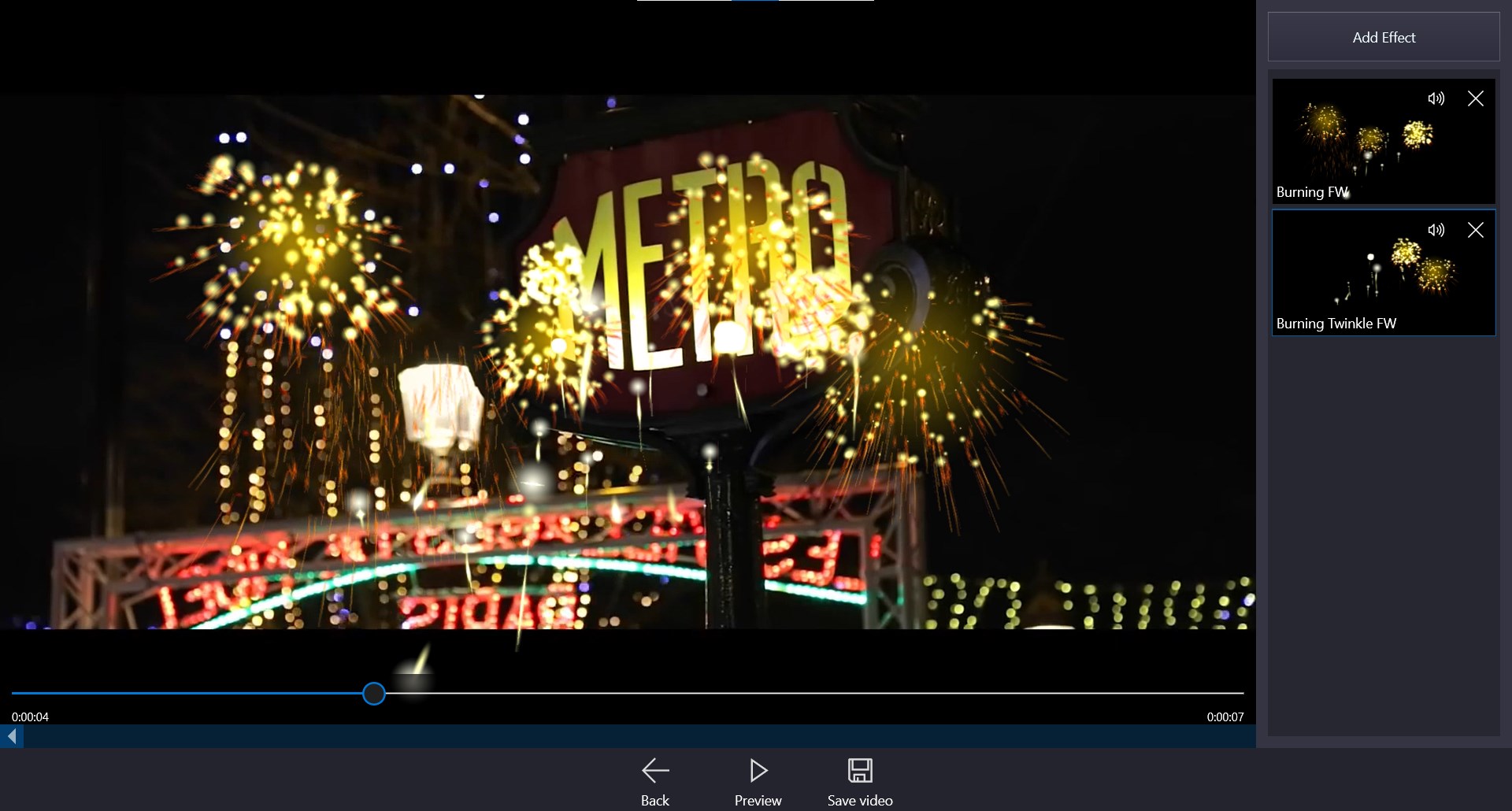
- Smart Effects and Filters: With a rich library of effects, filters, and overlays, users can elevate their videos' visual appeal. The app also supports real-time previewing so you can tweak effects on the fly.
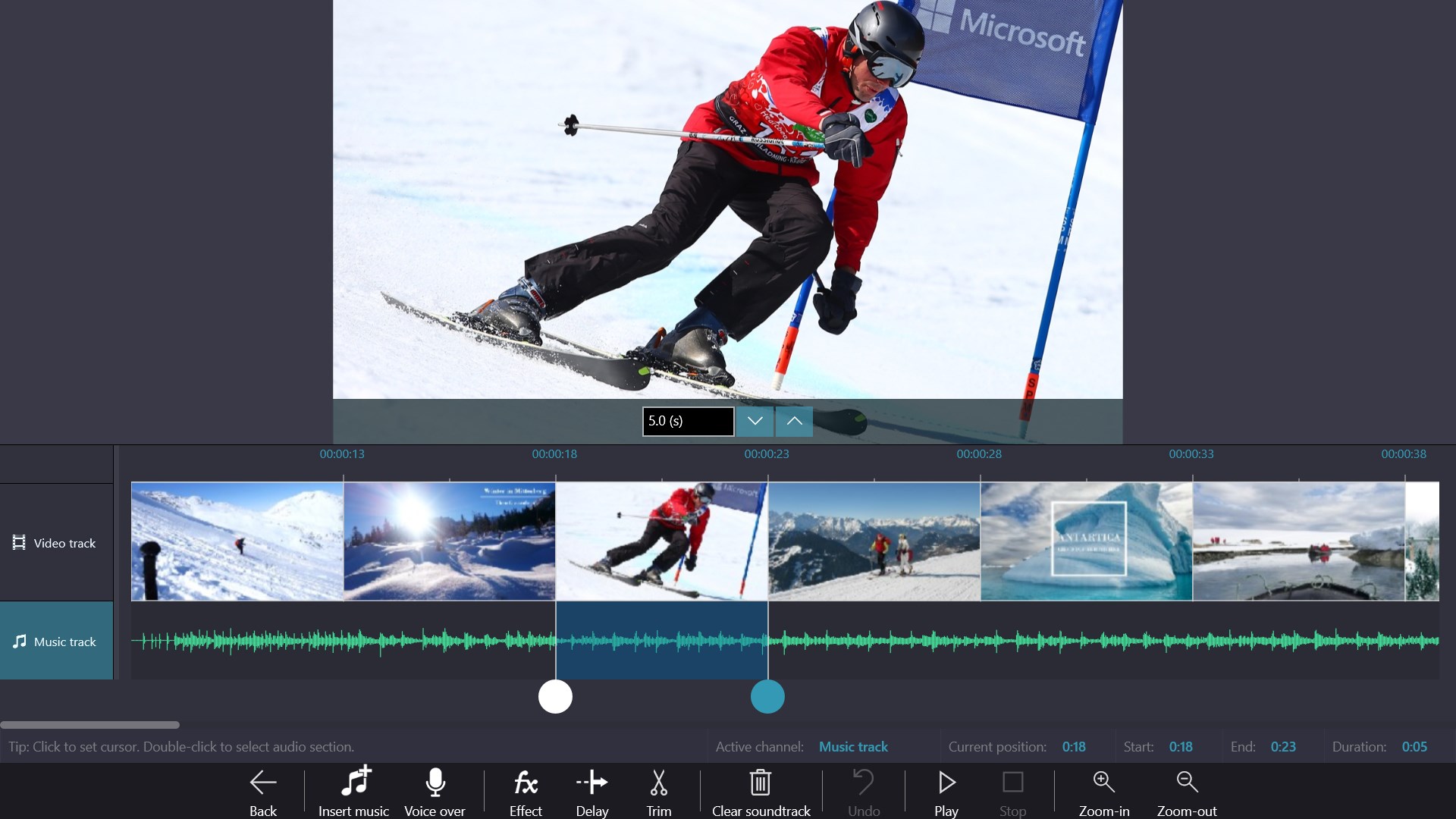
- Music and Sound Editing: The built-in audio tools let you add background music, voiceovers, or sound effects, with options to adjust volume and synchronization—vital for creating engaging content.
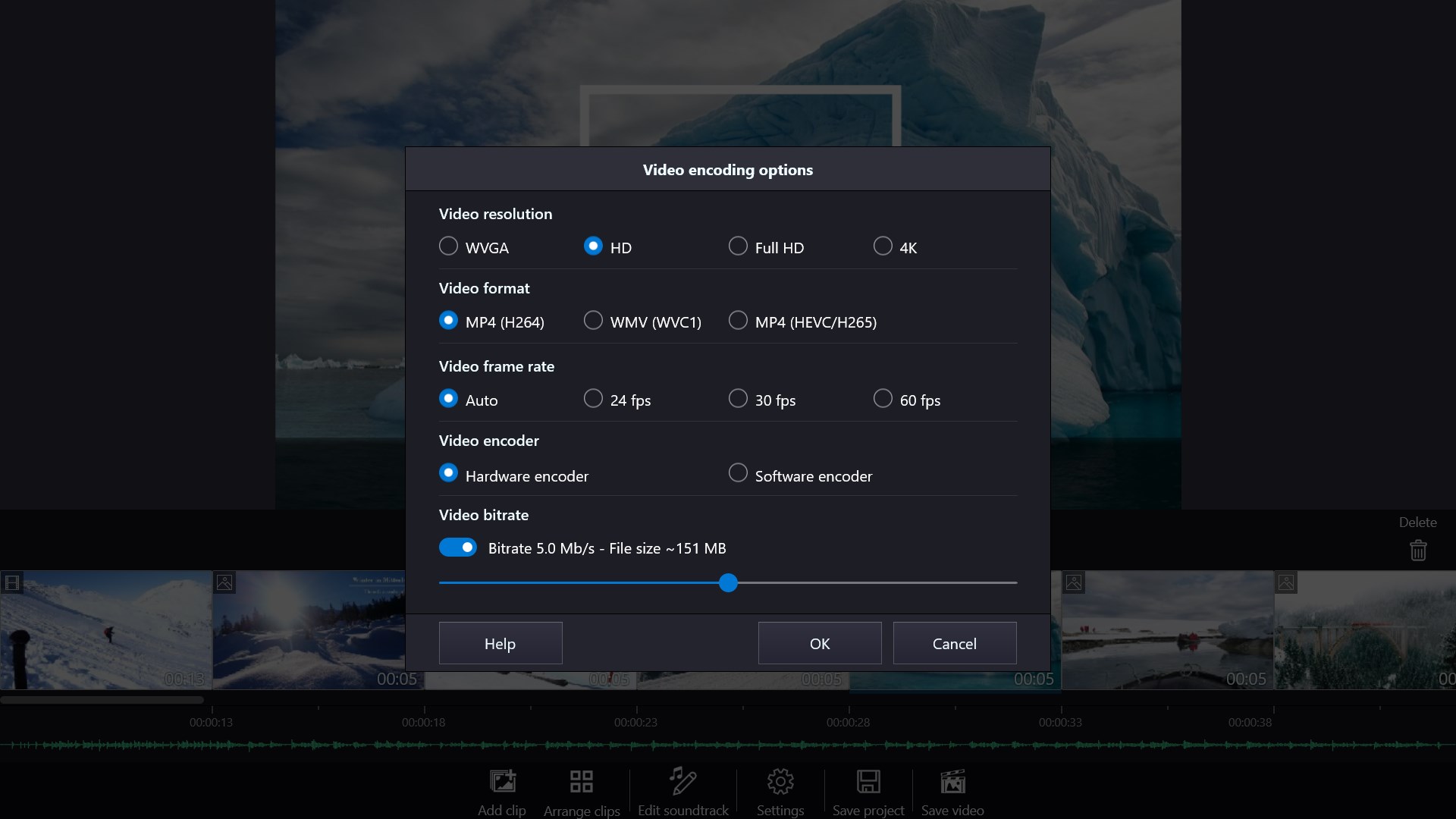
- Export and Sharing Options: Once your masterpiece is ready, export in various resolutions and directly share to social media platforms or save locally—conveniently streamlining your content distribution.
Seamless User Experience and Unique Touchpoints
Using Movie Maker - Video Editor PRO feels akin to having a portable studio at your fingertips. Its user interface strikes a perfect balance—clean, organized, yet packed with features. During use, the app exhibited smooth performance, with real-time feedback and minimal lag, even when handling 4K footage. The learning curve is gentle, thanks to clear icons and contextual tutorials, making it accessible for beginners while still providing enough depth to satisfy more advanced users.
What Sets It Apart from Other Video Editors?
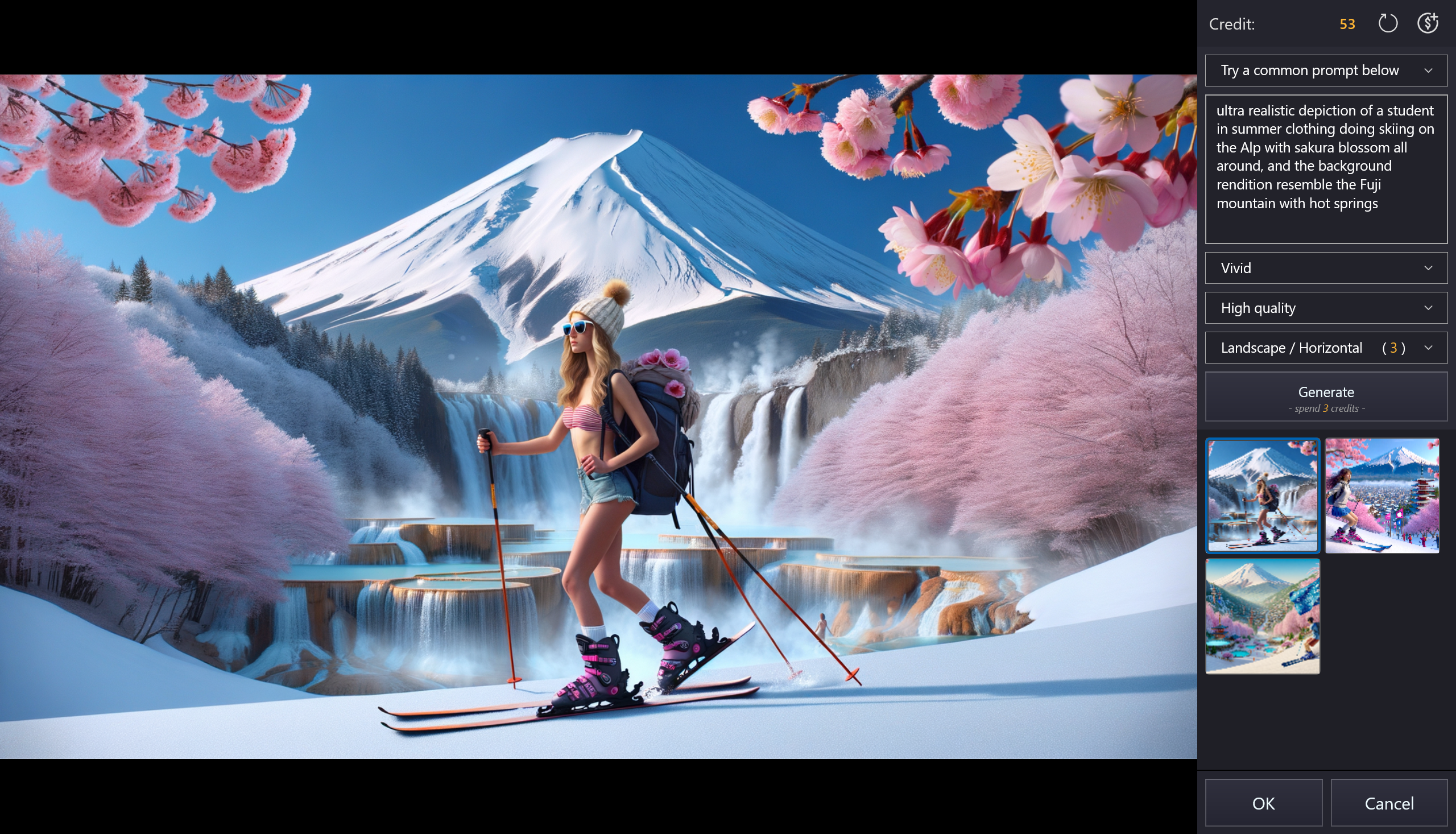
Unlike many conventional editors that focus solely on basic timeline editing, this app's standout feature is its combination of AI-powered effects and real-time preview capabilities. The AI tools intelligently recommend effects based on your footage style, acting like an insightful editing assistant. Additionally, its user interface resembles a digital workshop, with tools grouped intuitively and workflow optimization that minimizes unnecessary clicks—a significant time-saver for content creators.
Should You Give It a Try?
Based on its feature set, user experience, and performance, Movie Maker - Video Editor PRO earns a solid recommendation for hobbyists, vloggers, and small content creators seeking an accessible yet capable editing platform. It's particularly beneficial if you value an intuitive workflow combined with nice AI-assisted effects. For more complex, professional-grade editing, it might not replace high-end software, but for quick edits and creative projects, it's a worthwhile choice.
Final Thoughts
If you're tired of clunky interfaces and complicated workflows, this app provides a refreshing and friendly approach to video editing—like having a creative partner right beside you. Its standout AI features, seamless operation, and user-centric design make it a commendable choice for anyone looking to craft compelling videos without the steep learning curve. Consider giving Movie Maker - Video Editor PRO a shot to elevate your video projects effortlessly.
Pros
- User-Friendly Interface
- Extensive Video Effects
- Fast Rendering Speed
- Supports Multiple Formats
- In-app Music Library
Cons
- Limited Advanced Editing Features
- Occasional Stability Issues
- Basic Text and Caption Options
- Limited Export Resolution Options
- No Cloud Backup











