


- Name Movavi Video Converter
- Category Photo & video
- Developer Movavi Software
- Available on PC
- OS Windows 10 version 0.0 or higher
- Memory 2 GB
- languages English, German, French, Italian, Spanish, Dutch, Portuguese, Polish, Russian, Japanese, Turkish, Korean, Chinese (Simplified), Chinese (Traditional Chinese)
Transformative Video Conversion Made Simple: Movavi Video Converter for Windows
Imagine converting your favorite videos seamlessly, as effortlessly as flipping a switch—that's exactly what Movavi Video Converter for Windows promises. Whether you're trimming, changing formats, or extracting audio, this software aims to streamline your multimedia workflow with efficiency and ease.
User-Friendly Interface with a Modern Twist
Right from the moment you launch Movavi Video Converter, it's like stepping into a sleek, organized workspace rather than battling a cluttered control panel. The interface adopts a minimalist design, featuring intuitive icons and clear categories that guide you step-by-step. Transitioning between functions feels like flipping through the pages of a well-designed book—smooth and natural. The application's responsiveness ensures that even complex tasks, like batch conversions, run without lag or hiccups, making the user experience both pleasant and productive.
Core Features that Power Up Your Video Tasks
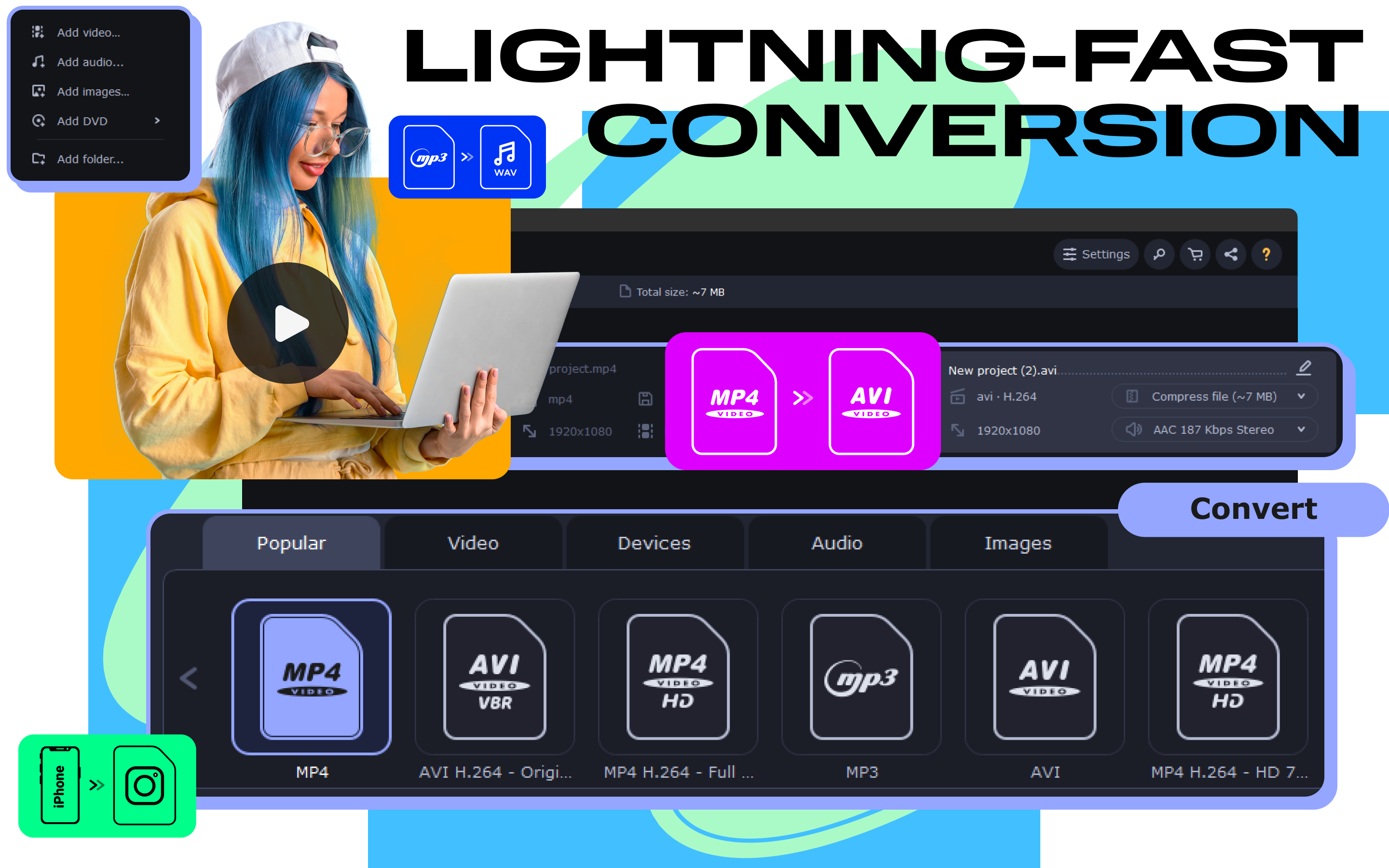
One of the most compelling aspects of Movavi Video Converter is its broad format support. It accommodates over 180 video and audio formats, ensuring compatibility with virtually any device or platform. Need to convert a 4K video for your old smartphone? Done. Want to extract audio tracks for a playlist? Easy as pie. The software's “Preset Profiles” simplify this further, allowing users to choose device-specific profiles—think of it as choosing a bespoke suit for your device—eliminating guesswork and saving precious time.
Another highlight is its fast, hardware-accelerated processing—think of it as having a turbocharged engine under the hood. With features like NVIDIA NVENC and Intel Quick Sync Video, conversions that traditionally took ages are now completed in a fraction of the time. Plus, the application's ability to perform batch processing means you can queue up multiple files and watch them all transform while you grab a coffee. This combination of speed and convenience is a game-changer for both casual users and professionals alike.
Audio and Advanced Editing Features
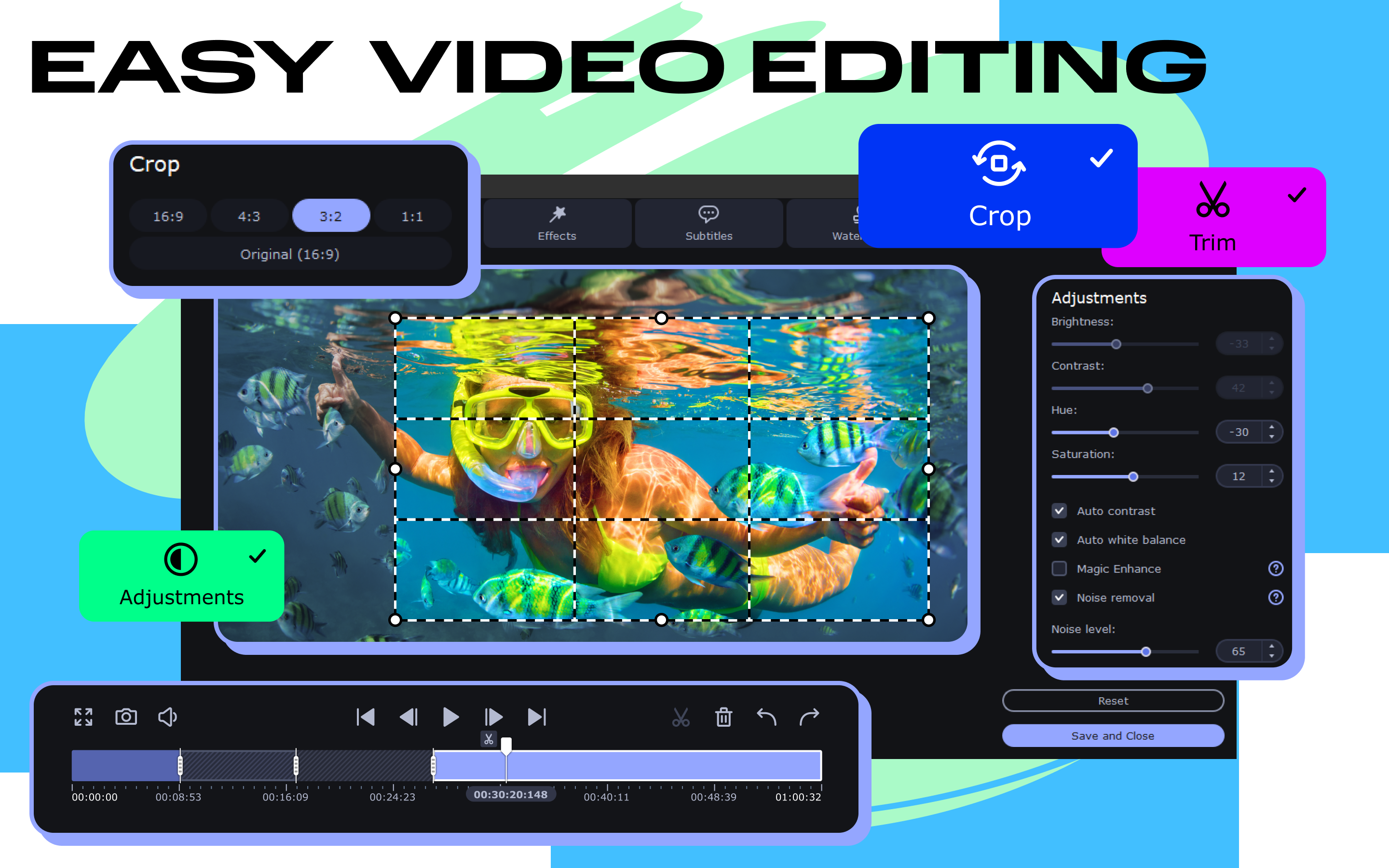
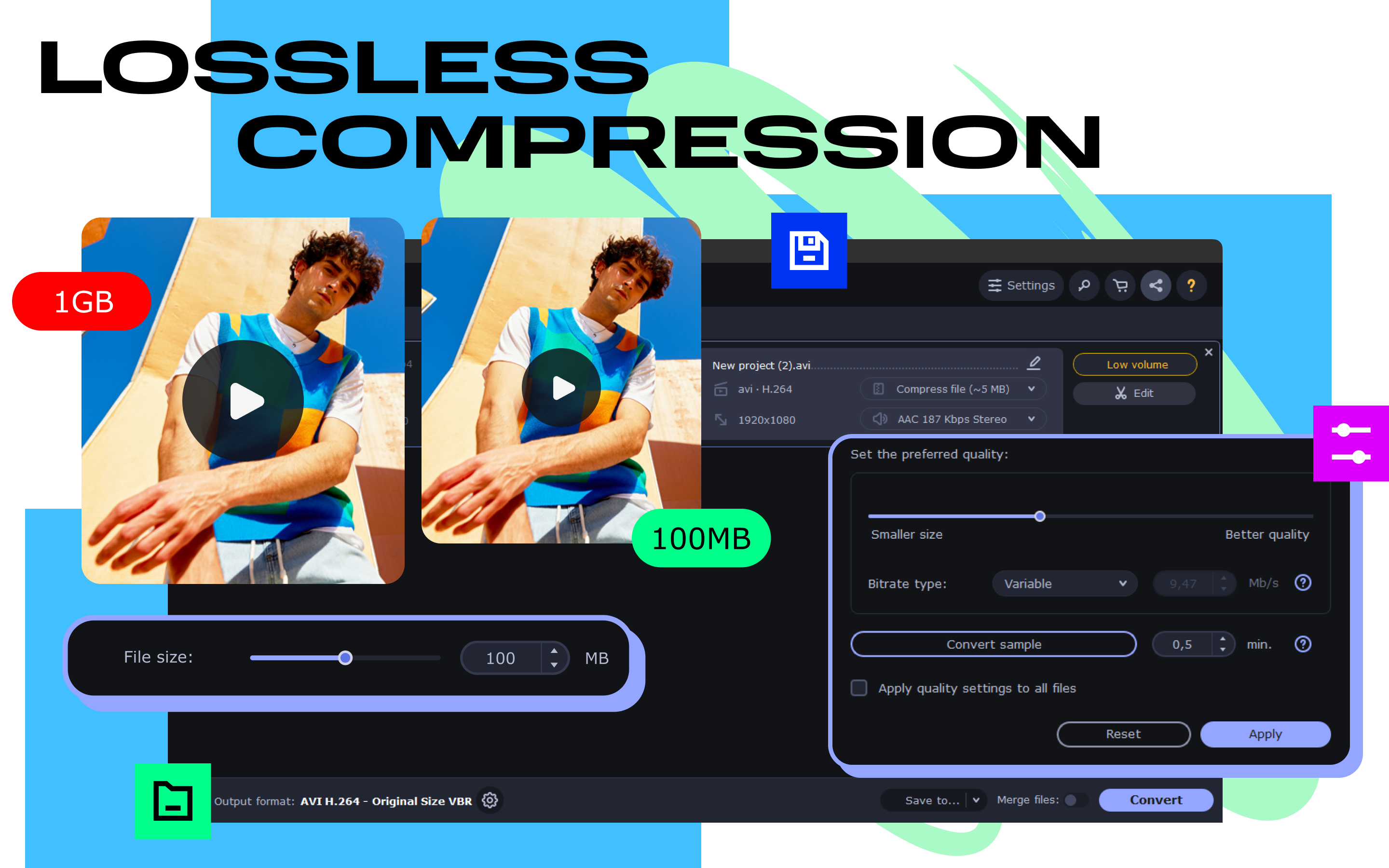
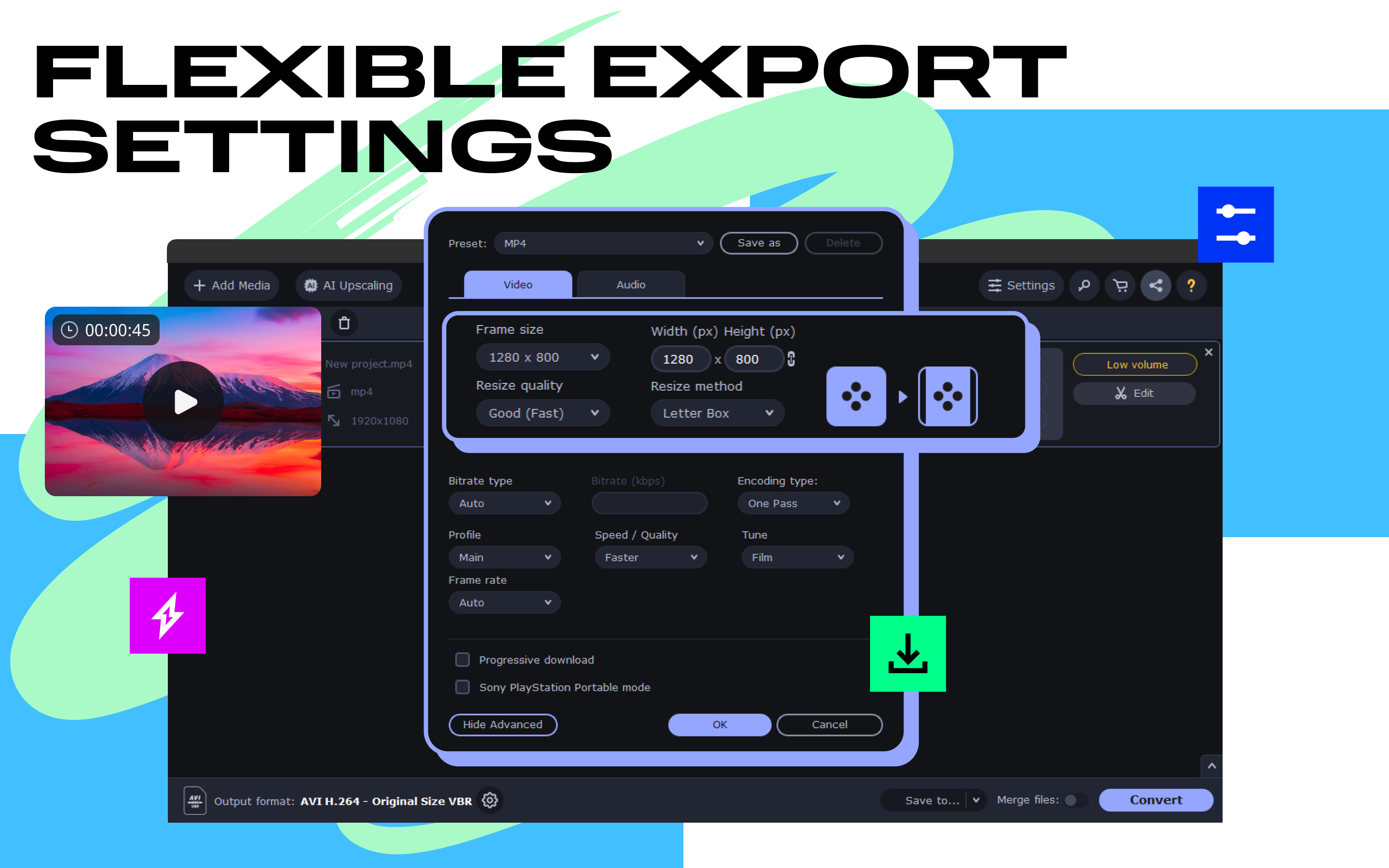
Beyond simple conversions, Movavi Video Converter provides audio extraction capabilities, enabling users to easily convert videos into high-quality MP3s or other audio formats—perfect for creating playlists or ringtones. Plus, advanced users will appreciate the adjustable parameters such as codecs, resolution, and bitrate, giving precise control over output quality. These features turn what could be a basic tool into a versatile multimedia assistant, ready to handle more complex projects.
Distinctive Advantages in a Crowded Market
What sets Movavi Video Converter apart from similar tools isn't just its compatibility but its focus on simplicity without sacrificing power. Unlike some apps that overwhelm with an abundance of options or require steep learning curves, Movavi strikes a fine balance—powerful yet user-friendly. Its unique ability to optimize videos specifically for various devices ensures that your content looks crystal-clear on any screen—big or small. Additionally, its batch processing feature is a notable differentiator, saving countless hours in preparing large video libraries.
Final Verdict and Recommendations
All things considered, I'd recommend Movavi Video Converter for Windows as a reliable, efficient, and accessible solution for everyday video needs. Whether you're a casual user looking to convert videos for social media, or someone who manages multimedia content regularly, this app delivers a solid performance with minimal hassle. While it might not have the most advanced editing features of specialized software, its focus on conversion speed and ease of use makes it a standout choice. For anyone seeking a straightforward, high-quality video conversion tool, this application is definitely worth a try.
Pros
- Fast Conversion Speed
- Wide Format Compatibility
- User-Friendly Interface
- Built-in Editing Tools
- Enhanced Output Quality
Cons
- Limited Free Version Features
- Occasional Conversion Failures
- Lack of Advanced Editing Tools
- Resource Intensive
- Limited Customization Options for Export Settings











