




- Name Movavi Slideshow Maker
- Category Photo & video
- Developer Movavi Software
- Available on PC
- OS Windows 10 version 0.0 or higher
- Memory 2 GB
- languages English, Russian, German, Italian, French, Spanish, Dutch, Portuguese, Polish, Turkish, Korean, Japanese, Chinese (Simplified), Chinese (Traditional Chinese)
Movavi Slideshow Maker for Windows: Unlocking Your Photos into Memorable Stories
If you've ever dreamed of transforming an ordinary collection of photos into a captivating slideshow that tells a story, Movavi Slideshow Maker offers a friendly, user-centric way to do just that. With its straightforward interface and powerful features, it bridges the gap between amateur creators and polished presentations, making video editing accessible to everyone.
About the Developer: Movavi Software
Developed by Movavi Software Limited, a reputable name in multimedia software, the application benefits from years of experience crafting user-friendly tools for digital creativity. Their focus on simplicity without sacrificing quality makes Movavi Slideshow Maker an attractive choice for casual users and budding videographers alike.
Key Features That Make a Difference
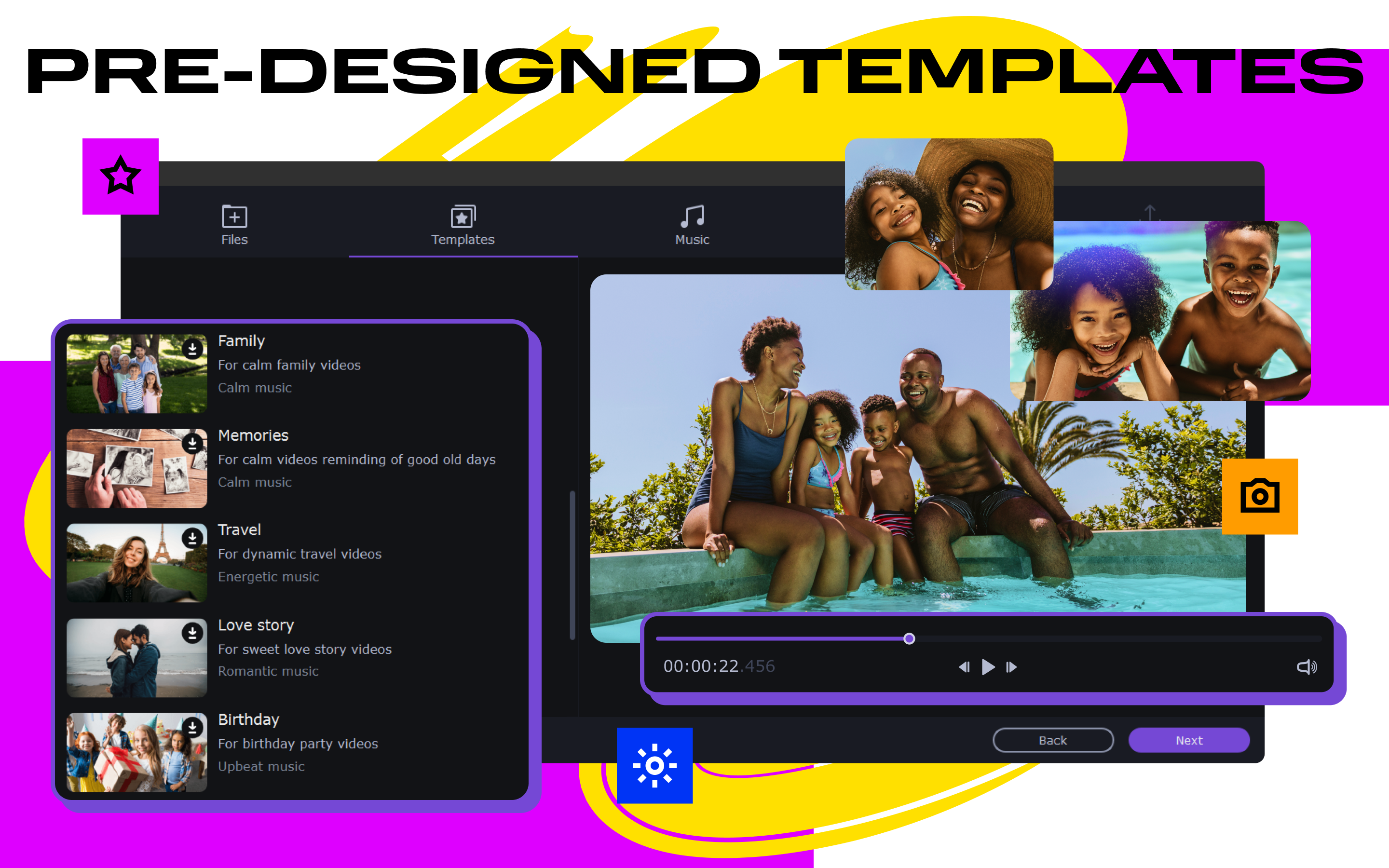
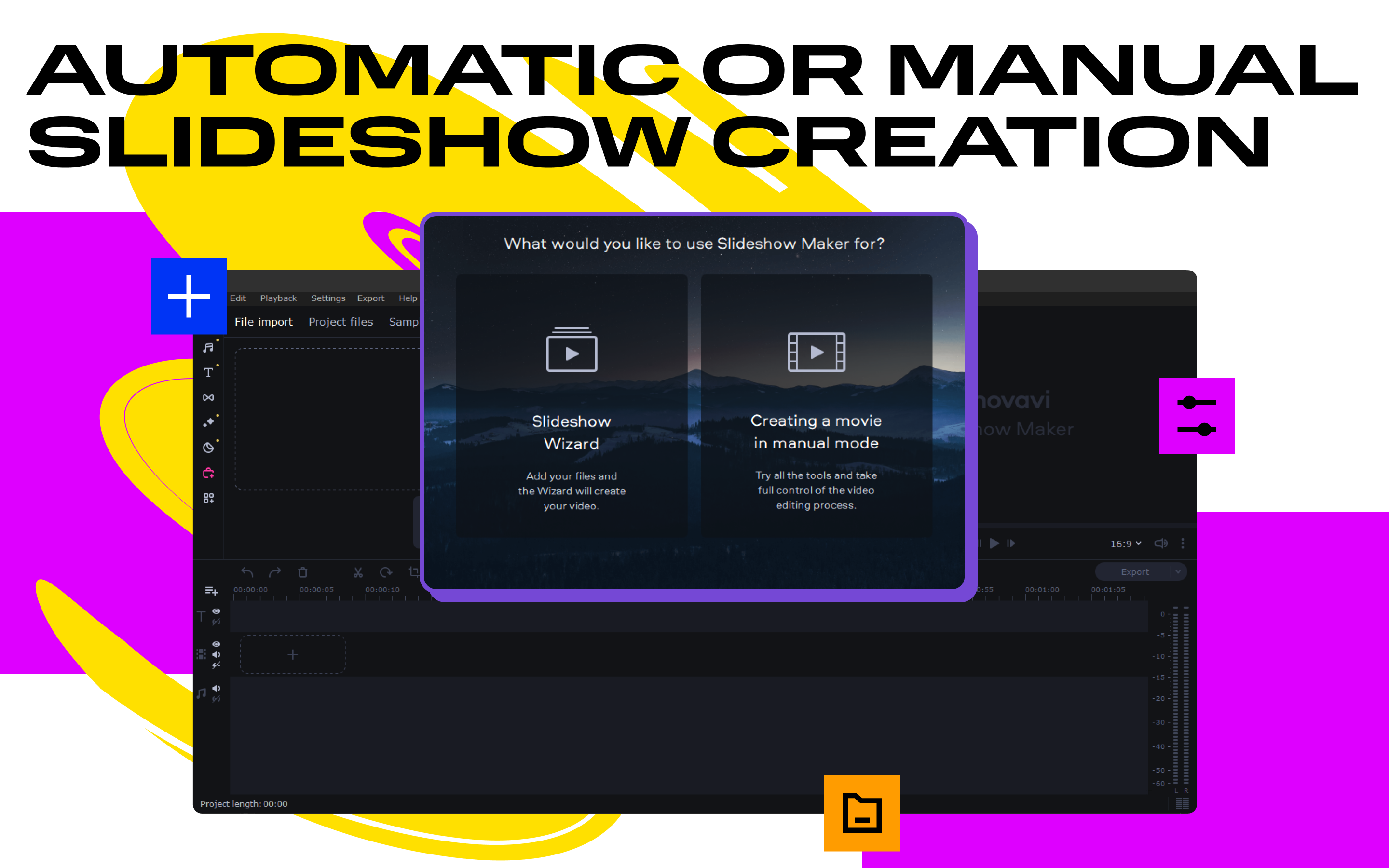
- Intuitive Drag-and-Drop Interface: Easy to import photos, music, and videos, allowing users to create slideshows effortlessly without prior editing experience.
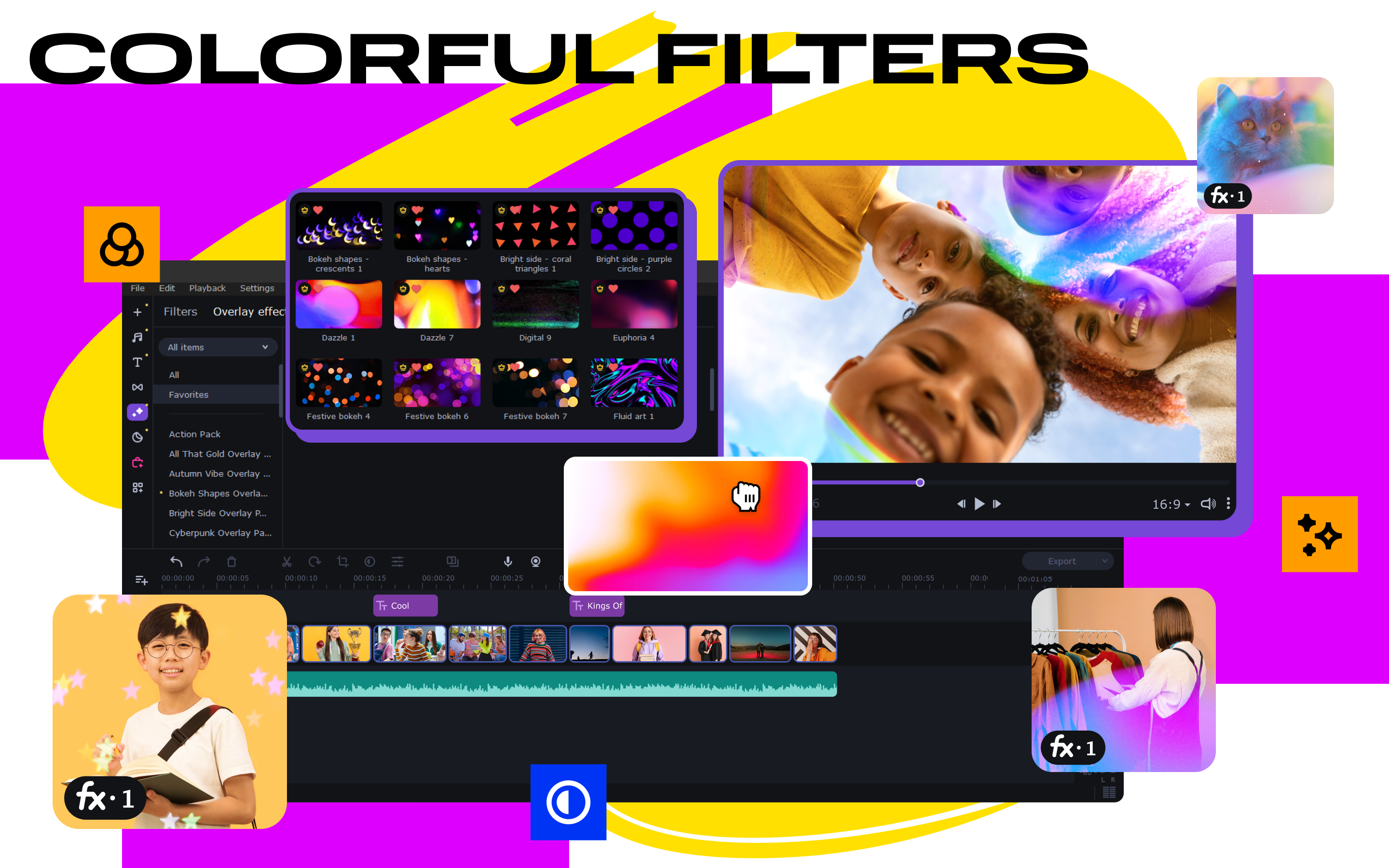
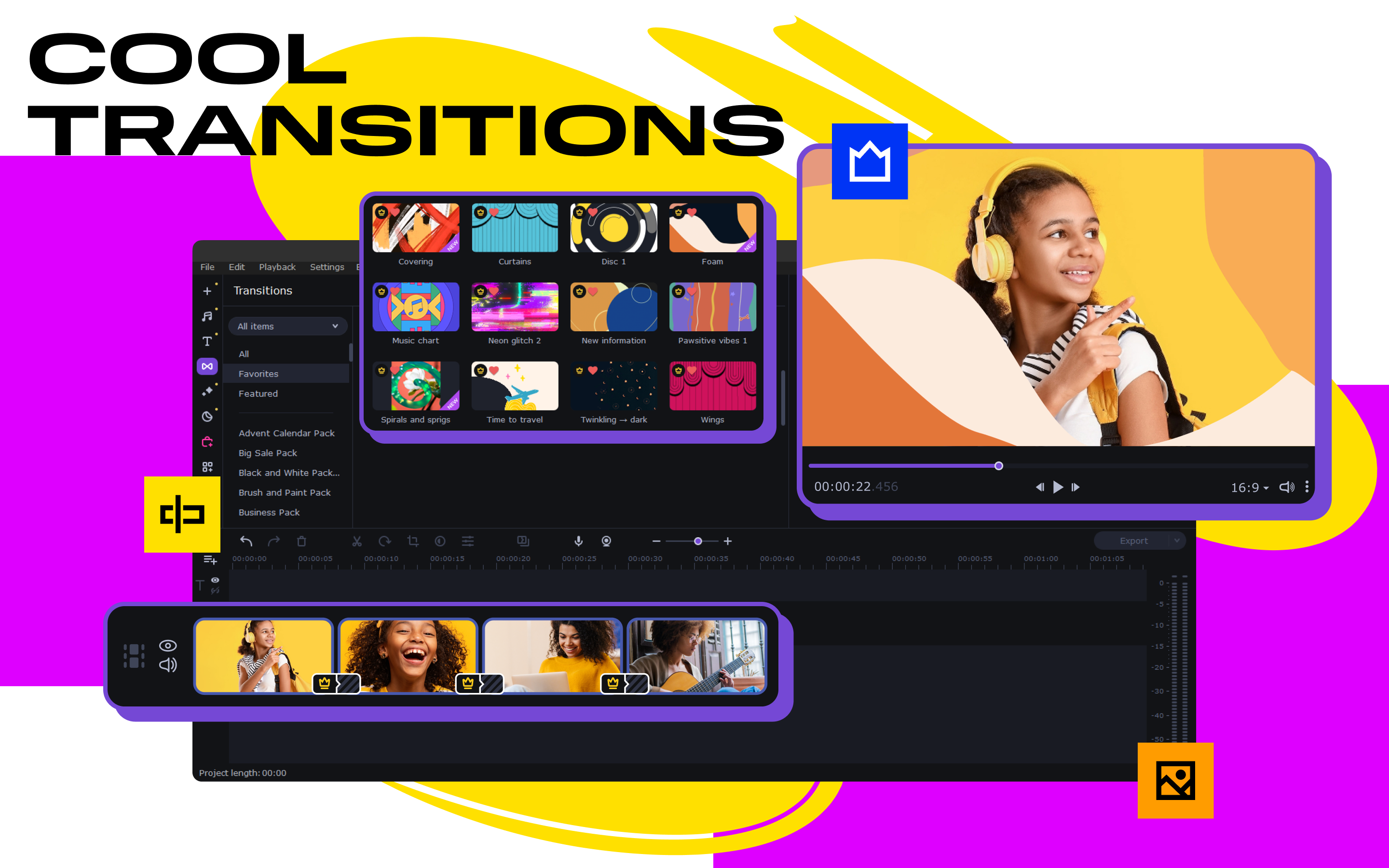
- Bespoke Transition and Animation Effects: Offers a rich library of transitions, filters, and animated text options to add flair and professionalism to your slides.
- Automatic Music Synchronization: Builds a cohesive storytelling experience by automatically aligning effects and transitions with background music.
- Export Versatility: Supports multiple formats and directly uploads to social media platforms, streamlining sharing your creations.
Vibrant and User-Friendly Interface with Smooth Operation
Imagine browsing through a well-organized photo album where each click feels natural and intuitive—that's how Movavi's interface feels. The modular layout is designed to guide you from importing your media to final export with minimal fuss. The timeline view is clean, allowing easy positioning of slides and effects. Its responsiveness is gratifying—dragging, dropping, and previewing operations are smooth, even with large media files. Setting up a project feels less like an obstacle course and more like painting on a digital canvas, inviting users to experiment and create without frustration.
Core Functionality: Making Your Photos Shine
Creating Dynamic Slideshows with Transitions and Effects
The heart of Movavi Slideshow Maker lies in its robust editing toolkit. You can craft seamless transitions between your images—be it classic fades, 3D flips, or creative zooms—all easily adjustable. Unique animated titles and filters allow for personalized touches that elevate your slideshow from simple to stunning. The ability to add movement and special effects gives your presentation a professional polish, reminiscent of high-end video editing software but accessible for beginners.
Music and Timing: Crafting the Perfect Rhythm
Music is the heartbeat of any good slideshow. Movavi simplifies the process with its auto-sync feature, which carefully aligns scene changes to the beat of your chosen soundtrack. This synchronization ensures your story flows naturally and catches the viewer's attention. You also have control over trimming music tracks, adjusting volume, or overlaying multiple soundtracks, allowing for nuanced storytelling that resonates emotionally, like a personal soundtrack to your memories.
Distinctive Strengths: Standing Out in a Crowded Field
Compared to other photo and video editing tools, Movavi Slideshow Maker's standout features include its balance of simplicity and creative depth, especially its automatic synchronization and transition effects that are both easy to apply and customizable. Unlike more complex editors that intimidate beginners, Movavi offers a gentle learning curve while still enabling users to produce polished results. This focus on user experience, combined with a generous library of effects, makes it a unique blend that caters to casual hobbyists and semi-professionals alike.
Final Verdict & Recommendations
Overall, Movavi Slideshow Maker for Windows is a dependable, user-friendly option for those looking to turn their digital memories into compelling visual stories. Its most remarkable feature—automatic music synchronization paired with charming transition effects—sets it apart from many competitors.
For casual users wanting quick, professional-looking slideshows or educators preparing engaging visual content, this app is highly recommended. While it may lack some advanced editing capabilities found in high-end professional tools, its straightforward approach saves time and reduces frustration, making it an excellent choice for beginners and hobbyists. If you're seeking a dependable, approachable slideshow creator that doesn't compromise on visual appeal, Movavi Slideshow Maker deserves a spot in your digital toolkit.
Pros
- Intuitive User Interface
- Extensive Transition Effects
- Fast Rendering Speed
- Built-in Music and Text Options
- Cross-Platform Compatibility
Cons
- Limited Export Formats
- Occasional Crashes on Large Files
- Basic Editing Features Only
- Watermark in Free Version
- Limited Export Settings Customization











