- Name Minecraft Education Preview
- Category Education
- Developer Mojang/Microsoft Studios
- Available on PC
- OS Windows 10 version 16299.0 or higher
- languages English (United States)
Discover the Future of Learning with Minecraft Education Preview for Windows
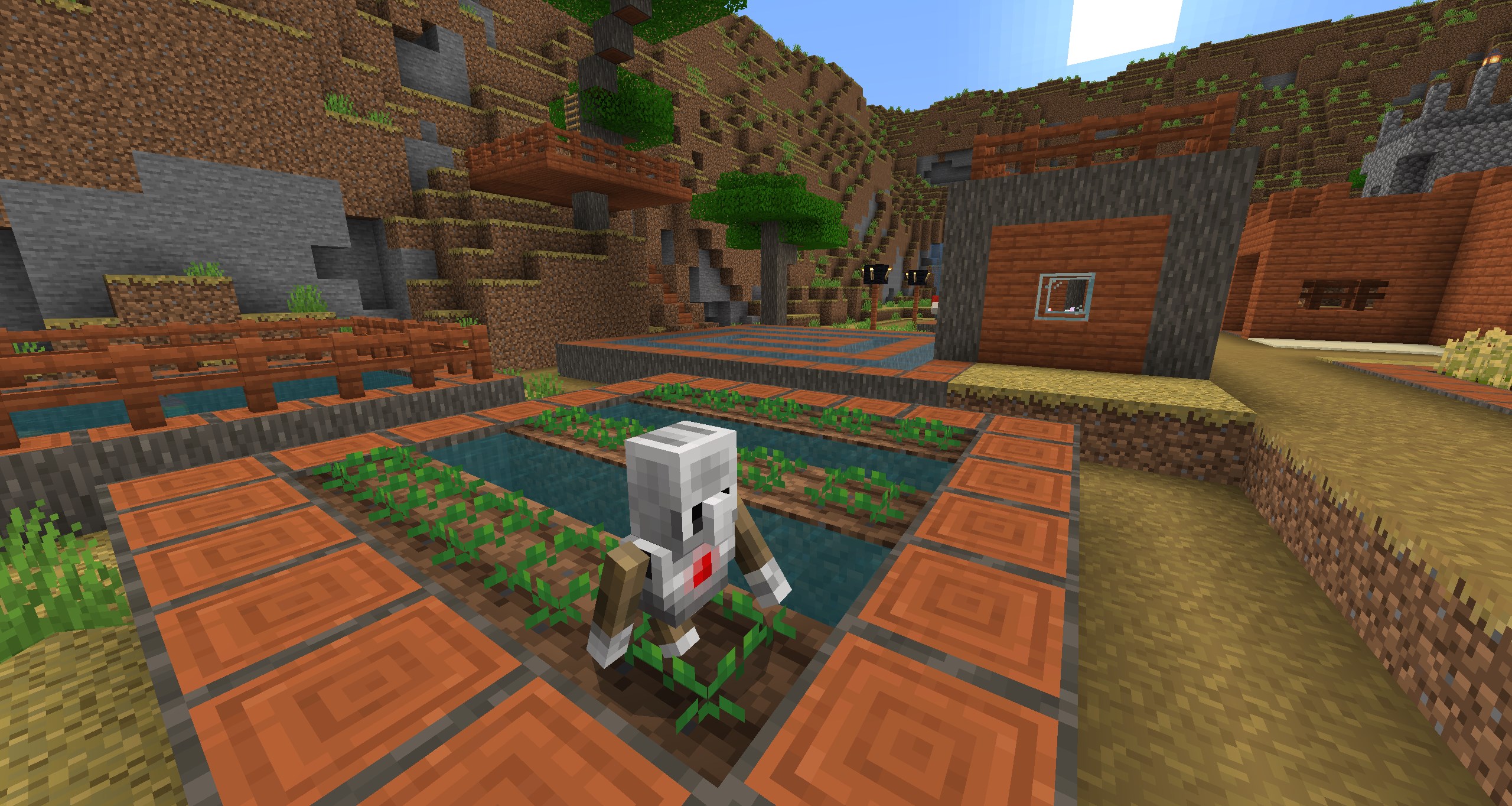
Imagine a classroom where creativity, curiosity, and collaboration collide—Minecraft Education Preview for Windows invites students and educators alike into a limitless digital playground designed to transform traditional lessons into engaging adventures. With its familiar blocky universe, this app aims to make education both fun and impactful.
Developed by Industry Leaders: Mojang and Microsoft Studios
Created collaboratively by Mojang, the original masterminds behind Minecraft, and Microsoft Studios, this preview version leverages years of gaming innovation fused with educational expertise. The combined effort ensures a product tailored specifically for classroom environments, emphasizing interactive learning and personalized engagement.
Key Features That Make Education Count
- Interactive Lesson Integration: Teachers can craft customized lessons within Minecraft Education, embedding curriculum standards directly into the game environment, turning learning objectives into fun quests or challenges.
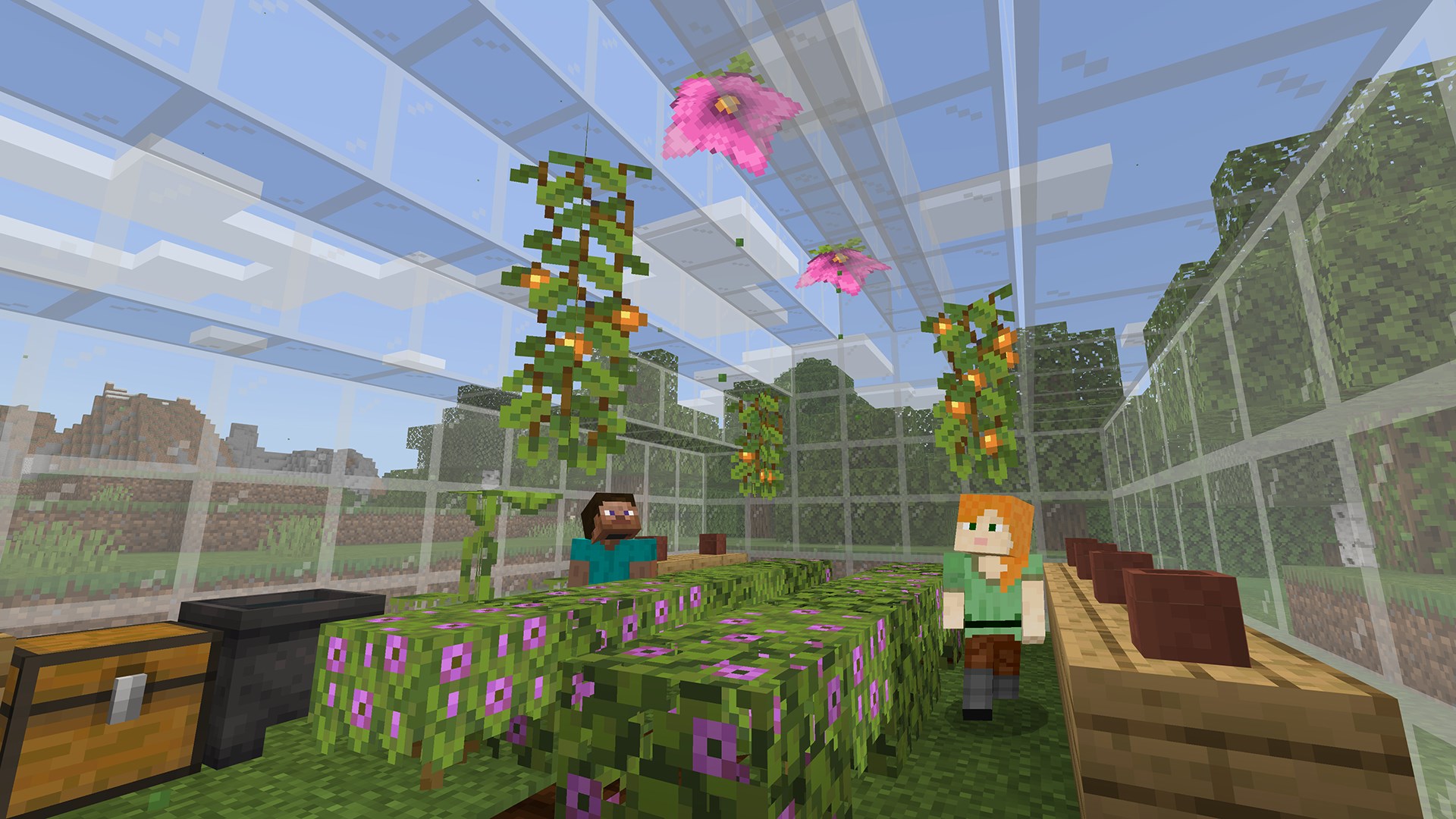
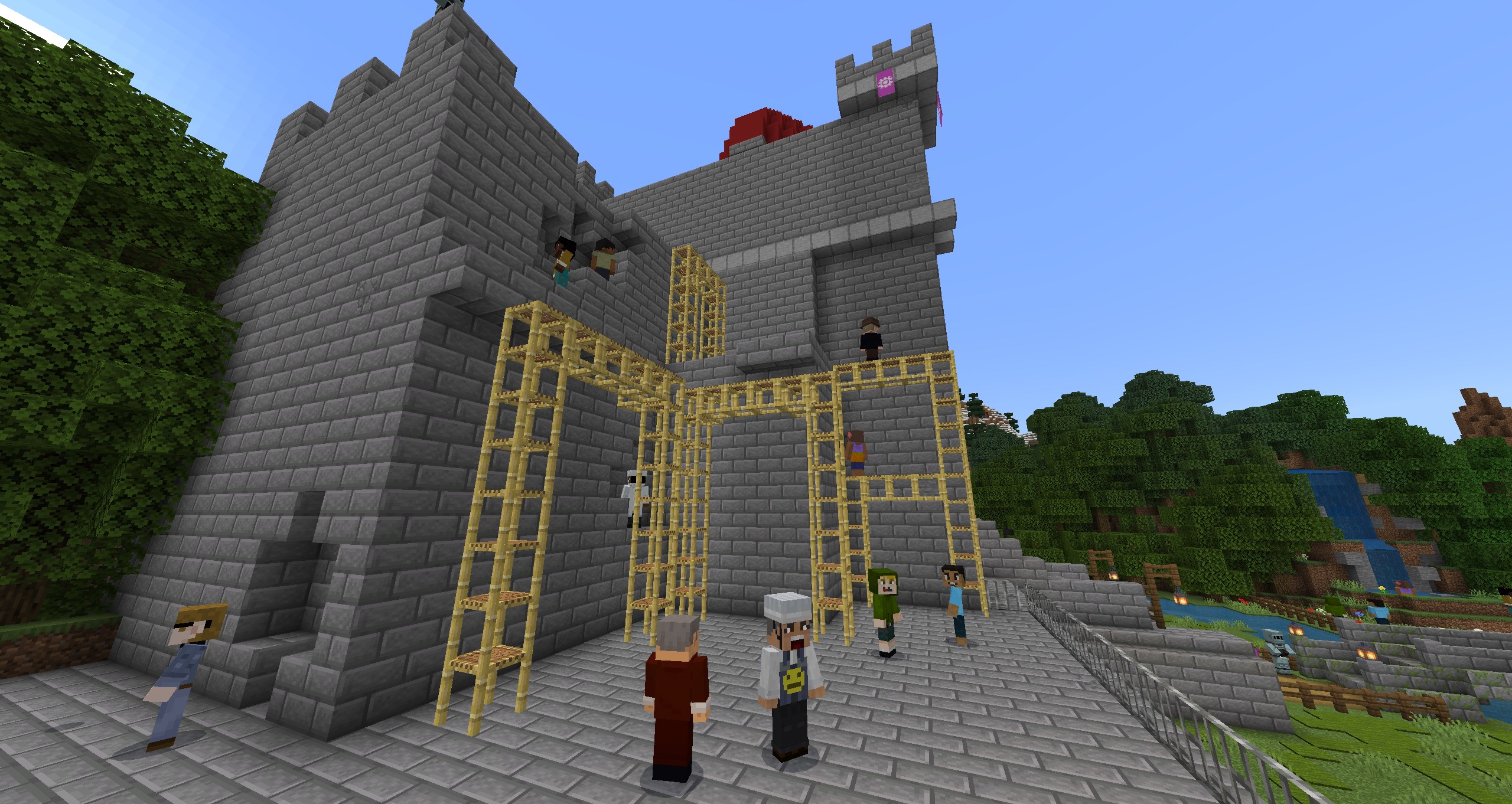
- Collaborative Multiplayer Experience: Students can work together, build projects, and solve problems in real-time, fostering teamwork and communication skills in a digital space that feels both familiar and inspiring.
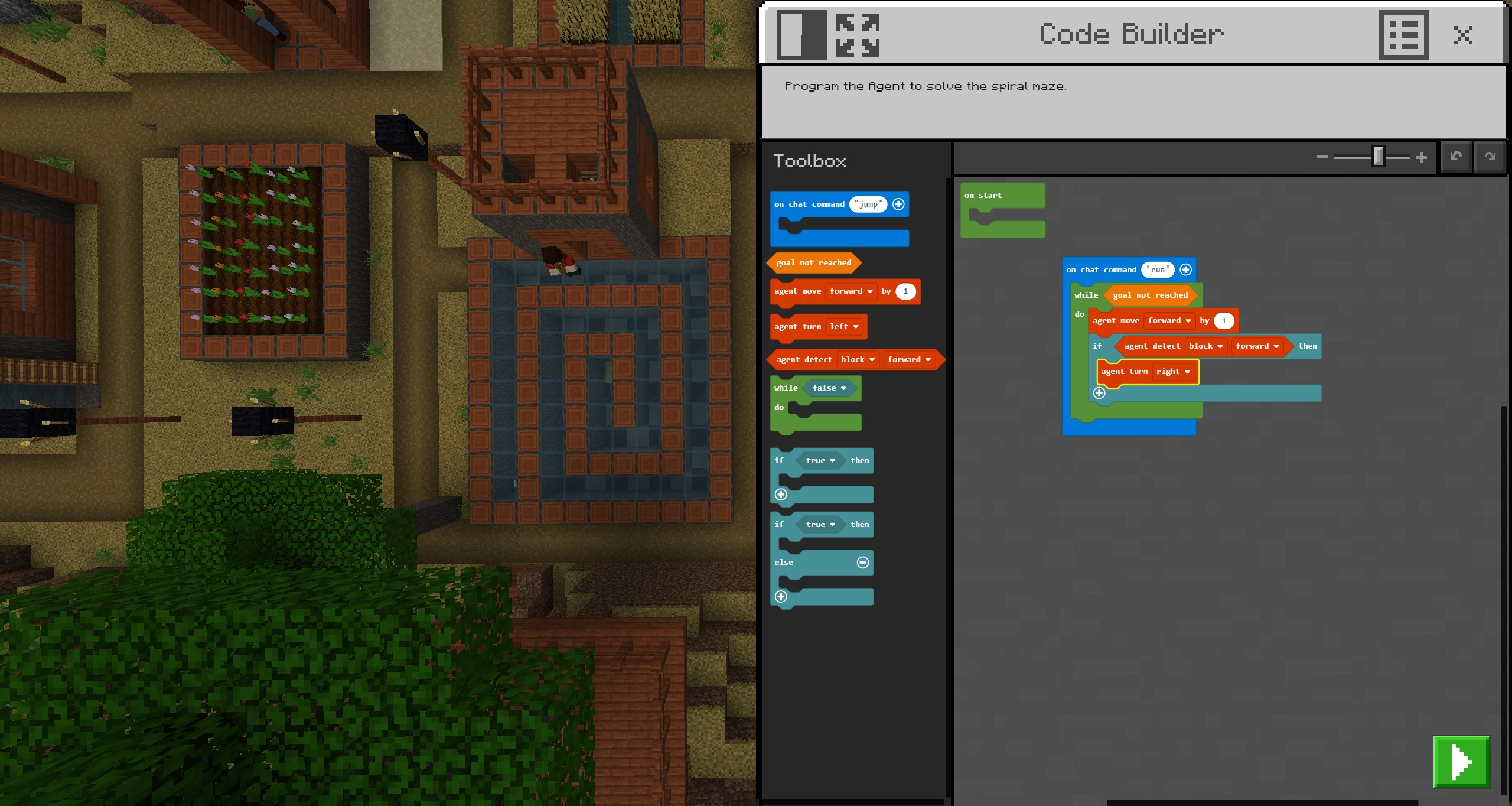
- Code Builder and STEM Tools: The app includes built-in coding features and STEM-focused activities, empowering students to learn programming concepts through hands-on, gamified tasks.
- Content Accuracy & Authority: Given its backing by Microsoft and Mojang, the content maintains a high standard of accuracy, ensuring educational integrity. This integration elevates Minecraft from just a game to a trusted platform for learning.
Immersive Experience: User Interface and Usability
The interface of Minecraft Education Preview remains intuitively similar to the consumer version of Minecraft, which is a double-edged sword. On one hand, it provides a familiar canvas for students already acquainted with the game; on the other, it demands a learning curve for teachers and newcomers. However, overall, the app's design is sleek, with clear menus and accessible controls that support seamless navigation. The performance—marked by smooth rendering and minimal lag—ensures that the focus stays on learning rather than technical hiccups.
The onboarding process offers helpful tutorials, easing users into its features efficiently. Whether it's setting up a classroom or designing a lesson plan, the app handles complexity gracefully, making advanced educational activities accessible without requiring extensive training.
What Sets It Apart from Other Educational Apps?
While numerous educational platforms strive to deliver content accuracy and adaptive learning, Minecraft Education Preview champions a unique approach through its content personalization and interactive environment. Unlike traditional apps that rely heavily on static modules, this application transforms learning into an **active construction process**—students are not passive recipients but creators of their knowledge.
The game's inherent versatility, combined with tools like Content Creator Mode, allows educators to craft tailored experiences, making lessons highly relevant and culturally responsive. Furthermore, its ability to facilitate personalized learning paths—where students can explore topics at their own pace—elevates the platform from general ed apps to an immersive, student-centered learning ecosystem.
Our Verdict: Is It Worth Giving a Try?
Definitely. Minecraft Education Preview for Windows stands out as a well-rounded educational tool that balances engaging gameplay with pedagogical rigor. Its core strength lies in transforming classroom interactions into lively, shared experiences—making learning feel less like a chore and more like an adventure. If your goal is a flexible, powerful platform that encourages creativity, collaboration, and critical thinking, this preview deserves serious consideration.
We recommend educators to start with curated lesson plans and explore its coding functionalities to unlock its full potential. For students, especially those with a penchant for gaming, this app offers a natural extension of their favorite pastime—turned into a meaningful journey of discovery.
Pros
- Intuitive classroom-friendly interface
- Extensive library of educational resources
- Real-time collaboration features
- Integration with Microsoft tools
- Customizable worlds for diverse lessons
Cons
- Occasional performance lag on lower-spec devices
- Limited offline functionality
- Steep learning curve for new users
- Some advanced features require premium or additional subscriptions
- Limited multilingual support currently