


- Name Microsoft Clipchamp
- Category Photo & video
- Developer Microsoft Corporation
- Available on PC
- OS Windows 10 version 18362.0 or higher
- Memory Not specified
- languages Afrikaans, Albanian, Amharic, Arabic, Armenian, Assamese, Azerbaijani, Bangla (India), Basque, Bosnian (Latin, Bosnia and Herzegovina), Bulgarian, Catalan, Chinese (Simplified), Chinese (Traditional), Croatian, Czech, Danish, Dutch, English (United Kingdom), English (United States), Estonian, Filipino, Finnish, French, French (Canada), Galician , Georgian, German, Greek, Gujarati, Hebrew, Hindi, Hungarian, Icelandic, Indonesian, Irish, Italian, Japanese, Kannada, Kazakh, Khmer, Konkani, Korean , Lao, Latvian, Lithuanian, Luxembourgish, Macedonian, Malay, Malayalam, Maltese, Maori, Marathi, Nepali, Norwegian (Bokmål), Odia, Persian, Polish , Portuguese (Brazil), Portuguese (Portugal), Punjabi (India), Quechua, Romanian, Russian, Scottish Gaelic, Serbian, Serbian (Cyrillic, Bosnia and Herzegovina), Serbian (Latin, Serbia), Slovak, Slovenian (Slovenia), Spanish (Mexico), Spanish (Spain), Swedish, Tamil, Tatar, Telugu, Thai, Turkish, Ukrainian, Urdu, Uyghur, Uzbek, Valencian, Vietnamese, Welsh
Introducing Microsoft Clipchamp for Windows
Microsoft Clipchamp for Windows is a versatile, user-friendly video editing app designed to empower both beginners and semi-professionals to craft engaging videos effortlessly.
About the Developer
Developed and published by Microsoft Corporation, Clipchamp benefits from the company's extensive experience in software engineering and user-centered design, ensuring a stable and regularly updated platform for video editing enthusiasts.
Key Features That Stand Out
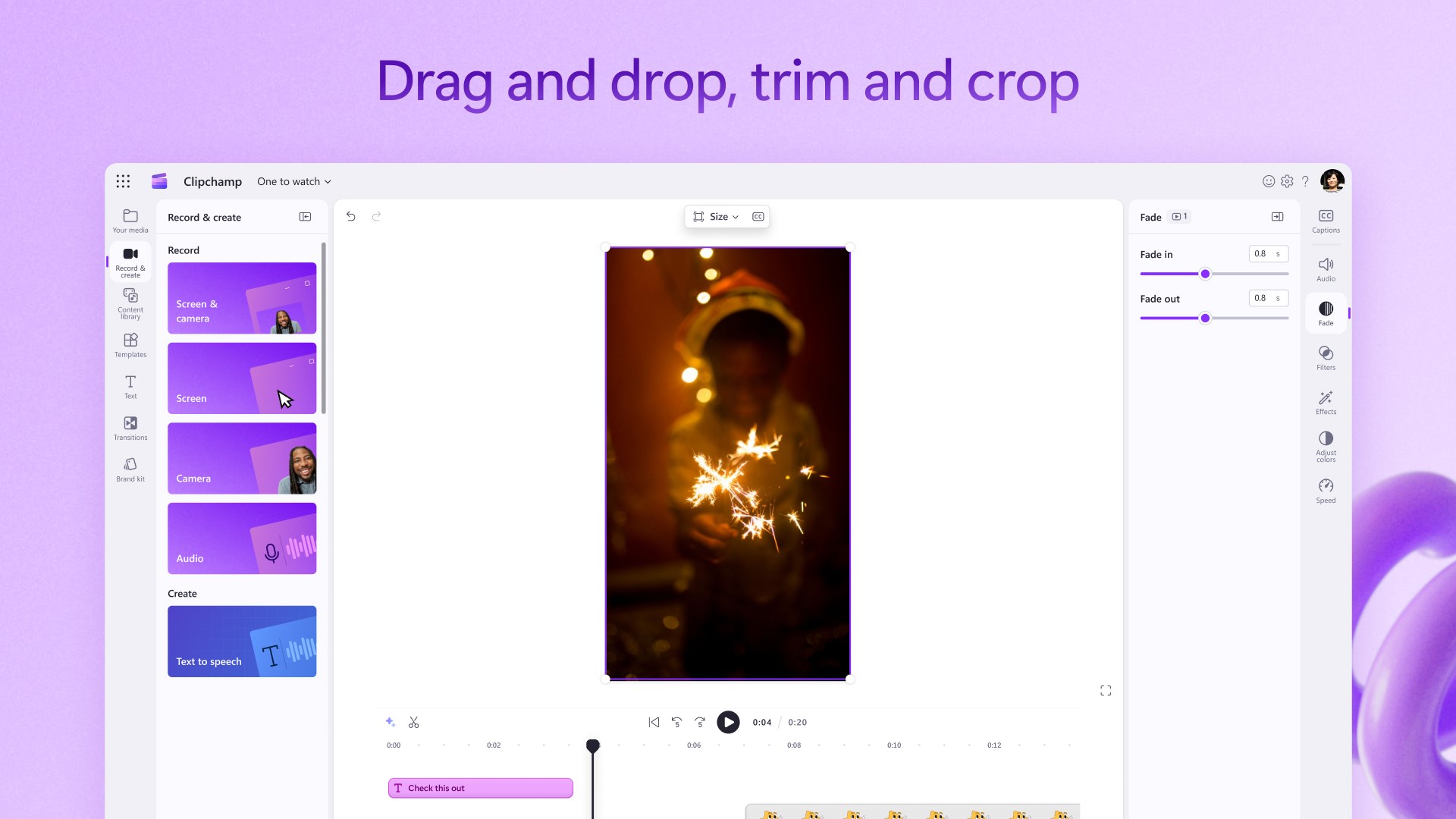
- Intuitive Drag-and-Drop Interface: Simplifies the editing process, making it accessible even for newcomers.
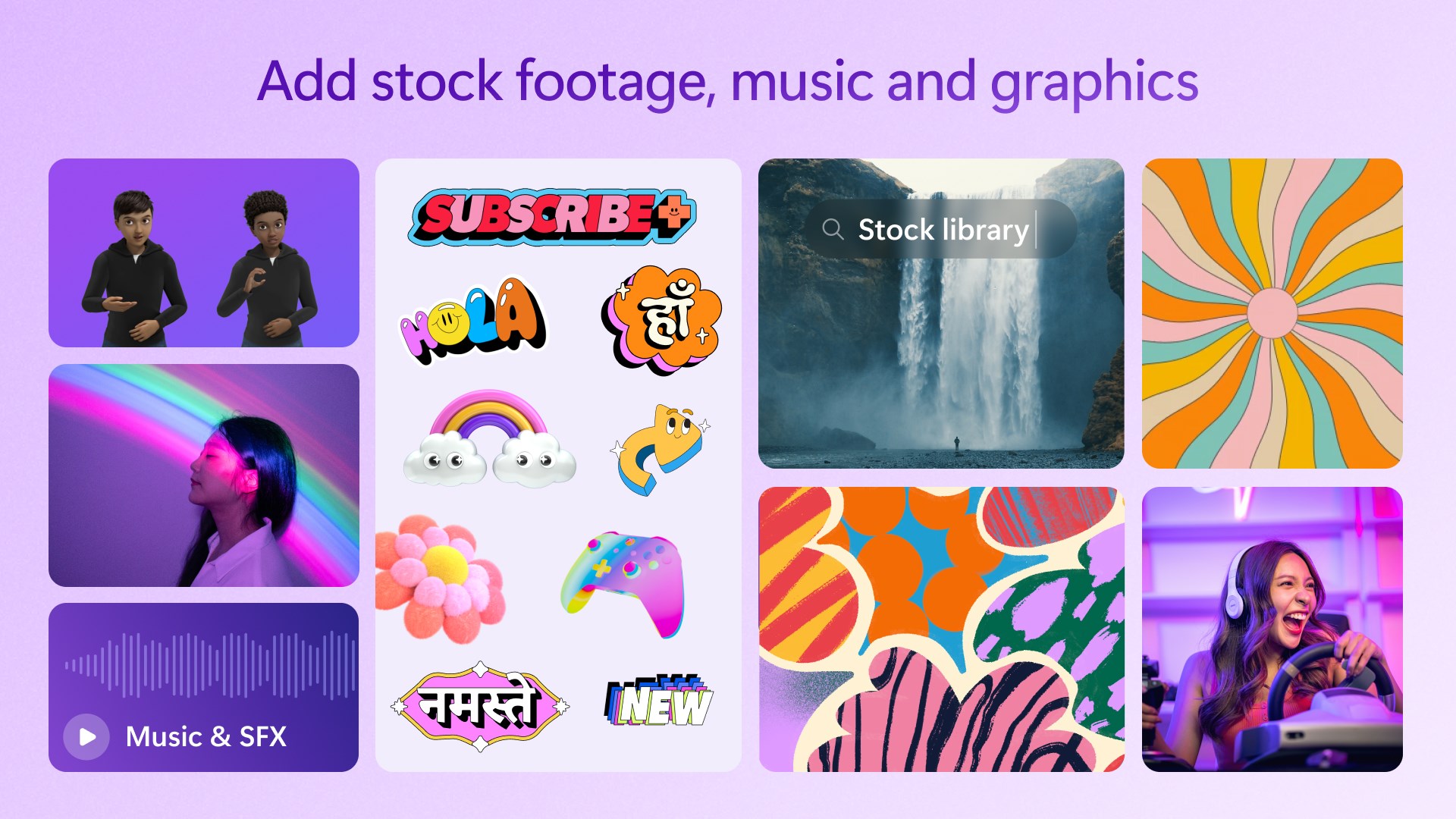
- Built-in Stock Assets: Offers a library of stock videos, images, and audio to enrich projects without leaving the app.
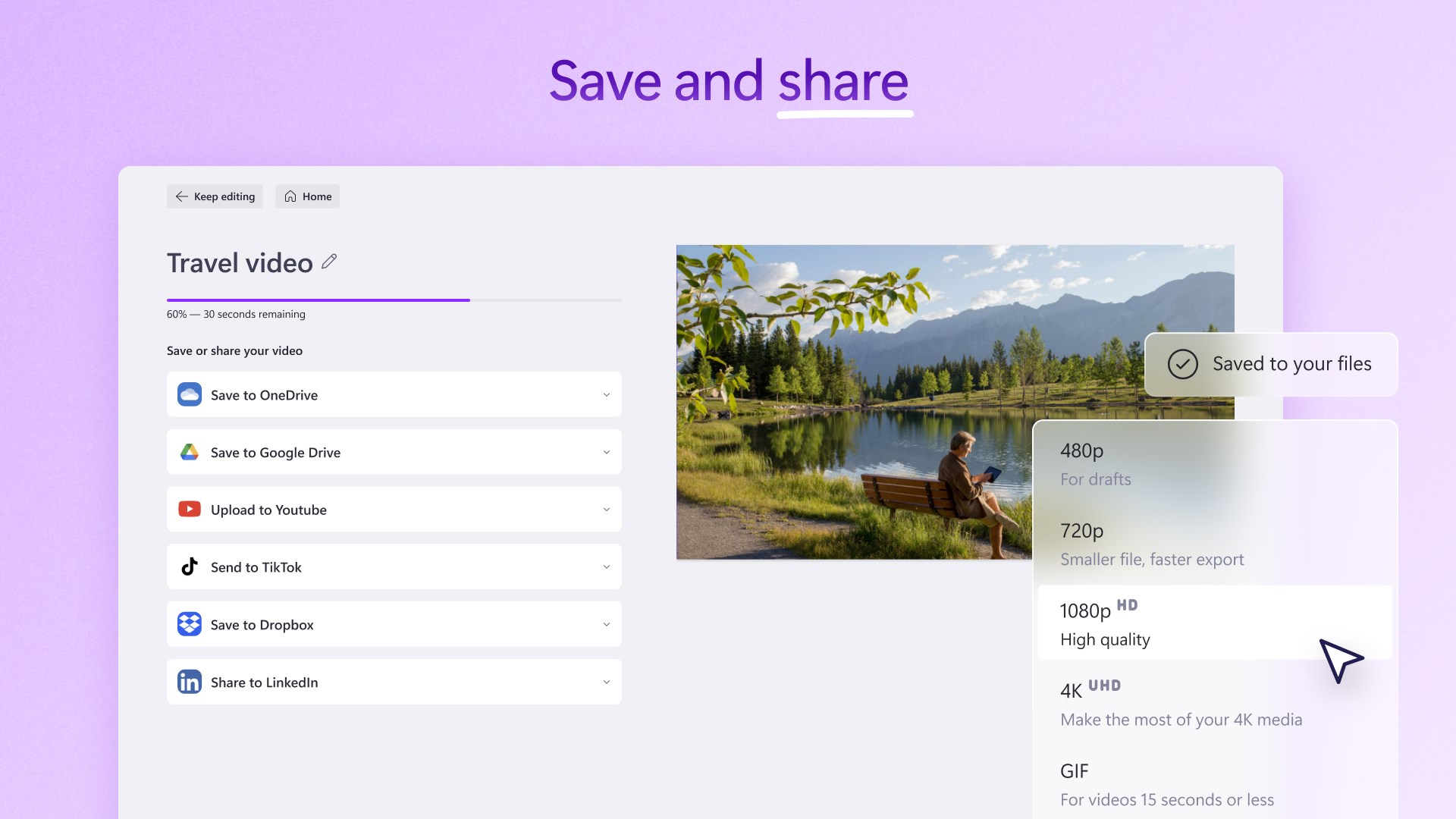
- Easy Export and Sharing Options: Supports multiple resolution outputs and direct sharing to social media platforms.
- Cloud Integration: Seamless integration with Microsoft 365 ensures quick access to files and collaborative workflows.
Engaging User Experience and Interface Design
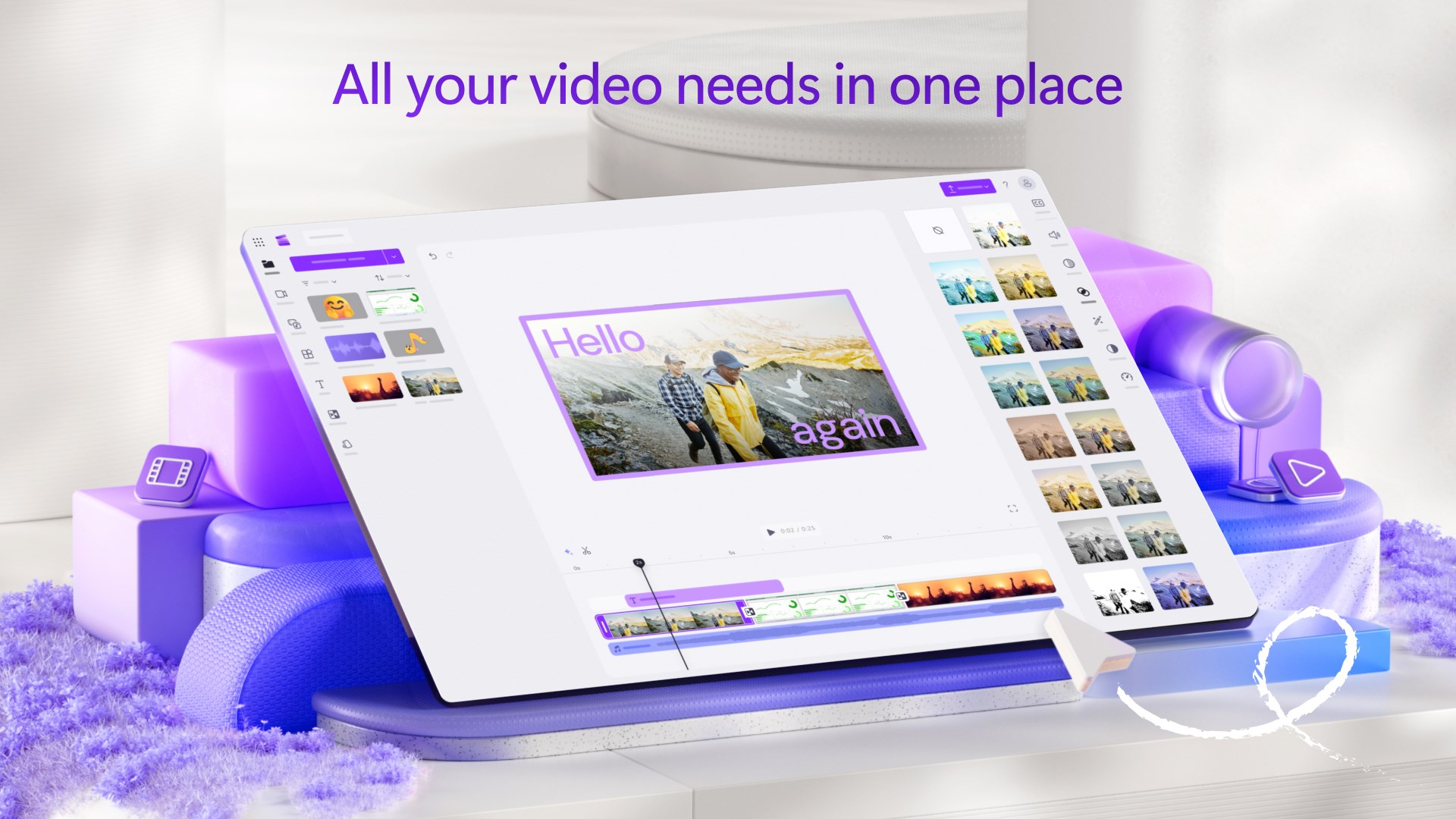
Picture a sleek, modern workspace with a minimalistic design—Clipchamp's interface does just that. Bright, clean panels with logically organized tools make navigation feel like a stroll in a well-maintained park. The layout is thoughtfully crafted, allowing users to focus on their creative flow rather than wrestling with confusing menus. From the moment you launch the app, responsiveness is noticeable—orders of magnitude smoother than some legacy editors. Whether you're dragging clips onto the timeline or adjusting audio levels, everything happens seamlessly, making the editing process feel like a well-choreographed dance.
Learning curves are gentle; new users can pick up basic editing within minutes, while those seeking deeper features will find comprehensive controls accessible without clutter. The video tutorial overlays and real-time previews help beginners get started without frustration, while advanced options satisfy power users seeking precision editing.
Core Functionality Deep Dive
Powerful, User-Friendly Editing Tools
One of Clipchamp's most distinctive capabilities is its intuitive editing suite. Cutting, trimming, and arranging clips are as straightforward as snapping puzzle pieces together. The app's smart timeline automatically aligns clips to transitions and effects, reducing the effort needed to produce polished results. Plus, integrated features like green screen effects and slow-motion editing are surprisingly accessible—clouded in straightforward menus rather than intimidating complexity, making it perfect for those just starting out or creating social media content.
Rich Media Library and Creative Resources
Clipchamp's built-in stock library is a game-changer—imagine having a treasure chest of high-quality assets at your fingertips. This feature makes it incredibly easy to elevate videos without sourcing assets elsewhere. For example, if you're making a quick promotional clip, you can browse through royalty-free music, trendy intro templates, or animated transitions that seamlessly fit your narrative. These assets are well-curated, helping users produce professional-looking videos in less time.
Comparative Edge and Final Recommendations
Compared to traditional desktop editors like Adobe Premiere Pro or Davinci Resolve, Clipchamp excels in ease of use and quick startup—it's akin to a reliable set of training wheels that support your journey into video editing. Unlike more complex programs that demand a steep learning curve, Clipchamp specializes in delivering quick results with minimal fuss, making it ideal for educators, small business owners, and social media creators.
Its cloud integration and collaboration features set it apart from standalone editors, allowing teams to work on projects remotely and share assets effortlessly. While it might not have all the advanced color grading or audio post-production tools of high-end editors, its focus on accessibility and speed makes it a compelling choice for everyday editing needs.
In conclusion, I would recommend Microsoft Clipchamp for Windows to anyone looking for a straightforward, yet capable video editing solution. It's especially suitable for quick projects, social media content, and collaborative efforts—think of it as your trusty creative sidekick that doesn't demand hours of learning but still delivers impressive results. For those ready to dip their toes into video editing without being overwhelmed, Clipchamp is worth exploring.
Pros
- Intuitive user interface
- Wide range of editing tools
- Cloud sync and accessibility
- Free version available
- Export options and social media sharing
Cons
- Limited advanced features in free version
- Occasional stability issues
- Export quality restrictions in free version
- Limited audio editing capabilities
- Some features are still in development











