


- Name Media Player
- Category Photo & video
- Available on PC, Mobile, Surface Hub, HoloLens
- OS Windows 10 version 16299.0 or higher
- languages Chinese (Simplified), Chinese (Traditional, Hong Kong SAR), English, English (United States), French, German, Italian, Japanese, Korean, Polish, Portuguese, Russian, Spanish, Turkish, Ukrainian
A Clear View into Media Player for Windows: Your Versatile Media Companion
Media Player for Windows, developed by Yellow Elephant Productions, is a sleek and user-friendly media playback application designed to bring your audio and video experiences to life. Whether you're a casual listener or a dedicated cinephile, this app aims to simplify media management while offering a few unique features that set it apart from typical media players.
Core Features That Shine Bright
Rich Format Support and Customization
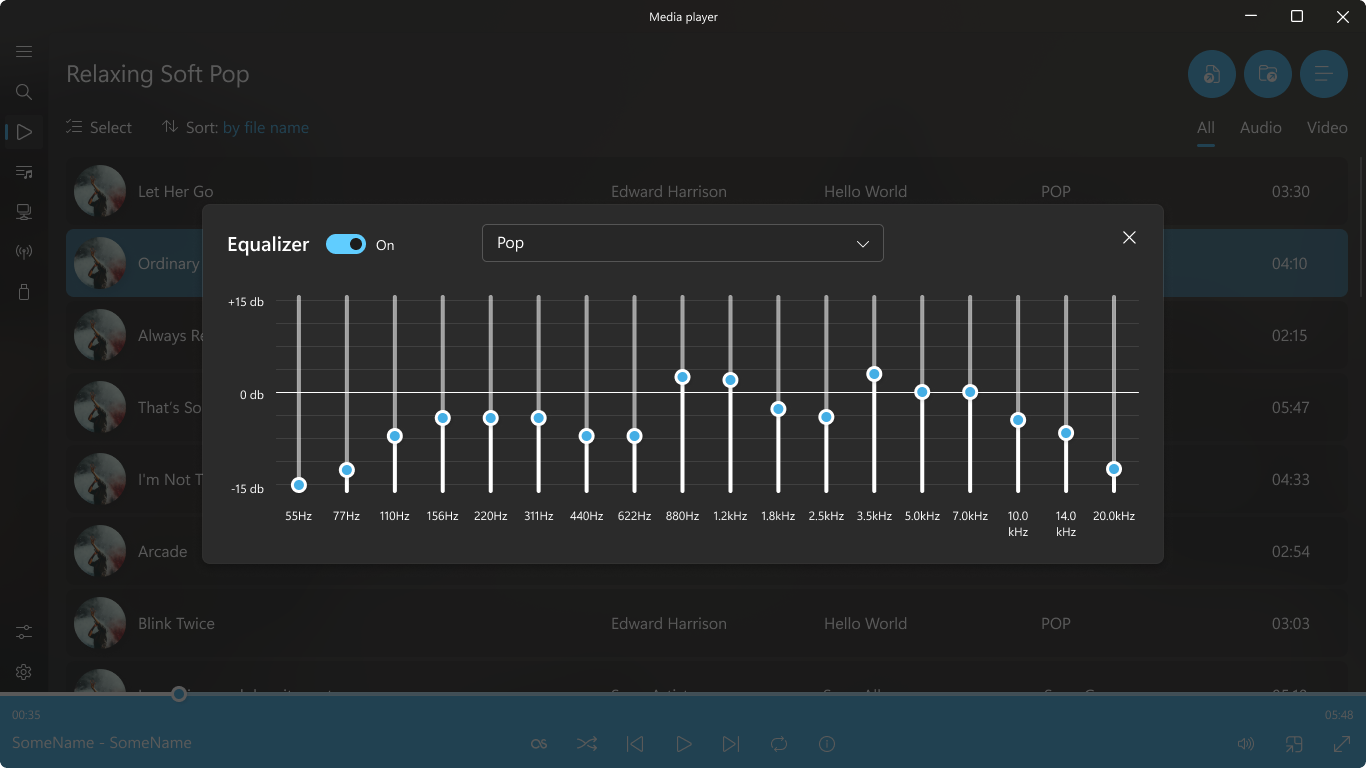
Media Player for Windows boasts broad codec compatibility, allowing it to natively open a wide array of media formats without the need for cumbersome external codecs. This means no more frustration over unsupported files. Additionally, the app offers customizable themes and layout options, letting users tailor the interface to their personal aesthetic—whether you prefer a dark, sleek look or something brighter and more playful.
Intuitive Navigation and User-Friendly Interface
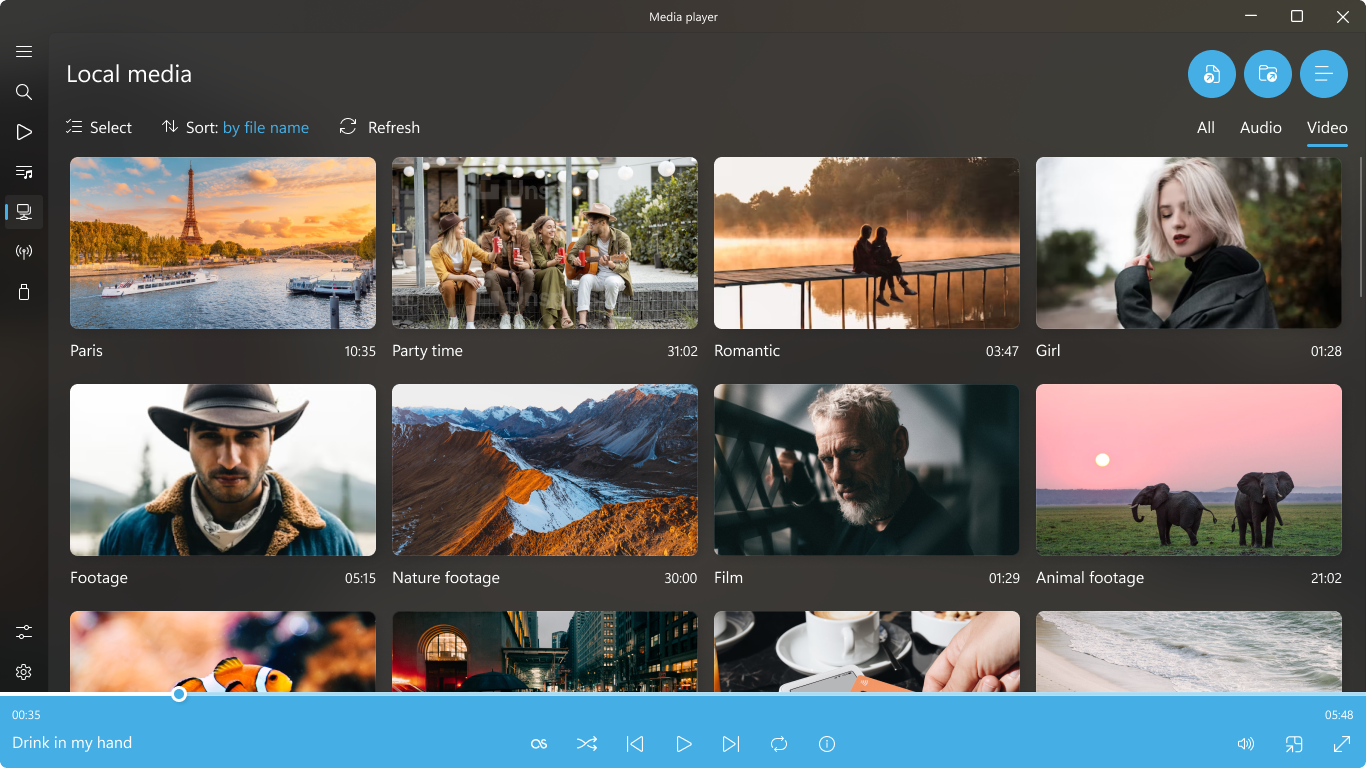
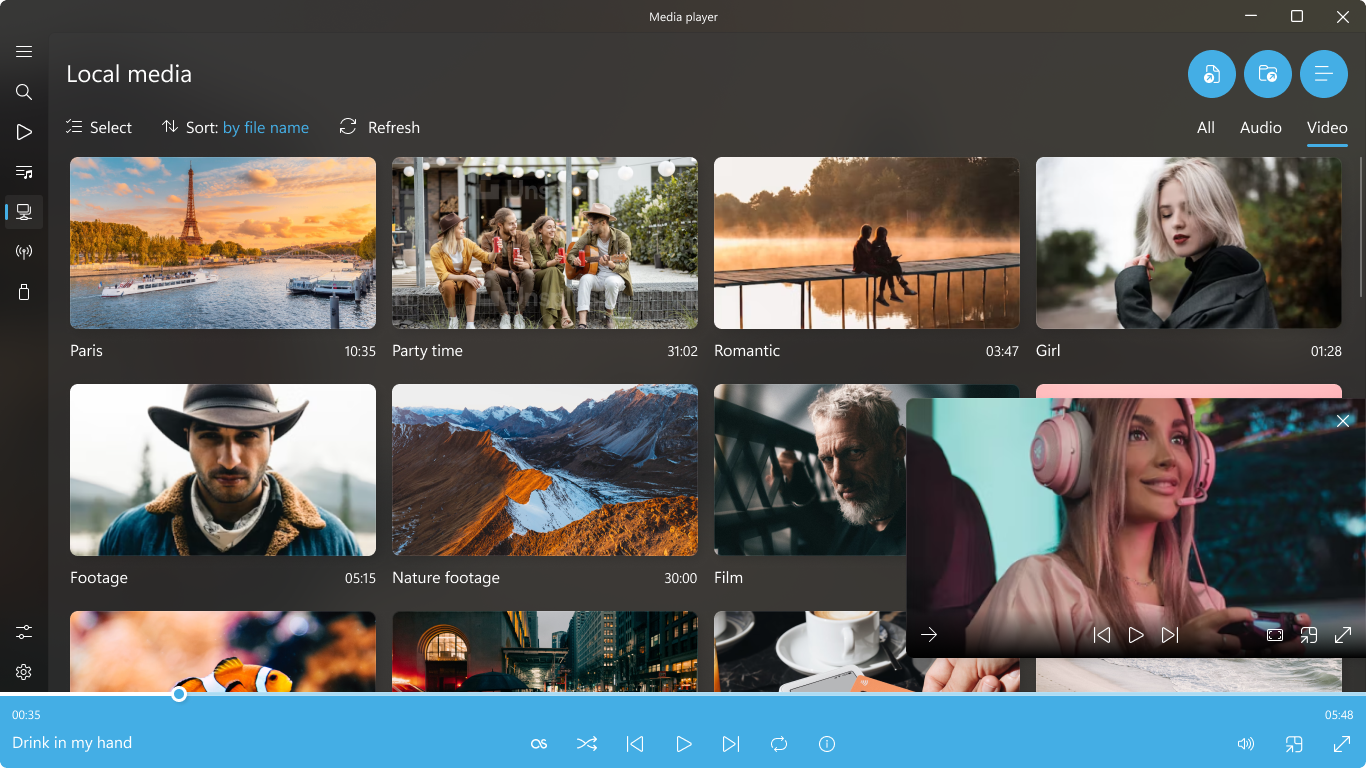
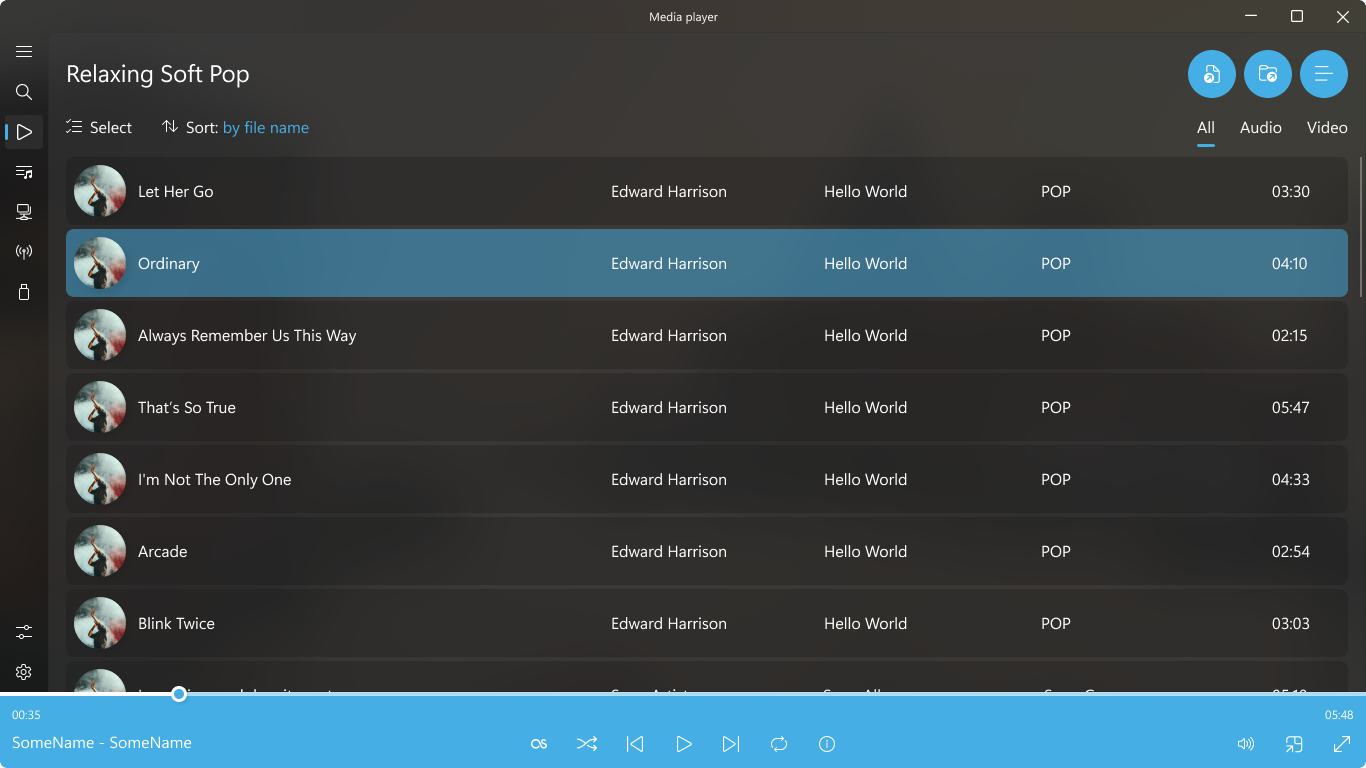
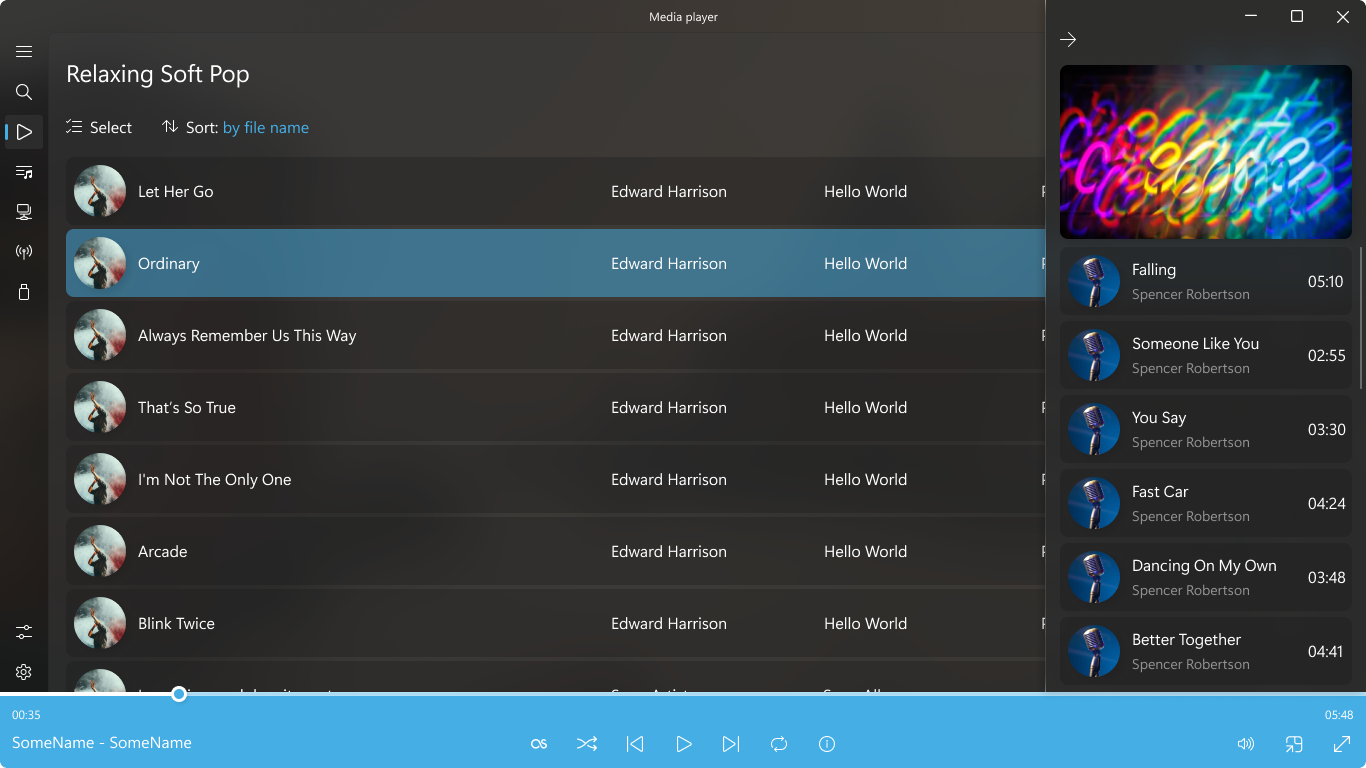
The app sports a clean, modern interface that's both inviting and straightforward. Think of it as a well-organized media library in your pocket: simple enough for tech newbies yet packed with enough features for seasoned media enthusiasts. With minimal learning curve, users can organize playlists, navigate folders, and switch between media types efficiently, making every session smooth and hassle-free.
Smart Playback and Media Management
Among its standout features is smart playback control—buffer management, seamless transitions, and adjustable playback speed. Plus, the app includes playlist creation with drag-and-drop simplicity and a media library that auto-updates as you add new files. These features work together to create a seamless media experience, whether you're binge-watching a series or compiling a playlist for a party.
Design, Usability, and User Experience: Feeling Right at Home
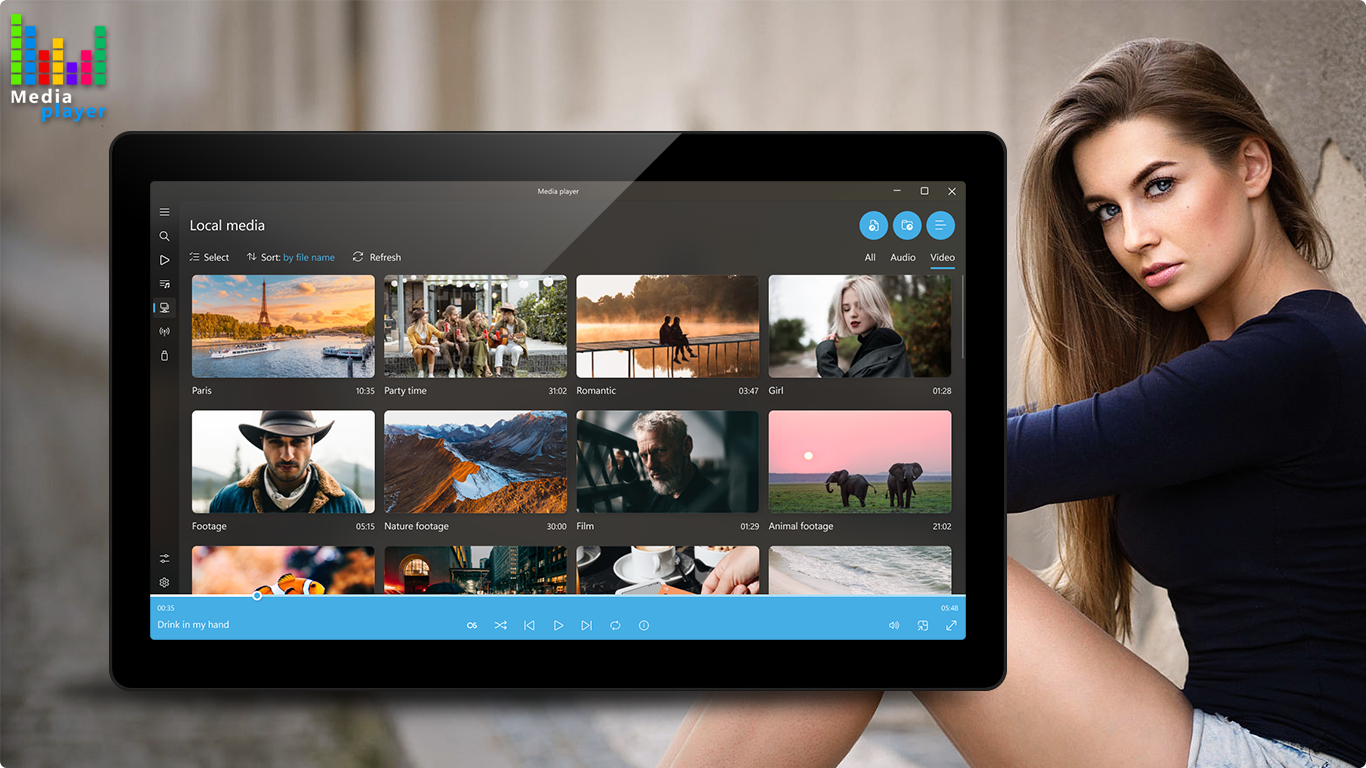
The interface design resonates with clarity and minimalism, making it feel like flipping through a well-organized digital media shelf. Operating the app is smooth; transitions are swift, and controls respond quickly, which is essential for maintaining immersion, whether you're seeking a quick song or a long film. The learning curve is gentle—most users can get started within minutes, thanks to intuitive icons and clear labels.
Compared to other media players, Media Player for Windows distinguishes itself with a clutter-free design that emphasizes ease of use without sacrificing flexibility. Its ability to handle a wide range of media formats out-of-the-box prevents the clutter of multiple codecs or external plugins, making it a more streamlined experience.
What Makes It Stand Out? Unique Selling Points
The most remarkable feature of Media Player for Windows is its combination of format versatility and unobtrusive interface. Unlike many media players that require plugins or add-ons, this app simplifies the experience with native support for numerous formats, and its clean interface minimizes distractions, allowing users to focus purely on enjoying their media.
Additionally, its customization options enable users to personalize their viewing experience, a rare feature among free media players. This flexibility makes it adaptable to various preferences and environments, whether you're playing media on a desktop or a portable device.
Final Words: Is It Worth a Try?
Given its robust format support, clean design, and ease of use, Media Player for Windows earns a solid recommendation for everyday media enthusiasts. It's especially suitable for those who value simplicity but still want access to advanced playback controls. While it may not have the advanced editing or streaming features of professional media software, its core strengths make it a dependable choice for casual and intermediate users alike.
If you're seeking a straightforward, reliable media player with a touch of personalization and no fuss, this app might just become your new go-to for entertainment. As a friendly tip, give it a test run—you may find your media experiences getting even better, with less hassle and more enjoyment.
Pros
- User-friendly interface
- Supports multiple media formats
- Integration with Microsoft ecosystem
- Built-in media library management
- Basic editing features
Cons
- Limited customization options
- Occasional playback stability issues
- Missing advanced features
- Limited support for streaming services
- Subtitle management can be improved











