

- Name LosslessCut
- Category Photo & video
- Developer Mikael Finstad
- Available on PC
- OS Windows 10 version 14316.0 or higher
- Keyboard Not specified
- Mouse Not specified
- languages English (United States)
Introducing LosslessCut for Windows: Your Simple Yet Powerful Video Cutter
If you're tired of complicated editing software that seems like overkill for basic trimming tasks, LosslessCut for Windows offers a refreshing solution—an efficient, lossless video trimming tool that gets straight to the point. Developed by Mikael Finstad and published by mifi.no, this app is designed to provide high-quality lossless editing for those who want swift results without sacrificing video quality.
Who's Behind the App? A Look at the Developer and Publisher
LosslessCut is created by Mikael Finstad, a developer known for lightweight and performance-oriented multimedia tools. Published by mifi.no, the app benefits from a background of focusing on minimalistic design combined with functional robustness, making it ideal for users who prefer straightforward workflows over complex editing suites.
Core Features That Make LosslessCut Stand Out
- Lossless Trimming: The standout feature, allowing users to cut videos without re-encoding, thus maintaining original quality and significantly reducing processing time. Perfect for quick edits like removing unwanted segments or splitting clips.
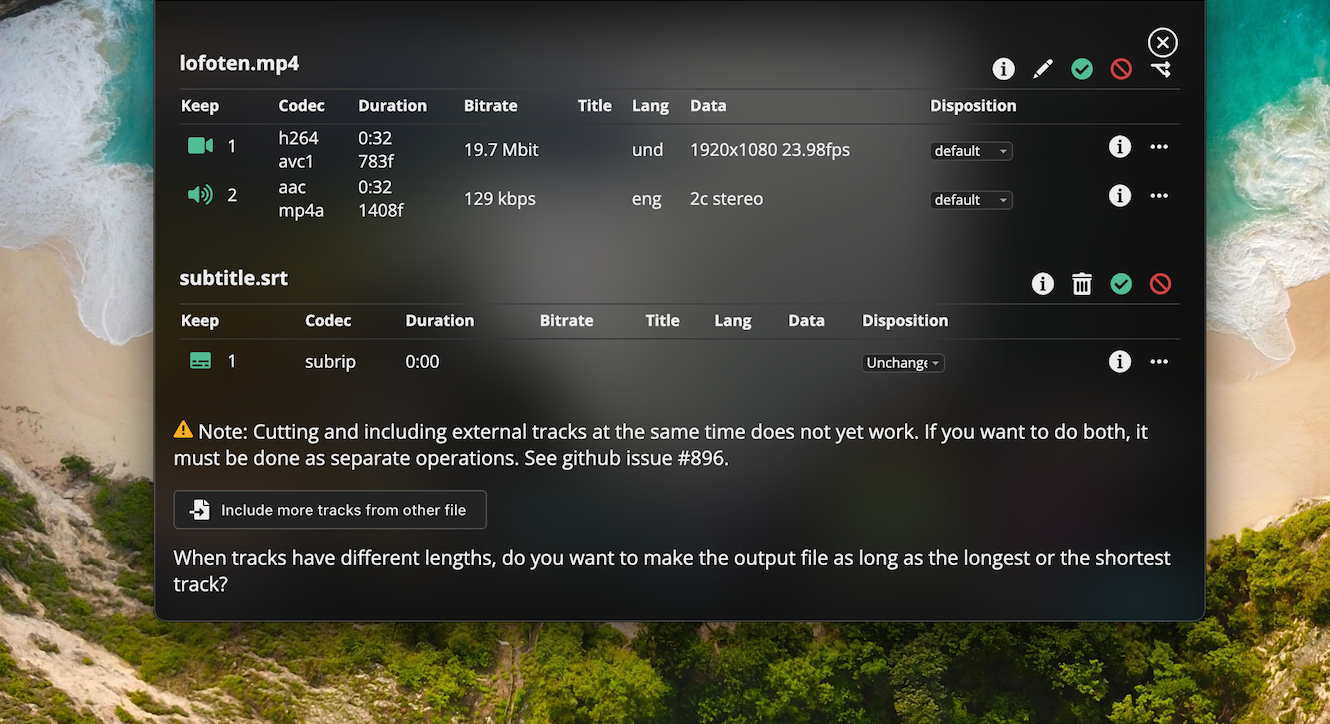
- Format Compatibility: Supports a wide range of formats including MP4, MOV, WebM, and more, ensuring versatility and flexibility across various video sources.
- Batch Processing and Frame Accuracy: Enables precise editing with frame-by-frame accuracy, and supports batch processing for multiple files simultaneously, enhancing productivity.
- Simple Interface: Minimalistic, intuitive UI that allows users to perform edits with just a few clicks—ideal for both novices and experienced users alike.
Engaging with the Interface and User Experience
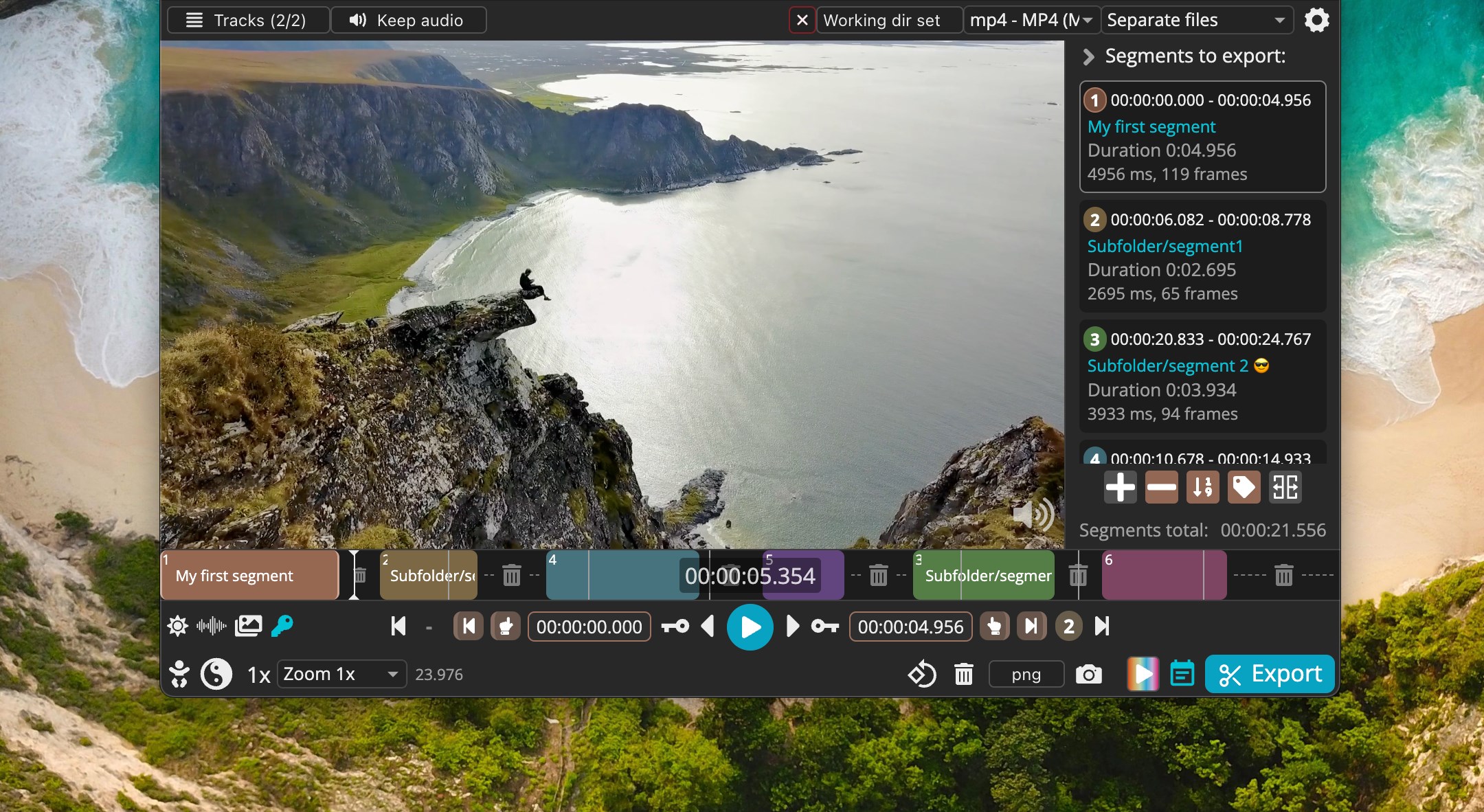
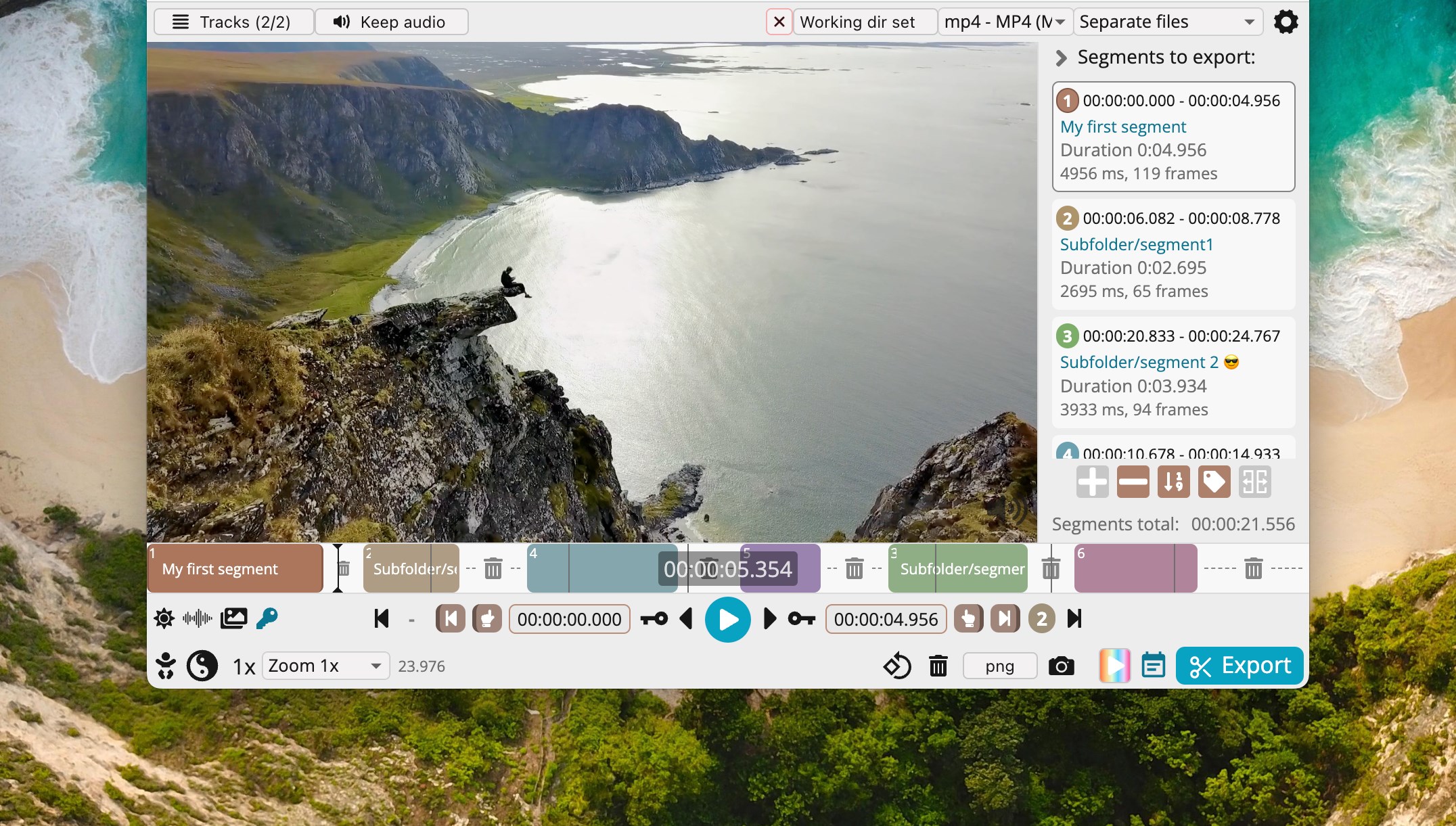
First impressions reveal a clean, straightforward layout that resembles a sleek media toolbox. The interface feels as friendly as a well-organized workshop, where each tool is within arm's reach. Navigating through the app is smooth, with responsive controls that make clipping videos a breeze. Thanks to its minimalist design, there's little to distract, and a gentle learning curve means even beginners can master it in minutes. For those familiar with basic video editing, LosslessCut offers an intuitive experience that doesn't overwhelm with unnecessary features.
What Sets LosslessCut Apart from Other Video Editors?
Unlike full-scale editing suites like Adobe Premiere or DaVinci Resolve, LosslessCut is laser-focused on a single purpose: lossless cutting. Its chief advantage is being able to trim videos without re-encoding, preserving original quality while saving time. This is a game-changer for users who need quick edits—think of it as the “fast lane” in a traffic jam of complex editing tools. Additionally, the app's support for multiple formats and batch processing makes it stand out as a practical choice for both casual and professional users who value efficiency and simplicity.
Final Thoughts: A Clear Recommendation for Specific Needs
For anyone who regularly works with video clips—be it content creators, archivists, or casual users—LosslessCut offers a reliable, no-nonsense tool that performs its dedicated task remarkably well. Its most compelling features—lossless trimming and efficient workflow—position it as a top-tier choice for quick edits without sacrificing quality. While it lacks advanced editing features like transitions or color grading, that's not its purpose. If your main goal is fast, lossless cuts, then this app is highly recommended. For more comprehensive editing, you'd still look to more feature-rich platforms, but for pure trimming needs, LosslessCut for Windows is a gem worth keeping on your desktop.
Pros
- Fast and efficient processing
- Lossless editing preserves original quality
- Supports multiple video formats
- Intuitive user interface
- Lightweight and portable
Cons
- Limited editing features
- Occasional stability issues with large files
- Limited platform support
- Basic preview function
- No batch processing option











