

- Name LastPass for Desktop
- Category Security
- Developer LastPass US LP.
- Available on PC
- OS Windows 10 version 16299.0 or higher
- languages English (United States)
LastPass for Desktop for Windows: A Secure Keeper for Your Digital Life
LastPass for Desktop on Windows is a robust password management tool designed to streamline your online security by securely storing and autofilling passwords, notes, and other sensitive information in a user-friendly interface. It aims to turn the often daunting task of password management into a seamless experience, making online security accessible to both casual users and professionals alike.
About the Developer and Core Features
Developed by LastPass US LP
LastPass is a well-established name in digital security, dedicated to providing reliable and intuitive password solutions. Their team meticulously crafts tools to protect user identities and simplify password management, ensuring that security never comes at the expense of usability.
Main Highlights of LastPass for Desktop
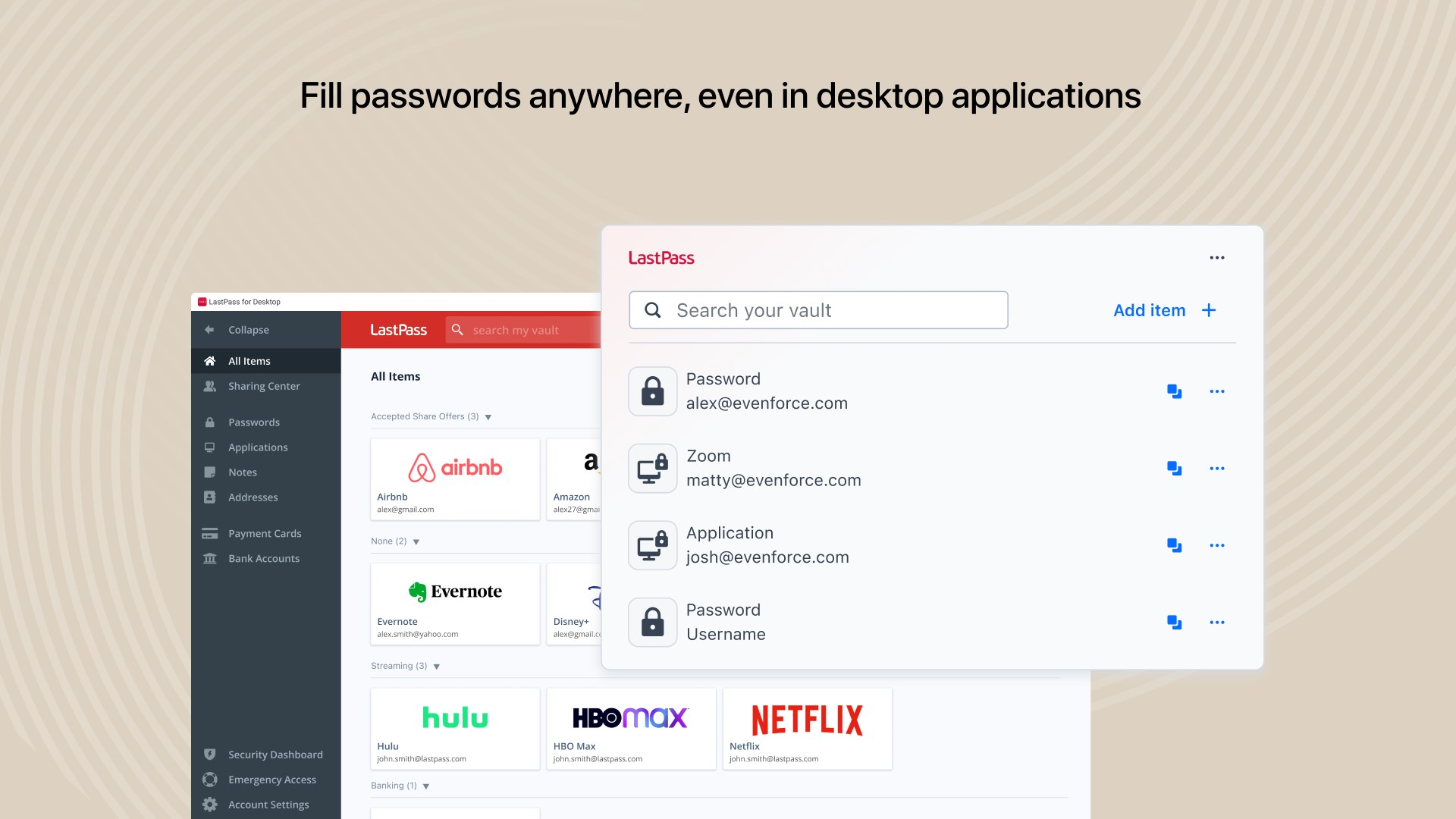
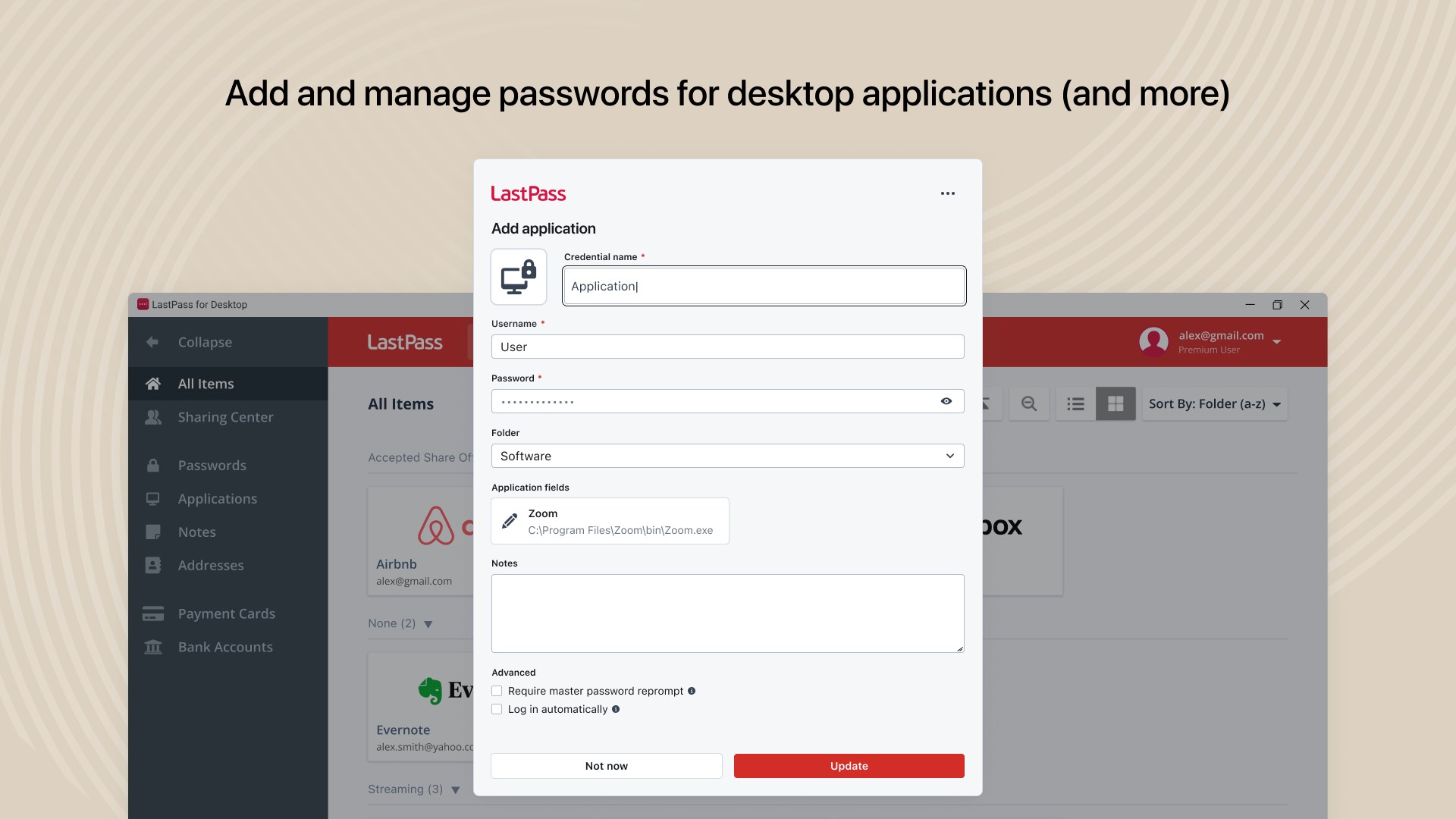
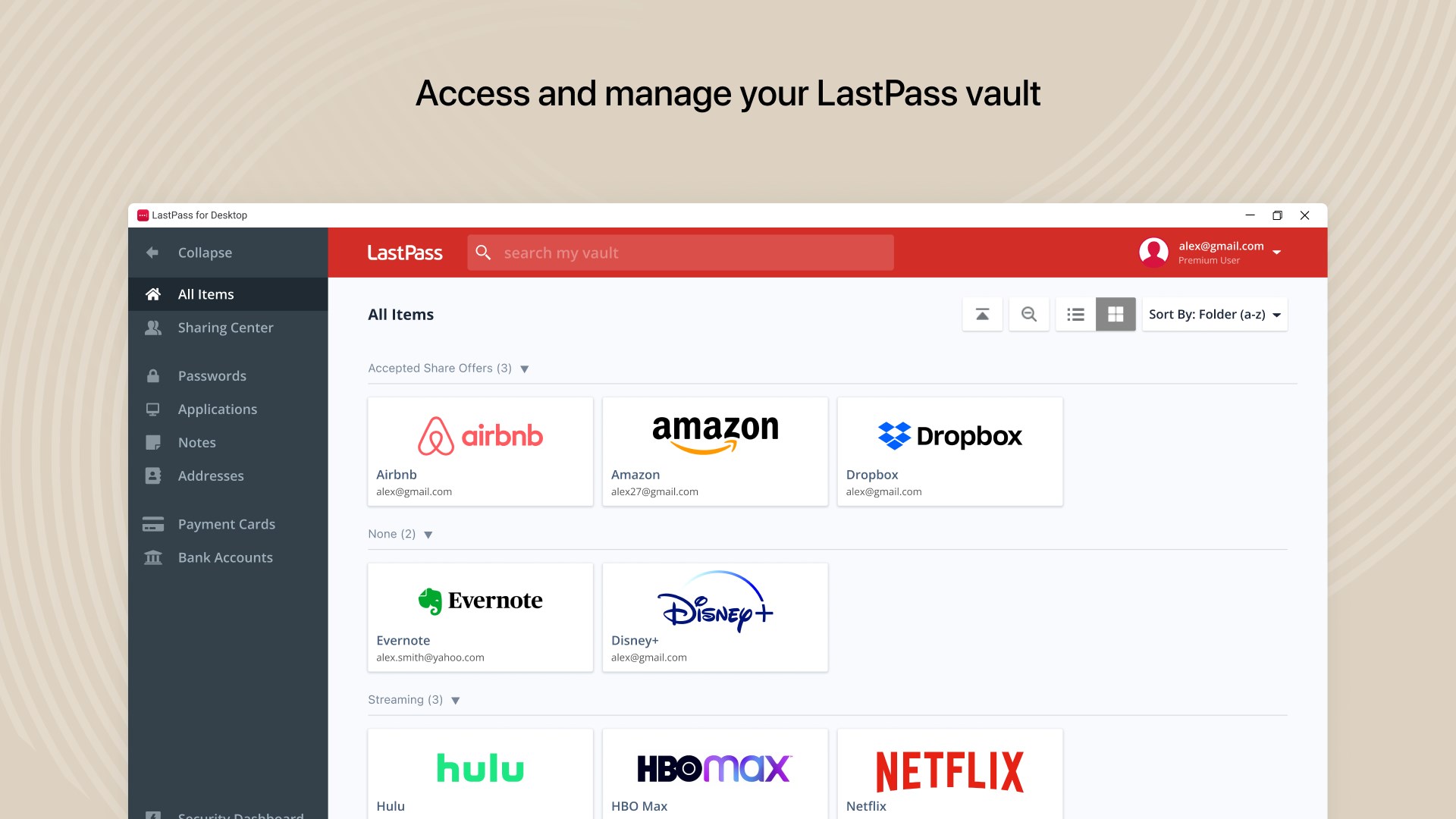
- Unified Vault Experience: Store, organize, and access passwords,Secure notes, and personal data in one centralized vault.
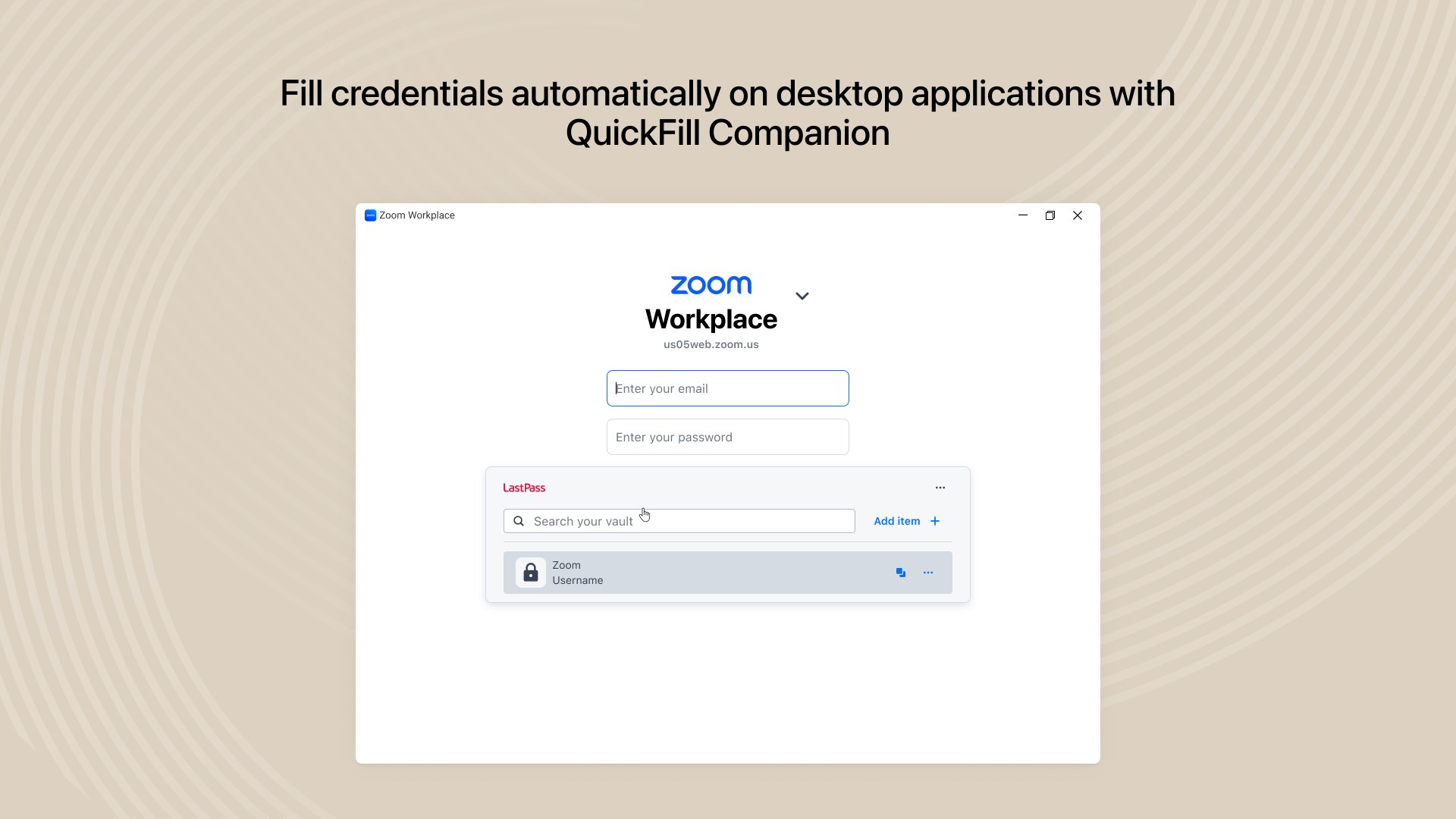
- One-Click Autofill & Password Generation: Easily fill in login credentials and generate strong, unique passwords for new accounts or to replace weak ones.
- Secure Sharing & Multi-Device Syncing: Share credentials securely with trusted contacts and sync seamlessly across multiple devices via your LastPass account.
- Advanced Security Features: Use multi-factor authentication and security auditing tools to keep your data protected.
The target audience spans everyday internet users seeking easy security solutions, professionals managing multiple accounts, and organizations requiring shared credential access.
Evaluating the User Experience: Intuitive, Smooth, and Accessible
Upon launching LastPass for Desktop, the interface presents itself as a sleek, modern dashboard that feels more like a trusted digital vault than a mere application. Navigation is straightforward—imagine opening a well-organized file cabinet where every drawer is labeled clearly, removing the frustration of hunting down a password amidst clutter. The app operates with remarkable fluidity; filling in credentials feels instantaneous, as if your passwords are being summoned by a friendly assistant rather than wrestled out of a complex menu.
Learning curve? Minimal. For users familiar with password managers, transitioning to LastPass Desktop is akin to upgrading from a bicycle to a smoothly powered e-scooter—familiar yet significantly more effortless. Even newcomers find the onboarding process simple thanks to guided tutorials and familiar web integration prompts.
Highlights That Make LastPass a Standout
1. Seamless Browser Integration and Autofill Magic
LastPass excels at weaving itself into your browsing life. The desktop app works harmoniously with browser extensions, enabling one-click autofills that feel akin to having a personal assistant remembering all your logins. Unlike some competitors that require cumbersome configurations, LastPass's smart auto-detection adapts swiftly, reducing login hassle and boosting confidence during frequent site visits.
2. Secure Sharing and Collaborative Access
One of its most compelling features is the ability to securely share passwords or notes with trusted contacts. Think of it as passing a secret note in class, but digitally locked with military-grade encryption. This feature is particularly useful for families, teams, or small businesses aiming to streamline shared credentials without compromising security.
3. Advanced Security & Auditing Tools
LastPass's security dashboard acts as your personal vault's health inspector, analyzing password strength, flagging reused or weak passwords, and prompting updates. Its multi-factor authentication options add an extra layer of defense, akin to locking your front door with a secondary lock—your digital security is actively monitored and reinforced.
Verdict and Recommendations: Should You Invite LastPass Into Your Digital Life?
Overall, LastPass for Desktop on Windows offers a compelling blend of security, usability, and thoughtful features, standing out particularly for its seamless autofill capabilities and secure sharing options. It feels like having a dependable digital assistant—quiet yet always ready to serve, ensuring your online life remains safe without burdensome complexity.
For casual users, the straightforward interface and reliable autofill make everyday login management a breeze. Professionals managing multiple accounts or collaborative teams will particularly appreciate its secure sharing and audit features. As with any security tool, it's essential to complement it with good security hygiene and multi-factor authentication, but LastPass provides a solid foundation.
In conclusion, I recommend giving LastPass for Desktop a try if you're seeking a dependable, feature-rich password manager that integrates smoothly into your Windows environment. It's not just a tool; it's a trusted digital guardian—quietly working behind the scenes so you can browse, work, and socialize with confidence.
Pros
- Strong Security Features
- Auto-Fill Functionality
- Cross-Platform Compatibility
- Secure Password Sharing
- Advanced Vault Management
Cons
- Premium Features Require Subscription
- Syncing Occasionally Delays
- Limited Offline Access in Free Version
- Browser Extension Compatibility Issues
- User Interface Could Be More Intuitive











