
- Name Ithmb Viewer
- Category Photo & video
- Developer File Format Apps
- Available on PC, Mobile, Surface Hub, HoloLens
- OS Windows 10 version 17763.0 or higher
- languages English (United States)
Introducing Ithmb Viewer for Windows: A Seamless Solution for Thumbnail Management
Developed by File Format Apps, Ithmb Viewer is a dedicated Windows application designed to streamline the viewing and management of thumbnail image files, offering users an intuitive and efficient way to handle their media previews without the hassle often associated with broader photo or video editors.
Who's Behind the Curtain?
File Format Apps, a team specializing in lightweight utilities tailored for file format management, brings Ithmb Viewer to Windows users. Their focus is on delivering straightforward, reliable tools that enhance file handling experiences, ensuring users spend less time fussing with formats and more time enjoying their media.
Key Features That Make a Difference
- Pure Thumbnail Previewing: Instantly open and browse .ithmb files, providing quick visual access without complex conversions.
- Batch Thumbnail Management: Supports multiple files simultaneously, allowing users to organize, delete, or convert thumbnail files efficiently.
- Format Compatibility and Conversion: Easily integrate with other media formats, offering options to convert thumbnail files into more common formats like JPEG or PNG for broader usability.
- Lightweight and User-Friendly Interface: Designed with simplicity in mind, enabling even novices to navigate effortlessly.
Vividly Exploring the App's Core Features
Imagine bridging the gap between raw thumbnail files and a visual library you can trust — Ithmb Viewer turns this imagination into reality. Its main allure lies in how it handles preview files swiftly and intuitively, making gallery organization or troubleshooting a breeze.
1. Streamlined Thumbnail Viewing Experience
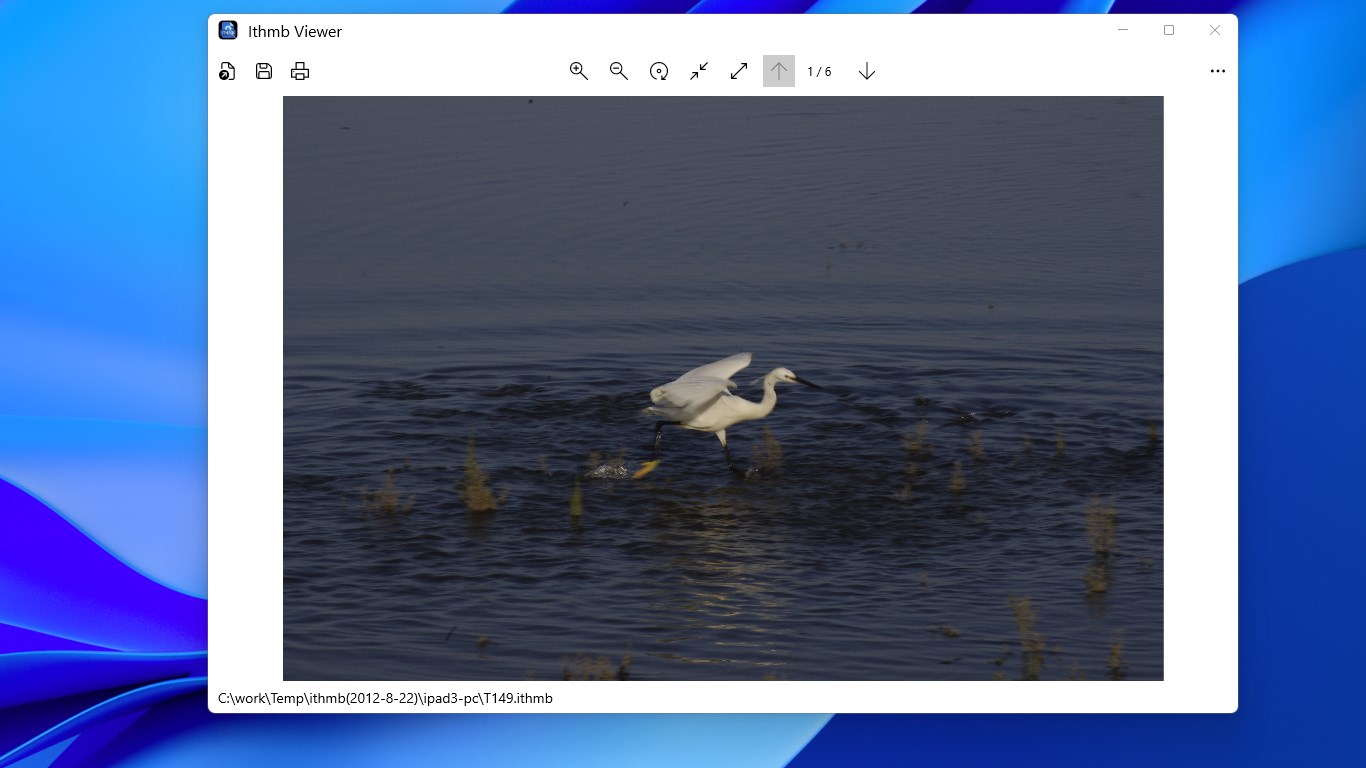
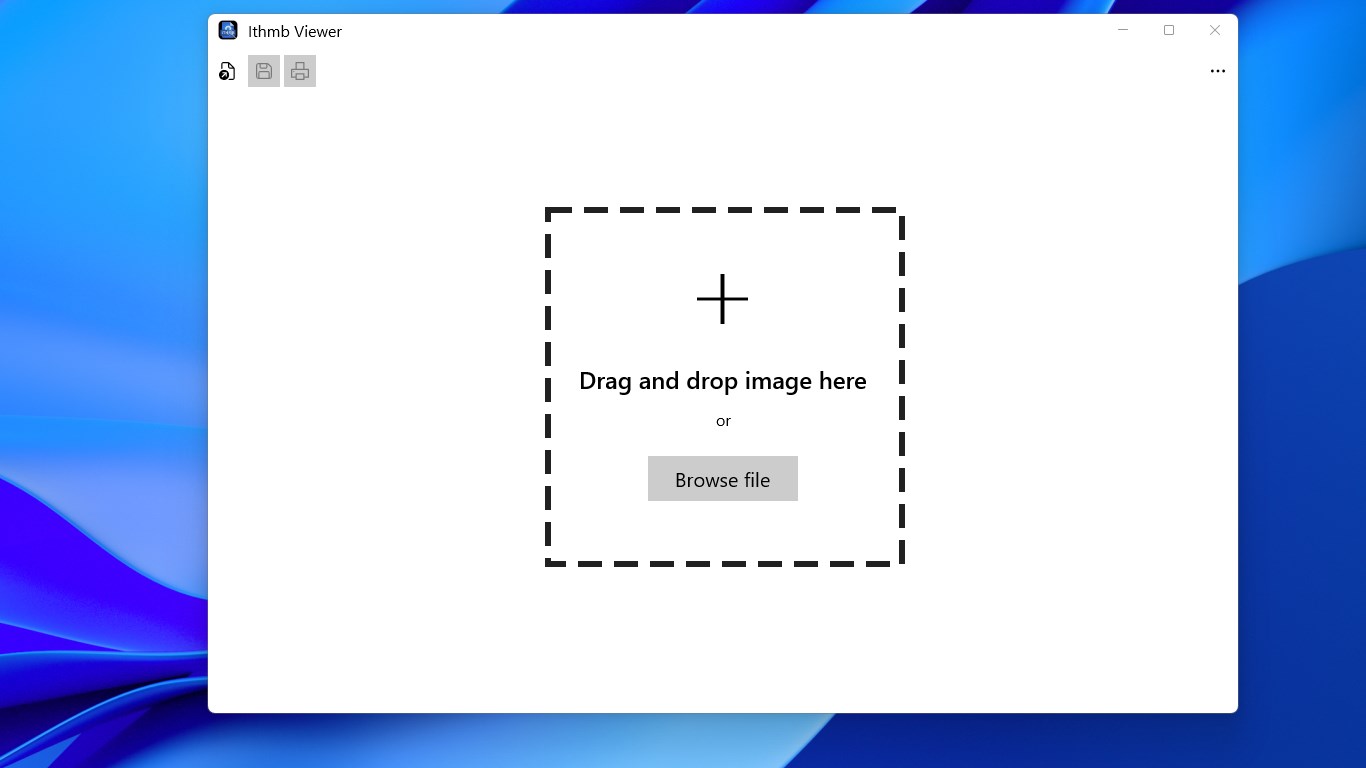
Upon launching Ithmb Viewer, you're greeted with a clean, uncluttered interface that resembles a well-organized photo album. Drag-and-drop support makes opening multiple thumbnail files effortless. The app renders previews smoothly, allowing you to scroll through dozens of thumbnails in seconds, much like flipping through the pages of a picture book. Its agility ensures that even large batches are handled without lag or crashes, which is a boon for those managing extensive media libraries.
2. Smart Batch Processing and Format Support
The real charm unfolds when you utilize its batch management capabilities. Need to delete outdated thumbnails or convert a series into standard images? Ithmb Viewer's batch tools make these tasks straightforward—think of it as having a smart assistant that quickly tidies up your media landscape. Supported formats cover a broad spectrum, ensuring compatibility with many thumbnail types, and its conversion feature helps bridge gaps with formats compatible across different media tools, empowering users to repurpose thumbnails for creative projects effortlessly.
3. Focused and User-Friendly Design
The design philosophy behind Ithmb Viewer is all about minimal fuss. The interface is reminiscent of a cozy workspace—simple, familiar, and devoid of unnecessary clutter. The learning curve is gentle; most users will find themselves navigating the app within minutes. Its responsiveness ensures operations are smooth; clicking, scrolling, or batch commands are immediately reflected, creating an experience akin to flipping through a well-curated photo album—fluid and satisfying.
What Sets Ithmb Viewer Apart from the Crowd?
While many photo and video apps are jack-of-all-trades, Ithmb Viewer zooms in on a niche—and excels at it. Its standout feature is its dedicated thumbnail management focus, especially its ability to preview proprietary thumbnail formats directly. Unlike broad photo viewers, Ithmb Viewer offers deep compatibility with specific thumbnail formats used by various media applications or devices, reducing the need to convert or seek expensive tools. Additionally, its batch processing capabilities make it uniquely suited for users who deal with large amounts of thumbnail data, such as digital archivists or media managers.
Final Thoughts and Recommendations
For anyone who frequently works with thumbnail files—be it for digital archiving, media management, or simply curiosity—Ithmb Viewer offers a focused, reliable, and approachable solution. Its ease of use, combined with specialized features like batch management and format conversion, makes it an asset in maintaining an organized media workspace. I would recommend it especially for users who encounter thumbnail files regularly and need a lightweight, dedicated tool to handle them swiftly and efficiently. If your workflow includes frequent thumbnail file handling, Ithmb Viewer deserves a spot in your utility arsenal.
Pros
- User-friendly interface
- Fast image loading
- Supports multiple image formats
- Batch processing features
- Regular updates and support
Cons
- Limited customization options
- Lacks advanced editing tools
- Occasional stability issues with large image files
- Navigation could be improved with additional keyboard shortcuts
- Some features are only available in future updates











