

- Name IPTV Smarters Expert - PREMIUM
- Category Photo & video
- Available on PC
- OS Windows 10 version 17763.0 or higher
- languages Arabic, Dutch, English, French, German, Italian, Norwegian, Portuguese, Spanish, Swedish, Turkish
Introduction to IPTV Smarters Expert - PREMIUM for Windows
IPTV Smarters Expert - PREMIUM is a robust application designed to enhance your IPTV streaming experience on Windows PCs, offering sleek interfaces and versatile functionalities tailored for both casual viewers and avid IPTV enthusiasts.
About the Developer
This app is developed by LIFTOFF, a seasoned team known for crafting user-friendly multimedia and streaming solutions aimed at delivering seamless digital entertainment experiences.
Highlighted Features That Stand Out
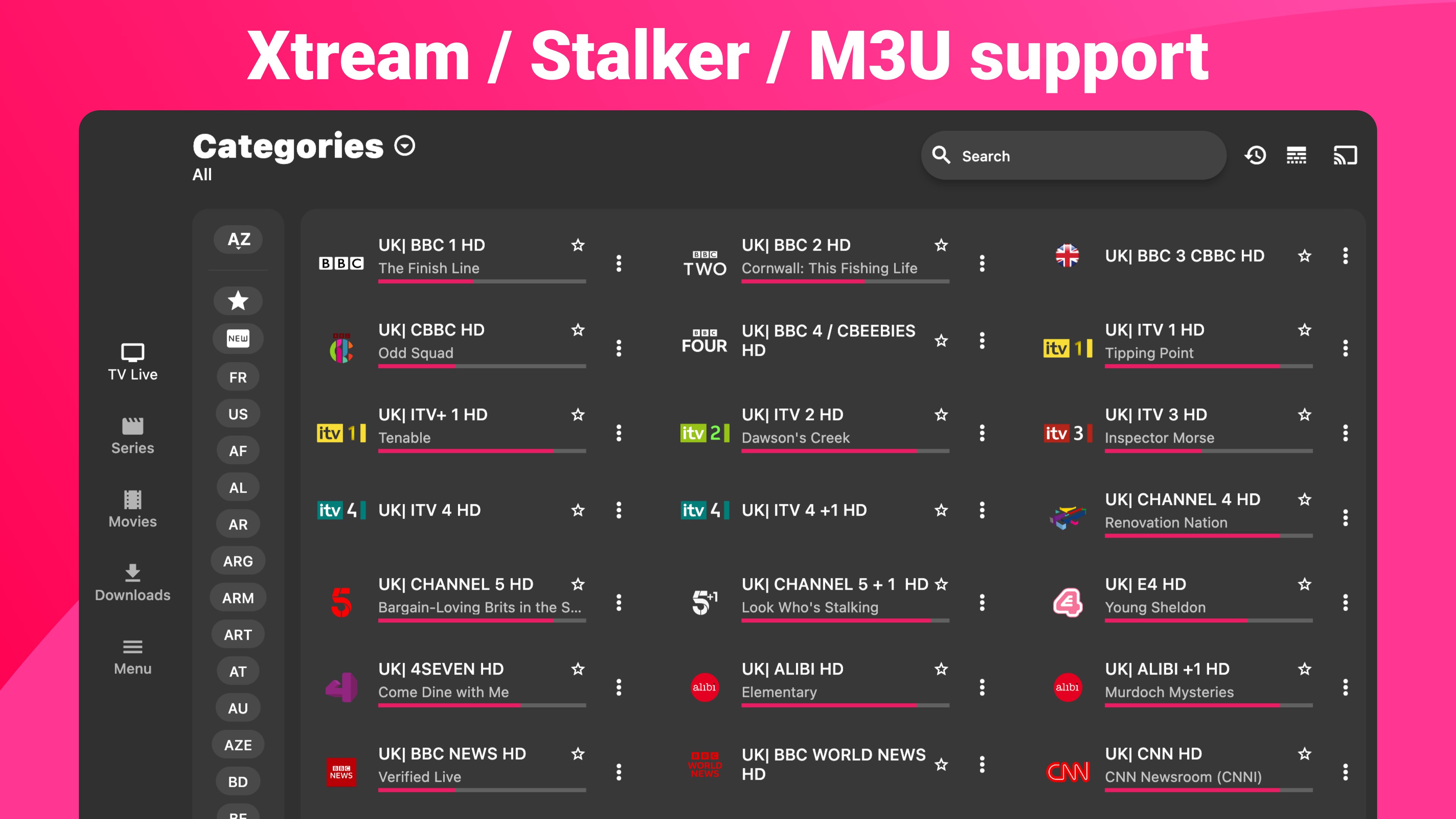
- Intuitive Channel & Content Management: Organize and access your IPTV playlists easily with customized folder options, making content retrieval straightforward.
- Multi-Source Streaming Support: The app supports various playlist formats and sources, ensuring compatibility regardless of your IPTV provider.
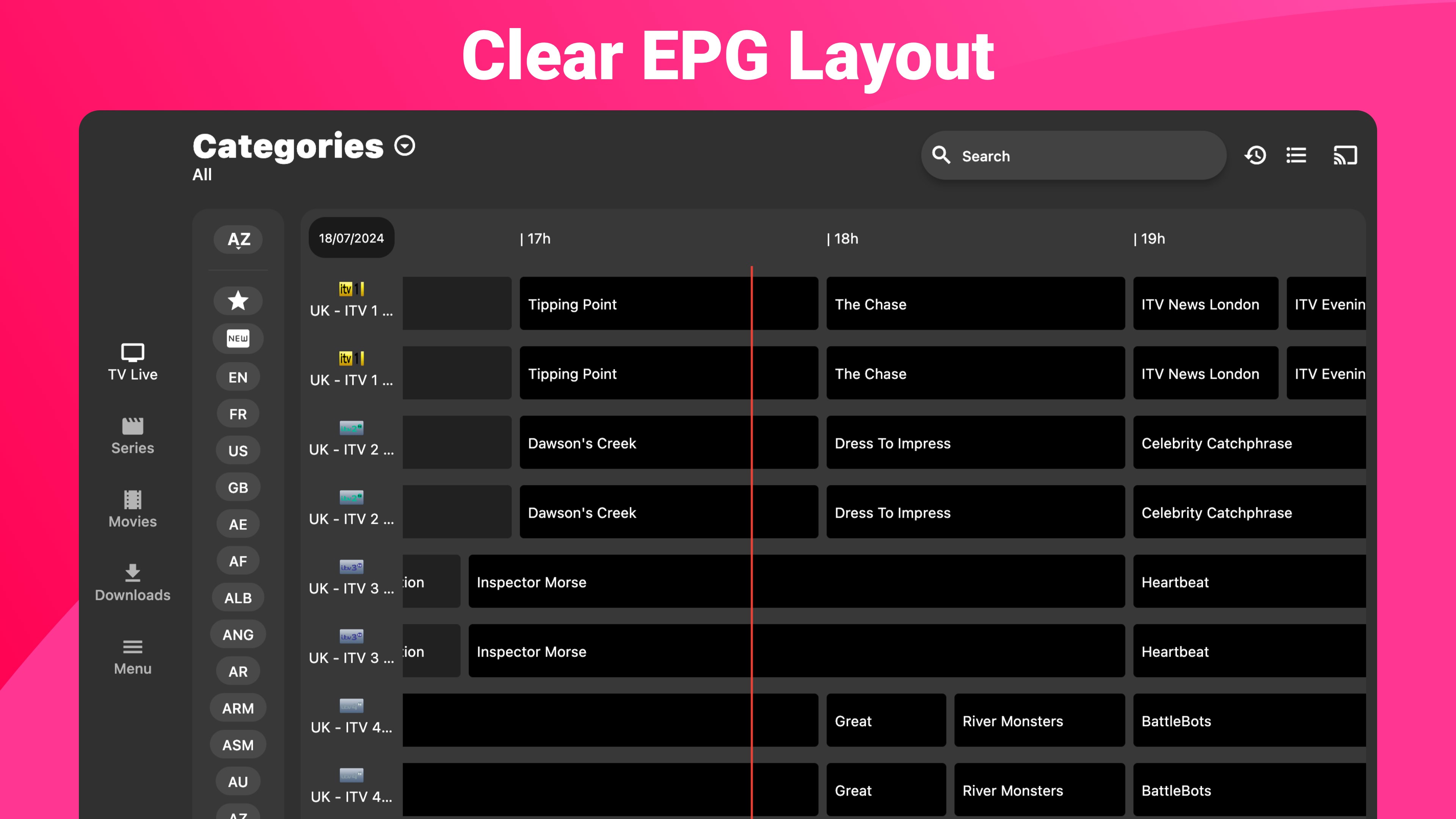
- Reliable Streaming with EPG & Catch-Up: Offers robust Electronic Program Guides (EPG) and catch-up features for viewing missed broadcasts across different channels.
- Secure and Stable Playbacks: Prioritizes stream stability and user privacy, with error detection and restart mechanisms to minimize interruptions.
Detailed Review: A Fresh Take on IPTV Streaming
Imagine settling into your favorite armchair after a long day, your PC screen lighting up with a sleek interface that promises effortless access to a multitude of TV channels and content. IPTV Smarters Expert - PREMIUM welcomes you into a world where entertainment isn't just a passive activity but a curated experience tailored to your preferences. This app isn't merely another media player—it's a bridge connecting you with diverse IPTV streams with streamlined simplicity and professional reliability.
Design & User Interface: A Breeze for the Eyes and Fingers
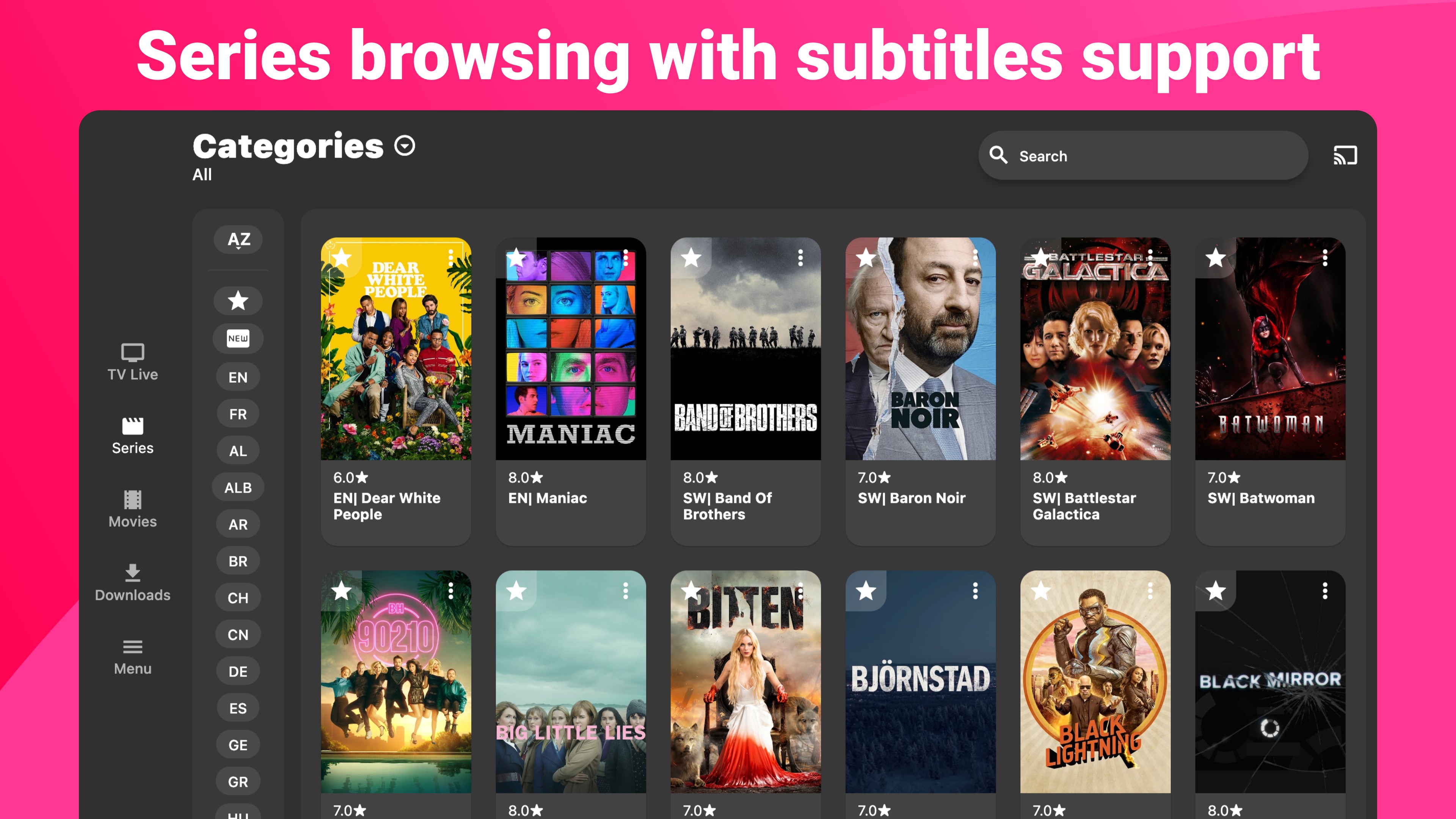
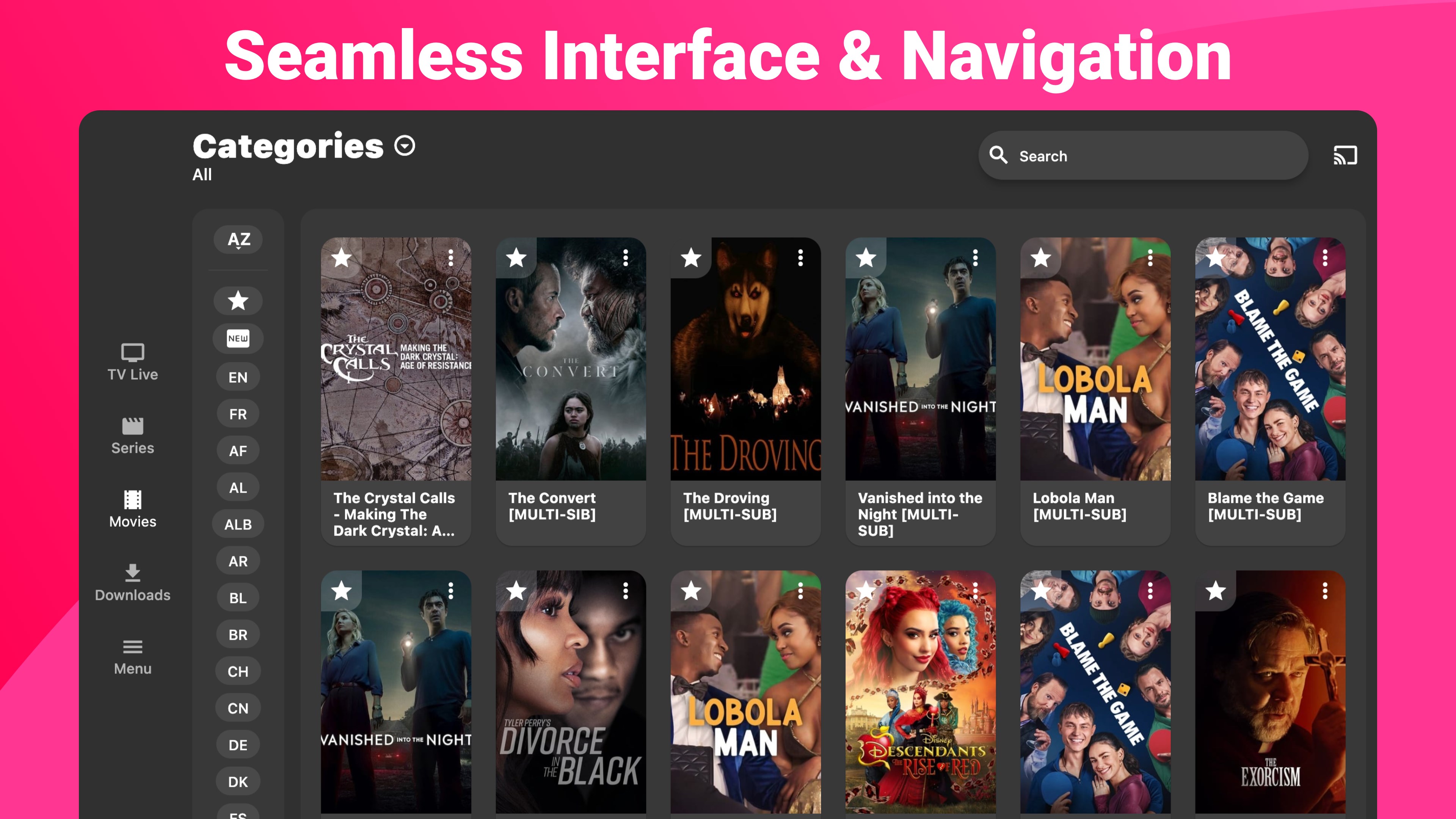
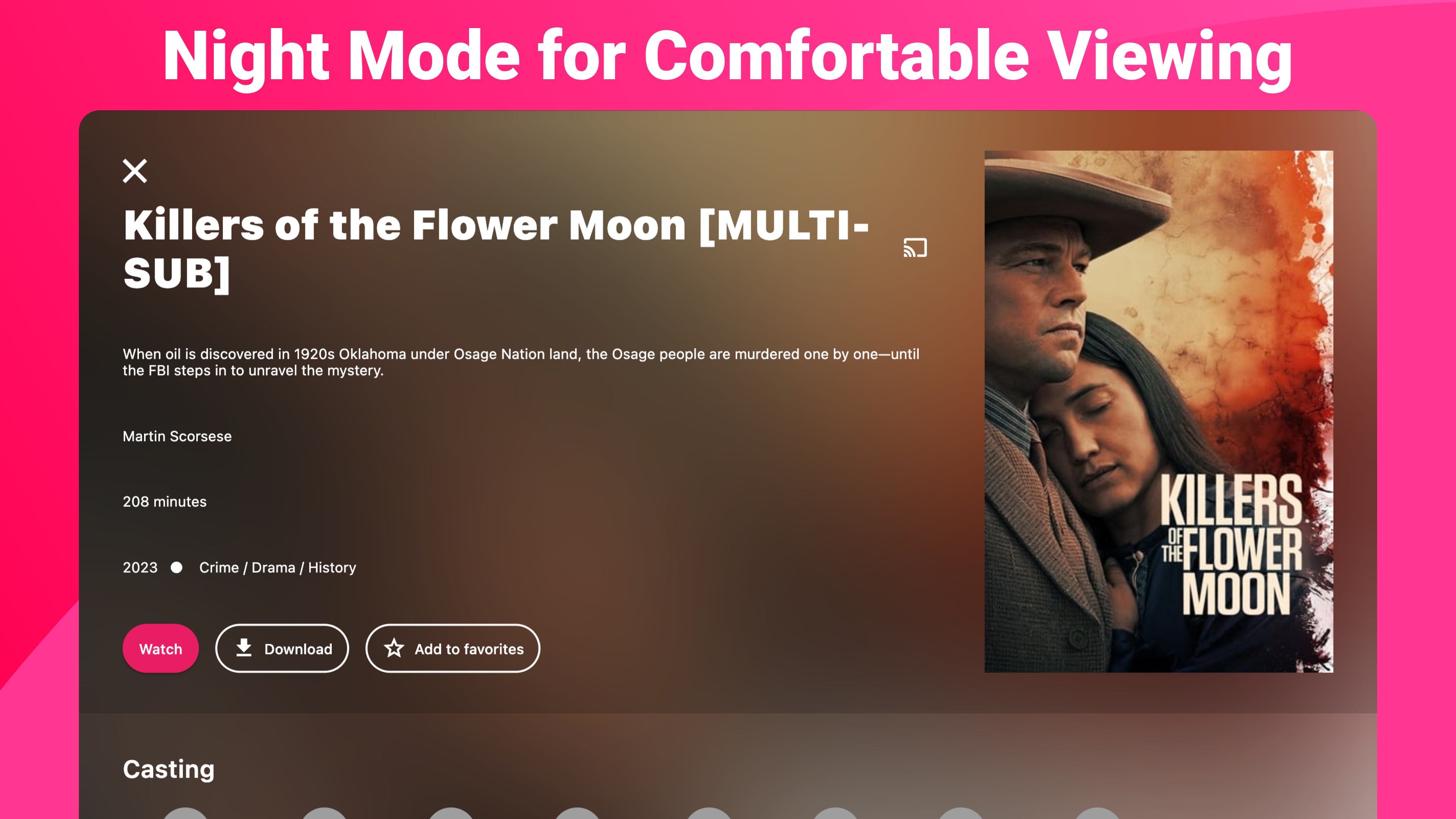
When it comes to visual appeal, IPTV Smarters Expert strikes a commendable balance. Its interface resembles a well-organized digital bookshelf—clean, modern, and uncluttered. Navigating through menus feels smooth, akin to flicking through pages of your favorite magazine, thanks to thoughtful layout and clear icons. The use of color schemes is gentle on the eyes but distinct enough to guide users intuitively.
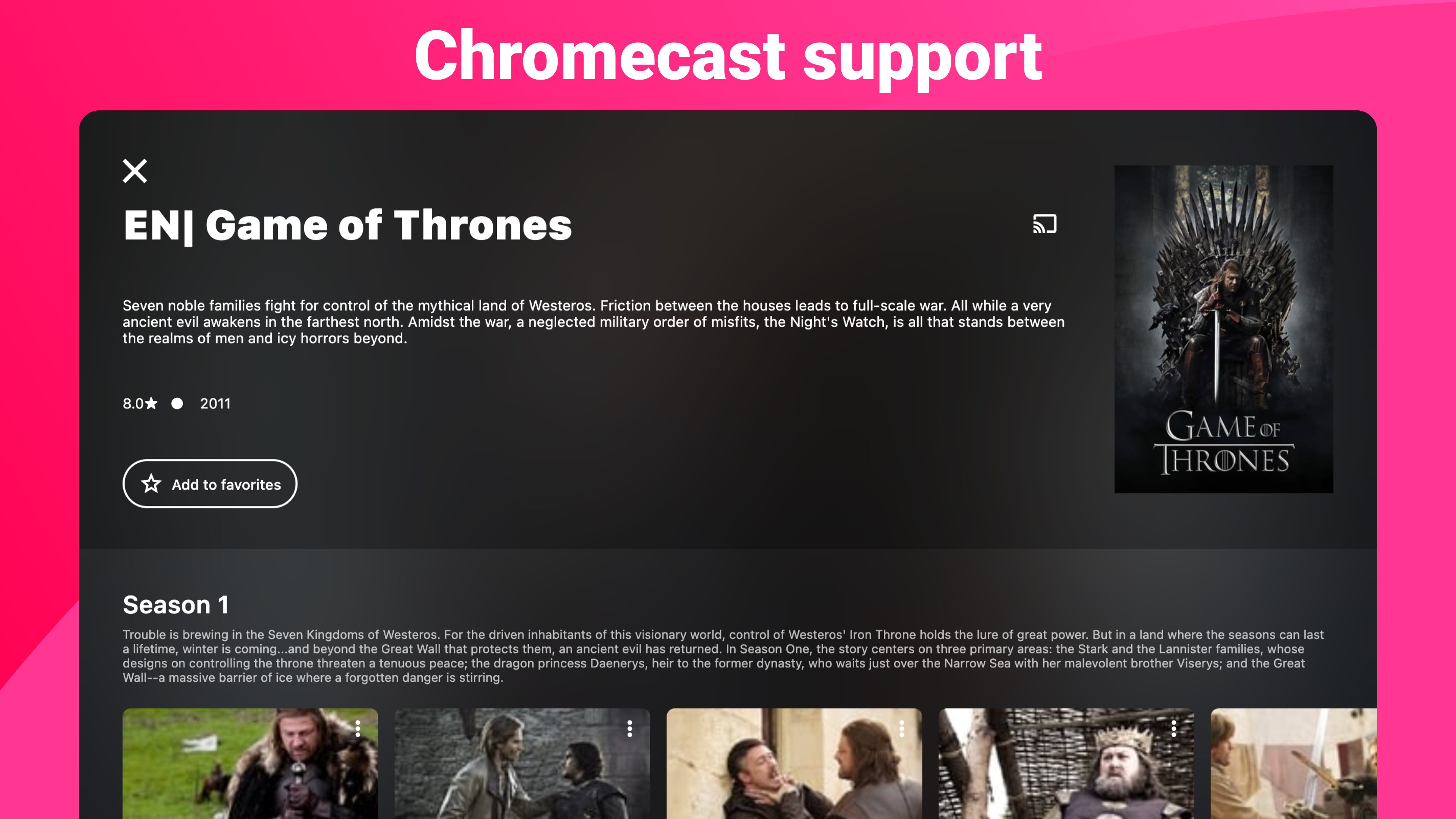
Switching between live TV, VoD, or catch-up sections is a matter of a few clicks, with minimal learning curve even for first-time users. The app's responsiveness further enhances user experience—no lag, hiccups, or confusing prompts in sight.
Core Functionalities That Power Your Streaming Sessions
1. Playlist Management & Customization
The app excels in playlist handling, supporting formats like M3U and JSON. Users can effortlessly load playlists, organize channels into folders, and even create favorites. This feature turns what could be a chaotic mix into a well-structured viewing library, much like sorting movies into genres for quick access.
2. Seamless Multi-Source Support & Reliability
Supporting multiple sources ensures compatibility with various IPTV services, reducing frustrations around source incompatibility. The app also emphasizes stability—stream interruptions are minimized with features like buffer control and error recovery, leading to fewer interruptions during binge-watching sessions.
3. Electronic Program Guide & Catch-Up Features
The integrated EPG provides real-time program info, guiding users on what's airing and upcoming. The catch-up feature is particularly handy for those who want to revisit past broadcasts, making it akin to a personal DVR accessible at your fingertips. This combination transforms streaming from a passive activity into a DVR-like experience, enhancing flexibility and control.
Comparing with Similar Apps: What Sets It Apart?
Unlike many IPTV apps that focus solely on streaming, IPTV Smarters Expert distinguishes itself with its user-centric playlist organization and reliability features. Its support for diverse playlist formats and multi-source connections offers a versatility that's not always present in similar apps. Moreover, the KISS principle (Keep It Simple, Stupid) in design means users spend less time figuring out how to operate the app and more time enjoying their content.
Additionally, its stability and error recovery mechanisms give it an edge in ensuring uninterrupted viewing—an aspect often overlooked but crucial in IPTV applications.
Recommendation & Usage Tips
If you're someone who values a tidy, reliable, and easy-to-navigate IPTV management tool on Windows, IPTV Smarters Expert - PREMIUM deserves serious consideration. Its strengths in playlist organization and stream stability make it suitable for both casual viewers and more demanding users who want minimal fuss and maximum control.
For optimal experience, ensure your playlists are well-maintained and source links are stable. While it's compatible with a wide range of playlists, always verify that your sources are legit and secure to protect your privacy and device integrity.
In conclusion, this app functions as a dependable digital TV companion—simple yet powerful, practical yet user-friendly. Whether you're looking to replace your cable subscription or just browse diverse international channels, IPTV Smarters Expert offers a trustworthy gateway into the world of online IPTV streaming on Windows.
Pros
- Intuitive User Interface
- Wide Compatibility
- Stable Streaming Performance
- Customizable Playlist Management
- Regular Updates
Cons
- Limited Free Trial Period
- Occasional App Crashes
- Inconsistent EPG Data
- Minor Interface Glitches
- Subscription Costs











