

- Name ImageGlass 9 - Photo Viewer
- Category Photo & video
- Developer Dương Diệu Pháp
- Available on PC
- OS Windows 10 version 17763.0 or higher
- Keyboard Integrated Keyboard
- Mouse Integrated Mouse
- Memory Not specified
- languages English (United States)
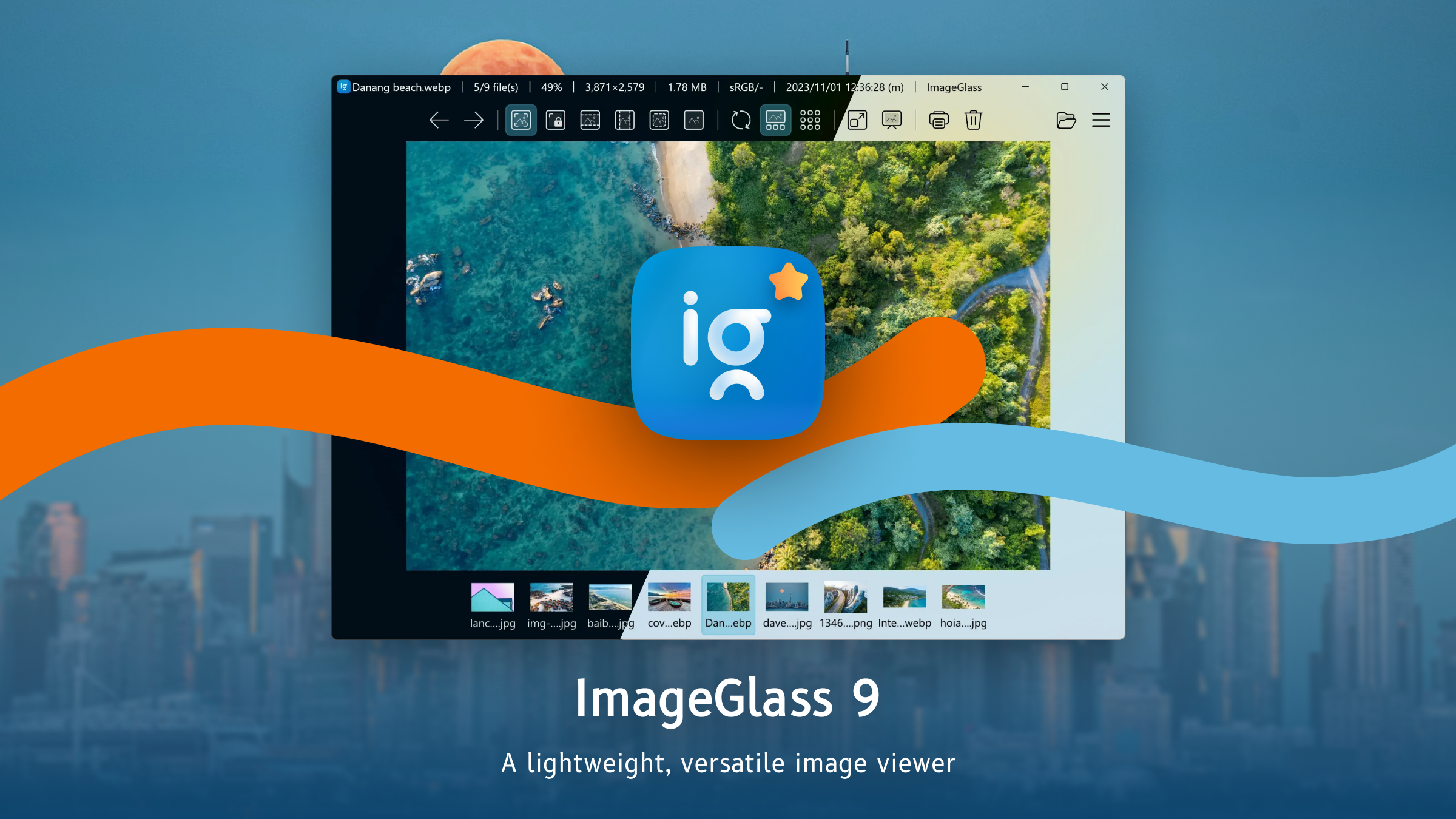
Introducing ImageGlass 9 — Your Sleek and Efficient Photo Viewer for Windows
ImageGlass 9 emerges as a modern, lightweight photo viewer designed to offer a seamless viewing experience on Windows. Think of it as your digital photo gallery assistant—simple, fast, and user-friendly, perfect for anyone who wants to browse through images without the clutter of unnecessary features.
Developer and Core Features
Developer and Publisher
Created and maintained by Dương Diệu Pháp, this application is published directly by the developer, ensuring a streamlined update process and dedicated support channels.
Main Highlights
- Universal Image Format Support: Handles popular formats like JPEG, PNG, GIF, BMP, TIFF, and more, making it versatile for all your photo viewing needs.
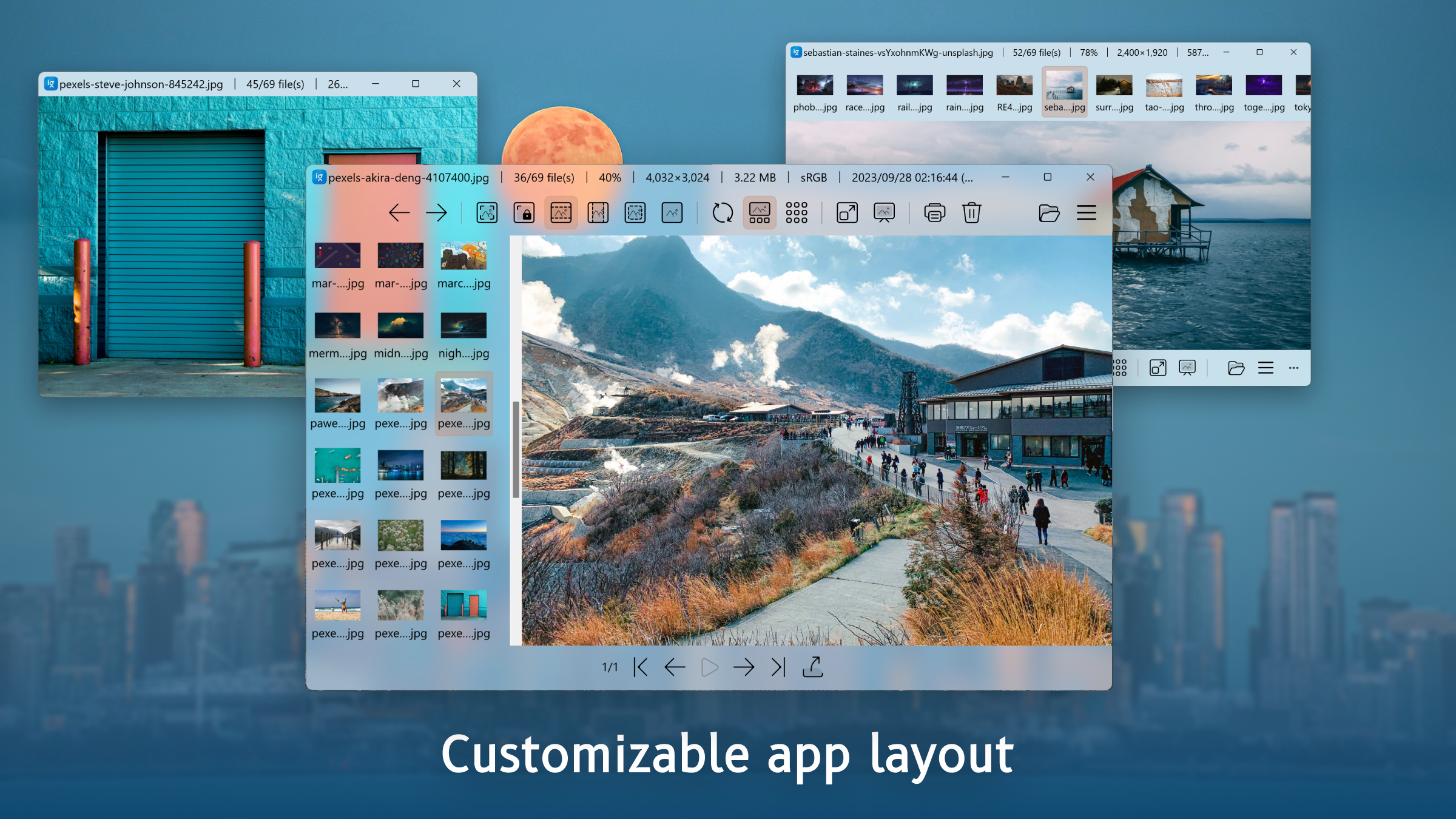
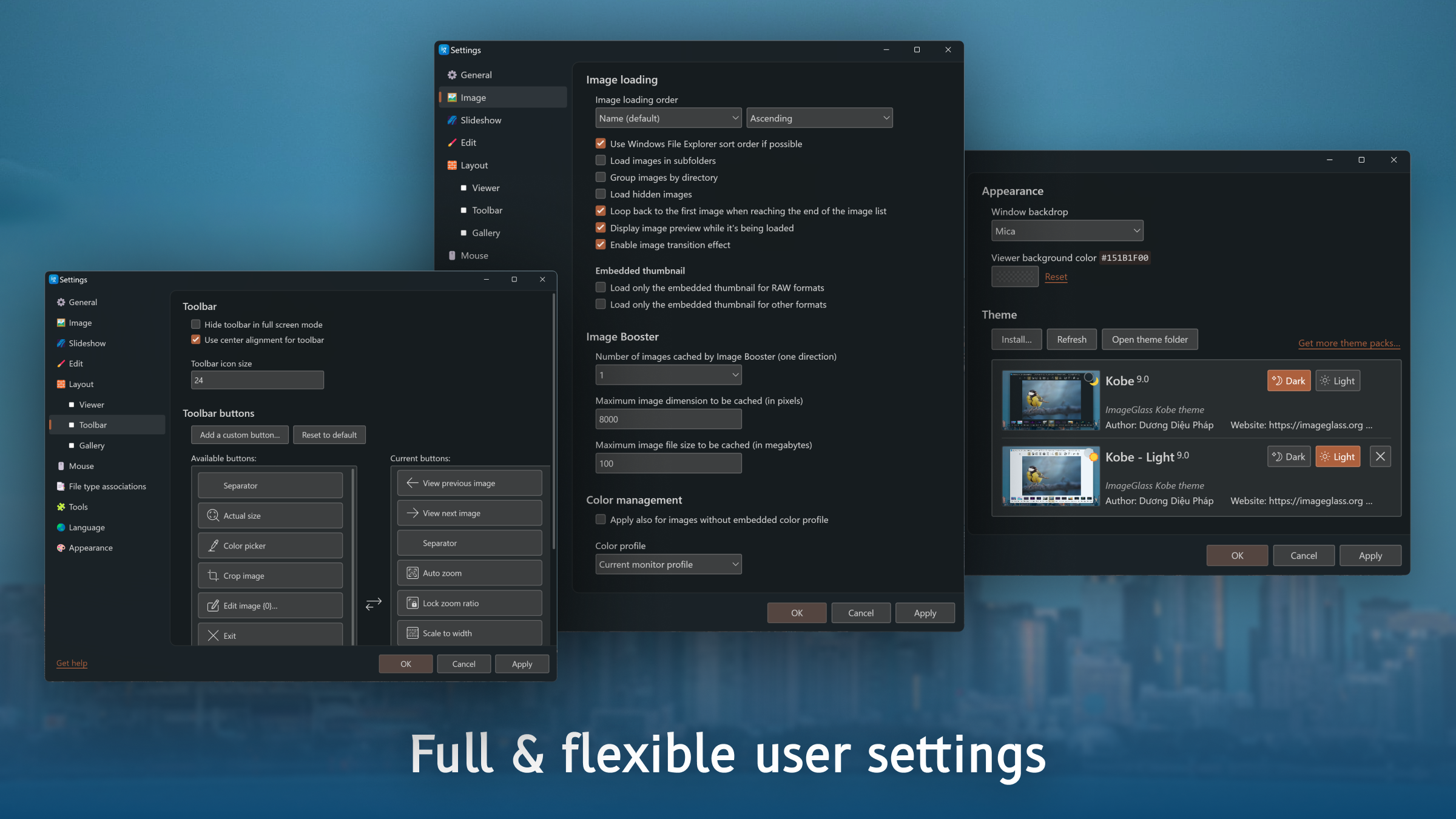
- Customizable Viewing Experience: Offers adjustable zoom, slideshow mode, and easy navigation through folders and images.
- Lightweight and Fast: Starts instantly with minimal resource usage, making it ideal for quick browsing without lag.
- Open-Source and Free: No cost involved, and its open-source nature invites community-driven improvements.
Bright and Intuitive User Interface
Imagine opening a photo viewer as stepping into a clean, well-lit gallery—ImageGlass 9's interface is precisely that: bright, simple, and intuitive. The layout is minimalist, with straightforward menus and icons that don't distract from the images. As you navigate through your photo collections, the interface adapts smoothly to your commands, creating an environment that feels both familiar and modern. The overall design reduces cognitive load, making it accessible even for users less familiar with tech-heavy applications.
Powerful Core Features: Beyond Basic Viewing
Customizable Viewing and Navigation
One of the standout features of ImageGlass 9 is its flexible viewing options. You can zoom in and out with a simple scroll, or fit images perfectly to your window for a clear, crisp display. The slideshow mode is fluid and straightforward, allowing you to set intervals and transition effects easily. Navigating through folders feels natural—click, swipe, or use keyboard shortcuts—making browsing a breeze, even when handling large collections of images.
Format Versatility and Editing Tools
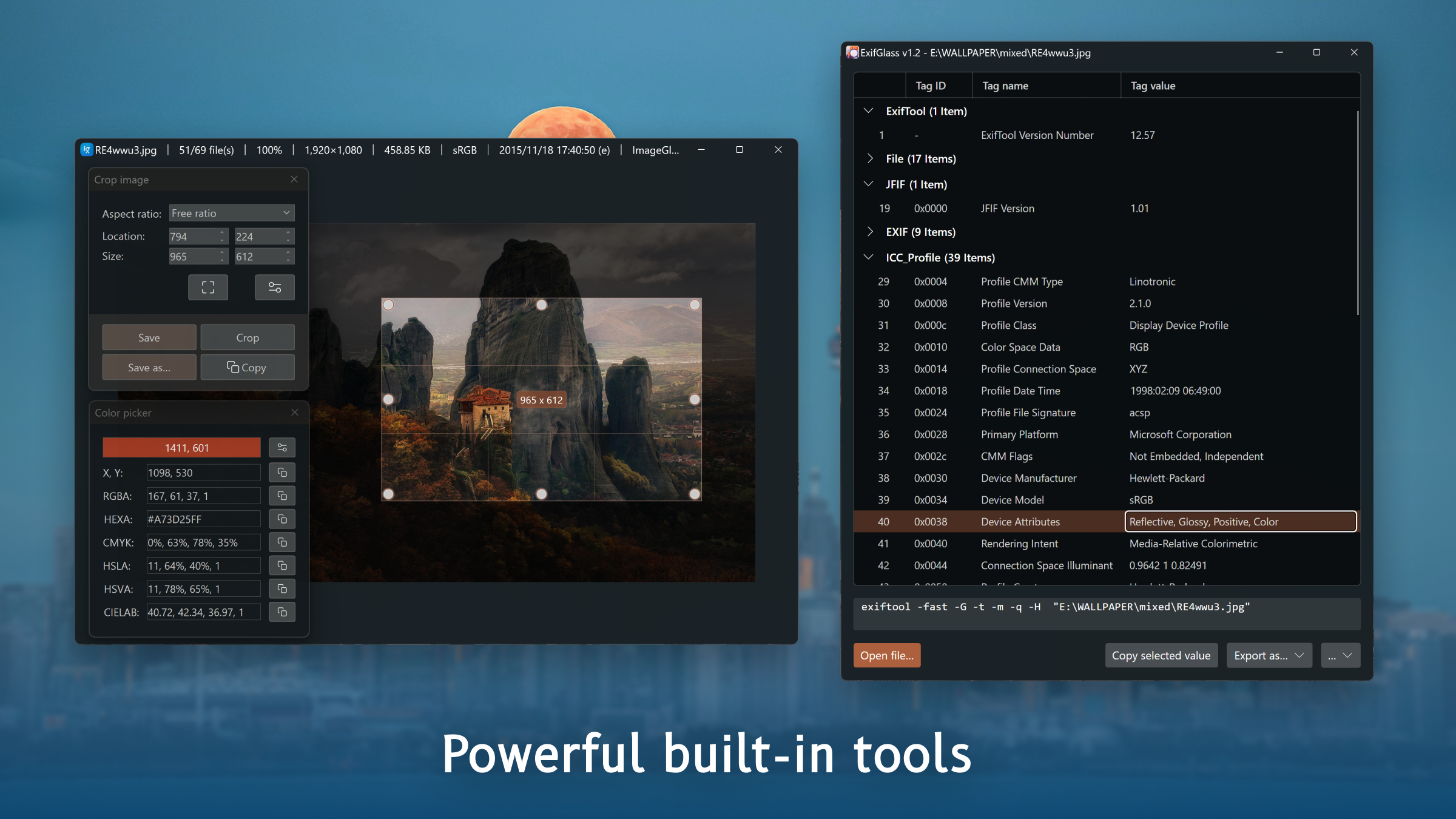
Support for a broad range of image formats ensures that you don't need multiple viewers. Whether it's a high-resolution TIFF or a GIF with animation, ImageGlass handles it gracefully. Moreover, while primarily a viewer, it offers basic editing features like rotating, cropping, and flipping images—perfect for quick fixes without the need for complex software.
Performance, Usability, and Unique Selling Points
Speed and responsiveness are critical for any viewing application, and ImageGlass 9 excels here. It launches instantly, even with extensive photo libraries, and transitions between images are smooth and lag-free. The learning curve is minimal; most users will find themselves up and running within minutes, thanks to its logical layout and helpful tooltips.
Compared to more feature-heavy photo apps, ImageGlass 9's major edge lies in its focus on simplicity and speed. While apps like Windows Photo Viewer or IrfanView also serve as reliable viewers, ImageGlass's modern aesthetic, lightweight structure, and customization options give it a distinct position. Its open-source model means continuous improvements and adaptability, attracting users who appreciate community-driven projects. If you're looking for a no-fuss, fast, and visually pleasant photo viewer that comfortably handles your everyday image needs, this application deserves serious consideration.
Final Recommendation
I'd recommend ImageGlass 9 to casual and professional users alike who need a quick, reliable way to browse and view images without the clutter or complexity of larger software packages. It's particularly well-suited for those seeking a lightweight solution that still offers essential features with a modern touch. Whether you're organizing family photos or managing a professional portfolio, this app proves to be a worthy, unobtrusive companion in your digital photo journey.
Pros
- User-Friendly Interface
- Wide Format Support
- Fast Loading Speed
- Customizable Viewing Options
- Lightweight and Resource-Efficient
Cons
- Limited Editing Features
- No Built-in Cloud Sync
- Customization Options Are Basic
- Occasional Minor Bugs
- Lack of Advanced Sorting Features











