

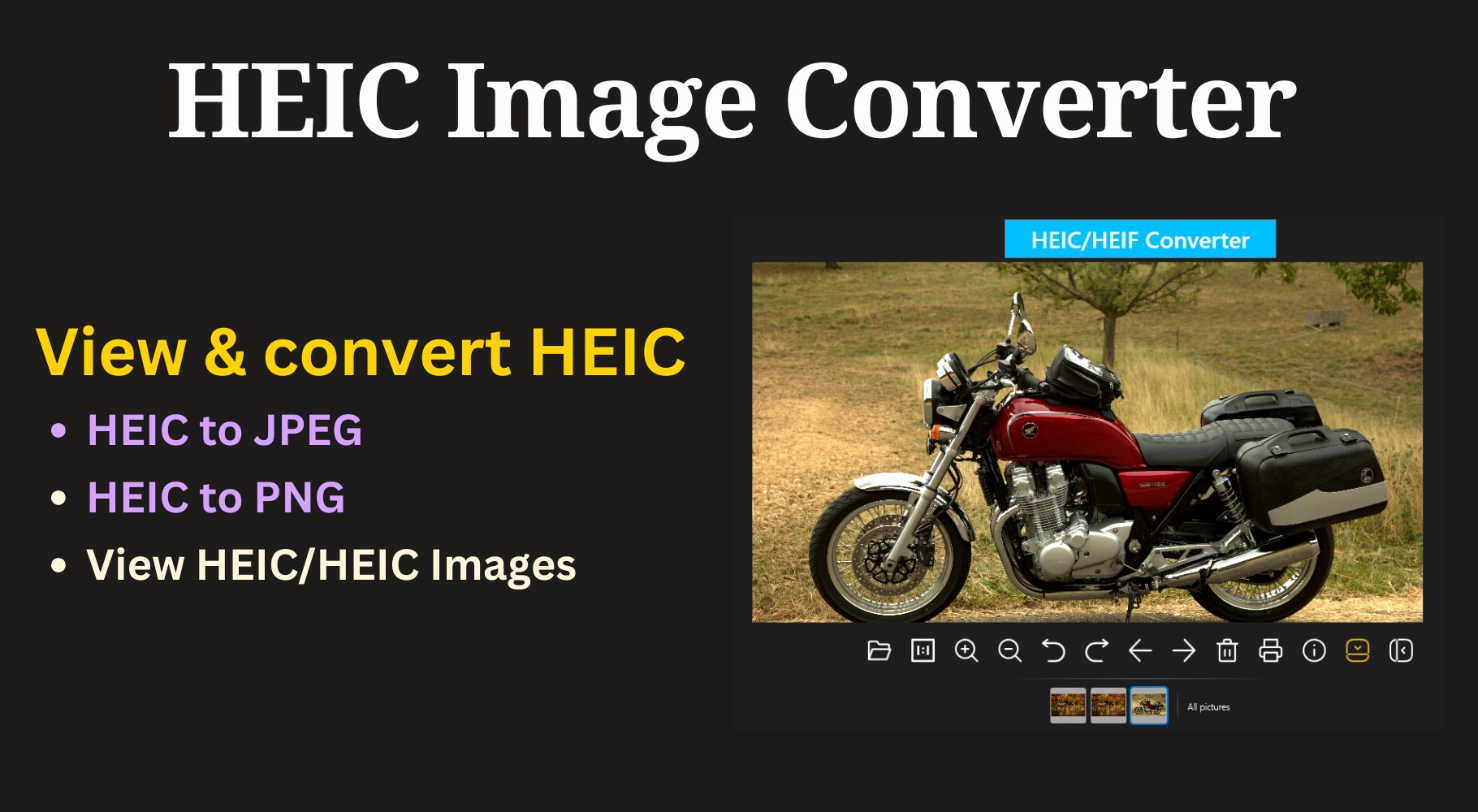
- Name HEIC Viewer for Windows
- Category Photo & video
- Developer HEIC
- Available on PC, Mobile, Surface Hub, HoloLens
- OS Windows 10 version 19041.0 or higher
- languages English (United States)
A Smooth Gallery for HEIC Files: HEIC Viewer for Windows Review
If you've ever stumbled upon a HEIC image on your new device and wondered how to open it seamlessly, HEIC Viewer for Windows is an application promising to make your life much easier. Designed with simplicity and efficiency in mind, this tool aims to turn the often-confusing HEIC format into a straightforward viewing experience on Windows PCs. Whether you're a casual user or someone working frequently with images, this app might just be your new favorite companion for HEIC files.
Who's Behind the Curtain? The Developer and Features at a Glance
Developed by the team known as HEIC under the publisher GameTools, HEIC Viewer for Windows is a dedicated application focusing solely on opening and managing HEIC images on Windows platforms. This specialization makes it stand out in the crowded landscape of multimedia viewers. The core features include rapid image rendering, batch viewing capabilities, and easy image exporting—all tailored to simplify the handling of HEIC files.
This app targets a broad spectrum of users—photographers, graphic designers, or everyday users—who encounter HEIC images due to high-efficiency camera standards on smartphones and modern devices. It's especially helpful for those who need a reliable tool to view these files without complex conversions or dedicated photo editing programs.
Opening Scene: Not Just Another Image Viewer
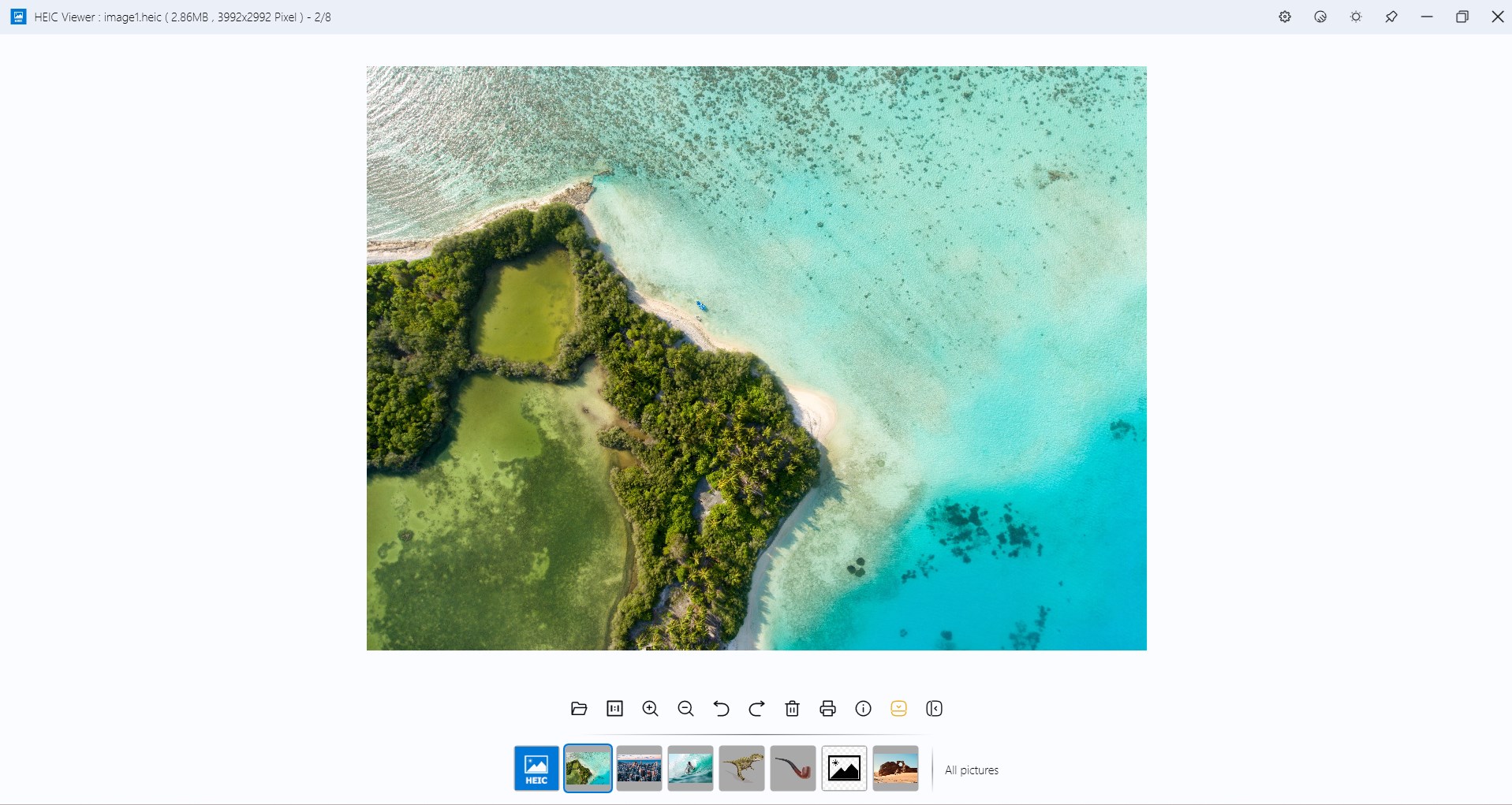
Imagine opening your Windows PC to discover an unexpected HEIC image…and the app instantly transforming that confusion into clarity. HEIC Viewer's welcoming interface makes it feel like chatting with a friendly neighbor—simple, intuitive, and unobtrusive. No clutter, no confusing options, just an elegant window that puts your images front and center. The moment you drag and drop a HEIC file, you're greeted with a quick, crisp display that's clear and accurate—like a well-lit photograph that captures every detail.
Core Functionality Spotlight
Seamless HEIC Viewing with Colorful Clarity
The highlight of this app is undoubtedly its ability to render HEIC images swiftly and accurately. Thanks to its optimized rendering engine, photos appear with vibrant colors and high detail, matching performance expectations. Unlike some generic viewers that struggle or show dull images, HEIC Viewer delivers consistency with each click—like turning on a light in a dark room, revealing all subtle nuances of your images effortlessly.
Batch Processing and Easy Exporting
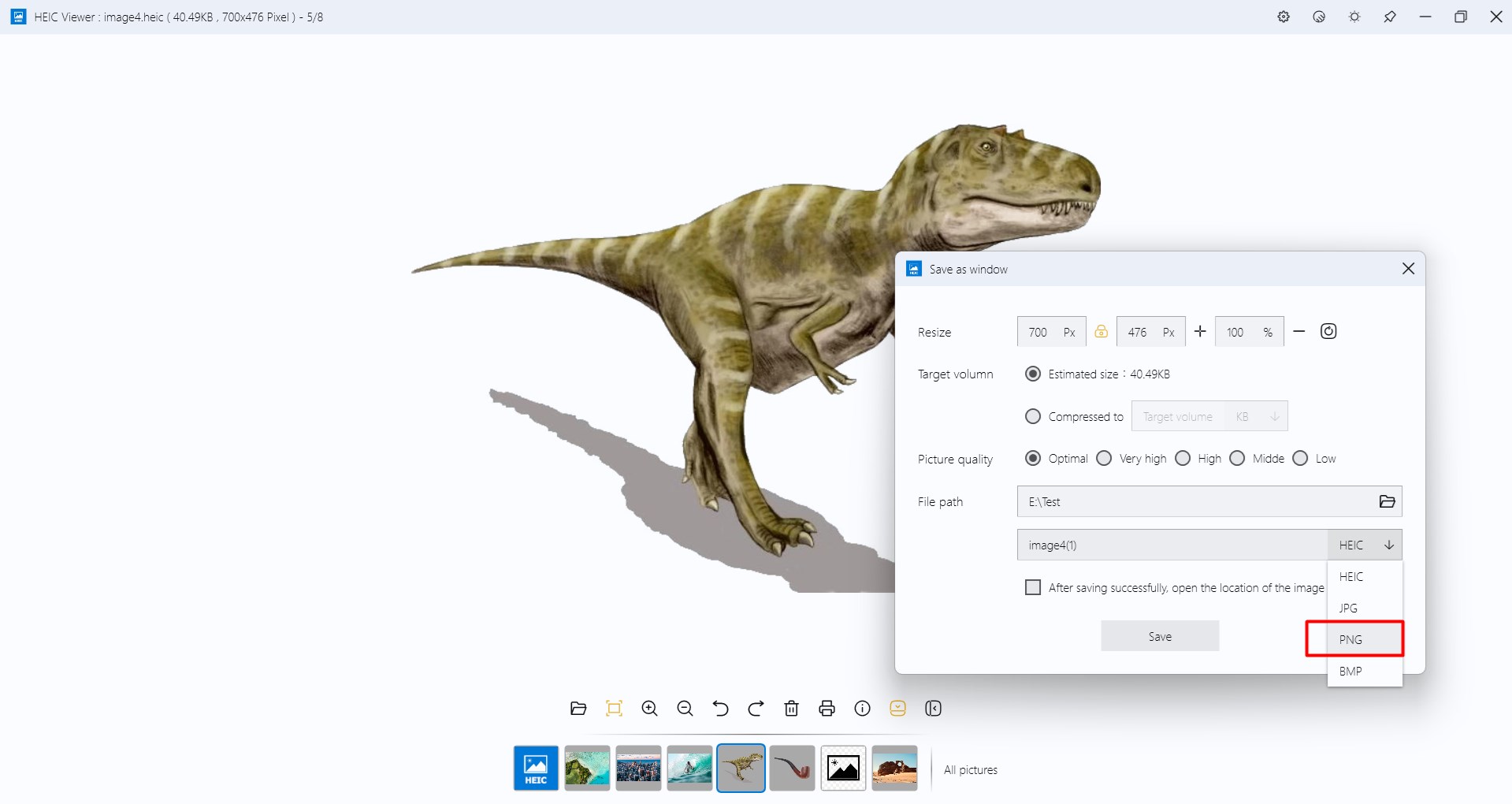
Handling multiple images is effortless. You can select folders or several files simultaneously, and the app displays thumbnails for quick navigation. Plus, exporting images to more common formats such as JPEG or PNG is straightforward. This makes sharing your HEIC images on older devices or platforms a breeze—think of it as translating a local dialect into widely understood language.
User Experience: Intuitive & Light on Resources
The interface's clarity allows even beginners to navigate with minimal learning curve. Operations are smooth, with almost instantaneous responses—no lagging or freezing. The app is lightweight, barely taxing system resources, which means it won't slow down your PC or interfere with other tasks. Its straightforward design ensures that viewing HEIC files feels as natural as flipping through a photo album on your shelf.
What Sets It Apart? Uniqueness in a Crowded Market
Most image viewers support a range of formats, but HEIC Viewer for Windows hones in on the HEIC format with unmatched efficiency. Its standout feature is its dedicated HEIC decoding capability, which guarantees accurate color reproduction and quick loading times—something many multi-format viewers can't promise when handling HEIC files. Another advantage is its focus on batch processing, making it a practical tool for photographers who need to review numerous images swiftly.
Moreover, because many free tools require cumbersome conversions or additional codecs, HEIC Viewer offers a practical all-in-one solution that integrates seamlessly into your workflow. It's less about bloat and more about doing one thing exceptionally well.
Final Verdict: Is It Worth Your Time?
Considering its straightforward interface, speed, and specialized focus, HEIC Viewer for Windows earns a solid recommendation, particularly for users who frequently deal with HEIC images and need a reliable dedicated viewer. For casual users, it's an efficient way to open HEIC files without hassle. However, if your workflow involves advanced editing or conversion needs, this app might serve as a preliminary step before moving to more comprehensive software.
In conclusion, if simplicity, speed, and a focus on HEIC format are what you seek, HEIC Viewer for Windows is a tool worth keeping in mind—like having a friendly, efficient guide to navigate your ever-growing digital photo library.
Pros
- High Compatibility
- User-Friendly Interface
- Fast Performance
- Lightweight App
- Supports Multiple HEIC Formats
Cons
- Limited Editing Features
- No Batch Conversion
- Occasional Crashes with Large Files
- Limited Support for Other Formats
- Basic Customization Options











