
- Name HEIC to JPEG
- Category Photo & video
- Developer Duckhead Software
- Available on PC
- OS Windows 10 version 19041.0 or higher
- languages English (United States)
Introducing HEIC to JPEG for Windows: Your Friendly Conversion Companion
If you've ever found yourself stuck trying to open those mysterious HEIC images from newer iPhones or cloud services, this app offers a simple yet effective solution—transforming your HEIC files into widely compatible JPEGs with a few clicks. Developed by Duckhead Software, this tool aims to make image conversion seamless without the fuss or complexity.
Who's Behind the Curtain?
Duckhead Software is the mastermind behind this straightforward application, committed to delivering practical tools that enhance user productivity. With a focus on user-friendly design and reliable performance, Duckhead Software ensures that even those with limited tech experience can effortlessly convert images in seconds.
Main Features That Pack a Punch
- Fast and Batch Conversion: The app lets you convert multiple HEIC files into JPEGs simultaneously, saving time especially when processing large image libraries.
- High-Quality Output: Maintains the original image quality during conversion, ensuring your JPEGs look just as crisp as the HEIC originals.
- User-Friendly Interface: An intuitive interface designed for quick learnability, reducing the learning curve to near zero.
- Drag-and-Drop Support: Simply drag your images into the app window and watch them convert—no complicated menus required.
A Closer Look: The Heart of the App
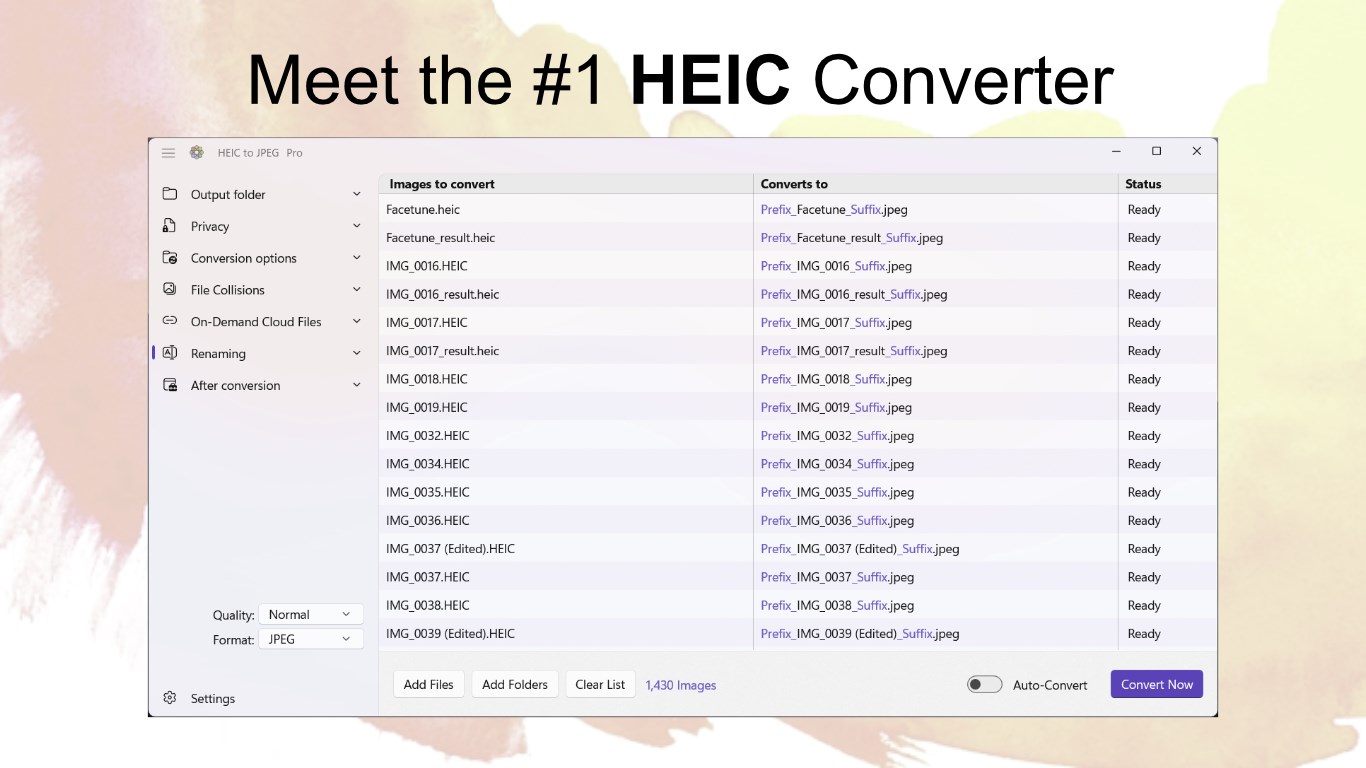
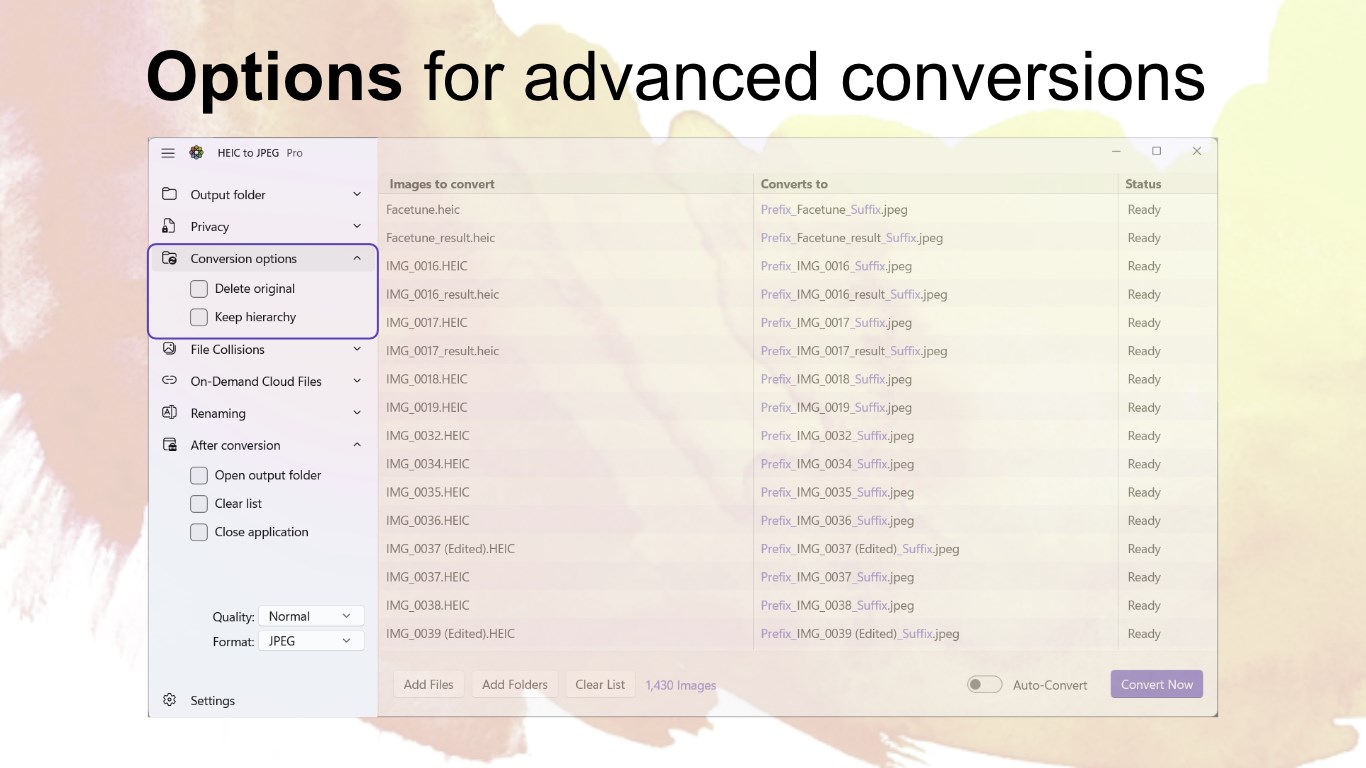
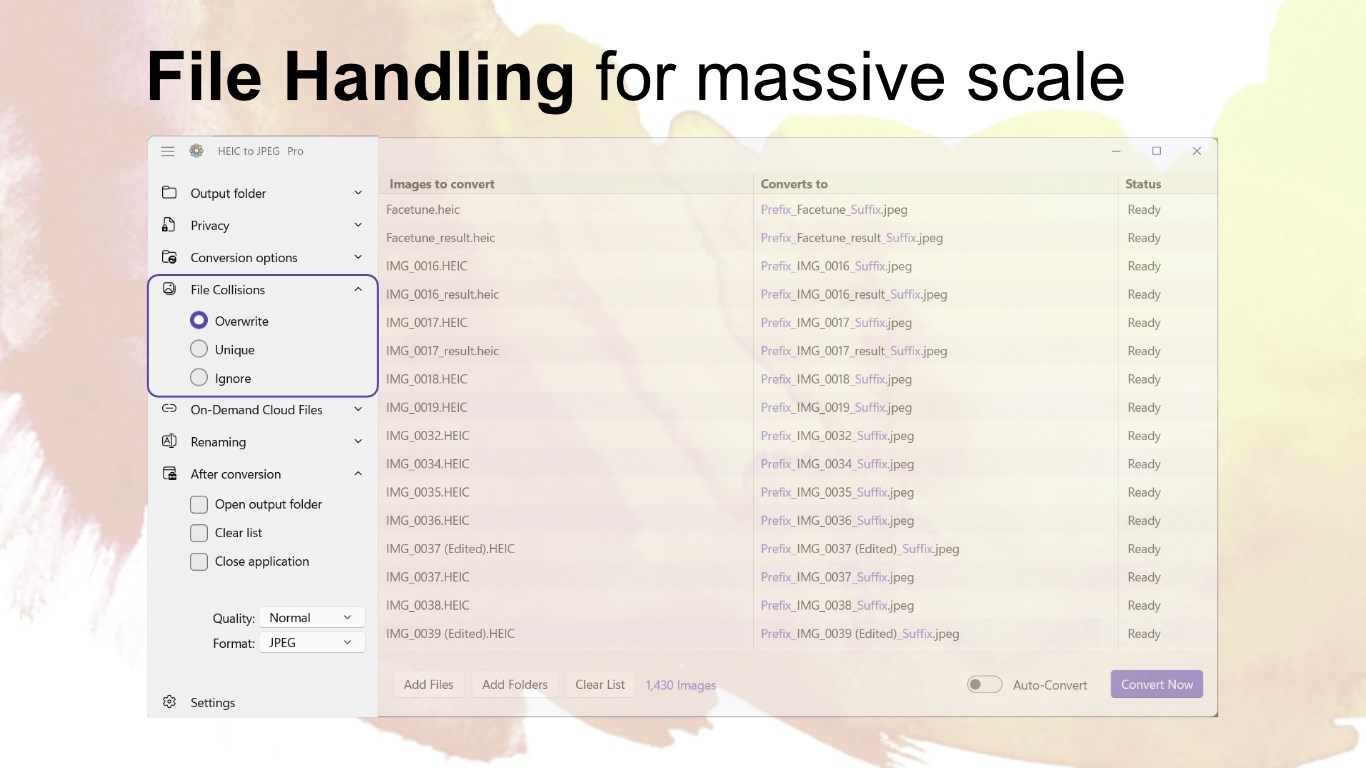
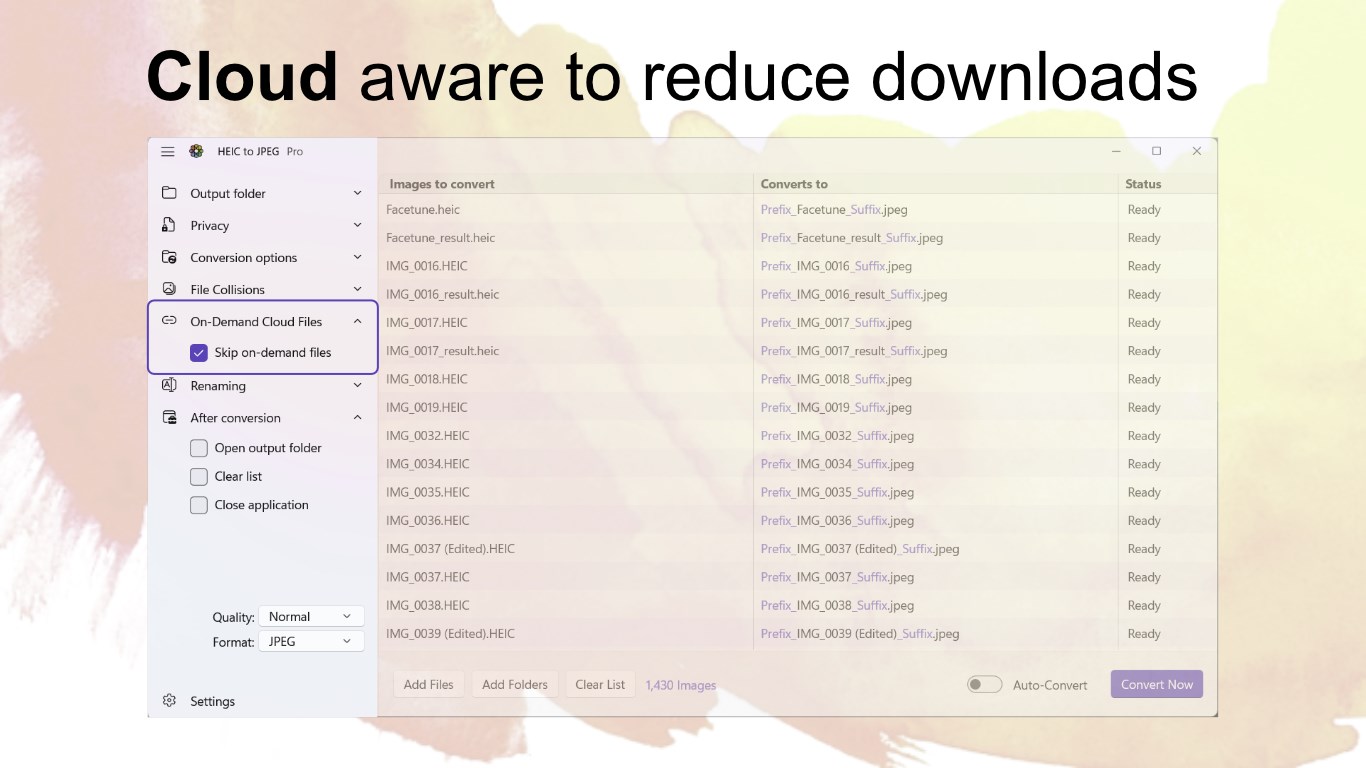
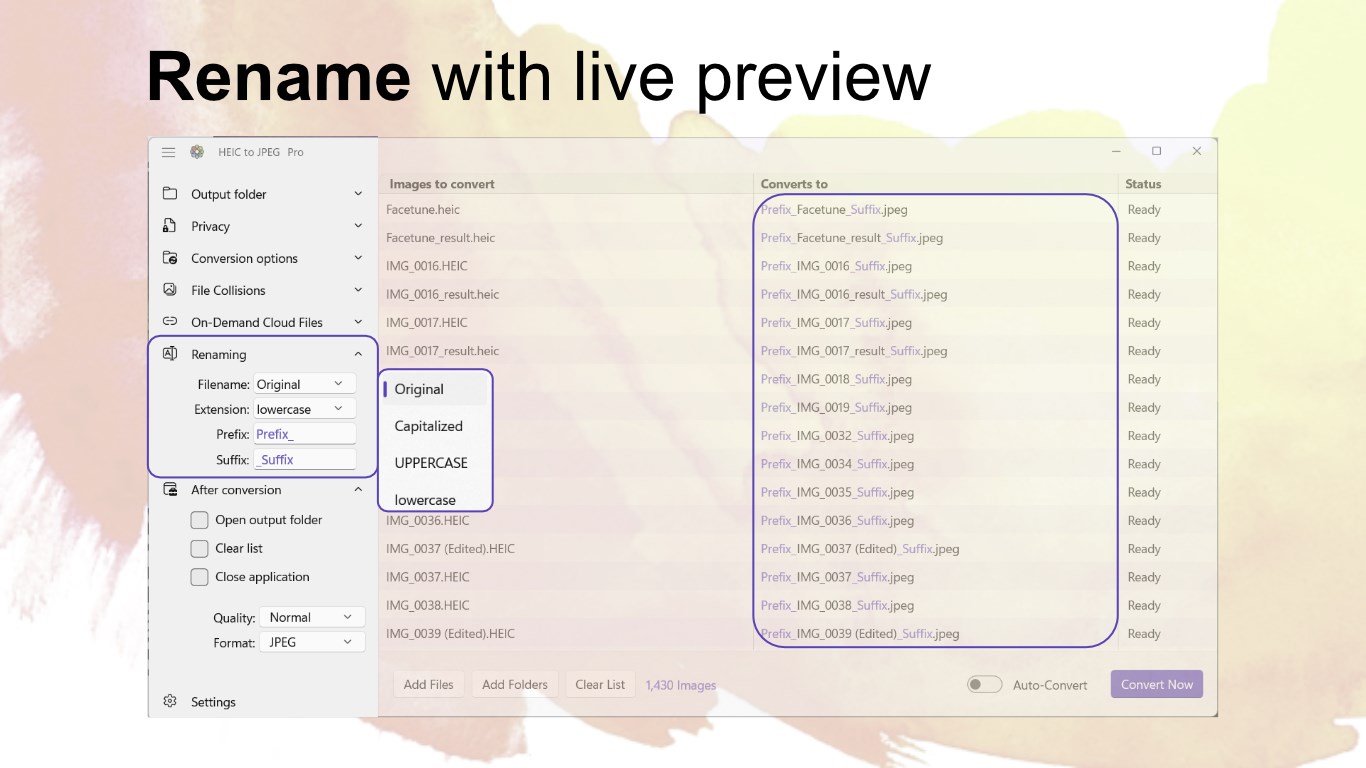
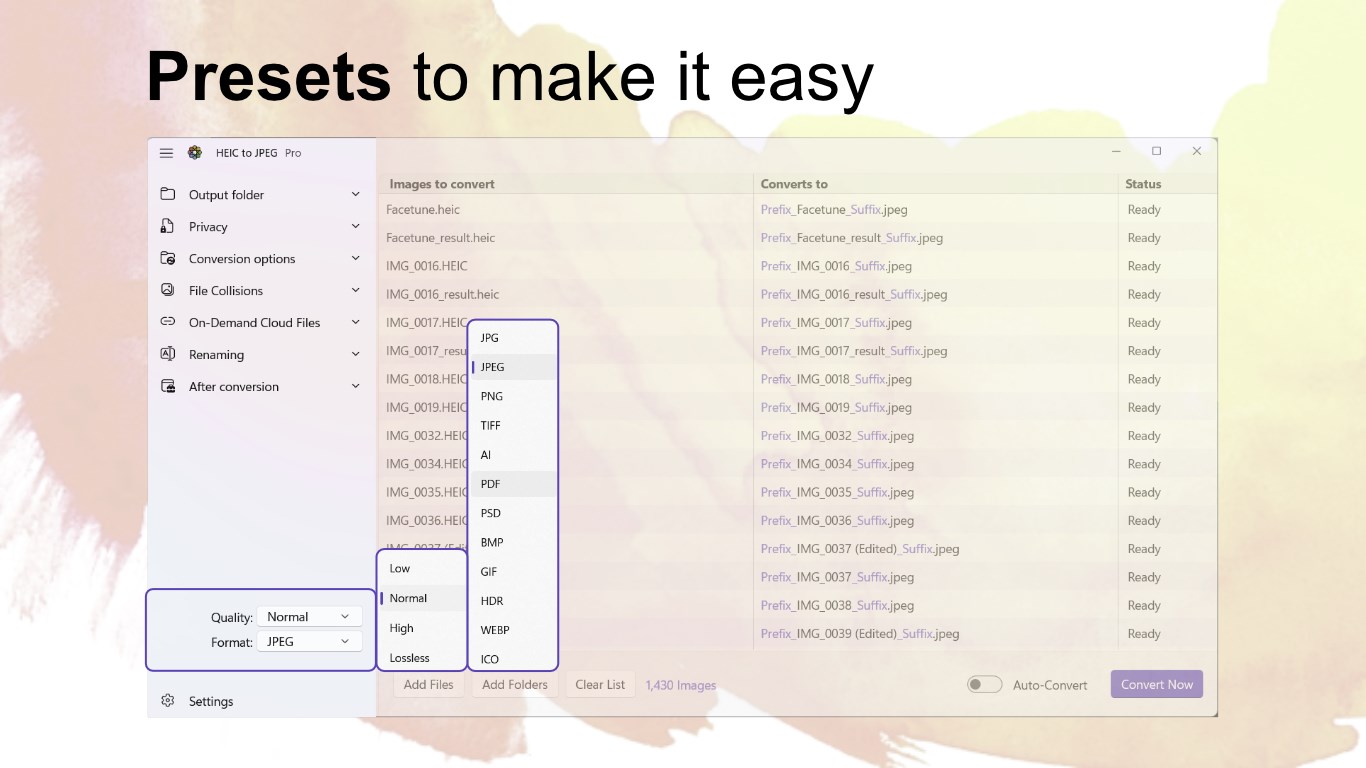
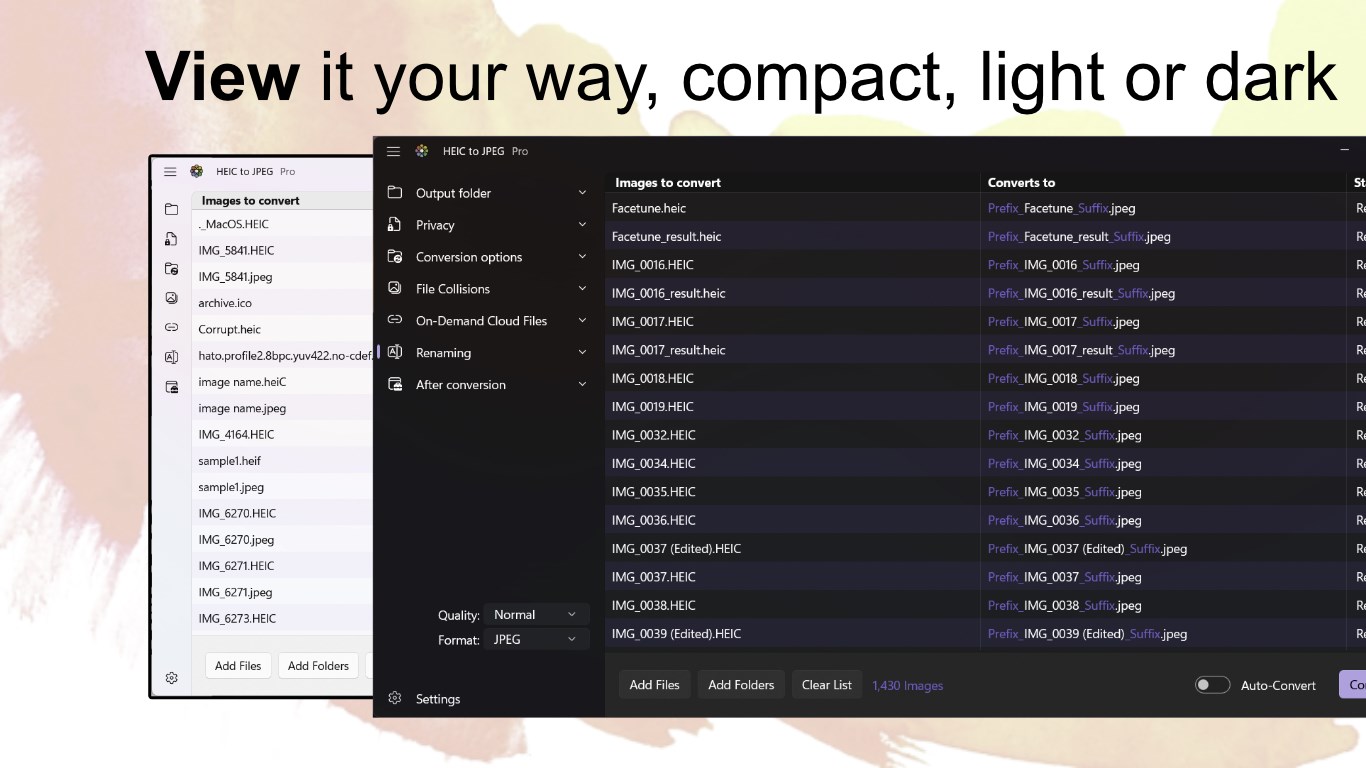
Imagine opening an app that feels like chatting with a knowledgeable friend—informative yet relaxed. The first thing you'll notice is the clean, uncluttered interface, which feels like a tidy workspace amid a sea of complex editing tools. The minimalistic design makes navigation a breeze, with all essential functions just a click or two away.
Conversion Made Effortless: Core Functionality
HEIC to JPEG for Windows shines brightest in its core offer: straightforward image conversion. Drag your HEIC images directly into the window—just like dropping mail into a mailbox—and watch the magic happen. The app processes images rapidly, even in batch mode, ensuring that your workflow remains efficient. The ability to preserve original quality during this process is a plus for professional users needing accurate reproductions, but casual users will appreciate the simplicity and speed.
Design and User Experience: Smooth Sailing or Rough Waters?
The interface's clarity and simplicity translate into a pleasant user experience. No confusing menus or overwhelming options—just a clear pathway from input to output. The conversion process is swift and responsive, with real-time progress indicators. For newcomers, the learning curve is practically nonexistent; for experienced users, the straightforward operation keeps things moving smoothly. The app works quietly in the background, allowing you to focus on your project, not fiddling with settings.
The Unique Edge in a Crowded Market
Compared to more versatile photo editing suites or multimedia apps that claim to handle everything, HEIC to JPEG for Windows carves out a niche through its laser focus—fast, reliable HEIC-to-JPEG conversion. Its batch processing capability paired with high fidelity makes it stand out, especially for photographers or businesses managing extensive image archives. Unlike broader tools cluttered with unnecessary features, this app's simplicity guarantees performance without distractions. Moreover, its drag-and-drop feature takes convenience to the next level—just drop, wait, done.
Final Verdict: A Handy Tool Worthkeepers
If you often work with HEIC images and need a quick, dependable way to convert them into JPEGs, this app deserves a spot in your toolbox. It offers a crisp blend of speed, quality, and ease of use that can save you time and frustration. For casual users, it provides a fuss-free experience; for professional ones, it delivers consistent, lossless conversions. I'd recommend giving it a try if these features align with your needs—it's a straightforward yet powerful assistant for your image management tasks.
Pros
- User-friendly interface
- Fast conversion speed
- Supports batch conversions
- Preserves image quality
- No need for online connection
Cons
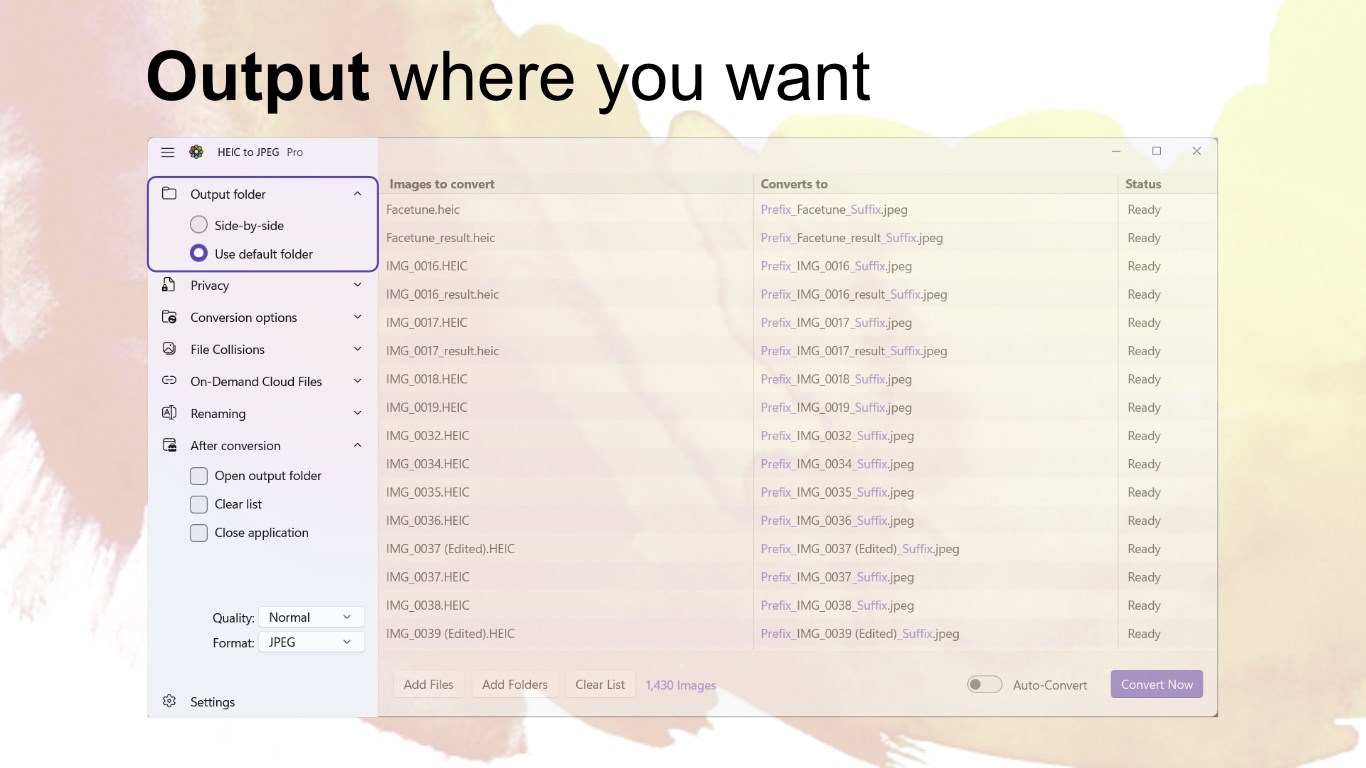
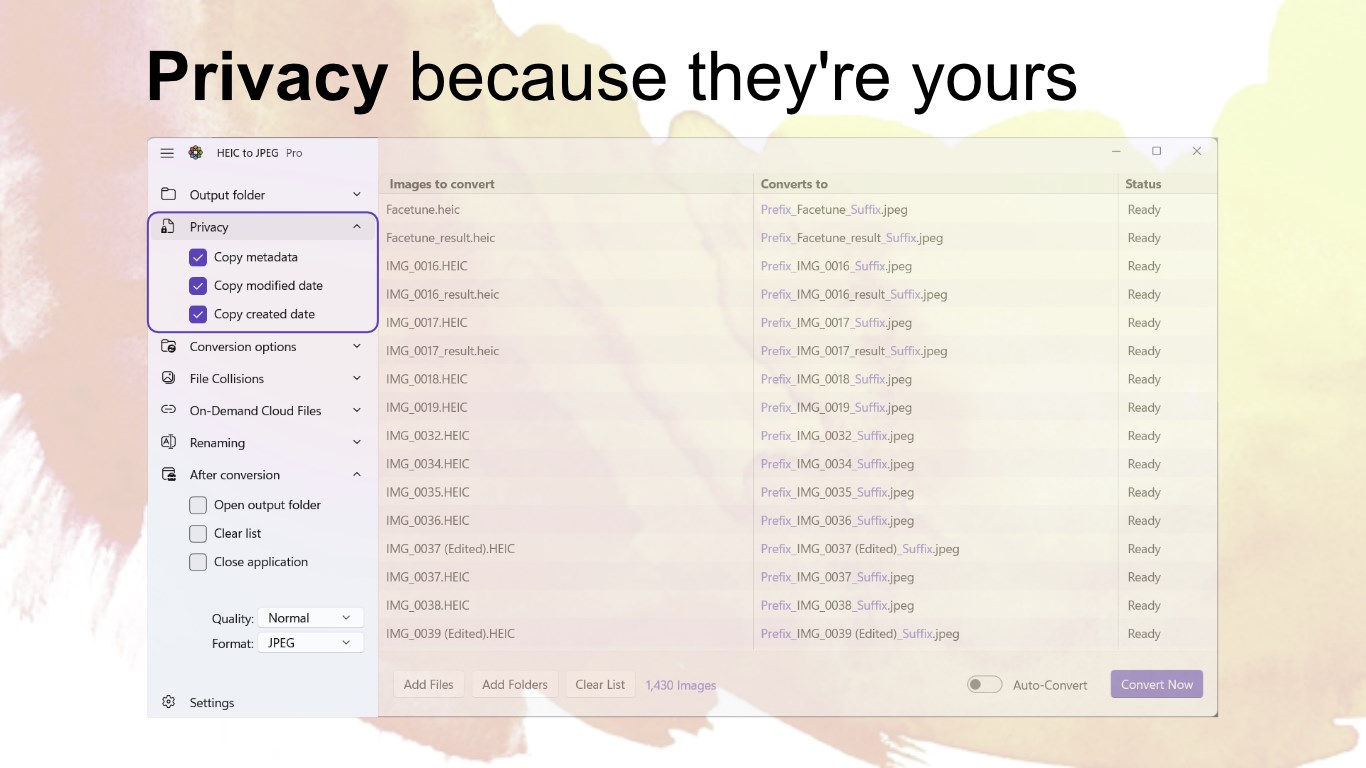
- Limited output customization options
- Lack of support for other image formats
- Occasional crashes on large batch conversions
- No built-in image editing features
- Limited language support currently











