

- Name HEIC Image Converter - JPEG, PNG, BMP, GIF
- Category Photo & video
- Available on PC, Surface Hub, HoloLens
- OS Windows 10 version 17763.0 or higher
- languages English (United States)
Introduction: A New Companion for HEIC Conversion
Imagine finally being able to effortlessly turn those elusive HEIC images—often a headache when trying to view or edit—into popular, universally compatible formats like JPEG or PNG. HEIC Image Converter from SoftPard Tech promises a seamless experience for Windows users seeking a straightforward solution. Whether you're a photographer, designer, or just someone dealing with images regularly, this app aims to simplify your workflow with just a few clicks and zero fuss.
Core Features: Simplifying Your Image Conversion Needs
Fast and Reliable Format Support
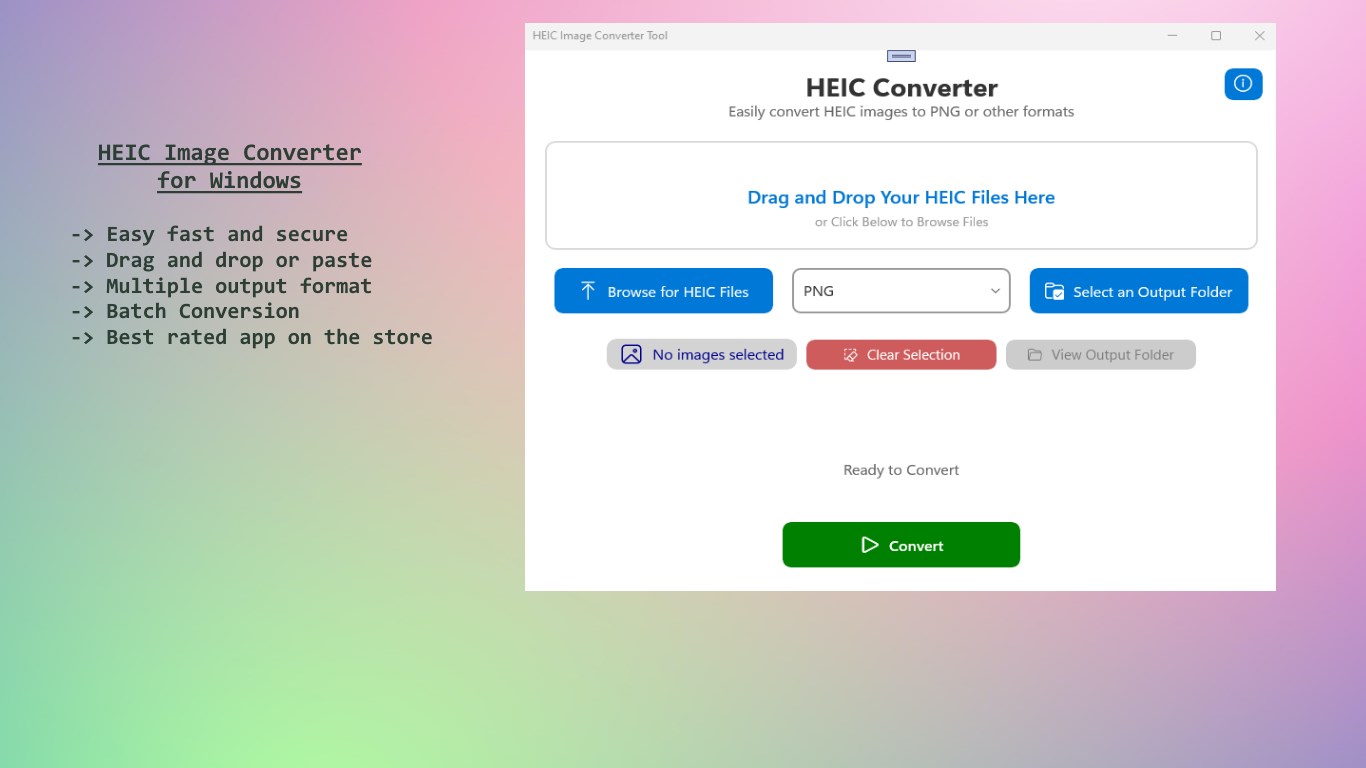
The app's standout feature is its ability to convert HEIC images into a variety of formats including JPEG, PNG, BMP, and GIF with remarkable speed and accuracy. Designed specifically for Windows, it ensures high-quality output while maintaining the original image fidelity. This is especially handy when you need to upload images to websites or share them via email—no more worrying about compatibility issues or software limitations.
Batch Conversion – Save Time and Effort
Nothing beats efficiency, and HEIC Image Converter delivers just that with its batch processing capability. Instead of converting images one by one, you can select multiple HEIC files simultaneously and convert the entire batch at once. Imagine you're preparing an album or a presentation; this feature acts like a diligent assistant, handling the heavy lifting so you can focus on your creative or professional tasks.
Intuitive Interface and Ease of Use
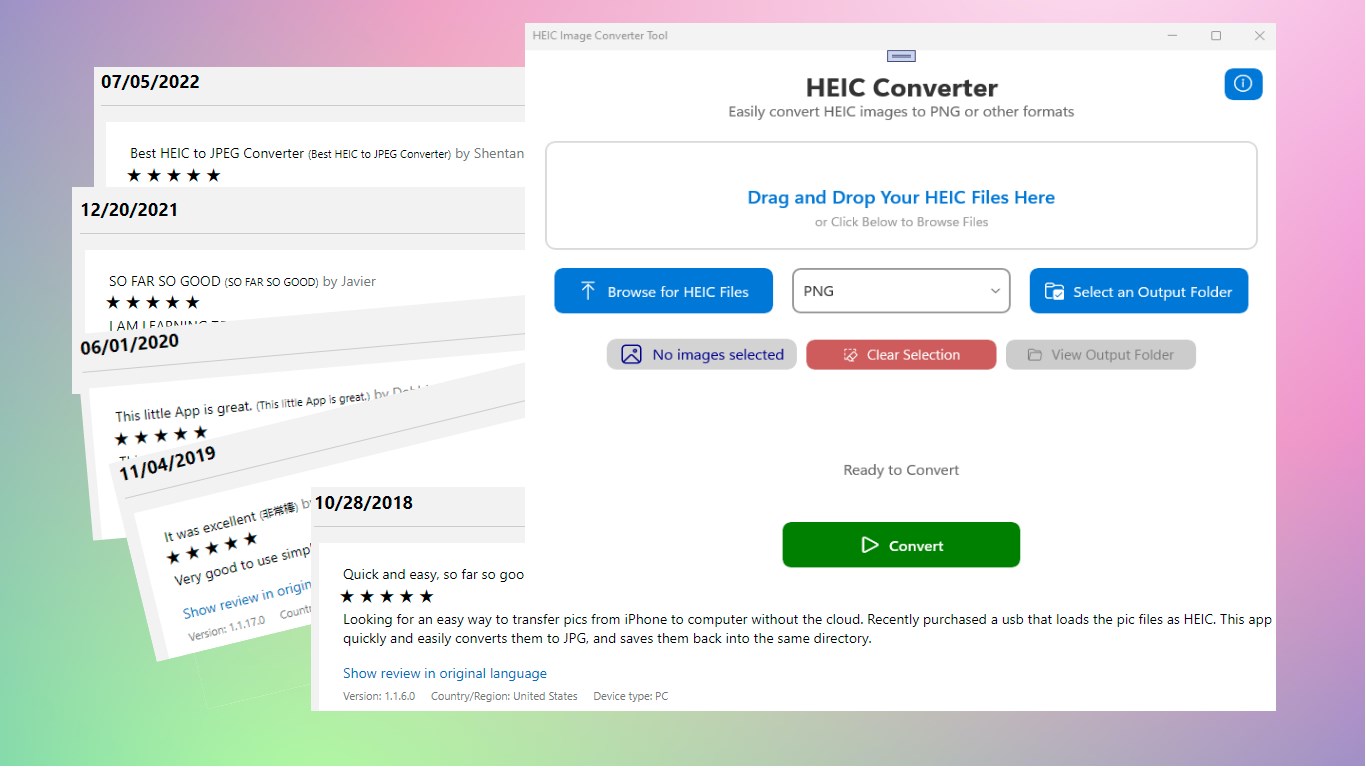
The app sports a clean, modern interface that feels inviting rather than intimidating. Navigating through the options is as simple as dragging and dropping images into the window—think of it like assembling a photo collage—then choosing your desired format. The conversion process is smooth, with progress indicators providing real-time updates. Even users with minimal tech experience will find it straightforward to pick up and operate effectively.
User Experience and Differentiation
Compared to other photo and video apps on the market, HEIC Image Converter's focus on a specific niche—HEIC to common formats—allows it to excel without overwhelming the user with unnecessary features. Its interface prioritizes functionality, making it a reliable tool rather than an overloaded multimedia suite. Notably, its ability to handle batch conversions underscores its suitability for professional photographers managing large libraries of HEIC images or casual users cleaning up their photo folders.
In terms of user experience, the app scores highly due to its minimalist design coupled with fast processing speeds. Unlike more complex photo editing tools that require tutorials and learning curves, this converter feels more like a handy gadget—an essential tool you keep on hand for quick, dependable results. Its straightforward approach provides a refreshing departure from bloated software, enabling users to get their tasks done without delay.
Final Verdict: A Practical Choice for HEIC Conversion
For users tired of dealing with HEIC incompatibility issues, HEIC Image Converter offers a focused, efficient solution. Its core strength lies in rapid batch processing and simple interface design, making it especially suitable for users who prioritize speed and ease of use. If your workflow regularly involves converting HEIC images, this app is definitely worth considering. It isn't flashy, but it gets the job done well—and sometimes, that's all you need.
In summary, I recommend HEIC Image Converter for anyone who needs a reliable, no-nonsense tool to handle HEIC images quickly and effectively. Whether you're a professional dealing with numerous images or a casual user wanting to view or share images without fuss, this app stands out as a practical, user-friendly option.
Pros
- User-Friendly Interface
- High Conversion Speed
- Supports Multiple Formats
- Maintains Image Quality
- Batch Conversion Capability
Cons
- Limited Editing Features
- Occasional Compatibility Issues
- Advertisements in Free Version
- Limited Output Customization
- No Cloud Storage Integration











