

- Name ESET NOD32 Antivirus
- Category Security
- Developer ESET, spol. s r.o.
- Available on PC
- OS Windows 10 version 0.0 or higher
- Keyboard Integrated Keyboard
- Mouse Integrated Mouse
- Memory 300 MB
- languages Arabic, Bulgarian, Chinese (Simplified), Chinese (Traditional Chinese), Croatian, Czech, Danish, Dutch, English, English (United States), Estonian, Finnish, French (Canada), French, German, Greek, Hebrew, Hungarian, Indonesian, Italian, Japanese, Kazakh, Korean, Lithuanian, Norwegian, Polish, Portuguese, Portuguese (Brazil), Romanian, Russian, Serbian (Latin), Slovak, Slovenian, Spanish, Spanish (Latin America), Swedish, Thai, Turkish, Ukrainian, Vietnamese, Hebrew
Introducing ESET NOD32 Antivirus for Windows: A Steady Shield for Your Digital Life
In a world increasingly woven with digital threads, a reliable antivirus isn't just a luxury—it's a necessity. ESET NOD32 Antivirus for Windows positions itself as a sophisticated yet user-friendly guardian, silently defending your devices from the ever-evolving landscape of cyber threats.
About the Developer and Core Offerings
Developed by ESET, spol. s r.o., a renowned cybersecurity firm with decades of experience, this application embodies their commitment to effective and unobtrusive protection. The software's standout features include quick and precise threat detection, minimal impact on system performance, flexible customization options, and an intuitive interface suitable for both tech novices and experts alike. It specifically caters to individual users, small business professionals, and anyone seeking a dependable shield without the complexity of enterprise solutions.
Engaging and Approachable: A Friendly Introduction to ESET NOD32
Imagine your computer as a bustling city, with data flowing like traffic on busy streets. ESET NOD32 Antivirus acts as a vigilant patrol, patrolling the streets 24/7, silently alerting you to any suspicious activity before it can cause chaos. Its lightweight design ensures that while it's on the lookout, your device isn't burdened, allowing you to work, play, or browse seamlessly. This balanced blend of robustness and simplicity makes it feel like having a trusty guard dog that's always alert but never overly intrusive.
Core Functionality: Precision, Speed, and Adaptability
Real-Time Threat Detection
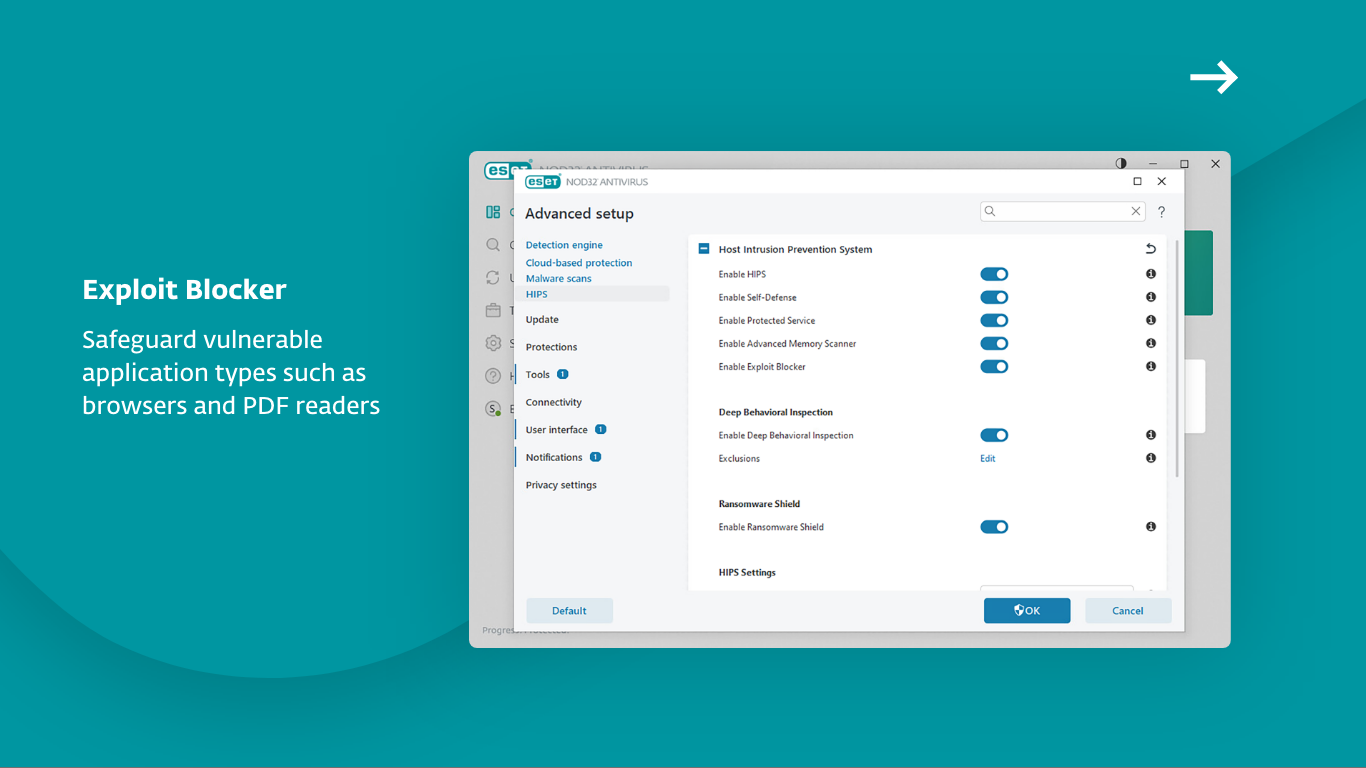
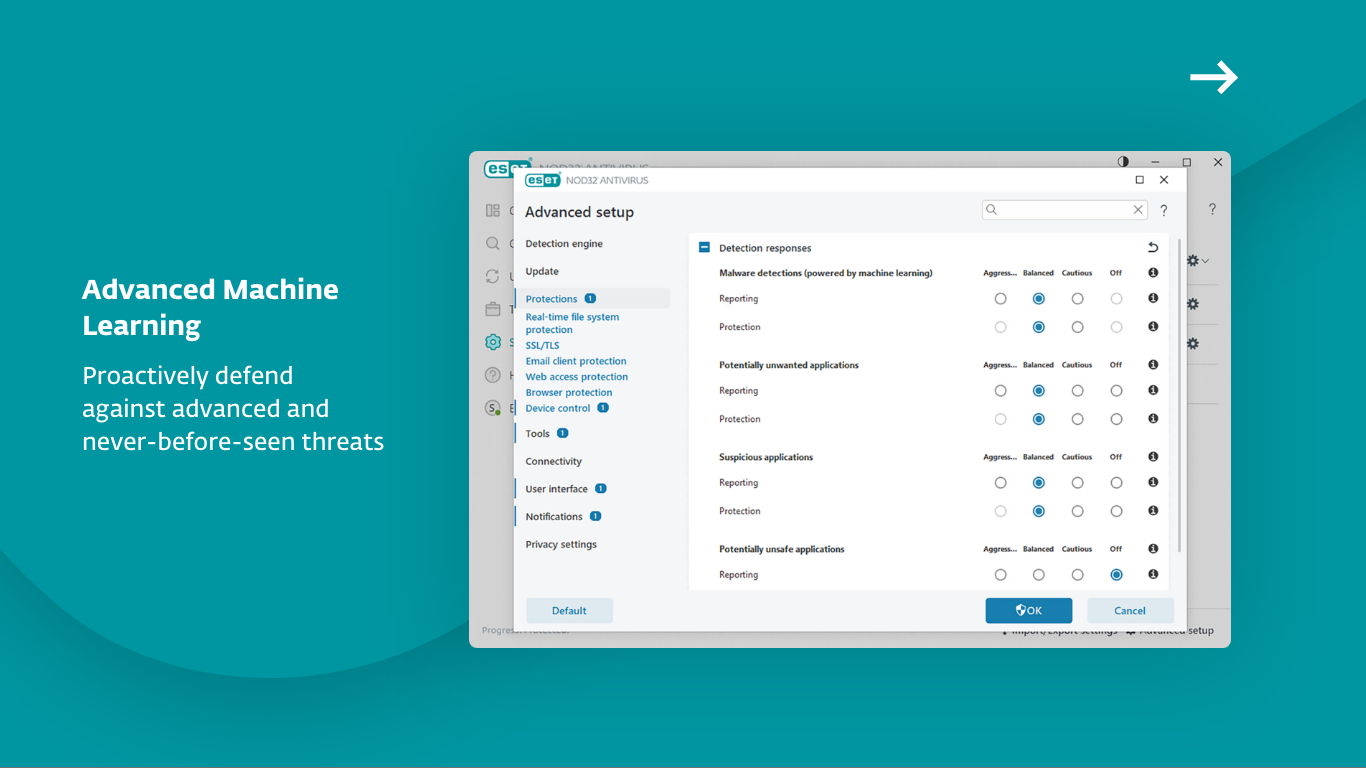
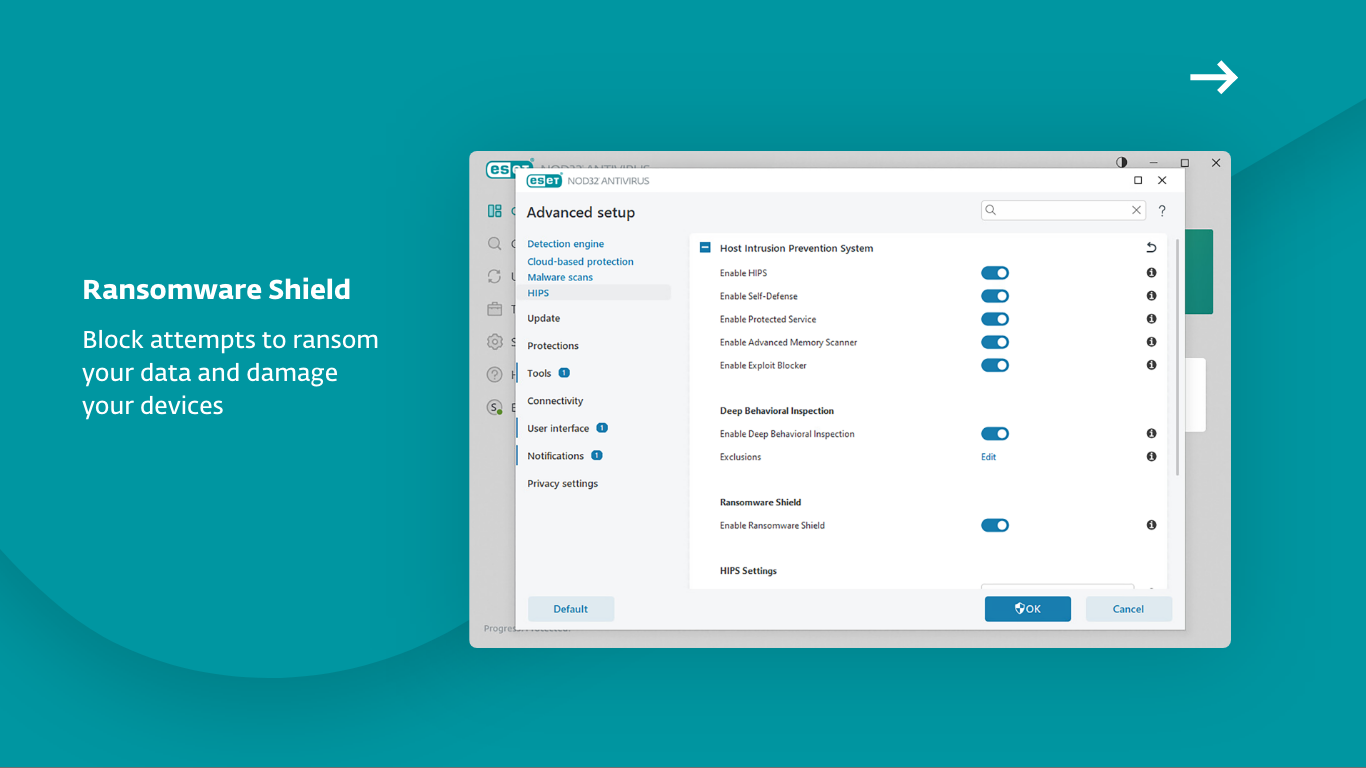
The heart of ESET NOD32 lies in its proactive real-time scanning engine. Using advanced heuristics and signature-based detection, it quickly spots viruses, malware, ransomware, and zero-day threats. What sets it apart is its ability to detect emerging threats based on behaviors and patterns, offering a dynamic defense that adapts as cybercriminal tactics evolve. This means your system gets protection not just from known malware but from novel threats lurking in the shadows.
Advanced Customization and Privacy Controls
For users who like to know exactly what's happening under the hood, NOD32 provides granular control over scanning schedules, exclusion lists, and alert management. It also integrates privacy features such as quick scans of sensitive folders and automatic updates, ensuring your defenses are up-to-date without overwhelming you with technical details. This flexibility helps users tailor their protection to match their unique needs, like adjusting a toolkit precisely for the job at hand.
Minimal Impact on Performance and User Experience
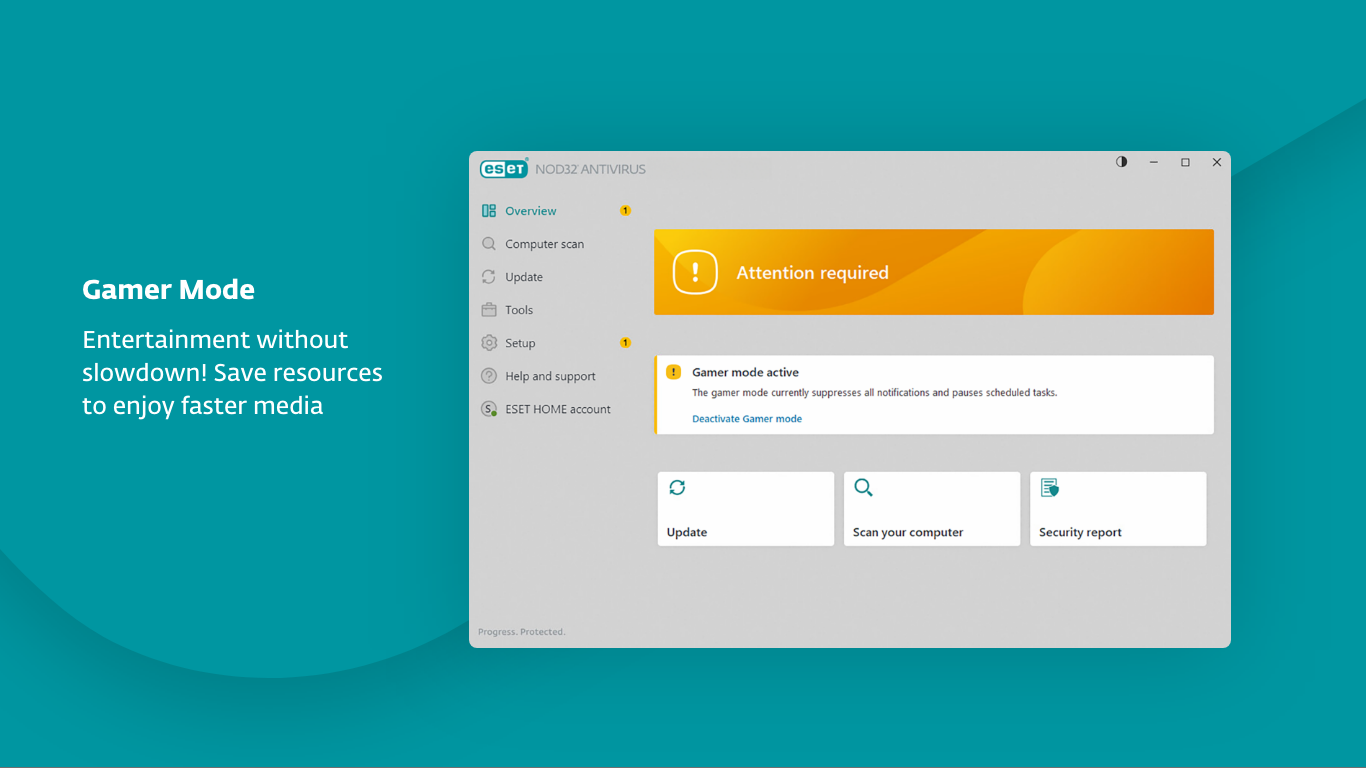
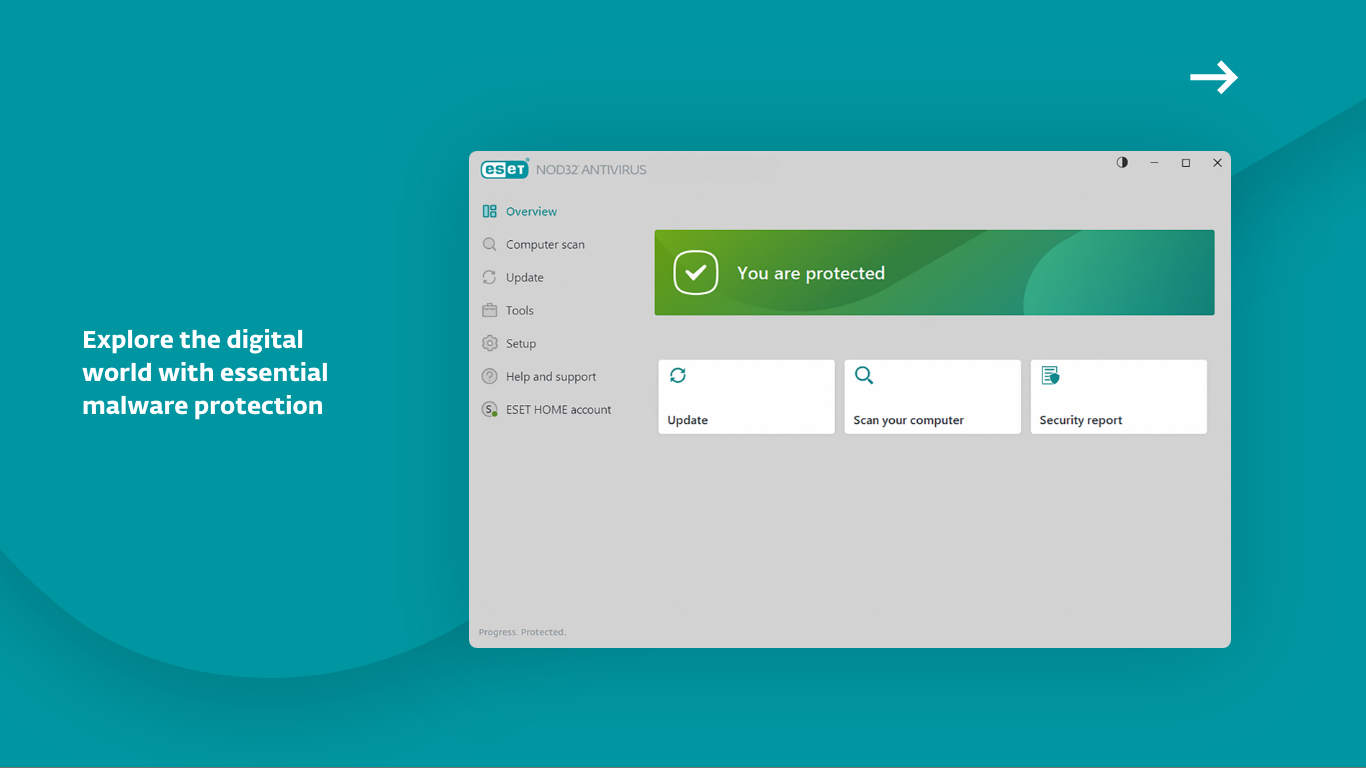
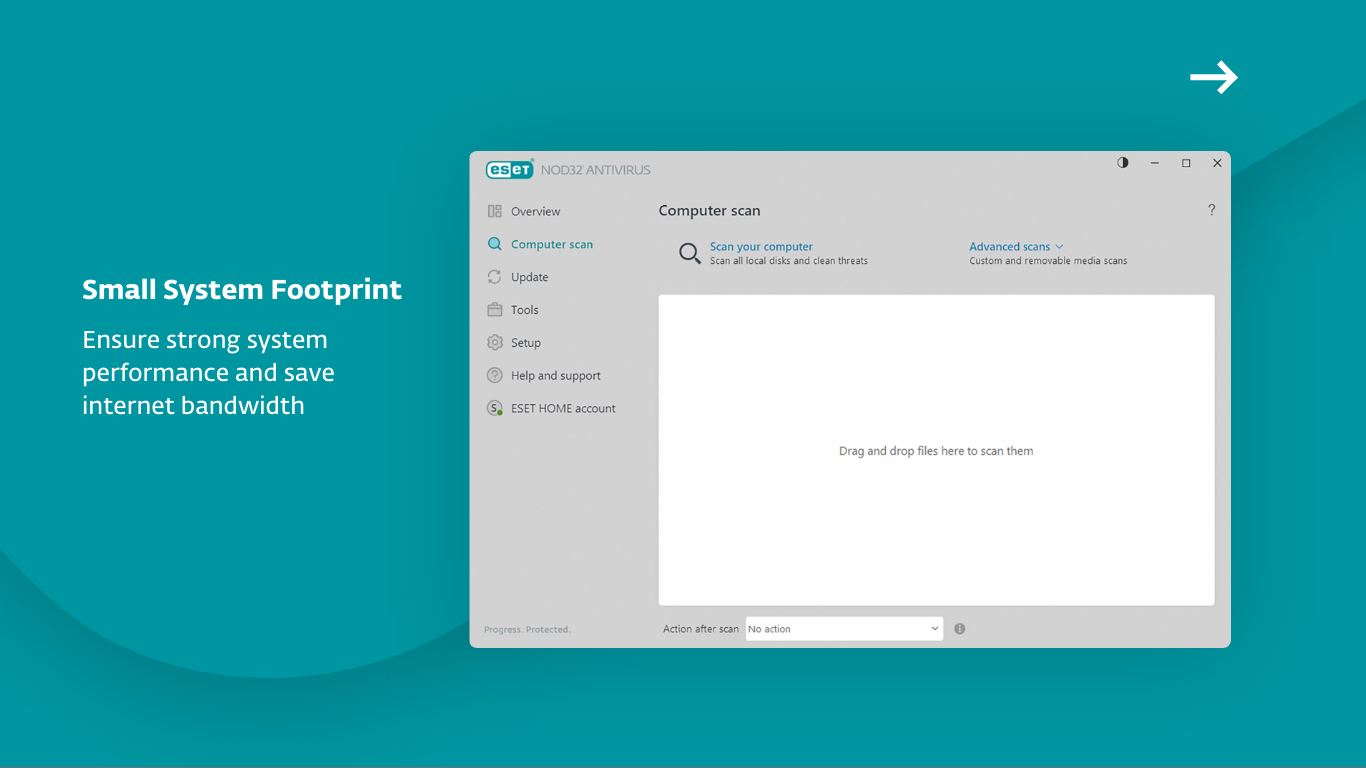
Unlike some security solutions that bog down your system with unnecessary bloat, ESET NOD32 is engineered for efficiency. It performs background scans with stealth, akin to a shadow moving silently through your home—present but unobtrusive. Its interface is clean, straightforward, and easy to navigate, even for those who aren't tech-savvy. The learning curve is gentle, and setup is painless, making it a friendly companion rather than a daunting puzzle.
What Makes NOD32 Stand Out? The Unique Selling Points
Most notably, NOD32's light footprint combined with its proactive heuristic detection sets it apart from rivals. While many antivirus solutions rely heavily on signature databases, ESET's integration of behavioral analysis and machine learning enables it to spot malicious activity before signatures are even updated, giving it a critical edge in early threat detection. Furthermore, its seamless updates and low system impact make it ideal for users who prioritize performance without sacrificing security—think of it as the difference between a vigilant security guard who quietly goes about his job versus one who constantly distracts you from your tasks.
Final Verdict: A Wise Choice for Reliable Protection
Considering its solid core features, sleek user interface, and innovative threat detection methods, ESET NOD32 Antivirus for Windows presents itself as a mature, dependable security solution. It's especially suitable for users seeking unobtrusive yet effective protection that doesn't require constant tinkering or draining system resources. While it may not boast flashy marketing claims, its balance of simplicity, precision, and performance make it a noteworthy choice in the crowded antivirus landscape.
In conclusion, if you value a security partner that operates quietly but effectively—like a vigilant neighbor watching over your digital property—ESET NOD32 Antivirus deserves your serious consideration.
Pros
- Excellent malware detection
- Lightweight and fast
- Real-time protection
- User-friendly interface
- Regular updates
Cons
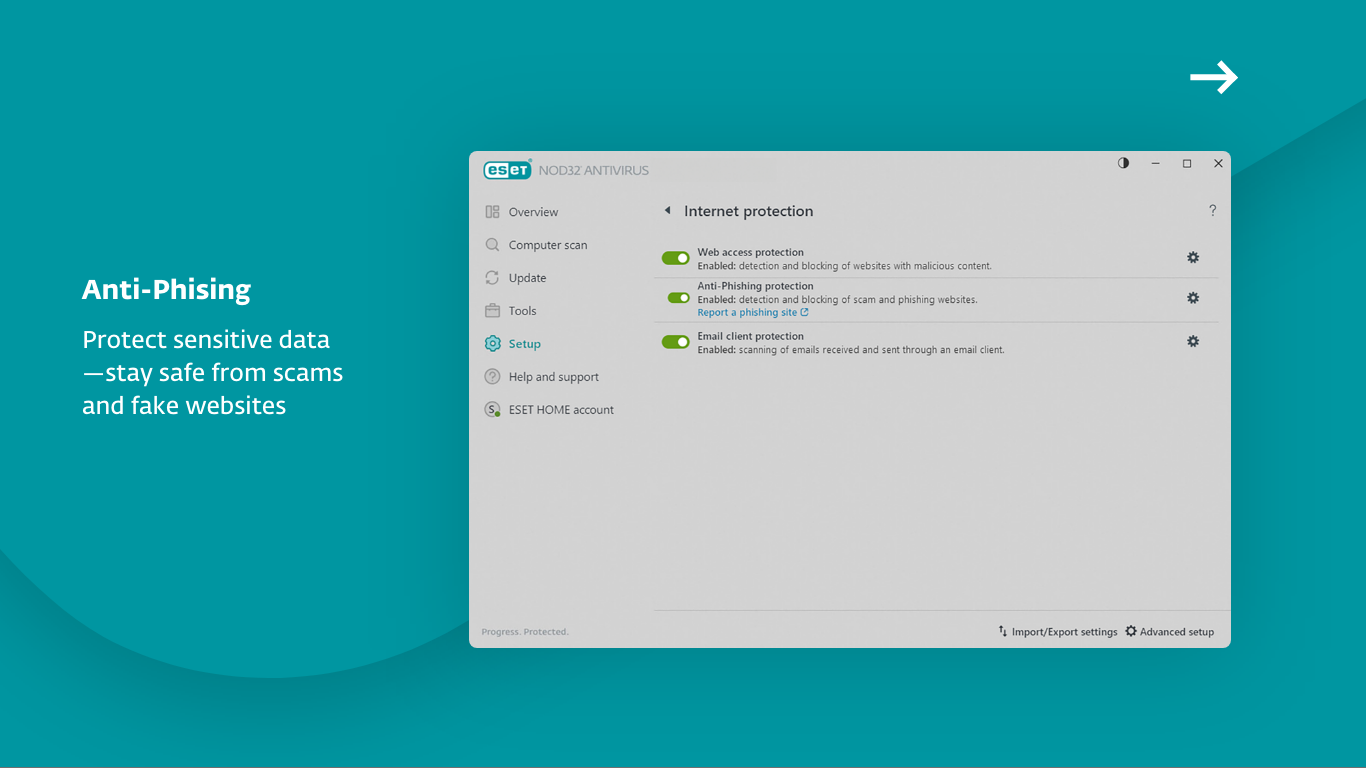
- Limited anti-phishing features
- Some false positives
- No built-in VPN offered
- Automatic scan scheduling could be more flexible
- Occasional impact on system startup time











