

- Name DVD+
- Category Photo & video
- Developer DVD Player, Video Player & Audio Player
- Available on PC
- OS Windows 10 version 14393.0 or higher
- languages Arabic, Chinese (Simplified), Dutch, English (United States), French, German, Italian, Japanese, Korean, Portuguese, Russian, Spanish
Introducing DVD+ for Windows: Your All-in-One Media Companion
Imagine having a reliable media player that seamlessly handles all your video and audio files with clarity and ease—that's exactly what DVD+ for Windows aims to deliver. Whether you're a casual viewer or a media enthusiast, this app promises a straightforward yet versatile experience, making media playback as smooth as silk.
Developed by FS Tech Media: A Dedicated Team for Quality Media Software
Produced by FS Tech Media, a company specialized in multimedia applications, DVD+ for Windows benefits from a team rooted in technical expertise and user-centered design. Their goal is to provide an accessible solution that caters to a broad user base, ensuring compatibility and performance across Windows devices.
Key Features That Make DVD+ Stand Out
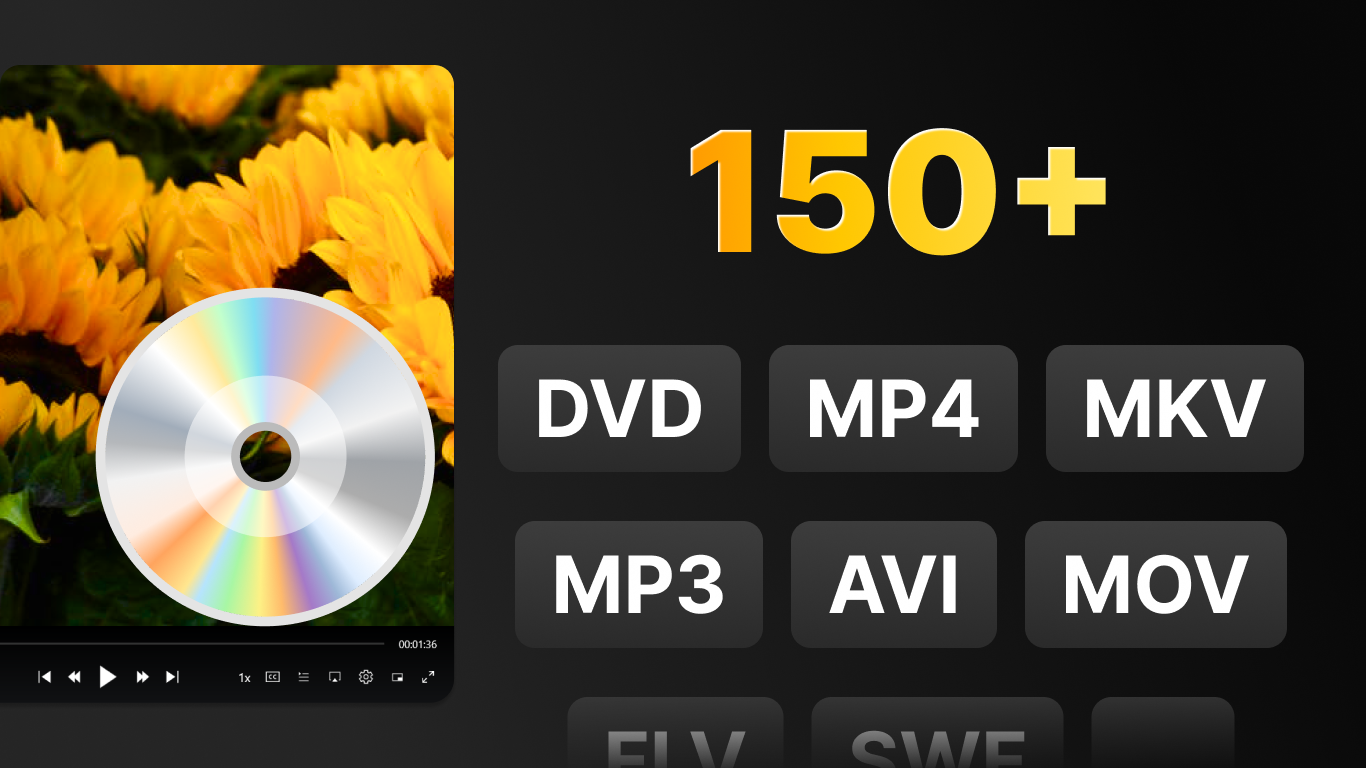
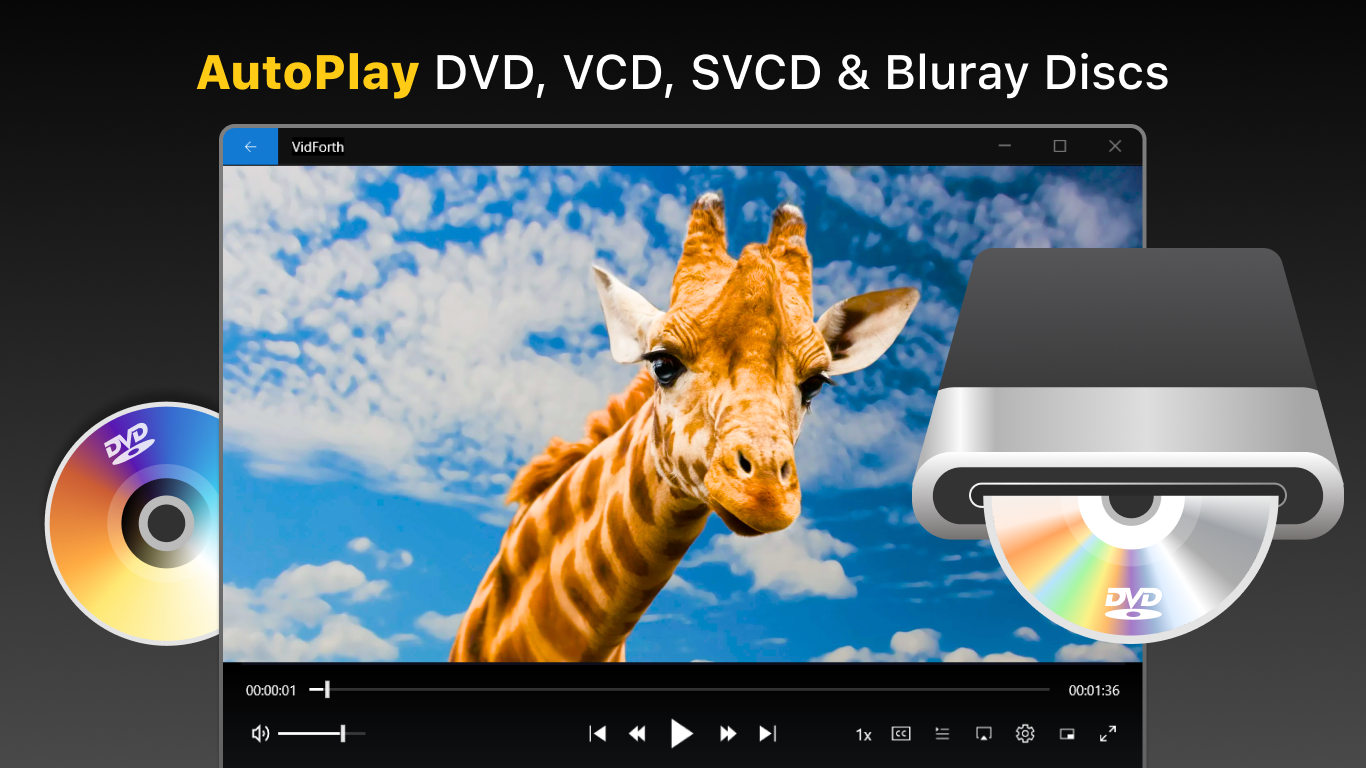
- Universal Format Support: Effortlessly play a wide array of video and audio formats without the hassle of converting files.
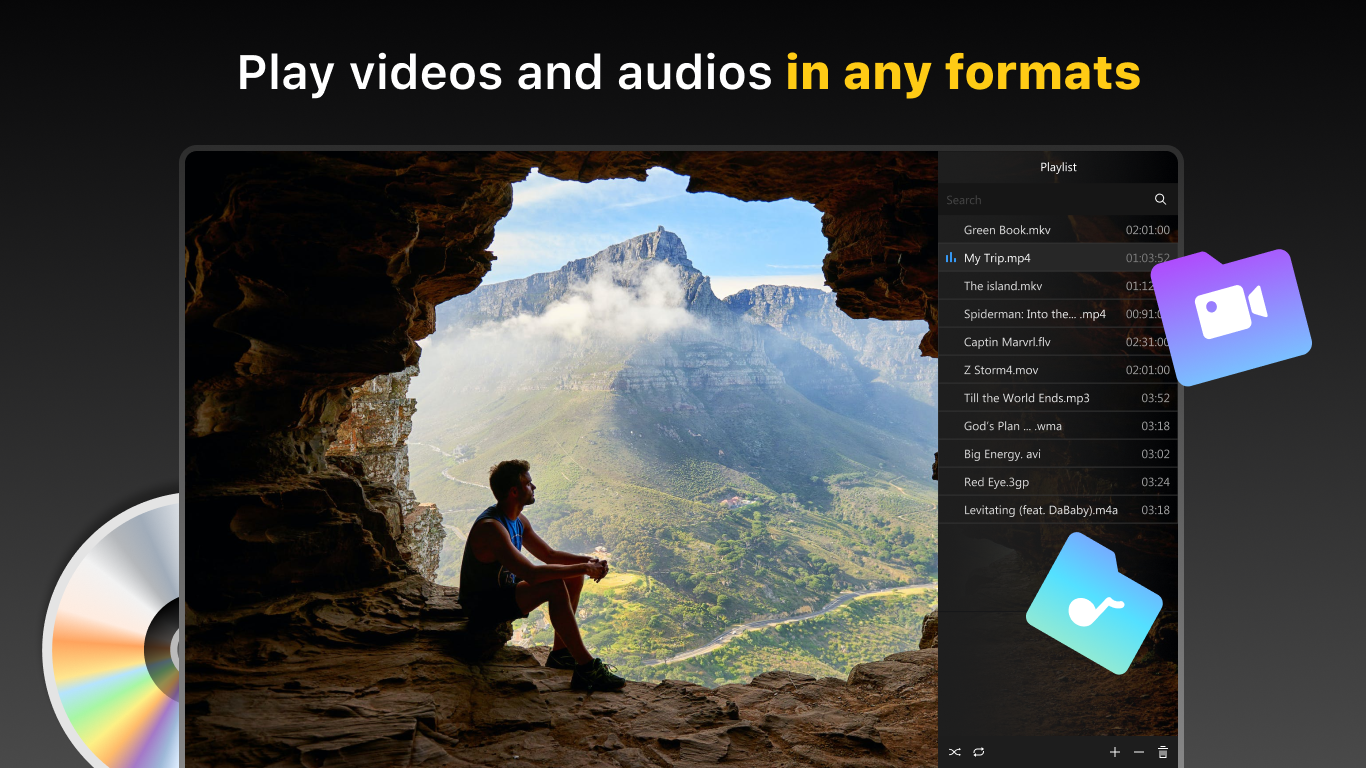
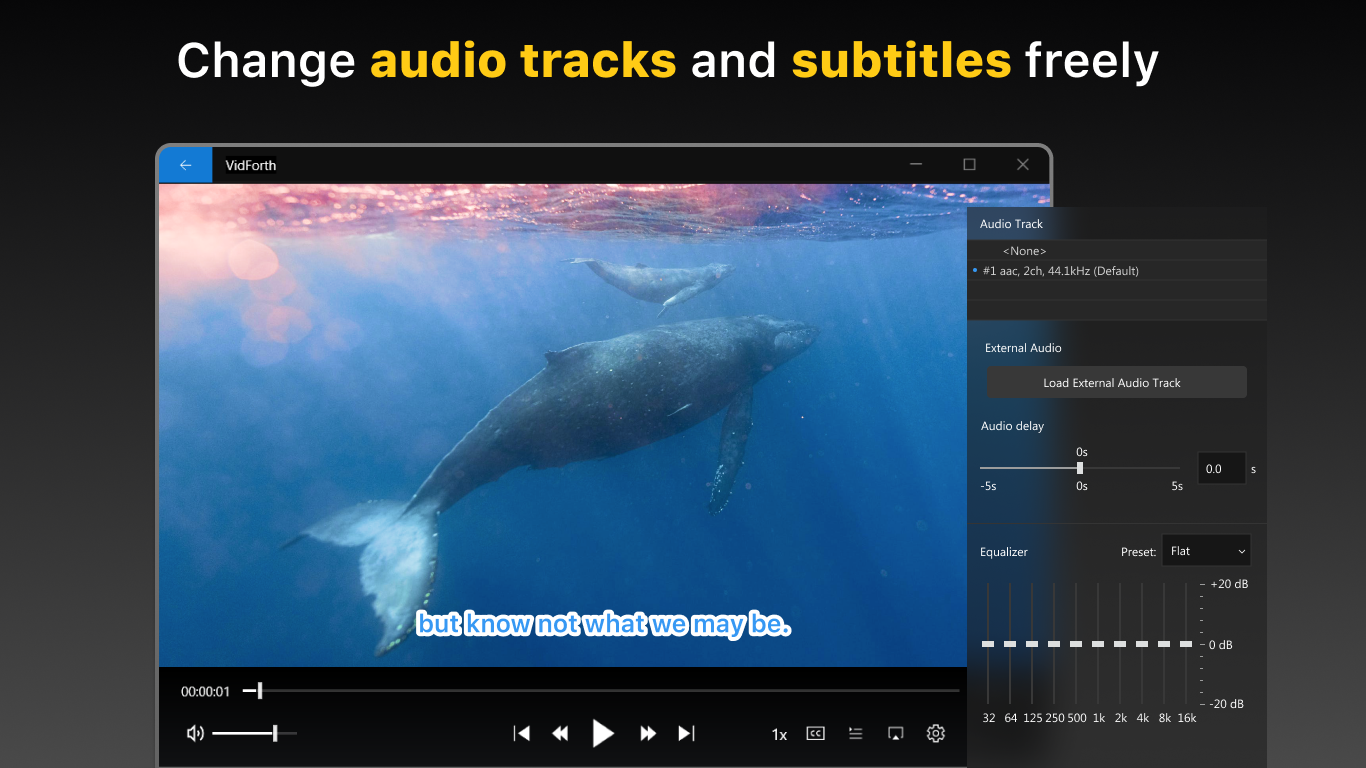
- Built-in Subtitle & Playlist Management: Customize your viewing experience with subtitle options and create playlists for continuous playback.
- Intuitive User Interface: A clean, minimal design that makes navigation a breeze—even for first-time users.
- Lightweight & Performance Optimized:Runs smoothly without taxing your system resources, ensuring quick startup and smooth playback.
The app primarily targets everyday users, from those watching movies at home to professionals needing a reliable media player integrated within their workflow. Its simplicity and robust features make it a friendly choice for anyone looking to elevate their media experience without complexities.
Engaging & Versatile Media Experience
If you've ever been frustrated by a media player that refuses to support your files or a cluttered interface that drains your patience, DVD+ for Windows offers a refreshing change. Picture yourself settling into your cozy nook, clicking play on that latest movie, and experiencing crisp visuals and crystal-clear sound—all with just a few intuitive clicks. The app's design is like a well-organized home, where everything is easy to find, and no feature feels out of place. The straightforward layout means you spend less time fiddling with settings and more time enjoying your media. Its fast responsiveness turns what could be a frustrating waiting game into a seamless, almost magical journey from click to play.
Core Functionality: Simplicity Meets Power
Streamlined Playback & Format Compatibility
At the heart of DVD+ for Windows lies its ability to run virtually any media file you throw at it. From common formats like MP4, AVI, and MKV to lesser-known codecs, this app ensures your library plays without hiccups. The intuitive interface allows you to drag and drop files or browse with a familiar file explorer, making media access feel as natural as flipping through a photo album. Its lightweight nature means quick startup times and minimal lag, giving you an instant entertainment fix whenever needed.
Customizable Viewing with Subtitle & Playlist Features
Ever wished you could fine-tune subtitles or create a playlist for marathon viewing? DVD+ supports these desires elegantly. You can easily load external subtitle files, adjust synchronization, and tailor font and size for optimal readability. Creating playlists becomes a matter of a few clicks—perfect for binge-watching or looping segments during presentations. These features set it apart from many basic players, turning routine playback into a personalized experience.
Design & User Experience: Friendly & Intuitive
The app sports a modern, minimalistic interface—think of it as a well-organized dashboard that invites exploration rather than confusion. Navigation is smooth, with clearly labeled icons and minimal clutter, so even newcomers find it easy to master. The user experience is enhanced by its stability and responsiveness, which feels like having a reliable digital helper by your side. Whether you're advanced or just starting out, the learning curve is gentle, making media management a pleasant task rather than a chore.
What Sets DVD+ Apart? The Unique Advantages
While many media players claim versatility, DVD+ for Windows stands out with its focus on simplicity paired with robust support for various formats and features. Its ability to integrate playlist management and subtitle customization within a lightweight, fast interface gives it an edge over bulkier players. It's like having a Swiss Army knife in your digital media toolbox—compact, multi-functional, and always ready.
Compared to other media apps that often come cluttered with unnecessary features, DVD+ keeps things neat and efficient. It's particularly advantageous for users who prefer straightforward media playback without navigating through confusing menus or risking compatibility issues.
Recommendation & Usage Tips
Overall, I'd confidently recommend DVD+ for Windows to anyone seeking a reliable, user-friendly media player. Its simplicity doesn't compromise on essential features, making it ideal for everyday use, whether for watching films, reviewing videos, or listening to music. For those who value versatility without the complexity, this app is worth adding to your digital toolkit.
For optimal experience, ensure your system meets minimal requirements and keep the app updated. Experiment with subtitle adjustments and playlist creation to tailor your viewing sessions. As it provides a seamless, clutter-free environment, it's perfect for users who want a straightforward yet capable media player without the distractions of overstuffed features.
Pros
- User-Friendly Interface
- Fast Performance
- Wide Movie Selection
- Secure Payment Options
- Download Functionality
Cons
- Limited Compatibility with Devices
- Occasional App Crashes
- Basic Search Features
- Lack of Personal Recommendations
- Limited Customer Support Options











