


- Name Disney Mickey's Typing Adventure
- Category Education
- Available on PC
- OS Windows 10 version 14393.0 or higher
- Keyboard Integrated Keyboard
- Memory 750 MB
- languages English (United States)
Disney Mickey's Typing Adventure for Windows: A Playful Journey into Keyboard Skills
Combining the magic of Disney with the essentials of touch-typing, Disney Mickey's Typing Adventure offers a charming and educational experience designed to help children develop vital keyboarding skills while engaging with beloved characters.
About the App: Fun, Focused, and Family-Friendly
Disney Mickey's Typing Adventure is a software developed by Individual Software Inc., aimed at transforming typing practice from a chore into a delightful adventure. Its primary focus is on helping kids aged 6-12 learn proper typing techniques through interactive gameplay featuring Mickey Mouse and friends. The app emphasizes accurate key recognition, motor skill development, and confidence building in a colorful, friendly interface. Target users are young learners just starting their typing journey, as well as children needing extra practice in a motivating environment.
Immersive Disney Charm Meets Educational Content
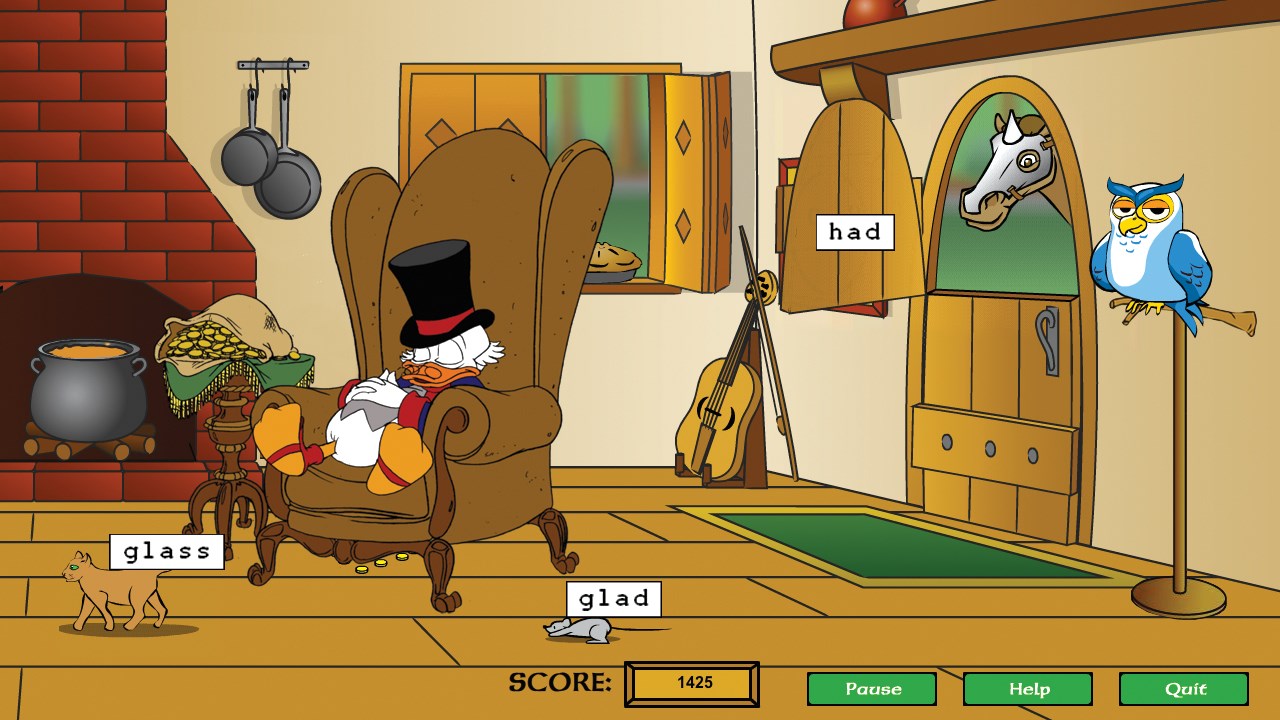
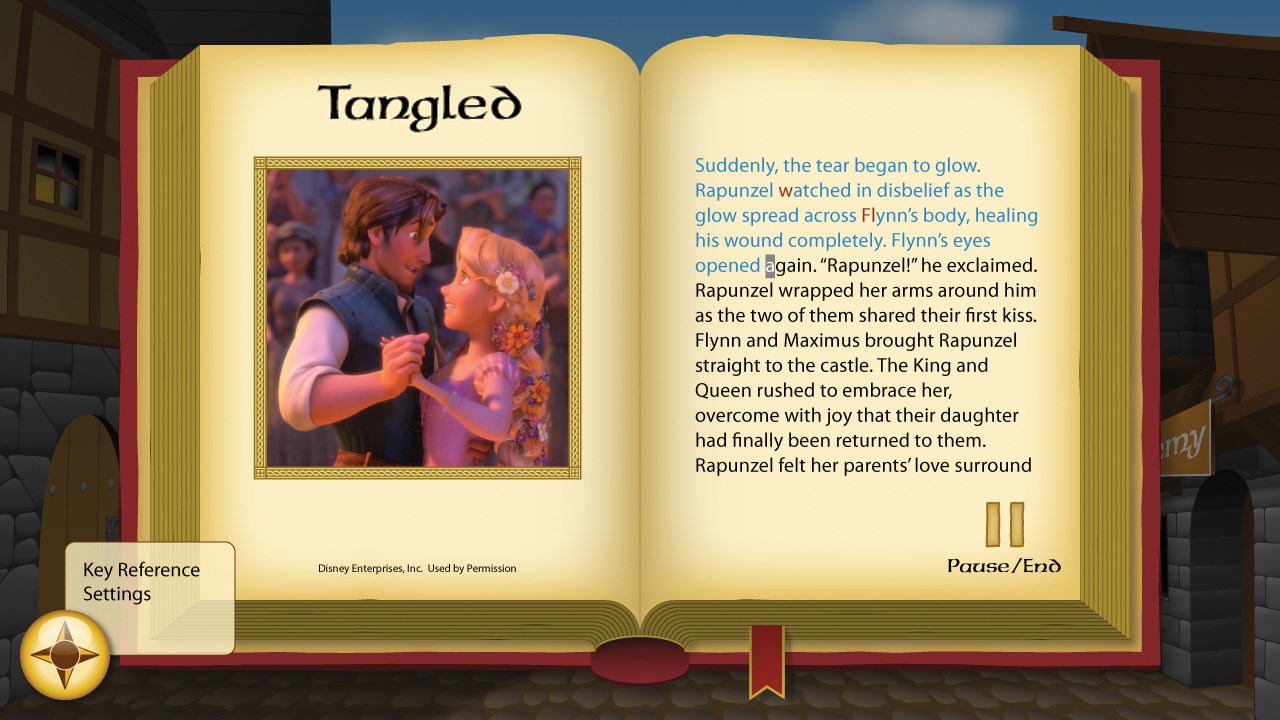
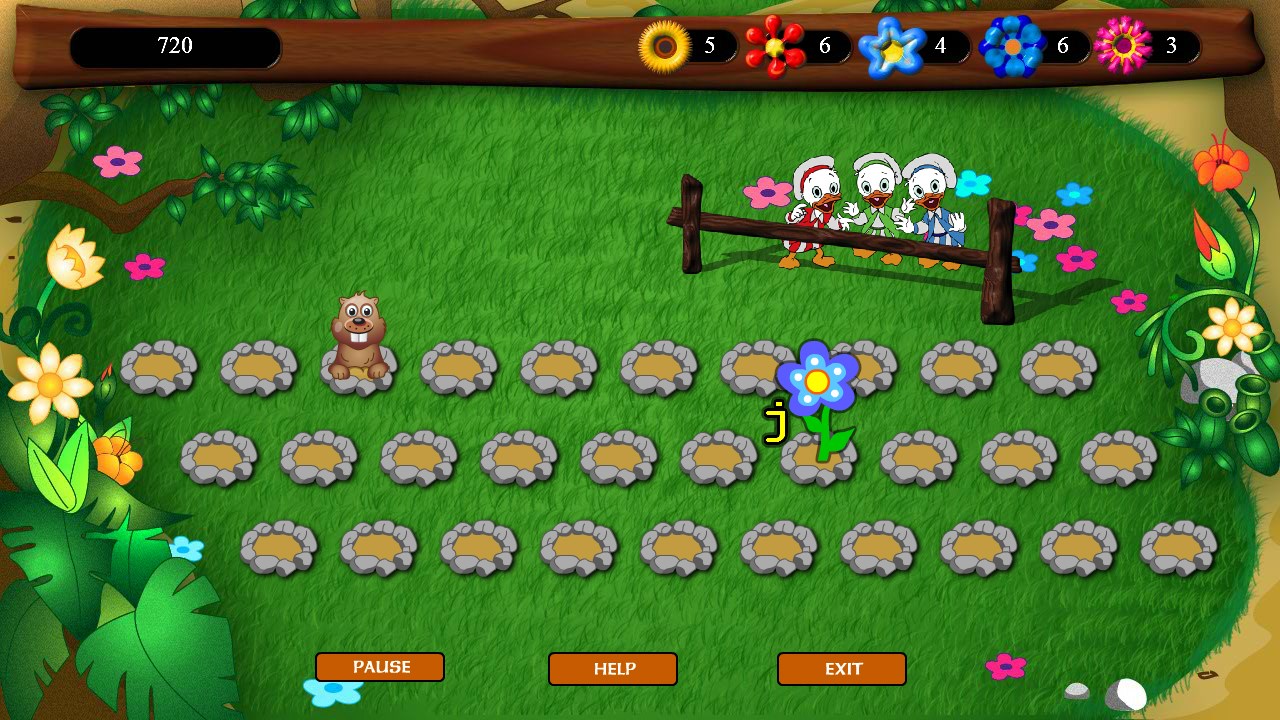
From the moment you launch the app, you're greeted with a vibrant, Disney-themed landscape where Mickey and his friends guide players on a typing quest. The game's storyline is lighthearted yet engaging: children participate in adventures, such as helping Mickey gather stars or navigating fun obstacle courses, all while practicing their typing skills. What makes this entry stand out is its seamless integration of gameplay with educational content—it's not just about hitting keys but doing so with precision to succeed in each level.
Core Features that Keep Kids Hooked
The app offers several core features that enhance the learning experience:
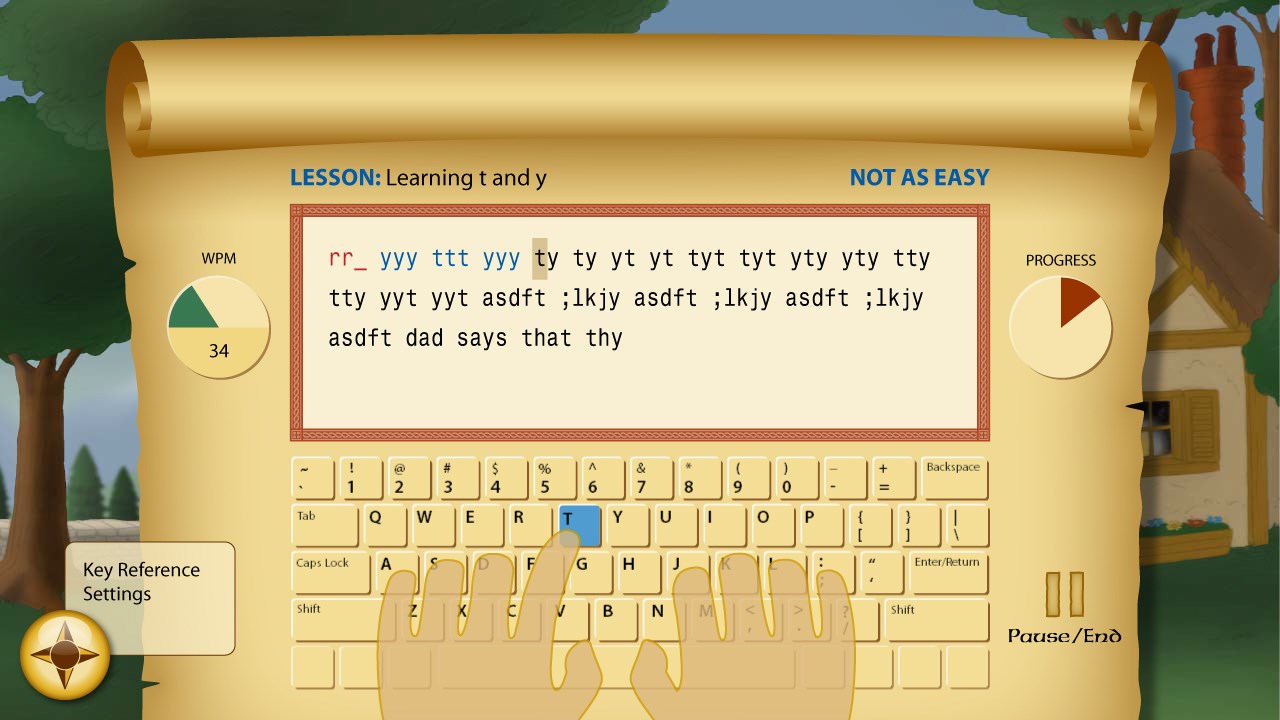
- Interactive Typing Lessons: Structured activities gradually introduce finger placement, proper posture, and speed drills, ensuring children build foundational skills step-by-step. These lessons are designed to be playful but effective, with Mickey providing voice-over hints and encouragement.
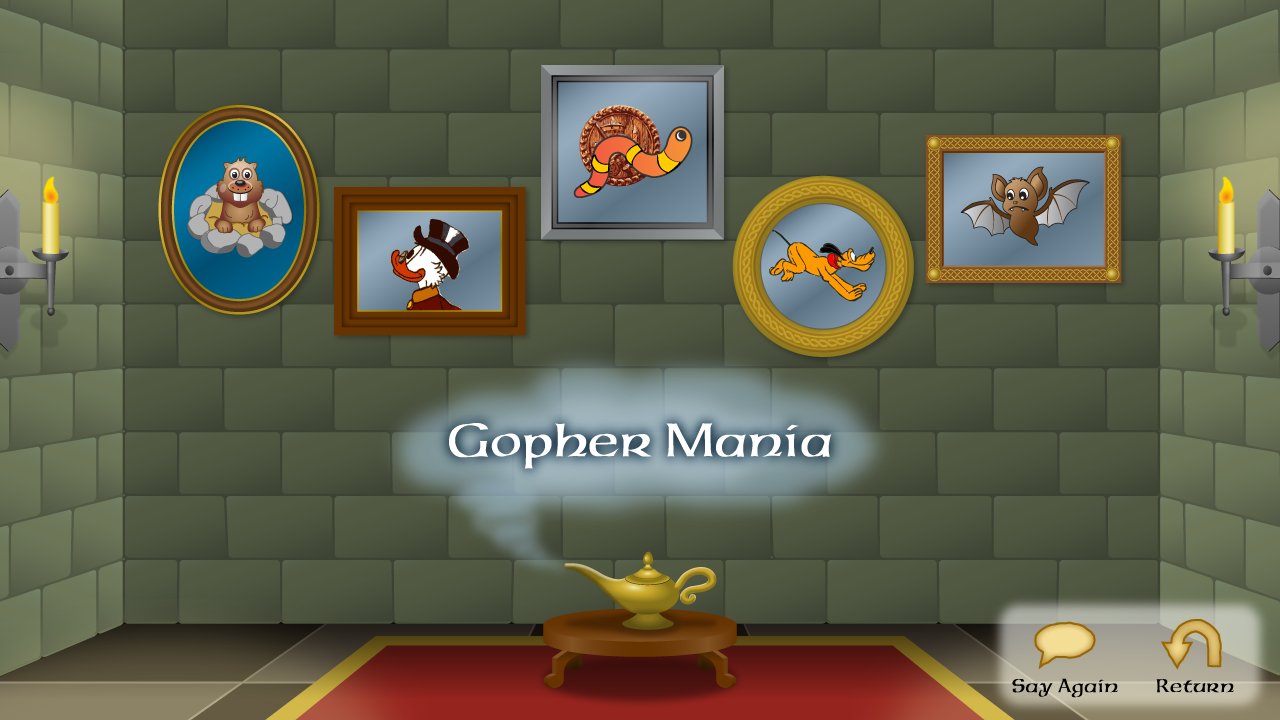
- Engaging Mini-Games: Short, themed mini-games such as "Mickey's Star Collection" or "Donald's Duck Dash" reinforce learned skills through repeated practice in a captivating environment. These games reward accuracy and speed, motivating children to improve.
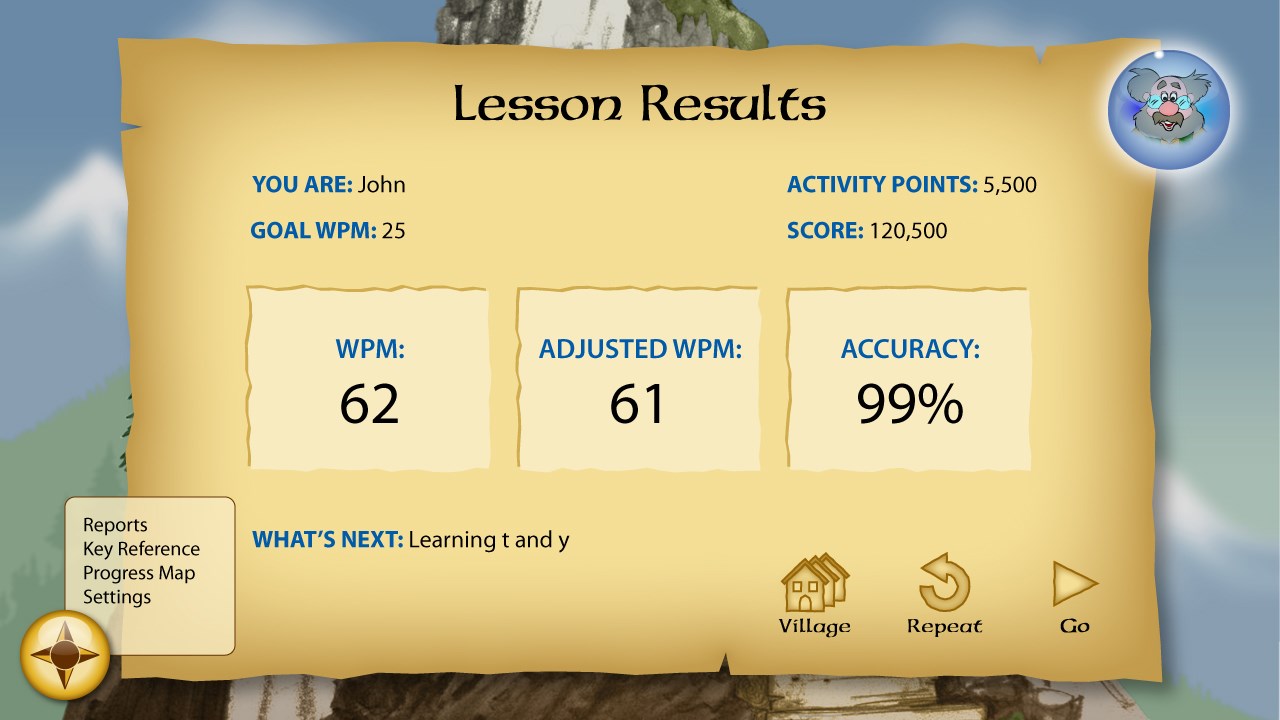
- Progress Tracking and Personalized Feedback: The app tracks each child's progress over time, highlighting strengths and areas that need improvement, and adjusts difficulty levels accordingly. This personalized approach keeps learners challenged but not overwhelmed, fostering confidence.
Design, User Experience, and Learning Curve
The user interface adopts a bright, cheerful Disney aesthetic that appeals to young children. Intuitive menus with clear icons and friendly animations ensure even first-time users can navigate effortlessly. The pacing is smooth, with responsive controls that make typing feel natural—children can focus on their skill development without frustration. The learning curve is designed to be gentle; new typists can start with simple letter exercises and gradually progress to more complex words and sentences. Mickey's voice guidance and encouraging visuals create a positive atmosphere, turning typing practice into a playful activity rather than a chore.
What Sets It Apart from Similar Educational Apps?
Compared to many generic typing tools, Disney Mickey's Typing Adventure offers a significant advantage through its strategic use of content accuracy and authoritative character branding. Mickey Mouse and friends provide trusted, familiar avatars that resonate with children, creating a sense of companionship during learning. Additionally, the app's emphasis on personalized learning paths ensures that each child's unique pace is accommodated, unlike static lesson plans from other applications. This customization promotes sustained engagement and boosts skill acquisition, making learning more effective and enjoyable.
Final Thoughts: A Recommended Learning Companion
Overall, Disney Mickey's Typing Adventure is a well-crafted, delightful educational tool suitable for young learners beginning their typing journey. Its engaging Disney characters and imaginative quest-driven structure make practice feel like play rather than work. The app's standout features—especially the personalized progress tracking and thematic mini-games—offer real value for parents seeking an entertaining yet educational resource. I recommend this app for families who want to introduce children to keyboard skills in a friendly, motivating environment. It's especially effective as a supplementary tool alongside other learning activities but may not replace comprehensive typing courses for advanced learners. For parents and educators looking for a gentle, engaging way to cultivate typing proficiency while sharing a bit of Disney magic, Mickey's Typing Adventure is certainly worth a try.
Pros
- Engaging Disney-themed characters
- Interactive and fun gameplay
- Progress tracking system
- Child-friendly interface
- Educational value
Cons
- Limited content variety
- Occasional technical glitches
- In-app purchases available
- Less customization options
- Background music can be distracting