

- Name CyberLink PowerDVD Standard
- Category Photo & video
- Developer CyberLink Corp.
- Available on PC
- OS Windows 10 version 14393.0 or higher
- Keyboard Integrated Keyboard
- Mouse Integrated Mouse
- Memory 4 GB
- languages Chinese (Simplified), Chinese (Traditional Chinese), English (United States), French, German, Italian, Japanese, Korean, Portuguese (Brazil), Russian, Spanish
CyberLink PowerDVD Standard for Windows: Your Ultimate Media Companion
Imagine having a personal cinema at your fingertips—that's what CyberLink PowerDVD Standard brings to your Windows PC. Designed to elevate your media experience, this application seamlessly combines high-quality video playback, versatile media management, and intuitive controls, making it a great choice for entertainment aficionados and casual viewers alike.
Meet the Developer and Core Highlights
Developed and published by CyberLink Corp., a well-established name in multimedia software since 1996, PowerDVD Standard embodies the company's dedication to delivering reliable and feature-rich media solutions. Its main highlights include:
- Exceptional 4K and HDR Playback: Enjoy your videos in stunning clarity with support for ultra-high-definition formats and HDR technology.
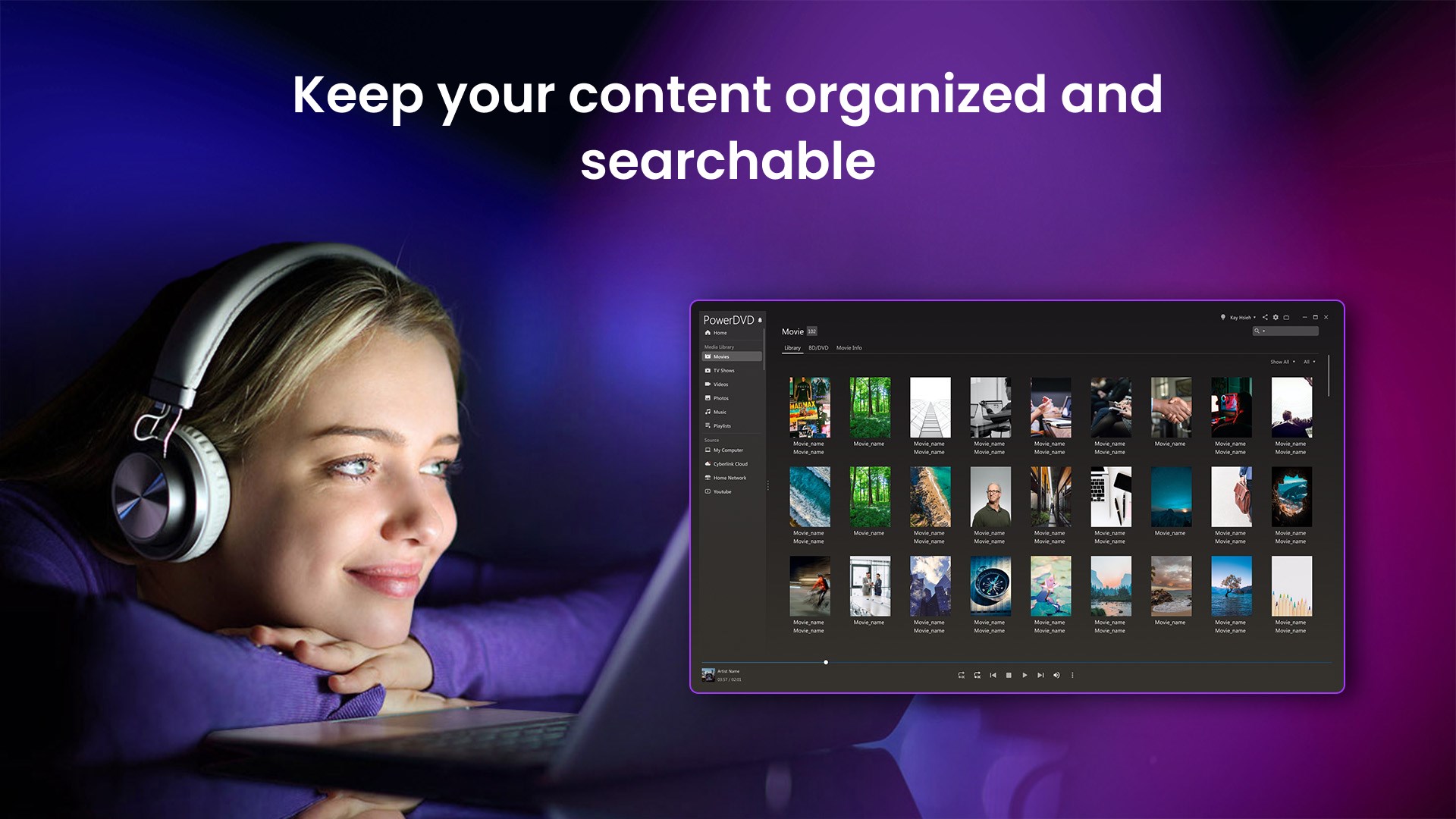
- Built-in Media Library Management: Organize, browse, and access your media files effortlessly within a sleek interface.
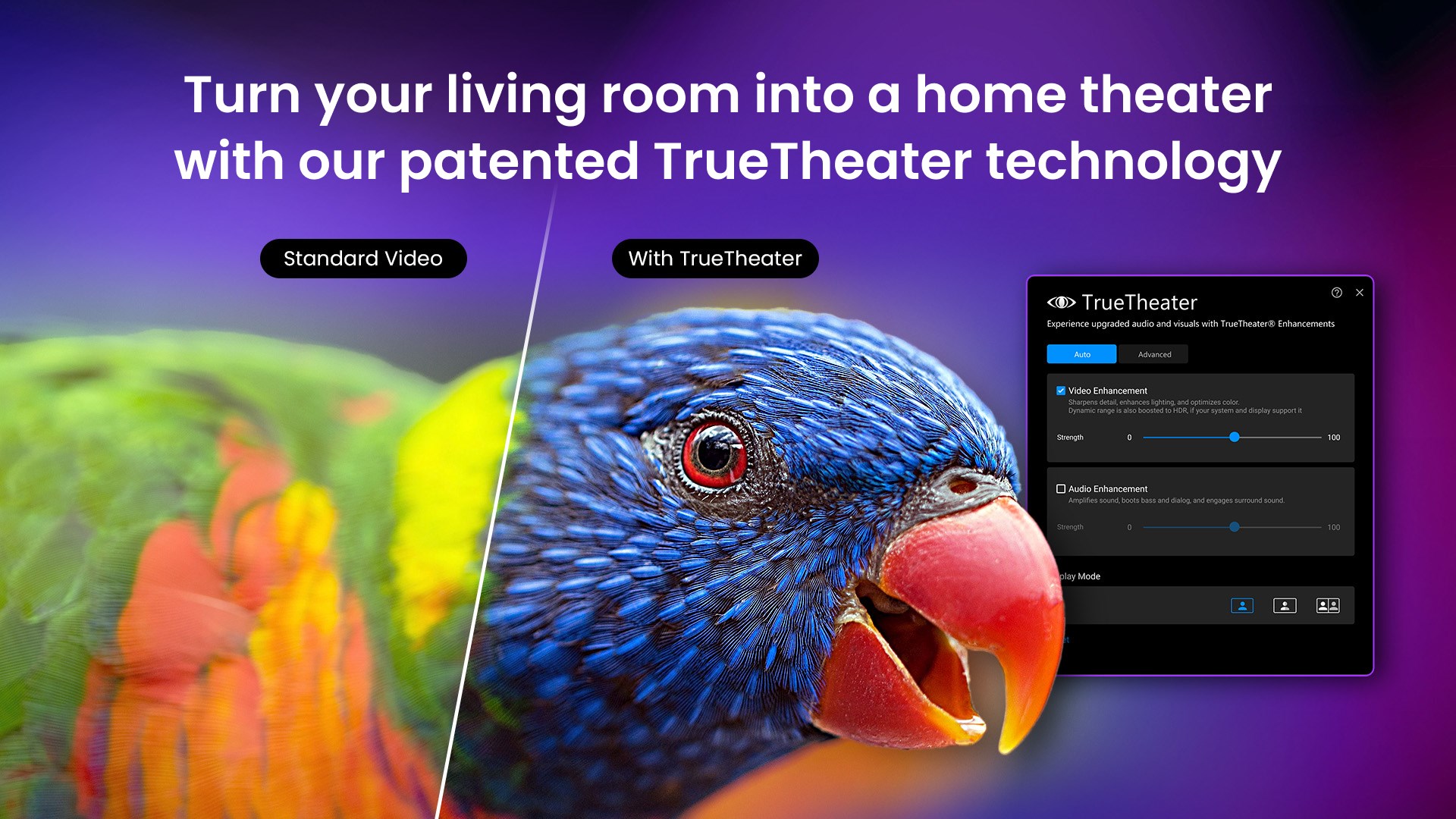
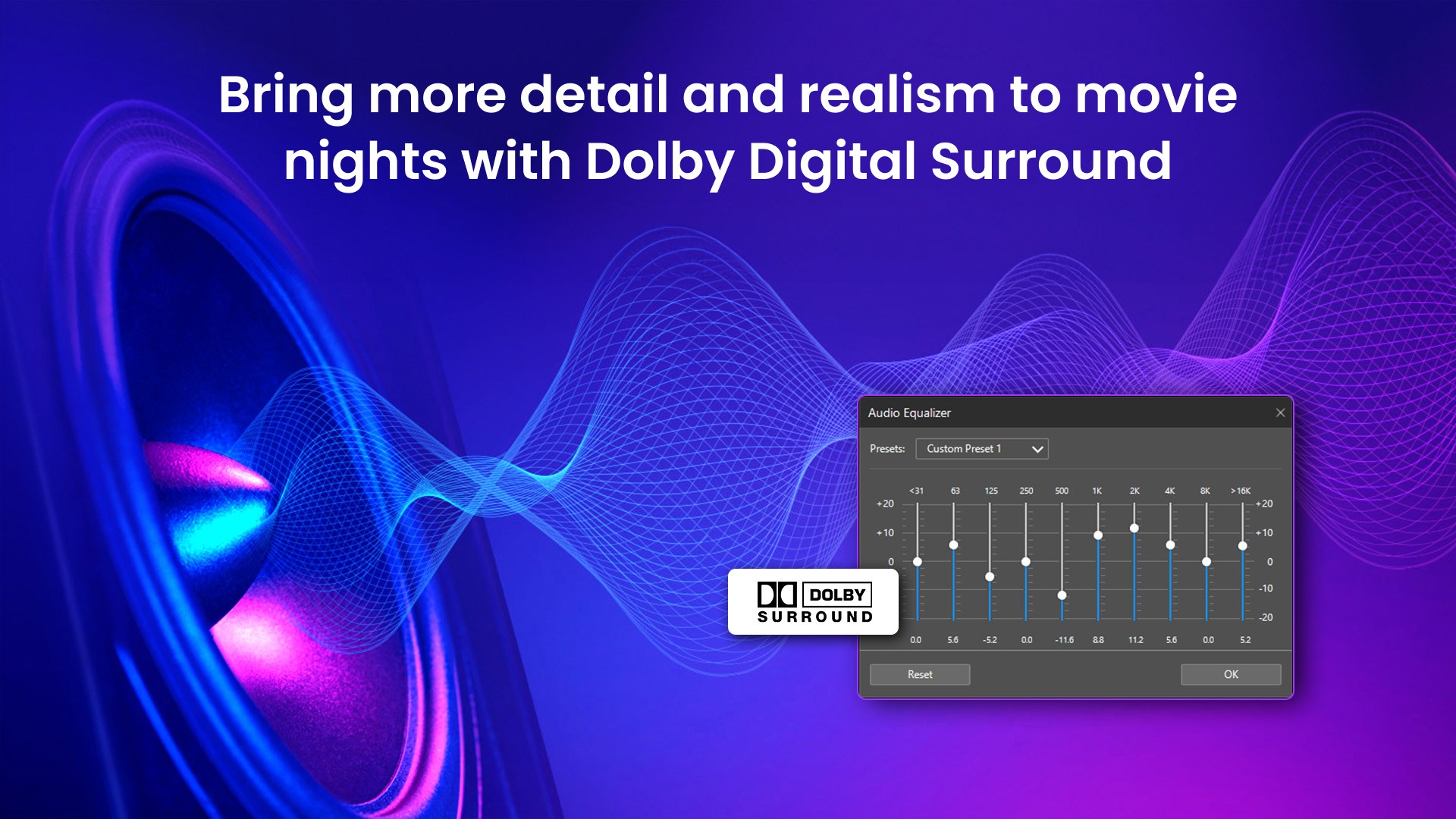
- Virtual Surround Sound: Experience theater-like audio, transforming your room into a mini cinema.
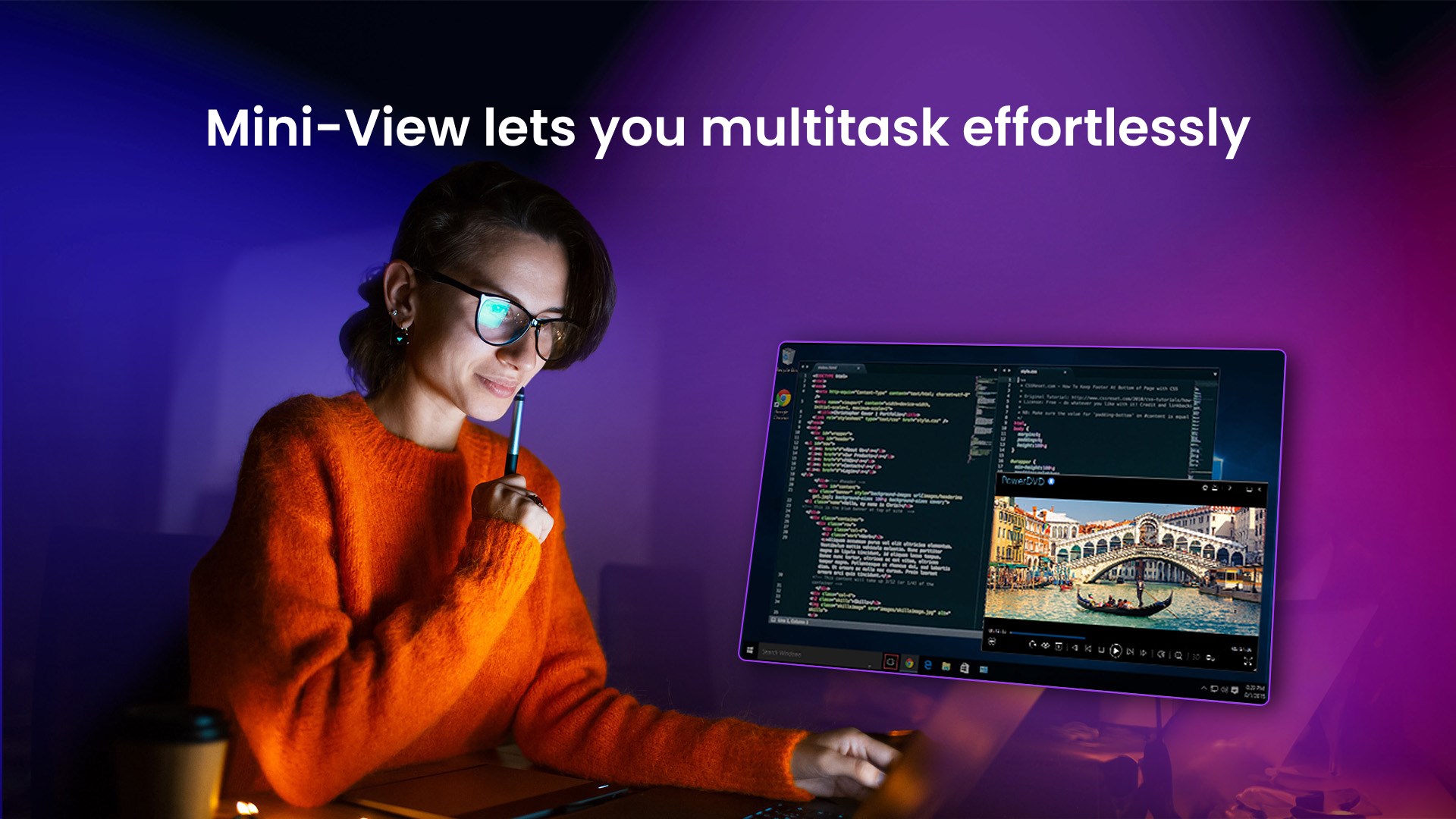
- Optimized Entertainment Experience: Features like silent mode for background playback and smart recommendations enhance user convenience.
Designed for media enthusiasts, home users, and anyone looking to transform their Windows computer into a multimedia hub, PowerDVD Standard caters to a broad audience seeking reliable entertainment tools.
Vivid Introduction: Dive into a World of Visual Bliss
From the moment you launch PowerDVD Standard, you're greeted with a sleek, modern interface that feels like stepping into a dedicated media lounge. Whether you're settling in after a long day or hosting a movie night, this app aims to make your viewing experience smooth and immersive. Its vitality lies not just in its high-res playback but in how effortlessly it manages your entire media collection—think of it as a friendly dashboard guiding you through an entertainment universe tailored to your tastes.
Core Functionality Deep Dive
Stunning Video Playback and Picture Quality
PowerDVD Standard shines brightest when delivering high-definition content. Its support for 4K Ultra HD, HDR, and Dolby Vision ensures each frame pops with vibrant colors and crisp details. Whether you're streaming a 4K documentary or playing a Blu-ray movie, the app employs advanced hardware acceleration to deliver smooth playback without taxing your system. It's like having a cinema projector right on your desktop, translating pixel-perfect visuals with minimal lag and fuss. Plus, the built-in technology minimizes artifacts and ensures consistent quality across all formats.
Media Library and Content Management
One of PowerDVD's unique strengths lies in its media management capabilities. It automatically scans your folders and external drives to compile a well-organized library with cover art, metadata, and viewing history. Think of it as a digital librarian—your favorite movies and videos are just a click away, neatly categorized and easy to find. This supports a wide range of file formats, making it convenient even for those with extensive media collections. The intuitive interface allows you to create playlists, mark favorites, and quickly switch between different content types, making navigation less of a chore and more of a pleasure.
Immersive Audio and User Experience
Beyond excellent visuals, PowerDVD Standard offers realistic virtual surround sound, filling your space with rich, spatial audio that complements the high-quality video. Whether you're using stereo speakers or a full home theater setup, the app enhances audio clarity and depth, bringing movies and music to life. The user interface itself is designed with simplicity in mind—streamlined menus, drag-and-drop functionality, and contextual controls ensure you spend less time learning and more time enjoying. For those new to media apps, the learning curve is gentle; seasoned users will appreciate the depth of customization available.
What Sets PowerDVD Apart?
While many media players focus solely on playback, PowerDVD Standard emphasizes delivering a holistic viewing experience with a few standout features. Its AI-driven smart recommendations and integration with online streaming platforms distinguish it from typical local media players. Additionally, its inclusion of Dolby's virtual surround technology transforms your ordinary speakers into a cinematic sound system. Compared to free media players, PowerDVD offers a more refined interface, better format support, and enhanced playback quality—making it a reliable choice for dedicated media lovers.
Final Recommendation and Usage Suggestions
Overall, CyberLink PowerDVD Standard is a commendable media player for Windows users seeking quality, ease of use, and a unified media library. If you frequently watch high-resolution content, value organized media management, or desire technological enhancements like HDR support and surround sound, this app is worth considering. Its straightforward design makes it accessible for beginners while offering enough sophistication for more demanding users. We recommend it for personal entertainment setups, media archiving, or even casual movie nights.
In essence, PowerDVD Standard isn't just a media player; it's like having a personal cinema on your PC, making every viewing session a more vibrant and convenient experience. For anyone eager to elevate their multimedia experience without extensive technical fuss, this application deserves your attention.
Pros
- High-quality 4K and HD playback
- Intuitive user interface
- Supports a wide range of media formats
- Advanced audio enhancements
- Built-in media library management
Cons
- High system resource usage
- Occasional stability issues
- Limited support for certain DRM-protected content
- Pricing may be relatively high for some users
- Learning curve for advanced features











