

- Name Capture One
- Category Photo & video
- Developer Capture One
- Available on PC
- OS Windows 10 version 0.0 or higher
- Keyboard Integrated Keyboard
- Mouse Integrated Mouse
- Memory 8 GB
- languages Chinese, Chinese (Traditional Chinese), Dutch, English, French, German, Italian, Japanese, Korean, Polish, Portuguese, Russian, Spanish, Swedish
Capture One for Windows: A Professional's Companion for Precision Photo Editing
Capture One for Windows stands out as a powerful, professional-grade photo editing software tailored for photographers seeking meticulous control over their images. Crafted by Capture One, this application offers a suite of advanced features designed to streamline workflows and elevate photo quality, all within an intuitive interface.
Who is it for? Target Audience and Core Features
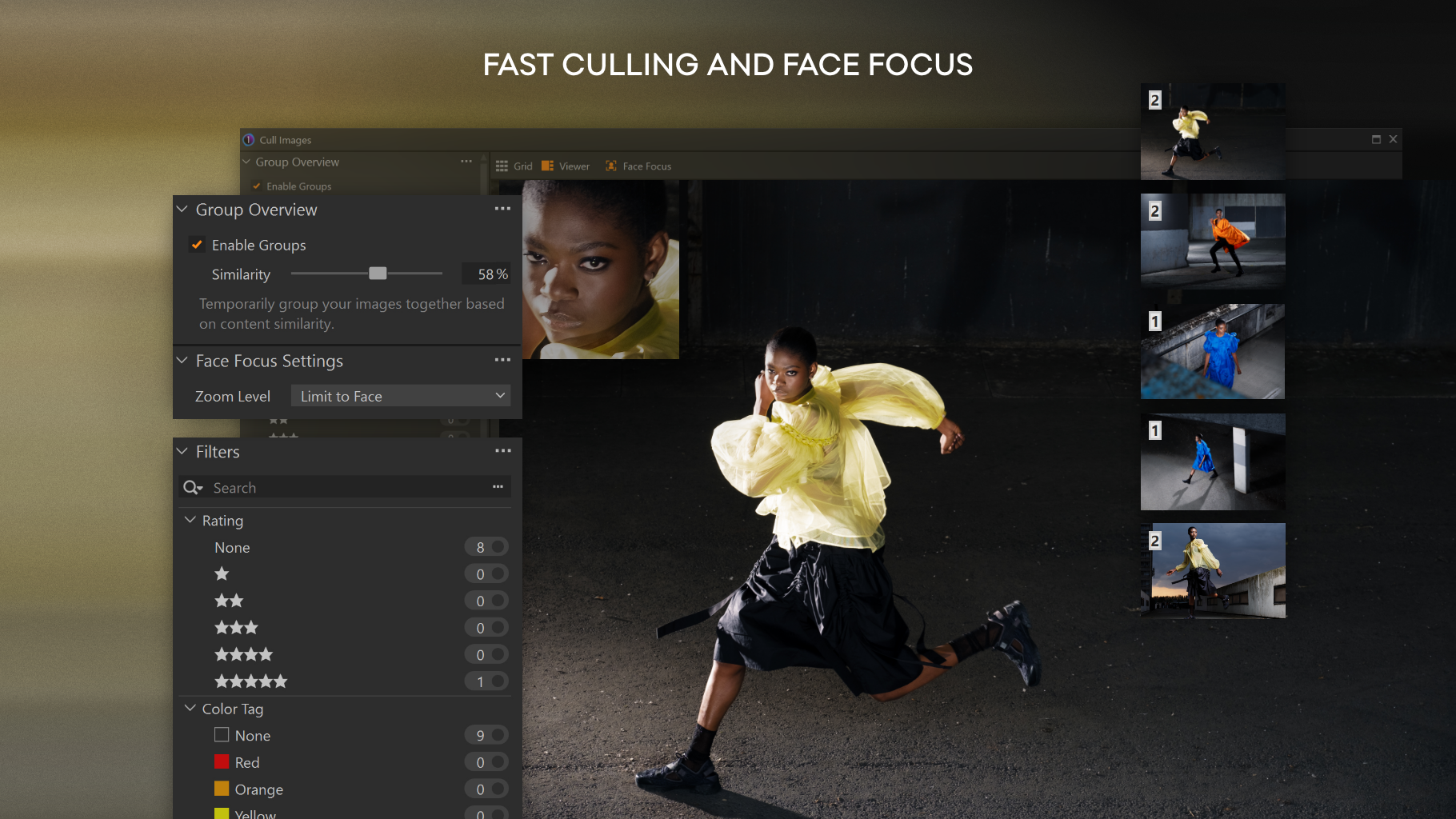
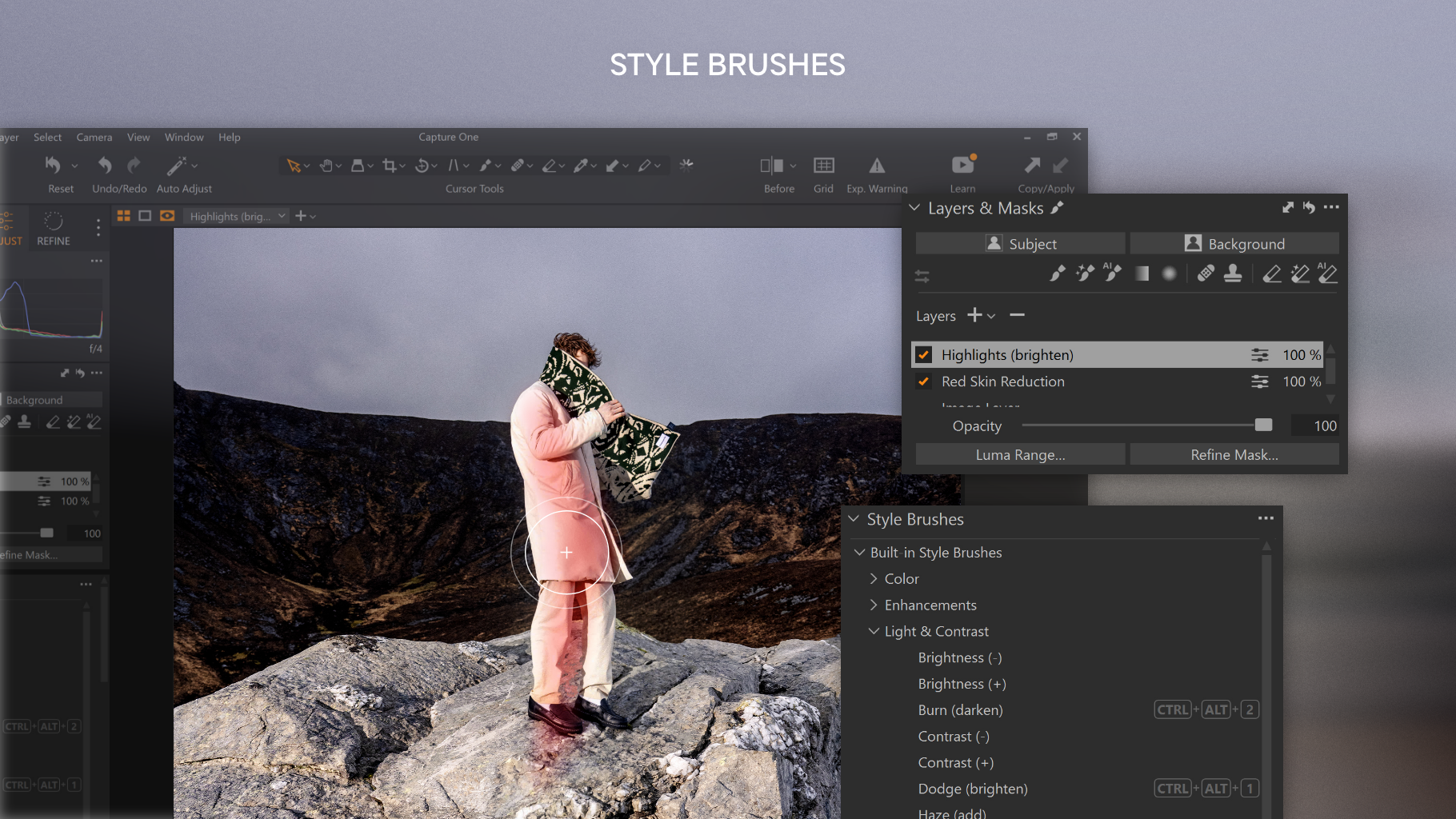
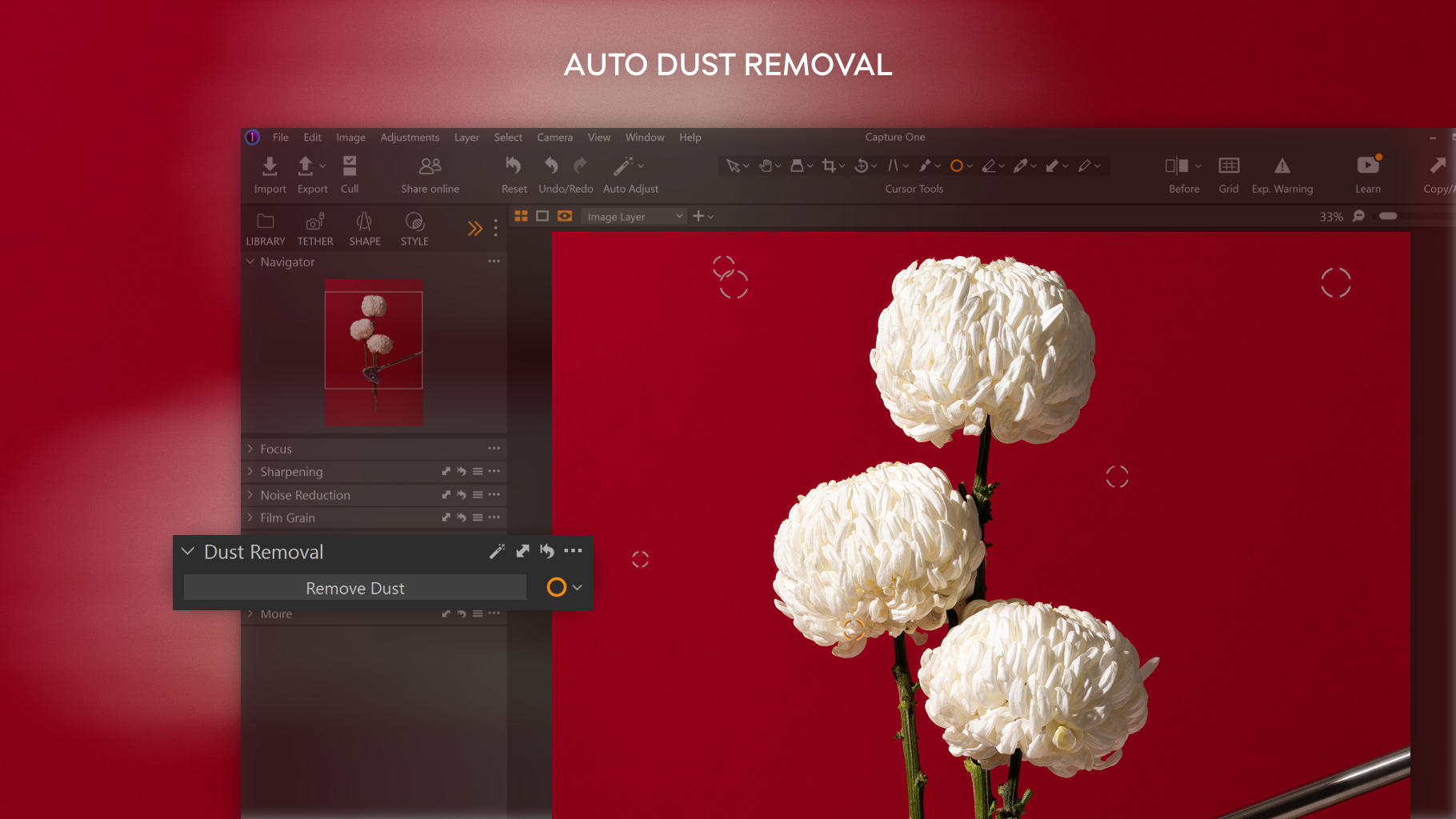
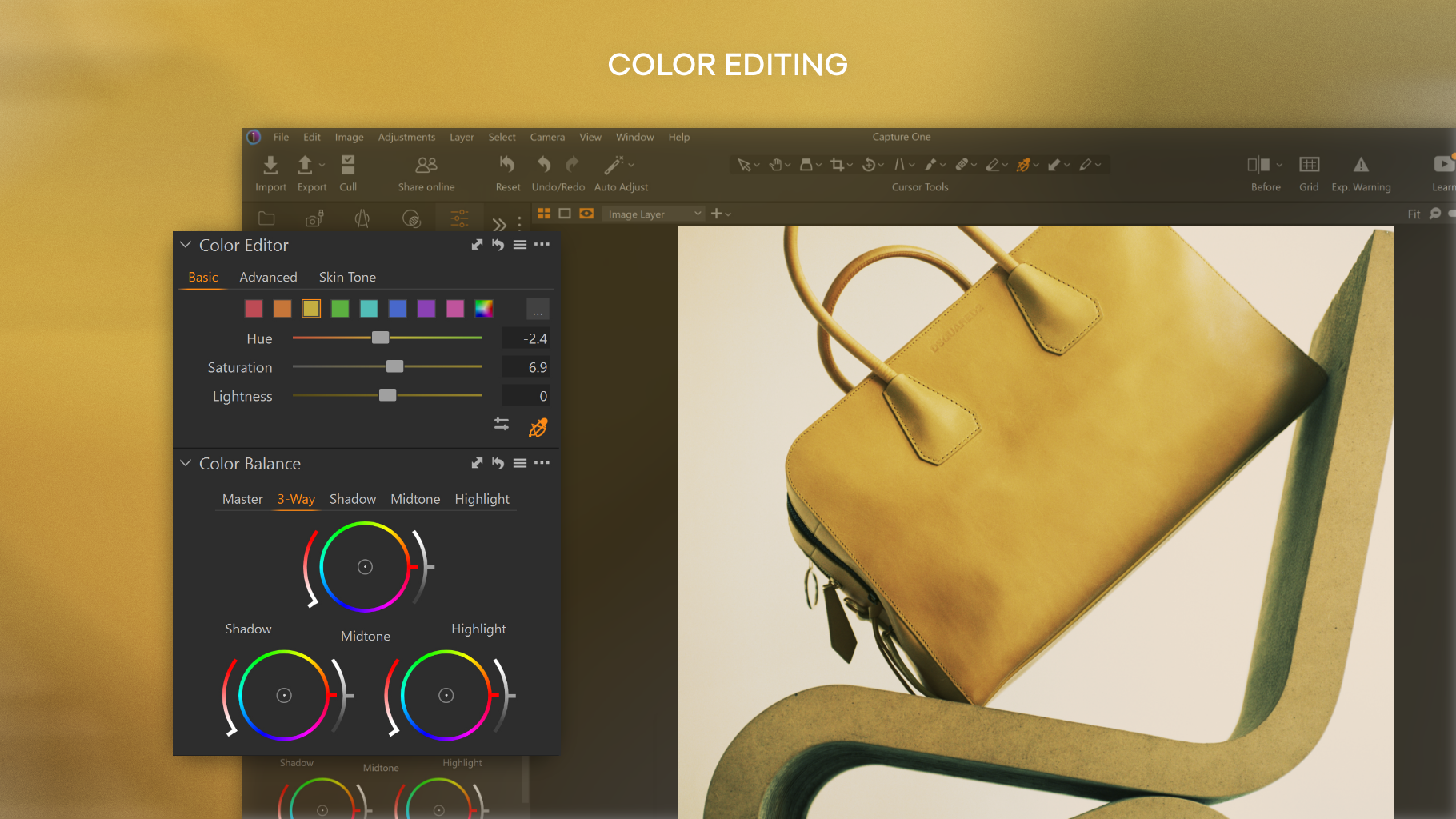
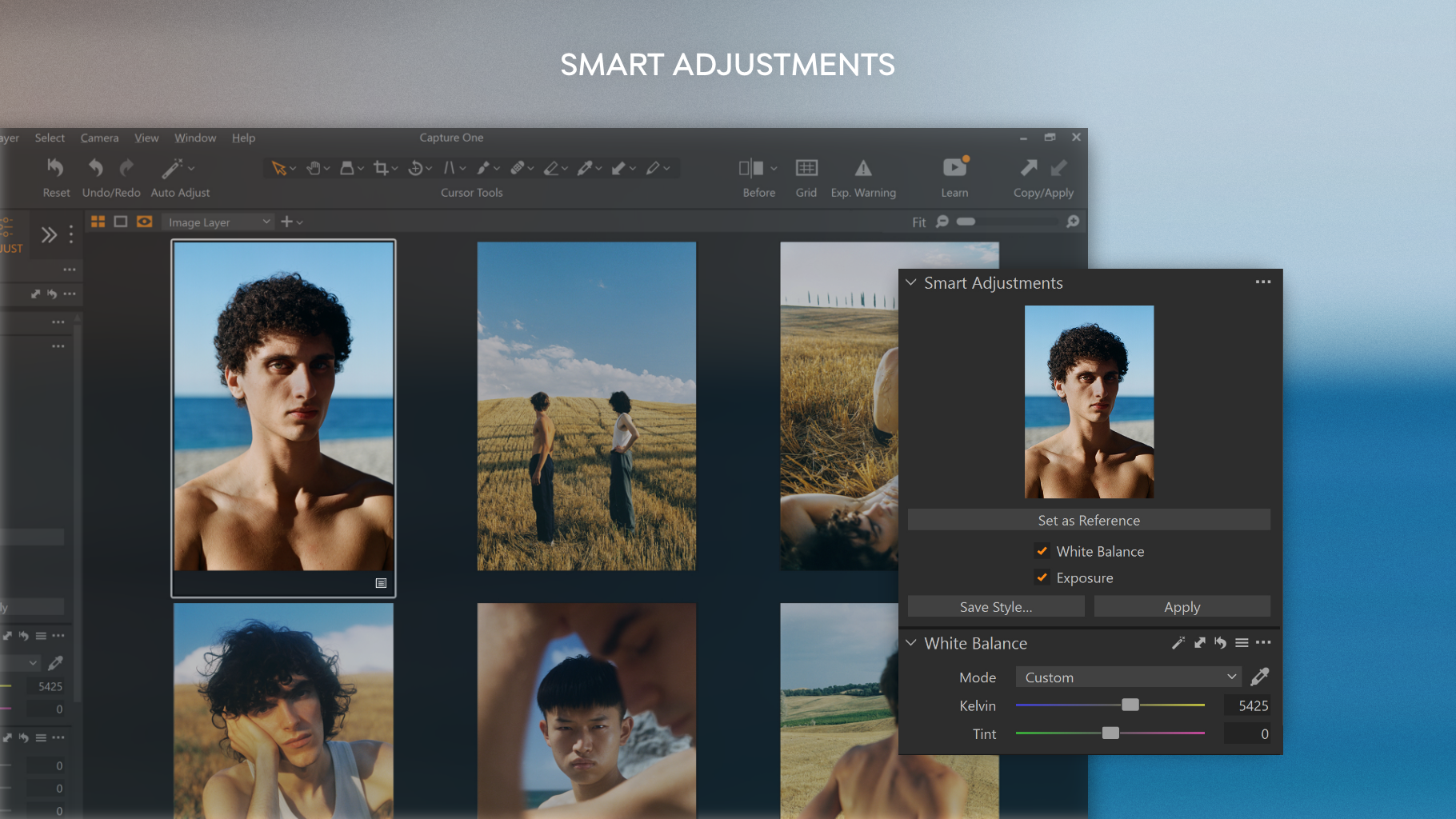
Developed by Capture One, a seasoned leader in photography software, this application targets professional photographers, serious enthusiasts, and studio retouchers who demand high-fidelity image processing. Its main highlights include exceptional raw image processing capabilities, comprehensive color grading tools, and tethered shooting support—allowing for real-time camera control during shoots. Additionally, the software offers robust layer-based editing, advanced noise reduction, and customizable workspace options, making it a versatile tool fit for high-end photography projects.
A Warm Welcome: An Honest Look at Capture One for Windows
Imagine having a dedicated darkroom right on your PC—where every slider and tool whispers possibilities into your ear, inviting you to craft images that truly resonate. Capture One's interface exudes professionalism yet remains approachable, mimicking the familiar workflows of traditional darkroom developers. Its fluidity keeps your creativity flowing, whether you're batch processing dozens of images or fine-tuning a single masterpiece. From the moment you launch it, you can tell this software is built around photographers' needs—diligent, precise, and comfortable to use.
Intuitive Interface: Navigating the Artistic Lab
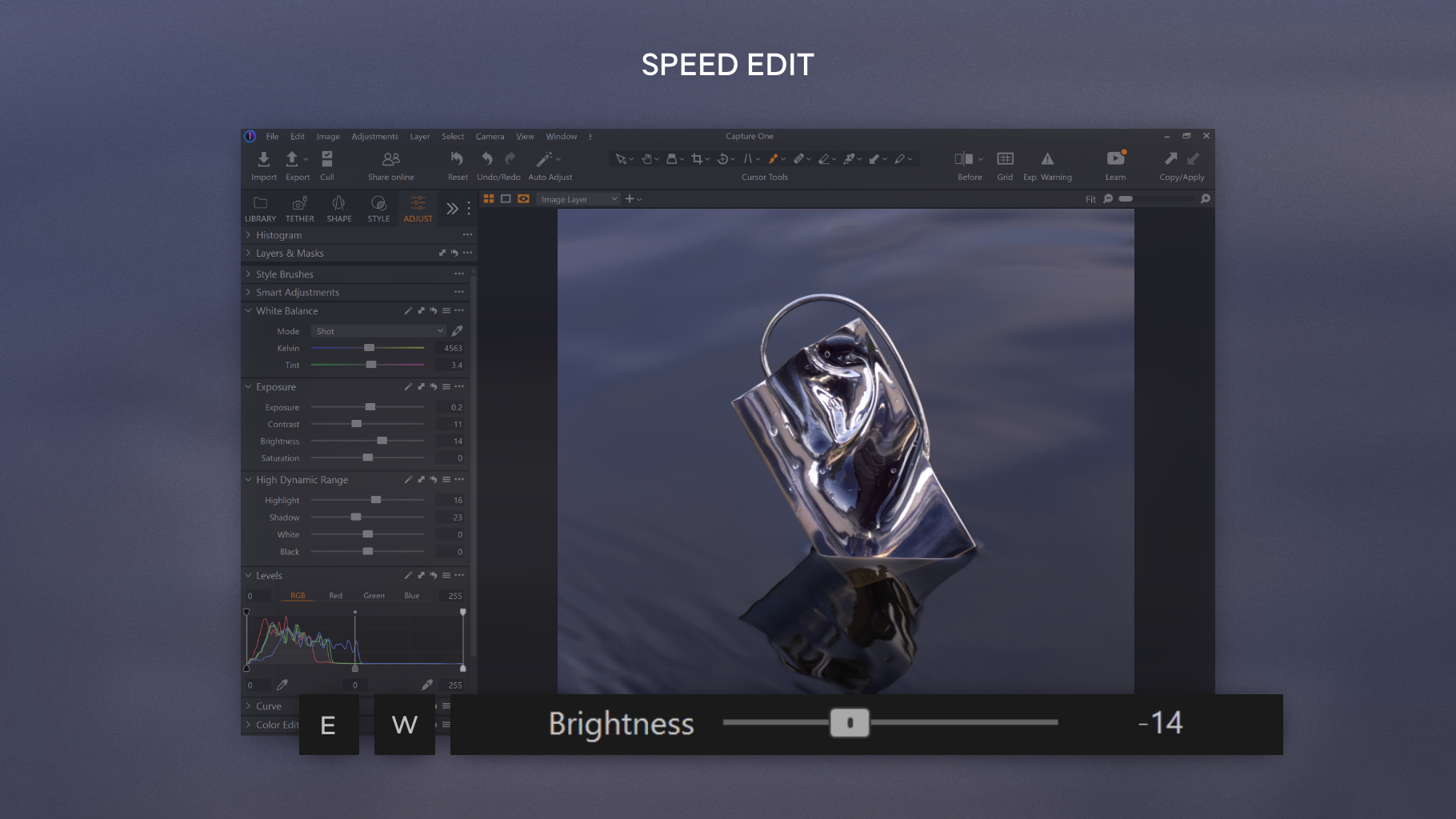
One of Capture One's standout strengths is its interface. The workspace is highly customizable, akin to setting up your own art studio, allowing you to arrange panels, toolbars, and overlays to fit your style. Bright preview windows, toggleable histogram, and split-screen views enhance visibility and control. Despite its professional-grade toolkit, the layout remains clear and logical, making it accessible even for those transitioning from simpler editors. Plus, the extensive keyboard shortcuts accelerate your workflow, transforming editing from a chore into a creative dance.
Core Functionality Deep Dive: Precision and Flexibility
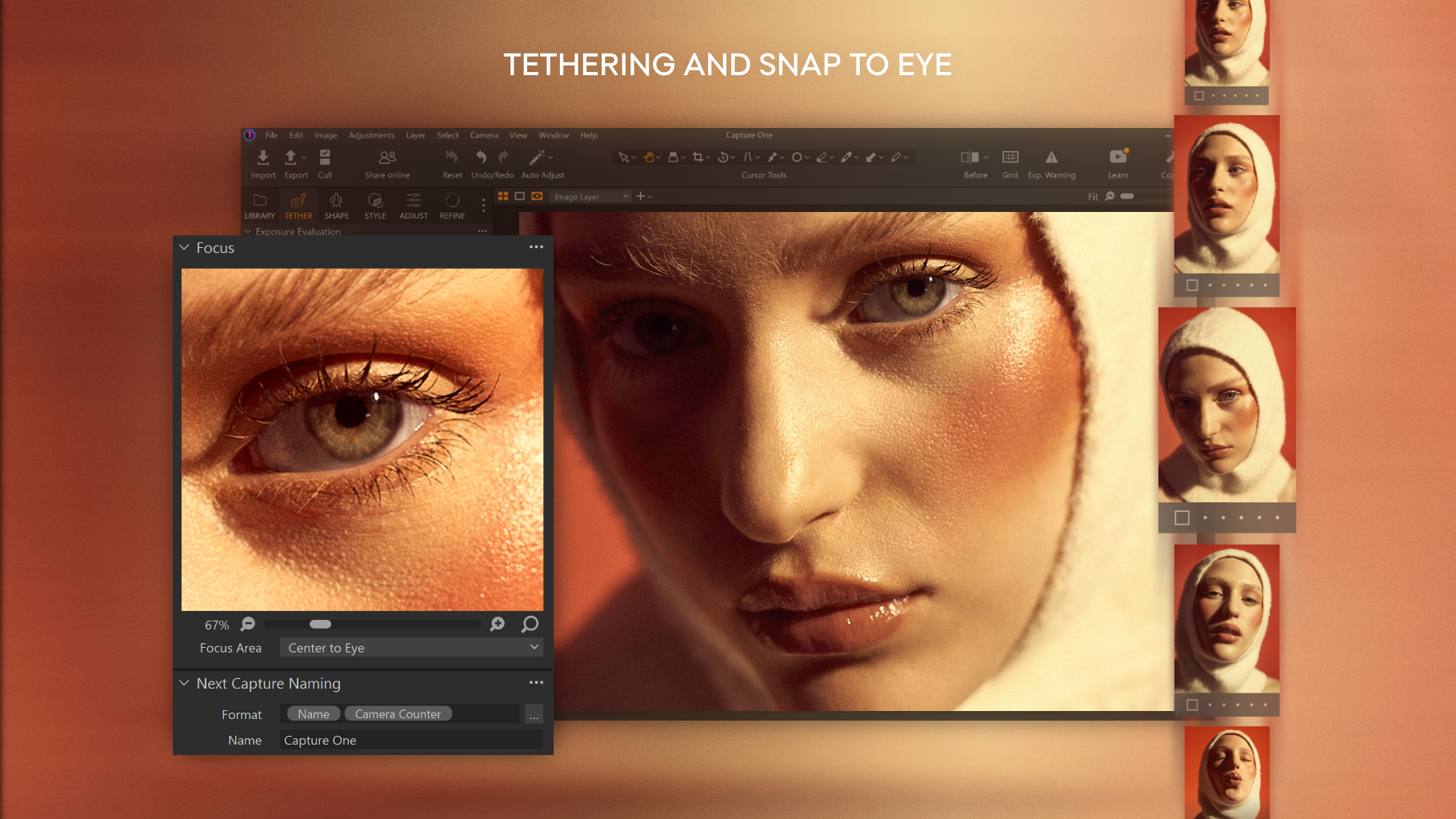
The crown jewel here is Capture One's raw processing engine. It provides exceptionally accurate color rendition and detail preservation, akin to developing your film in ultra-high definition. The software excels at managing complex color grading—think of adjusting hues like tuning an intricate musical instrument—making skin tones, landscapes, or product shots look natural and vibrant. The second major highlight is its tethered shooting capability. During studio shoots, you can connect your camera directly to the PC, preview images instantaneously, and make real-time adjustments—like having a dedicated digital assistant by your side steering the creative process.
Learning Curve and User Experience: Gentle Yet Professional
Admittedly, Capture One's vast feature set can seem daunting at first—like entering a professional kitchen with all the latest gadgets. However, with dedicated tutorials and a supportive community, new users can quickly get up to speed. The overall user experience is smooth; image processing is swift, and interface responsiveness remains high even with extensive edits. The software's high level of customization means you can tailor interactions to suit your workflow, thus reducing fatigue and making editing a pleasure rather than a chore.
What Makes Capture One Stand Out? The Unique Selling Points
The most distinctive feature of Capture One is its unrivaled raw processing fidelity combined with the professional-grade color editing toolkit. This dual capability ensures images are not only technically perfect but also artistically expressive. Unlike many competitors, Capture One's tethered shooting feature integrates seamlessly, reducing the gap between camera and computer, which is vital for studio shooters aiming for perfection in every shot. These elements combine to form a tool that is both precise and creatively liberating—like having a darkroom and studio in one software package.
Final Verdict: A Must-Have for Serious Photographers
All things considered, Capture One for Windows is highly recommended for those who require meticulous control over their images and are willing to invest time in mastering its array of features. Its nuanced raw processing and professional color grading tools set it apart, making it an indispensable part of a serious photographer's toolkit. For creative professionals, it offers enough power and flexibility to justify its learning curve, turning every photograph into a polished piece of art. If you're seeking a reliable, high-quality editing environment, Capture One for Windows truly deserves your attention.
Pros
- Powerful editing tools
- High-quality RAW processing
- Customizable workspace
- Superior tethered shooting
- Excellent color accuracy
Cons
- Steep learning curve
- High system requirements
- Expensive subscription cost
- Limited mobile support
- Occasional stability issues











