

- Name Blue screen emulator
- Category Developer tools
- Available on PC, Mobile, Surface Hub, HoloLens
- OS Windows 10 version 14393.0 or higher
- languages Chinese (Simplified), English (United States)
Introducing Blue Screen Emulator for Windows: A Playful Take on Windows Crashes
If you've ever wished to experience a Windows crash without risking your system stability, the Blue Screen Emulator offers a surprisingly entertaining solution. Designed by KS.STUDIO, this app mimics the iconic blue screen of death, turning what's usually a frustrating moment into a playful digital illusion. Whether you're testing a prank or just curious, this app brings an imaginative twist to Windows customization tools.
Core Features That Make You Look Twice
Authentic Blue Screen Simulation
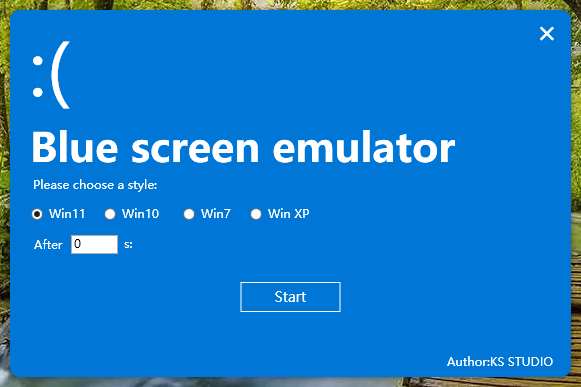
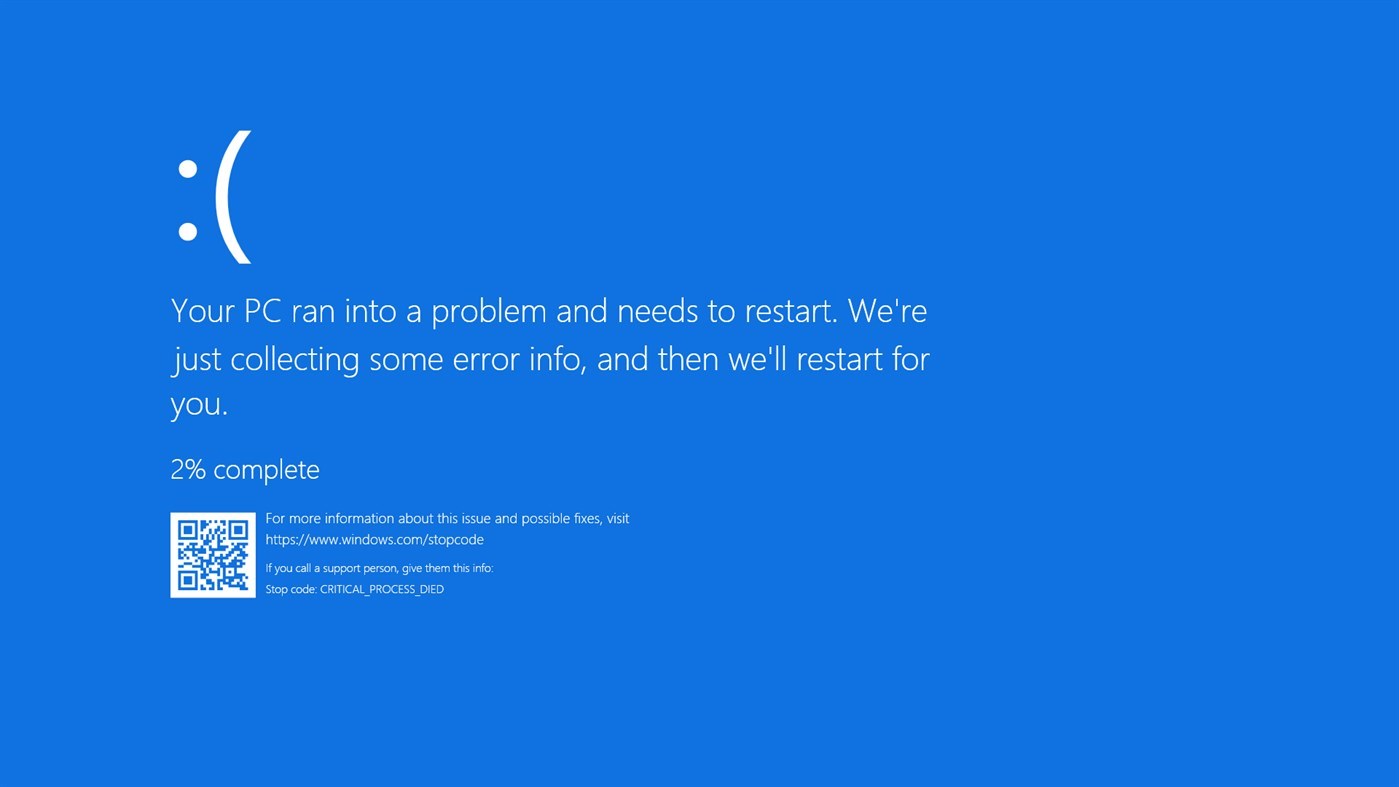
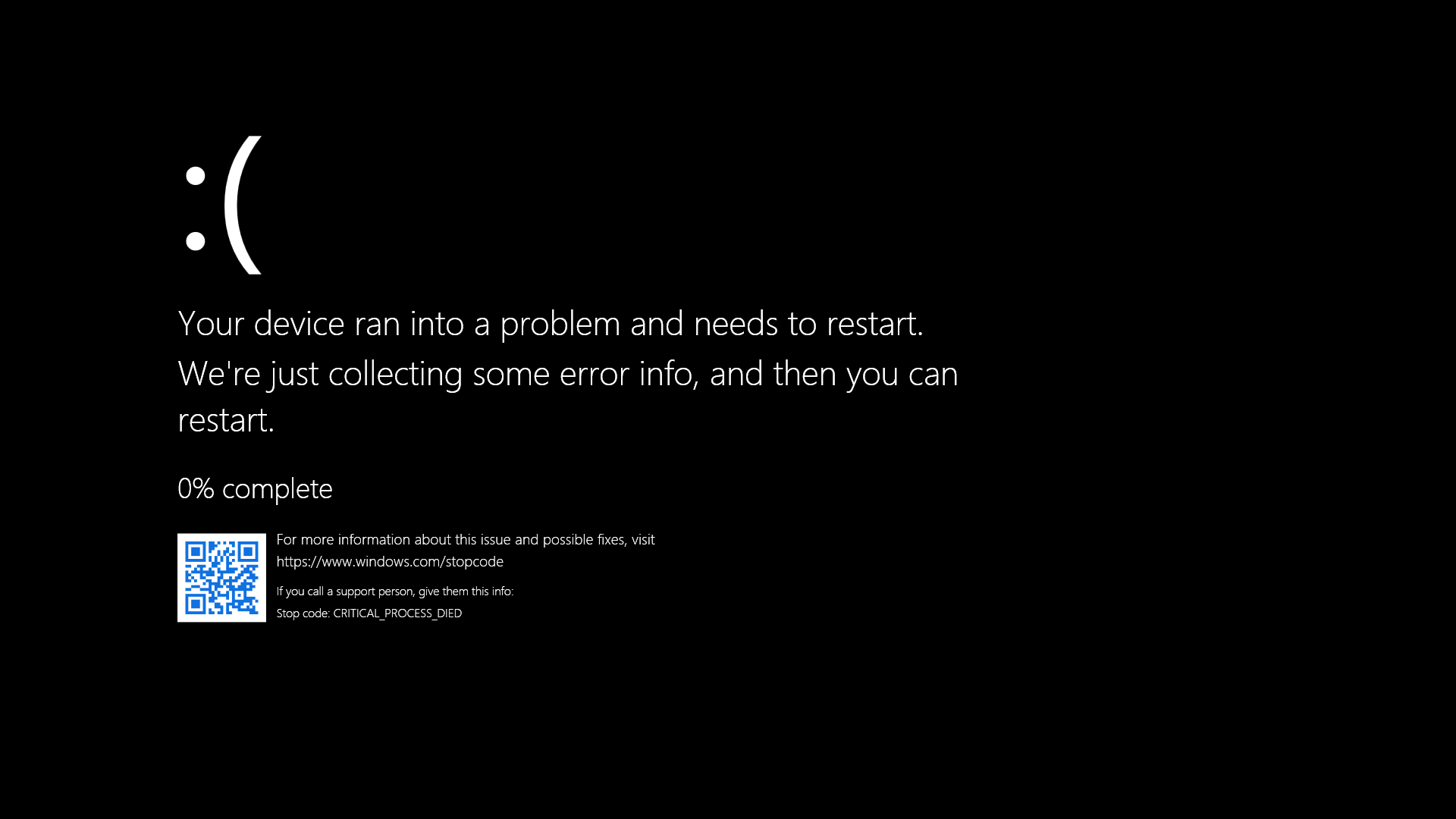
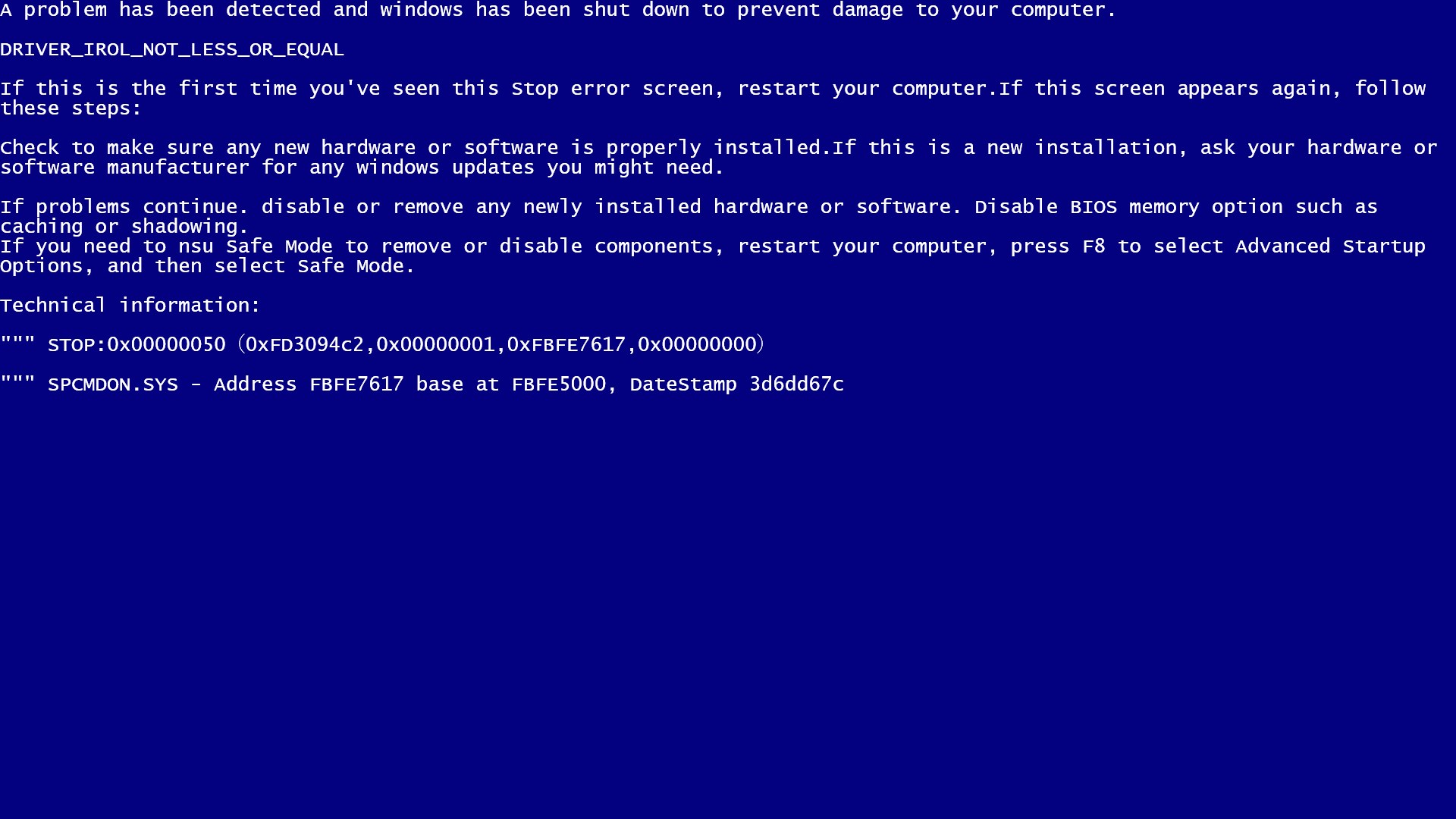
The standout feature of this emulator is its convincing replication of the classic Windows blue screen. With realistic error messages, familiar fonts, and animated cursors, it creates an immersive environment. You might think your system is crashing—until you realize it's all a clever visual gag. This accurate emulation is perfect for social pranks, tech demos, or just satisfying your curiosity about what a crash looks like without any real harm.
Customizable Error Messages & Visuals
One of the most compelling aspects is the ability to personalize the error information. Want to add humorous comments or mimic specific error codes? The app enables you to edit the displayed text and customize the background, making each blue screen unique. Additionally, subtle animations like flickering cursors or blinking diagnostics logs add a layer of realism, elevating simple simulations to a lifelike experience.
User-Friendly Interface and Seamless Operation
Using the Blue Screen Emulator is akin to flicking a switch on nostalgia. Its interface is clean and straightforward—just open the app, select your customization options, and launch your fake crash with a click. The transitions are smooth, and there's no lag or stuttering, ensuring a seamless experience. Even users unfamiliar with tech tools will find it easy to navigate as the design emphasizes simplicity and directness. Learning curve? Minimal.
What Sets This App Apart from Other Developer Tools
Unlike generic screen mock-up apps or basic wallpaper generators, Blue Screen Emulator for Windows takes a niche approach focused on authenticity and customization. Its main advantage lies in the attention to detail—accurate error visuals paired with the ability to edit content, making each simulation versatile. This renders it not just a novelty but a practical tool for pranks, demonstrations, or educational purposes where demonstrating system errors safely is essential.
Moreover, the app's performance is optimized to run smoothly without draining system resources, setting it apart from more resource-heavy emulation software. Its minimal design means it can be easily integrated into various workflows, whether for entertainment or training scenarios, providing a distinctive edge over more generic visual tools.
Final Thoughts: Is It Worth a Try?
All in all, Blue Screen Emulator for Windows is a cleverly crafted app that transforms a typically unwanted experience—system crashes—into a harmless and entertaining visual. Its high-fidelity simulation and customization features make it a standout in its category. I'd recommend it to tech enthusiasts who enjoy experimenting with Windows aesthetics, educators seeking engaging demonstrations, or anyone looking for a clever prank device.
While it's not a tool for serious system diagnostics or troubleshooting, it excels as a fun, visually accurate emulation with a playful twist. For users who appreciate attention to detail and enjoy customizing their digital environment, this app is definitely worth adding to your toolkit. Just remember: it's a fake blue screen—no need to panic if your “system” crashes!
Pros
- Realistic Blue Screen Simulation
- User-Friendly Interface
- Customizable Crash Scenarios
- Lightweight and Fast
- No Actual System Damage
Cons
- Limited Compatibility
- Lack of Advanced Debugging Features
- No Support for Real-Time System Monitoring
- UI Could Be More Modern
- Potential False Positives in Antivirus











