




- Name AVG AntiVirus Free
- Category Security
- Available on PC
- OS Windows 10 version 0.0 or higher
- Keyboard Integrated Keyboard
- Mouse Integrated Mouse
- languages Chinese, Chinese (Simplified), Chinese (Traditional Chinese), Czech, Danish, Dutch, English, English (United Kingdom), Finnish, French, German, Hungarian, Indonesian, Italian, Japanese, Korean, Malay, Norwegian, Polish, Portuguese, Portuguese (Brazil), Portuguese (Portugal), Russian, Serbian, Slovak, Spanish, Swedish, Turkish
Introduction: A Reliable Shield for Windows Users
If you're looking for a straightforward, trustworthy antivirus solution to safeguard your Windows device without the hassle of complicated setups, AVG AntiVirus Free for Windows might just fit the bill. With its reputation rooted in years of security expertise, this app promises to keep your digital life safe while remaining accessible and easy to use. Think of it as having a vigilant personal bodyguard for your PC—alert, responsive, and silently vigilant behind the scenes.
Core Features That Stand Out
1. Real-Time Threat Detection and Removal
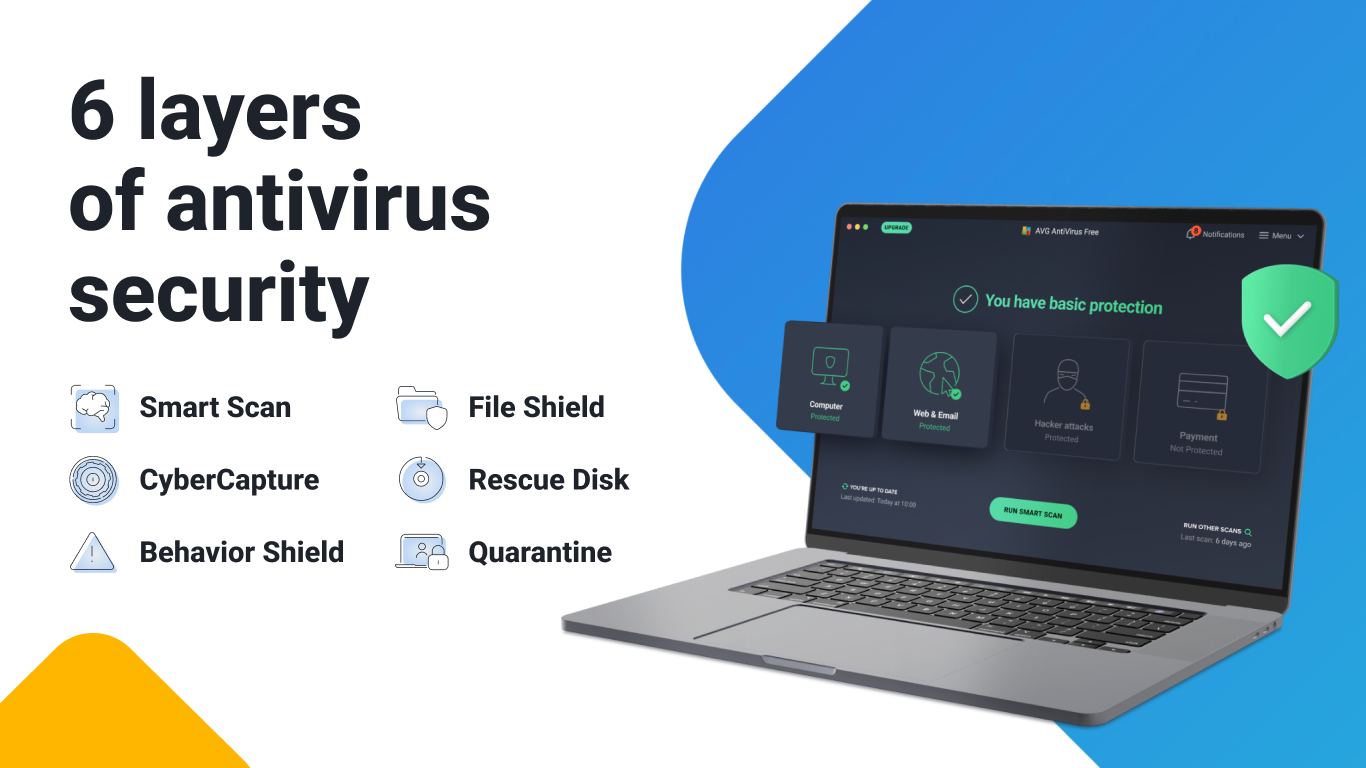
At the heart of AVG AntiVirus Free lies its real-time threat detection engine. It continually scans your system and incoming files, much like a security guard patrolling a busy hall. Whether it's malware, ransomware, or malicious links, AVG works quietly in the background, flagging and eliminating threats before they can cause any trouble. What's noteworthy here is its ability to balance thorough scanning with minimal impact on system performance, ensuring your work or entertainment isn't interrupted.
2. Advanced Web and Email Protection
Imagine browsing the internet or checking your emails without a single worry—that's what AVG's web protection aims to provide. The app proactively blocks suspicious links, phishing sites, and unsafe downloads. When phishing attempts try to mimic legitimate login pages to steal your passwords, AVG's anti-phishing shields jump into action, alerting you before any damage can occur. This layered defense adds a robust security net around your online activities, giving peace of mind during your digital adventures.
3. USB and Network Shielding
Newer threats often come from external sources like infected USB drives or network intrusions. AVG AntiVirus Free addresses this with dedicated features to monitor and scan external devices when connected. Imagine plugging in a USB flash drive—AVG automatically scans it, preventing the introduction of malicious software. Similarly, it monitors network traffic, providing an additional layer of security when you're connected to public or unsecured networks. This proactive approach can be a real lifesaver in preventing silent infections.
User Experience: Friendly, Intuitive, and Unobtrusive
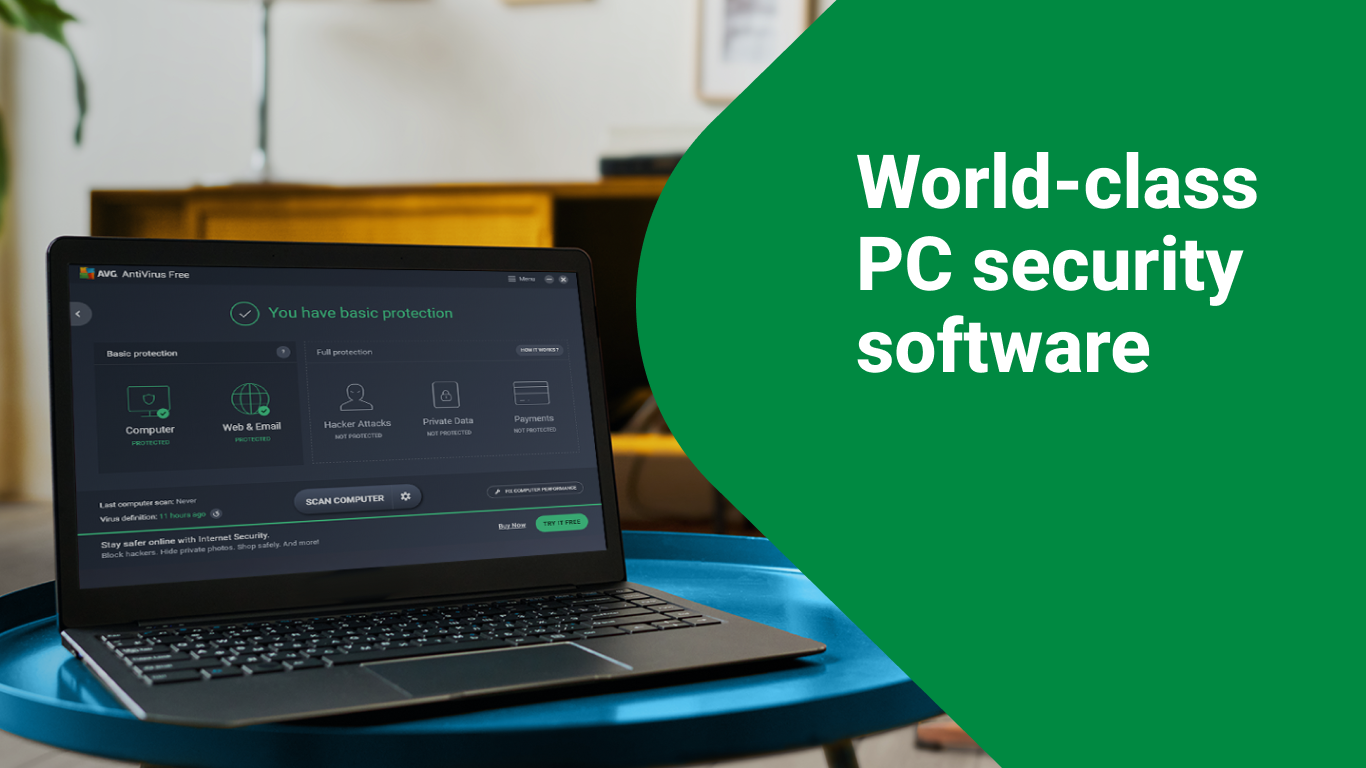
The interface of AVG AntiVirus Free is akin to a well-designed dashboard—clean, colorful, and intuitive. Navigating through its features feels natural; the main screen presents essential controls at a glance, like a familiar cockpit ready for takeoff. The app operates smoothly, even on older hardware, thanks to its optimized performance. Learning curve? Minimal. Basic functions like scanning, updating, and enabling web shields are just a click away, making it user-friendly for both tech-savvy users and beginners alike.
What Sets AVG Apart from the Crowd
While many free antivirus solutions claim to offer comprehensive protection, AVG distinguishes itself with its emphasis on unobtrusive, real-time defense that doesn't bog down your system. Its most unique aspect is the combination of powerful threat detection coupled with a user-centric design, ensuring security isn't a chore but an invisible guardian. Additionally, AVG's regular updates and minimal false positives contribute to a trustworthy experience. Unlike some competitors that bombard users with alerts, AVG's approach is to quietly manage threats, stepping in only when necessary—like a cautious friend who checks in but never nags.
Final Thoughts: A Solid, Trustworthy Companion for Everyday Security
All in all, AVG AntiVirus Free for Windows is a commendable choice for anyone wanting reliable protection with minimal fuss. Its core strengths—advanced real-time detection and proactive web shielding—make it stand out, especially for users who prefer a set-it-and-forget-it approach. I would recommend it for everyday use, especially if you value a light, non-intrusive security solution that works quietly in the background, allowing you to focus on your tasks without interruption. And for those who want a trustworthy, familiar name in cybersecurity, AVG remains a good bet.
Pros
- Effective malware detection
- Lightweight and fast
- User-friendly interface
- Regular automatic updates
- Useful extra features
Cons
- Limited features in free version
- Frequent ads for upgrades
- Scan speed can vary
- False positives possible
- Limited customer support options











