

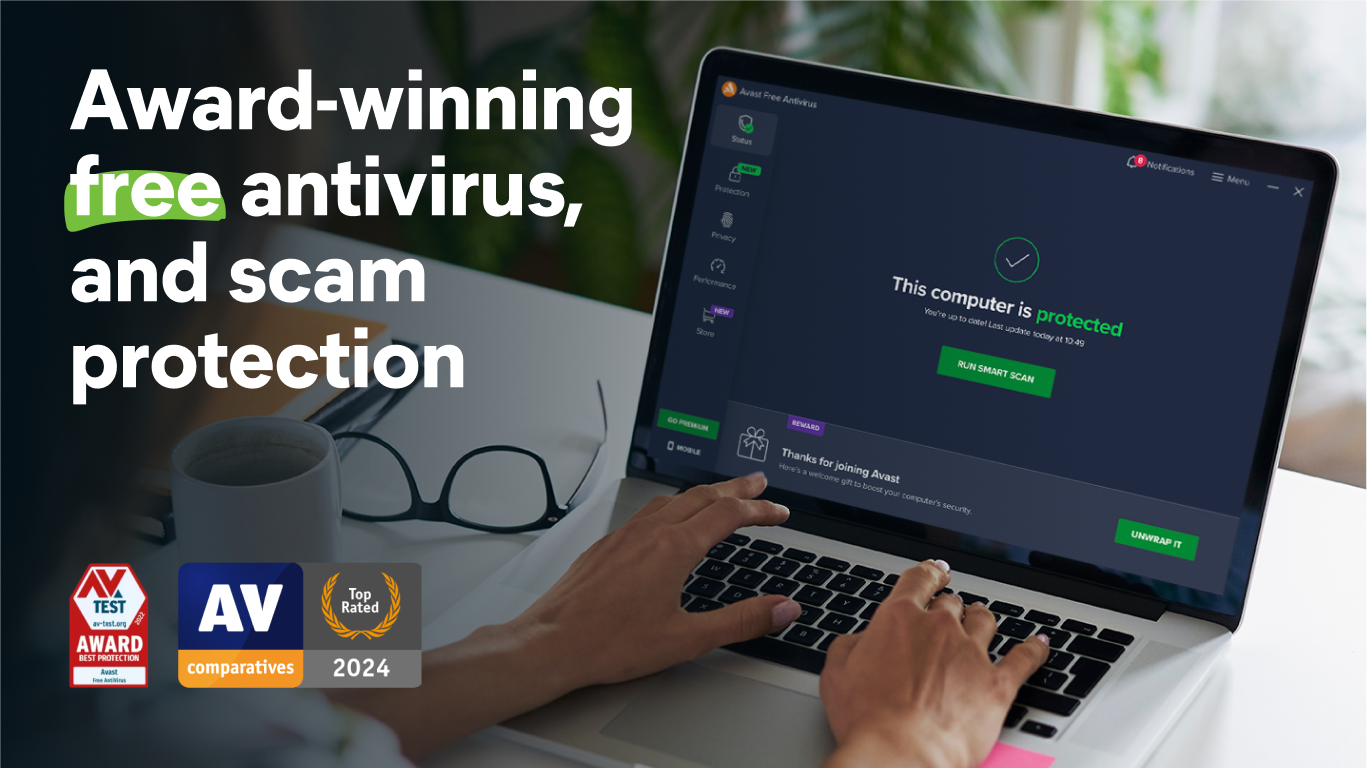



- Name Avast Free Antivirus
- Category Security
- Available on PC
- OS Windows 10 version 0.0 or higher
- Keyboard Integrated Keyboard
- Mouse Integrated Mouse
- languages Arabic, Belarusian, Bulgarian, Catalan, Chinese, Chinese (Simplified), Chinese (Traditional Chinese), Croatian, Czech, Danish, Dutch, English, English (United Kingdom), Estonian, Finnish, French, German, Greek, Hebrew, Hindi, Hungarian, Indonesian, Italian, Japanese, Korean, Latvian, Lithuanian, Malay, Norwegian, Persian/Farsi, Polish, Portuguese, Portuguese (Brazil), Romanian, Russian, Serbian, Slovak, Slovenian, Spanish, Swedish, Thai, Turkish, Ukrainian, Urdu, Vietnamese
Introducing Avast Free Antivirus for Windows: Your Reliable Digital Shield
In the vast universe of cybersecurity tools, Avast Free Antivirus for Windows stands out as a steadfast guardian, offering essential protection without burdening your system or wallet. It's designed to keep your digital life secure, seamlessly blending robust security measures with user-friendly experience.
Who we are dealing with: The creators behind the shield
Developed by Avast Software, a globally recognized leader in cybersecurity since 1988, this application is the product of decades of expertise and continuous innovation. Their team combines cutting-edge technology with user-centric design, striving to create solutions that are both powerful and accessible to everyone.
Top features that make Avast a trustworthy companion
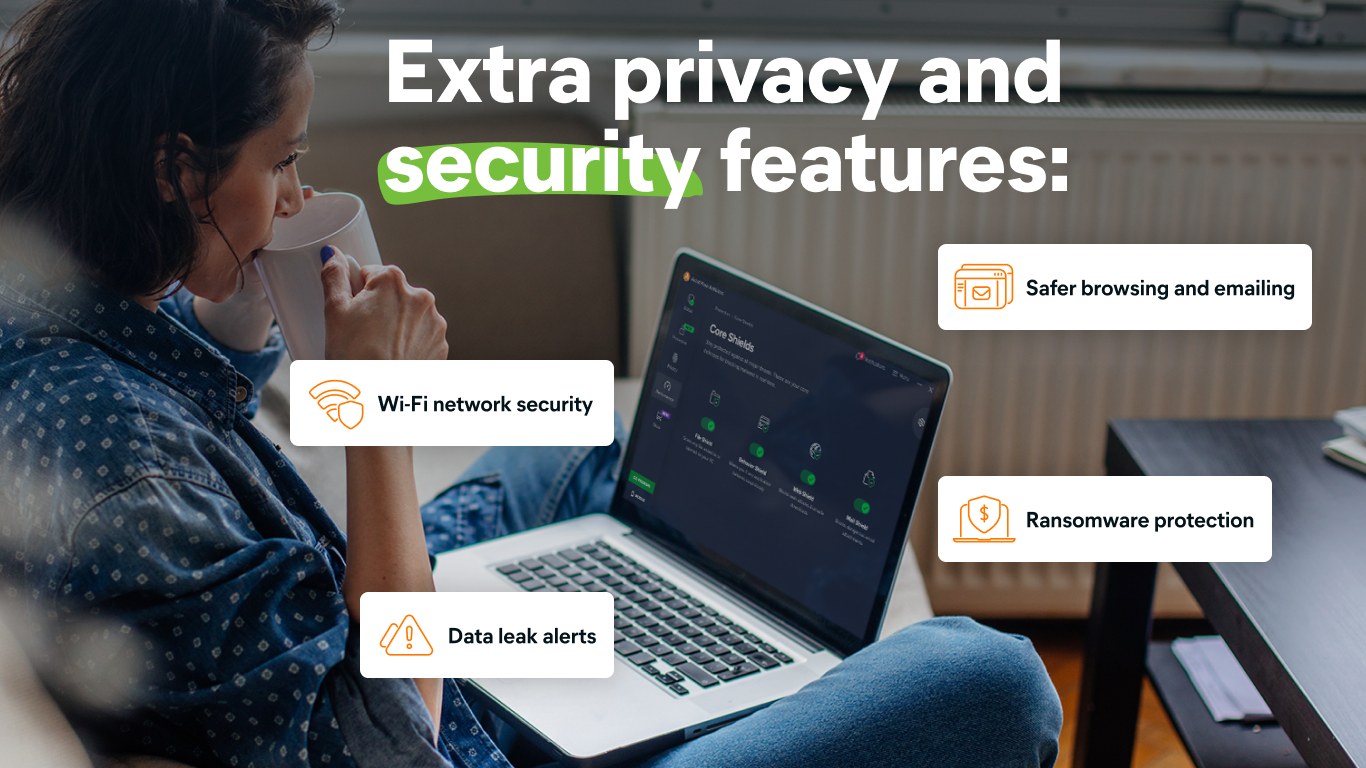
- Real-time Malware Protection: Shields your device from viruses, ransomware, spyware, and other malicious threats as they hunt for you online.
- Wi-Fi Security Scanner: Alerts you about vulnerabilities in your home network, helping you patch security gaps before they become problems.
- Behavior Shield and AI-Driven Detection: Uses advanced heuristics and artificial intelligence to identify new, unknown threats that traditional signature-based tools might miss.
- Automatic Updates & Easy Scheduling: Keeps your antivirus engine current with minimal effort, ensuring ongoing protection against evolving cyber threats.
A Friendly yet Powerful Approach to Security
Imagine sitting at your computer, browsing your favorite websites, or handling sensitive work documents—Avast Free Antivirus is like having an attentive security guard silently but diligently watching over your digital perimeter. Its engaging yet straightforward interface removes technical clutter, allowing even those less familiar with cybersecurity to navigate with confidence. The software's real-time scanning and alerts happen seamlessly in the background, akin to having a vigilant sentinel watching the gates of your digital fortress without disturbing your workflow.
Core Functionality Spotlight 1: The Digital Watchdog - Malware Detection and Removal
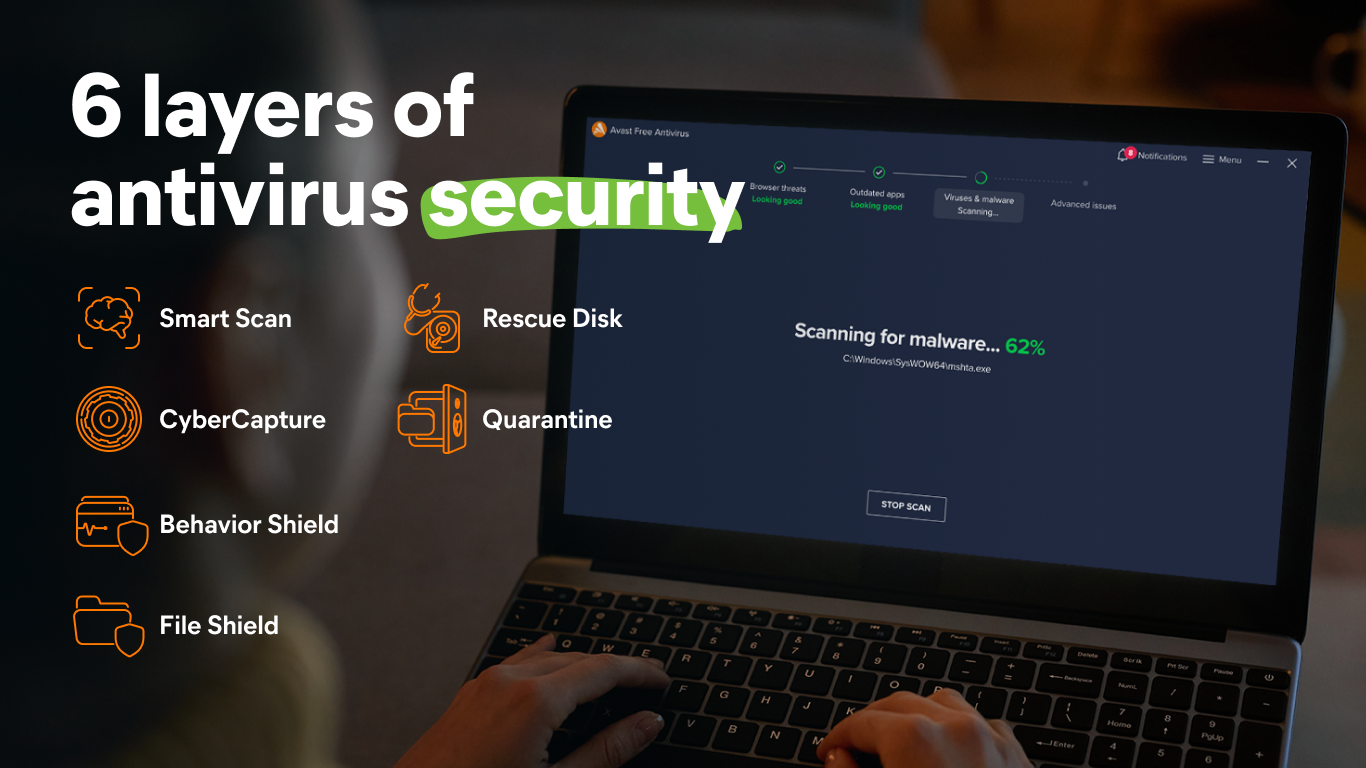
At the heart of Avast's promise is its ability to detect and eliminate malware before it can cause harm. The real-time protection engine actively monitors your system, analyzing files and behaviors much like a seasoned detective recognizing suspicious activity. Its signature database is frequently updated, ensuring recent threats are swiftly identified. What truly stands out is Avast's AI-powered detection, which acts as a crystal ball—anticipating threats that haven't yet been cataloged by traditional methods. This proactive stance means your PC stays one step ahead of the bad guys, and the system's impact on performance remains minimal, akin to a security guard quietly patrolling without slowing down the premises.
Core Functionality Spotlight 2: Network Security & Wi-Fi Inspector
Another compelling feature is Avast's Wi-Fi Inspector. Think of your home Wi-Fi as your neighborhood—Avast functions like a diligent neighborhood watch, scanning for vulnerabilities like weak passwords or outdated firmware in your router. It proactively alerts you to potential security gaps, empowering you to bolster your defenses—much like reinforcing your home's locks after recognizing a vulnerable window. This feature is particularly invaluable for those who connect multiple devices or run small home offices, providing peace of mind that your network's safety is continuously monitored without any complexity.
User Experience: Friendly, Intuitive, and Stress-Free
From the moment you launch Avast Free Antivirus, its clean and intuitive interface makes security seem less like a technical maze and more like a user-friendly dashboard. Tasks such as starting a scan, checking for updates, or viewing security reports are straightforward, resembling navigating through a well-organized control panel rather than a labyrinth. Its operation is refreshingly smooth—scans run quietly in the background, akin to a trusted assistant quietly tidying up behind the scenes. Plus, with minimal learning curve, users can quickly harness its full potential, making cybersecurity less intimidating and more approachable.
What Sets Avast Apart from Its Peers?
While many security applications offer similar features, Avast's key differentiator is its AI-enhanced threat detection combined with its comprehensive network security tools—all packaged in a lightweight, non-intrusive interface. Unlike some competitors, Avast emphasizes proactive defense mechanisms, using behavioral heuristics to catch zero-day threats before they become evident. Additionally, the Wi-Fi Inspector sets Avast apart as a network-savvy security tool—a feature not universally present in free antivirus offerings. Its approach is like having a digital neighborhood patrol and a detective rolled into one, providing unmatched peace of mind without overwhelming users.
Final Thoughts and Recommendations
Overall, Avast Free Antivirus for Windows is a solid choice for users seeking reliable, easy-to-use security without sacrificing system performance or simplicity. Its advanced AI-driven detection and network security features make it particularly appealing to those wanting a proactive and holistic protection approach. For casual users, home office setups, or anyone wanting an effective frontline defense that requires minimal setup or maintenance, Avast is highly recommended—think of it as a trusted safety net that doesn't get in your way.
Pros
- Real-time malware protection
- Lightweight system footprint
- User-friendly interface
- Routine automatic scans
- Free to download and use
Cons
- Limited advanced features in free version
- Occasional false positives
- Pop-up ads urging upgrades
- Scanning can be slow during initial setup
- Limited customer support for free users











